start stop button GMC SIERRA 2020 User Guide
[x] Cancel search | Manufacturer: GMC, Model Year: 2020, Model line: SIERRA, Model: GMC SIERRA 2020Pages: 502, PDF Size: 8.04 MB
Page 238 of 502

GMC Sierra/Sierra Denali Owner Manual (GMNA-Localizing-U.S./Canada/
Mexico-13337776) - 2020 - CRC - 4/4/19
Driving and Operating 237
The button for TCS and StabiliTrak/
ESC is on the center stack.
Caution
Do not repeatedly brake or
accelerate heavily when TCS is
off. The vehicle driveline could be
damaged.
To turn off only TCS, press and
release
g. The traction off lighti
displays in the instrument cluster.
The appropriate message will
display in the DIC. To turn TCS on
again, press and release
g. The
traction off light
idisplayed in the
instrument cluster will turn off.
If TCS is limiting wheel spin when
g
is pressed, the system will not turn
off until the wheels stop spinning.
To turn off both TCS and StabiliTrak/
ESC, press and hold
guntil the
traction off light
iand the
StabiliTrak/ESC OFF light
gcome
on and stay on in the instrument cluster, then release. The
appropriate message will display in
the DIC.
To turn TCS and StabiliTrak/ESC on
again, press and release
g. The
traction off light
iand the
StabiliTrak/ESC OFF light
gin the
instrument cluster turn off.
StabiliTrak/ESC will automatically
turn on if the vehicle exceeds
56 km/h (35 mph). Traction control
will remain off.
The vehicle has a Trailer Sway
Control (TSC) feature and a Hill
Start Assist (HSA) feature. See
Trailer Sway Control (TSC) 0308 or
Hill Start Assist (HSA) 0235.
Adding accessories can affect the
vehicle performance. See
Accessories and Modifications
0 329.
Hill Descent
Control (HDC)
If equipped, Hill Descent Control
(HDC) sets and maintains vehicle
speed while driving down steep
grades in a forward or reverse gear.
The HDC switch is on the center
stack, below the climate controls.
Press
5to enable or disable HDC.
Vehicle speed must be below
50 km/h (31 mph).
When enabled, the HDC light
displays on the instrument cluster.
A blinking HDC light indicates the
system is actively applying the
brakes to maintain vehicle speed.
HDC can maintain vehicle speeds
between 1 and 22 km/h (1 and
14 mph) on grades greater than or
equal to 10%.
Page 391 of 502
GMC Sierra/Sierra Denali Owner Manual (GMNA-Localizing-U.S./Canada/
Mexico-13337776) - 2020 - CRC - 4/10/19
390 Vehicle Care
remain continuously illuminated.
This sequence will continue upon
subsequent vehicle start-ups as
long as the malfunction exists.
When the malfunction indicator is
illuminated, the system may not be
able to detect or signal low tire
pressure as intended. TPMS
malfunctions may occur for a variety
of reasons, including the installation
of replacement or alternate tires or
wheels on the vehicle that prevent
the TPMS from functioning properly.
Always check the TPMS malfunction
telltale after replacing one or more
tires or wheels on your vehicle to
ensure that the replacement or
alternate tires and wheels allow the
TPMS to continue to function
properly.
SeeTire Pressure Monitor
Operation 0390.
See Radio Frequency Statement
0 472.Tire Pressure Monitor
Operation
This vehicle may have a Tire
Pressure Monitor System (TPMS).
The TPMS is designed to warn the
driver when a low tire pressure
condition exists. TPMS sensors are
mounted onto each tire and wheel
assembly, excluding the spare tire
and wheel assembly. The TPMS
sensors monitor the air pressure in
the tires and transmit the tire
pressure readings to a receiver
located in the vehicle.
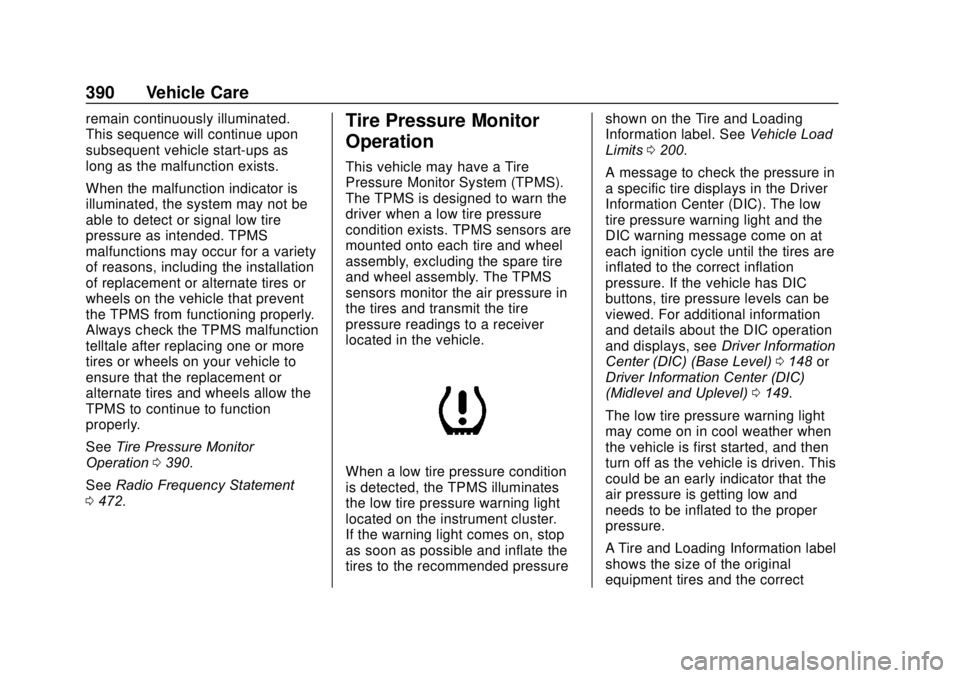
When a low tire pressure condition
is detected, the TPMS illuminates
the low tire pressure warning light
located on the instrument cluster.
If the warning light comes on, stop
as soon as possible and inflate the
tires to the recommended pressure shown on the Tire and Loading
Information label. See
Vehicle Load
Limits 0200.
A message to check the pressure in
a specific tire displays in the Driver
Information Center (DIC). The low
tire pressure warning light and the
DIC warning message come on at
each ignition cycle until the tires are
inflated to the correct inflation
pressure. If the vehicle has DIC
buttons, tire pressure levels can be
viewed. For additional information
and details about the DIC operation
and displays, see Driver Information
Center (DIC) (Base Level) 0148 or
Driver Information Center (DIC)
(Midlevel and Uplevel) 0149.
The low tire pressure warning light
may come on in cool weather when
the vehicle is first started, and then
turn off as the vehicle is driven. This
could be an early indicator that the
air pressure is getting low and
needs to be inflated to the proper
pressure.
A Tire and Loading Information label
shows the size of the original
equipment tires and the correct
Page 428 of 502
GMC Sierra/Sierra Denali Owner Manual (GMNA-Localizing-U.S./Canada/
Mexico-13337776) - 2020 - CRC - 4/10/19
Vehicle Care 427
Warning (Continued)
negative battery cable and cover
the negative battery post and
cable with a non-conductive
material. If the battery is left
connected or the battery cable
contacts the post, the Electric
Parking Brake may activate
during towing, which could cause
a crash.
8. Disconnect the negative (–) battery cable. See “Negative
Battery Cable Disconnection”
in Battery - North America
0 358.
9. Shift the transmission to P (Park).
Caution
If the steering column is locked,
vehicle damage may occur.
10. Move the steering wheel to make sure the steering column
is unlocked.
11. If the vehicle has an ignition key, keep it in the towed
vehicle in ACC/ACCESSORY
to prevent the steering column
from locking. If the vehicle is
equipped with Keyless Access,
keep the RKE transmitter
outside of the vehicle and
manually lock the doors.
Access the vehicle by using
the key in the door lock. See
Door Locks 025.
Disconnecting the Towed Vehicle
Before disconnecting from the tow
vehicle: 1. Park on a level surface. Secure the vehicle with wheel blocks. 2. Re-connect the negative (–)
battery. See Battery - North
America 0358.
3. Turn on the ignition with the engine off. For vehicles with a
key, turn the ignition to ON/
RUN with the engine off. If the
vehicle is equipped with
Keyless Access, with your foot
off the brake pedal, press and
hold ENGINE START/STOP for
five seconds until the green
light comes on in the button.
See Ignition Positions (Keyless
Access) 0208 or
Ignition Positions (Key Access)
0 210.
4. Set the parking brake. See Electric Parking Brake 0233.
5. Disconnect from the tow vehicle.
6. Shift the transmission to N (Neutral).
7. Shift the transfer case to 2
m
(Two-Wheel Drive High). When
the shift to 2
m(Two-Wheel
Drive High) is complete, the