range sensor GMC SIERRA 2020 Owner's Manual
[x] Cancel search | Manufacturer: GMC, Model Year: 2020, Model line: SIERRA, Model: GMC SIERRA 2020Pages: 502, PDF Size: 8.04 MB
Page 7 of 502
GMC Sierra/Sierra Denali Owner Manual (GMNA-Localizing-U.S./Canada/
Mexico-13337776) - 2020 - CRC - 4/10/19
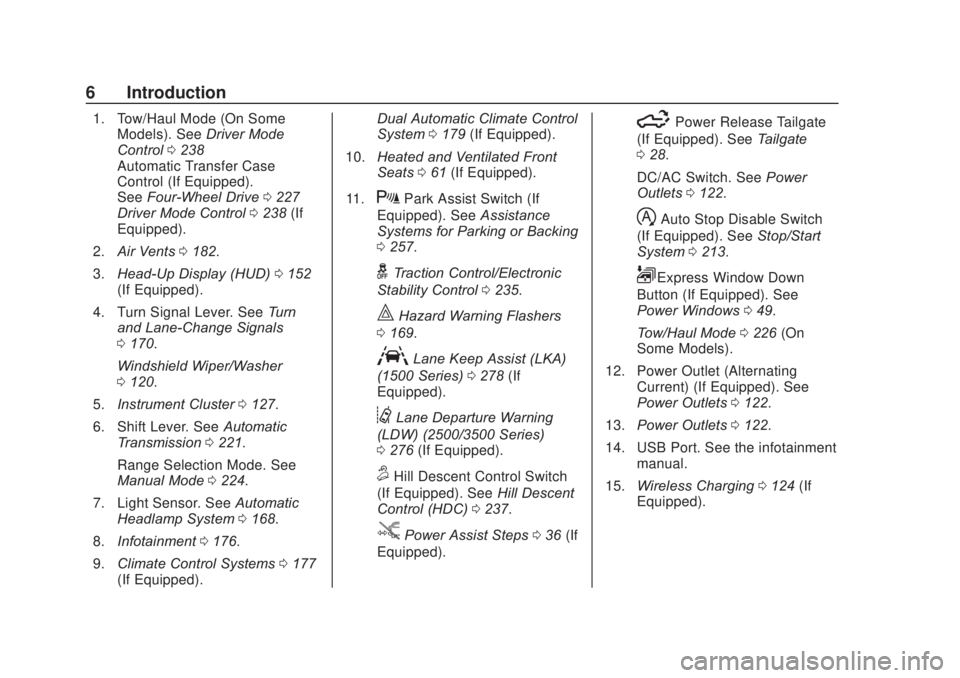
6 Introduction
1. Tow/Haul Mode (On SomeModels). See Driver Mode
Control 0238
Automatic Transfer Case
Control (If Equipped).
See Four-Wheel Drive 0227
Driver Mode Control 0238 (If
Equipped).
2. Air Vents 0182.
3. Head-Up Display (HUD) 0152
(If Equipped).
4. Turn Signal Lever. See Turn
and Lane-Change Signals
0 170.
Windshield Wiper/Washer
0 120.
5. Instrument Cluster 0127.
6. Shift Lever. See Automatic
Transmission 0221.
Range Selection Mode. See
Manual Mode 0224.
7. Light Sensor. See Automatic
Headlamp System 0168.
8. Infotainment 0176.
9. Climate Control Systems 0177
(If Equipped). Dual Automatic Climate Control
System
0179 (If Equipped).
10. Heated and Ventilated Front
Seats 061 (If Equipped).
11.
XPark Assist Switch (If
Equipped). See Assistance
Systems for Parking or Backing
0 257.
gTraction Control/Electronic
Stability Control 0235.
|Hazard Warning Flashers
0 169.
ALane Keep Assist (LKA)
(1500 Series) 0278 (If
Equipped).
@Lane Departure Warning
(LDW) (2500/3500 Series)
0 276 (If Equipped).
5Hill Descent Control Switch
(If Equipped). See Hill Descent
Control (HDC) 0237.
jPower Assist Steps 036 (If
Equipped).
5Power Release Tailgate
(If Equipped). See Tailgate
0 28.
DC/AC Switch. See Power
Outlets 0122.
hAuto Stop Disable Switch
(If Equipped). See Stop/Start
System 0213.
LExpress Window Down
Button (If Equipped). See
Power Windows 049.
Tow/Haul Mode 0226 (On
Some Models).
12. Power Outlet (Alternating Current) (If Equipped). See
Power Outlets 0122.
13. Power Outlets 0122.
14. USB Port. See the infotainment manual.
15. Wireless Charging 0124 (If
Equipped).
Page 246 of 502
GMC Sierra/Sierra Denali Owner Manual (GMNA-Localizing-U.S./Canada/
Mexico-13337776) - 2020 - CRC - 4/4/19
Driving and Operating 245
Passing Another Vehicle While
Using Cruise Control
Use the accelerator pedal to
increase the vehicle speed. When
you take your foot off the pedal, the
vehicle will slow down to the
previously set cruise speed. While
pressing the accelerator pedal or
shortly following the release to
override cruise control, briefly
pressing SET–will result in cruise
control set to the current vehicle
speed.
Using Cruise Control on Hills
How well the cruise control works
on hills depends on the vehicle
speed, the load, and the steepness
of the hills. When going up steep
hills, pressing the accelerator pedal
may be necessary to maintain
vehicle speed.
While going downhill, cruise braking
helps maintain driver selected
speed.
Cruise Grade Braking is enabled
when the vehicle is started and
cruise control is active. It is not
enabled in Range Selection Mode. It assists in maintaining driver
selected speed when driving on
downhill grades by using the engine
and transmission to slow the
vehicle.
For other forms of descent control,
see
Hill Descent Control (HDC)
0 237, Automatic Transmission
0 221, and Tow/Haul Mode 0226.
Ending Cruise Control
There are four ways to end cruise
control:
. Step lightly on the brake pedal.
. Press
*.
. Shift the transmission to
N (Neutral).
. To turn off cruise control,
press
5.
Erasing Speed Memory
The cruise control set speed is
erased from memory if
5is pressed
or the ignition is turned off.
Adaptive Cruise Control
(1500 Series)
If equipped, Adaptive Cruise Control
(ACC) allows the cruise control set
speed and following gap to be
selected. Read this entire section
before using this system. The
following gap is the following time
between your vehicle and a vehicle
detected directly ahead in your path,
moving in the same direction. If no
vehicle is detected in your path,
ACC works like regular cruise
control. ACC uses a windshield
mounted front camera sensor.
If a vehicle is detected in your path,
ACC can apply acceleration or
limited, moderate braking to
maintain the selected following gap.
To disengage ACC, apply the brake.
If ACC is controlling the vehicle
speed when the Traction Control
System (TCS) or StabiliTrak/
Electronic Stability Control (ESC)
system activates, ACC may
automatically disengage. See
Traction Control/Electronic Stability
Control 0235. When road
conditions allow ACC to be safely
Page 271 of 502
GMC Sierra/Sierra Denali Owner Manual (GMNA-Localizing-U.S./Canada/
Mexico-13337776) - 2020 - CRC - 4/4/19
270 Driving and Operating
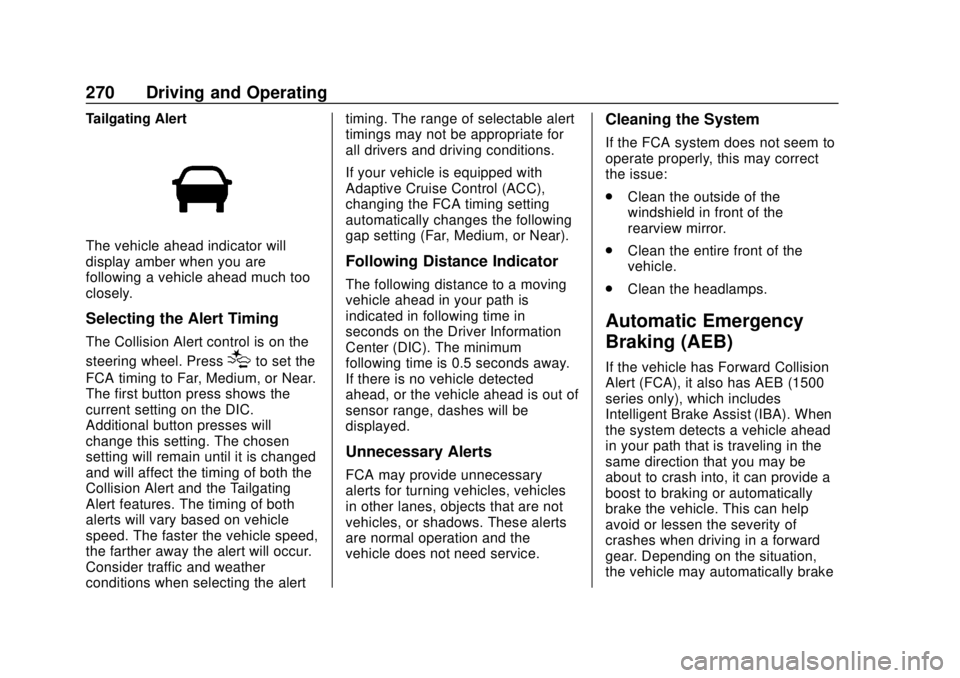
Tailgating Alert
The vehicle ahead indicator will
display amber when you are
following a vehicle ahead much too
closely.
Selecting the Alert Timing
The Collision Alert control is on the
steering wheel. Press
[to set the
FCA timing to Far, Medium, or Near.
The first button press shows the
current setting on the DIC.
Additional button presses will
change this setting. The chosen
setting will remain until it is changed
and will affect the timing of both the
Collision Alert and the Tailgating
Alert features. The timing of both
alerts will vary based on vehicle
speed. The faster the vehicle speed,
the farther away the alert will occur.
Consider traffic and weather
conditions when selecting the alert timing. The range of selectable alert
timings may not be appropriate for
all drivers and driving conditions.
If your vehicle is equipped with
Adaptive Cruise Control (ACC),
changing the FCA timing setting
automatically changes the following
gap setting (Far, Medium, or Near).
Following Distance Indicator
The following distance to a moving
vehicle ahead in your path is
indicated in following time in
seconds on the Driver Information
Center (DIC). The minimum
following time is 0.5 seconds away.
If there is no vehicle detected
ahead, or the vehicle ahead is out of
sensor range, dashes will be
displayed.
Unnecessary Alerts
FCA may provide unnecessary
alerts for turning vehicles, vehicles
in other lanes, objects that are not
vehicles, or shadows. These alerts
are normal operation and the
vehicle does not need service.
Cleaning the System
If the FCA system does not seem to
operate properly, this may correct
the issue:
.
Clean the outside of the
windshield in front of the
rearview mirror.
. Clean the entire front of the
vehicle.
. Clean the headlamps.
Automatic Emergency
Braking (AEB)
If the vehicle has Forward Collision
Alert (FCA), it also has AEB (1500
series only), which includes
Intelligent Brake Assist (IBA). When
the system detects a vehicle ahead
in your path that is traveling in the
same direction that you may be
about to crash into, it can provide a
boost to braking or automatically
brake the vehicle. This can help
avoid or lessen the severity of
crashes when driving in a forward
gear. Depending on the situation,
the vehicle may automatically brake
Page 314 of 502

GMC Sierra/Sierra Denali Owner Manual (GMNA-Localizing-U.S./Canada/
Mexico-13337776) - 2020 - CRC - 4/4/19
Driving and Operating 313
3. Activate the tool near the valvestem or adjust the air pressure
of this tire until the horn chirps
and all working vehicle and
trailer lights flash.
The process stops without
saving the sensor locations if
this step takes more than
two minutes.
4. Move to the next tire and repeat Step 3 for each sensor.
The horn chirps twice when all
sensors are completed.
5. Return to the vehicle to complete the setup.
Maintenance Reminders
To set up maintenance reminders,
touch the Trailer Maintenance icon.
Select Yes to set up the
maintenance reminders for the
Trailer Profile. Follow the on-screen
prompts. The maximum number of
reminders is 50. Select No to return
to the previous screen.
Towing Assistance
If the Transparent Trailer feature is
available, touch the Towing
Assistance icon to set up
transparent trailer.
Touch Yes to begin set up or touch
No to return to the previous screen.
Follow the on-screen instructions.
A rear trailer camera must be
mounted on the trailer and
electrically connected to the vehicle
before transparent trailer feature
can be used. See Assistance
Systems for Parking or Backing
0 257.
Trailer dimensions must be in range
and transparent trailer must be
calibrated prior to use.
Transparent Trailer Setup
To complete setup for transparent
trailer: 1. Select the number of axles on the trailer. 2. Enter trailer dimensions
.Trailer Length: 300 cm
(118.1 in) 970 cm (381.8
in). Measure from center of
coupler to furthest rear
point on the trailer.
. Trailer Width: 120 cm (47.2
in) 260 cm (102.3 in).
Measure from left edge to
right edge.
. Trailer Height: 1 cm
(.39 in) –450 cm (177.1 in).
Measure from ground to
tallest point.
. Hitching Point Length: 180
cm (70.8 in) –970
cm (381.8 in). Measure from
center of coupler to middle
of tires.
. Trailer Tongue Length: 50
cm (119.6 in) –220
cm (86.6 in). Measure from
center of coupler to trailer
front wall.