keyless GMC SIERRA DENALI 2003 User Guide
[x] Cancel search | Manufacturer: GMC, Model Year: 2003, Model line: SIERRA DENALI, Model: GMC SIERRA DENALI 2003Pages: 428, PDF Size: 20.35 MB
Page 172 of 428
Personalization Button
You can program certain features to a preferred setting
for up to two people. Press the personalization button
to scroll through the following personalization features.
All of the personalization options may not be available
on your vehicle. only the options available will be
displayed on your DIC.
If your vehicle is not equipped with the DIC steering
wheel buttons you will not have any of these
personalization options except for DISPLAY LANGUAGE. See DISPLAY LANGUAGE later in this
section for more information.
ALARM WARNING TYPE
AUTOMATIC LOCKING
0 AUTOMATIC UNLOCKING
SEAT POSITION RECALL
PERIMETER LIGHTING
REMOTE LOCK FEEDBACK
REMOTE UNLOCK FEEDBACK
HEADLAMPS ON AT EXIT
CURB VIEW ASSIST
EASY EXIT SEAT
DISPLAY UNITS (E/M)
DISPLAY LANGUAGE The driver’s
preferences are recalled by pressing the
unlock button on the remote keyless entry transmitter or
by pressing the appropriate memory button
1 or 2
located on the driver’s door.
Alarm Warning Type
Press the personalization button until ALARM
WARNING TYPE appears in the display. To select your
personalization for alarm warning type, press the
select button while ALARM WARNING TYPE is
displayed on the DIC. Pressing the select button will
scroll through the following choices:
ALARM WARNING: BOTH
(default): The headlamps
will flash and the horn will chirp when the alarm is
active.
ALARM WARNING:
OFF: There will be no alarm
warning on activation.
ALARM WARNING: HORN: The horn will chirp when
the alarm is active.
ALARM WARNING: LAMPS: The headlamps will flash
when the alarm is active.
Choose one of the four options and press the
personalization button while it is displayed on the DIC to
select it and move on to the next feature. For more
information on alarm warning type, see
Content
Theft-Deterrent
on page 2- 13.
3-47
Page 174 of 428
Seat Position Recall Perimeter Lighting
Press the personalization button until SEAT POSITION
RECALL appears on the display. To select your
personalization for seat position recall, press the select
button while SEAT POSITION RECALL is displayed
on the DIC. Pressing the select button will scroll through
the following choices:
SEAT POSITION RECALL
OFF (default): The memory
seat position you saved will only be recalled when the
memory button
1 or 2 is pressed on the driver’s
door panel.
SEAT POSITION RECALL AT KEY IN: The memory
seat position you saved will be recalled when you
put the key in the ignition.
SEAT POSITION RECALL ON REMOTE: The memory
seat position you saved will be recalled when you
unlock the vehicle with the remote keyless entry
transmitter.
Choose one of the three options and press the
personalization button while it is displayed on the DIC to
select it and move on to the next feature. For more
information on seat position recall see
Memory Seat on
page 2-42.
Press the personalization button until PERIMETER
LIGHTING appears in the display. To select your
personalization for perimeter lighting, press the select
button while PERIMETER LIGHTING is displayed on the
DIC. Pressing the select button will scroll through the
following choices:
PERIMETER LIGHTING ON
(default): The headlamps
and back-up lamps will come on for
40 seconds, if it
is dark enough outside, when you unlock the vehicle
with the remote keyless entry transmitter.
PERIMETER LIGHTING
OFF: The perimeter lights will
not come on when you unlock the vehicle with the
remote keyless entry transmitter.
Choose on
of the two options and press the
personalization button while it is displayed on the DIC to
select it and move on to the next feature.
3-49
Page 175 of 428
Remote Lock Feedback
Press the personalization button until REMOTE LOCK
FEEDBACK appears in the display. To select your
personalization for the feedback you will receive when
locking the vehicle with the remote keyless entry
transmitter, press the select button while REMOTE
LOCK FEEDBACK is displayed on the DIC. Pressing
the select button will scroll through the following choices:
LOCK FEEDBACK:
BOTH (default): The parking
lamps will flash each time you press the button with the
lock symbol on the remote keyless entry transmitter
and the horn will chirp the second time you press the
lock button.
LOCK FEEDBACK: OFF: There will be no feedback
when locking the vehicle.
LOCK FEEDBACK: HORN: The horn will chirp the
second time you press the button with the lock symbol
on the remote keyless entry transmitter.
LOCK FEEDBACK: LAMPS: The parking lamps will
flash each time you press the button with the lock
symbol on the remote keyless entry transmitter.
Choose one of the four options and press the
personalization button while it is displayed on the DIC to
select it and move
on to the next feature.
Remote Unlock Feedback
Press the personalization button until REMOTE
UNLOCK FEEDBACK appears in the display. To select
your personalization for the feedback you will receive
when unlocking the vehicle with the remote keyless
entry transmitter, press the select button while REMOTE
UNLOCK FEEDBACK is displayed on the
DIC.
Pressing the select button will scroll through the
following choices:
UNLOCK FEEDBACK: LAMPS: The parking lamps will
flash each time you press the button with the unlock
symbol on the remote keyless entry transmitter.
UNLOCK FEEDBACK: BOTH (default): The parking
lamps will flash each time you press the button with the
unlock symbol on the remote keyless entry transmitter
and the horn will chirp the second time you press
the unlock button.
UNLOCK FEEDBACK: OFF: There will be no feedback
when unlocking the vehicle.
UNLOCK FEEDBACK: HORN: The horn will chirp the
second time you press the button with the unlock
symbol on the remote keyless entry transmitter.
Choose one of the four options and press the
personalization button while it
is displayed on the DIC to
select it and move on to the next feature.
3-50
Page 185 of 428
DRIVER DOOR AJAR
If the driver’s door is not fully closed, this message will
appear on the display and you will hear a chime.
Stop and turn
off the vehicle, check the door for
obstacles, and close the door again. Check to see
if the
message still appears on the DIC. Pressing the select
button will acknowledge this message and clear it
from the DIC display.
PASSENGER DOOR AJAR
If the passenger’s door is not fully closed, this message
will appear on the display and you will hear a chime.
Stop and turn
off the vehicle, check the door for
obstacles, and close the door again. Check to see
if the
message still appears on the DIC. Pressing the select
button will acknowledge this message and clear it
from the DIC display.
RFA# BATTERY LOW
If a remote keyless entry transmitter battery is low, this
message will appear on the DIC. The battery needs
to be replaced in the transmitter. Pressing the select
button will acknowledge this message and clear it from
the DIC display.
3-60
Page 417 of 428
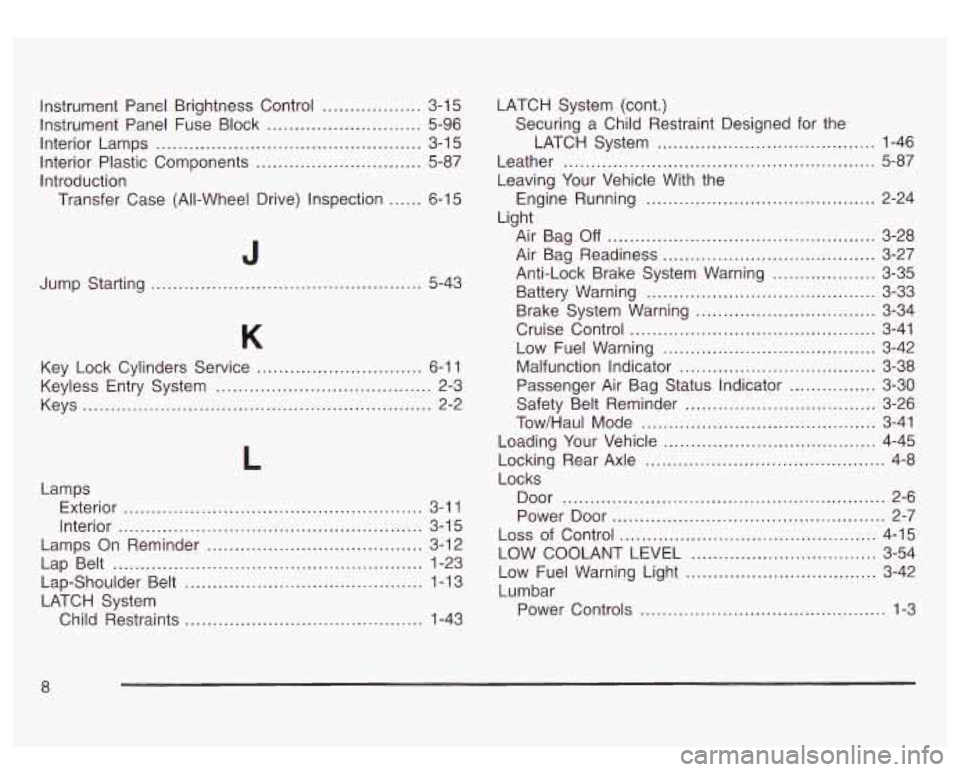
Instrument Panel Brightness Control .................. 3-1 5
Instrument Panel Fuse Block ............................ 5-96
Interior Lamps
................................................ 3-1 5
Interior Plastic Components .............................. 5-87
Introduction Transfer Case (All-Wheel Drive) Inspection
...... 6-1 5
J
Jump Starting ................................................. 5-43
Key Lock Cylinders Service
.............................. 6-1 1
Keyless Entry System ....................................... 2-3
Keys
............................................................... 2-2
Lamps Exterior
...................................................... 3-1 1
Interior
....................................................... 3-1 5
Lamps On Reminder ....................................... 3-12
Lap Belt
............................................. ... 1-23
Lap-Shoulder Belt
......................... , ... 1-13
LATCH System Child Restraints
......... ...................... 1-43 LATCH System (cont.)
Securing a Child Restraint Designed for the
LATCH System
........................................ 1-46
Leather
......................................................... 5-87
Leaving Your Vehicle With the
Engine Running
.............. ......... 2-24
Light Air Bag
Off ................................. ......... 3-28
Anti-Lock Brake System Warning
................... 3-35
Battery Warning
.......................................... 3-33
Brake System Warning
................................. 3-34
Cruise Control
............................................. 3-41
Low Fuel Warning
................................... 3-42
Malfunction Indicator
................................ 3-38
Passenger Air Bag Status Indicator
............ 3-30
Safety Belt Reminder
............................... 3-26
Tow/Haul Mode
........................................... 3-41
Loading Your Vehicle
....................................... 4-45
Locks Air Bag Readiness
....................... , ........ 3-27
Locking Rear Axle
............................................ 4-8
Door ...................... .................. 2-6
Power Door
.............................................. 2-7
Loss of Control ..............., ............................ 4-15
LOW COOLANT LEVEL
............................... 3-54
Low Fuel Warning Light
................................ 3-42
Lumbar Power Controls
............................................. 1-3
.....
Page 420 of 428
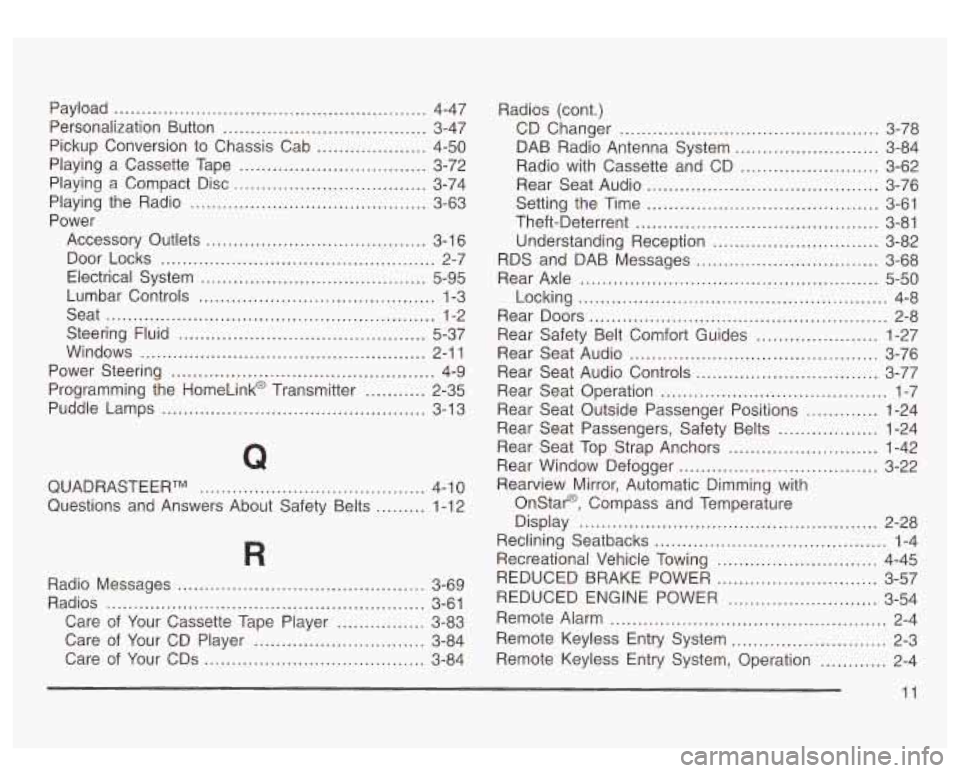
Payload ...................................................... 4-47
Personalization Button
..................................... 3-47
Pickup Conversion to Chassis Cab
.................... 4-50
Playing a Cassette Tape
.................................. 3-72
Playing a Compact Disc
................................... 3-74
Power
Playing
the Radio
........................................... 3-63
Accessory Outlets
........................................ 3-1 6
Electrical System
......................................... 5-95
Lumbar Controls
........................................... 1-3
Seat
............................................................ 1-2
Steering Fluid
............................................. 5-37
Windows
.................................................... 2-1 1
Power Steering ................................................ 4-9
Programming the HomeLink@ Transmitter
........... 2-35
Puddle Lamps
................................................ 3-13
Door Locks
.................................................. 2-7
Q
QUADRASTEERTM ......................................... 4-10
Questions and Answers About Safety Belts
......... 1-12 Radios (cont.)
CD Changer
............................................... 3-78
Rear Seat Audio
.......................................... 3-76
Theft-Deterrent
............................................ 3-81
Understanding Reception
.............................. 3-82
Rear Axle
...................................................... 5-50
Locking
........................................................ 4-8
Rear Doors
...................................................... 2-8
Rear Safety Belt Comfort Guides
...................... 1-27
Rear Seat Audio
............................................. 3-76
Rear Seat Audio Controls
................................. 3-77
Rear Seat Operation
......................................... 1-7
Rear Seat Outside Passenger Positions
............. 1-24
Rear Seat Passengers, Safety Belts
.................. 1-24
Rear Seat Top Strap Anchors
........................... 1-42
Rear Window Defogger
.................................... 3-22
DAB
Radio Antenna System
.......................... 3-84
Radio with Cassette and CD
......................... 3-62
Setting the Time
.......................................... 3-61
RDS and DAB Messages
................................. 3-68
Rearview Mirror, Automatic Dimming with
Onstar@, Compass and Temperature
Disdav
............................................. ...... 2-28 Id ..........................................
R
Reclining Seatbacks 1-4
Recreational Vehicle Towing
............................. 4-45
............................. Radio Messages 3-69
Radios 3-61 REDUCED BRAKE POWER
3-57
REDUCED ENGINE POWER 3-54 .............................................
........................... ..........................................................
Care of Your Cassette Tape Player ................ 3-83 Remote Alarm .................................................. 2-4
Care of Your CD Player
............................... 3-84 kxr~ote Keyless EntV System ............................ 2-3
Care of Your CDs
........................................ 3-84 Remote Keyless Entry System, Operation ............ 2-4
11