maintenance GMC SIERRA DENALI 2003 Owners Manual
[x] Cancel search | Manufacturer: GMC, Model Year: 2003, Model line: SIERRA DENALI, Model: GMC SIERRA DENALI 2003Pages: 428, PDF Size: 20.35 MB
Page 2 of 428
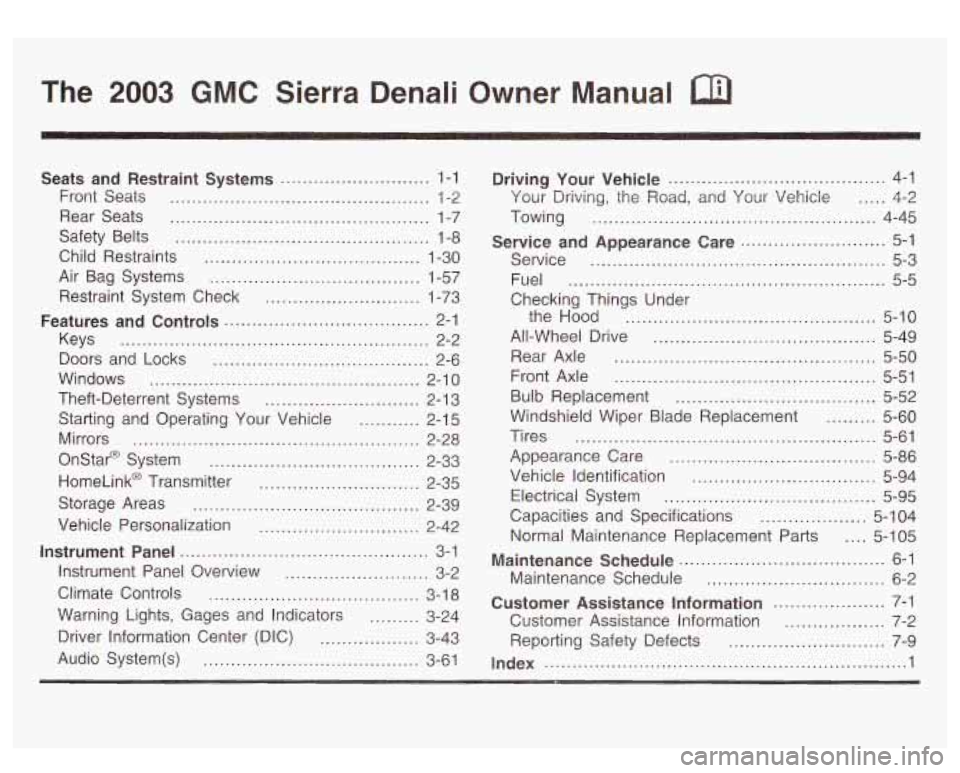
The 2003 GMC Sierra Denali Owner Manual a
Seats and Restraint Systems ........................... 1-1
Front Seats ............................................... 1-2
Rear Seats
............................................... 1-7
Safety Belts
.............................................. 1-8
Child Restraints
....................................... 1-30
Air Bag Systems
...................................... 1-57
Restraint System Check
............................ 1-73
Features and Controls
..................................... 2-1
Keys
........................................................ 2-2
Doors and Locks
....................................... 2-6
Windows
................................................. 2-1 0
Theft-Deterrent Systems ............................ 2-1 3
Starting and Operating Your Vehicle ........... 2-15
Mirrors
.................................................... 2-28
Onstar@ System
...................................... 2-33
HomeLink@ Transmitter
............................. 2-35
Storage Areas
......................................... 2-39
Instrument Panel
............................................. 3-1
Vehicle
Personalization
............................. 2-42
Instrument Panel Overview
.......................... 3-2
Climate Controls
...................................... 3-1 8
Warning Lights, Gages and Indicators
......... 3-24
Driver Information Center (DIC)
.................. 3-43
Audio System(s)
....................................... 3-61 Driving Your Vehicle
....................................... 4-1
Your
Driving, the Road, and Your Vehicle ..... 4-2
Towing
................................................... 4-45
Service and Appearance Care
.......................... 5-1
Service
..................................................... 5-3
Fuel
......................................................... 5-5
Checking Things Under the Hood
............................................. 5-10
All-Wheel Drive
........................................ 5-49
Rear Axle
............................................... 5-50
Front Axle
............................................... 5-51
Bulb Replacement
.................................... 5-52
Windshield Wiper Blade Replacement
......... 5-60
Tires
...................................................... 5-61
Appearance Care
..................................... 5-86
Vehicle Identification
................................. 5-94
Electrical System
...................................... 5-95
Capacities and Specifications
................... 5-1 04
Normal Maintenance Replacement Parts
.... 5-1 05
Maintenance Schedule
..................................... 6-1
Maintenance Schedule
................................ 6-2
Customer Assistance Information
.................... 7-1
Customer Assistance Information
.................. 7-2
Reporting Safety Defects
............................ 7-9
Index
................................................................. 1
Page 79 of 428
Servicing Your Air Bag-Equipped
Vehicle
Air bags affect how your vehicle should be serviced.
There are parts of the air bag system in several places
around your vehicle. You don’t want the system to
inflate while someone
is working on your vehicle. Your
dealer and the service manual have information
about servicing your vehicle and the air bag system. To
purchase a service manual, see
Service Publications
Order’ Information
on page 7- 10.
E
For up to 1 minute after the il tiol :ey is
turned off and the battery is disconnected, an
air bag can
still inflate during improper
service. You can be injured if you are close to
an air bag when
it inflates. Avoid yellow
connectors. They are probably part of the air bag system. Be sure to follow proper service
procedures, and make sure the person performing work for you
is qualified to do so.
Adding Equipment to Your Air
Bag-Equipped Vehicle
Q: Is there anything I might add to the front or
sides of the vehicle that could keep the air
bags from working properly?
frame, bumper system, front end or side sheet
metal or height, they may keep the air bag system
from working properly. Also, the air bag system
may not work properly
if you relocate any of the air
bag sensors.
If you have any questions about
this, you should contact Customer Assistance
before you modify your vehicle. The phone numbers
and addresses for Customer Assistance are in
Step Two of the Customer Satisfaction Procedure
in this manual. See
Customer Satisfaction
Procedure
on page 7-2.
A: Yes. If you add things that change your vehicle’s
The air bag system does not need regular maintenance.
1 -72
Page 80 of 428
Restraint System Check
Checking Your Restraint Systems Replacing Restraint System
Parts
After a Crash
Now and then, make sure the safety belt reminder light
and all your belts, buckles, latch plates, retractors
and anchorages are working properly. Look for any other
loose or damaged safety belt system parts. If you see
anything that might keep a safety belt system from doing
its job, have it repaired.
Torn or frayed safety belts may not protect you in a
crash. They can rip apart under impact forces.
If a belt
is torn or frayed, get a new one right away.
Also look for any opened or broken air bag covers, and
have them repaired or replaced. (The air bag system
does not need regular maintenance.)
A crash can damage the restraint systems in
your vehicle.
A damaged restraint system may
not properly protect the person using it,
resulting in serious injury or even death in a
crash.
To help make sure your restraint
systems are working properly after a crash,
have them inspected and any necessary
replacements made as soon
as possible.
If you’ve had a crash, do you need new belts or LATCH
system parts?
After a very minor collision, nothing may be necessary.
But
if the belts were stretched, as they would be if
worn during a more severe crash, then you need
new parts.
1-73
Page 162 of 428
See Driver Information Center (DIC) on page 3-43 for
further information.
If the transmission fluid reaches temperatures of
approximately 275°F
(1 35°C) or greater, the Driver
Information Center wiil display a
TRANS HOT IDLE
ENG warning message. Pull the vehicle off the roadway
when it
is safe to do so. Set the parking brake, place
the transmission in PARK
(P) and allow the engine
to idle until the transmission temperature falls below
260°F (1 27°C). If the transmission continues to operate
above
265°F (13O"C), contact your nearest dealer or
the
GM Roadside Assistance Center. See Roadside
Assistance Program
on page 7-5.
Notices If you keep driving your vehicle with the
transmission temperature gage above the normal
operating range, you can damage the transmission.
This could lead to costly repairs that may not be
covered under your warranty. The
following situations can cause the transmission to
operate at higher temperatures:
0 Towing a trailer
0 Hot outside air temperatures
0 Hauling a large or heavy load
0 Low transmission fluid level
High transmission fluid level
0 Restricted air flow to the radiator and the auxiliary
transmission oil cooler
(if equipped).
A temporary solution to hotter transmission operating
temperatures may be to let the transmission cool down.
If the transmission is operated at higher temperatures
on a frequent basis, see
Scheduled Maintenance
on page
6-5 for the proper transmission maintenance
intervals.
3-37
Page 163 of 428
Malfunction Indicator Lamp
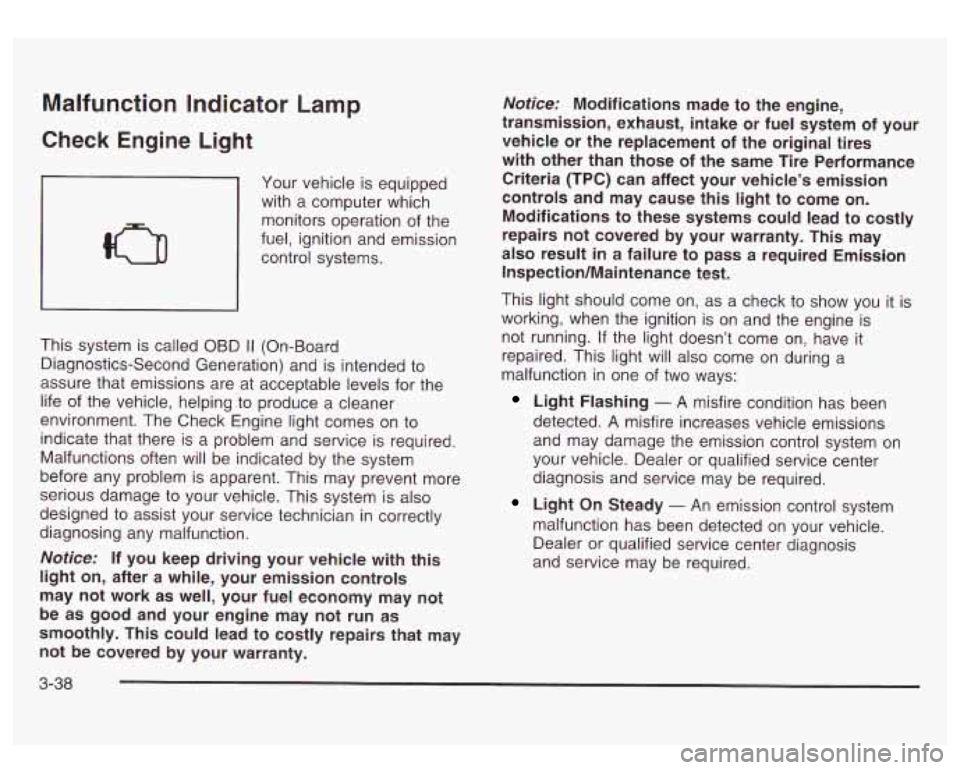
Check Engine Light
Your vehicle is equipped
with a computer which
monitors operation of the
fuel, ignition and emission
control systems.
I I
This system is called OBD I1 (On-Board
Diagnostics-Second Generation) and is intended to
assure that emissions are at acceptable levels for the
life of the vehicle, helping to produce a cleaner
environment. The Check Engine light comes on to
indicate that there is a problem and service is required.
Malfunctions often will be indicated by the system
before any problem is apparent. This may prevent more
serious damage to your vehicle. This system is also
designed to assist your service technician in correctly
diagnosing any malfunction.
Notice: If you keep driving your vehicle with this
light on, after a while, your emission controls
may not work as well, your fuel economy may not
be as good and your engine may not
run as
smoothly. This could lead to costly repairs that may not be covered by your warranty.
Notice: Modifications made to the engine,
transmission, exhaust, intake or fuel system of your
vehicle or the replacement of the original tires
with other than those of the same Tire Performance
Criteria (TPC) can affect your vehicle’s emission
controls and may cause this light to come on.
Modifications to these systems could lead to costly
repairs not covered by your warranty. This may
also result in a failure to
pass a required Emission
Inspection/Maintenance test.
This light should come on, as a check to show you it is
working, when the ignition is on and the engine is
not running. If the light doesn’t come on, have it
repaired. This light will also come on during a
malfunction in one of two ways:
Light Flashing - A misfire condition has been
detected.
A misfire increases vehicle emissions
and may damage the emission control system on
your vehicle. Dealer or qualified service center
diagnosis and service may be required.
Light On Steady - An emission control system
malfunction has been detected on your vehicle.
Dealer or qualified service center diagnosis
and service may be required.
3-38
Page 165 of 428
Emissions Inspection and Maintenance
Programs
Some state/provincial and local governments have or
may begin programs to inspect the emission control
equipment on your vehicle. Failure to pass this
inspection could prevent you from getting a vehicle
registration.
Here are some things you need to know to help your
vehicle pass an inspection:
Your vehicle will not pass this inspection
if the Check
Engine light is on or not working properly.
Your vehicle will not pass this inspection
if the OBD
(on-board diagnostic) system determines that critical
emission control systems have not been completely
diagnosed by the system. The vehicle would be
considered not ready for inspection. This can happen
if
you have recently replaced your battery or if your
battery has run down. The diagnostic system is
designed to evaluate critical emission control systems
during normal driving. This may take several days
of routine driving.
If you have done this and your vehicle
still does not pass the inspection for lack of
OBD
system readiness, see your dealer or qualified service
center to prepare the vehicle for inspection.
Oil Pressure Gage
I I
United States Canada
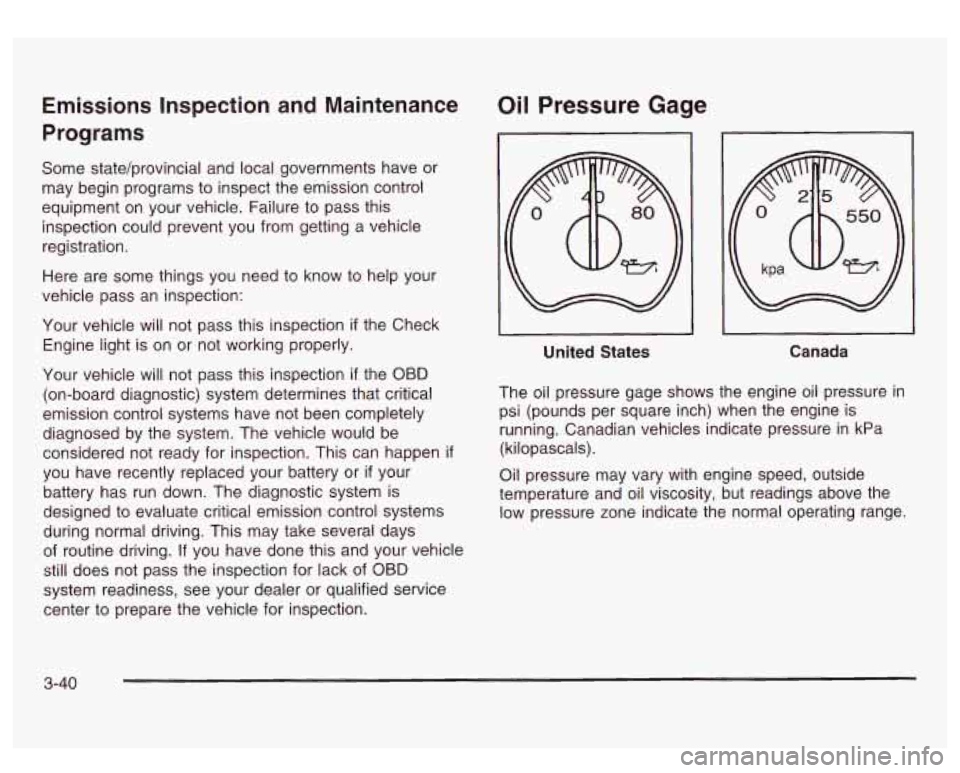
The oil pressure gage shows the engine oil pressure in
psi (pounds per square inch) when the engine is
running. Canadian vehicles indicate pressure in kPa
(kilopascals).
Oil pressure may vary with engine speed, outside
temperature and oil viscosity, but readings above the
low pressure zone indicate the normal operating range.
3-40
Page 171 of 428
Fuel Information Button
Use the fuel information button to scroll through the
range, average fuel economy, instant fuel economy and
the GM
Oil Life SystemTM.
If your vehicle is not equipped with the DIC steering
wheel control buttons you will not be able to display the
fuel information.
Fuel Range
Press the fuel information button until RANGE appears
to display the remaining distance you can drive
without refueling. It’s based on fuel economy and the
fuel remaining in the tank. The display will show
LOW if
the fuel level is low.
The fuel economy data used to determine fuel range is
an average of recent driving conditions. As your
driving conditions change, this data is gradually updated.
Fuel range cannot be reset.
Average Fuel Economy
Press the fuel information button until AVG appears in
the display. Average fuel economy is how many
miles per gallon your vehicle is getting based on current
and past driving conditions.
Press and hold the select button while AVG.ECON is
displayed to reset the average fuel economy. Average
fuel economy will then
be calculated starting from
that point.
If the average fuel economy is not reset, it
will be continually updated each time you drive.
Instant Fuel Economy
Press the fuel information button until INST appears in
the display. Instant fuel economy is how many miles
per gallon your vehicle is at the particular moment
in time. The instant fuel economy cannot be reset.
GM Oil Life SystemTM
Press the fuel information button until ENGINE OIL LIFE
appears in the display. The GM
Oil Life SystemTM
shows an estimate of the oil’s remaining useful life. It
will show
100% when the system is reset after an
oil change. It will alert you
to change your oil on a
schedule consistent with your driving conditions.
Always reset the engine oil life after and oil change.
To
reset the Oil Life System press and hold the select
button while ENGINE
OIL LIFE is displayed.
The DIC does not replace the need to maintain your
vehicle as recommended in the Maintenance Schedule
in this manual. Also, the oil change reminder will not
detect dusty conditions or engine malfunctions that may
affect the oil. Also, the oil change reminder does not
measure how much
oil you have in your engine. So, be
sure to check your oil level often. See
Engine Oil on
page 5- 13.
3-46
Page 184 of 428
TRANSMISSION HOT
If the transmission fluid temperature becomes high, the
message center will display this message.
When the transmission enters the protection mode, you
may notice a change in the transmission shifting
patterns. When the transmission fluid temperature
returns to normal, the display will turn
off and the
transmission shifting patterns will return
to normal.
Nofice: If you keep driving your vehicle with the
transmission
TRANS FLUID HOT message
displayed, you can damage the transmission.
This
could lead to costly repairs that may not be covered
under your warranty. The
following situations can cause the transmission to
operate at higher temperatures:
Towing a trailer
Hot outside air temperatures
0 Hauling a large or heavy load
Low transmission fluid level
High transmission fluid level
transmission oil cooler.
0 Restricted air flow to the radiator and the auxiliary
A temporary solution to hotter transmission operating
temperatures may be to let the transmission
cool down.
If the transmission is operated at higher temperatures
on a frequent basis, see
Scheduled Maintenance
on page 6-5 for the proper transmission maintenance
intervals.
3-59
Page 225 of 428
While driving on a surface with reduced traction, try
your best to avoid sudden steering, acceleration
or braking (including engine braking by shifting to a
lower gear). Any sudden changes could cause the tires
to slide. You may not realize the surface is slippery
until your vehicle
is skidding. Learn to recognize warning
clues
- such as enough water, ice or packed snow
on the road to make a “mirrored surface”
- and slow
down when you have any doubt.
Remember: Any anti-lock brake system (ABS) helps
avoid only the braking skid.
Operating Your All-Wheel-Drive
Vehicle
Off Paved Roads
Many of the same design features that help make your
vehicle responsive on paved roads during poor
weather conditions
- features like the locking rear axle
and all-wheel drive
- help make it much better
suited for off-road use than a conventional passenger
car. Its higher ground clearance also helps your vehicle
step over some off-road obstacles. But your vehicle
doesn’t have features like special underbody shielding
and a transfer case low gear range, things that are
usually thought necessary for extended or sever off-road
service. This guide
is for operating your vehicle off
paved roads.
Also, see Braking on page 4-6.
Off-road driving can be great fun. But it does have
some definite hazards. The greatest of these is
the terrain itself.
“Off-roading” means you’ve left the great North American\
road system behind. Traffic lanes aren’t marked.
Curves aren’t banked. There are no road signs.
Surfaces can be slippery, rough, uphill or downhill. In
short, you’ve gone right back to nature.
Off-road driving involves some new skills. And that’s
why it’s very important that
you read this guide.
You’ll find many driving tips and suggestions. These will
help make your off-road driving safer and more
enjoyable.
Before You Go Off-Roading
There are some things to do before you go out. For
example, be sure to have all necessary maintenance
and service work done. Check to make sure all
underbody shields (if
so equipped) are properly
attached.
Is there enough fuel? Is the spare tire fully
inflated? Are the fluid levels up where they should be?
What are the local laws that apply to off-roading
where you’ll be driving?
If you don’t know, you should
check with law enforcement people in the area. Will you
be on someone’s private land? If
so, be sure to get
the necessary permission.
4-1 6
Page 237 of 428
If the water isn’t too deep, drive slowly through it. At
faster speeds, water splashes on your ignition system
and your vehicle can stall. Stalling can also occur
if you
get your tailpipe under water. And, as long as your
tailpipe is under water, you’ll never be able to start your
engine. When you go through water, remember that
when your brakes get wet, it may take you longer
+- stop.
,,jving thr,,gh rushing water can be
dangerous. Deep water can sweep your vehicle
downstream and you and your passengers
could drown. If it’s only shallow water, it can
still wash away the ground from under your
tires, and you could lose traction and roll the
water.
~ vehicle over. Don’t drive through rushing
I
After Off-Road Driving
Remove any brush or debris that has collected on the
underbody, chassis or under the hood. These
accumulations can be a fire hazard.
After operation
in mud or sand, have the brake linings
cleaned and checked. These substances can cause
glazing and uneven braking. Check the body structure,
steering, suspension, wheels, tires and exhaust
system for damage. Also, check the fuel lines and
cooling system for any leakage.
Your vehicle will require more frequent service due
to
off-road use. Refer to the Maintenance Schedule
for additional information.
See
Driving in Rain and on Wet Roads on page 4-30 for
more information on driving through water.
4-28