oil filter GMC SIERRA DENALI 2019 Owners Manual
[x] Cancel search | Manufacturer: GMC, Model Year: 2019, Model line: SIERRA DENALI, Model: GMC SIERRA DENALI 2019Pages: 472, PDF Size: 8.98 MB
Page 29 of 472
GMC Sierra/Sierra Denali Owner Manual (GMNA-Localizing-U.S./Canada/
Mexico-1500-11698638) - 2019 - crc - 5/15/18
28 In Brief
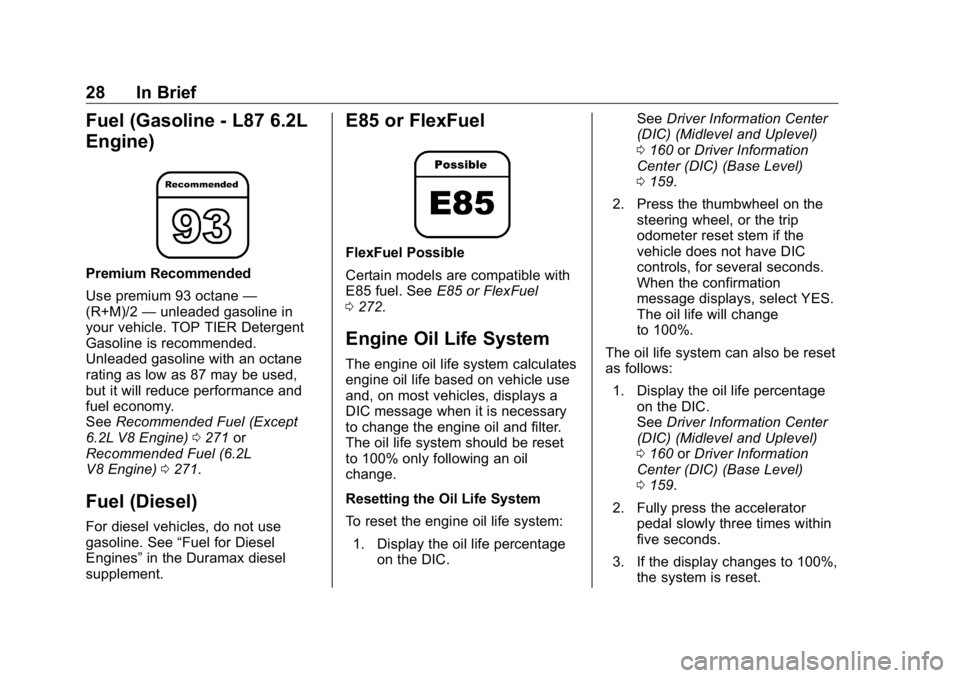
Fuel (Gasoline - L87 6.2L
Engine) Premium Recommended
Use premium 93 octane —
(R+M)/2 — unleaded gasoline in
your vehicle. TOP TIER Detergent
Gasoline is recommended.
Unleaded gasoline with an octane
rating as low as 87 may be used,
but it will reduce performance and
fuel economy.
See Recommended Fuel (Except
6.2L V8 Engine) 0 271 or
Recommended Fuel (6.2L
V8 Engine) 0 271 .
Fuel (Diesel) For diesel vehicles, do not use
gasoline. See “ Fuel for Diesel
Engines ” in the Duramax diesel
supplement. E85 or FlexFuel FlexFuel Possible
Certain models are compatible with
E85 fuel. See E85 or FlexFuel
0 272 .
Engine Oil Life System The engine oil life system calculates
engine oil life based on vehicle use
and, on most vehicles, displays a
DIC message when it is necessary
to change the engine oil and filter.
The oil life system should be reset
to 100% only following an oil
change.
Resetting the Oil Life System
To reset the engine oil life system:
1. Display the oil life percentage
on the DIC. See Driver Information Center
(DIC) (Midlevel and Uplevel)
0 160 or Driver Information
Center (DIC) (Base Level)
0 159 .
2. Press the thumbwheel on the
steering wheel, or the trip
odometer reset stem if the
vehicle does not have DIC
controls, for several seconds.
When the confirmation
message displays, select YES.
The oil life will change
to 100%.
The oil life system can also be reset
as follows:
1. Display the oil life percentage
on the DIC.
See Driver Information Center
(DIC) (Midlevel and Uplevel)
0 160 or Driver Information
Center (DIC) (Base Level)
0 159 .
2. Fully press the accelerator
pedal slowly three times within
five seconds.
3. If the display changes to 100%,
the system is reset.
Page 160 of 472
GMC Sierra/Sierra Denali Owner Manual (GMNA-Localizing-U.S./Canada/
Mexico-1500-11698638) - 2019 - crc - 5/15/18
Instruments and Controls 159
Information Displays Driver Information Center
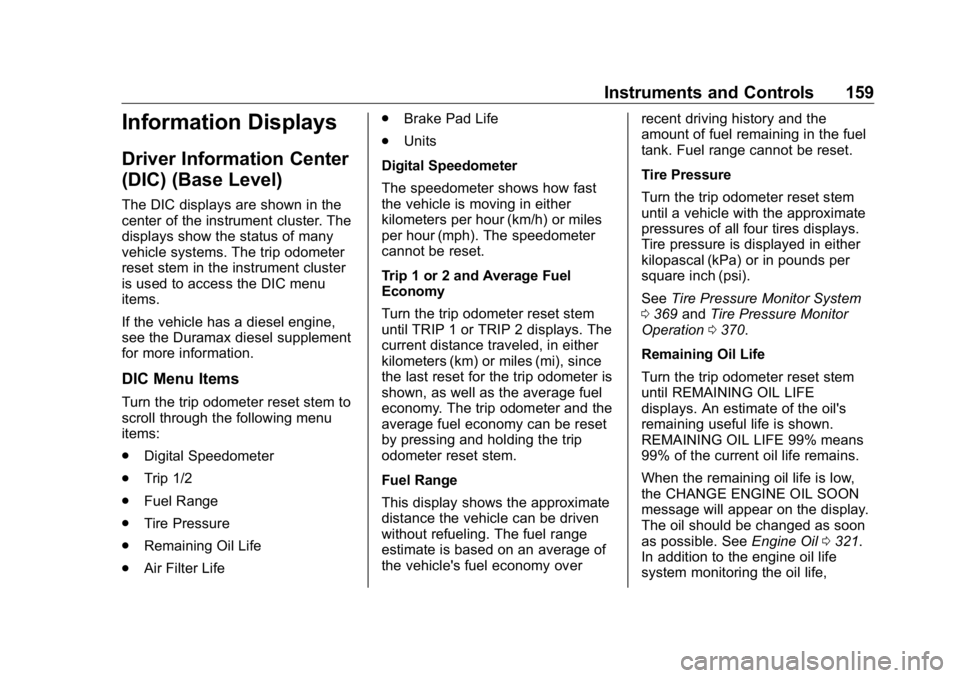
(DIC) (Base Level) The DIC displays are shown in the
center of the instrument cluster. The
displays show the status of many
vehicle systems. The trip odometer
reset stem in the instrument cluster
is used to access the DIC menu
items.
If the vehicle has a diesel engine,
see the Duramax diesel supplement
for more information.
DIC Menu Items Turn the trip odometer reset stem to
scroll through the following menu
items:
.
Digital Speedometer
.
Trip 1/2
.
Fuel Range
.
Tire Pressure
.
Remaining Oil Life
.
Air Filter Life .
Brake Pad Life
.
Units
Digital Speedometer
The speedometer shows how fast
the vehicle is moving in either
kilometers per hour (km/h) or miles
per hour (mph). The speedometer
cannot be reset.
Trip 1 or 2 and Average Fuel
Economy
Turn the trip odometer reset stem
until TRIP 1 or TRIP 2 displays. The
current distance traveled, in either
kilometers (km) or miles (mi), since
the last reset for the trip odometer is
shown, as well as the average fuel
economy. The trip odometer and the
average fuel economy can be reset
by pressing and holding the trip
odometer reset stem.
Fuel Range
This display shows the approximate
distance the vehicle can be driven
without refueling. The fuel range
estimate is based on an average of
the vehicle's fuel economy over recent driving history and the
amount of fuel remaining in the fuel
tank. Fuel range cannot be reset.
Tire Pressure
Turn the trip odometer reset stem
until a vehicle with the approximate
pressures of all four tires displays.
Tire pressure is displayed in either
kilopascal (kPa) or in pounds per
square inch (psi).
See Tire Pressure Monitor System
0 369 and Tire Pressure Monitor
Operation 0 370 .
Remaining Oil Life
Turn the trip odometer reset stem
until REMAINING OIL LIFE
displays. An estimate of the oil's
remaining useful life is shown.
REMAINING OIL LIFE 99% means
99% of the current oil life remains.
When the remaining oil life is low,
the CHANGE ENGINE OIL SOON
message will appear on the display.
The oil should be changed as soon
as possible. See Engine Oil 0 321 .
In addition to the engine oil life
system monitoring the oil life,
Page 161 of 472
GMC Sierra/Sierra Denali Owner Manual (GMNA-Localizing-U.S./Canada/
Mexico-1500-11698638) - 2019 - crc - 5/15/18
160 Instruments and Controls additional maintenance is
recommended. See Maintenance
Schedule 0 415 .
The Oil Life display must be reset
after each oil change. It will not
reset itself. Do not reset the Oil Life
display at any time other than when
the oil has just been changed.
It cannot be reset accurately until
the next oil change. To reset the
engine oil life system, see Engine
Oil Life System 0 323 .
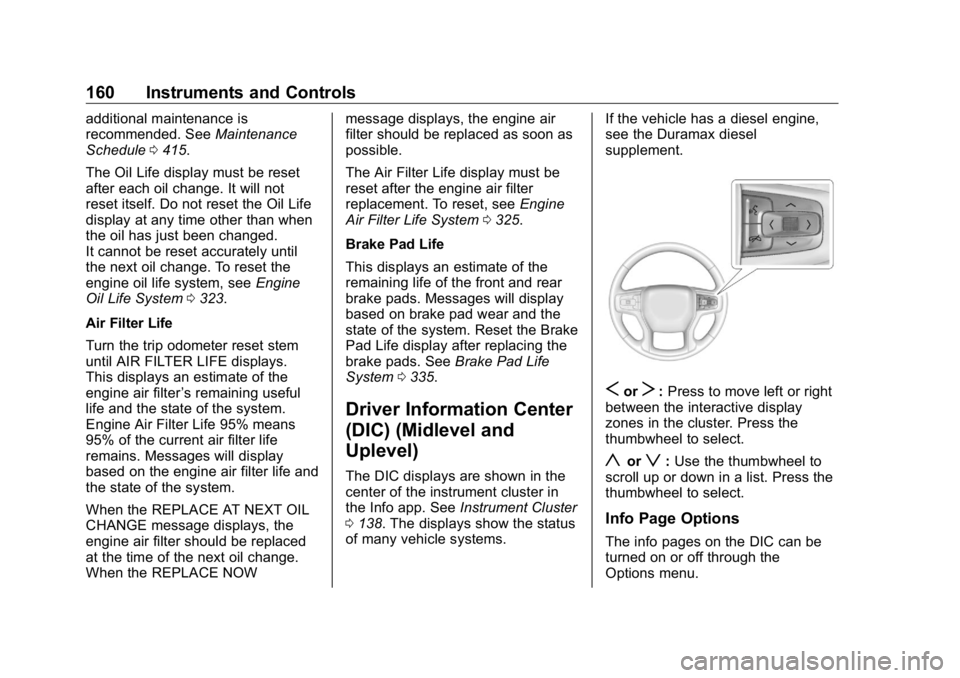
Air Filter Life
Turn the trip odometer reset stem
until AIR FILTER LIFE displays.
This displays an estimate of the
engine air filter ’ s remaining useful
life and the state of the system.
Engine Air Filter Life 95% means
95% of the current air filter life
remains. Messages will display
based on the engine air filter life and
the state of the system.
When the REPLACE AT NEXT OIL
CHANGE message displays, the
engine air filter should be replaced
at the time of the next oil change.
When the REPLACE NOW message displays, the engine air
filter should be replaced as soon as
possible.
The Air Filter Life display must be
reset after the engine air filter
replacement. To reset, see Engine
Air Filter Life System 0 325 .
Brake Pad Life
This displays an estimate of the
remaining life of the front and rear
brake pads. Messages will display
based on brake pad wear and the
state of the system. Reset the Brake
Pad Life display after replacing the
brake pads. See Brake Pad Life
System 0 335 .
Driver Information Center
(DIC) (Midlevel and
Uplevel) The DIC displays are shown in the
center of the instrument cluster in
the Info app. See Instrument Cluster
0 138 . The displays show the status
of many vehicle systems. If the vehicle has a diesel engine,
see the Duramax diesel
supplement.
S or
T : Press to move left or right
between the interactive display
zones in the cluster. Press the
thumbwheel to select.
y or
z : Use the thumbwheel to
scroll up or down in a list. Press the
thumbwheel to select.
Info Page Options
The info pages on the DIC can be
turned on or off through the
Options menu.
Page 163 of 472
GMC Sierra/Sierra Denali Owner Manual (GMNA-Localizing-U.S./Canada/
Mexico-1500-11698638) - 2019 - crc - 5/15/18
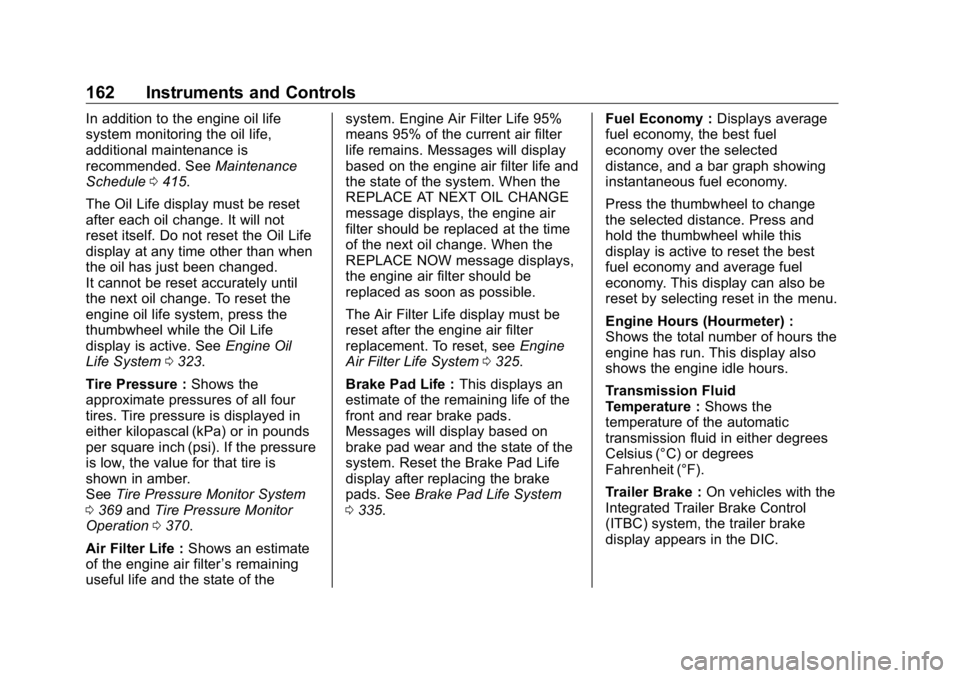
162 Instruments and Controls In addition to the engine oil life
system monitoring the oil life,
additional maintenance is
recommended. See Maintenance
Schedule 0 415 .
The Oil Life display must be reset
after each oil change. It will not
reset itself. Do not reset the Oil Life
display at any time other than when
the oil has just been changed.
It cannot be reset accurately until
the next oil change. To reset the
engine oil life system, press the
thumbwheel while the Oil Life
display is active. See Engine Oil
Life System 0 323 .
Tire Pressure : Shows the
approximate pressures of all four
tires. Tire pressure is displayed in
either kilopascal (kPa) or in pounds
per square inch (psi). If the pressure
is low, the value for that tire is
shown in amber.
See Tire Pressure Monitor System
0 369 and Tire Pressure Monitor
Operation 0 370 .
Air Filter Life : Shows an estimate
of the engine air filter ’ s remaining
useful life and the state of the system. Engine Air Filter Life 95%
means 95% of the current air filter
life remains. Messages will display
based on the engine air filter life and
the state of the system. When the
REPLACE AT NEXT OIL CHANGE
message displays, the engine air
filter should be replaced at the time
of the next oil change. When the
REPLACE NOW message displays,
the engine air filter should be
replaced as soon as possible.
The Air Filter Life display must be
reset after the engine air filter
replacement. To reset, see Engine
Air Filter Life System 0 325 .
Brake Pad Life : This displays an
estimate of the remaining life of the
front and rear brake pads.
Messages will display based on
brake pad wear and the state of the
system. Reset the Brake Pad Life
display after replacing the brake
pads. See Brake Pad Life System
0 335 . Fuel Economy : Displays average
fuel economy, the best fuel
economy over the selected
distance, and a bar graph showing
instantaneous fuel economy.
Press the thumbwheel to change
the selected distance. Press and
hold the thumbwheel while this
display is active to reset the best
fuel economy and average fuel
economy. This display can also be
reset by selecting reset in the menu.
Engine Hours (Hourmeter) :
Shows the total number of hours the
engine has run. This display also
shows the engine idle hours.
Transmission Fluid
Temperature : Shows the
temperature of the automatic
transmission fluid in either degrees
Celsius (°C) or degrees
Fahrenheit (°F).
Trailer Brake : On vehicles with the
Integrated Trailer Brake Control
(ITBC) system, the trailer brake
display appears in the DIC.
Page 312 of 472
GMC Sierra/Sierra Denali Owner Manual (GMNA-Localizing-U.S./Canada/
Mexico-1500-11698638) - 2019 - crc - 5/15/18
Vehicle Care 311
Vehicle Care General Information General Information . . . . . . . . . . 312
California Proposition
65 Warning . . . . . . . . . . . . . . . . . 313
California Perchlorate
Materials Requirements . . . . . 313
Accessories and
Modifications . . . . . . . . . . . . . . . . 313
Vehicle Checks Doing Your Own
Service Work . . . . . . . . . . . . . . . 314
Hood . . . . . . . . . . . . . . . . . . . . . . . . . 314
Engine Compartment
Overview . . . . . . . . . . . . . . . . . . . . 316
Engine Oil . . . . . . . . . . . . . . . . . . . . 321
Engine Oil Life System . . . . . . . 323
Automatic Transmission
Fluid . . . . . . . . . . . . . . . . . . . . . . . . 325
Engine Air Filter Life
System . . . . . . . . . . . . . . . . . . . . . . 325
Engine Air Cleaner/Filter . . . . . . 326
Cooling System . . . . . . . . . . . . . . 327
Engine Overheating . . . . . . . . . . 331
Overheated Engine Protection
Operating Mode . . . . . . . . . . . . . 333
Engine Fan . . . . . . . . . . . . . . . . . . . 333 Washer Fluid . . . . . . . . . . . . . . . . . 334
Brakes . . . . . . . . . . . . . . . . . . . . . . . 335
Brake Pad Life System . . . . . . . 335
Brake Fluid . . . . . . . . . . . . . . . . . . . 336
Battery - North America . . . . . . 337
Four-Wheel Drive . . . . . . . . . . . . . 340
Front Axle . . . . . . . . . . . . . . . . . . . . 340
Rear Axle . . . . . . . . . . . . . . . . . . . . 341
Noise Control System . . . . . . . . 342
Starter Switch Check . . . . . . . . . 343
Ignition Transmission Lock
Check . . . . . . . . . . . . . . . . . . . . . . . 343
Park Brake and P (Park)
Mechanism Check . . . . . . . . . . 343
Wiper Blade Replacement . . . . 344
Windshield Replacement . . . . . 345
Gas Strut(s) . . . . . . . . . . . . . . . . . . 345
Headlamp Aiming Headlamp Aiming . . . . . . . . . . . . 346
Bulb Replacement Bulb Replacement . . . . . . . . . . . . 346
Halogen Bulbs . . . . . . . . . . . . . . . . 346
LED Lighting . . . . . . . . . . . . . . . . . 347
Headlamps, Front Turn Signal,
Sidemarker, and Parking
Lamps . . . . . . . . . . . . . . . . . . . . . . 347
Taillamps, Turn Signal,
Stoplamps, and Back-Up
Lamps . . . . . . . . . . . . . . . . . . . . . . 347 Center High-Mounted
Stoplamp (CHMSL) and
Cargo Lamp . . . . . . . . . . . . . . . . . 348
License Plate Lamp . . . . . . . . . . 349
Electrical System Electrical System Overload . . . 349
Fuses and Circuit Breakers . . . 350
Engine Compartment Fuse
Block . . . . . . . . . . . . . . . . . . . . . . . . 350
Instrument Panel Fuse Block
(Right) . . . . . . . . . . . . . . . . . . . . . . 354
Instrument Panel Fuse
Block (Left) . . . . . . . . . . . . . . . . . 356
Wheels and Tires Tires . . . . . . . . . . . . . . . . . . . . . . . . . . 358
All-Season Tires . . . . . . . . . . . . . . 359
Winter Tires . . . . . . . . . . . . . . . . . . 359
Low-Profile Tires . . . . . . . . . . . . . 360
All-Terrain Tires . . . . . . . . . . . . . . . 360
Tire Sidewall Labeling . . . . . . . . 360
Tire Designations . . . . . . . . . . . . . 363
Tire Terminology and
Definitions . . . . . . . . . . . . . . . . . . 364
Tire Pressure . . . . . . . . . . . . . . . . . 367
Tire Pressure for High-Speed
Operation . . . . . . . . . . . . . . . . . . . 368
Tire Pressure Monitor
System . . . . . . . . . . . . . . . . . . . . . . 369
Page 318 of 472

GMC Sierra/Sierra Denali Owner Manual (GMNA-Localizing-U.S./Canada/
Mexico-1500-11698638) - 2019 - crc - 5/15/18
Vehicle Care 3171. Remote Negative ( – ) Location.
See Jump Starting - North
America 0 395 .
2. Positive (+) Terminal (Under
Cover). See Jump Starting -
North America 0 395 .
3. Battery - North America 0 337 .
4. Engine Compartment Fuse
Block 0 350 .
5. Engine Cooling Fans (Out of
View). See Cooling System
0 327 .
6. Engine Oil Fill Cap. See “ When
to Add Engine Oil ” under
Engine Oil 0 321 .
7. Engine Oil Dipstick. See
“ Checking Engine Oil ” under
Engine Oil 0 321 .
8. Coolant Surge Tank and
Pressure Cap. See Cooling
System 0 327 .
9. Engine Air Cleaner/Filter 0 326 .
10. Brake Fluid Reservoir. See
Brake Fluid 0 336 . 11. Windshield Washer Fluid
Reservoir. See “ Adding Washer
Fluid ” under Washer Fluid
0 334 .
Page 320 of 472

GMC Sierra/Sierra Denali Owner Manual (GMNA-Localizing-U.S./Canada/
Mexico-1500-11698638) - 2019 - crc - 5/15/18
Vehicle Care 3191. Remote Negative ( – ) Location.
See Jump Starting - North
America 0 395 .
2. Positive (+) Terminal (Under
Cover). See Jump Starting -
North America 0 395 .
3. Battery - North America 0 337 .
4. Engine Compartment Fuse
Block 0 350 .
5. Engine Cooling Fans (Out of
View). See Cooling System
0 327 .
6. Engine Oil Dipstick. See
“ Checking Engine Oil ” under
Engine Oil 0 321 .
7. Engine Oil Fill Cap. See “ When
to Add Engine Oil ” under
Engine Oil 0 321 .
8. Coolant Surge Tank and
Pressure Cap. See Cooling
System 0 327 .
9. Engine Air Cleaner/Filter 0 326 .
10. Brake Fluid Reservoir. See
Brake Fluid 0 336 . 11. Windshield Washer Fluid
Reservoir. See “ Adding Washer
Fluid ” under Washer Fluid
0 334 .
Page 322 of 472
GMC Sierra/Sierra Denali Owner Manual (GMNA-Localizing-U.S./Canada/
Mexico-1500-11698638) - 2019 - crc - 5/15/18
Vehicle Care 3211. Remote Negative ( – ) Location.
See Jump Starting - North
America 0 395 .
2. Positive (+) Terminal (Under
Cover). See Jump Starting -
North America 0 395 .
3. Battery - North America 0 337 .
4. Engine Compartment Fuse
Block 0 350 .
5. Engine Oil Dipstick. See
“ Checking Engine Oil ” under
Engine Oil 0 321 .
6. Engine Cooling Fans (Out of
View). See Cooling System
0 327 .
7. Engine Oil Fill Cap. See “ When
to Add Engine Oil ” under
Engine Oil 0 321 .
8. Coolant Surge Tank and
Pressure Cap. See Cooling
System 0 327 .
9. Engine Air Cleaner/Filter 0 326 .
10. Brake Fluid Reservoir. See
Brake Fluid 0 336 . 11. Windshield Washer Fluid
Reservoir. See “ Adding Washer
Fluid ” under Washer Fluid
0 334 .
If the vehicle has a diesel engine,
see the Duramax diesel
supplement.
Engine Oil For diesel engine vehicles, see
“ Engine Oil ” in the Duramax diesel
supplement.
To ensure proper engine
performance and long life, careful
attention must be paid to engine oil.
Following these simple, but
important steps will help protect
your investment:
.
Use engine oil approved to the
proper specification and of the
proper viscosity grade. See
“ Selecting the Right Engine Oil ”
in this section.
.
Check the engine oil level
regularly and maintain the
proper oil level. See “ Checking
Engine Oil ” and “ When to Add
Engine Oil ” in this section. .
Change the engine oil at the
appropriate time. See Engine Oil
Life System 0 323 .
.
Always dispose of engine oil
properly. See “ What to Do with
Used Oil ” in this section.
Checking Engine Oil Check the engine oil level regularly,
every 650 km (400 mi), especially
prior to a long trip. The engine oil
dipstick handle is a loop. See
Engine Compartment Overview
0 316 for the location.
{ WarningThe engine oil dipstick handle
may be hot; it could burn you.
Use a towel or glove to touch the
dipstick handle.
If a low oil Driver Information Center
(DIC) message displays, check the
oil level.
Page 324 of 472
GMC Sierra/Sierra Denali Owner Manual (GMNA-Localizing-U.S./Canada/
Mexico-1500-11698638) - 2019 - crc - 5/15/18
Vehicle Care 323Specification
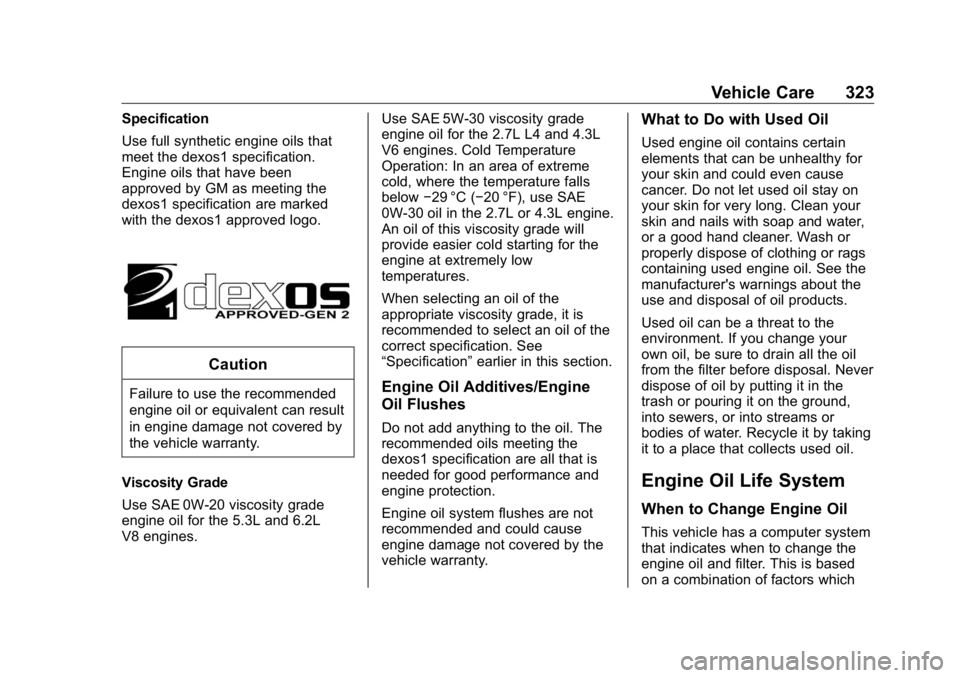
Use full synthetic engine oils that
meet the dexos1 specification.
Engine oils that have been
approved by GM as meeting the
dexos1 specification are marked
with the dexos1 approved logo.
CautionFailure to use the recommended
engine oil or equivalent can result
in engine damage not covered by
the vehicle warranty.
Viscosity Grade
Use SAE 0W-20 viscosity grade
engine oil for the 5.3L and 6.2L
V8 engines. Use SAE 5W-30 viscosity grade
engine oil for the 2.7L L4 and 4.3L
V6 engines. Cold Temperature
Operation: In an area of extreme
cold, where the temperature falls
below − 29 °C ( − 20 °F), use SAE
0W-30 oil in the 2.7L or 4.3L engine.
An oil of this viscosity grade will
provide easier cold starting for the
engine at extremely low
temperatures.
When selecting an oil of the
appropriate viscosity grade, it is
recommended to select an oil of the
correct specification. See
“ Specification ” earlier in this section.
Engine Oil Additives/Engine
Oil Flushes Do not add anything to the oil. The
recommended oils meeting the
dexos1 specification are all that is
needed for good performance and
engine protection.
Engine oil system flushes are not
recommended and could cause
engine damage not covered by the
vehicle warranty. What to Do with Used Oil Used engine oil contains certain
elements that can be unhealthy for
your skin and could even cause
cancer. Do not let used oil stay on
your skin for very long. Clean your
skin and nails with soap and water,
or a good hand cleaner. Wash or
properly dispose of clothing or rags
containing used engine oil. See the
manufacturer's warnings about the
use and disposal of oil products.
Used oil can be a threat to the
environment. If you change your
own oil, be sure to drain all the oil
from the filter before disposal. Never
dispose of oil by putting it in the
trash or pouring it on the ground,
into sewers, or into streams or
bodies of water. Recycle it by taking
it to a place that collects used oil.
Engine Oil Life System When to Change Engine Oil
This vehicle has a computer system
that indicates when to change the
engine oil and filter. This is based
on a combination of factors which
Page 325 of 472
GMC Sierra/Sierra Denali Owner Manual (GMNA-Localizing-U.S./Canada/
Mexico-1500-11698638) - 2019 - crc - 5/15/18
324 Vehicle Care include engine revolutions, engine
temperature, and miles driven.
Based on driving conditions, the
mileage at which an oil change is
indicated can vary considerably. For
the oil life system to work properly,
the system must be reset every time
the oil is changed.
On some vehicles, when the system
has calculated that oil life has been
diminished, a CHANGE ENGINE
OIL SOON message comes on to
indicate that an oil change is
necessary. Change the oil as soon
as possible within the next 1 000 km
(600 mi). It is possible that, if driving
under the best conditions, the oil life
system might indicate that an oil
change is not necessary for up to a
year. The engine oil and filter must
be changed at least once a year
and, at this time, the system must
be reset. For vehicles without the
CHANGE ENGINE OIL SOON
message, an oil change is needed
when the REMAINING OIL LIFE
percentage is near 0%. Your dealer
has trained service people who will
perform this work and reset the
system. It is also important to check the oil regularly over the course of
an oil drain interval and keep it at
the proper level.
If the system is ever reset
accidentally, the oil must be
changed at 5 000 km (3,000 mi)
since the last oil change.
Remember to reset the oil life
system whenever the oil is changed.
How to Reset the Engine Oil
Life System Reset the system whenever the
engine oil is changed so that the
system can calculate the next
engine oil change. Always reset the
engine oil life to 100% after every oil
change. It will not reset itself. To
reset the engine oil life system:
1. Display the oil life percentage
on the DIC.
See Driver Information Center
(DIC) (Midlevel and Uplevel)
0 160 or Driver Information
Center (DIC) (Base Level)
0 159 .
2. Press the thumbwheel on the
steering wheel, or the trip
odometer reset stem if the vehicle does not have DIC
controls, for several seconds.
When the confirmation
message displays, select YES.
The oil life will change
to 100%.
The oil life system can also be reset
as follows:
1. Display the oil life percentage
on the DIC.
See Driver Information Center
(DIC) (Midlevel and Uplevel)
0 160 or Driver Information
Center (DIC) (Base Level)
0 159 .
2. Fully press the accelerator
pedal slowly three times within
five seconds.
3. If the display changes to 100%,
the system is reset.
If the vehicle has a CHANGE
ENGINE OIL SOON message and it
comes back on when the vehicle is
started and/or the oil life percentage
is near 0%, the engine oil life
system has not been reset. Repeat
the procedure.