horn GMC TERRAIN 2011 Owner's Manual
[x] Cancel search | Manufacturer: GMC, Model Year: 2011, Model line: TERRAIN, Model: GMC TERRAIN 2011Pages: 426, PDF Size: 5.58 MB
Page 9 of 426
Black plate (3,1)GMC Terrain Owner Manual - 2011
In Brief 1-3
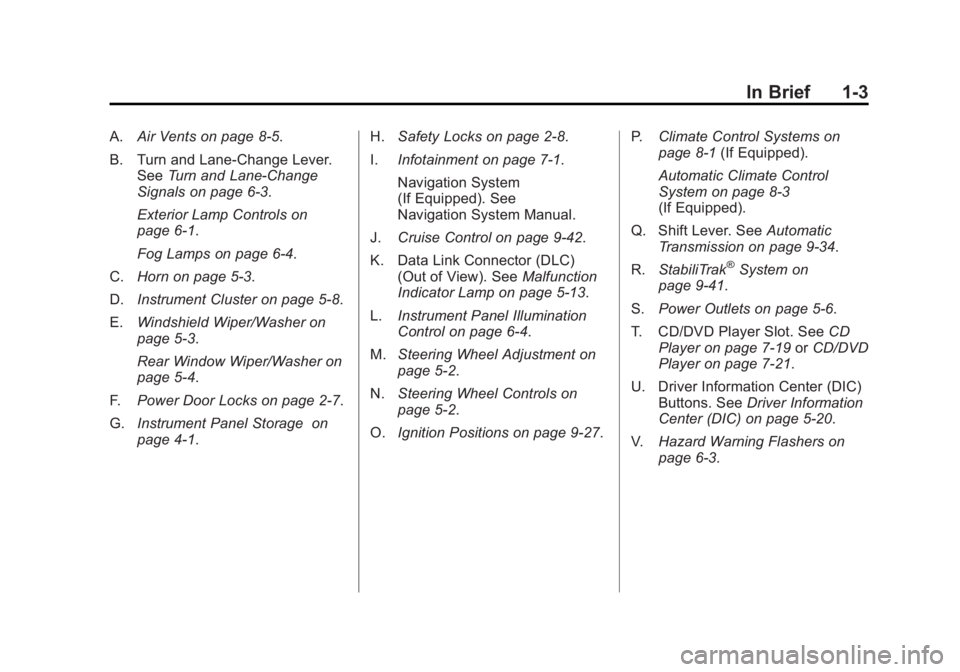
A.Air Vents on page 8‑5.
B. Turn and Lane‐Change Lever. See Turn and Lane-Change
Signals on page 6‑3.
Exterior Lamp Controls on
page 6‑1.
Fog Lamps on page 6‑4.
C. Horn on page 5‑3.
D. Instrument Cluster on page 5‑8.
E. Windshield Wiper/Washer on
page 5‑3.
Rear Window Wiper/Washer on
page 5‑4.
F. Power Door Locks on page 2‑7.
G. Instrument Panel Storage on
page 4‑1. H.
Safety Locks on page 2‑8.
I. Infotainment on page 7‑1.
Navigation System
(If Equipped). See
Navigation System Manual.
J. Cruise Control on page 9‑42.
K. Data Link Connector (DLC) (Out of View). See Malfunction
Indicator Lamp on page 5‑13.
L. Instrument Panel Illumination
Control on page 6‑4.
M. Steering Wheel Adjustment on
page 5‑2.
N. Steering Wheel Controls on
page 5‑2.
O. Ignition Positions on page 9‑27. P.
Climate Control Systems on
page 8‑1 (If Equipped).
Automatic Climate Control
System on page 8‑3
(If Equipped).
Q. Shift Lever. See Automatic
Transmission on page 9‑34.
R. StabiliTrak
®System on
page 9‑41.
S. Power Outlets on page 5‑6.
T. CD/DVD Player Slot. See CD
Player on page 7‑19 orCD/DVD
Player on page 7‑21.
U. Driver Information Center (DIC) Buttons. See Driver Information
Center (DIC) on page 5‑20.
V. Hazard Warning Flashers on
page 6‑3.
Page 37 of 426

Black plate (3,1)GMC Terrain Owner Manual - 2011
Keys, Doors and Windows 2-3
Remote Keyless Entry
(RKE) System
SeeRadio Frequency Statement on
page 13‑18 for information
regarding Part 15 of the Federal
Communications Commission (FCC)
rules and Industry Canada
Standards RSS-210/220/310.
If there is a decrease in the RKE
operating range:
.Check the distance. The
transmitter may be too far from
the vehicle.
.Check the location. Other
vehicles or objects may be
blocking the signal.
.Check the transmitter's battery.
See “Battery Replacement” later
in this section.
.If the transmitter is still not
working correctly, see your
dealer or a qualified technician
for service.
Remote Keyless Entry
(RKE) System Operation
The Remote Keyless Entry (RKE)
transmitter will work up to 60 m
(195 ft) away from the vehicle.
There are other conditions which
can affect the performance of the
transmitter. See Remote Keyless
Entry (RKE) System on page 2‑3.
RKE Without Remote Start Shown
The following may be available:
Q(Lock): Press to lock all doors.
The turn signal indicators may
flash and/or the horn may sound to indicate locking. See
“Remote
Lock Feedback” underVehicle
Personalization on page 5‑30. If a
passenger door is open when
Qis
pressed, all doors lock. If the driver
door is open when
Qis pressed, all
doors lock except the driver door.
These settings can be modified.
See “Unlocked Door Anti Lock Out”
under Vehicle Personalization on
page 5‑30.
Pressing
Qmay also arm the
theft-deterrent system. See
Anti-Theft Alarm System on
page 2‑12.
K(Unlock): Press to unlock
the driver door or all doors. See
“Remote Door Unlock” under
Vehicle Personalization on
page 5‑30. The turn signal
indicators flash to indicate unlocking
has occurred. For more information
see “Remote Unlock Light
Feedback” underVehicle
Personalization on page 5‑30.
Page 38 of 426

Black plate (4,1)GMC Terrain Owner Manual - 2011
2-4 Keys, Doors and Windows
PressingKmay also disarm the
theft-deterrent system. See
Anti-Theft Alarm System on
page 2‑12.
V(Remote Liftgate Release):
First press
K, then press and
hold
Vto unlock the liftgate. For
vehicles with the power liftgate,
press and hold
Vuntil the liftgate
begins to move to open the liftgate.
7(Vehicle Locator/Panic
Alarm): Press and release one
time to locate the vehicle. The
exterior lamps flash and the horn
chirps. Press and hold
7for at least
two seconds to sound the panic
alarm. The horn sounds and the
turn signals flash until
7is pressed
again or the key is placed in the
ignition and turned to ON/RUN.
/(Remote Vehicle Start): For
vehicles with this feature, first
press
Qthen press and hold/to
start the engine from outside the
vehicle using the RKE transmitter.
See Remote Vehicle Start on
page 2‑5 for additional information.
Programming Transmitters to
the Vehicle
Only RKE transmitters programmed
to this vehicle will work. If a
transmitter is lost or stolen, a
replacement can be purchased and
programmed through your dealer.
When the replacement transmitter
is programmed to this vehicle, all
remaining transmitters must also be
reprogrammed. Any lost or stolen
transmitters will no longer work
once the new transmitter is
programmed.
Battery Replacement
Replace the battery if the REPLACE
BATTERY IN REMOTE KEY
message displays in the DIC. See
“Replace Battery in Remote Key”
underKey and Lock Messages on
page 5‑27.
The battery is not rechargeable. To
replace the battery:
1. Push the button on the transmitter to extend the key.
2. Remove the battery cover by prying with a finger.
3. Remove the battery by pushing on the battery and sliding it
toward the keyblade.
4. Insert the new battery, positive side facing up. Push the battery
down until it is held in place.
Replace with a CR2032 or
equivalent battery.
5. Snap the battery cover back on to the transmitter.
Page 47 of 426

Black plate (13,1)GMC Terrain Owner Manual - 2011
Keys, Doors and Windows 2-13
Disarming the System
To disarm the system, do one of the
following:
.PressKon the RKE transmitter.
.Turn the ignition to ON/RUN.
.Allow the alarm to time out after
about 30 seconds and reset
itself.
The alarm automatically disarms.
If the system is armed and any door
is unlocked without pressing
Kon
the RKE transmitter, the alarm
sounds.
How to Detect a Tamper
Condition
IfKis pressed and the horn
sounds, an attempted break-in has
occurred while the system was
armed. If the alarm has been activated, the
THEFT ATTEMPTED message will
appear on the DIC. See
Key and
Lock Messages on page 5‑27 for
additional information.
Immobilizer
See Radio Frequency Statement on
page 13‑18 for information
regarding Part 15 of the Federal
Communications Commission (FCC)
rules and Industry Canada
Standards RSS-210/220/310.
Immobilizer Operation
This vehicle has a passive
theft-deterrent system.
The system does not have to be
manually armed or disarmed.
The vehicle is automatically
immobilized when the key is
removed from the ignition. The system is automatically
disarmed when the vehicle is
started with the correct key. The key
uses a transponder that matches
an immobilizer control unit in the
vehicle and automatically disarms
the system. Only an authorized key
starts the vehicle. The vehicle may
not start if the key is damaged.The security light, located in the
instrument panel cluster, comes on
if there is a problem with arming
or disarming the theft-deterrent
system.
When trying to start the vehicle, the
security light comes on briefly when
the ignition is turned on.
Page 119 of 426
Black plate (1,1)GMC Terrain Owner Manual - 2011
Instruments and Controls 5-1
Instruments and
Controls
Controls
Steering Wheel Adjustment . . . 5-2
Steering Wheel Controls . . . . . . 5-2
Horn . . . . . . . . . . . . . . . . . . . . . . . . . . 5-3
Windshield Wiper/Washer . . . . . 5-3
Rear Window Wiper/Washer . . . . . . . . . . . . . . . . . . . . . . 5-4
Compass . . . . . . . . . . . . . . . . . . . . . 5-4
Clock (With Date Display) . . . . . 5-5
Clock (Without Date Display) . . . . . . . . . . . . . . . . . . . . . 5-6
Power Outlets . . . . . . . . . . . . . . . . . 5-6
Warning Lights, Gauges, and
Indicators
Warning Lights, Gauges, and Indicators . . . . . . . . . . . . . . . . . . . . 5-7
Instrument Cluster . . . . . . . . . . . . 5-8
Speedometer . . . . . . . . . . . . . . . . . 5-9 Odometer . . . . . . . . . . . . . . . . . . . . . 5-9
Tachometer . . . . . . . . . . . . . . . . . . . 5-9
Fuel Gauge . . . . . . . . . . . . . . . . . . . 5-9
Engine Coolant Temperature
Gauge . . . . . . . . . . . . . . . . . . . . . . 5-10
Safety Belt Reminders . . . . . . . 5-10
Airbag Readiness Light . . . . . . 5-11
Passenger Airbag Status Indicator . . . . . . . . . . . . . . . . . . . . 5-11
Charging System Light . . . . . . 5-12
Malfunction Indicator Lamp . . . . . . . . . . . . . 5-13
Brake System Warning Light . . . . . . . . . . . . . . . . . . . . . . . 5-15
Antilock Brake System (ABS) Warning Light . . . . . . . . . . . . . . 5-16
Traction Off Light . . . . . . . . . . . . 5-16
StabiliTrak
®OFF Light . . . . . . . 5-16
Traction Control System (TCS)/StabiliTrak
®Light . . . . 5-17
Tire Pressure Light . . . . . . . . . . 5-17
Engine Oil Pressure Light . . . . 5-18
Fuel Economy Light . . . . . . . . . 5-18
Low Fuel Warning Light . . . . . . 5-19 Security Light . . . . . . . . . . . . . . . . 5-19
High-Beam On Light . . . . . . . . . 5-19
Front Fog Lamp Light . . . . . . . . 5-20
Lamps On Reminder . . . . . . . . . 5-20
Cruise Control Light . . . . . . . . . 5-20
Information Displays
Driver Information
Center (DIC) . . . . . . . . . . . . . . . 5-20
Vehicle Messages
Vehicle Messages . . . . . . . . . . . 5-24
Battery Voltage and ChargingMessages . . . . . . . . . . . . . . . . . . 5-24
Brake System Messages . . . . 5-24
Compass Messages . . . . . . . . . 5-24
Cruise Control Messages . . . . 5-25
Door Ajar Messages . . . . . . . . . 5-25
Engine Cooling System Messages . . . . . . . . . . . . . . . . . . 5-25
Engine Oil Messages . . . . . . . . 5-26
Engine Power Messages . . . . 5-26
Fuel System Messages . . . . . . 5-27
Key and Lock Messages . . . . . 5-27
Page 121 of 426
Black plate (3,1)GMC Terrain Owner Manual - 2011
Instruments and Controls 5-3
bg(Push to Talk): For vehicles
with a Bluetooth®or OnStar®, press
to interact with those systems. See
Bluetooth (Overview) on page 7‑45
or Bluetooth (Infotainment Controls)
on page 7‑46 orBluetooth (Voice
Recognition) on page 7‑51 or the
OnStar Owner's Guide for more
information.
$ i(Mute/End Call): Press to
reject an incoming call, or end a
current call. Press to silence the
vehicle speakers while using the
infotainment system. Press again to
turn the sound on.
_SRC^(Toggle Switch): Press to
select an audio source.
Toggle up or down to select the next
or previous favorite radio station or
CD/MP3 track.
+ x−(Volume): Press + or−to
increase or decrease the volume.
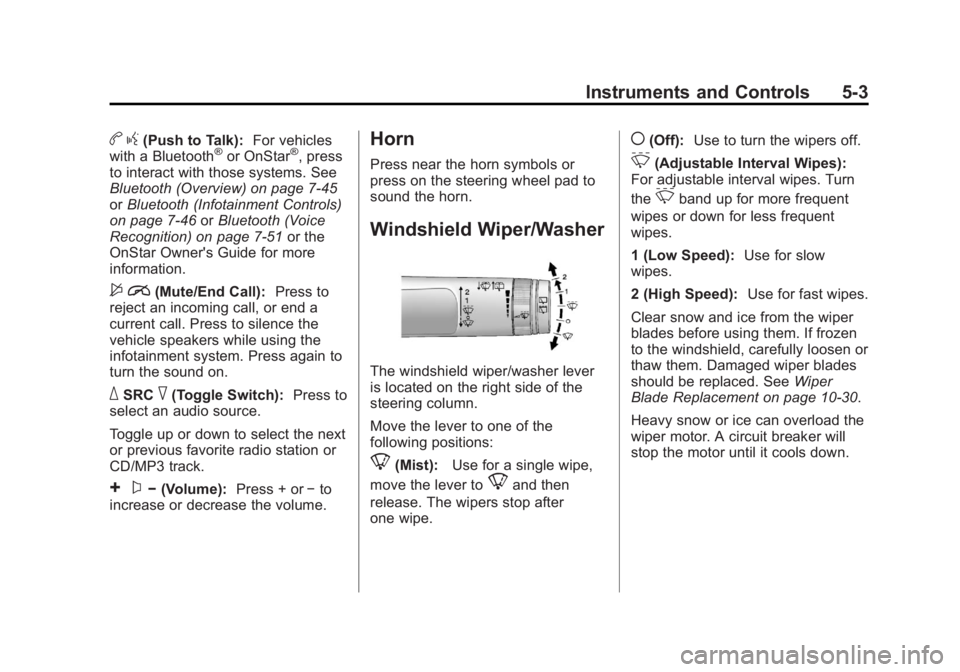
Horn
Press near the horn symbols or
press on the steering wheel pad to
sound the horn.
Windshield Wiper/Washer
The windshield wiper/washer lever
is located on the right side of the
steering column.
Move the lever to one of the
following positions:
8(Mist): Use for a single wipe,
move the lever to
8and then
release. The wipers stop after
one wipe.
((Off): Use to turn the wipers off.
&(Adjustable Interval Wipes):
For adjustable interval wipes. Turn
the
&band up for more frequent
wipes or down for less frequent
wipes.
1 (Low Speed): Use for slow
wipes.
2 (High Speed): Use for fast wipes.
Clear snow and ice from the wiper
blades before using them. If frozen
to the windshield, carefully loosen or
thaw them. Damaged wiper blades
should be replaced. See Wiper
Blade Replacement on page 10‑30.
Heavy snow or ice can overload the
wiper motor. A circuit breaker will
stop the motor until it cools down.
Page 152 of 426
Black plate (34,1)GMC Terrain Owner Manual - 2011
5-34 Instruments and Controls
Remote Lock Feedback
This allows selection of what type of
feedback is given when unlocking
the vehicle with the RKE transmitter.
Press the MENU/SEL knob when
“Remote Lock Feedback”is
highlighted. Turn the knob to select
“Lights and Horn,” “Lights Only,”
“Horn Only,” or“Off. ”Press the
knob to confirm and go back to the
last menu.
Remote Door Unlock
This allows selection of which doors
will unlock when pressing the unlock
button on the RKE transmitter.
Press the MENU/SEL knob
when “Remote Door Unlock” is
highlighted. Turn the knob to select
“All Doors” or“Driver Door.” Press
the knob to confirm and go back to
the last menu. Memory Remote Recall
This allows the Memory Remote
Recall feature to be turned on or off.
When on, this feature will recall the
current driver's last seat, outside
mirrors upon unlocking the driver
door with the RKE, and opening that
door. The current driver is identified
when the RKE transmitter is used to
unlock the driver door. See
“Memory
Remote Recall” underPower Seat
Adjustment on page 3‑3 for more
information.
Memory Remote Recall is when the
memorized settings will be recalled
as you unlock the vehicle. Press the MENU/SEL knob when
“Memory Remote Recall”
is
highlighted to toggle between “On”
or “Off.” Press
}BACK to confirm
the selection and go back to the
last menu.
Return to Factory Settings
Select “Return to Factory Settings”
to return all of the vehicle
personalization to the default
settings. Turn the knob to select
“Yes” or“No.” Press the knob
to confirm and go back to the
last menu.
Page 238 of 426

Black plate (12,1)GMC Terrain Owner Manual - 2011
9-12 Driving and Operating
Driving Uphill
Once you decide it is safe to drive
up the hill:
.Use a low gear and get a firm
grip on the steering wheel.
.Get a smooth start up the hill
and try to maintain speed. Not
using more power than needed
can avoid spinning the wheels or
sliding.
{WARNING
Turning or driving across steep
hills can be dangerous. You could
lose traction, slide sideways, and
possibly roll over. You could be
seriously injured or killed. When
driving up hills, always try to go
straight up.
.Try to drive straight up the hill if
at all possible. If the path twists
and turns, you might want to find
another route.
.Ease up on the speed as you
approach the top of the hill.
.Attach a flag to the vehicle to be
more visible to approaching
traffic on trails or hills.
.Sound the horn as you approach
the top of the hill to let opposing
traffic know you are there.
.Use headlamps even during the
day to make the vehicle more
visible to oncoming traffic.
{WARNING
Driving to the top (crest) of a
hill at full speed can cause an
accident. There could be a
drop-off, embankment, cliff,
or even another vehicle. You
could be seriously injured or
killed. As you near the top of a
hill, slow down and stay alert.If the vehicle stalls, or is about to
stall, and you cannot make it up
the hill:
.Push the brake pedal to stop the
vehicle and keep it from rolling
backwards and apply the
parking brake.
.If the engine is still running, shift
the transmission to R (Reverse),
release the parking brake, and
slowly back down the hill in
R (Reverse).
.If the engine has stopped
running, you need to restart it.
With the brake pedal pressed
and the parking brake still
applied, shift the transmission to
P (Park) and restart the engine.
Then, shift to R (Reverse),
release the parking brake,
and slowly back down the
hill as straight as possible in
R (Reverse).
Page 331 of 426

Black plate (41,1)GMC Terrain Owner Manual - 2011
Vehicle Care 10-41
J-CaseFuses Usage
6 Power Seat –Left
7 Instrument Panel Fuse
Block 1
8 Rear Defogger
9 Starter
10 AIR Pump Motor
11 Instrument Panel Fuse
Block 2
12 Sunroof
13 Antilock Brake
System Pump
14 Instrument Panel Fuse
Block 3
15 Power
Windows
–Left
16 Antilock Brake System
Module Mini Fuses Usage
17 Transmission
Control Module
Battery
18 Trailer Parking Light
19 AIR Pump Solenoid
20 Engine Control
Module Battery
21 Canister Vent
22 Trailer Left Side
(If Equipped)
23 Lift Gate Module
24 Power Lumbar
25 Trailer Right Side
(If Equipped)
26 Rear Accessory
Power Outlet
27 Memory Mirror
Module
28 Regulated Voltage
Control Battery
Sensor Mini Fuses Usage
29 Front Wiper
30 Rear Wiper
31 Air Conditioning
Compressor
32 Rear Latch
33 Heated Mirrors
34 Horn
35 Right High‐Beam
Headlamp
36 Left High‐Beam
Headlamp
37 Ignition Even Coil
38 Ignition Odd Coil
39 Windshield Washer
40 Front Fog Lamps
41 Post Catalytic
Converter Oxygen
Sensor
42 Engine Control
Module
Page 346 of 426

Black plate (56,1)GMC Terrain Owner Manual - 2011
10-56 Vehicle Care
If the TPMS is not functioning
properly, it cannot detect or signal a
low tire condition. See your dealer
for service if the TPMS malfunction
light and DIC message comes on
and stays on.
TPMS Sensor Matching
Process
Each TPMS sensor has a unique
identification code. The identification
code needs to be matched to a new
tire/wheel position after rotating the
tires or replacing one or more of the
TPMS sensors. The TPMS sensor
matching process should also be
performed after replacing a spare
tire with a road tire containing the
TPMS sensor. The malfunction light
and the DIC message should go
off at the next ignition cycle. The
sensors are matched to the tire/
wheel positions, using a TPMS
relearn tool, in the following order:
driver side front tire, passenger side
front tire, passenger side rear tire,and driver side rear. See your
dealer for service or to purchase a
relearn tool.
There are two minutes to match
the first tire/wheel position, and
five minutes overall to match all
four tire/wheel positions. If it takes
longer, the matching process stops
and must be restarted.
The TPMS sensor matching
process is:
1. Set the parking brake.
2. Turn the ignition to ON/RUN with
the engine off.
3. Use the MENU button to select the Vehicle Information Menu in
the Driver Information Center
(DIC). Use the arrow keys to
scroll to the Tire Pressure
screen.
4. Press the SET/CLR button to begin the sensor matching
process.
A message requesting
acceptance of the process
should display. 5. Press the SET/CLR button again
to confirm the selection.
The horn sounds twice to signal
the receiver is in relearn mode
and the TIRE LEARNING
ACTIVE message displays on
the DIC screen.
6. Start with the driver side front tire.
7. Place the relearn tool against the tire sidewall, near the valve
stem. Then press the button
to activate the TPMS sensor.
A horn chirp confirms that the
sensor identification code has
been matched to this tire and
wheel position.
8. Proceed to the passenger side front tire, and repeat the
procedure in Step 7.
9. Proceed to the passenger side rear tire, and repeat the
procedure in Step 7.