brake GMC YUKON 2004 Owner's Guide
[x] Cancel search | Manufacturer: GMC, Model Year: 2004, Model line: YUKON, Model: GMC YUKON 2004Pages: 554, PDF Size: 5.21 MB
Page 159 of 554
The seat, throttle and brake pedals and mirror positions
can also be recalled when placing the key in the
ignition if programmed to do so through the Driver
Information Center (DIC).
To stop recall movement of the memory seat feature at
any time, press one of the memory buttons or power
seat controls.
Easy Exit Seat
The controls for this memory function are located on the
driver’s door.
BThis button is used to program and recall the
desired driver’s seat position when exiting/entering the
vehicle. The seat position, can be personalized for
both driver 1 and driver 2.To store the seat exit position for driver 1 or 2, do the
following:
1. Select the desired driver number by pressing and
releasing the 1 or 2 button. The seat will move to
the stored memory position.
2. Adjust the seat to the desired exit position.
3. Press and hold the exit button of the memory
control for three seconds. A double chime will sound
to let you know that the position has been stored
for the identied driver (1 or 2).
To use the seat exit position, do one of the following:Press the exit button on the memory control.
Or, if this feature is enabled (active) in the DIC,
then removing the key from the ignition will
cause the seat to move to the exit position.
2-65
Page 161 of 554
Instrument Panel Overview...............................3-4
Hazard Warning Flashers................................3-6
Other Warning Devices...................................3-7
Horn.............................................................3-7
Tilt Wheel.....................................................3-7
Turn Signal/Multifunction Lever.........................3-8
Exterior Lamps.............................................3-15
Interior Lamps..............................................3-19
Accessory Power Outlets...............................3-21
Ashtrays and Cigarette Lighter........................3-21
Climate Controls............................................3-22
Climate Control System.................................3-22
Dual Climate Control System..........................3-23
Dual Automatic Climate Control System...........3-27
Rear Air Conditioning System.........................3-34
Rear Air Conditioning and Heating System.......3-35
Rear Air Conditioning and Heating System
and Electronic Climate Controls...................3-38
Warning Lights, Gages and Indicators.............3-40
Warning Lights, Gages, and Indicators.............3-40
Instrument Panel Cluster................................3-41
Speedometer and Odometer...........................3-42
Tachometer.................................................3-42
Safety Belt Reminder Light.............................3-42
Air Bag Readiness Light................................3-43
Passenger Air Bag Status Indicator.................3-43Battery Warning Light....................................3-45
Voltmeter Gage............................................3-45
Brake System Warning Light..........................3-46
Anti-Lock Brake System Warning Light.............3-47
Traction Off Light..........................................3-48
Engine Coolant Temperature Gage..................3-49
Transmission Temperature Gage.....................3-49
Tire Pressure Light.......................................3-51
Malfunction Indicator Lamp.............................3-51
Oil Pressure Gage........................................3-55
Cruise Control Light......................................3-56
Four-Wheel-Drive Light..................................3-56
Tow/Haul Mode Light....................................3-56
Fuel Gage...................................................3-57
Low Fuel Warning Light.................................3-57
Driver Information Center (DIC).......................3-58
DIC Operation and Displays...........................3-58
DIC Warnings and Messages.........................3-70
Audio System(s).............................................3-77
Setting the Time for Radios without Radio
Data Systems (RDS)..................................3-77
Setting the Time for Radios with Radio
Data Systems (RDS)..................................3-78
AM-FM Radio...............................................3-78
Radio with CD..............................................3-81
Radio with Cassette and CD..........................3-92
Section 3 Instrument Panel
3-1
Page 165 of 554
A. Dome Lamp Override Button. See “Dome Lamps”
underInterior Lamps on page 3-19.
B. Exterior Lamp Controls. SeeExterior Lamps on
page 3-15.
C. Air Outlets. See “Climate Controls” in Section 3.
D. Automatic Transfer Case/Stabilitrak
®Mode Button
(AWD Vehicles)/Traction Assist System (TAS).
SeeFour-Wheel Drive on page 2-28.
E. Turn Signal/Multifunction Lever. SeeTurn
Signal/Multifunction Lever on page 3-8.
F. Instrument Panel Cluster. SeeInstrument Panel
Cluster on page 3-41.
G. Gearshift Lever. SeeAutomatic Transmission
Operation on page 2-24.
H. Tow/Haul Selector Button (If Equipped). See
Automatic Transmission Operation on page 2-24.
I. Audio System. SeeAudio System(s) on page 3-77.
J. Comfort Control System. SeeClimate Control
System on page 3-22.K. Instrument Panel Fuse Block. SeeFuses and Circuit
Breakers on page 5-113.
L. Hood Release. SeeHood Release on page 5-11.
M. Steering Wheel Control Buttons (If Equipped).
SeeDriver Information Center (DIC) on page 3-58.
N. Center Instrument Panel Utility Block. SeeFuses and
Circuit Breakers on page 5-113.
O. Tilt Wheel Lever. SeeTilt Wheel on page 3-7.
P. Parking Brake Release. SeeParking Brake on
page 2-37.
Q. Lighter and Accessory Power Outlets. See
Accessory Power Outlets on page 3-21.
R. Storage Area (If Equipped). See “Storage Areas” in
Section 2.
S. Ashtray. SeeAshtrays and Cigarette Lighter on
page 3-21.
T. Glovebox. SeeGlove Box on page 2-60.
3-5
Page 172 of 554
With cruise control, you can maintain a speed of about
25 mph (40 km/h) or more without keeping your foot
on the accelerator. This can really help on long
trips. Cruise control does not work at speeds below
about 25 mph (40 km/h).
If you apply your brakes, the cruise control will shut off.
{CAUTION:
Cruise control can be dangerous where you
can not drive safely at a steady speed. So, do
not use your cruise control on winding roads
or in heavy traffic.
Cruise control can be dangerous on slippery
roads. On such roads, fast changes in tire
traction can cause needless wheel spinning,
and you could lose control. Do not use cruise
control on slippery roads.
Setting Cruise Control
{CAUTION:
If you leave your cruise control on when you
are not using cruise, you might hit a button
and go into cruise when you do not want to.
You could be startled and even lose control.
Keep the cruise control switch off until you
want to use cruise control.
1. Move the cruise control switch to on.
2. Get up to the speed you want.
3. Press in the set button at the end of the lever and
release it.
4. Take your foot off the accelerator pedal.
The cruise symbol on the
instrument panel will
illuminate when the cruise
control is engaged.
3-12
Page 173 of 554
Resuming a Set Speed
Suppose you set your cruise control at a desired speed
and then you apply the brake. This, of course,
disengages the cruise control. But you don’t need to
reset it.
Once you’re going about 25 mph (40 km/h) or more, you
can move the cruise control switch briey from on to
resume/accelerate.
You’ll go right back up to your chosen speed and
stay there.
If you hold the switch at resume/accelerate the vehicle
will keep going faster until you release the switch or
apply the brake. So unless you want to go faster, don’t
hold the switch at resume/accelerate.
Increasing Speed While Using Cruise
Control
There are two ways to go to a higher speed:
Use the accelerator pedal to get to the higher
speed. Press the set button at the end of the lever,
then release the button and the accelerator
pedal. You’ll now cruise at the higher speed. If the
accelerator pedal is held longer than 60 seconds,
cruise control will turn off.
Move the cruise switch from on to
resume/accelerate. Hold it there until you get up to
the speed you want, and then release the switch.
To increase your speed in very small amounts,
move the switch briey to resume/accelerate. Each
time you do this, your vehicle will go about
1 mph (1.6 km/h) faster.
3-13
Page 174 of 554
Reducing Speed While Using Cruise
Control
Press in the button at the end of the lever until you
reach the lower speed you want, then release it.
To slow down in very small amounts, briey press
the set button. Each time you do this, you’ll go
about 1 mph (1.6 km/h) slower.
Passing Another Vehicle While Using
Cruise Control
Use the accelerator pedal to increase your speed.
When you take your foot off the pedal, your vehicle will
slow down to the cruise control speed you set earlier.
Using Cruise Control on Hills
How well your cruise control will work on hills depends
upon your speed, load and the steepness of the
hills. When going up steep hills, you may want to step
on the accelerator pedal to maintain your speed.
When going downhill, you may have to brake or shift to
a lower gear to keep your speed down. Of course,
applying the brake takes you out of cruise control. Many
drivers nd this to be too much trouble and don’t use
cruise control on steep hills.
Ending Cruise Control
There are four ways to turn off the cruise control:
Step lightly on the brake pedal,
move the cruise control switch to off, or
shift the transmission to NEUTRAL (N).
If your vehicle has the Stabilitrak®feature, cruise
control will turn off if road conditions cause
Stabilitrak
®to activate.
If the accelerator pedal is held for 60 seconds or
longer, cruise control will turn off.
Erasing Speed Memory
When you turn off the cruise control or the ignition, your
cruise control set speed memory is erased.
3-14
Page 206 of 554
You can only drive for a short time with the reading in
either warning zone. If you must drive, turn off all
unnecessary accessories.
Readings in either warning zone indicate a possible
problem in the electrical system. Have the vehicle
serviced as soon as possible.
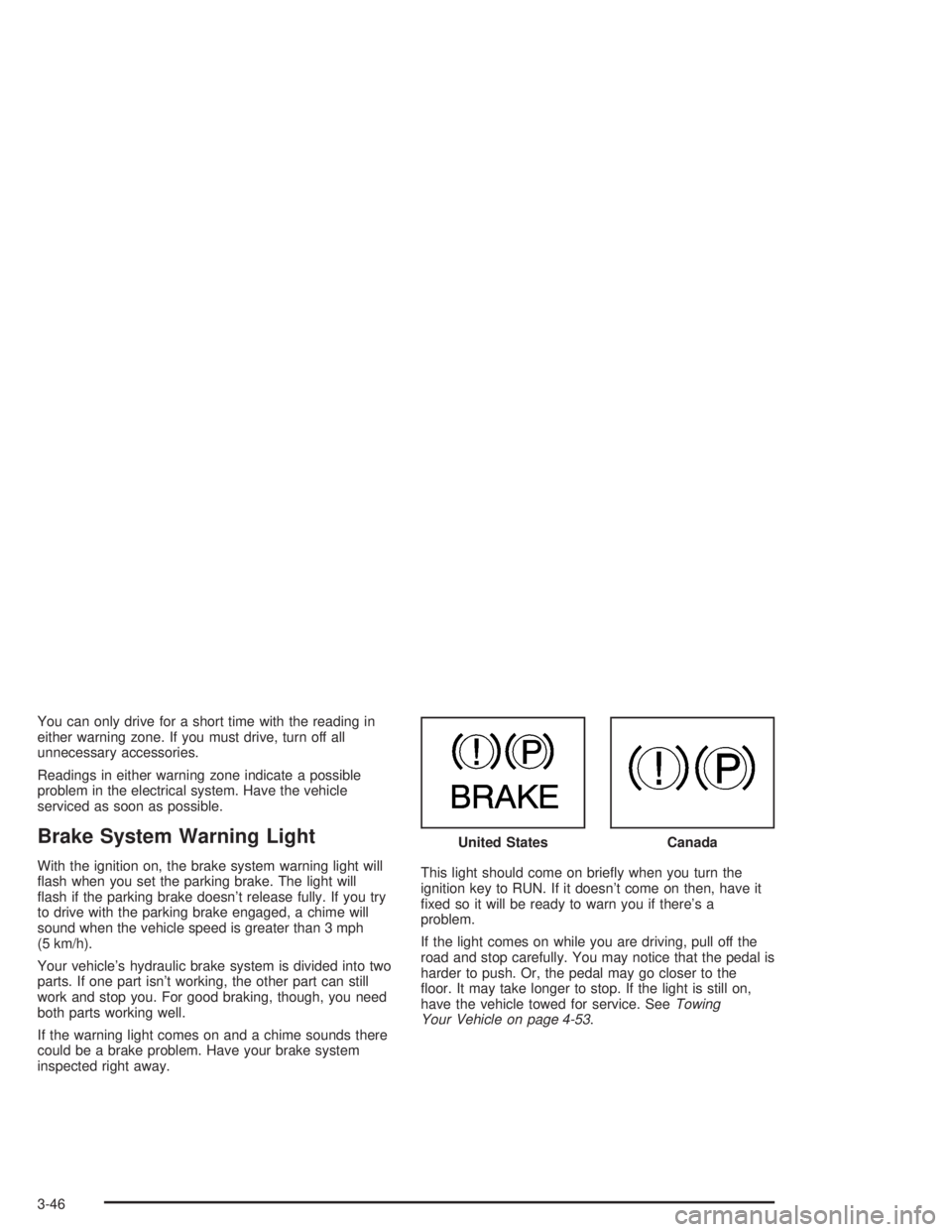
Brake System Warning Light
With the ignition on, the brake system warning light will
ash when you set the parking brake. The light will
ash if the parking brake doesn’t release fully. If you try
to drive with the parking brake engaged, a chime will
sound when the vehicle speed is greater than 3 mph
(5 km/h).
Your vehicle’s hydraulic brake system is divided into two
parts. If one part isn’t working, the other part can still
work and stop you. For good braking, though, you need
both parts working well.
If the warning light comes on and a chime sounds there
could be a brake problem. Have your brake system
inspected right away.This light should come on briey when you turn the
ignition key to RUN. If it doesn’t come on then, have it
xed so it will be ready to warn you if there’s a
problem.
If the light comes on while you are driving, pull off the
road and stop carefully. You may notice that the pedal is
harder to push. Or, the pedal may go closer to the
oor. It may take longer to stop. If the light is still on,
have the vehicle towed for service. SeeTowing
Your Vehicle on page 4-53. United States
Canada
3-46
Page 207 of 554
{CAUTION:
Your brake system may not be working
properly if the brake system warning light is
on. Driving with the brake system warning light
on can lead to an accident. If the light is still
on after you have pulled off the road and
stopped carefully, have the vehicle towed for
service.
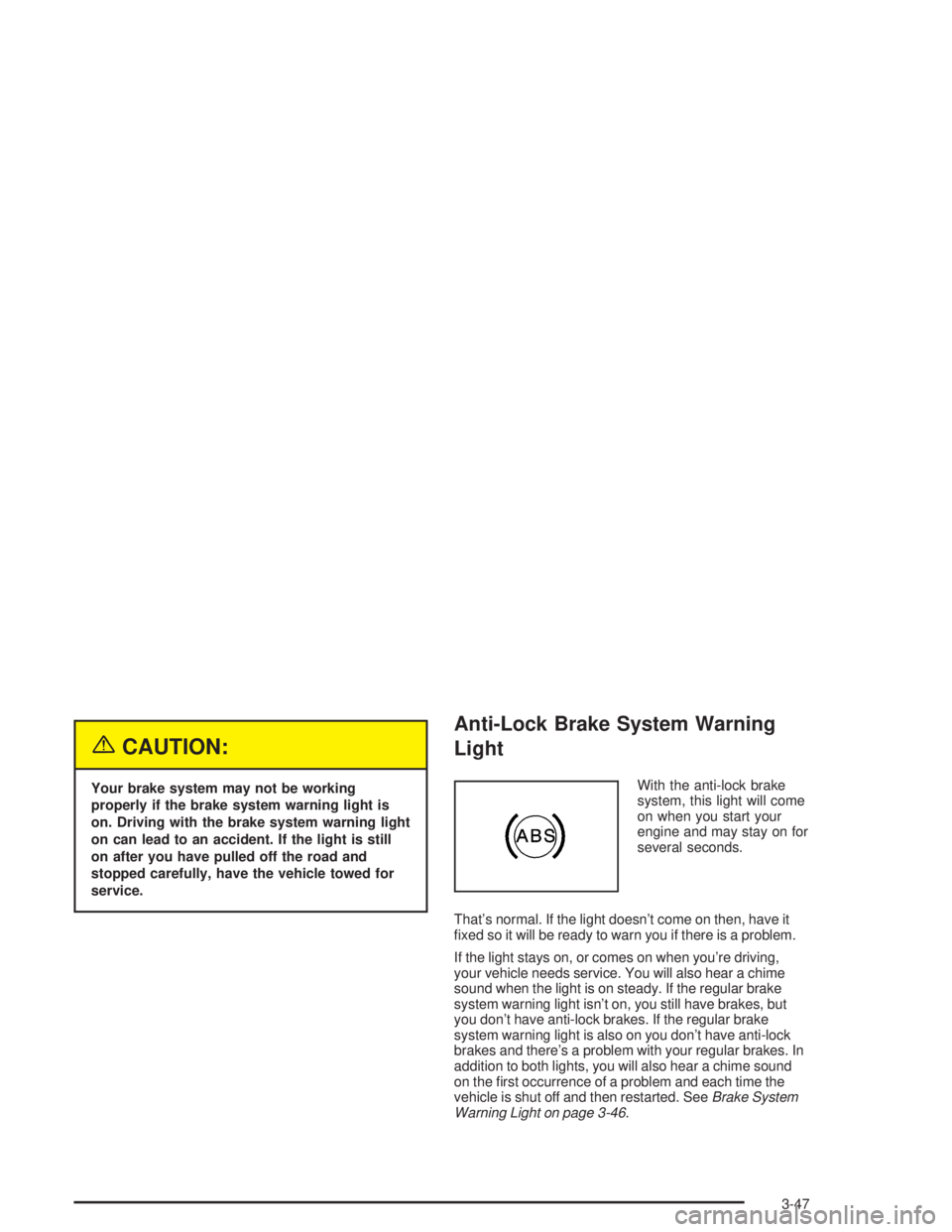
Anti-Lock Brake System Warning
Light
With the anti-lock brake
system, this light will come
on when you start your
engine and may stay on for
several seconds.
That’s normal. If the light doesn’t come on then, have it
xed so it will be ready to warn you if there is a problem.
If the light stays on, or comes on when you’re driving,
your vehicle needs service. You will also hear a chime
sound when the light is on steady. If the regular brake
system warning light isn’t on, you still have brakes, but
you don’t have anti-lock brakes. If the regular brake
system warning light is also on you don’t have anti-lock
brakes and there’s a problem with your regular brakes. In
addition to both lights, you will also hear a chime sound
on the rst occurrence of a problem and each time the
vehicle is shut off and then restarted. SeeBrake System
Warning Light on page 3-46.
3-47
Page 208 of 554
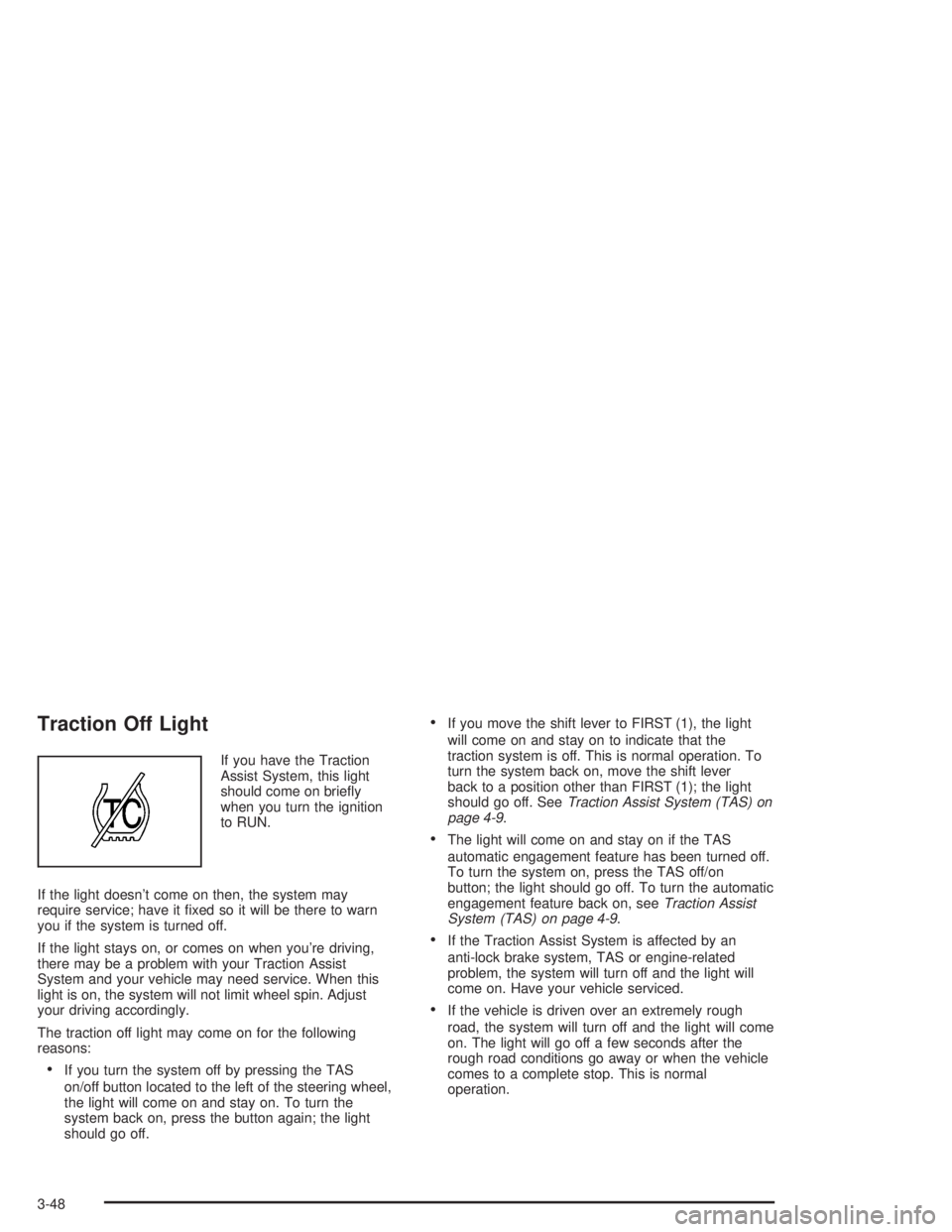
Traction Off Light
If you have the Traction
Assist System, this light
should come on briey
when you turn the ignition
to RUN.
If the light doesn’t come on then, the system may
require service; have it xed so it will be there to warn
you if the system is turned off.
If the light stays on, or comes on when you’re driving,
there may be a problem with your Traction Assist
System and your vehicle may need service. When this
light is on, the system will not limit wheel spin. Adjust
your driving accordingly.
The traction off light may come on for the following
reasons:
If you turn the system off by pressing the TAS
on/off button located to the left of the steering wheel,
the light will come on and stay on. To turn the
system back on, press the button again; the light
should go off.
If you move the shift lever to FIRST (1), the light
will come on and stay on to indicate that the
traction system is off. This is normal operation. To
turn the system back on, move the shift lever
back to a position other than FIRST (1); the light
should go off. SeeTraction Assist System (TAS) on
page 4-9.
The light will come on and stay on if the TAS
automatic engagement feature has been turned off.
To turn the system on, press the TAS off/on
button; the light should go off. To turn the automatic
engagement feature back on, seeTraction Assist
System (TAS) on page 4-9.
If the Traction Assist System is affected by an
anti-lock brake system, TAS or engine-related
problem, the system will turn off and the light will
come on. Have your vehicle serviced.
If the vehicle is driven over an extremely rough
road, the system will turn off and the light will come
on. The light will go off a few seconds after the
rough road conditions go away or when the vehicle
comes to a complete stop. This is normal
operation.
3-48
Page 210 of 554
SeeDriver Information Center (DIC) on page 3-58for
further information.
If the transmission uid reaches temperatures of
approximately 275°F (135°C) or greater, the Driver
Information Center will display a TRANS HOT IDLE
ENGINE warning message, and a chime will sound. Pull
the vehicle off the roadway when it is safe to do so.
Set the parking brake, place the transmission in
PARK (P) and allow the engine to idle until the
transmission temperature falls below 260°F (127°C). If
the transmission continues to operate above 265°F
(130°C), contact your nearest dealer or the GM
Roadside Assistance Center. SeeRoadside Assistance
Program on page 7-6.
Notice:If you drive your vehicle with the
transmission temperature gage above normal
operating range, you can damage the transmission.
This could lead to costly repairs that would not
be covered by your warranty. Do not drive your
vehicle while the transmission temperature gage
reading is above normal. See your dealer for service.The following situations can cause the transmission to
operate at higher temperatures:
Towing a trailer
Hot outside air temperatures
Hauling a large or heavy load
Low transmission uid level
High transmission uid level
Restricted air ow to the radiator and the auxiliary
transmission oil cooler (if equipped).
A temporary solution to hotter transmission operating
temperatures may be to let the transmission cool down.
If the transmission is operated at higher temperatures
on a frequent basis, seeScheduled Maintenance
on page 6-4for the proper transmission maintenance
intervals.
3-50