airbag GMC YUKON 2008 Owner's Guide
[x] Cancel search | Manufacturer: GMC, Model Year: 2008, Model line: YUKON, Model: GMC YUKON 2008Pages: 546, PDF Size: 6.4 MB
Page 159 of 546
A complete OnStar Owner’s Guide and the OnStar
Terms and Conditions are included in the vehicle’s
OnStar Subscriber glove box literature. For more
information, visit onstar.com or onstar.ca, contact
OnStar at 1-888-4-ONSTAR (1-888-466-7827) or
TTY 1-877-248-2080, or press the OnStar button to
speak with an OnStar advisor 24 hours a day,
7 days a week.
Not all OnStar features are available on all vehicles.
To check if your vehicle is equipped to provide the
services described below, or for a full description of
OnStar services and system limitations, see the OnStar
Owner’s Guide in your glove box or visit onstar.com.
OnStar Services
For new vehicles with OnStar, the Safe & Sound Plan,
or the Directions & Connections Plan is included for
one year from the date of purchase. You can extend this
plan beyond the rst year, or upgrade to the Directions
& Connections Plan. For more information, press
the OnStar button to speak with an advisor. Some
OnStar services (such as Remote Door Unlock or Stolen
Vehicle Location Assistance) may not be available
until you register with OnStar.
Available Services with Safe & Sound Plan
Automatic Notication of Airbag Deployment
Advanced Automatic Crash Notication (AACN)
(If equipped)
Link to Emergency Services
Roadside Assistance
Stolen Vehicle Location Assistance
AccidentAssist
Remote Door Unlock/Vehicle Alert
OnStar Vehicle Diagnostics
GM Goodwrench®On Demand Diagnostics
OnStar Hands-Free Calling with 30 complimentary
minutes
OnStar Virtual Advisor (U.S. Only)
2-61
Page 161 of 546
How OnStar Service Works
Your vehicle’s OnStar system has the capability of
recording and transmitting vehicle information. This
information is automatically sent to an OnStar Call
Center at the time of an OnStar button press,
Emergency button press or if your airbags or AACN
system deploys. The vehicle information usually includes
your GPS location and, in the event of a crash,
additional information regarding the accident that your
vehicle has been involved in (e.g. the direction from
which your vehicle was hit). When you use the Virtual
Advisor feature of OnStar Hands-Free Calling, your
vehicle also sends OnStar your GPS location so that we
can provide you with location-based services.
OnStar service cannot work unless your vehicle is in a
place where OnStar has an agreement with a wireless
service provider for service in that area. OnStar
service also cannot work unless you are in a place
where the wireless service provider OnStar has hired for
that area has coverage, network capacity and reception
when the service is needed, and technology that is
compatible with the OnStar service. Not all services are
available everywhere, particularly in remote or
enclosed areas, or at all times.Location information about your vehicle is only available
if the GPS satellite signals are unobstructed and
available.
Your vehicle must have a working electrical system
(including adequate battery power) for the OnStar
equipment to operate. There are other problems OnStar
cannot control that may prevent OnStar from providing
OnStar service to you at any particular time or place.
Some examples are damage to important parts of your
vehicle in an accident, hills, tall buildings, tunnels,
weather or wireless phone network congestion.
Your Responsibility
Increase the radio volume if you cannot hear the OnStar
advisor. If the light next to the OnStar buttons is red,
this means that your system is not functioning properly
and should be checked by your dealer/retailer. If the
light appears clear (no light is appearing), your OnStar
subscription has expired. You can always press the
OnStar button to conrm that your OnStar equipment
is active.
2-63
Page 175 of 546
Instrument Panel Overview...............................3-4
Hazard Warning Flashers................................3-6
Other Warning Devices...................................3-6
Horn.............................................................3-6
Tilt Wheel.....................................................3-6
Turn Signal/Multifunction Lever.........................3-7
Turn and Lane-Change Signals........................3-8
Headlamp High/Low-Beam Changer..................3-9
Flash-to-Pass.................................................3-9
Windshield Wipers..........................................3-9
Rainsense™ II Wipers...................................3-10
Windshield Washer.......................................3-11
Rear Window Wiper/Washer...........................3-12
Cruise Control..............................................3-13
Exterior Lamps.............................................3-16
Headlamps on Reminder................................3-17
Daytime Running Lamps (DRL).......................3-17
Automatic Headlamp System..........................3-18
Fog Lamps..................................................3-19
Auxiliary Roof Mounted Lamp.........................3-19
Instrument Panel Brightness...........................3-20
Dome Lamps...............................................3-20
Dome Lamp Override....................................3-20
Entry Lighting...............................................3-20
Exit Lighting.................................................3-20
Reading Lamps............................................3-21
Electric Power Management...........................3-21Battery Run-Down Protection..........................3-22
Accessory Power Outlet(s).............................3-22
Ashtray(s) and Cigarette Lighter......................3-23
Climate Controls............................................3-23
Climate Control System.................................3-23
Dual Automatic Climate Control System...........3-26
Outlet Adjustment........................................
.3-33
Rear Air Conditioning and Heating System.......3-33
Rear Air Conditioning and Heating System
and Electronic Climate Controls...................3-35
Warning Lights, Gages, and Indicators............3-37
Instrument Panel Cluster................................3-38
Speedometer and Odometer...........................3-39
Trip Odometer..............................................3-39
Tachometer.................................................3-39
Safety Belt Reminders...................................3-39
Airbag Readiness Light..................................3-40
Passenger Airbag Status Indicator...................3-41
Charging System Light..................................3-43
Voltmeter Gage............................................3-44
Brake System Warning Light..........................3-44
Antilock Brake System
Warning Light...........................................3-46
StabiliTrak
®Indicator Light..............................3-46
Engine Coolant Temperature Gage..................3-47
Tire Pressure Light.......................................3-47
Section 3 Instrument Panel
3-1
Page 214 of 546

Passenger Safety Belt Reminder Light
Several seconds after the engine is started, a chime
will sound for several seconds to remind the front
passenger to buckle their safety belt. This would only
occur if the passenger airbag is enabled. SeePassenger
Sensing System on page 1-85for more information.
The passenger safety belt light, located on the
instrument panel, will come on and stay on for several
seconds and then ash for several more.
This chime and light are
repeated if the passenger
remains unbuckled and
the vehicle is in motion.
If the passenger’s safety belt is buckled, neither the
chime nor the light will come on.
Airbag Readiness Light
There is an airbag readiness light on the instrument
panel cluster, which shows the airbag symbol. The
system checks the airbag’s electrical system for
malfunctions. The light tells you if there is an electrical
problem. The system check includes the airbag
sensor, the pretensioners, the airbag modules, the
wiring and the crash sensing and diagnostic module.
For more information on the airbag system, seeAirbag
System on page 1-76.
This light will come on
when you start your
vehicle, and it will ash for
a few seconds. The
light should go out and the
system is ready.
3-40
Page 215 of 546

If the airbag readiness light stays on after you start the
vehicle or comes on when you are driving, your
airbag system may not work properly. Have your vehicle
serviced right away.
{CAUTION:
If the airbag readiness light stays on after you
start your vehicle, it means the airbag system
may not be working properly. The airbags in
your vehicle may not inate in a crash, or they
could even inate without a crash. To help avoid
injury to yourself or others, have your vehicle
serviced right away if the airbag readiness light
stays on after you start your vehicle.
The airbag readiness light should ash for a few
seconds when you start the engine. If the light does not
come on then, have it xed immediately. If there is a
problem with the airbag system, an airbag Driver
Information Center (DIC) message may also come on.
SeeDIC Warnings and Messages on page 3-64for
more information.
Passenger Airbag Status Indicator
Your vehicle has the passenger sensing system.
Your overhead console has a passenger airbag status
indicator.
When you start the vehicle, the passenger airbag status
indicator will light ON and OFF, or the symbol for on
and off, for several seconds as a system check.
Then, after several more seconds, the status indicator
will light either ON or OFF, or either the on or off symbol
to let you know the status of the right front passenger’s
frontal airbag.United States
Canada
3-41
Page 216 of 546
If the word ON or the on symbol is lit on the passenger
airbag status indicator, it means that the right front
passenger’s frontal airbag is enabled (may inate).
{CAUTION:
If the on indicator comes on when you have a
rear-facing child restraint installed in the right
front passenger’s seat, it means that the
passenger sensing system has not turned off
the passenger’s frontal airbag. A child in a
rear-facing child restraint can be seriously
injured or killed if the right front passenger’s
airbag inates. This is because the back of the
rear-facing child restraint would be very close
to the inating airbag. Do not use a rear-facing
child restraint in the right front passenger’s
seat if the airbag is turned on.
{CAUTION:
Even though the passenger sensing system is
designed to turn off the right front passenger’s
frontal airbag if the system detects a rear-facing
child restraint, no system is fail-safe, and no
one can guarantee that an airbag will not deploy
under some unusual circumstance, even
though it is turned off. We recommend that
rear-facing child restraints be secured in the
rear seat, even if the airbag is off.
If the word OFF or the off symbol is lit on the airbag
status indicator, it means that the passenger sensing
system has turned off the right front passenger’s frontal
airbag. SeePassenger Sensing System on page 1-85
for more on this, including important safety information.
3-42
Page 217 of 546
If, after several seconds, both status indicator lights
remain on, or if there are no lights at all, there may be a
problem with the lights or the passenger sensing
system. See your dealer/retailer for service.
{CAUTION:
If the airbag readiness light in the instrument
panel cluster ever comes on and stays on, it
means that something may be wrong with the
airbag system. If this ever happens, have the
vehicle serviced promptly, because an
adult-size person sitting in the right front
passenger’s seat may not have the protection
of the airbag(s). SeeAirbag Readiness Light
on page 3-40for more on this, including
important safety information.
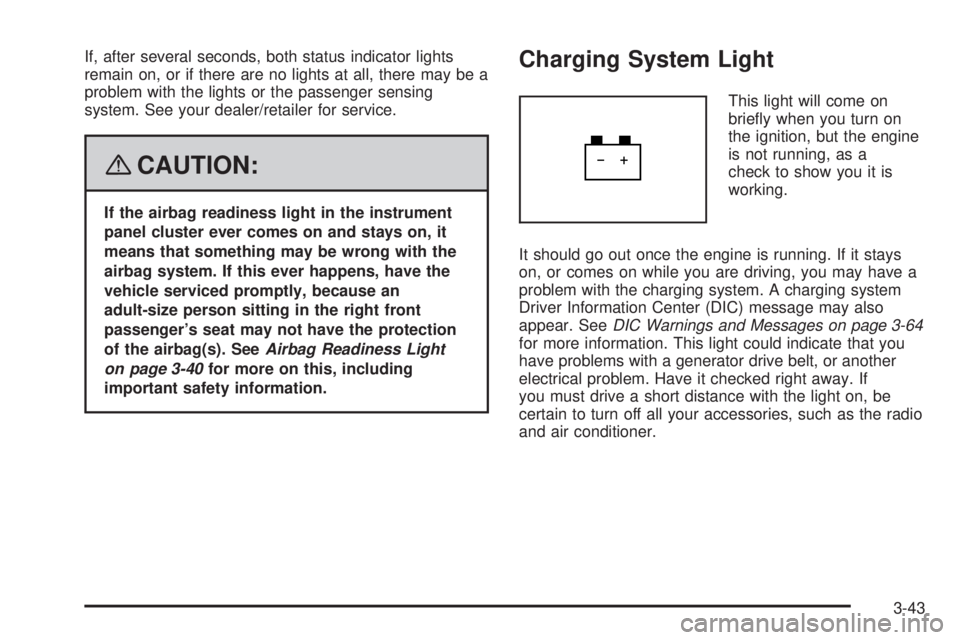
Charging System Light
This light will come on
briey when you turn on
the ignition, but the engine
is not running, as a
check to show you it is
working.
It should go out once the engine is running. If it stays
on, or comes on while you are driving, you may have a
problem with the charging system. A charging system
Driver Information Center (DIC) message may also
appear. SeeDIC Warnings and Messages on page 3-64
for more information. This light could indicate that you
have problems with a generator drive belt, or another
electrical problem. Have it checked right away. If
you must drive a short distance with the light on, be
certain to turn off all your accessories, such as the radio
and air conditioner.
3-43
Page 243 of 546
SERVICE AIR BAG
This message displays if there is a problem with the
airbag system. Have your dealer/retailer inspect
the system for problems. SeeAirbag Readiness Light
on page 3-40andAirbag System on page 1-76for more
information.
SERVICE BATTERY CHARGING
SYSTEM
On some vehicles, this message displays if there is a
problem with the battery charging system. Under certain
conditions, the charging system light may also turn
on in the instrument panel cluster. SeeCharging System
Light on page 3-43. Driving with this problem could
drain the battery. Turn off all unnecessary accessories.
Have the electrical system checked as soon as
possible. See your dealer/retailer.
SERVICE BRAKE SYSTEM
This message displays along with the brake system
warning light if there is a problem with the brake system.
SeeBrake System Warning Light on page 3-44. If this
message appears, stop as soon as possible and turn off
the vehicle. Restart the vehicle and check for the
message on the DIC display. If the message is still
displayed or appears again when you begin driving, the
brake system needs service as soon as possible.
See your dealer/retailer.
SERVICE BRAKES SOON
This message displays if there is a problem with the
brake system. If this message appears, stop as soon as
possible and turn off the vehicle. Restart the vehicle
and check for the message on the DIC display. If
the message is still displayed or appears again when
you begin driving, the brake system needs service. See
your dealer/retailer.
SERVICE PARK ASSIST
If your vehicle has the Ultrasonic Rear Parking Assist
(URPA) system, this message displays if there is a
problem with the URPA system. Do not use this system
to help you park. SeeUltrasonic Rear Parking Assist
(URPA) on page 2-58for more information. See
your dealer/retailer for service.
SERVICE STABILITRAK
If your vehicle has StabiliTrak®and this message
displays, it means there may be a problem with the
StabiliTrak
®system. If you see this message, try to reset
the system. Stop; turn off the engine for at least
15 seconds; then start the engine again. If this message
still comes on, it means there is a problem. You
should see your dealer/retailer for service. The vehicle
is safe to drive, however, you do not have the benet
of StabiliTrak
®, so reduce your speed and drive
accordingly.
3-69
Page 317 of 546
Off-Road Driving
This off-road guide is for vehicles that have four-wheel
drive. Also, seeBraking on page 4-4. If your vehicle
does not have four-wheel drive, you should not
drive off-road unless you are on a level, solid surface.
The airbag system is designed to work properly under a
wide range of conditions, including off-road usage.
Observe safe driving speeds, especially on rough
terrain. As always, wear your safety belt.
Off-road driving can be great fun. But it does have
some denite hazards. The greatest of these is
the terrain itself.
“Off-roading” means you have left the great North
American road system behind. Traffic lanes are not
marked. Curves are not banked. There are no
road signs. Surfaces can be slippery, rough, uphill or
downhill. In short, you have gone right back to nature.
Off-road driving involves some new skills. And that
is why it is very important that you read this guide. You
will nd many driving tips and suggestions. These
will help make your off-road driving safer and more
enjoyable.
If you think you will need some more ground clearance
at the front of your vehicle, you can remove the front
fascia lower air dam.The front fascia lower air dam is held in place by two
bolts and 10 snap features. The bolts and snap features
are accessible from underneath the front fascia.
The following steps must be performed on the bolts and
snap features to remove the air dam:
1. Remove the two outboard air dam bolts.
2. With a at-blade screwdriver, push down on the
snap features and disengage the snaps.
3. After the bolts are removed and the snaps are
disengaged, push forward on the air dam until it
is free.
When you are back on roads, though, be sure to
replace the air dam.
Notice:Operating your vehicle for extended
periods without the front fascia lower air dam
installed can cause improper air ow to the engine.
Always be sure to replace the front fascia air
dam when you are nished off-road driving.
To reinstall the lower air dam do the following:
1. Line up the snap features and push the air dam
rearward to engage the snaps.
2. Install the two outboard bolts.
4-13
Page 371 of 546
Service
For service and parts needs, visit your dealer/retailer.
You will receive genuine GM parts and GM-trained and
supported service people.
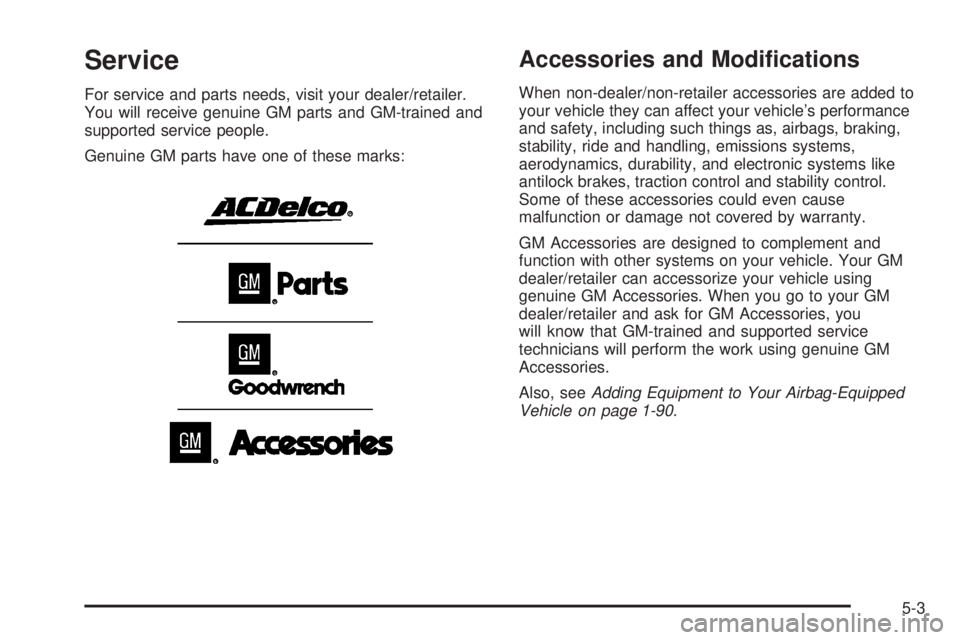
Genuine GM parts have one of these marks:
Accessories and Modications
When non-dealer/non-retailer accessories are added to
your vehicle they can affect your vehicle’s performance
and safety, including such things as, airbags, braking,
stability, ride and handling, emissions systems,
aerodynamics, durability, and electronic systems like
antilock brakes, traction control and stability control.
Some of these accessories could even cause
malfunction or damage not covered by warranty.
GM Accessories are designed to complement and
function with other systems on your vehicle. Your GM
dealer/retailer can accessorize your vehicle using
genuine GM Accessories. When you go to your GM
dealer/retailer and ask for GM Accessories, you
will know that GM-trained and supported service
technicians will perform the work using genuine GM
Accessories.
Also, seeAdding Equipment to Your Airbag-Equipped
Vehicle on page 1-90.
5-3