window GMC YUKON DENALI 2004 User Guide
[x] Cancel search | Manufacturer: GMC, Model Year: 2004, Model line: YUKON DENALI, Model: GMC YUKON DENALI 2004Pages: 468, PDF Size: 3.18 MB
Page 111 of 468
off to save the battery power. You can choose different
feedback options for the alarm. SeeDriver Information
Center (DIC) on page 3-46.
Remember, the theft-deterrent system won't activate if
you lock the doors with a key or use the manual
door lock. It activates only if you use a power door lock
switch with the door open, or with the remote keyless
entry transmitter. You should also remember that
you can start your vehicle with the correct ignition key if
the alarm has been set off.
Here's how to avoid setting off the alarm by accident:
·If you don't want to activate the theft-deterrent
system, the vehicle should be locked with the door
key
afterthe doors are closed.
·Always unlock a door with a key, or use the remote
keyless entry transmitter. Unlocking a door any
other way will set off the alarm.
If you set off the alarm by accident, unlock any door with
the key. You can also turn off the alarm by pressing
unlock on the remote keyless entry transmitter. The alarm
won't stop if you try to unlock a door any other way.
Testing the Alarm
The alarm can be tested by following these steps:
1. From inside the vehicle, lower the driver's window
and open the driver's door.
2. Activate the system by locking the doors with the
power door lock switch while the door is open, or
with the remote keyless entry transmitter.
3. Get out of the vehicle, close the door and wait for
the security light to go out.
4. Then reach in through the window, unlock the door
with the manual door lock and open the door. This
should set off the alarm.
While the alarm is set, the power door unlock switch is
not operational.
If the alarm does not sound when it should but the
headlamps ¯ash, check to see if the horn works. The
horn fuse may be blown. To replace the fuse, see
Fuses
and Circuit Breakers on page 5-103.
If the alarm does not sound or the headlamps do not
¯ash, the vehicle should be serviced by your dealer.
2-17
Page 113 of 468
Ignition Positions
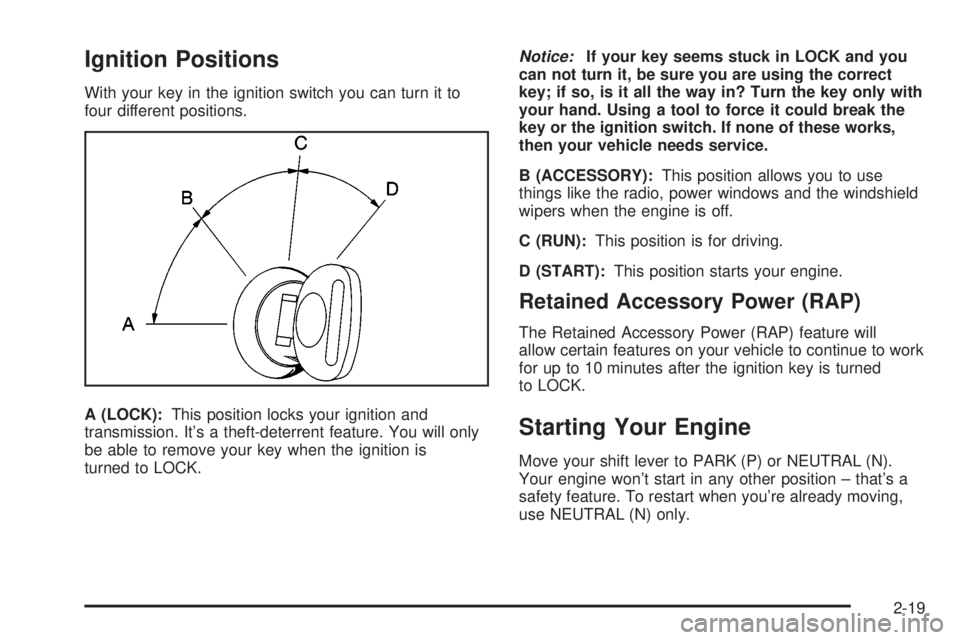
With your key in the ignition switch you can turn it to
four different positions.
A (LOCK):This position locks your ignition and
transmission. It's a theft-deterrent feature. You will only
be able to remove your key when the ignition is
turned to LOCK.
Notice:If your key seems stuck in LOCK and you
can not turn it, be sure you are using the correct
key; if so, is it all the way in? Turn the key only with
your hand. Using a tool to force it could break the
key or the ignition switch. If none of these works,
then your vehicle needs service.
B (ACCESSORY):This position allows you to use
things like the radio, power windows and the windshield
wipers when the engine is off.
C (RUN):This position is for driving.
D (START):This position starts your engine.
Retained Accessory Power (RAP)
The Retained Accessory Power (RAP) feature will
allow certain features on your vehicle to continue to work
for up to 10 minutes after the ignition key is turned
to LOCK.
Starting Your Engine
Move your shift lever to PARK (P) or NEUTRAL (N).
Your engine won't start in any other position ± that's a
safety feature. To restart when you're already moving,
use NEUTRAL (N) only.
2-19
Page 124 of 468
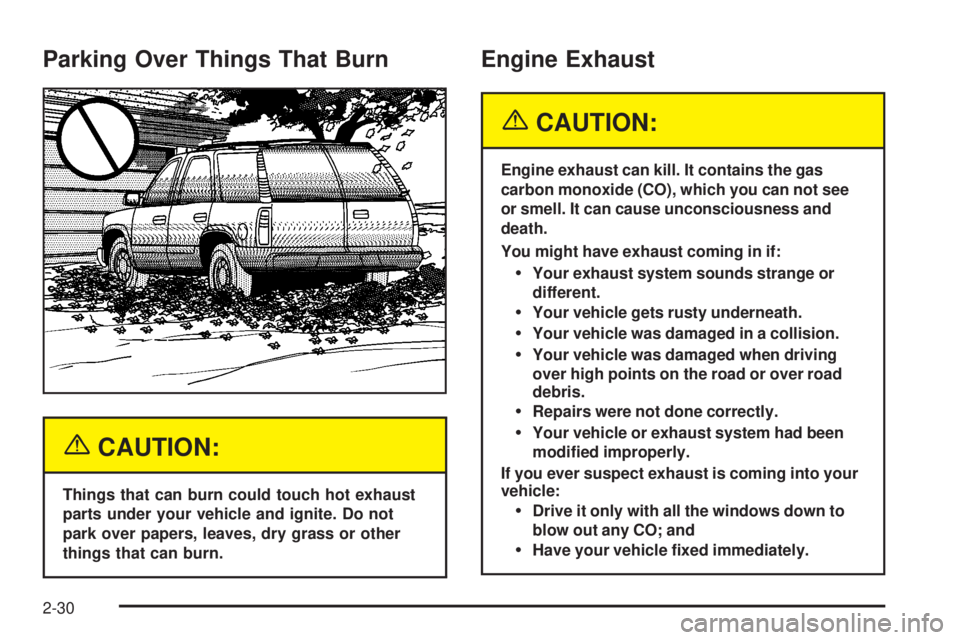
Parking Over Things That Burn
{CAUTION:
Things that can burn could touch hot exhaust
parts under your vehicle and ignite. Do not
park over papers, leaves, dry grass or other
things that can burn.
Engine Exhaust
{CAUTION:
Engine exhaust can kill. It contains the gas
carbon monoxide (CO), which you can not see
or smell. It can cause unconsciousness and
death.
You might have exhaust coming in if:
·Your exhaust system sounds strange or
different.
·Your vehicle gets rusty underneath.
·Your vehicle was damaged in a collision.
·Your vehicle was damaged when driving
over high points on the road or over road
debris.
·Repairs were not done correctly.
·Your vehicle or exhaust system had been
modi®ed improperly.
If you ever suspect exhaust is coming into your
vehicle:
·Drive it only with all the windows down to
blow out any CO; and
·Have your vehicle ®xed immediately.
2-30
Page 128 of 468
3. Keep pressing the on/off button until the desired
zone number appears in the display. Release the
button. After approximately four seconds of
inactivity, the new zone number will be locked in
and the compass/temperature display will return.
4. Calibrate the compass as described below.
Compass Calibration
The compass may need calibration if one of the
following occurs:
·After approximately ®ve seconds, the display does
not show a compass heading (N for North, for
example), there may be a strong magnetic ®eld
interfering with the compass. Such interference may
be caused by a magnetic antenna mount, magnetic
note pad holder or a similar magnetic item.
·The compass does not display the correct heading
and the compass zone variance is set correctly.In order to calibrate, CAL must be displayed in the
mirror compass windows. If CAL is not displayed, push
the on/off button for approximately 12 seconds or
until CAL is displayed.
The compass can be calibrated by driving the vehicle in
circles at 5 mph (8 km/h) or less until the display
reads a direction.
Passenger Air Bag Indicator
Your vehicle may be equipped with a passenger air bag
indicator, on the mirror glass, just above the buttons.
If your vehicle has this feature, the mirror will display the
word ON, or an air bag symbol in Canada, when the
passenger air bag is enabled. For more information, see
Passenger Sensing System on page 1-81.
Cleaning the Mirror
When cleaning the mirror, use a paper towel or similar
material dampened with glass cleaner. Do not spray
glass cleaner directly on the mirror as that may cause
the liquid cleaner to enter the mirror housing.
2-34
Page 130 of 468
Outside Convex Mirror
Your passenger's side mirror is convex. A convex
mirror's surface is curved so you can see more from the
driver's seat.
{CAUTION:
A convex mirror can make things (like other
vehicles) look farther away than they really are.
If you cut too sharply into the right lane, you
could hit a vehicle on your right. Check your
inside mirror or glance over your shoulder
before changing lanes.
Outside Heated Mirrors
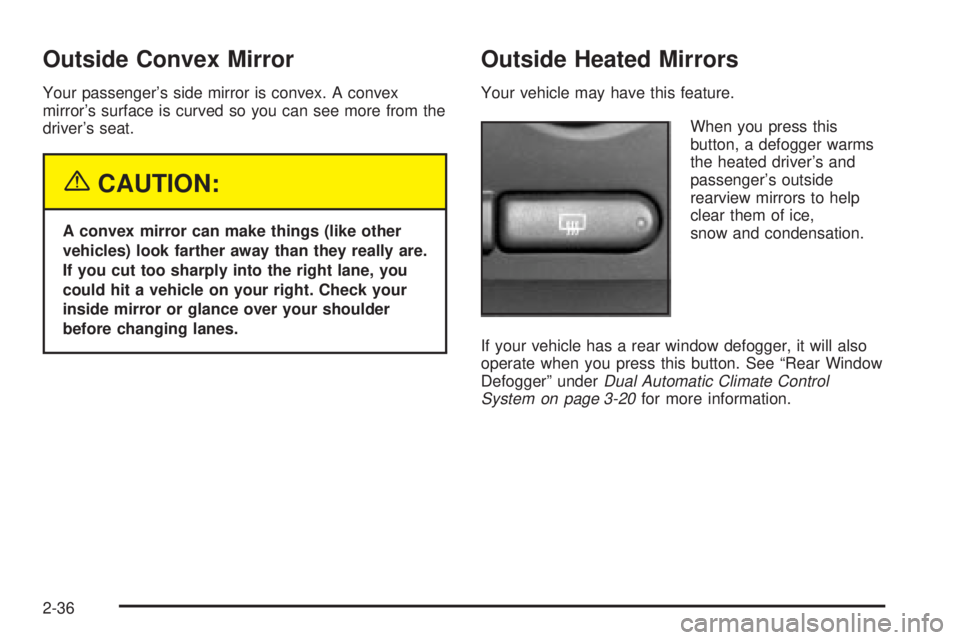
Your vehicle may have this feature.
When you press this
button, a defogger warms
the heated driver's and
passenger's outside
rearview mirrors to help
clear them of ice,
snow and condensation.
If your vehicle has a rear window defogger, it will also
operate when you press this button. See ªRear Window
Defoggerº under
Dual Automatic Climate Control
System on page 3-20for more information.
2-36
Page 149 of 468
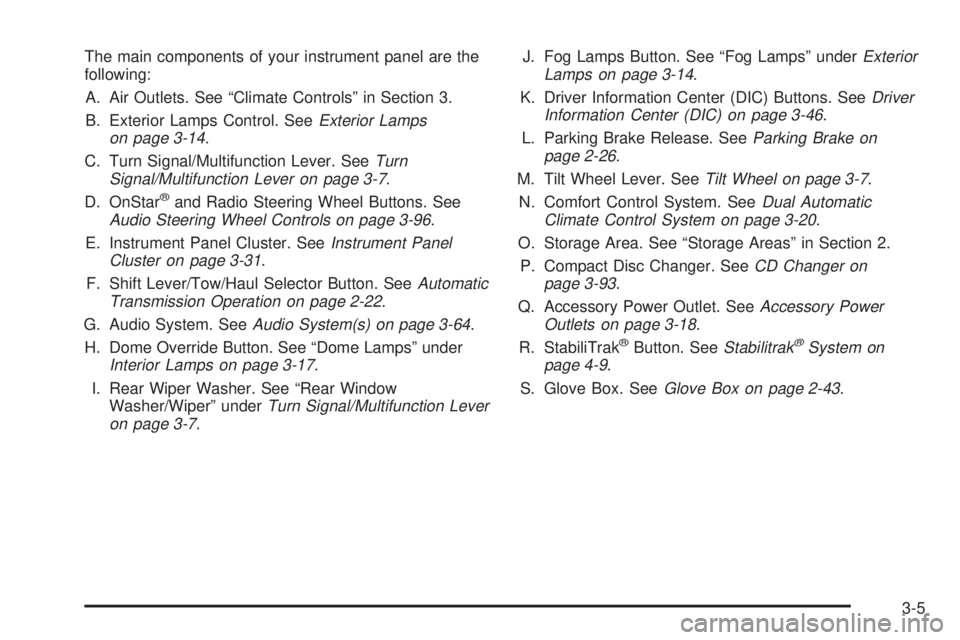
The main components of your instrument panel are the
following:
A. Air Outlets. See ªClimate Controlsº in Section 3.
B. Exterior Lamps Control. See
Exterior Lamps
on page 3-14.
C. Turn Signal/Multifunction Lever. See
Turn
Signal/Multifunction Lever on page 3-7.
D. OnStaržand Radio Steering Wheel Buttons. SeeAudio Steering Wheel Controls on page 3-96.
E. Instrument Panel Cluster. See
Instrument Panel
Cluster on page 3-31.
F. Shift Lever/Tow/Haul Selector Button. See
Automatic
Transmission Operation on page 2-22.
G. Audio System. See
Audio System(s) on page 3-64.
H. Dome Override Button. See ªDome Lampsº under
Interior Lamps on page 3-17.
I. Rear Wiper Washer. See ªRear Window
Washer/Wiperº under
Turn Signal/Multifunction Lever
on page 3-7.J. Fog Lamps Button. See ªFog Lampsº under
Exterior
Lamps on page 3-14.
K. Driver Information Center (DIC) Buttons. See
Driver
Information Center (DIC) on page 3-46.
L. Parking Brake Release. See
Parking Brake on
page 2-26.
M. Tilt Wheel Lever. See
Tilt Wheel on page 3-7.
N. Comfort Control System. See
Dual Automatic
Climate Control System on page 3-20.
O. Storage Area. See ªStorage Areasº in Section 2.
P. Compact Disc Changer. See
CD Changer on
page 3-93.
Q. Accessory Power Outlet. See
Accessory Power
Outlets on page 3-18.
R. StabiliTrakžButton. SeeStabilitrakžSystem on
page 4-9.
S. Glove Box. See
Glove Box on page 2-43.
3-5
Page 154 of 468
Windshield Washer
L
(Washer Fluid):There is a paddle marked with the
windshield washer symbol at the top of the multifunction
lever. To spray washer ¯uid on the windshield, push
the paddle. The wipers will clear the window and then
either stop or return to your preset speed.
{CAUTION:
In freezing weather, do not use your washer
until the windshield is warmed. Otherwise the
washer ¯uid can form ice on the windshield,
blocking your vision.
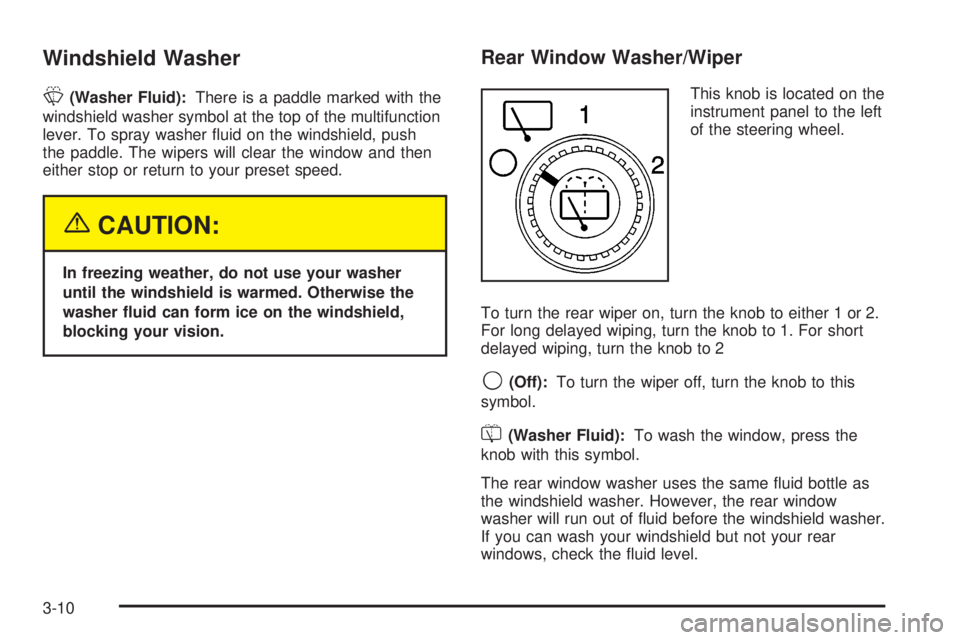
Rear Window Washer/Wiper
This knob is located on the
instrument panel to the left
of the steering wheel.
To turn the rear wiper on, turn the knob to either 1 or 2.
For long delayed wiping, turn the knob to 1. For short
delayed wiping, turn the knob to 2
9(Off):To turn the wiper off, turn the knob to this
symbol.
=(Washer Fluid):To wash the window, press the
knob with this symbol.
The rear window washer uses the same ¯uid bottle as
the windshield washer. However, the rear window
washer will run out of ¯uid before the windshield washer.
If you can wash your windshield but not your rear
windows, check the ¯uid level.
3-10
Page 167 of 468
Pressing this button also cancels the auto recirculation
feature. To resume the auto recirculation function, press
the AUTO button. Each time the vehicle is started, the
system will revert to the auto recirculation function.
If you select recirculation while in defrost, defog or ¯oor,
the light in the button will ¯ash and then go out to let you
know that this is not allowed. This is normal and helps to
prevent fogging.
When the weather is cool or damp, operating the system
in recirculation for extended periods of time may cause
fogging of the vehicle's windows. To clear the fog, select
either defog or front defrost.
You may also notice that the A/C compressor will run
while in recirculation mode. This is normal and helps to
prevent fogging.
9(Off):Press this button to turn off the entire climate
control system. Outside air will still enter the vehicle,
and will be directed to the ¯oor. This direction can
be changed by pressing the mode button. The
temperature can also be adjusted using either
temperature knob. Press the up or down arrows on the
fan switch, the defrost button, the AUTO button, or
the air conditioning button to turn the system on when it
is off.
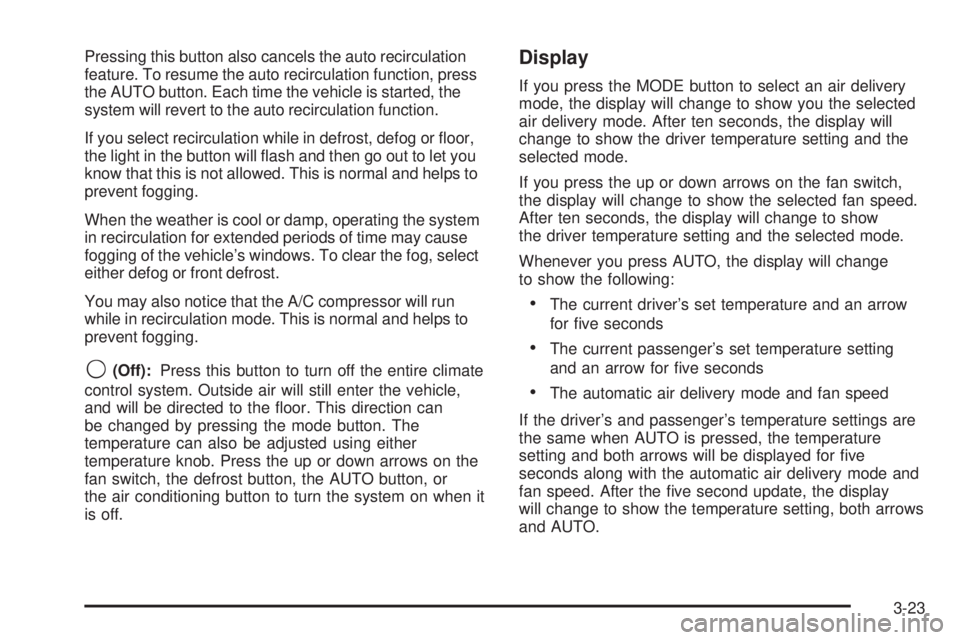
Display
If you press the MODE button to select an air delivery
mode, the display will change to show you the selected
air delivery mode. After ten seconds, the display will
change to show the driver temperature setting and the
selected mode.
If you press the up or down arrows on the fan switch,
the display will change to show the selected fan speed.
After ten seconds, the display will change to show
the driver temperature setting and the selected mode.
Whenever you press AUTO, the display will change
to show the following:
·The current driver's set temperature and an arrow
for ®ve seconds
·The current passenger's set temperature setting
and an arrow for ®ve seconds
·The automatic air delivery mode and fan speed
If the driver's and passenger's temperature settings are
the same when AUTO is pressed, the temperature
setting and both arrows will be displayed for ®ve
seconds along with the automatic air delivery mode and
fan speed. After the ®ve second update, the display
will change to show the temperature setting, both arrows
and AUTO.
3-23
Page 168 of 468
Air Conditioning
#
(Air Conditioning):Press this button to turn the air
conditioning (A/C) compressor on and off. The
snow¯ake symbol will appear on the display when the
A/C is on.
Pressing this button when the outside temperature is
too cool for air conditioning will make the snow¯ake
symbol ¯ash three times and then turn off to let
you know the air conditioning mode is not available.
If the air conditioning is on and the outside temperature
drops below a temperature which is too cool for air
conditioning to be effective, the snow¯ake symbol will
turn off to let you know the air conditioning mode
has been canceled.
^(Air Conditioning Off):On some vehicles, when
you turn the air conditioning off, this symbol will appear
on the display. If your vehicle does not have this
symbol, the snow¯ake symbol will turn off to let you
know the air conditioning is off.
When air conditioning is selected or in AUTO mode, the
system will run the air conditioning automatically to
cool and dehumidify the air entering the vehicle. If you
select A/C off while in front defrost, defog or
recirculation, the A/C snow¯ake symbol will turn off, but
the A/C compressor will still run to help prevent
fogging.On hot days, open the windows long enough to let hot
inside air escape. This reduces the time it takes for
your vehicle to cool down. Then keep your windows
closed for the air conditioner to work its best.
On cool, but sunny days while using manual operation
of the automatic system, use bi-level to deliver warm
air to the ¯oor and cooler air to the instrument
panel outlets. To warm or cool the air delivered, turn the
temperature knob to the desired setting.
In AUTO mode the system will cool and dehumidify the
air inside the vehicle. Also while in AUTO mode, the
system will maximize its performance by using
recirculation as necessary.
Heating
On cold days when using manual operation of the
automatic system, choose ¯oor mode to deliver air to
the ¯oor outlets. To warm or cool the air delivered, turn
the temperature knob to the desired setting.
If you want to use the automatic mode, press
AUTO and adjust the temperature by turning the
temperature knob.
The heater works best if you keep the windows closed
while using it.
3-24
Page 169 of 468
Defogging and Defrosting
You can use either defog or front defrost to clear fog or
frost from your windshield. Use the defog mode to
clear the windows of fog or moisture. Use the front
defrost button to defrost the front windshield.
-(Defog):Use this setting to clear the windows of fog
or moisture. Press the mode button to select this
setting. This setting will deliver air to the ¯oor and
windshield outlets.
0(Front Defrost):Press the front defrost button to
defrost the windshield. The system will automatically
control the fan speed if you select defrost from AUTO
mode. If the outside temperature is 40ÉF (4ÉC) or
warmer, your air conditioning compressor will
automatically run to help dehumidify the air and dry the
windshield.
Rear Window Defogger
If your vehicle has this feature, the lines you see on the
rear window warm the glass. The rear window
defogger uses a warming grid to remove fog from the
rear window.
<(Rear):Press this button to turn the rear window
defogger on or off. An indicator light in the button
will come on to let you know that the rear window
defogger is activated.
The rear window defogger will turn off about 10 minutes
after the button is pressed. If you need additional
warming time, press the button again.
If your vehicle is equipped with heated mirrors this
button will activate them.
Notice:Using a razor blade or sharp object to clear
the inside rear window may damage the rear
window defogger. Repairs would not be covered by
your warranty. Do not clear the inside of the rear
window with sharp objects.
3-25