navigation GMC YUKON DENALI 2009 Service Manual
[x] Cancel search | Manufacturer: GMC, Model Year: 2009, Model line: YUKON DENALI, Model: GMC YUKON DENALI 2009Pages: 100, PDF Size: 1.41 MB
Page 93 of 100
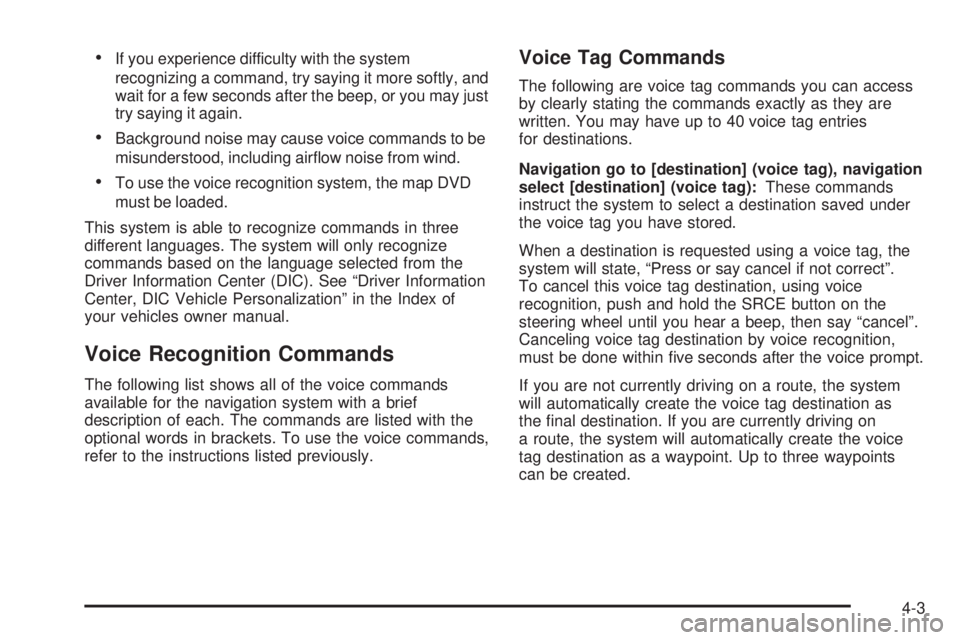
If you experience difficulty with the system
recognizing a command, try saying it more softly, and
wait for a few seconds after the beep, or you may just
try saying it again.
Background noise may cause voice commands to be
misunderstood, including airow noise from wind.
To use the voice recognition system, the map DVD
must be loaded.
This system is able to recognize commands in three
different languages. The system will only recognize
commands based on the language selected from the
Driver Information Center (DIC). See “Driver Information
Center, DIC Vehicle Personalization” in the Index of
your vehicles owner manual.
Voice Recognition Commands
The following list shows all of the voice commands
available for the navigation system with a brief
description of each. The commands are listed with the
optional words in brackets. To use the voice commands,
refer to the instructions listed previously.
Voice Tag Commands
The following are voice tag commands you can access
by clearly stating the commands exactly as they are
written. You may have up to 40 voice tag entries
for destinations.
Navigation go to [destination] (voice tag), navigation
select [destination] (voice tag):These commands
instruct the system to select a destination saved under
the voice tag you have stored.
When a destination is requested using a voice tag, the
system will state, “Press or say cancel if not correct”.
To cancel this voice tag destination, using voice
recognition, push and hold the SRCE button on the
steering wheel until you hear a beep, then say “cancel”.
Canceling voice tag destination by voice recognition,
must be done within ve seconds after the voice prompt.
If you are not currently driving on a route, the system
will automatically create the voice tag destination as
the nal destination. If you are currently driving on
a route, the system will automatically create the voice
tag destination as a waypoint. Up to three waypoints
can be created.
4-3
Page 94 of 100
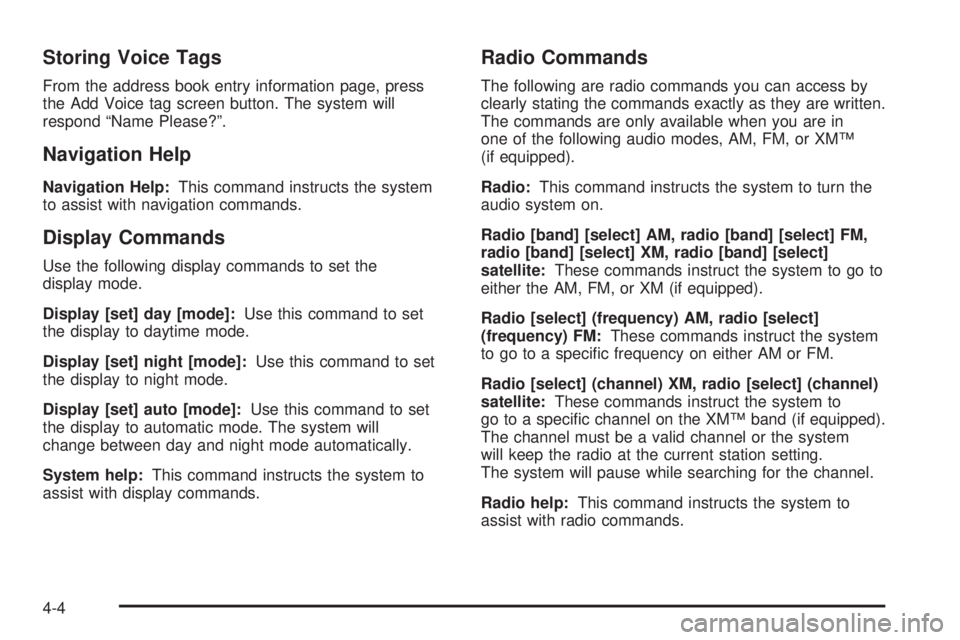
Storing Voice Tags
From the address book entry information page, press
the Add Voice tag screen button. The system will
respond “Name Please?”.
Navigation Help
Navigation Help:This command instructs the system
to assist with navigation commands.
Display Commands
Use the following display commands to set the
display mode.
Display [set] day [mode]:Use this command to set
the display to daytime mode.
Display [set] night [mode]:Use this command to set
the display to night mode.
Display [set] auto [mode]:Use this command to set
the display to automatic mode. The system will
change between day and night mode automatically.
System help:This command instructs the system to
assist with display commands.
Radio Commands
The following are radio commands you can access by
clearly stating the commands exactly as they are written.
The commands are only available when you are in
one of the following audio modes, AM, FM, or XM™
(if equipped).
Radio:This command instructs the system to turn the
audio system on.
Radio [band] [select] AM, radio [band] [select] FM,
radio [band] [select] XM, radio [band] [select]
satellite:These commands instruct the system to go to
either the AM, FM, or XM (if equipped).
Radio [select] (frequency) AM, radio [select]
(frequency) FM:These commands instruct the system
to go to a specic frequency on either AM or FM.
Radio [select] (channel) XM, radio [select] (channel)
satellite:These commands instruct the system to
go to a specic channel on the XM™ band (if equipped).
The channel must be a valid channel or the system
will keep the radio at the current station setting.
The system will pause while searching for the channel.
Radio help:This command instructs the system to
assist with radio commands.
4-4
Page 97 of 100
A
Adding Destinations to the Address Book...........2-28
Adding or Changing Preset Destinations.............2-29
Alpha-Numeric Keyboard................................... 2-3
Audio Players.................................................3-11
CD ............................................................3-11
Audio System
Radio.......................................................... 3-2
Auto Reroute..................................................2-14
Auxiliary Devices............................................3-23
C
Canadian Owners............................................... iii
Canadian Owners (Propriétaires Canadiens)........... iii
Canceling Guidance........................................1-12
Care of Your CDs and DVDs ............................3-22
CD Messages................................................3-16
CD Player......................................................3-11
CDs
Care ..........................................................3-22
Cleaning the Video Screen...............................1-12
Congure Menu..............................................2-30
D
Database Coverage Explanations......................2-49
Deleting Personal Information............................. 1-7
Destination,Navigation......................................2-15
Devices, Auxiliary............................................3-23
Display..........................................................2-44
Driving on a Route..........................................2-13
DVD Map Disc Messages.................................. 2-6
DVD Menu Options.........................................3-18
DVD Messages..............................................3-22
DVD Player....................................................3-17
DVDs
Care ..........................................................3-22
E
Ejecting the DVD Map Disc............................... 2-5
F
Finding a Station.............................................. 3-3
1
Page 98 of 100
G
Getting Started, Navigation................................ 1-4
Getting Started on Your Route..........................2-25
Global Positioning System (GPS)......................2-46
Guidance Volume...........................................1-12
H
Handling the DVD Map Disc.............................. 2-6
Hard Keys....................................................... 2-2
Hybrid Screens...............................................1-12
I
Installing the DVD Map Disc.............................. 2-4
L
Language — English/Metric................................ 1-7
Limit Features While Driving............................... 1-7
M
Map Adjustments.............................................. 2-6
Map Coverage................................................. 2-4
Map Scales..................................................... 2-7
Maps .............................................................. 2-4
Menu
Congure...................................................2-30
N
Nav (Navigation).............................................2-31
Navigation
Database Coverage Explanations...................2-49
Destination.................................................2-15
Getting Started............................................. 1-4
Maps ........................................................... 2-4
Route Guidance Problems............................2-48
System Overview.......................................... 1-2
Using the System.......................................... 2-2
Vehicle Positioning.......................................2-47
Navigation, Servicing the System......................2-48
2
Page 99 of 100
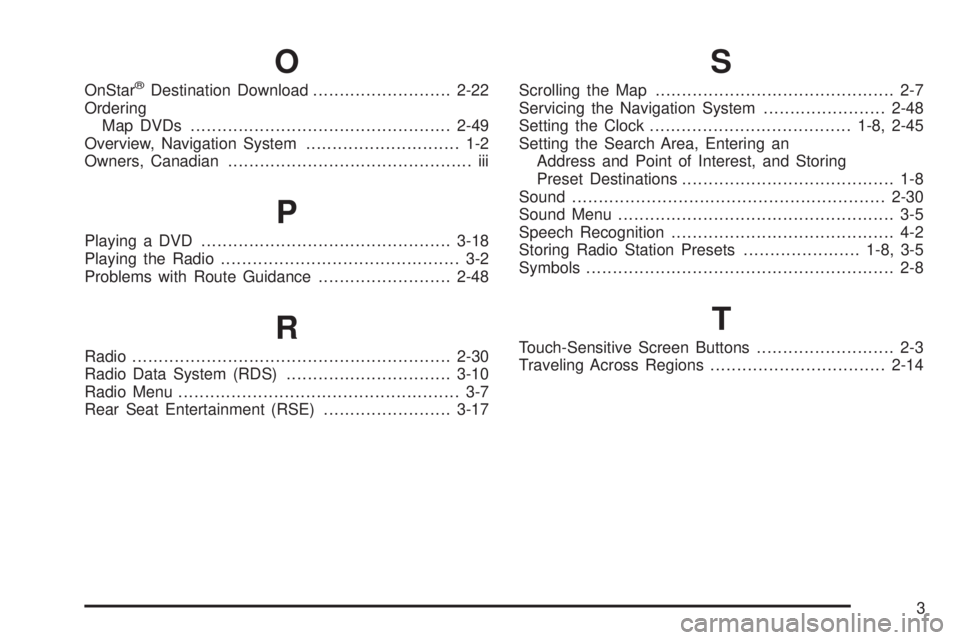
O
OnStar®Destination Download..........................2-22
Ordering
Map DVDs .................................................2-49
Overview, Navigation System............................. 1-2
Owners, Canadian.............................................. iii
P
Playing a DVD...............................................3-18
Playing the Radio............................................. 3-2
Problems with Route Guidance.........................2-48
R
Radio............................................................2-30
Radio Data System (RDS)...............................3-10
Radio Menu..................................................... 3-7
Rear Seat Entertainment (RSE)........................3-17
S
Scrolling the Map............................................. 2-7
Servicing the Navigation System.......................2-48
Setting the Clock......................................1-8, 2-45
Setting the Search Area, Entering an
Address and Point of Interest, and Storing
Preset Destinations........................................ 1-8
Sound...........................................................2-30
Sound Menu.................................................... 3-5
Speech Recognition.......................................... 4-2
Storing Radio Station Presets......................1-8, 3-5
Symbols.......................................................... 2-8
T
Touch-Sensitive Screen Buttons.......................... 2-3
Traveling Across Regions.................................2-14
3
Page 100 of 100
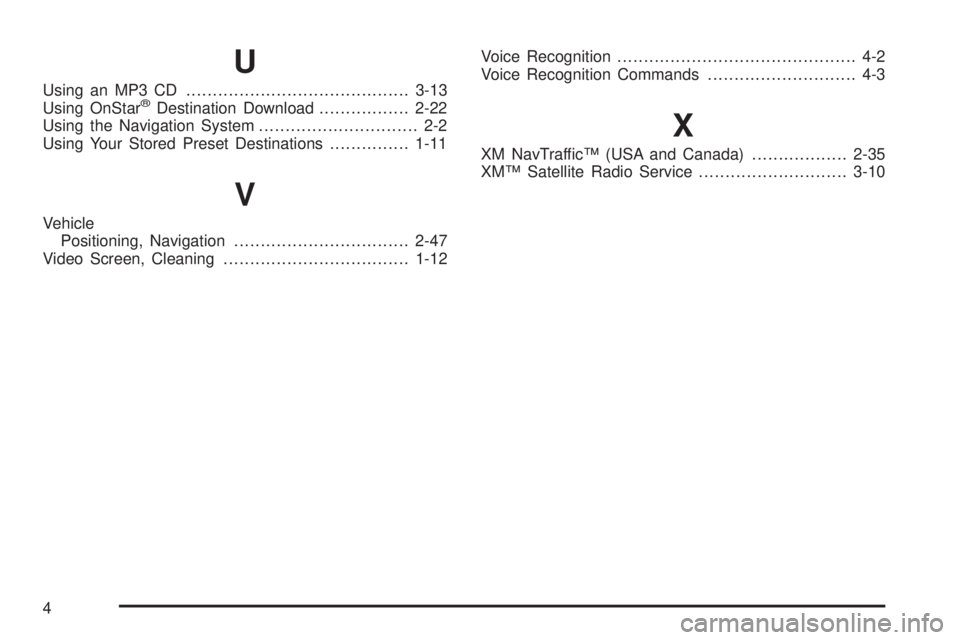
U
Using an MP3 CD..........................................3-13
Using OnStar®Destination Download.................2-22
Using the Navigation System.............................. 2-2
Using Your Stored Preset Destinations...............1-11
V
Vehicle
Positioning, Navigation.................................2-47
Video Screen, Cleaning...................................1-12Voice Recognition............................................. 4-2
Voice Recognition Commands............................ 4-3
X
XM NavTraffic™ (USA and Canada)..................2-35
XM™ Satellite Radio Service............................3-10
4