air condition GMC YUKON XL DENALI 2005 Owners Manual
[x] Cancel search | Manufacturer: GMC, Model Year: 2005, Model line: YUKON XL DENALI, Model: GMC YUKON XL DENALI 2005Pages: 62, PDF Size: 1.17 MB
Page 44 of 62
Global Positioning System (GPS)
The navigation system determines the position of your
vehicle by using satellite signals, various vehicle signals
and map data.
The Global Positioning System (GPS) locates the
current position of your vehicle using signals sent by the
United States Department of Defense GPS satellites.
While your vehicle is receiving signals from these
satellites, GPS will not appear on the map screen.
However, at times, other interferences such as
the satellite condition, road conguration, the condition
of the vehicle and/or other circumstances can interfere
with the system’s ability to determine the accurate
position of the vehicle. This is when GPS will appear on
the map screen.The system may not be available or interferences may
occur if any of the following are true:Signals are obstructed by tall buildings, large trucks
or a tunnel.
Metallic objects are located on the dashboard.
Satellites are being repaired or improved.
Aftermarket glass tinting has been applied to the
vehicle’s windshield.
Do not apply aftermarket glass tinting to the vehicle’s
windshield or place metallic objects on the vehicle’s
dashboard. Glass tinting and metallic objects will
interfere with the system’s ability to receive GPS signals
and may cause the system to malfunction.
If you are experiencing a problem, seeVehicle
Positioning on page 2-35andProblems with Route
Guidance on page 2-36for more information.
2-34
Page 55 of 62
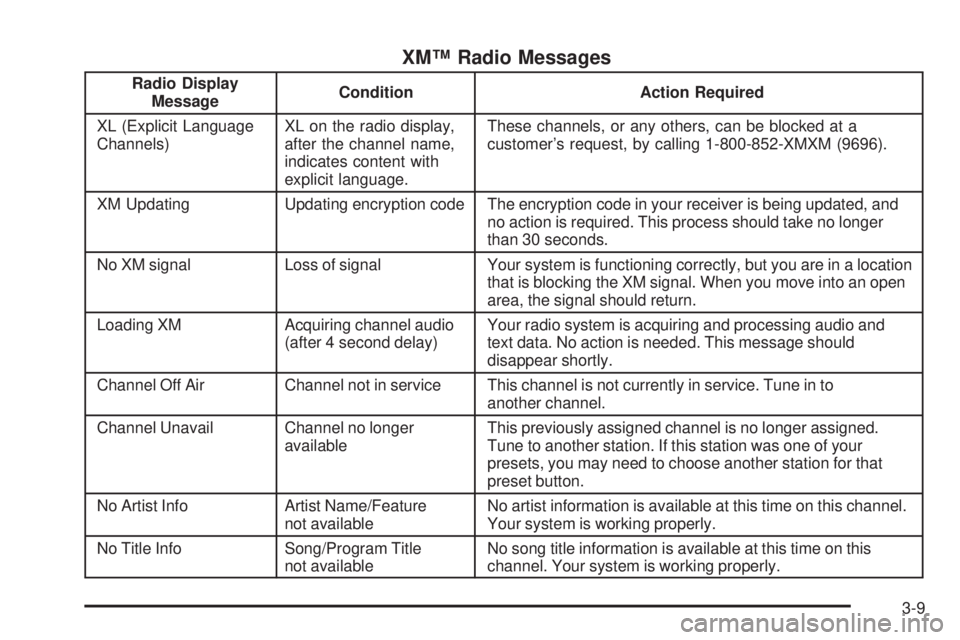
XM™ Radio Messages
Radio Display
MessageCondition Action Required
XL (Explicit Language
Channels)XL on the radio display,
after the channel name,
indicates content with
explicit language.These channels, or any others, can be blocked at a
customer’s request, by calling 1-800-852-XMXM (9696).
XM Updating Updating encryption code The encryption code in your receiver is being updated, and
no action is required. This process should take no longer
than 30 seconds.
No XM signal Loss of signal Your system is functioning correctly, but you are in a location
that is blocking the XM signal. When you move into an open
area, the signal should return.
Loading XM Acquiring channel audio
(after 4 second delay)Your radio system is acquiring and processing audio and
text data. No action is needed. This message should
disappear shortly.
Channel Off Air Channel not in service This channel is not currently in service. Tune in to
another channel.
Channel Unavail Channel no longer
availableThis previously assigned channel is no longer assigned.
Tune to another station. If this station was one of your
presets, you may need to choose another station for that
preset button.
No Artist Info Artist Name/Feature
not availableNo artist information is available at this time on this channel.
Your system is working properly.
No Title Info Song/Program Title
not availableNo song title information is available at this time on this
channel. Your system is working properly.
3-9