wheel HONDA ACCORD 2022 User Guide
[x] Cancel search | Manufacturer: HONDA, Model Year: 2022, Model line: ACCORD, Model: HONDA ACCORD 2022Pages: 657, PDF Size: 11.42 MB
Page 51 of 657
49
uuAirbags uTypes of Airbags
Continued
Safe Driving
Types of Airbags
Your vehicle is equipped with four types of airbags:
• Front airbags: Airbags in front of the driver’s and front passenger’s seats.
• Front knee airbags: Airbags under the steering co lumn and under the glove
box.
• Side airbags: Airbags in the driver’s and front passenger’s seat-backs.
• Side curtain airbags: Airbags above the side windows.
Each is discussed in the following pages.
Front Airbags (SRS)
The front SRS airbags inflate in a moderate-to-severe frontal collision to help protect
the head and chest of the driver and/or front passenger.
SRS (Supplemental Restraint System) indica tes that the airbags are designed to
supplement seat belts, not replace them . Seat belts are the occupant’s primary
restraint system.
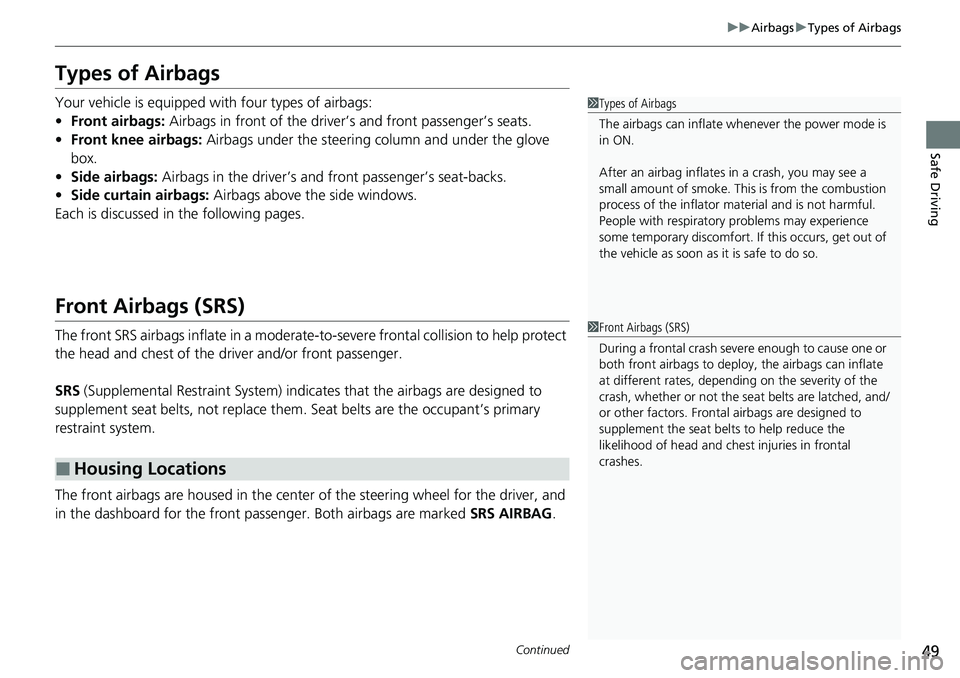
The front airbags are housed in the center of the steering wheel for the driver, and
in the dashboard for the front pass enger. Both airbags are marked SRS AIRBAG.
■Housing Locations
1Types of Airbags
The airbags can inflate whenever the power mode is
in ON.
After an airbag inflates in a crash, you may see a
small amount of smoke. This is from the combustion
process of the infl ator material and is not harmful.
People with respiratory pr oblems may experience
some temporary discomfort. If this occurs, get out of
the vehicle as soon as it is safe to do so.
1 Front Airbags (SRS)
During a frontal crash severe enough to cause one or
both front airbags to deploy, the airbags can inflate
at different rates, dependi ng on the severity of the
crash, whether or not the se at belts are latched, and/
or other factors. Frontal airbags are designed to
supplement the seat belts to help reduce the
likelihood of head and chest injuries in frontal
crashes.
Page 55 of 657
53
uuAirbags uFront Airbags (SRS)
Safe Driving
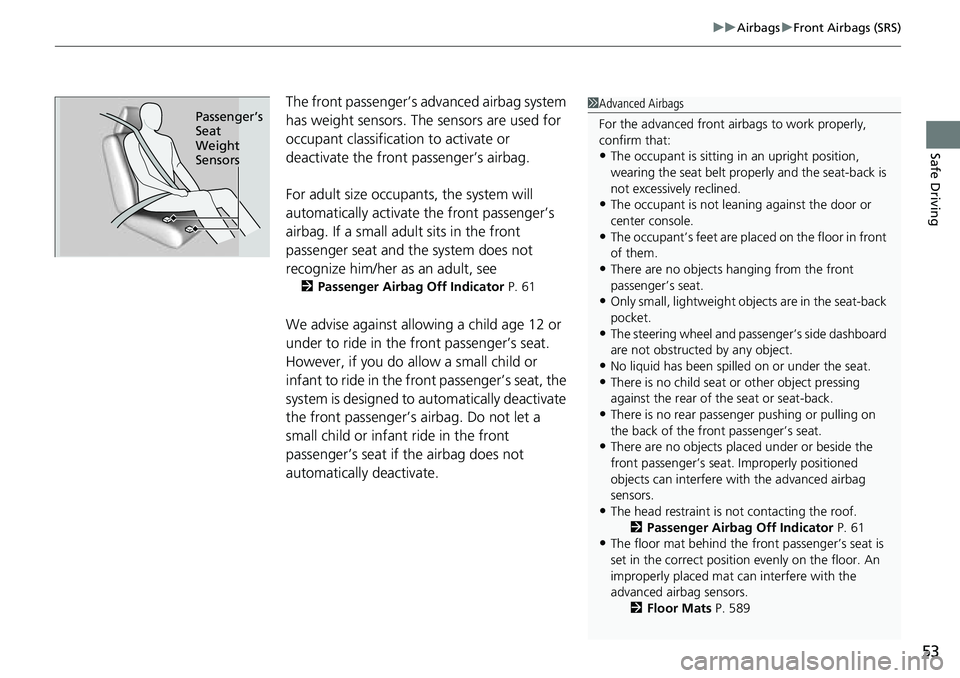
The front passenger’s ad vanced airbag system
has weight sensors. The sensors are used for
occupant classification to activate or
deactivate the front passenger’s airbag.
For adult size occupant s, the system will
automatically activate the front passenger’s
airbag. If a small adult sits in the front
passenger seat and the system does not
recognize him/her as an adult, see
2 Passenger Airbag Off Indicator P. 61
We advise against allowing a child age 12 or
under to ride in the front passenger’s seat.
However, if you do allow a small child or
infant to ride in the front passenger’s seat, the
system is designed to automatically deactivate
the front passenger’s airbag. Do not let a
small child or infant ride in the front
passenger’s seat if the airbag does not
automatically deactivate.
1 Advanced Airbags
For the advanced front airbags to work properly,
confirm that:
•The occupant is sitting in an upright position,
wearing the seat belt prope rly and the seat-back is
not excessively reclined.
•The occupant is not leaning against the door or
center console.
•The occupant’s feet are plac ed on the floor in front
of them.
•There are no objects ha nging from the front
passenger’s seat.
•Only small, lightweight objects are in the seat-back
pocket.
•The steering wheel and passenger’s side dashboard
are not obstructed by any object.
•No liquid has been spille d on or under the seat.•There is no child seat or other object pressing
against the rear of the seat or seat-back.
•There is no rear passenger pushing or pulling on
the back of the front passenger’s seat.
•There are no objects placed under or beside the
front passenger’s seat . Improperly positioned
objects can interfere with the advanced airbag
sensors.
•The head restraint is not contacting the roof.
2 Passenger Airbag Off Indicator P. 61
•The floor mat behind the front passenger’s seat is
set in the correct position evenly on the floor. An
improperly placed mat can interfere with the
advanced airbag sensors. 2Floor Mats P. 589
Passenger’s
Seat
Weight
Sensors
Page 101 of 657
99
uuIndicators u
Continued
Instrument Panel
IndicatorNameOn/BlinkingExplanationMessage
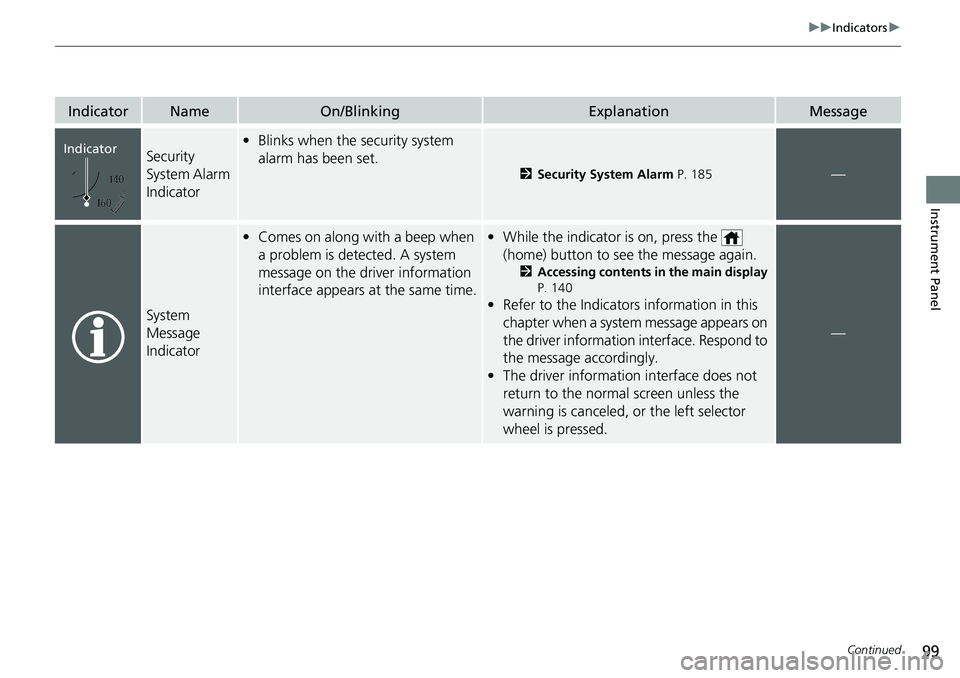
Security
System Alarm
Indicator•Blinks when the security system
alarm has been set.
2 Security System Alarm P. 185—
System
Message
Indicator
•Comes on along with a beep when
a problem is detected. A system
message on the driver information
interface appears at the same time.• While the indicator is on, press the
(home) button to see the message again.
2 Accessing contents in the main display
P. 140
• Refer to the Indicators information in this
chapter when a system message appears on
the driver information interface. Respond to
the message accordingly.
• The driver information interface does not
return to the normal screen unless the
warning is canceled, or the left selector
wheel is pressed.
—
Indicator
Page 111 of 657
109
uuIndicators uDriver Information Interface Wa rning and Information Messages
Continued
Instrument Panel
Driver Information Interface Warning and Information Messages
The following messages appear only on the driver info rmation interface. Press the (home) button, select Warnings, then press the left
selector wheel to see the message agai n with the system message indicator on.
MessageConditionExplanation
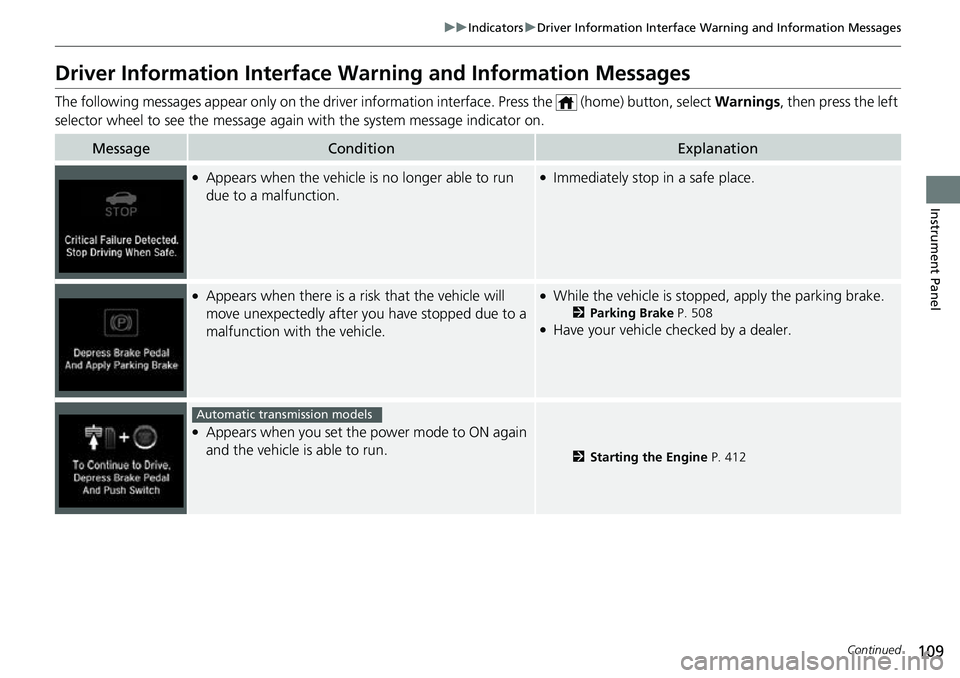
●Appears when the vehicle is no longer able to run
due to a malfunction.●Immediately stop in a safe place.
●Appears when there is a ri sk that the vehicle will
move unexpectedly after you have stopped due to a
malfunction with the vehicle.●While the vehicle is stopped, apply the parking brake.
2 Parking Brake P. 508●Have your vehicle checked by a dealer.
●Appears when you set the power mode to ON again
and the vehicle is able to run.
2Starting the Engine P. 412
Automatic transmission models
Page 116 of 657
114
uuIndicators uDriver Information Interface Wa rning and Information Messages
Instrument Panel
MessageConditionExplanation
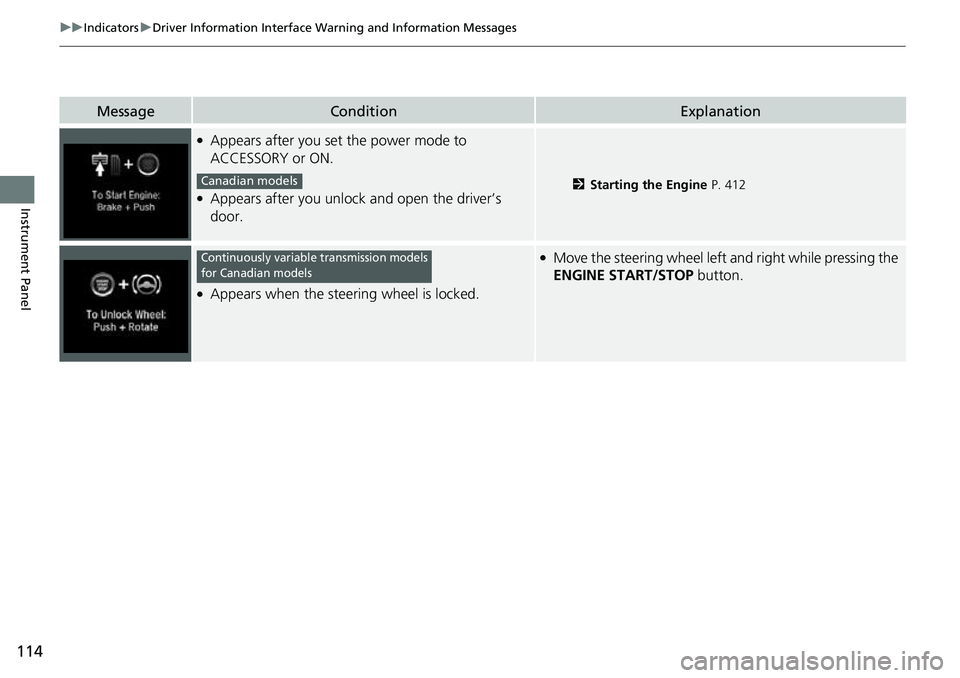
●Appears after you set the power mode to
ACCESSORY or ON.
●Appears after you unlock and open the driver’s
door.2Starting the Engine P. 412
●Appears when the steering wheel is locked.
●Move the steering wheel left and right while pressing the
ENGINE START/STOP button.
Canadian models
Continuously variable transmission models
for Canadian models
Page 138 of 657
136
uuIndicators uDriver Information Interface Wa rning and Information Messages
Instrument Panel
MessageConditionExplanation
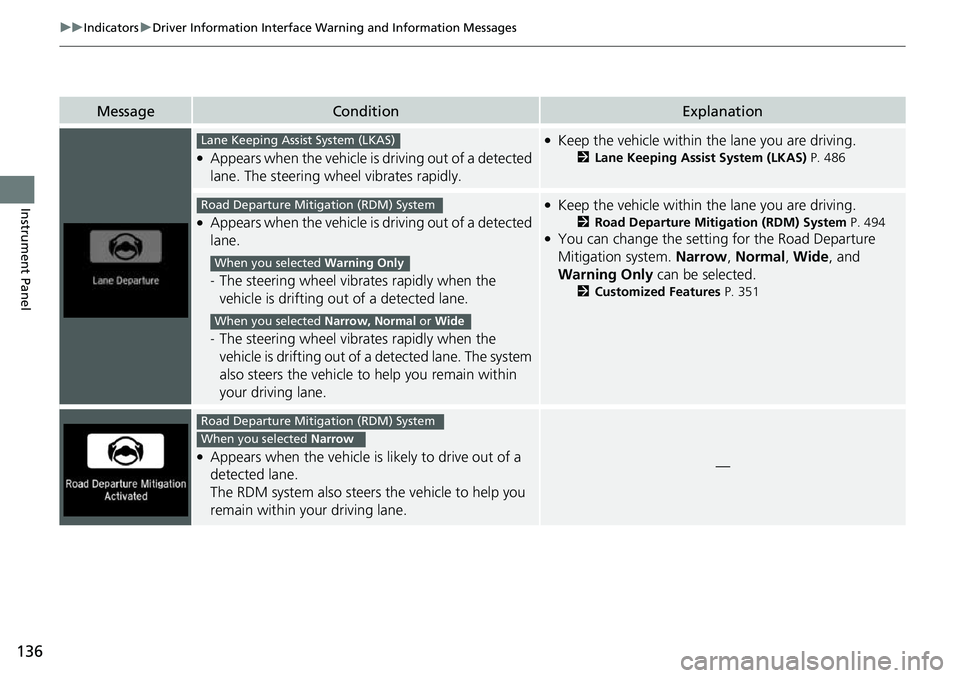
●Appears when the vehicle is driving out of a detected
lane. The steering wheel vibrates rapidly.
●Keep the vehicle within the lane you are driving.
2Lane Keeping Assist System (LKAS) P. 486
●Appears when the vehicle is driving out of a detected
lane.
-The steering wheel vibrates rapidly when the
vehicle is drifting out of a detected lane.
- The steering wheel vibrates rapidly when the
vehicle is drifting out of a detected lane. The system
also steers the vehicle to help you remain within
your driving lane.
●Keep the vehicle within the lane you are driving.
2 Road Departure Mitigation (RDM) System P. 494●You can change the setting for the Road Departure
Mitigation system. Narrow, Normal , Wide , and
Warning Only can be selected.
2Customized Features P. 351
●Appears when the vehicle is likely to drive out of a
detected lane.
The RDM system also steers the vehicle to help you
remain within your driving lane.—
Lane Keeping Assist System (LKAS)
Road Departure Mitigation (RDM) System
When you selected Warning Only
When you selected Narrow, Normal or Wide
Road Departure Mitigation (RDM) System
When you selected Narrow
Page 139 of 657
137
uuIndicators uDriver Information Interface Wa rning and Information Messages
Continued
Instrument Panel
MessageConditionExplanation
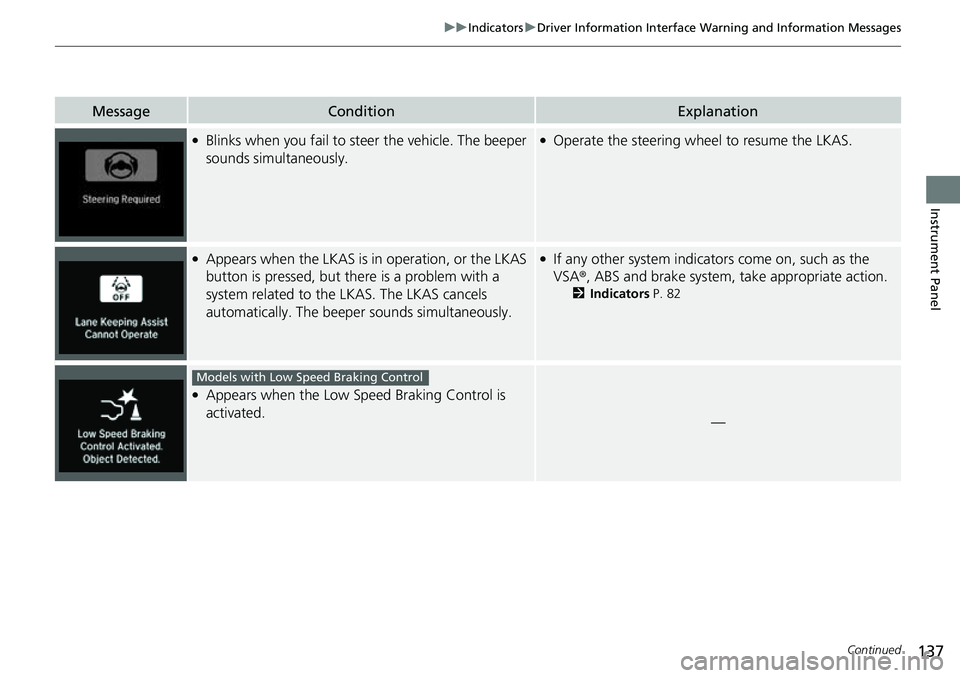
●Blinks when you fail to steer the vehicle. The beeper
sounds simultaneously.●Operate the steering wheel to resume the LKAS.
●Appears when the LKAS is in operation, or the LKAS
button is pressed, but there is a problem with a
system related to the LKAS. The LKAS cancels
automatically. The beeper sounds simultaneously.●If any other system indicato rs come on, such as the
VSA ®, ABS and brake system, take appropriate action.
2Indicators P. 82
●Appears when the Low Sp eed Braking Control is
activated.
—
Models with Low Speed Braking Control
Page 142 of 657
140
uuGauges and Displays uDriver Information Interface
Instrument Panel
Driver Information Interface
The driver information interface shows in formation such as the estimated travelable
distance and fuel economy of the vehicle. It also displays messages such as warnings
and other helpful information.
■Accessing contents in the main display
Press the (home) button, then roll the le ft selector wheel to scroll to the content
you want to see. Press the left select or wheel to see detailed information.
■Switching the Display1Switching the Display
To go back to the previous screen, press the
(back) button.
You can edit, add, or delete the meter contents using
the audio/information screen. 2 Customizing the Meter P. 265
Page 143 of 657
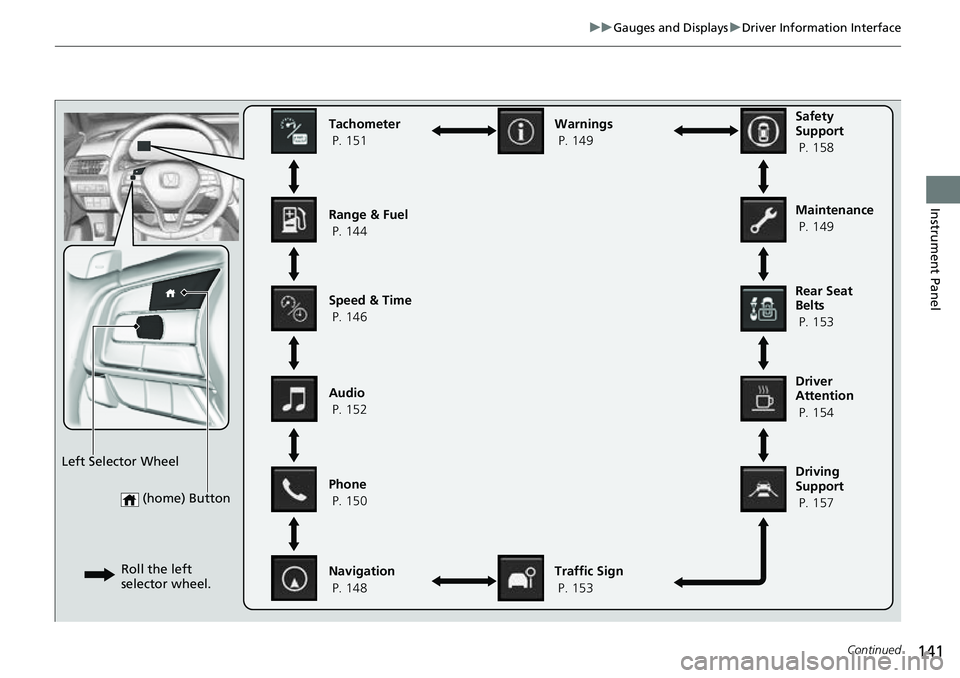
141
uuGauges and Displays uDriver Information Interface
Continued
Instrument Panel
(home) Button
Tachometer
P. 151
Range & Fuel
P. 144
Speed & Time
P. 146
Navigation
P. 148 Traffic Sign
P. 153
Phone
P. 150 Audio
P. 152 Safety
Support
P. 158
Maintenance
P. 149
Warnings
P. 149
Left Selector Wheel Roll the left
selector wheel.
Driving
Support
P. 157 Driver
Attention
P. 154 Rear Seat
Belts
P. 153
Page 146 of 657
144
uuGauges and Displays uDriver Information Interface
Instrument Panel
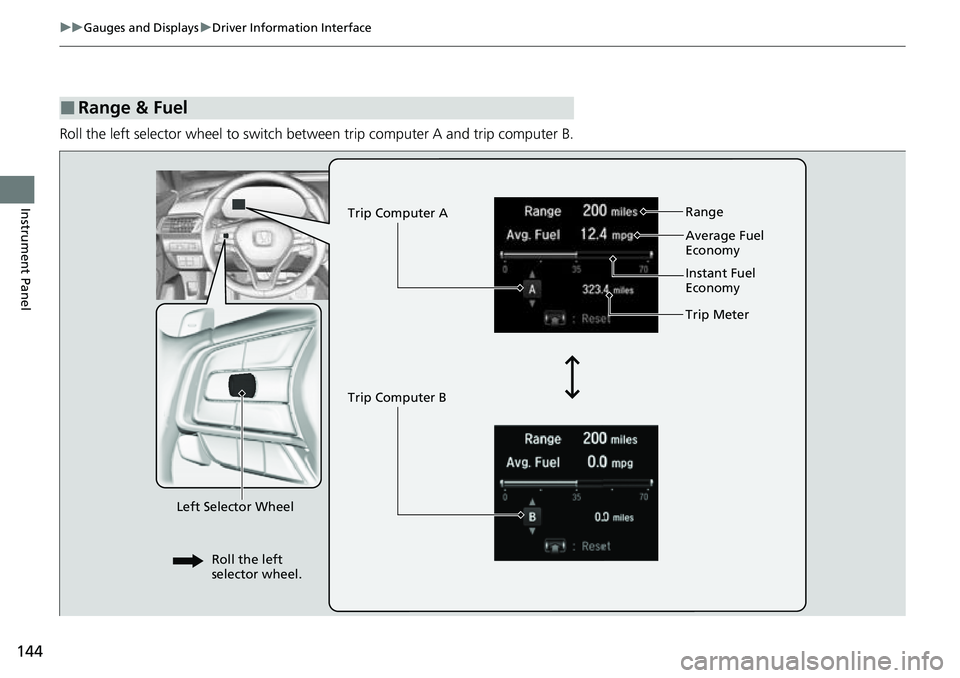
Roll the left selector wheel to switch between trip computer A and trip computer B.
■Range & Fuel
Left Selector Wheel Trip Computer A
Trip Computer B
Trip Meter Range
Average Fuel
Economy
Instant Fuel
Economy
Roll the left
selector wheel.