Brake HONDA CIVIC 2017 10.G Owner's Manual
[x] Cancel search | Manufacturer: HONDA, Model Year: 2017, Model line: CIVIC, Model: HONDA CIVIC 2017 10.GPages: 601, PDF Size: 32.51 MB
Page 98 of 601
97
uuIndicators uDriver Information Interface Wa rning and Information Messages*
Continued
Instrument Panel
MessageConditionExplanation
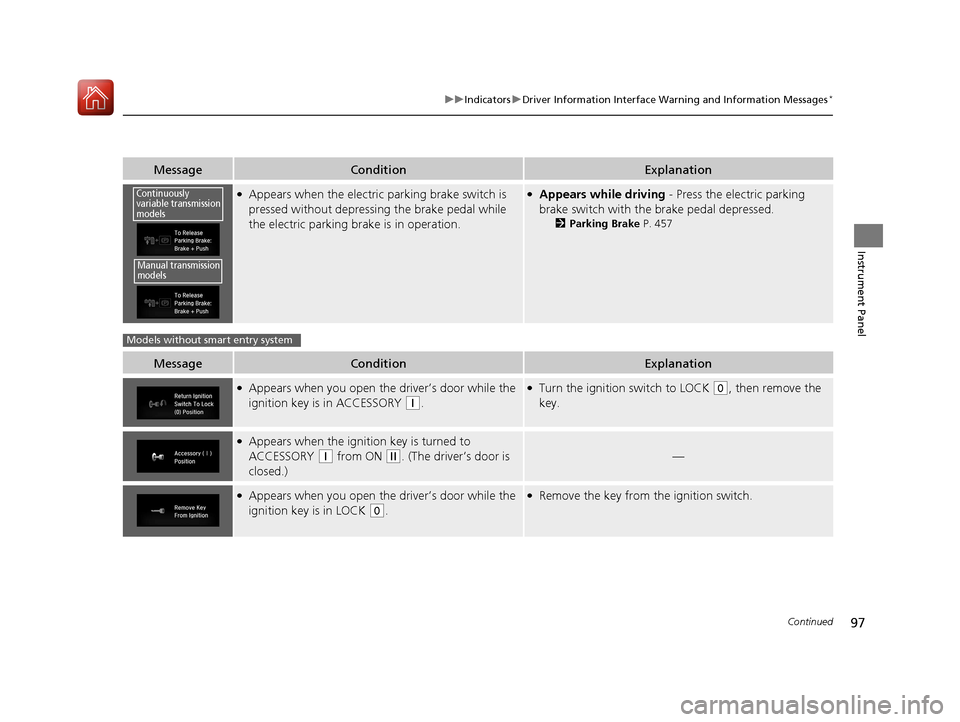
●Appears when the electric parking brake switch is
pressed without depressing the brake pedal while
the electric parking brake is in operation.●Appears while driving - Press the electric parking
brake switch with the brake pedal depressed.
2 Parking Brake P. 457
MessageConditionExplanation
●Appears when you open the driver’s door while the
ignition key is in ACCESSORY
(q.
●Turn the ignition switch to LOCK (0, then remove the
key.
●Appears when the ignition key is turned to
ACCESSORY
(q from ON (w. (The driver’s door is
closed.)—
●Appears when you open the driver’s door while the
ignition key is in LOCK
(0.
●Remove the key from the ignition switch.
Continuously
variable transmission
models
Manual transmission
models
Models without smart entry system
17 CIVIC 4D HCM (KA KC KL)-31TBA6100.book 97 ページ 2016年8月31日 水曜日 午後6時5分
Page 100 of 601
99
uuIndicators uDriver Information Interface Wa rning and Information Messages*
Continued
Instrument Panel
MessageConditionExplanation
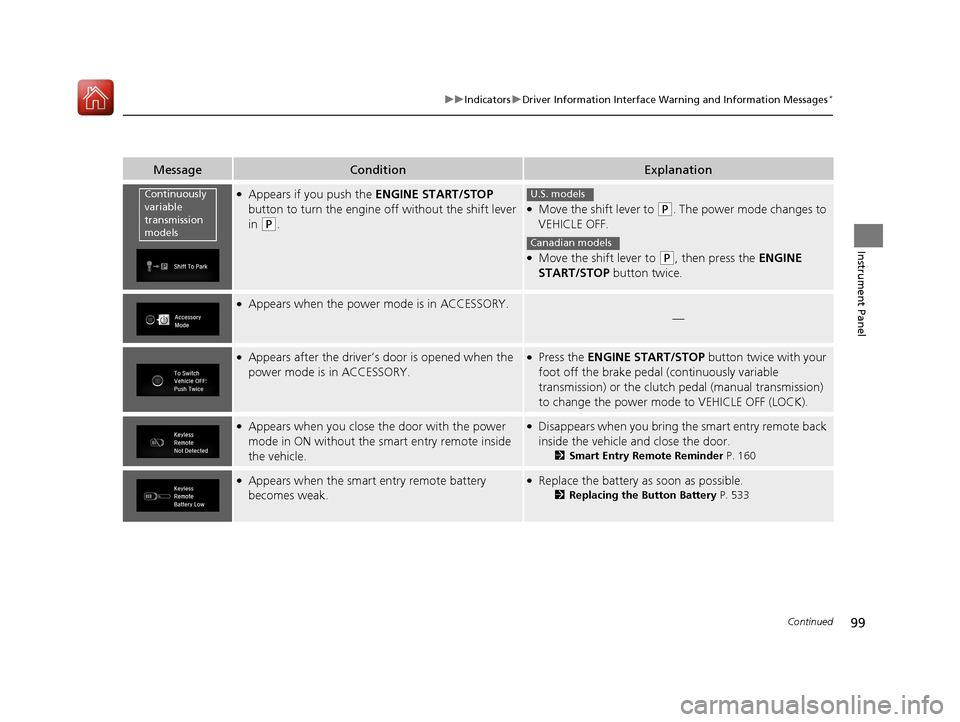
●Appears if you push the ENGINE START/STOP
button to turn the engine off without the shift lever
in
(P.
●Move the shift lever to (P. The power mode changes to
VEHICLE OFF.
●Move the shift lever to (P, then press the ENGINE
START/STOP button twice.
●Appears when the power mode is in ACCESSORY.
—
●Appears after the driver’s door is opened when the
power mode is in ACCESSORY.●Press the ENGINE START/STOP button twice with your
foot off the brake pedal (continuously variable
transmission) or the clutch pedal (manual transmission)
to change the power mode to VEHICLE OFF (LOCK).
●Appears when you close the door with the power
mode in ON without the smart entry remote inside
the vehicle.●Disappears when you bring the smart entry remote back
inside the vehicle and close the door.
2Smart Entry Remote Reminder P. 160
●Appears when the smart entry remote battery
becomes weak.●Replace the battery as soon as possible.
2Replacing the Button Battery P. 533
Continuously
variable
transmission
modelsU.S. models
Canadian models
17 CIVIC 4D HCM (KA KC KL)-31TBA6100.book 99 ページ 2016年8月31日 水曜日 午後6時5分
Page 101 of 601
100
uuIndicators uDriver Information Interface Wa rning and Information Messages*
Instrument Panel
MessageConditionExplanation
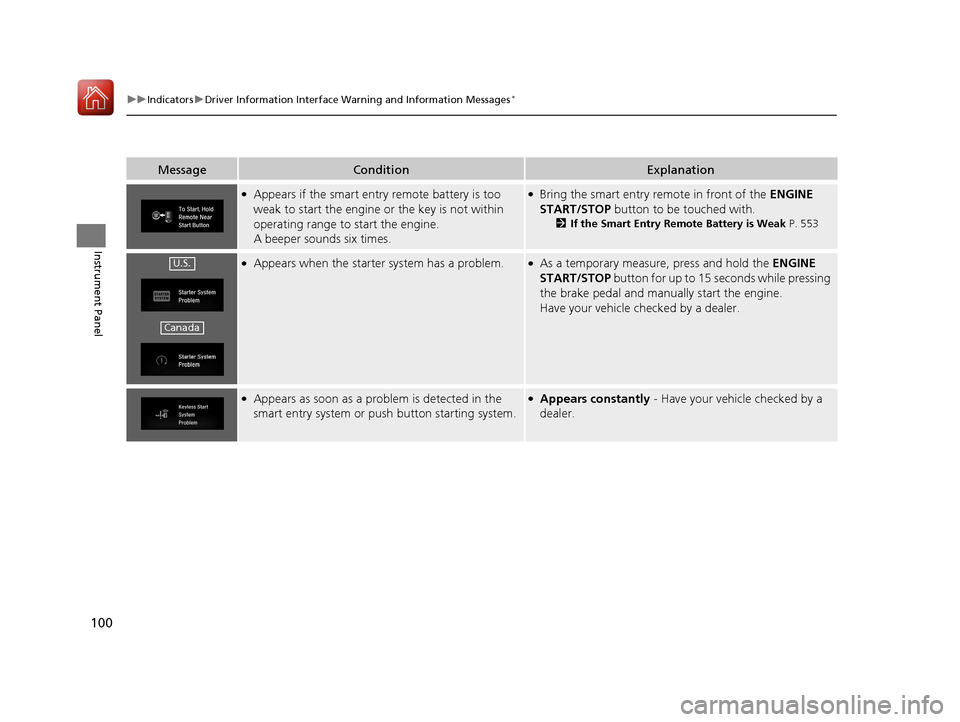
●Appears if the smart entry remote battery is too
weak to start the engine or the key is not within
operating range to start the engine.
A beeper sounds six times.●Bring the smart entry remote in front of the ENGINE
START/STOP button to be touched with.
2If the Smart Entry Remote Battery is Weak P. 553
●Appears when the starter system has a problem.●As a temporary measure, press and hold the ENGINE
START/STOP button for up to 15 seconds while pressing
the brake pedal and manua lly start the engine.
Have your vehicle checked by a dealer.
●Appears as soon as a problem is detected in the
smart entry system or pus h button starting system.●Appears constantly - Have your vehicle checked by a
dealer.
U.S.
Canada
17 CIVIC 4D HCM (KA KC KL)-31TBA6100.book 100 ページ 2016年8月31日 水曜日 午後6時5分
Page 105 of 601
104
uuIndicators uDriver Information Interface Wa rning and Information Messages*
Instrument Panel
MessageConditionExplanation
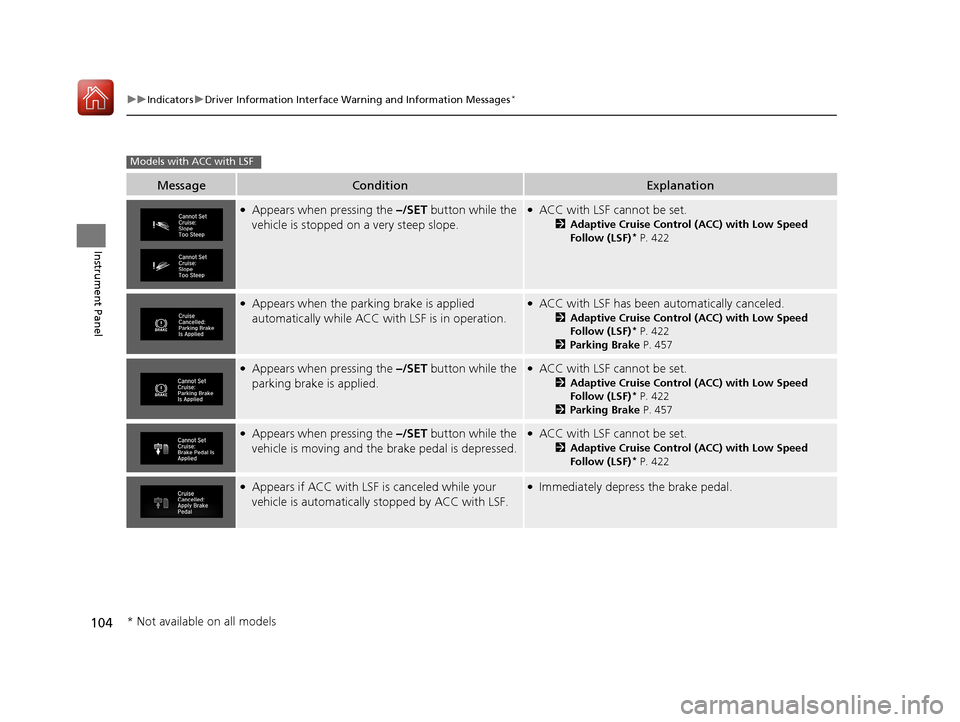
●Appears when pressing the –/SET button while the
vehicle is stopped on a very steep slope.●ACC with LSF cannot be set.
2 Adaptive Cruise Control (ACC) with Low Speed
Follow (LSF)* P. 422
●Appears when the parking brake is applied
automatically while ACC wi th LSF is in operation.●ACC with LSF has been automatically canceled.
2Adaptive Cruise Control (ACC) with Low Speed
Follow (LSF)* P. 422
2 Parking Brake P. 457
●Appears when pressing the –/SET button while the
parking brake is applied.●ACC with LSF cannot be set.
2 Adaptive Cruise Control (ACC) with Low Speed
Follow (LSF)* P. 422
2 Parking Brake P. 457
●Appears when pressing the –/SET button while the
vehicle is moving and the brake pedal is depressed.●ACC with LSF cannot be set.
2 Adaptive Cruise Control (ACC) with Low Speed
Follow (LSF)* P. 422
●Appears if ACC with LSF is canceled while your
vehicle is automatically stopped by ACC with LSF.●Immediately depress the brake pedal.
Models with ACC with LSF
* Not available on all models
17 CIVIC 4D HCM (KA KC KL)-31TBA6100.book 104 ページ 2016年8月31日 水曜日 午後6時5分
Page 106 of 601
105
uuIndicators uDriver Information Interface Wa rning and Information Messages*
Continued
Instrument Panel
MessageConditionExplanation
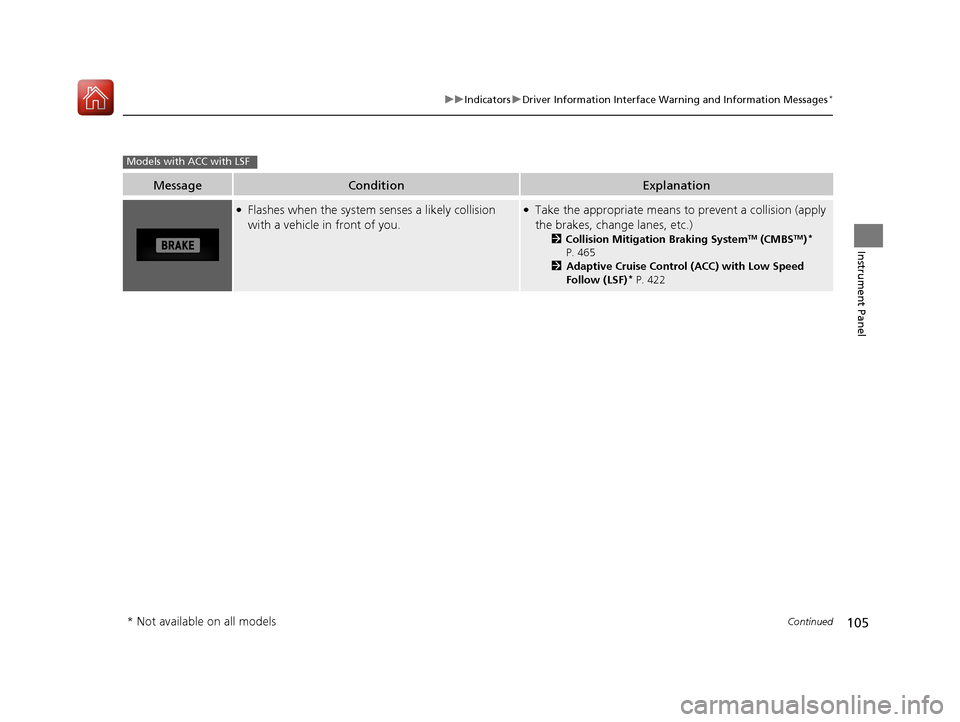
●Flashes when the system senses a likely collision
with a vehicle in front of you.●Take the appropriate means to prevent a collision (apply
the brakes, change lanes, etc.)
2 Collision Mitigation Braking SystemTM (CMBSTM)*
P. 465
2 Adaptive Cruise Control (ACC) with Low Speed
Follow (LSF)
* P. 422
Models with ACC with LSF
* Not available on all models
17 CIVIC 4D HCM (KA KC KL)-31TBA6100.book 105 ページ 2016年8月31日 水曜日 午後6時5分
Page 145 of 601
144
uuLocking and Unlocking the Doors uCustomizing the Auto Door Locking/Unlocking Setting
Controls
Customizing the Auto Door Locking/Unlocking Setting
You can customize the auto door locking/unlocking setting to your liking using the master door lock switch.
■Auto door locking
■Auto door unlocking
*1:Default setting
■List of the Auto Door Locking/ Unlocking Customizable Options
ModeDescription
Drive Lock Mode*1All doors lock when the vehicle’s sp eed reaches about 10 mph (15 km/h).
OffThe auto door locking is deactivated all the time.
ModeDescription
Driver’s Door Open
Mode*1All doors unlock when the driver’s door is opened.
Park Unlock Mode
All doors unlock when the shift lever is moved into (P with the brake pedal depressed.
OffThe auto door unlocking is deactivated all the time.
Models with
continuously variable
transmission
17 CIVIC 4D HCM (KA KC KL)-31TBA6100.book 144 ページ 2016年8月31日 水曜日 午後6時5分
Page 146 of 601
145
uuLocking and Unlocking the Doors uCustomizing the Auto Door Locking/Unlocking Setting
Continued
Controls
*1:Models with the smart entry system have an ENGINE START/STOP button instead of an ignition switch.
*2:Default setting
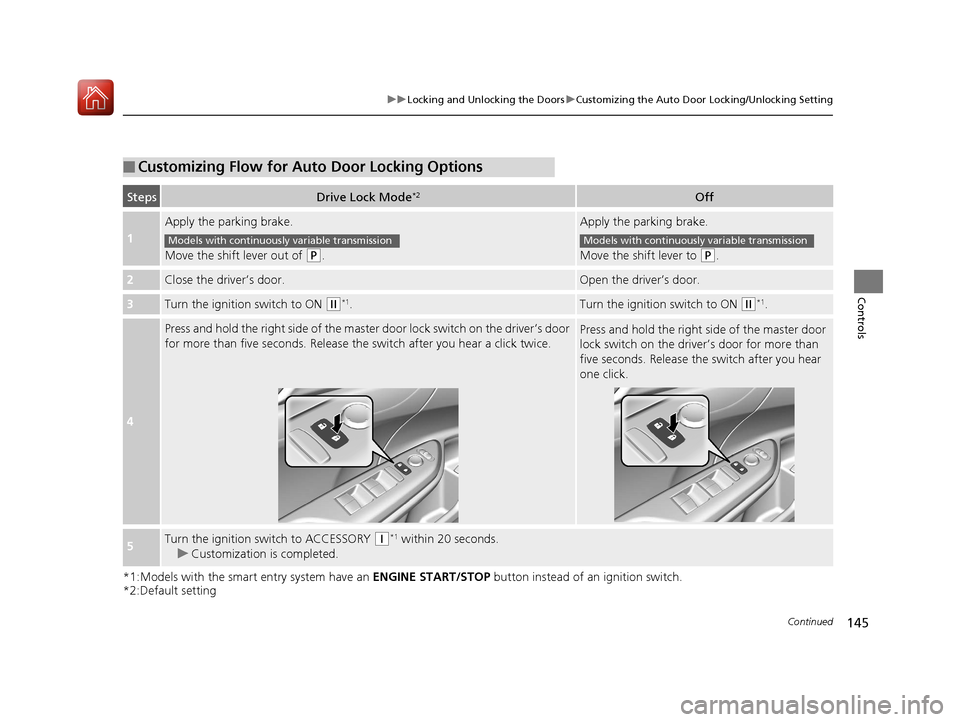
■Customizing Flow for Auto Door Locking Options
StepsDrive Lock Mode*2Off
1
Apply the parking brake.
Move the shift lever out of
(P.
Apply the parking brake.
Move the shift lever to
(P.
2Close the driver’s door.Open the driver’s door.
3Turn the ignition switch to ON (w*1.Turn the ignition switch to ON (w*1.
4
Press and hold the right side of the master door lock switch on the driver’s door
for more than five seconds. Release th e switch after you hear a click twice.Press and hold the right side of the master door
lock switch on the driver’s door for more than
five seconds. Release the switch after you hear
one click.
5Turn the ignition switch to ACCESSORY (q*1 within 20 seconds.
u Customization is completed.
Models with continuously variable transmissionModels with continuously variable transmission
17 CIVIC 4D HCM (KA KC KL)-31TBA6100.book 145 ページ 2016年8月31日 水曜日 午後6時5分
Page 147 of 601
146
uuLocking and Unlocking the Doors uCustomizing the Auto Door Locking/Unlocking Setting
Controls
*1:Models with the smart entry system have an ENGINE START/STOP button instead of an ignition switch.
*2:Default setting
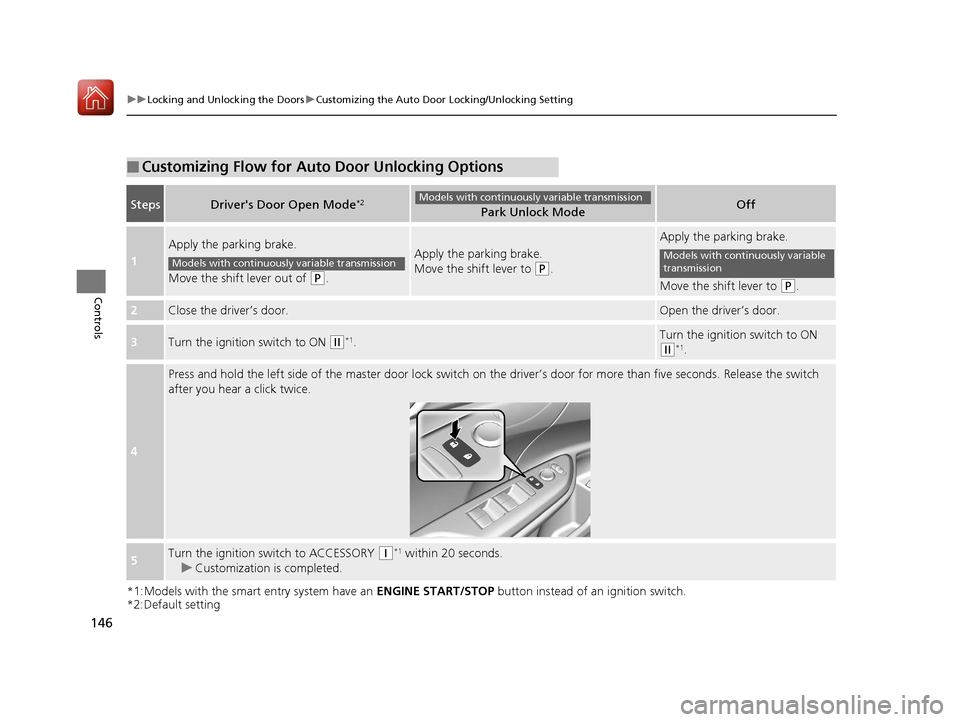
■Customizing Flow for Auto Door Unlocking Options
StepsDriver's Door Open Mode*2Park Unlock ModeOff
1
Apply the parking brake.
Move the shift lever out of
(P.
Apply the parking brake.
Move the shift lever to
(P.
Apply the parking brake.
Move the shift lever to
(P.
2Close the driver’s door.Open the driver’s door.
3Turn the ignition switch to ON (w*1.Turn the ignition switch to ON
(w*1.
4
Press and hold the left side of the master door lock switch on the driver’s door for more than five seconds. Release the switch
after you hear a click twice.
5Turn the ignition switch to ACCESSORY (q*1 within 20 seconds.
u Customization is completed.
Models with continuously variable transmission
Models with continuously variable transmissionModels with continuously variable
transmission
17 CIVIC 4D HCM (KA KC KL)-31TBA6100.book 146 ページ 2016年8月31日 水曜日 午後6時5分
Page 151 of 601
150
Controls
Security System
Immobilizer System
The immobilizer system prevents a key that has not been pre-registered from
starting the engine. Each key contains el ectronic transmitters that use electronic
signals to verify the key.
Pay attention to the following when inserti ng the key into the ignition switch or
pressing the ENGINE START/STOP button:
• Do not allow objects that emit strong radio waves near the ignition switch or the
ENGINE START/STOP button.
• Make sure the key is not covered by or touching a metal object.
• Do not bring a key from anot her vehicle’s immobilizer system near the ignition
switch or the ENGINE START/STOP button.
• Do not put the key near magnetic items. Electronic devices, such as televisions
and audio systems emit strong magnetic fields. Note that even a key chain can
become magnetic.
Security System Alarm
The security system alarm activates wh en the trunk, hood or doors are forcibly
opened. The alarm does not go off if the trunk or doors are opened with the key,
remote transmitter or smart entry system
*.
However, the alarm activates if a door is opened with the key and then the shift lever
is moved out of
(P (continuously variable transmission models) or the hood is
opened before the ignition switch is turned to ON (w*1.
■When the security system alarm activates
The horn sounds intermittently and all the exterior lights flash.
■To deactivate the security system alarm
Unlock the vehicle using remote transmitter, or smart entry system*. The system,
along with the horn and flashing lights, is deactivated.
*1: Models with the smart entry system have an ENGINE START/STOP button instead of an
ignition switch.
1 Immobilizer System
NOTICE
Leaving the key in the vehicl e can result in theft or
accidental movement of the vehicle.
Always take the key with you whenever you leave the
vehicle unattended.
Do not alter the system or add other devices to it.
Doing so may damage the system and make your
vehicle inoperable.
Canadian models only: Apply and hold the brake
pedal before turning the vehicle on the first time after
the battery has been disconnected.
1 Security System Alarm
The security alarm continues for a maximum of two
minutes until the security system deactivates.
* Not available on all models
17 CIVIC 4D HCM (KA KC KL)-31TBA6100.book 150 ページ 2016年8月31日 水曜日 午後6時5分
Page 159 of 601
158
uuOperating the Switches Around the Steering Wheel uENGINE START/STOP Button*
Controls
ENGINE START/STOP Button*
*1: Except U.S. models with c ontinuously variable transmission
*2: U.S. models
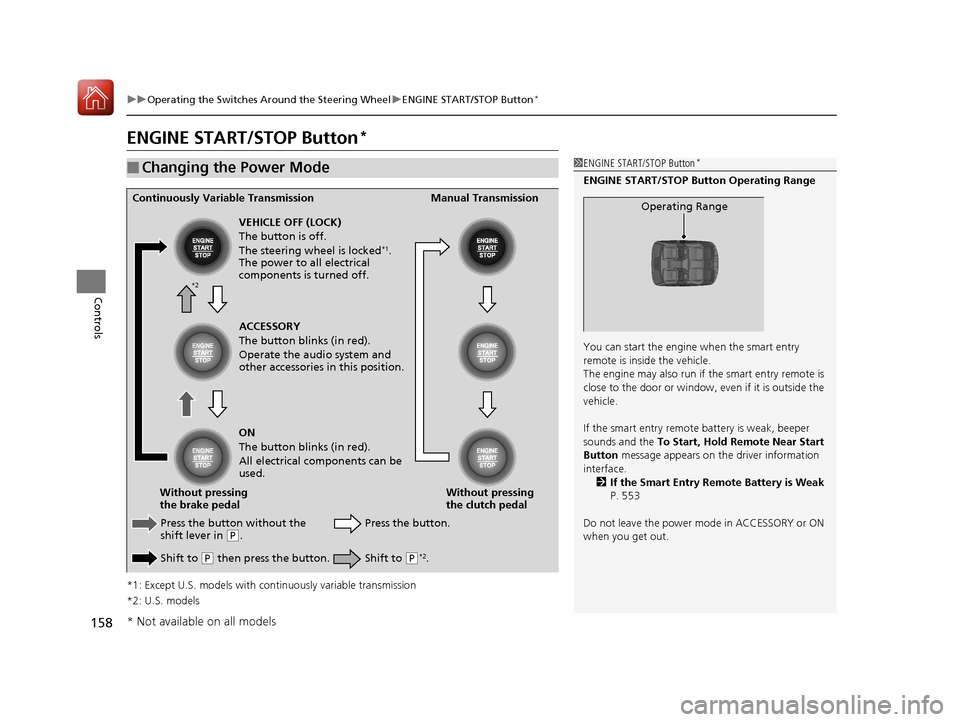
■Changing the Power Mode1 ENGINE START/STOP Button*
ENGINE START/STOP Button Operating Range
You can start the engine when the smart entry
remote is inside the vehicle.
The engine may also run if the smart entry remote is
close to the door or window, ev en if it is outside the
vehicle.
If the smart entry remote battery is weak, beeper
sounds and the To Start, Hold Remote Near Start
Button message appears on th e driver information
interface. 2 If the Smart Entry Remote Battery is Weak
P. 553
Do not leave the power mode in ACCESSORY or ON
when you get out.
Operating RangeContinuously Variable Transmission Manual Transmission
VEHICLE OFF (LOCK)
The button is off.
The steering wheel is locked
*1.
The power to all electrical
components is turned off.
Press the button without the
shift lever in
( P.
Shift to
( P then press the button. Press the button.
Without pressing
the clutch pedal
Without pressing
the brake pedal ACCESSORY
The button blinks (in red).
Operate the audio system and
other accessories in this position.
ON
The button blinks (in red).
All electrical components can be
used.
Shift to (P*2.
*2
* Not available on all models
17 CIVIC 4D HCM (KA KC KL)-31TBA6100.book 158 ページ 2016年8月31日 水曜日 午後6時5分