start stop button HONDA CIVIC SEDAN 2018 (in English) Owner's Guide
[x] Cancel search | Manufacturer: HONDA, Model Year: 2018, Model line: CIVIC SEDAN, Model: HONDA CIVIC SEDAN 2018Pages: 643, PDF Size: 38.26 MB
Page 92 of 643
90
uuIndicators u
Instrument Panel
*1:Models with the smart entry system have an ENGINE START/STOP button instead of an ignition switch.
IndicatorNameOn/BlinkingExplanationMessage*
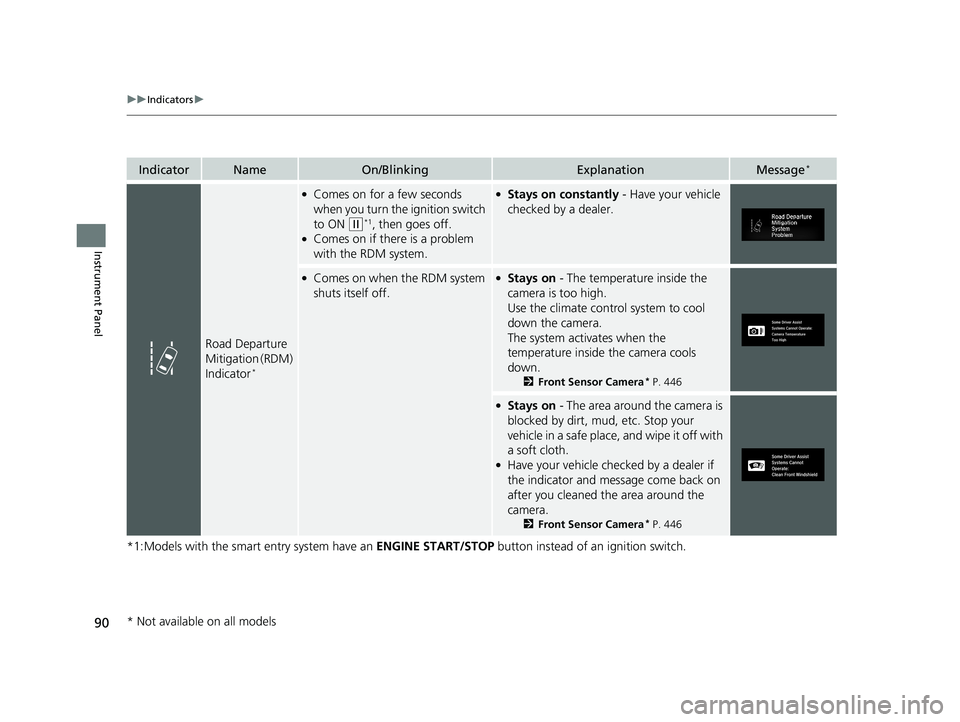
Road Departure
Mitigation (RDM)
Indicator
*
●Comes on for a few seconds
when you turn the ignition switch
to ON
(w*1, then goes off.●Comes on if there is a problem
with the RDM system.
●Stays on constantly - Have your vehicle
checked by a dealer.
●Comes on when the RDM system
shuts itself off.●Stays on - The temperature inside the
camera is too high.
Use the climate control system to cool
down the camera.
The system acti vates when the
temperature inside the camera cools
down.
2 Front Sensor Camera* P. 446
●Stays on - The area around the camera is
blocked by dirt, mud, etc. Stop your
vehicle in a safe place, and wipe it off with
a soft cloth.
●Have your vehicle checked by a dealer if
the indicator and message come back on
after you cleaned the area around the
camera.
2 Front Sensor Camera* P. 446
* Not available on all models
18 CIVIC 4D HCM (KA KC KL)-31TBA6201.book 90 ページ 2018年10月30日 火曜日 午前7時28分
Page 93 of 643
91
uuIndicators u
Continued
Instrument Panel
*1:Models with the smart entry system have an ENGINE START/STOP button instead of an ignition switch.
IndicatorNameOn/BlinkingExplanationMessage*
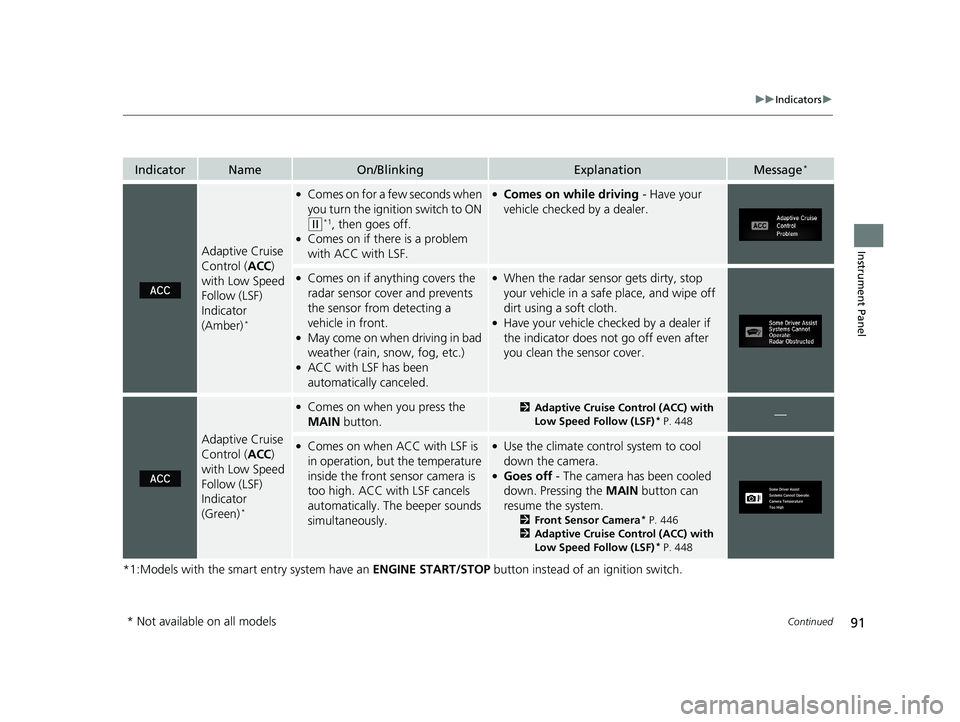
Adaptive Cruise
Control (ACC)
with Low Speed
Follow (LSF)
Indicator
(Amber)
*
●Comes on for a few seconds when
you turn the igniti on switch to ON
(w*1, then goes off.●Comes on if there is a problem
with ACC with LSF.
●Comes on while driving - Have your
vehicle checked by a dealer.
●Comes on if anything covers the
radar sensor cover and prevents
the sensor from detecting a
vehicle in front.
●May come on when driving in bad
weather (rain, snow, fog, etc.)
●ACC with LSF has been
automatically canceled.
●When the radar sensor gets dirty, stop
your vehicle in a safe place, and wipe off
dirt using a soft cloth.
●Have your vehicle checked by a dealer if
the indicator does not go off even after
you clean the sensor cover.
Adaptive Cruise
Control ( ACC)
with Low Speed
Follow (LSF)
Indicator
(Green)
*
●Comes on when you press the
MAIN button.2Adaptive Cruise Control (ACC) with
Low Speed Follow (LSF)* P. 448—
●Comes on when ACC with LSF is
in operation, but the temperature
inside the front sensor camera is
too high. ACC with LSF cancels
automatically. The beeper sounds
simultaneously.●Use the climate contro l system to cool
down the camera.
●Goes off - The camera has been cooled
down. Pressing the MAIN button can
resume the system.
2 Front Sensor Camera* P. 446
2 Adaptive Cruise Control (ACC) with
Low Speed Follow (LSF)
* P. 448
* Not available on all models
18 CIVIC 4D HCM (KA KC KL)-31TBA6201.book 91 ページ 2018年10月30日 火曜日 午前7時28分
Page 94 of 643
92
uuIndicators u
Instrument Panel
*1:Models with the smart entry system have an ENGINE START/STOP button instead of an ignition switch.
IndicatorNameOn/BlinkingExplanationMessage*
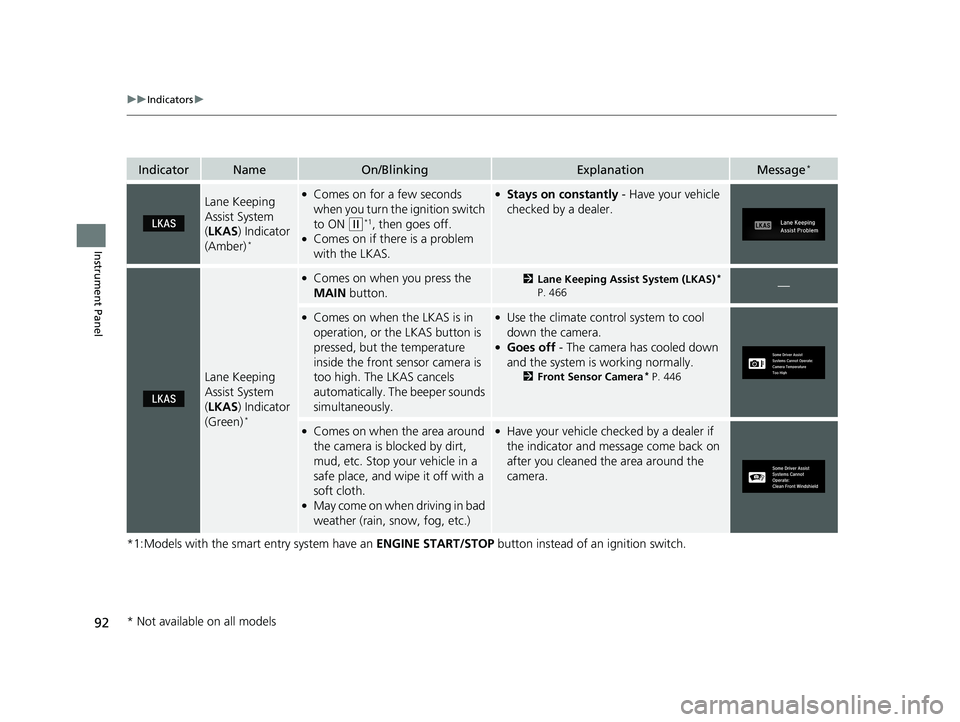
Lane Keeping
Assist System
(LKAS ) Indicator
(Amber)
*
●Comes on for a few seconds
when you turn the ignition switch
to ON
(w*1, then goes off.●Comes on if there is a problem
with the LKAS.
●Stays on constantly - Have your vehicle
checked by a dealer.
Lane Keeping
Assist System
( LKAS ) Indicator
(Green)
*
●Comes on when you press the
MAIN button.2Lane Keeping Assist System (LKAS)*
P. 466—
●Comes on when the LKAS is in
operation, or the LKAS button is
pressed, but the temperature
inside the front sensor camera is
too high. The LKAS cancels
automatically. The beeper sounds
simultaneously.●Use the climate contro l system to cool
down the camera.
●Goes off - The camera has cooled down
and the system is working normally.
2 Front Sensor Camera* P. 446
●Comes on when the area around
the camera is blocked by dirt,
mud, etc. Stop your vehicle in a
safe place, and wipe it off with a
soft cloth.
●May come on when driving in bad
weather (rain, snow, fog, etc.)
●Have your vehicle checked by a dealer if
the indicator and message come back on
after you cleaned the area around the
camera.
* Not available on all models
18 CIVIC 4D HCM (KA KC KL)-31TBA6201.book 92 ページ 2018年10月30日 火曜日 午前7時28分
Page 95 of 643
93
uuIndicators u
Continued
Instrument Panel
*1:Models with the smart entry system have an ENGINE START/STOP button instead of an ignition switch.
IndicatorNameOn/BlinkingExplanationMessage*
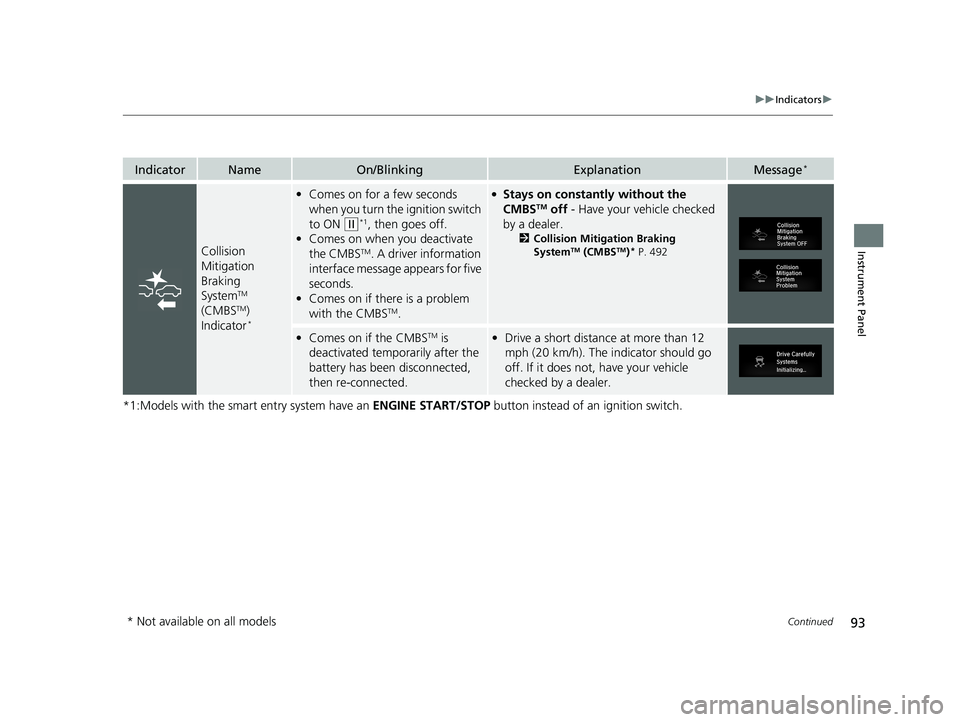
Collision
Mitigation
Braking
System
TM
(CMBSTM)
Indicator*
• Comes on for a few seconds
when you turn the ignition switch
to ON
(w*1, then goes off.
• Comes on when you deactivate
the CMBS
TM. A driver information
interface message appears for five
seconds.
• Comes on if there is a problem
with the CMBS
TM.
●Stays on constantly without the
CMBSTM off - Have your vehicle checked
by a dealer.
2 Collision Mitigation Braking
SystemTM (CMBSTM)* P. 492
•Comes on if the CMBSTM is
deactivated temporarily after the
battery has been disconnected,
then re-connected.• Drive a short distance at more than 12
mph (20 km/h). The in dicator should go
off. If it does not, have your vehicle
checked by a dealer.
* Not available on all models
18 CIVIC 4D HCM (KA KC KL)-31TBA6201.book 93 ページ 2018年10月30日 火曜日 午前7時28分
Page 99 of 643
97
uuIndicators uDriver Information Interface Wa rning and Information Messages*
Continued
Instrument Panel
*1:Models with the smart entry system have an ENGINE START/STOP button instead of an ignition switch.
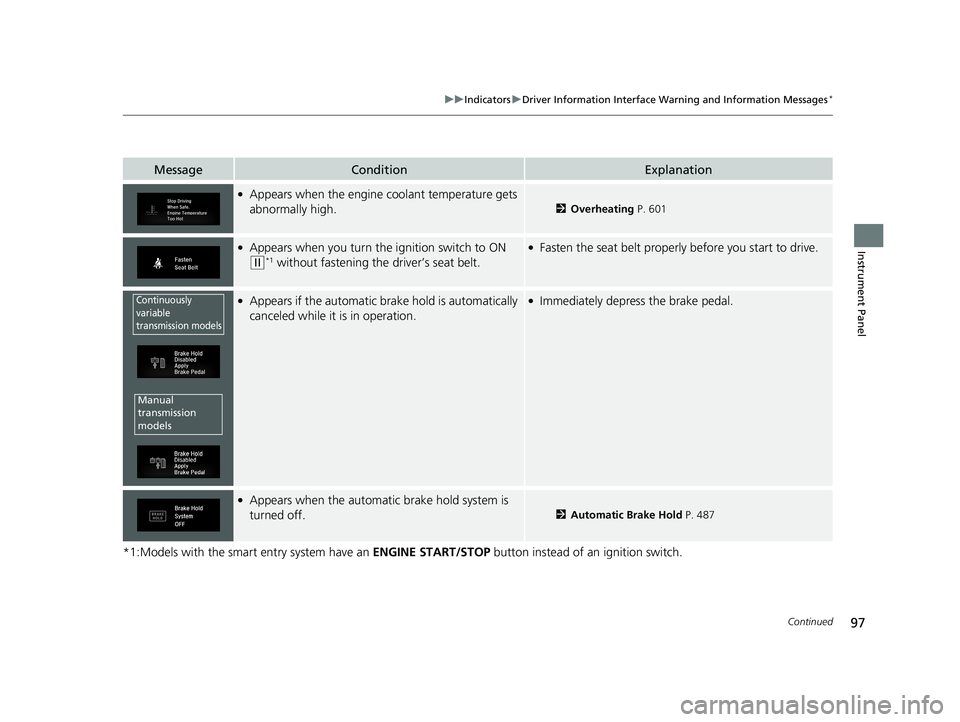
MessageConditionExplanation
●Appears when the engine coolant temperature gets
abnormally high.
2Overheating P. 601
●Appears when you turn the ignition switch to ON
(w*1 without fastening the driver’s seat belt.
●Fasten the seat belt properly before you start to drive.
●Appears if the automatic brake hold is automatically
canceled while it is in operation.●Immediately depress the brake pedal.
●Appears when the automatic brake hold system is
turned off.
2Automatic Brake Hold P. 487
Continuously
variable
transmission models
Manual
transmission
models
18 CIVIC 4D HCM (KA KC KL)-31TBA6201.book 97 ページ 2018年10月30日 火曜日 午前7時28分
Page 102 of 643
100
uuIndicators uDriver Information Interface Wa rning and Information Messages*
Instrument Panel
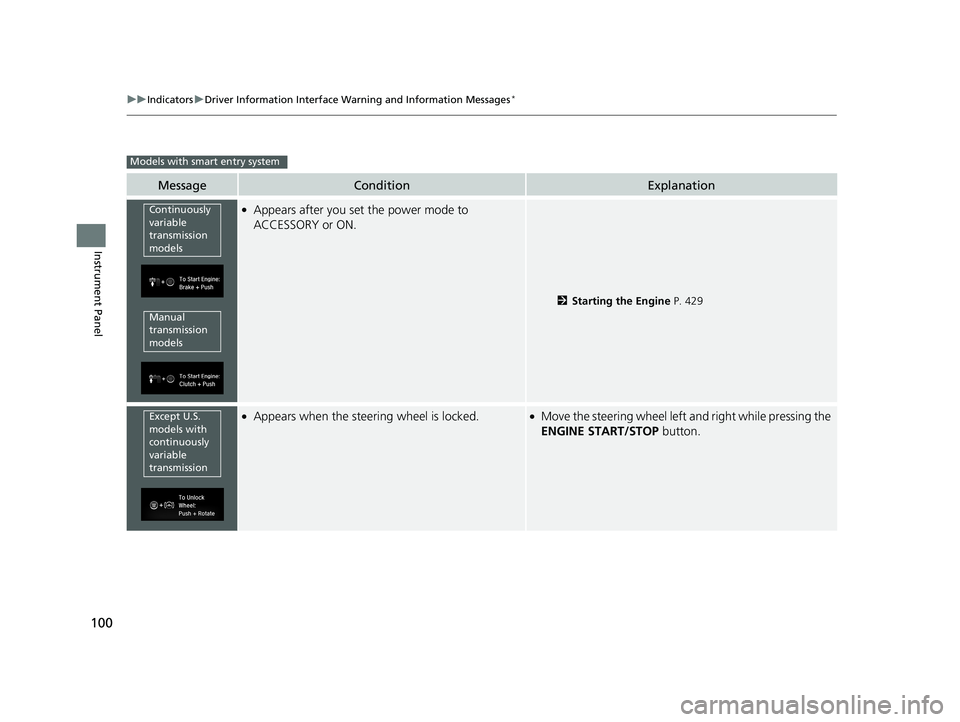
MessageConditionExplanation
●Appears after you set the power mode to
ACCESSORY or ON.
2Starting the Engine P. 429
●Appears when the steering wheel is locked.●Move the steering wheel left and right while pressing the
ENGINE START/STOP button.
Models with smart entry system
Continuously
variable
transmission
models
Manual
transmission
models
Except U.S.
models with
continuously
variable
transmission
18 CIVIC 4D HCM (KA KC KL)-31TBA6201.book 100 ページ 2018年10月30日 火曜日 午前7時28分
Page 103 of 643
101
uuIndicators uDriver Information Interface Wa rning and Information Messages*
Continued
Instrument Panel
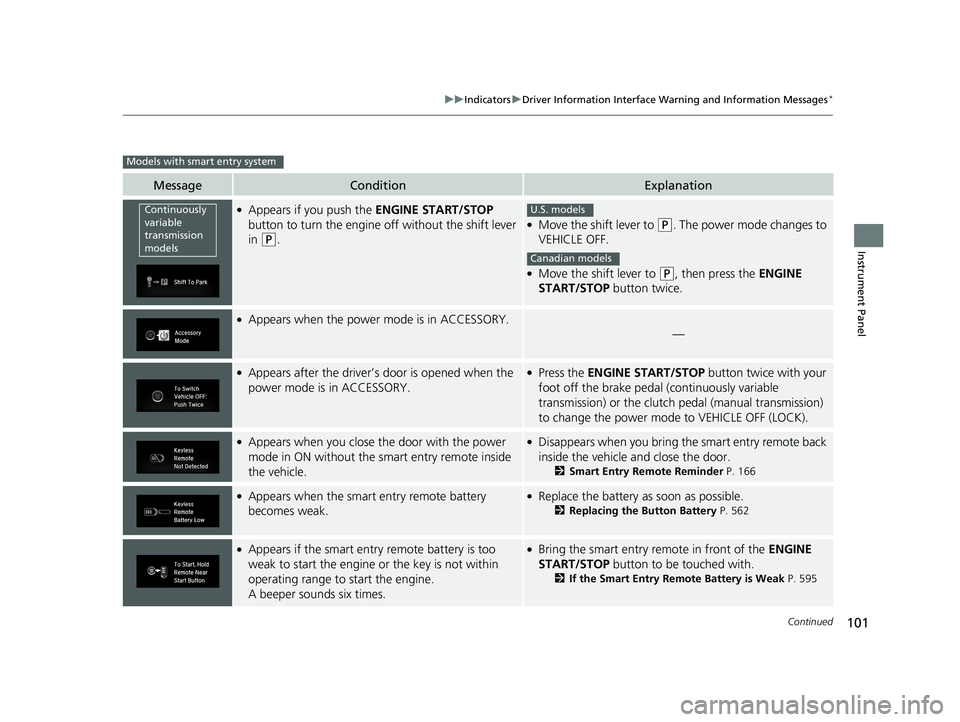
MessageConditionExplanation
●Appears if you push the ENGINE START/STOP
button to turn the engine off without the shift lever
in
(P.
●Move the shift lever to (P. The power mode changes to
VEHICLE OFF.
●Move the shift lever to (P, then press the ENGINE
START/STOP button twice.
●Appears when the power mode is in ACCESSORY.
—
●Appears after the driver’s door is opened when the
power mode is in ACCESSORY.●Press the ENGINE START/STOP button twice with your
foot off the brake pedal (continuously variable
transmission) or the clutch pedal (manual transmission)
to change the power mode to VEHICLE OFF (LOCK).
●Appears when you close the door with the power
mode in ON without the smart entry remote inside
the vehicle.●Disappears when you bring the smart entry remote back
inside the vehicle and close the door.
2Smart Entry Remote Reminder P. 166
●Appears when the smart entry remote battery
becomes weak.●Replace the battery as soon as possible.
2Replacing the Button Battery P. 562
●Appears if the smart entry remote battery is too
weak to start the engine or the key is not within
operating range to start the engine.
A beeper sounds six times.●Bring the smart entry remote in front of the ENGINE
START/STOP button to be touched with.
2If the Smart Entry Remote Battery is Weak P. 595
Models with smart entry system
Continuously
variable
transmission
modelsU.S. models
Canadian models
18 CIVIC 4D HCM (KA KC KL)-31TBA6201.book 101 ページ 2018年10月30日 火曜日 午前7時28分
Page 104 of 643
102
uuIndicators uDriver Information Interface Wa rning and Information Messages*
Instrument Panel
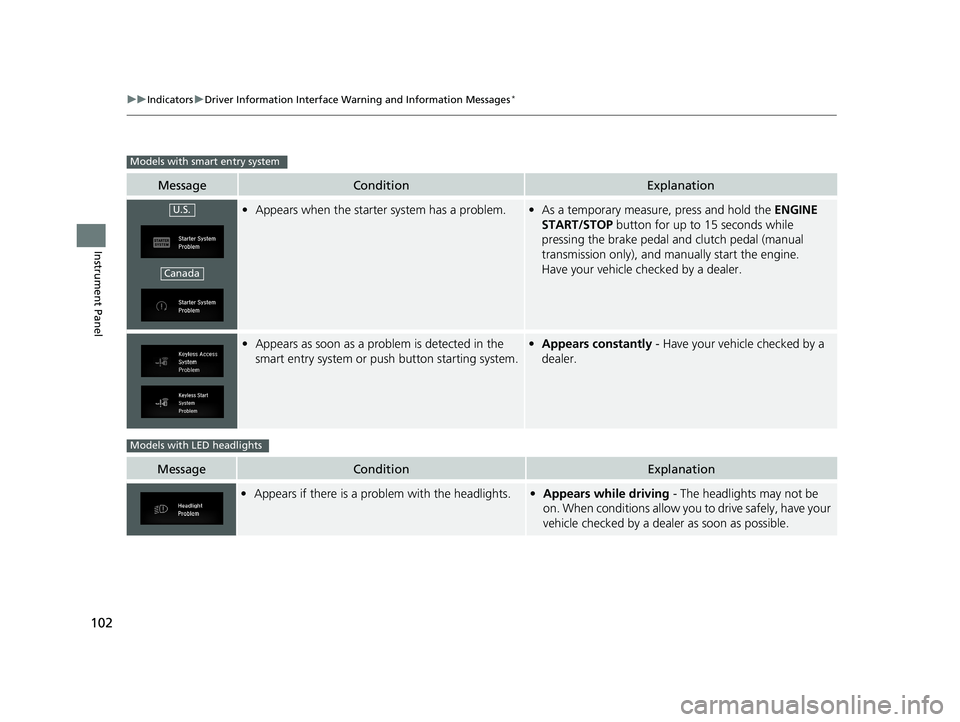
MessageConditionExplanation
•Appears when the starter system has a problem.•As a temporary measure, press and hold the ENGINE
START/STOP button for up to 15 seconds while
pressing the brake pedal and clutch pedal (manual
transmission only), and manually start the engine.
Have your vehicle checked by a dealer.
• Appears as soon as a prob lem is detected in the
smart entry system or push button starting system.• Appears constantly - Have your vehicle checked by a
dealer.
MessageConditionExplanation
• Appears if there is a probl em with the headlights.•Appears while driving - The headlights may not be
on. When conditions allow you to drive safely, have your
vehicle checked by a dealer as soon as possible.
Models with smart entry system
U.S.
Canada
Models with LED headlights
18 CIVIC 4D HCM (KA KC KL)-31TBA6201.book 102 ページ 2018年10月30日 火曜日 午前7時28分
Page 106 of 643
104
uuIndicators uDriver Information Interface Wa rning and Information Messages*
Instrument Panel
MessageConditionExplanation
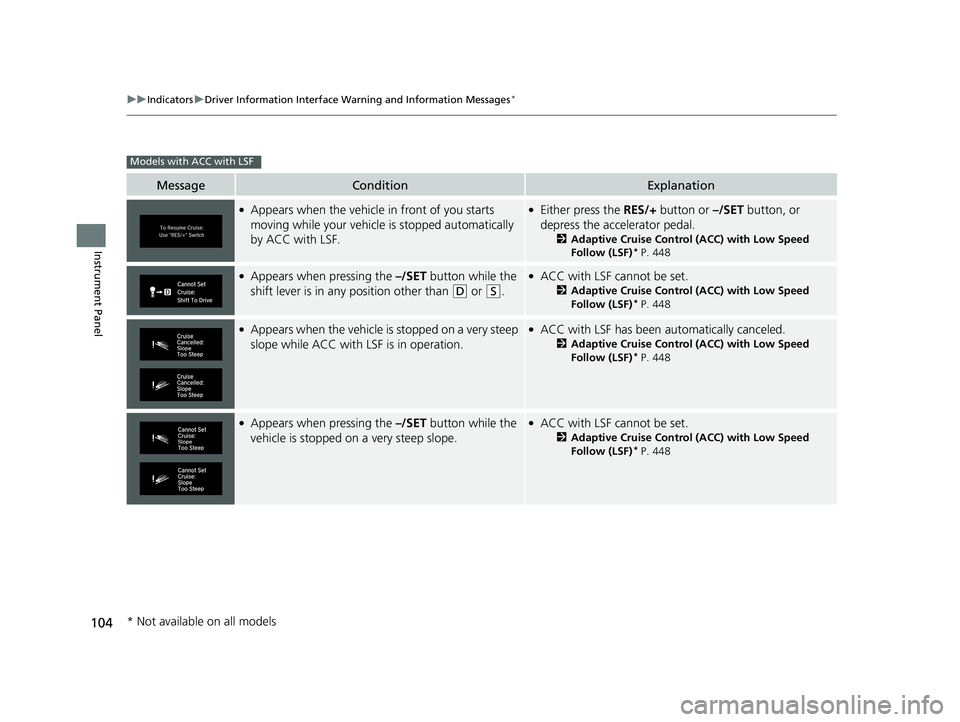
●Appears when the vehicle in front of you starts
moving while your vehicle is stopped automatically
by ACC with LSF.●Either press the RES/+ button or –/SET button, or
depress the accelerator pedal.
2 Adaptive Cruise Control (ACC) with Low Speed
Follow (LSF)* P. 448
●Appears when pressing the –/SET button while the
shift lever is in any position other than
(D or (S.
●ACC with LSF cannot be set.
2 Adaptive Cruise Control (ACC) with Low Speed
Follow (LSF)* P. 448
●Appears when the vehicle is stopped on a very steep
slope while ACC with LSF is in operation.●ACC with LSF has been automatically canceled.
2Adaptive Cruise Control (ACC) with Low Speed
Follow (LSF)* P. 448
●Appears when pressing the –/SET button while the
vehicle is stopped on a very steep slope.●ACC with LSF cannot be set.
2 Adaptive Cruise Control (ACC) with Low Speed
Follow (LSF)* P. 448
Models with ACC with LSF
* Not available on all models
18 CIVIC 4D HCM (KA KC KL)-31TBA6201.book 104 ページ 2018年10月30日 火曜日 午前7時28分
Page 110 of 643
108
Instrument Panel
Gauges and Displays
Gauges
Gauges include the speedometer, tachometer, fuel gauge, and related indicators.
They are displayed when the ignition switch is in ON
(w*1.
Displays your driving speed in mph or km/h.
Shows the number of engine revolutions per minute.
*1: Models with the smart entry system have an ENGINE START/STOP button instead of an
ignition switch.
■Speedometer
■Tachometer
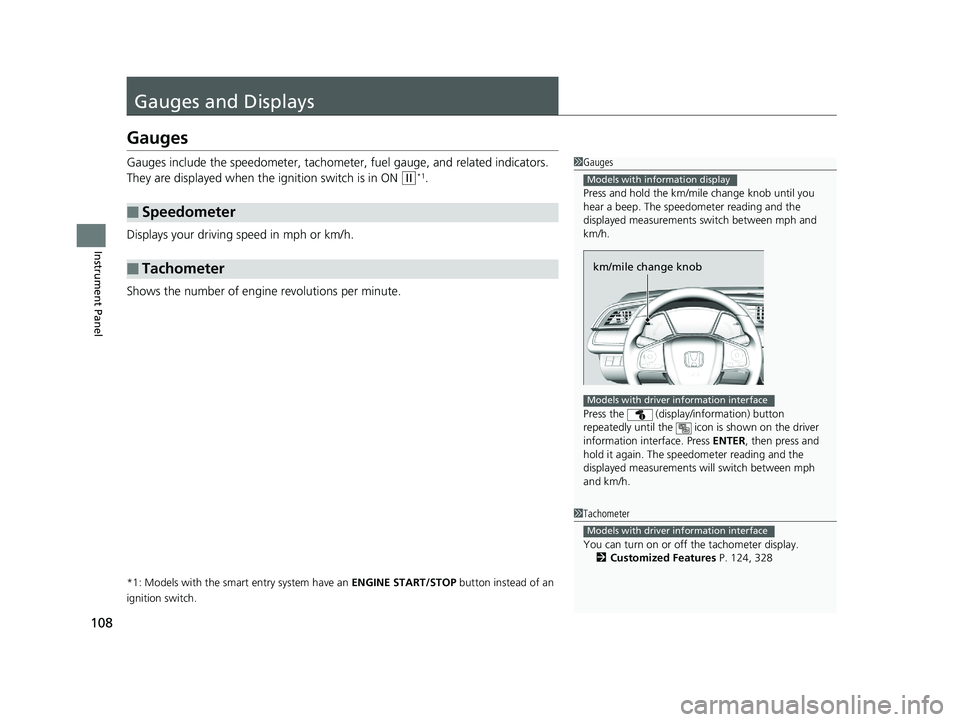
1 Gauges
Press and hold the km/mil e change knob until you
hear a beep. The speedometer reading and the
displayed measurements switch between mph and
km/h.
Press the (display/information) button
repeatedly until the icon is shown on the driver
information interface. Press ENTER , then press and
hold it again. The spee dometer reading and the
displayed measurements wi ll switch between mph
and km/h.
Models with information display
km/mile change knob
Models with driver information interface
1 Tachometer
You can turn on or off the tachometer display.
2 Customized Features P. 124, 328
Models with driver information interface
18 CIVIC 4D HCM (KA KC KL)-31TBA6201.book 108 ページ 2018年10月30日 火曜日 午前7時28分