instrument panel HONDA ODYSSEY 2019 (in English) Service Manual
[x] Cancel search | Manufacturer: HONDA, Model Year: 2019, Model line: ODYSSEY, Model: HONDA ODYSSEY 2019Pages: 767, PDF Size: 47.46 MB
Page 118 of 767
116
uuIndicators uDriver Information Interface Wa rning and Information Messages
Instrument Panel
MessageConditionExplanation
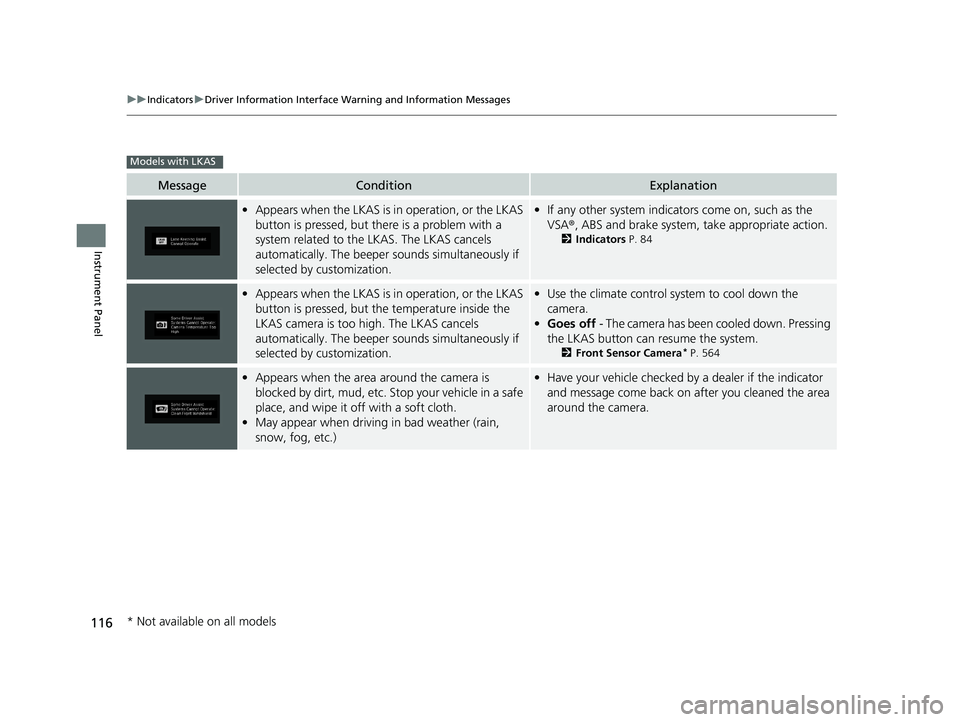
•Appears when the LKAS is in operation, or the LKAS
button is pressed, but there is a problem with a
system related to the LKAS. The LKAS cancels
automatically. The beeper s ounds simultaneously if
selected by customization.• If any other system indicators come on, such as the
VSA ®, ABS and brake system, take appropriate action.
2Indicators P. 84
•Appears when the LKAS is in operation, or the LKAS
button is pressed, but the temperature inside the
LKAS camera is too high. The LKAS cancels
automatically. The beeper s ounds simultaneously if
selected by customization.• Use the climate control sy stem to cool down the
camera.
• Goes off - The camera has been cooled down. Pressing
the LKAS button can resume the system.
2 Front Sensor Camera* P. 564
•Appears when the area around the camera is
blocked by dirt, mud, etc. Stop your vehicle in a safe
place, and wipe it off with a soft cloth.
• May appear when driving in bad weather (rain,
snow, fog, etc.)•Have your vehicle checked by a dealer if the indicator
and message come back on a fter you cleaned the area
around the camera.
Models with LKAS
* Not available on all models
19 ODYSSEY-31THR6120.book 116 ページ 2018年12月6日 木曜日 午後4時35分
Page 119 of 767
117
uuIndicators uDriver Information Interface Wa rning and Information Messages
Continued
Instrument Panel
MessageConditionExplanation
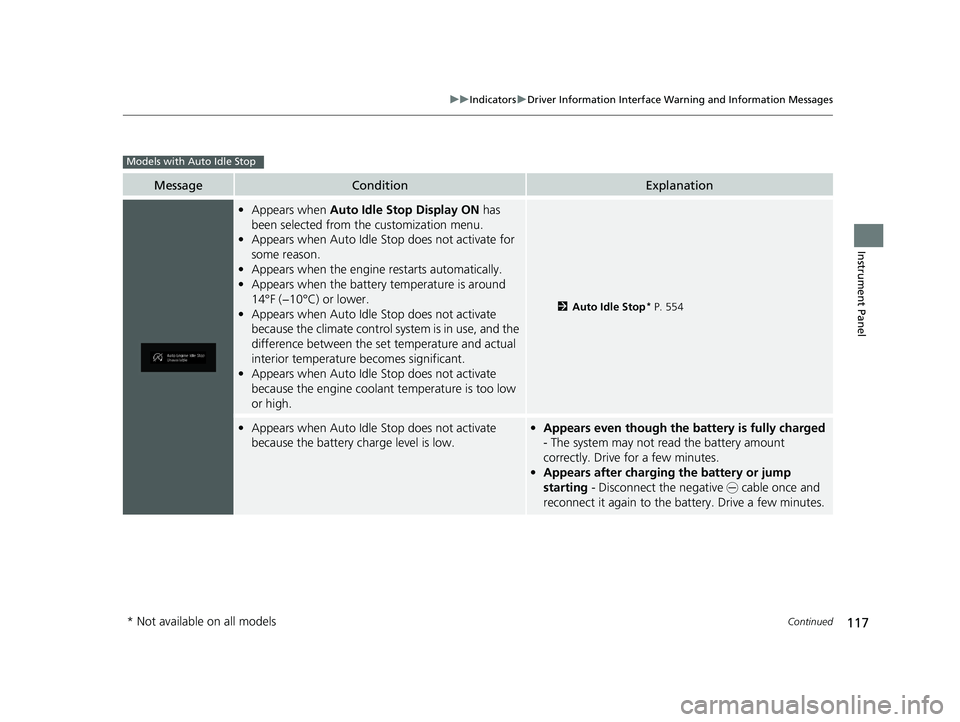
•Appears when Auto Idle Stop Display ON has
been selected from the customization menu.
• Appears when Auto Idle Stop does not activate for
some reason.
• Appears when the engine restarts automatically.
• Appears when the battery temperature is around
14°F (−10°C) or lower.
• Appears when Auto Idle Stop does not activate
because the climate control sy stem is in use, and the
difference between the set temperature and actual
interior temperature becomes significant.
• Appears when Auto Idle Stop does not activate
because the engine coolant temperature is too low
or high.
2 Auto Idle Stop* P. 554
•Appears when Auto Idle Stop does not activate
because the battery charge level is low.•Appears even though the battery is fully charged
- The system may not read the battery amount
correctly. Drive for a few minutes.
• Appears after charging the battery or jump
starting - Disconnect the negative - cable once and
reconnect it again to the ba ttery. Drive a few minutes.
Models with Auto Idle Stop
* Not available on all models
19 ODYSSEY-31THR6120.book 117 ページ 2018年12月6日 木曜日 午後4時35分
Page 120 of 767
118
uuIndicators uDriver Information Interface Wa rning and Information Messages
Instrument Panel
MessageConditionExplanation
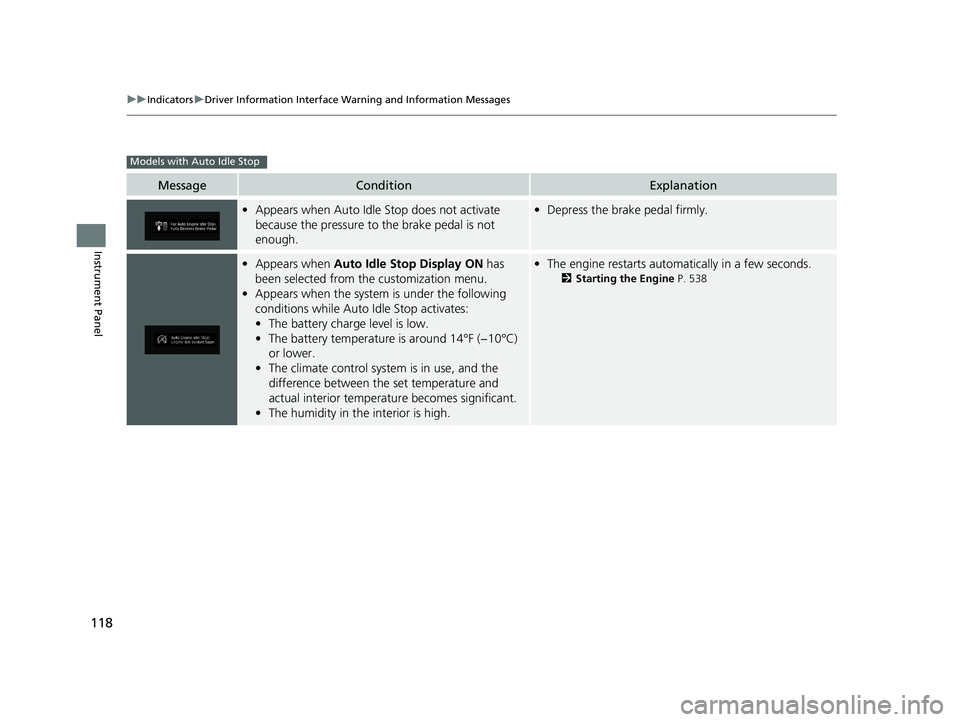
•Appears when Auto Idle Stop does not activate
because the pressure to the brake pedal is not
enough.•Depress the brake pedal firmly.
•Appears when Auto Idle Stop Display ON has
been selected from the customization menu.
• Appears when the system is under the following
conditions while Auto Idle Stop activates:
• The battery charge level is low.
• The battery temperature is around 14°F (−10°C)
or lower.
• The climate control system is in use, and the
difference between the set temperature and
actual interior temperature becomes significant.
• The humidity in the interior is high.•The engine restarts automatically in a few seconds.
2 Starting the Engine P. 538
Models with Auto Idle Stop
19 ODYSSEY-31THR6120.book 118 ページ 2018年12月6日 木曜日 午後4時35分
Page 121 of 767
119
Instrument Panel
Gauges and Displays
Gauges
Gauges include the fuel gauge, temperature gauge, and related indicators. They are
displayed when the power mode is set to ON.
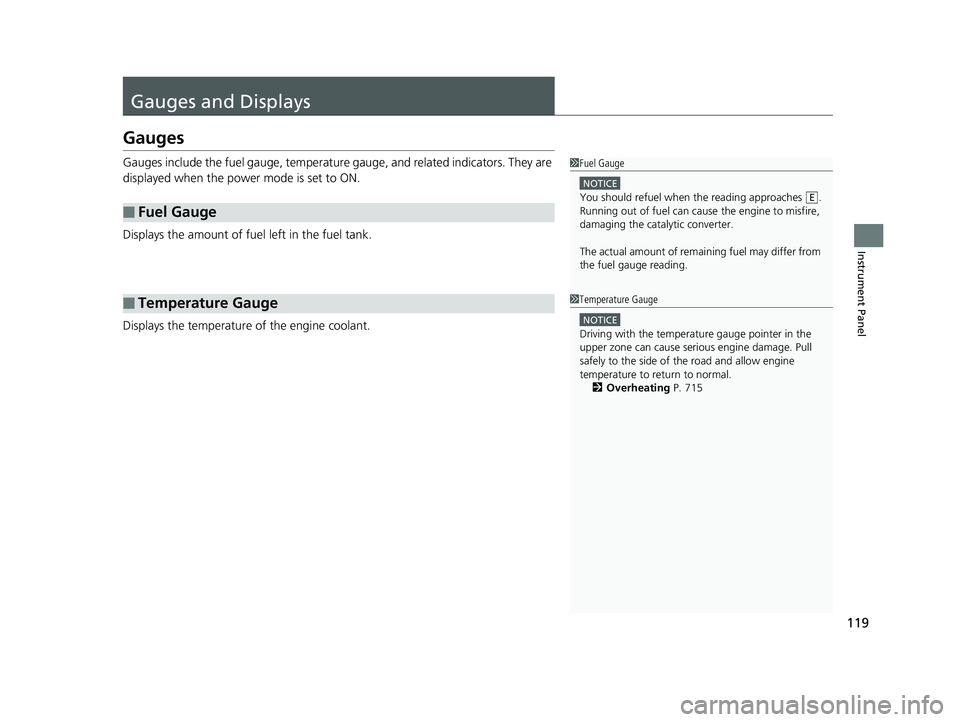
Displays the amount of fuel left in the fuel tank.
Displays the temperature of the engine coolant.
■Fuel Gauge
■Temperature Gauge
1 Fuel Gauge
NOTICE
You should refuel when the reading approaches .
Running out of fuel can cause the engine to misfire,
damaging the cata lytic converter.
The actual amount of remain ing fuel may differ from
the fuel gauge reading.E
1 Temperature Gauge
NOTICE
Driving with the temperat ure gauge pointer in the
upper zone can cause serious engine damage. Pull
safely to the side of th e road and allow engine
temperature to return to normal. 2 Overheating P. 715
19 ODYSSEY-31THR6120.book 119 ページ 2018年12月6日 木曜日 午後4時35分
Page 122 of 767
120
uuGauges and Displays uDriver Information Interface
Instrument Panel
Driver Information Interface
The driver information interface displays the speedometer, tachometer, odometer,
trip computer, outside temperature, and ot her gauges. It also displays important
messages such as warnings and other helpful information.
Displays your driving speed in mph or km/h.
Shows the number of engine revolutions per minute.
■Speedometer
■Tachometer
1 Speedometer
You can set the speedometer and the displayed
measurements to read in either mph and km/h.
2 Units P. 128
1Tachometer
You can turn on or off the tachometer display.
2 Show Tachometer P. 132
19 ODYSSEY-31THR6120.book 120 ページ 2018年12月6日 木曜日 午後4時35分
Page 123 of 767
Continued121
uuGauges and Displays uDriver Information Interface
Instrument Panel
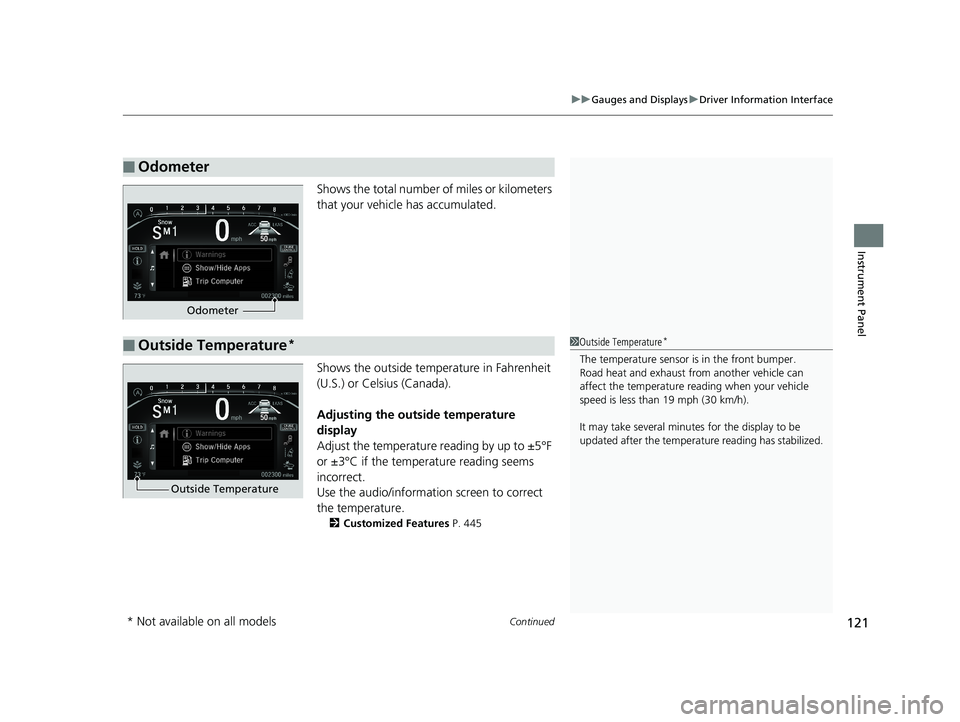
Shows the total number of miles or kilometers
that your vehicle has accumulated.
Shows the outside temperature in Fahrenheit
(U.S.) or Celsius (Canada).
Adjusting the outside temperature
display
Adjust the temperature reading by up to ±5°F
or ±3°C if the temperature reading seems
incorrect.
Use the audio/informatio n screen to correct
the temperature.
2 Customized Features P. 445
■Odometer
Odometer
■Outside Temperature*1Outside Temperature*
The temperature sensor is in the front bumper.
Road heat and exhaust fr om another vehicle can
affect the temperature reading when your vehicle
speed is less than 19 mph (30 km/h).
It may take several minutes for the display to be
updated after the temperature reading has stabilized.
Outside Temperature
* Not available on all models
19 ODYSSEY-31THR6120.book 121 ページ 2018年12月6日 木曜日 午後4時35分
Page 124 of 767
uuGauges and Displays uDriver Information Interface
122
Instrument Panel
Press the (home) button, then press the / button to scroll to the content
you want to see. Press ENTER to see detailed information.
*1: Models with color audio system
*2: Models with Display Audio
■Accessing Content1Accessing Content
To go back to the previous screen, press the
*1/ *2 (back) button.
You can edit, add, or delete the meter contents using
the driver information interface. 2 Arrange Apps P. 131
2 Show/Hide Apps P. 13034
19 ODYSSEY-31THR6120.book 122 ページ 2018年12月6日 木曜日 午後4時35分
Page 125 of 767
123
uuGauges and Displays uDriver Information Interface
Continued
Instrument Panel
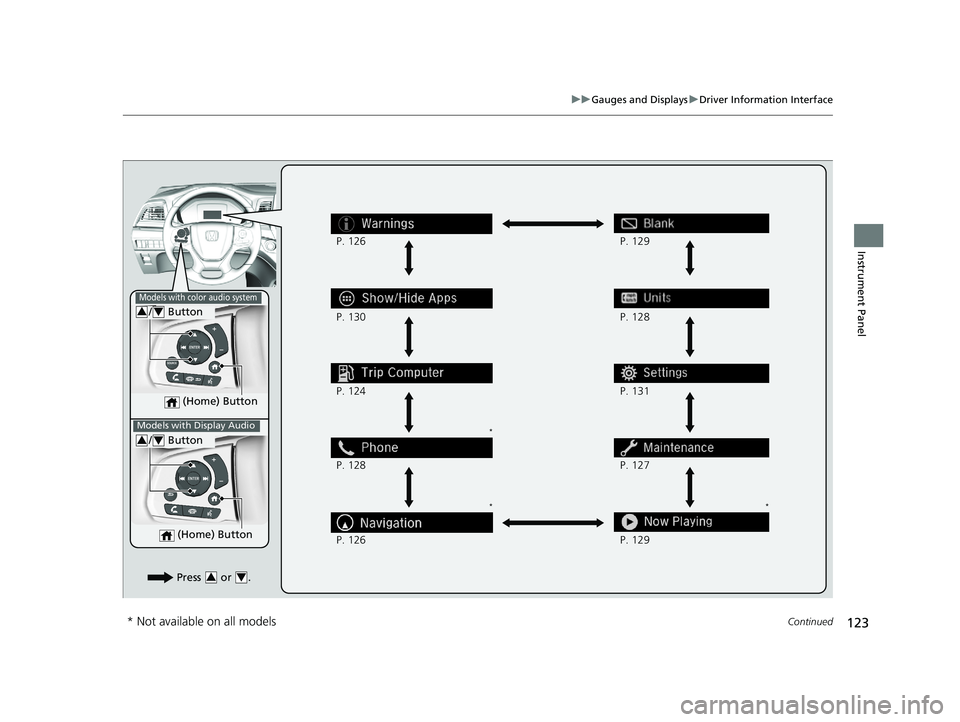
(Home) Button
/ Button34
*
* *
Press or .34
P. 126
P. 130
P. 124
P. 128
P. 126 P. 128
P. 131
P. 127
P. 129 P. 129
Models with color audio system
Models with Display Audio
(Home) Button
/ Button34
* Not available on all models
19 ODYSSEY-31THR6120.book 123 ページ 2018年12月6日 木曜日 午後4時35分
Page 126 of 767
124
uuGauges and Displays uDriver Information Interface
Instrument Panel
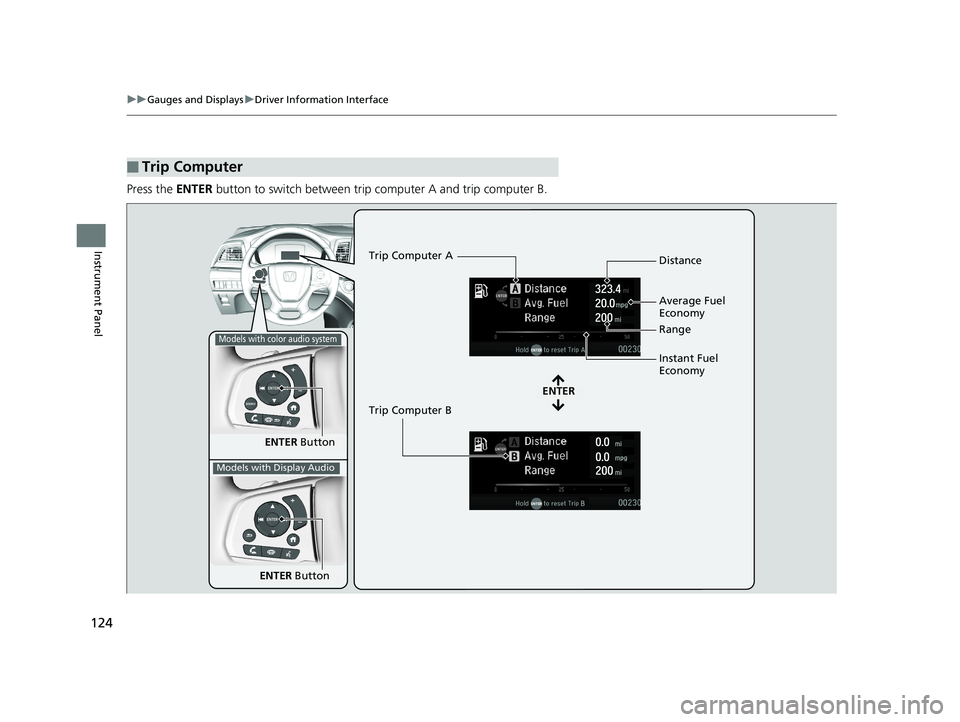
Press the ENTER button to switch between trip computer A and trip computer B.
■Trip Computer
ENTER Button
ENTER
Trip Computer A
Trip Computer B Distance
Range
Average Fuel
Economy
Instant Fuel
Economy
Models with color audio system
Models with Display Audio
ENTER
Button
19 ODYSSEY-31THR6120.book 124 ページ 2018年12月6日 木曜日 午後4時35分
Page 127 of 767
Continued125
uuGauges and Displays uDriver Information Interface
Instrument Panel
■Distance
Shows the total number of miles or kilomete rs driven since the last reset. Meters A
and B can be used to measure two separate trips.
Resetting distance
To reset the Distance, display it and then press and hold the ENTER button until the
Distance is reset to 0.0.
■Average fuel economy (Avg. Fuel)
Shows the estimated average fuel economy of each Distance in mpg or l/100 km.
The display is updated at set intervals. When a Distance is reset, the average fuel
economy is also reset.
■Instant fuel economy
Shows the instant fuel economy as a bar graph in mpg or l/100 km.
■Range
Shows the estimated distance you can trave l on the remaining fuel. This estimated
distance is based on the vehicle’s current fuel economy.
1 Distance
Switch between Distance A and Distance B by
pressing the ENTER button.
1Average fuel economy ( Avg. Fuel)
You can change when the average fuel economy is
reset.
2 Vehicle Customization P. 133
2 Customized Features P. 445
Models with color audio system
Models with Display Audio
19 ODYSSEY-31THR6120.book 125 ページ 2018年12月6日 木曜日 午後4時35分