Messages HONDA ODYSSEY 2019 Owner's Manual (in English)
[x] Cancel search | Manufacturer: HONDA, Model Year: 2019, Model line: ODYSSEY, Model: HONDA ODYSSEY 2019Pages: 767, PDF Size: 47.46 MB
Page 3 of 767
California Perchlorate Contamination Prevention Act
The airbags, seat belt tensioners, and CR type batteries in this
vehicle may contain perchlorate materials - special handling may
apply. See www.dtsc.ca.gov/hazard ouswaste/perchlorate/
As you read this manual, you will find information that is preceded
by a symbol. This information is intended to help you avoid
damage to your vehicle, othe r property, or the environment.
Software End User License Agreement
Your vehicle comes equipped with software, which is governed by
the End User License Agreement in Owner’s Manual, and which
contains a binding arbitration clau se. Please refer to the End User
License Agreement for the terms and conditions governing your
use of the installed software, as we ll as the applications, services,
functions, and content provided through the software. Your use of
the installed software wi ll serve as your consent to the terms and
conditions of the End User License Agreement.
You may opt out within 30 days of your initial use of the Software
by sending a signed, written noti ce to HONDA at American Honda
Motor Co., Inc. Honda Automobile Customer Services Mail Stop
100-5E-8A, 1919 Torrance Blvd. Torrance, CA 90501-2746.
Privacy Notice
This vehicle may share location a nd usage information. To manage
this setting, visit www.hondalink.com/vehicle-data-choices .
A Few Words About Safety
Your safety, and the safety of others, is very important. And
operating this vehicle safely is an important responsibility.
NOTICE
To help you make informed de cisions about safety, we have
provided operating procedures and other information on labels and
in this manual. This information alerts you to potential hazards that
could hurt you or others.
Of course, it is not practical or possible to warn you about all the
hazards associated with operating or maintaining your vehicle. You
must use your own good judgment.
You will find this impo rtant safety information in a variety of forms,
including:
● Safety Labels - on the vehicle.
● Safety Messages - preceded by a safety alert symbol
3 and
one of three signal words: DANGER, WARNING , or CAUTION .
These signal words mean:
● Safety Headings - such as Important Safety Precautions.
● Safety Section - such as Safe Driving.
● Instructions - how to use this vehi cle correctly and safely.
This entire book is filled with important safety information - please
read it carefully.
3 DANGERYou WILL be KILLED or SERIOUSLY HURT if
you don’t follow instructions.
3 WARNINGYou CAN be KILLED or SERIOUSLY HURT if
you don’t follow instructions.
3CAUTIONYou CAN be HURT if you don’t follow
instructions.
19 ODYSSEY-31THR6120.book 1 ページ 2018年12月6日 木曜日 午後4時35分
Page 5 of 767
Contents
Child Safety P. 62Exhaust Gas Hazard P. 80Safety Labels P. 81
Opening and Closing the Tailgate P. 159 Opening and Closing the Sliding Doors P. 170
Opening and Closing the Moonroof* P. 185 Operating the Switches Around the Steering Wheel P. 186
Interior Lights/Interior Convenience Items P. 225 Climate Control System P. 248, 252
Audio Error Messages P. 367 General Information on the Audio System P. 372
Customized Features P. 445 HomeLink® Universal Transceiver* P. 470 Bluetooth ® HandsFreeLink ® P. 473, 498
When Driving P. 538 Braking P. 602Parking Your Vehicle P. 619
Fuel Economy and CO
2 Emissions P. 635
Maintenance Under the Hood P. 647 Replacing Light Bulbs P. 660
Checking and Maintaining Tires P. 675 Battery P. 684 Remote Transmitter Care P. 686
Climate Control System Maintenance P. 689 Cleaning P. 690 Accessories and Modifications P. 696
Engine Does Not Start P. 710 Jump Starting P. 713Overheating P. 715
Emergency Towing P. 731 When You Cannot Unlock the Fuel Fill Door P. 732
When You Cannot Close the Power Sliding Doors
* P. 735 Refueling P. 736
Devices that Emit Radio Waves P. 743 Reporting Safety Defects P. 745 Emissions Testing P. 746
Customer Service Information P. 751
Quick Reference GuideP. 4
Safe DrivingP. 33
Instrument PanelP. 83
ControlsP. 141
FeaturesP. 259
DrivingP. 525
MaintenanceP. 637
Handling the UnexpectedP. 699
InformationP. 739
IndexP. 752
19 ODYSSEY-31THR6120.book 3 ページ 2018年12月6日 木曜日 午後4時35分
Page 39 of 767
37
uuFor Safe Driving uSafety CheckList
Safe Driving
Safety CheckList
For the safety of you and your passengers, make a habit of checking these items
each time before you drive.
• After everyone has entered the vehicle, be sure all doors and the tailgate are
closed and locked. Locking the doors and the tailgate helps prevent an occupant
from being ejected and an outsider from unexpectedly opening a door or the
tailgate.
2 Locking/Unlocking the Doors from the Inside P. 154
•Adjust your seat to a position suitable for driving. Be sure the front seats are
adjusted as far to the rear as possible while allowing the driver to control the
vehicle. Sitting too close to a front airbag can result in serious or fatal injury in a
crash.
2 Adjusting the Seats P. 209
•Adjust head restraints to the proper position. Head restraints are most effective
when the center of the head restraint alig ns with the center of your head. Taller
persons should adjust their head restraint to the highest position.
2Adjusting the Front and Second Row Outer and Third Row Outer Head
Restraints Positions P. 212
•Always wear your seat belt, and make sure you wear it properly. Confirm that any
passengers are properly belted as well.
2 Fastening a Seat Belt P. 41
•Protect children by using seat belts or chil d seats according to a child’s age, height
and weight.
2 Child Safety P. 62
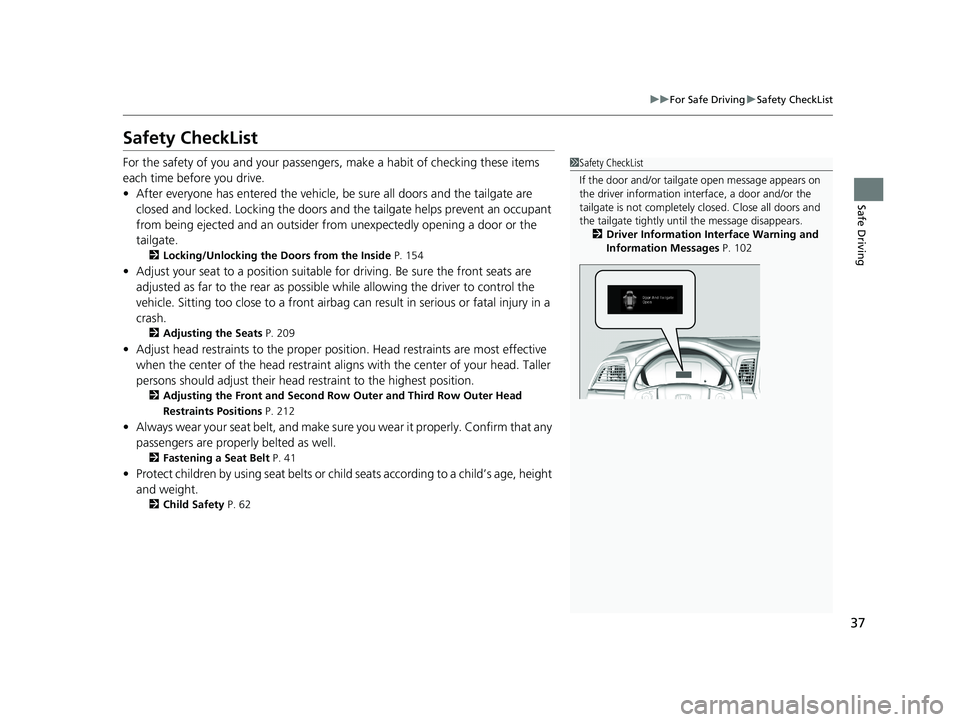
1Safety CheckList
If the door and/or tailga te open message appears on
the driver information inte rface, a door and/or the
tailgate is not completely closed. Close all doors and
the tailgate tightly unti l the message disappears.
2 Driver Information Interface Warning and
Information Messages P. 102
19 ODYSSEY-31THR6120.book 37 ページ 2018年12月6日 木曜日 午後4時35分
Page 85 of 767
83
Instrument Panel
This chapter describes the buttons, indicators, and gauges that are used while driving.
Indicators............................................ 84
Driver Information Interface Warning and Information Messages .................... 102
Gauges and Displays Gauges ............................................ 119
Driver Information Interface ............. 120
19 ODYSSEY-31THR6120.book 83 ページ 2018年12月6日 木曜日 午後4時35分
Page 104 of 767
102
uuIndicators uDriver Information Interface Wa rning and Information Messages
Instrument Panel
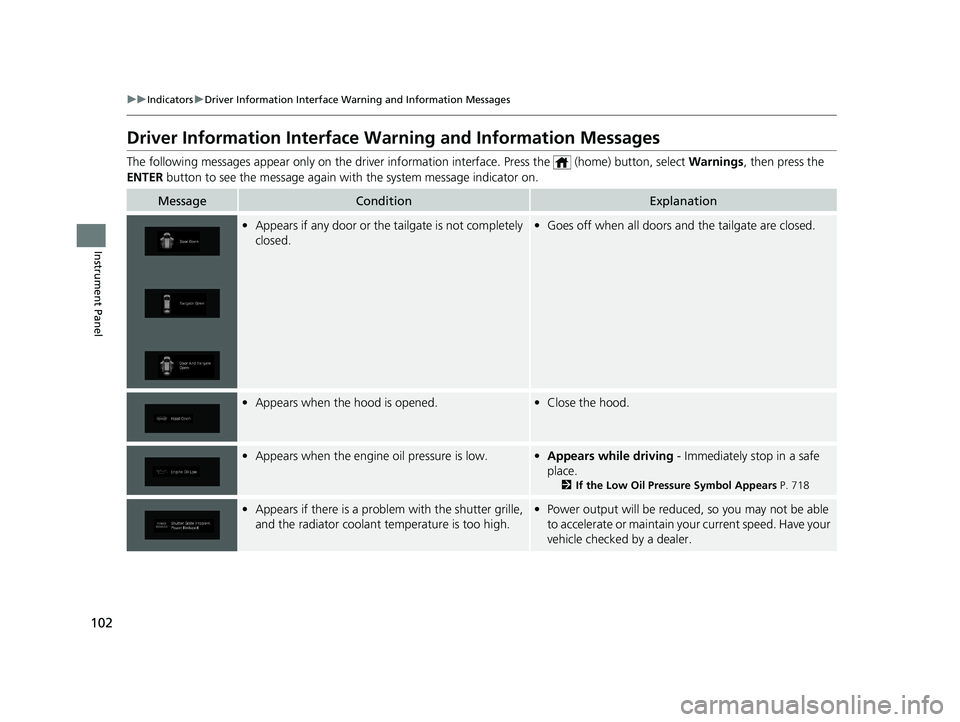
Driver Information Interface Warning and Information Messages
The following messages appear only on the driver information inte rface. Press the (home) button, select Warnings, then press the
ENTER button to see the message again with the system message indicator on.
MessageConditionExplanation
•Appears if any door or the tailgate is not completely
closed.•Goes off when all doors and the tailgate are closed.
•Appears when the hood is opened.•Close the hood.
•Appears when the engine oil pressure is low.•Appears while driving - Immediately stop in a safe
place.
2 If the Low Oil Pressure Symbol Appears P. 718
•Appears if there is a problem with the shutter grille,
and the radiator coolant temperature is too high.•Power output will be reduced, so you may not be able
to accelerate or maintain your current speed. Have your
vehicle checked by a dealer.
19 ODYSSEY-31THR6120.book 102 ページ 2018年12月6日 木曜日 午後4時35分
Page 105 of 767
103
uuIndicators uDriver Information Interface Wa rning and Information Messages
Continued
Instrument Panel
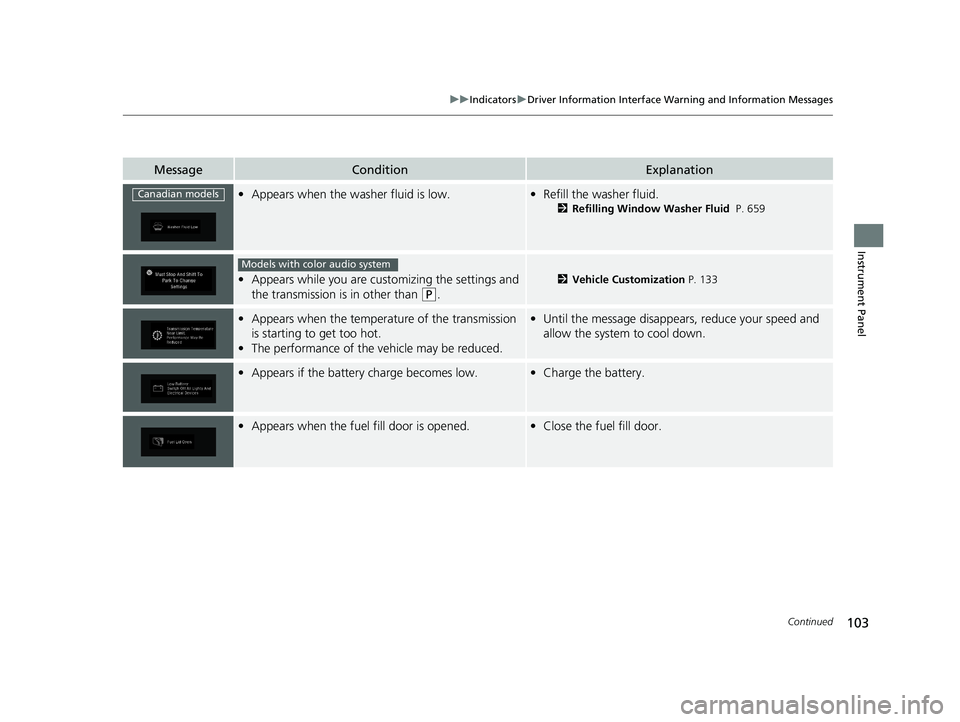
MessageConditionExplanation
•Appears when the washer fluid is low.•Refill the washer fluid.
2 Refilling Window Washer Fluid P. 659
•Appears while you are customizing the settings and
the transmission is in other than
(P.
2 Vehicle Customization P. 133
•Appears when the temperature of the transmission
is starting to get too hot.
• The performance of the vehicle may be reduced.•Until the message disappears, reduce your speed and
allow the system to cool down.
•Appears if the battery charge becomes low.•Charge the battery.
•Appears when the fuel fill door is opened.•Close the fuel fill door.
Canadian models
Models with color audio system
19 ODYSSEY-31THR6120.book 103 ページ 2018年12月6日 木曜日 午後4時35分
Page 106 of 767
104
uuIndicators uDriver Information Interface Wa rning and Information Messages
Instrument Panel
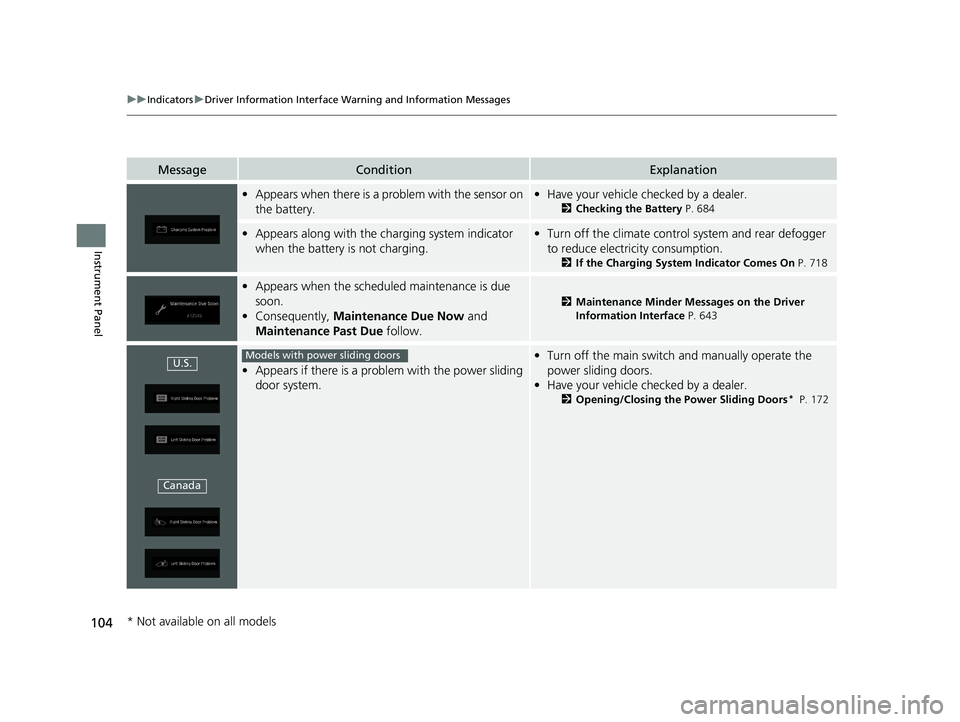
MessageConditionExplanation
•Appears when there is a problem with the sensor on
the battery.•Have your vehicle checked by a dealer.
2 Checking the Battery P. 684
•Appears along with the ch arging system indicator
when the battery is not charging.• Turn off the climate control system and rear defogger
to reduce electricity consumption.
2 If the Charging System Indicator Comes On P. 718
•Appears when the schedu led maintenance is due
soon.
• Consequently, Maintenance Due Now and
Maintenance Past Due follow.
2Maintenance Minder Messages on the Driver
Information Interface P. 643
•Appears if there is a problem with the power sliding
door system.
•Turn off the main switch and manually operate the
power sliding doors.
• Have your vehicle checked by a dealer.
2 Opening/Closing the Power Sliding Doors* P. 172
U.S.
CanadaModels with power sliding doors
* Not available on all models
19 ODYSSEY-31THR6120.book 104 ページ 2018年12月6日 木曜日 午後4時35分
Page 107 of 767
105
uuIndicators uDriver Information Interface Wa rning and Information Messages
Continued
Instrument Panel
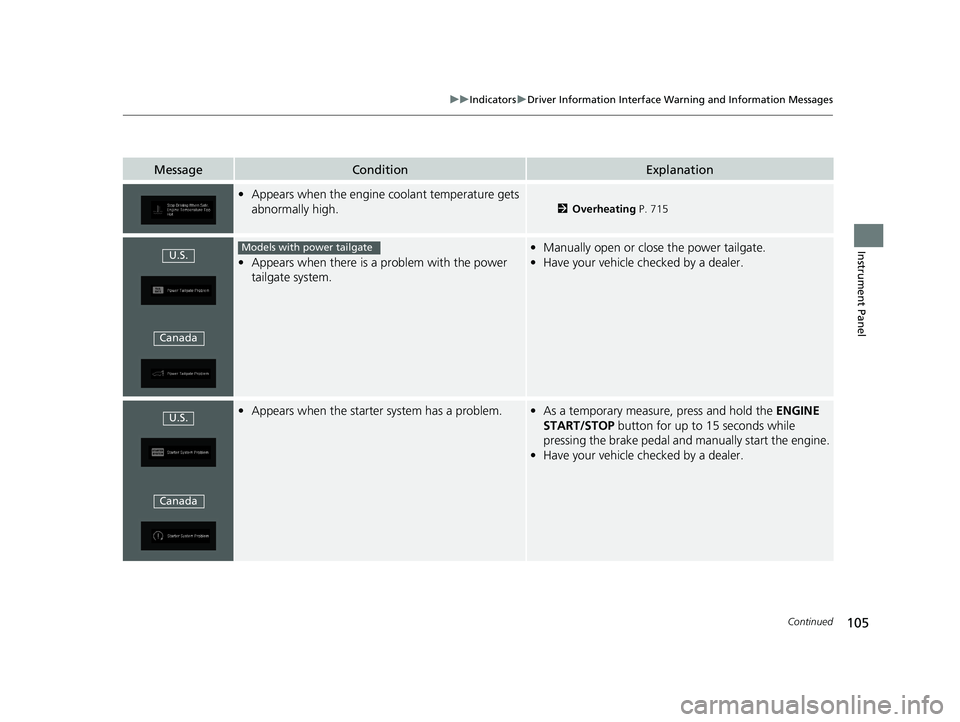
MessageConditionExplanation
•Appears when the engine coolant temperature gets
abnormally high.
2 Overheating P. 715
•Appears when there is a problem with the power
tailgate system.
• Manually open or close the power tailgate.
• Have your vehicle checked by a dealer.
•Appears when the starter system has a problem.•As a temporary measure, press and hold the ENGINE
START/STOP button for up to 15 seconds while
pressing the brake pedal and manually start the engine.
• Have your vehicle checked by a dealer.
U.S.
CanadaModels with power tailgate
U.S.
Canada
19 ODYSSEY-31THR6120.book 105 ページ 2018年12月6日 木曜日 午後4時35分
Page 108 of 767
106
uuIndicators uDriver Information Interface Wa rning and Information Messages
Instrument Panel
MessageConditionExplanation
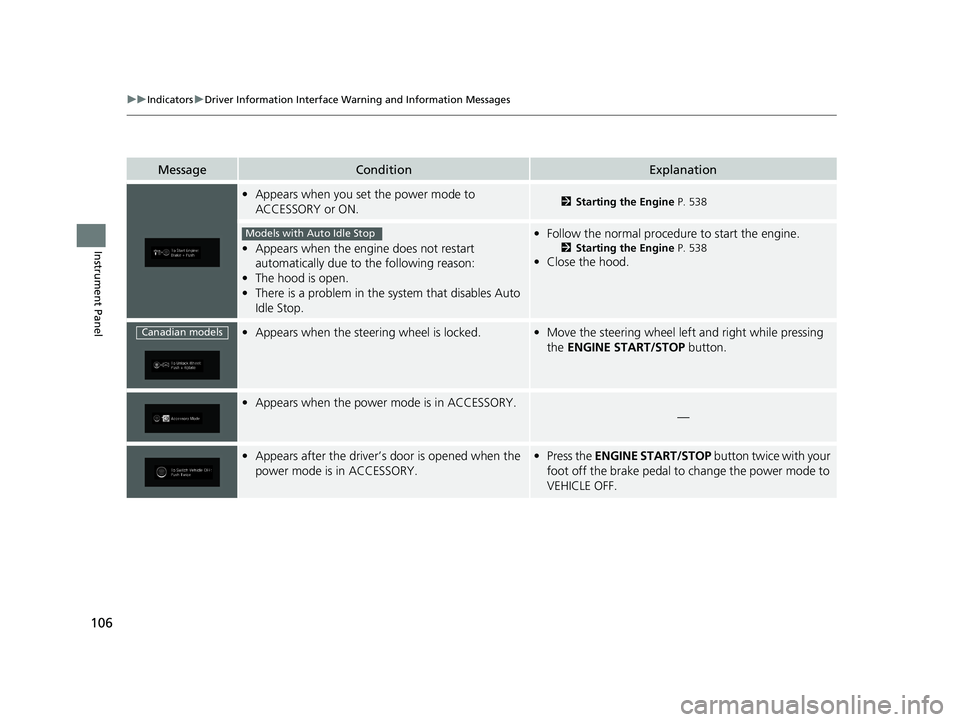
•Appears when you set the power mode to
ACCESSORY or ON.2 Starting the Engine P. 538
•Appears when the engine does not restart
automatically due to the following reason:
• The hood is open.
• There is a problem in the sy stem that disables Auto
Idle Stop.
• Follow the normal procedure to start the engine.
2 Starting the Engine P. 538
•Close the hood.
•Appears when the steering wheel is locked.•Move the steering wheel left and right while pressing
the ENGINE START/STOP button.
•Appears when the power mode is in ACCESSORY.
—
•Appears after the driver’s door is opened when the
power mode is in ACCESSORY.•Press the ENGINE START/STOP button twice with your
foot off the brake pedal to change the power mode to
VEHICLE OFF.
Models with Auto Idle Stop
Canadian models
19 ODYSSEY-31THR6120.book 106 ページ 2018年12月6日 木曜日 午後4時35分
Page 109 of 767
107
uuIndicators uDriver Information Interface Wa rning and Information Messages
Continued
Instrument Panel
MessageConditionExplanation
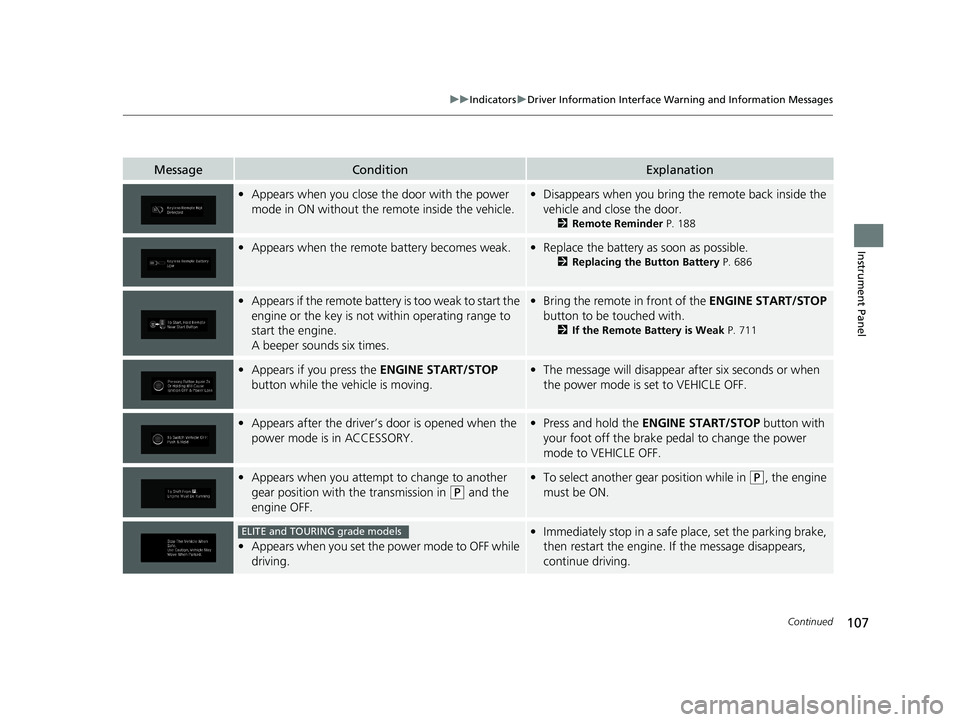
•Appears when you close th e door with the power
mode in ON without the remote inside the vehicle.• Disappears when you bring the remote back inside the
vehicle and close the door.
2 Remote Reminder P. 188
•Appears when the remote battery becomes weak.•Replace the battery as soon as possible.
2 Replacing the Button Battery P. 686
•Appears if the remote battery is too weak to start the
engine or the key is not within operating range to
start the engine.
A beeper sounds six times.•Bring the remote in front of the ENGINE START/STOP
button to be touched with.
2 If the Remote Battery is Weak P. 711
•Appears if you press the ENGINE START/STOP
button while the vehicle is moving.• The message will disappear after six seconds or when
the power mode is set to VEHICLE OFF.
•Appears after the driver’s door is opened when the
power mode is in ACCESSORY.• Press and hold the ENGINE START/STOP button with
your foot off the brake pedal to change the power
mode to VEHICLE OFF.
• Appears when you attempt to change to another
gear position with the transmission in
(P and the
engine OFF.
• To select another gear position while in (P, the engine
must be ON.
• Appears when you set the power mode to OFF while
driving.
•Immediately stop in a safe place, set the parking brake,
then restart the engine. If the message disappears,
continue driving.ELITE and TOURING grade models
19 ODYSSEY-31THR6120.book 107 ページ 2018年12月6日 木曜日 午後4時35分