Route Preference HONDA PILOT 2016 3.G Navigation Manual
[x] Cancel search | Manufacturer: HONDA, Model Year: 2016, Model line: PILOT, Model: HONDA PILOT 2016 3.GPages: 145, PDF Size: 8.06 MB
Page 3 of 145
2
Quick Reference Guide
Quick Reference Guide
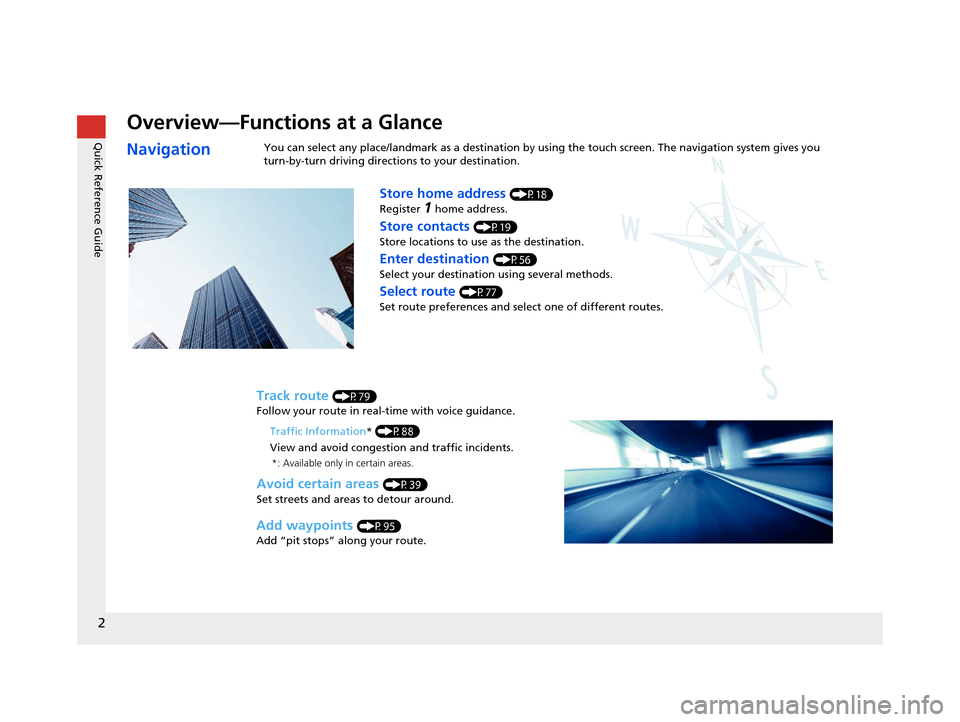
Overview—Functions at a Glance
NavigationYou can select any place/landmark as a destination by using the touch screen. The navigation system gives you
turn-by-turn driving direct ions to your destination.
Store home address (P18)
Register
1 home address.
Track route (P79)
Follow your route in real-time with voice guidance.
Store contacts (P19)
Store locations to use as the destination.
Enter destination (P56)
Select your destination using several methods.
Select route (P77)
Set route preferences and select one of different routes.
Avoid certain areas (P39)
Set streets and areas to detour around.
Add waypoints (P95)
Add “pit stops” along your route. Traffic Information
* (P88)
View and avoid congestion and traffic incidents.
*: Available only in certain areas.
16 PILOT NAVI-31TG78000.book 2 ページ 2015年4月21日 火曜日 午前8時30分
Page 37 of 145
36
System Setup
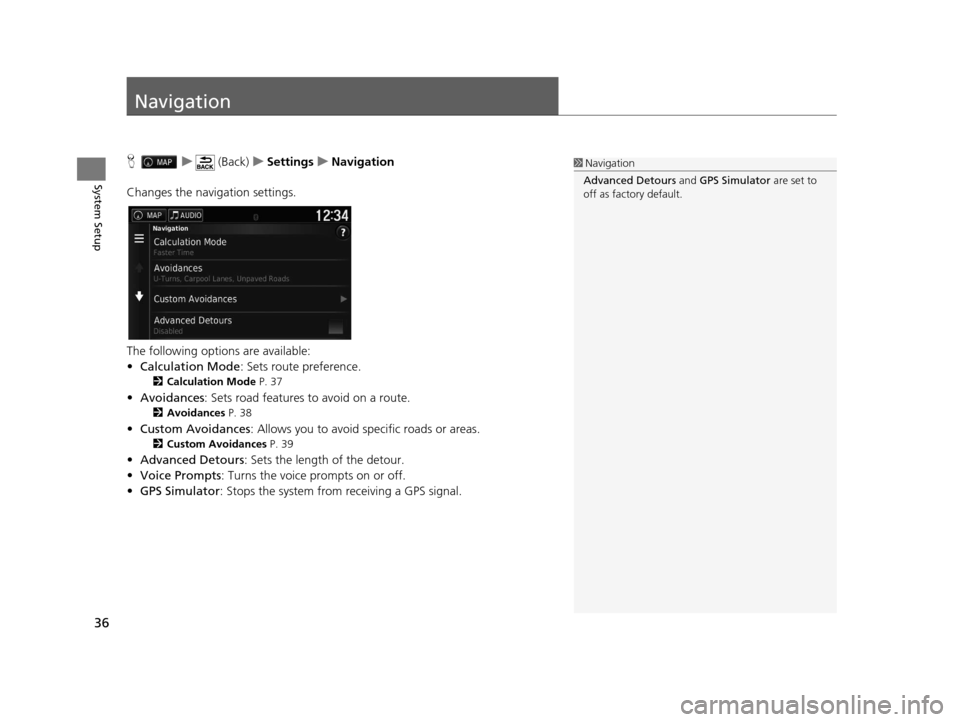
Navigation
Hu (Back) uSettings uNavigation
Changes the navigation settings.
The following options are available:
• Calculation Mode : Sets route preference.
2Calculation Mode P. 37
•Avoidances : Sets road features to avoid on a route.
2Avoidances P. 38
•Custom Avoidances : Allows you to avoid sp ecific roads or areas.
2Custom Avoidances P. 39
•Advanced Detours: Sets the length of the detour.
• Voice Prompts : Turns the voice prompts on or off.
• GPS Simulator : Stops the system from receiving a GPS signal.
1Navigation
Advanced Detours and GPS Simulator are set to
off as factory default.
16 PILOT NAVI-31TG78000.book 36 ページ 2015年4月21日 火曜日 午前8時30分
Page 38 of 145
37
uuNavigation uCalculation Mode
System Setup
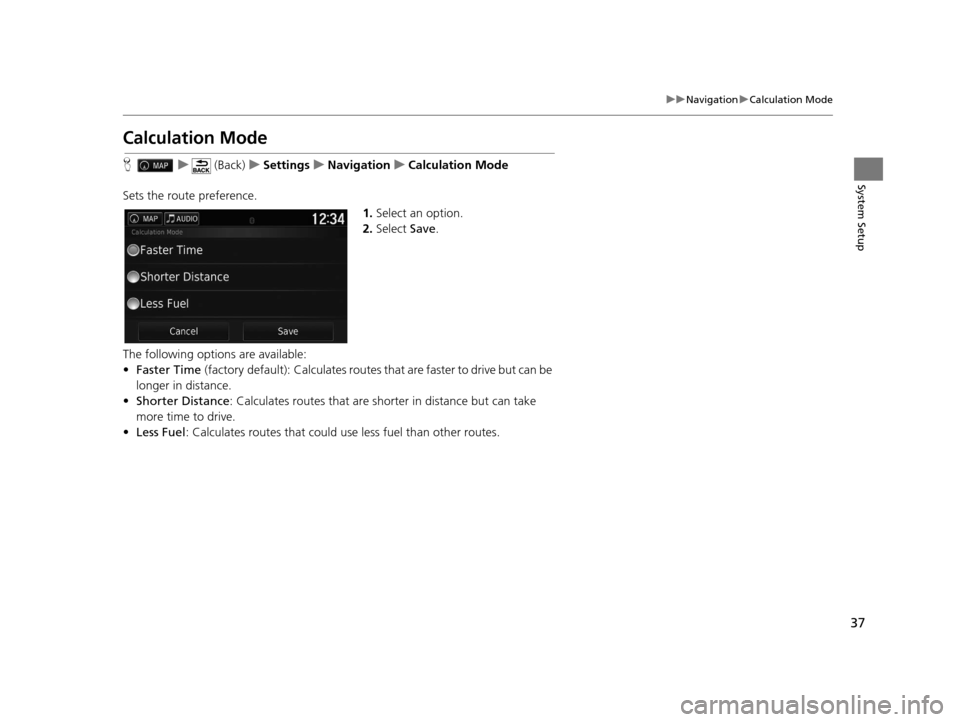
Calculation Mode
H u (Back) uSettings uNavigation uCalculation Mode
Sets the route preference. 1.Select an option.
2. Select Save.
The following options are available:
• Faster Time (factory default): Calculates routes that are faster to drive but can be
longer in distance.
• Shorter Distance : Calculates routes that are shorter in distance but can take
more time to drive.
• Less Fuel : Calculates routes that could us e less fuel than other routes.
16 PILOT NAVI-31TG78000.book 37 ページ 2015年4月21日 火曜日 午前8時30分
Page 104 of 145
103
uuChanging Your Destination uEntering a New Destination from Trip Planner
Navigation
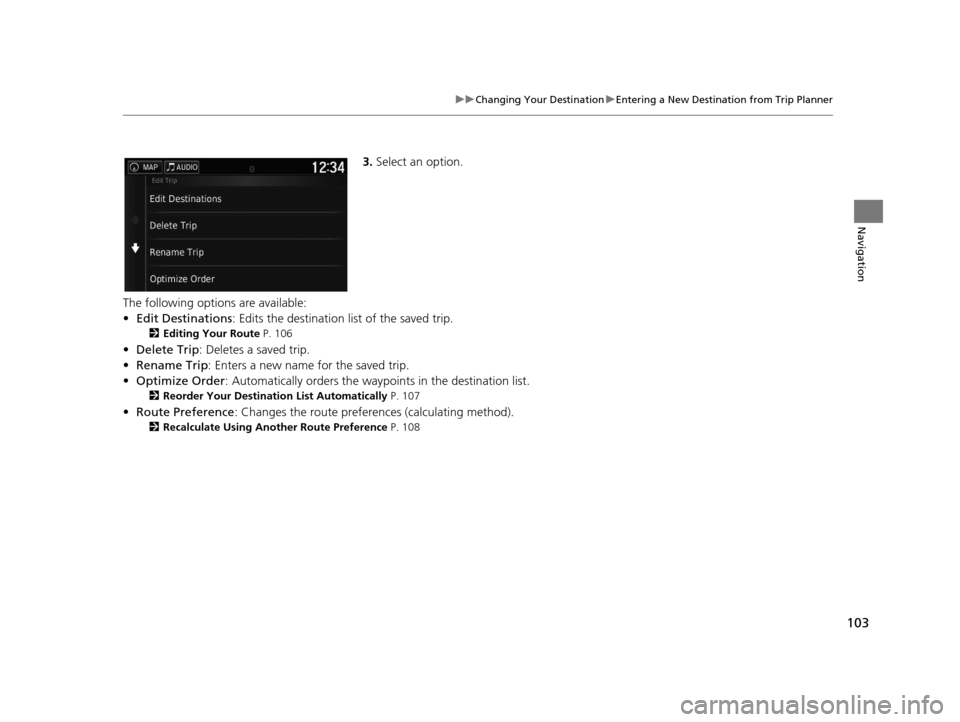
3. Select an option.
The following options are available:
• Edit Destinations : Edits the destination list of the saved trip.
2Editing Your Route P. 106
•Delete Trip : Deletes a saved trip.
• Rename Trip : Enters a new name for the saved trip.
• Optimize Order : Automatically orders the wayp oints in the destination list.
2Reorder Your Destination List Automatically P. 107
•Route Preference : Changes the route preferen ces (calculating method).
2Recalculate Using Another Route Preference P. 108
16 PILOT NAVI-31TG78000.book 103 ページ 2015年4月21日 火曜日 午前8時30分
Page 109 of 145
108
uuChanging Your Destination uEditing the Destination List
Navigation
H u (Back) uApps uTrip Planner
The route preference is just for this time. If you want to change the route preference
for routing, change the navigation settings.
2 Calculation Mode P. 37
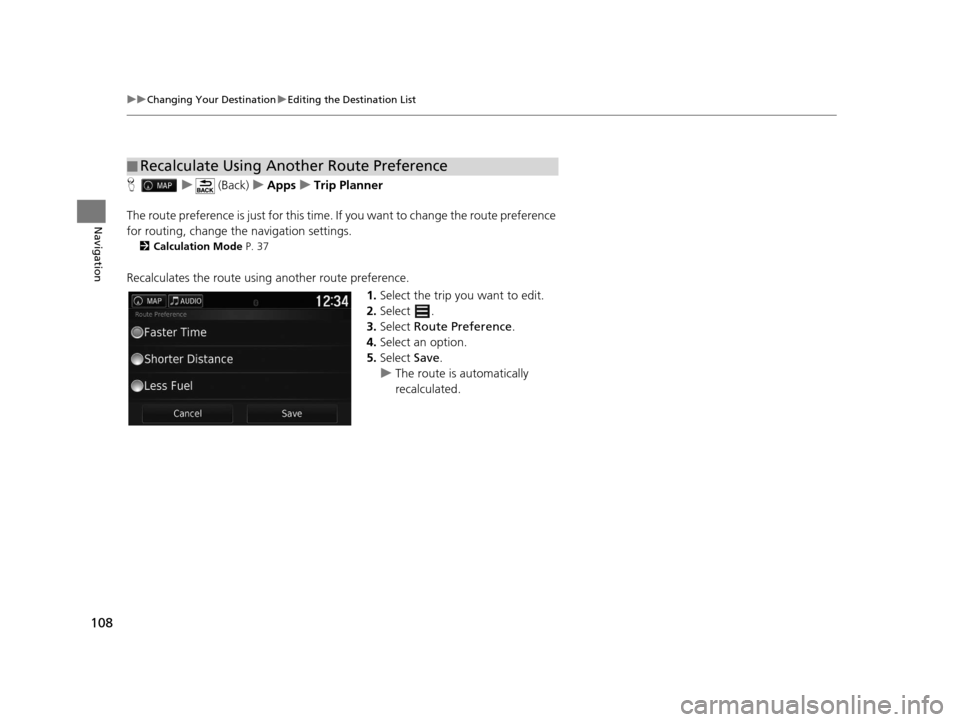
Recalculates the route using another route preference.
1.Select the trip you want to edit.
2. Select .
3. Select Route Preference .
4. Select an option.
5. Select Save.
u The route is automatically
recalculated.
■Recalculate Using Another Route Preference
16 PILOT NAVI-31TG78000.book 108 ページ 2015年4月21日 火曜日 午前8時30分
Page 129 of 145
128
uuTroubleshooting uGuidance, Routing
Troubleshooting
Guidance, Routing
ProblemSolution
The navigation system does not route me the same
way I would go or the same way as other mapping
systems.The navigation system attempts to generate the optimal route. You can change the
route preferences used when calculating a route.
2 Recalculate Using Another Route Preference P. 108
The street I’m on is not shown on the map screen.The mapping database is constantly undergoing revision.
The vehicle position icon is not following the road. ●Check that the GPS antenna (located in the dashboard) is not blocked. For best
reception, remove items from the dashboar d, such as radar detectors, cellular
phones, or loose articles.
●Metallic tinting or other aftermarket devices can interfere with the GPS reception.
Please consult your dealer.
2 GPS System P. 132
How do I stop the map from rotating as I drive
along?1.Select and then pres s the (Back) icon.
2. Select Settings > Map & Vehicle > Driving Map View .
3. Check that Driving Map View is set to Track Up or 3-D .
4. Select North Up and the select Save.
The “arrive time” display sometimes increases even
though I am getting closer to my destination.“Arrival time” is based on the speed lim it on each road. Depending on the traffic
conditions, the “arrival time” may be calculated to be earlier or later.
My elevation (shown when I display the current
position) seems to fluc tuate even though my
elevation has not changed.This is normal. The elevation can vary ±100 ft (30 m) due to GPS calculation errors.
2 GPS System P. 132
My elevation is missing on the “current position”
screen.The elevation is only displayed if the GP S antenna can receive signals from at least
four satellites. Try moving the vehicle into an open area. The elevation is also not
displayed if the calculated elevation is zero or below sea level.
16 PILOT NAVI-31TG78000.book 128 ページ 2015年4月21日 火曜日 午前8時30分