maintenance HONDA PILOT 2016 3.G Repair Manual
[x] Cancel search | Manufacturer: HONDA, Model Year: 2016, Model line: PILOT, Model: HONDA PILOT 2016 3.GPages: 661, PDF Size: 37.79 MB
Page 601 of 661
600
Maintenance
Cleaning
Interior Care
Use a damp cloth with a mixture of mild detergent and warm water to remove dirt.
Use a clean cloth to remove detergent residue.
Use a soft brush with a mixture of mild soap and warm water to clean the seat belts.
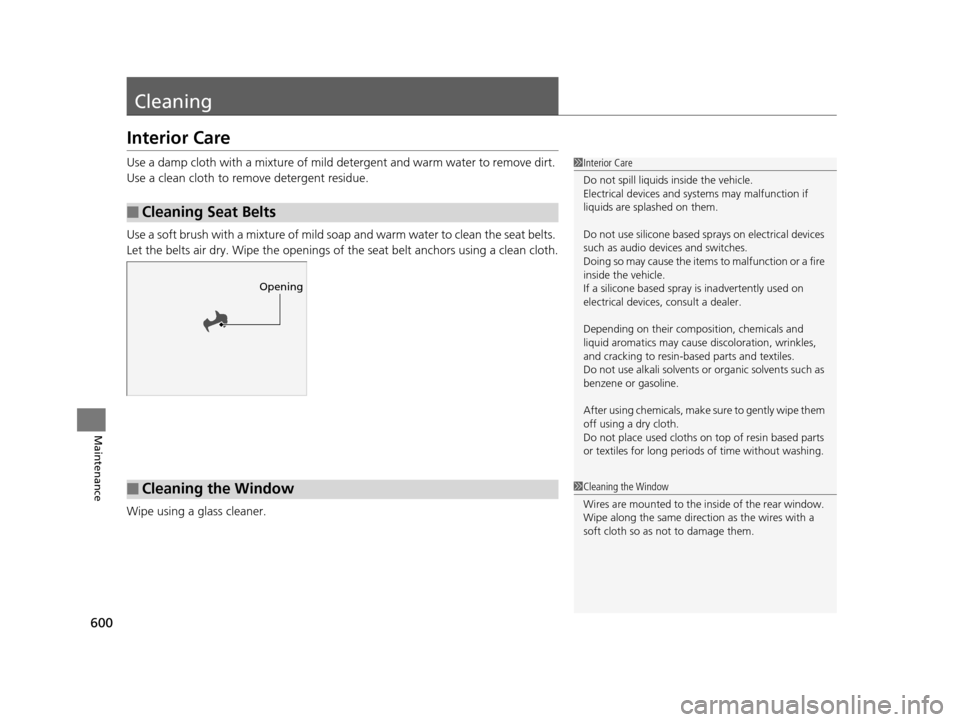
Let the belts air dry. Wipe the openings of the seat belt anchors using a clean cloth.
Wipe using a glass cleaner.
■Cleaning Seat Belts
1 Interior Care
Do not spill liquids inside the vehicle.
Electrical devices and systems may malfunction if
liquids are splashed on them.
Do not use silicone based sprays on electrical devices
such as audio devices and switches.
Doing so may cause the items to malfunction or a fire
inside the vehicle.
If a silicone based spray is inadvertently used on
electrical devices, consult a dealer.
Depending on their compos ition, chemicals and
liquid aromatics may cause discoloration, wrinkles,
and cracking to resin-ba sed parts and textiles.
Do not use alkali solvents or organic solvents such as
benzene or gasoline.
After using chemical s, make sure to gently wipe them
off using a dry cloth.
Do not place used cloths on top of resin based parts
or textiles for long periods of time without washing.
Opening
■Cleaning the Window1Cleaning the Window
Wires are mounted to the in side of the rear window.
Wipe along the same direct ion as the wires with a
soft cloth so as not to damage them.
16 PILOT-31TG76000.book 600 ページ 2015年6月15日 月曜日 午前11時30分
Page 602 of 661
601
uuCleaning uInterior Care
Maintenance
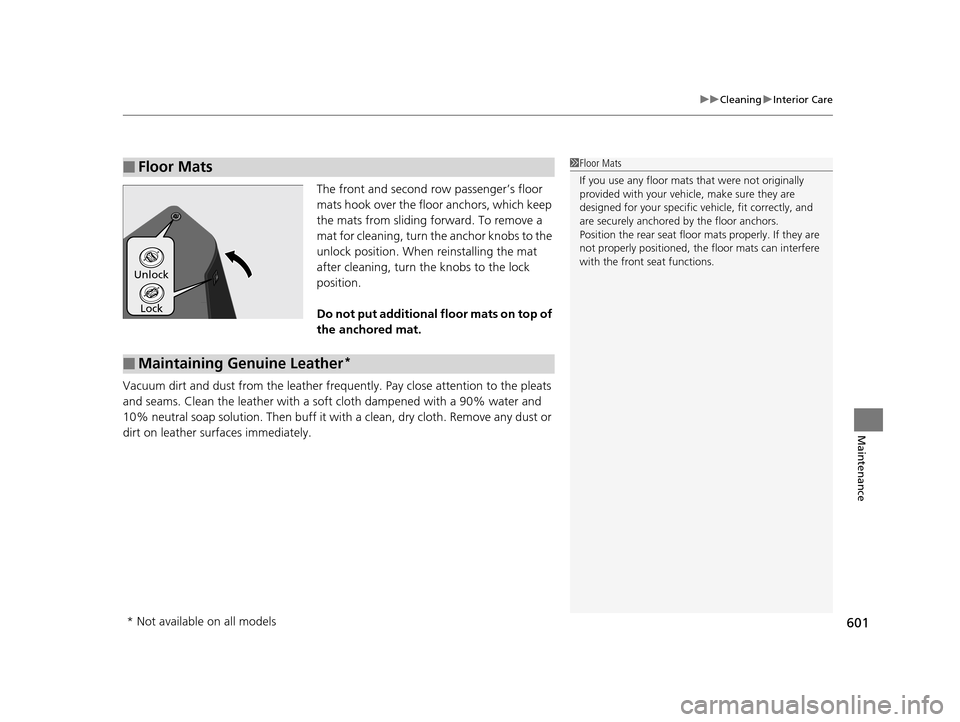
The front and second row passenger’s floor
mats hook over the floo r anchors, which keep
the mats from sliding fo rward. To remove a
mat for cleaning, turn th e anchor knobs to the
unlock position. When reinstalling the mat
after cleaning, turn the knobs to the lock
position.
Do not put additional floor mats on top of
the anchored mat.
Vacuum dirt and dust from the leather frequ ently. Pay close attention to the pleats
and seams. Clean the leather with a so ft cloth dampened with a 90% water and
10% neutral soap solution. Then buff it with a clean, dry cloth. Remove any dust or
dirt on leather surfaces immediately.
■Floor Mats1 Floor Mats
If you use any floor mats that were not originally
provided with your vehicle, make sure they are
designed for your specific ve hicle, fit correctly, and
are securely anchored by the floor anchors.
Position the rear seat floor mats properly. If they are
not properly positioned, the floor mats can interfere
with the front seat functions.
Lock
Unlock
■Maintaining Genuine Leather*
* Not available on all models
16 PILOT-31TG76000.book 601 ページ 2015年6月15日 月曜日 午前11時30分
Page 603 of 661
602
uuCleaning uExterior Care
Maintenance
Exterior Care
Dust off the vehicle body after you drive.
Regularly inspect your vehi cle for scratches on painted surfaces. A scratch on a
painted surface can result in body rust. If you find a scratch, promptly repair it.
Wash the vehicle regularly. Wash more frequently when driving in the following
conditions:
• If driving on roads with road salt.
• If driving in coastal areas.
• If tar, soot, bird droppings, insects, or tree sap are stuck to painted surfaces.
• Fold in the door mirrors.
• Turn off the automatic intermittent wipers
*.
Make sure to follow the instructions indicated on the automated car wash.
If you use a conveyor type automatic car wash, keep the transmission in
(N position.
2 If you want to keep the transmission in (N position [car wash mode] P. 475
•Keep sufficient distance between the cleaning nozzl e and the vehicle body.
• Take particular care around the windows. Standing too close may cause water to
enter the vehicle interior.
• Do not spray high pressure water directly into the engine compartment. Instead,
use low pressure water and a mild detergent.
■Washing the Vehicle
■Using an Automated Car Wash
■Using High Pressure Cleaners
1 Washing the Vehicle
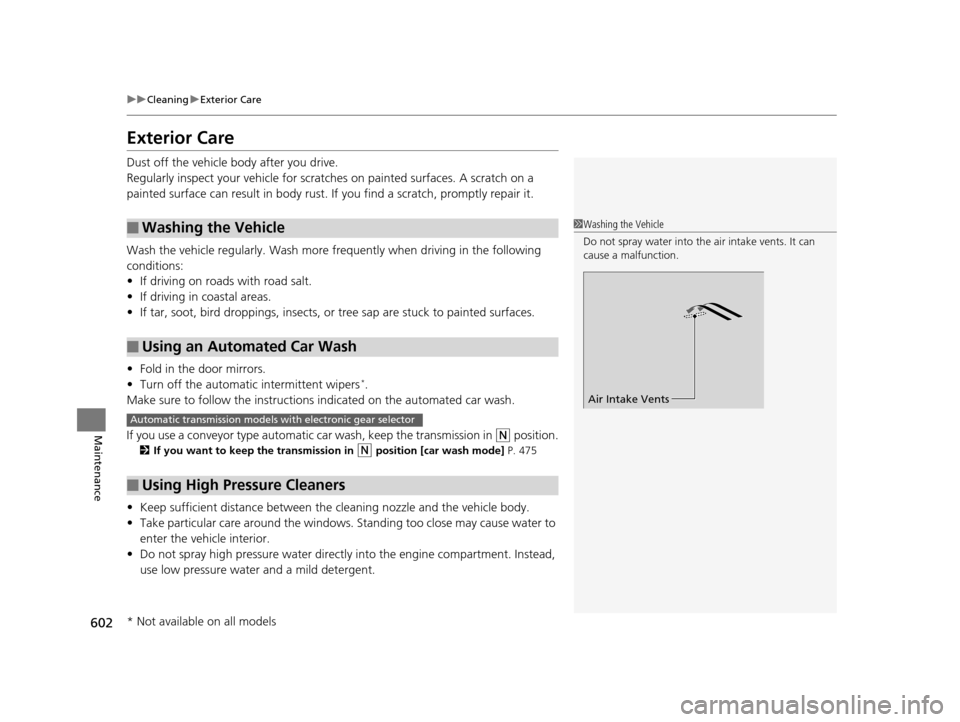
Do not spray water into the air intake vents. It can
cause a malfunction.
Air Intake Vents
Automatic transmission models with electronic gear selector
* Not available on all models
16 PILOT-31TG76000.book 602 ページ 2015年6月15日 月曜日 午前11時30分
Page 604 of 661
Continued603
uuCleaning uExterior Care
Maintenance
A good coat of automotive body wax helps protect your vehicle’s paint from the
elements. Wax will wear off over time and expose your vehicle’s paint to the
elements, so reapply as necessary.
If you get gasoline, oil, engine coolant, or battery fluid on resin coated parts, they
may be stained or the coating may peel. Prom ptly wipe it away using a soft cloth and
clean water.
Wipe using a glass cleaner.
Aluminum is susceptible to deterioration caused by salt and other road
contaminants. Use a sponge and mild detergent to wipe away promptly.
Be careful not to use harsh chemicals (inc luding some commercial wheel cleaners) or
a stiff brush. They can damage the clear coat of the aluminum alloy wheels that
helps keep the aluminum from corroding and tarnishing.
■Applying Wax
■Maintaining the Bumpers and Other Resin Coated Parts
■Cleaning the Window
■Maintaining Aluminum Wheels
1Applying Wax
NOTICE
Chemical solvents and strong cleaners can damage
the paint, metal, and plasti c on your vehicle. Wipe up
spills immediately.
1 Maintaining the Bumpers an d Other Resin Coated Parts
Ask a dealer about the correct coating material when
you want to repair the pa inted surface of the parts
made of resin.
16 PILOT-31TG76000.book 603 ページ 2015年6月15日 月曜日 午前11時30分
Page 605 of 661
604
uuCleaning uExterior Care
Maintenance
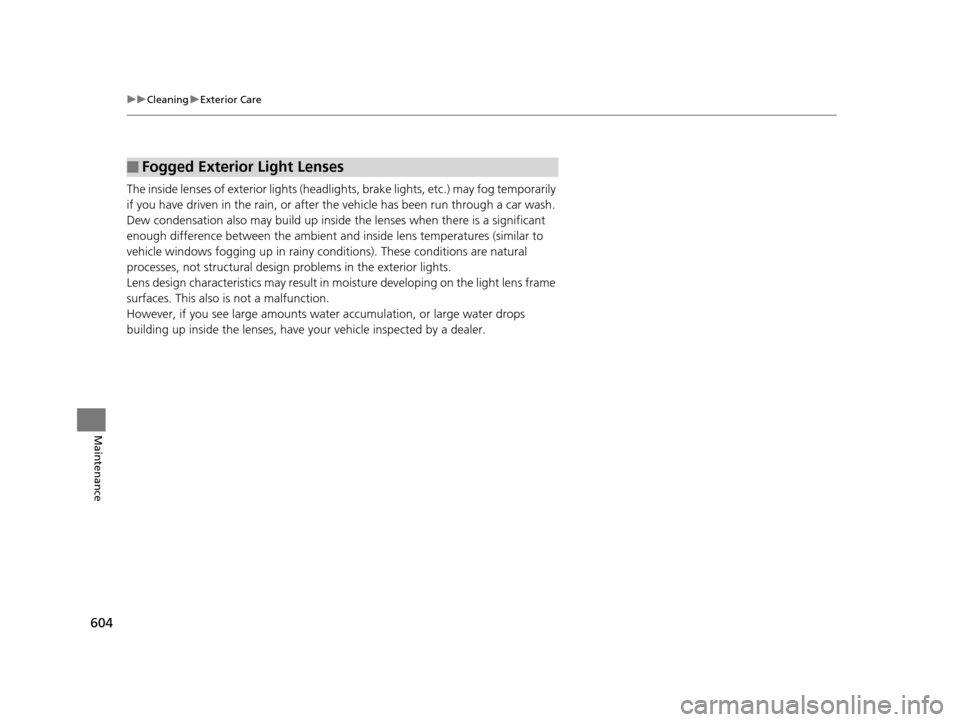
The inside lenses of exterior lights (headlig hts, brake lights, etc.) may fog temporarily
if you have driven in the rain, or after the vehicle has been run through a car wash.
Dew condensation also may build up inside the lenses when there is a significant
enough difference between the ambient and inside lens temperatures (similar to
vehicle windows fogging up in rainy conditions). These conditions are natural
processes, not structural design problems in the exterior lights.
Lens design characteristics may result in mo isture developing on the light lens frame
surfaces. This also is not a malfunction.
However, if you see large amounts wate r accumulation, or large water drops
building up inside the lenses, have your vehicle inspected by a dealer.
■Fogged Exterior Light Lenses
16 PILOT-31TG76000.book 604 ページ 2015年6月15日 月曜日 午前11時30分
Page 651 of 661
650
Index
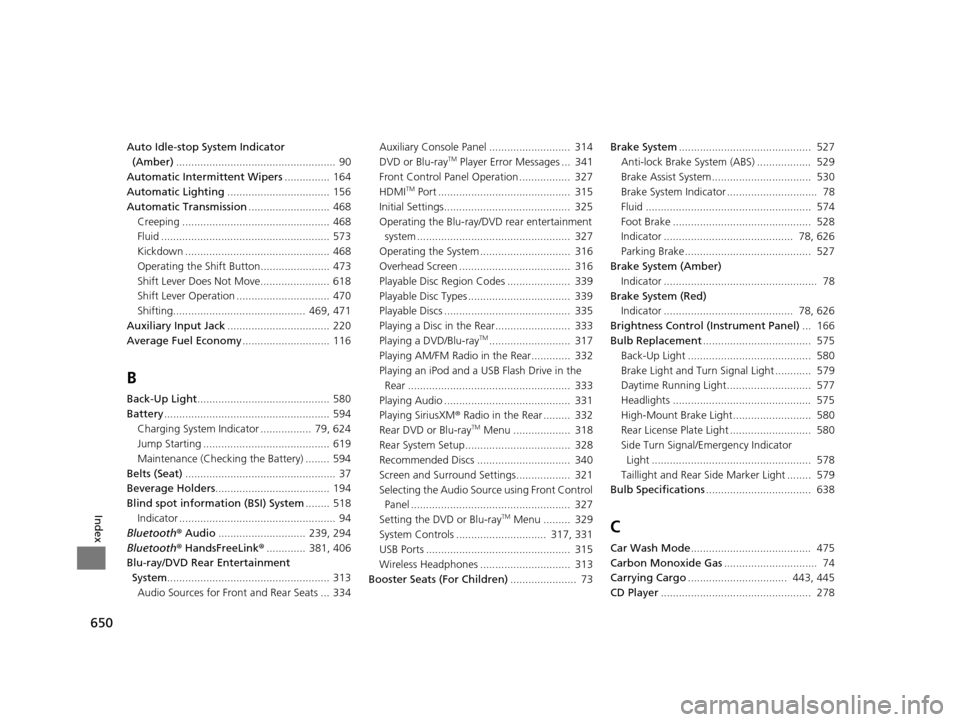
Auto Idle-stop System Indicator (Amber) ..................................................... 90
Automatic Intermittent Wipers ............... 164
Automatic Lighting .................................. 156
Automatic Transmission ........................... 468
Creeping ................................................. 468
Fluid ........................................................ 573
Kickdown ................................................ 468
Operating the Shift Button....................... 473
Shift Lever Does Not Move....................... 618
Shift Lever Operation ............................... 470
Shifting............................................ 469, 471
Auxiliary Input Jack .................................. 220
Average Fuel Economy ............................. 116
B
Back-Up Light............................................ 580
Battery ....................................................... 594
Charging System Indicator ................. 79, 624
Jump Starting .......................................... 619
Maintenance (Checking the Battery) ........ 594
Belts (Seat) .................................................. 37
Beverage Holders ...................................... 194
Blind spot information (BSI) System ........ 518
Indicator .................................................... 94
Bluetooth ® Audio ............................. 239, 294
Bluetooth ® HandsFreeLink ®............. 381, 406
Blu-ray/DVD Rear Entertainment System ...................................................... 313
Audio Sources for Front and Rear Seats ... 334 Auxiliary Console Panel ........................... 314
DVD or Blu-ray
TM Player Error Messages ... 341
Front Control Panel Operation ................. 327
HDMI
TM Port ............................................ 315
Initial Settings.......................................... 325
Operating the Blu-ray/DVD rear entertainment system ................................................... 327
Operating the System .............................. 316
Overhead Screen ..................................... 316
Playable Disc Region Codes ..................... 339
Playable Disc Types .................................. 339
Playable Discs .......................................... 335
Playing a Disc in the Rear......................... 333
Playing a DVD/Blu-ray
TM........................... 317
Playing AM/FM Radio in the Rear............. 332
Playing an iPod and a USB Flash Drive in the Rear ...................................................... 333
Playing Audio .......................................... 331
Playing SiriusXM ® Radio in the Rear ......... 332
Rear DVD or Blu-ray
TM Menu ................... 318
Rear System Setup................................... 328
Recommended Discs ............................... 340
Screen and Surround Settings.................. 321
Selecting the Audio Sour ce using Front Control
Panel ..................................................... 327
Setting the DVD or Blu-ray
TM Menu ......... 329
System Controls .............................. 317, 331
USB Ports ................................................ 315
Wireless Headphones .............................. 313
Booster Seats (For Children) ...................... 73Brake System
............................................ 527
Anti-lock Brake System (ABS) .................. 529
Brake Assist System................................. 530
Brake System Indicator .............................. 78
Fluid ....................................................... 574
Foot Brake .............................................. 528
Indicator ........................................... 78, 626
Parking Brake.......................................... 527
Brake System (Amber) Indicator ................................................... 78
Brake System (Red)
Indicator ........................................... 78, 626
Brightness Control (Instrument Panel) ... 166
Bulb Replacement .................................... 575
Back-Up Light ......................................... 580
Brake Light and Turn Signal Light ............ 579
Daytime Running Light............................ 577
Headlights .............................................. 575
High-Mount Brake Light.......................... 580
Rear License Plate Light ........................... 580
Side Turn Signal/Emergency Indicator Light ..................................................... 578
Taillight and Rear Si de Marker Light ........ 579
Bulb Specifications ................................... 638C
Car Wash Mode........................................ 475
Carbon Monoxide Gas ............................... 74
Carrying Cargo ................................. 443, 445
CD Player .................................................. 278
16 PILOT-31TG76000.book 650 ページ 2015年6月15日 月曜日 午前11時30分
Page 655 of 661
654
Index
Supplemental Restraint System ............ 55, 83
System Message ........................................ 88
Transmission .............................................. 80
Turn Signal ................................................ 86
Vehicle Stability Assist (VSA®) OFF ............ 516
Vehicle Stability Assist (VSA® )
System ............................................. 84, 515
Information ............................................... 637
Information Button .................................. 114
Instant Fuel Economy ............................... 117
Instrument Panel ........................................ 77
Brightness Control ................................... 166
Intelligent Traction Management System ...................................................... 484
Intelligent VTM4 (i-VTM4) ....................... 522
Interior Lights ........................................... 188
Interior Rearview Mirror .......................... 171
iPhone ....................................................... 311
iPod ............................................ 233, 281, 311
J
Jack (Wheel Nut Wrench) ......................... 611
Jump Starting ............................................ 619
K
Key Number Tag ....................................... 122
Keyless Lockout Prevention ..................... 129
Keys ........................................................... 121
Lockout Prevention .................................. 129 Number Tag ............................................ 122
Rear Door Won’t Open............................ 133
Remote Transmitter ................................. 128
Types and Functions ................................ 121
Kickdown (Automatic Transmission) ....... 468
L
Lane Keeping Assist System (LKAS)......... 507
Indicator.................................................... 93
LaneWatch
TM............................................. 520
Language (HFL) ................................ 382, 408
LATCH (Child Seats) .............................. 63, 69
Lights ................................................. 155, 575
Automatic ............................................... 156
Bulb Replacement ................................... 575
Daytime Running Lights........................... 162
High Beam Indicator .................................. 86
Interior .................................................... 188
Light Switches ......................................... 155
Lights On Indicator .................................... 87
Turn Signals ............................................ 154
Load Limits ................................................ 445
Locking/Unlocking .................................... 121
Auto Door Locking/Unlocking.................. 134
Childproof Door Locks............................. 133
From Inside ............................................. 131
From Outside .......................................... 123
Keys ........................................................ 121
Using a Key ............................................. 129
Lockout Prevention System ..................... 129Low Battery Charge
................................. 624
Low Fuel Indicator ..................................... 82
Low Oil Pressure Indicator ................. 79, 624
Low Tire Pressure Indicator ....................... 86
Lower Anchors ..................................... 63, 69
Lubricant Specifications Chart ................ 639
Luggage (Maximum Load Limit) ............. 445
Lumbar Support ....................................... 174M
M (sequential mode) Indicator/Sequential
Mode Gear Selection Indicator ............... 80
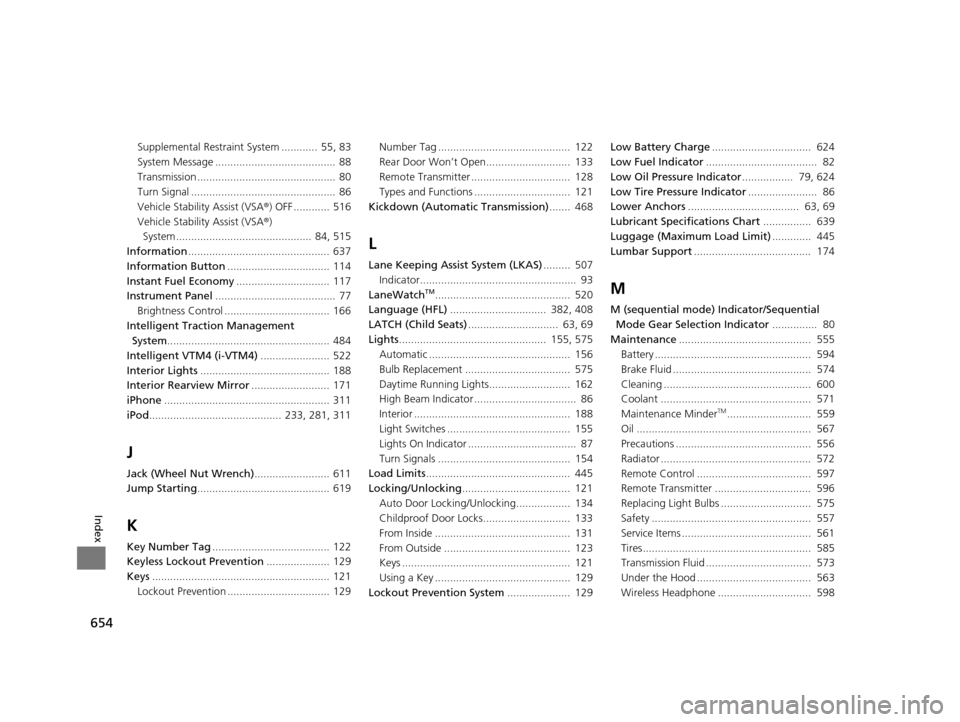
Maintenance ............................................ 555
Battery .................................................... 594
Brake Fluid .............................................. 574
Cleaning ................................................. 600
Coolant .................................................. 571
Maintenance Minder
TM............................ 559
Oil .......................................................... 567
Precautions ............................................. 556
Radiator .................................................. 572
Remote Control ...................................... 597
Remote Transmitter ................................ 596
Replacing Light Bulbs .............................. 575
Safety ..................................................... 557
Service Items ........................................... 561
Tires........................................................ 585
Transmission Fluid ................................... 573
Under the Hood ...................................... 563
Wireless Headphone ............................... 598
16 PILOT-31TG76000.book 654 ページ 2015年6月15日 月曜日 午前11時30分