wipers HONDA RIDGELINE 2022 User Guide
[x] Cancel search | Manufacturer: HONDA, Model Year: 2022, Model line: RIDGELINE, Model: HONDA RIDGELINE 2022Pages: 598, PDF Size: 12.42 MB
Page 457 of 598
Continued455
uuHonda Sensing ®u Lane Keeping Assist System (LKAS)
Driving
■The system operatio n is suspended if
you:
• Set the wipers to HI .
u Turning the wipers o ff or setting it to LO
or MIST resumes the LKAS.
• Decrease the vehicle speed to about 40
mph (64 km/h) or less.
u Increasing the vehicle speed to about 45
mph (72 km/h) or more resumes the
LKAS.
• Depress the brake pedal.
u The LKAS resumes and starts detecting
the lane lines again once you release the
brake pedal.
• Your vehicle is driving to the right or the left
of the lane.
• Set the wiper switch to AUTO and the
wipers operate continuously.
u The LKAS resumes when the wipers stop
or operate intermittently.1The system operation is suspended if you:
You can change the setting for the LKAS.
LKAS suspended beep on and off can be selected.
2 Customized Features P. 298
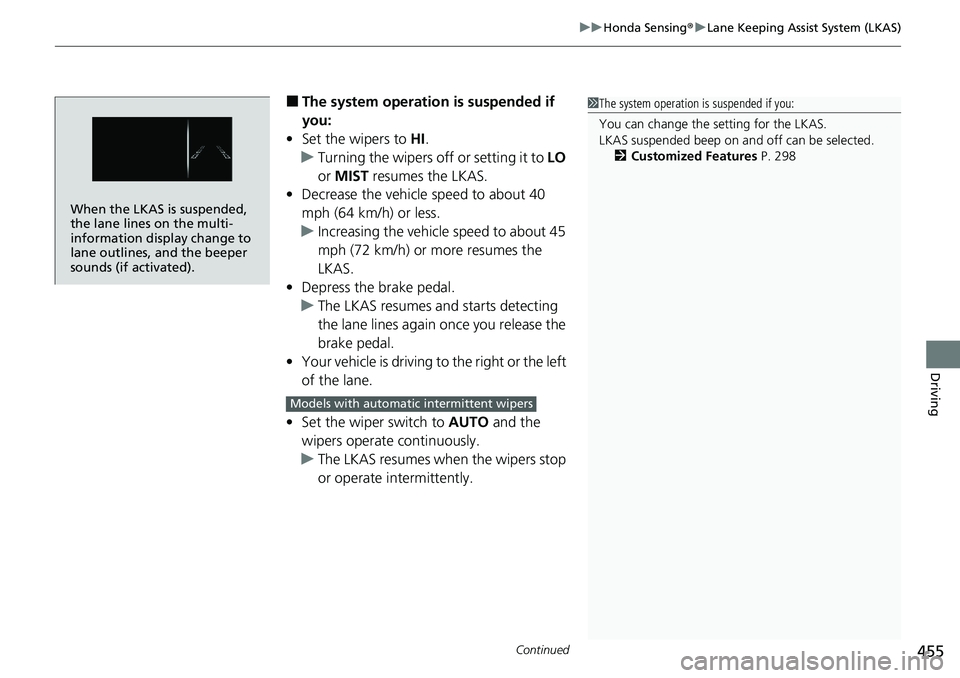
When the LKAS is suspended,
the lane lines on the multi-
information display change to
lane outlines, and the beeper
sounds (if activated).
Models with automatic intermittent wipers
Page 463 of 598
Continued461
uuHonda Sensing ®u Road Departure Mitigation System
Driving
The system activates when all the following conditions are met:
• The vehicle is traveling between about 45 and 90 mph (72 and 145 km/h).
• The vehicle is on a straight or slightly curved road.
• The turn signals are off.
• The brake pedal is not depressed.
• The wipers are not in continuous operation.
• The system makes a determination that th e driver is not actively accelerating,
braking, or steering.
■How the System Activates1 How the System Activates
The Road Departure Mi tigation system may
automatically shut off and the indicator comes
and stays on. 2 Indicators P. 78
Road Departure Mi tigation system function can be
impacted when the vehicle is:
•Not driven within a traffic lane.•Driven on the inside edge of a curve, or outside of
a lane.
•Driven in a narrow lane.
Page 499 of 598
497
uuMaintenance Under the Hood uOpening the Hood
Maintenance
Opening the Hood
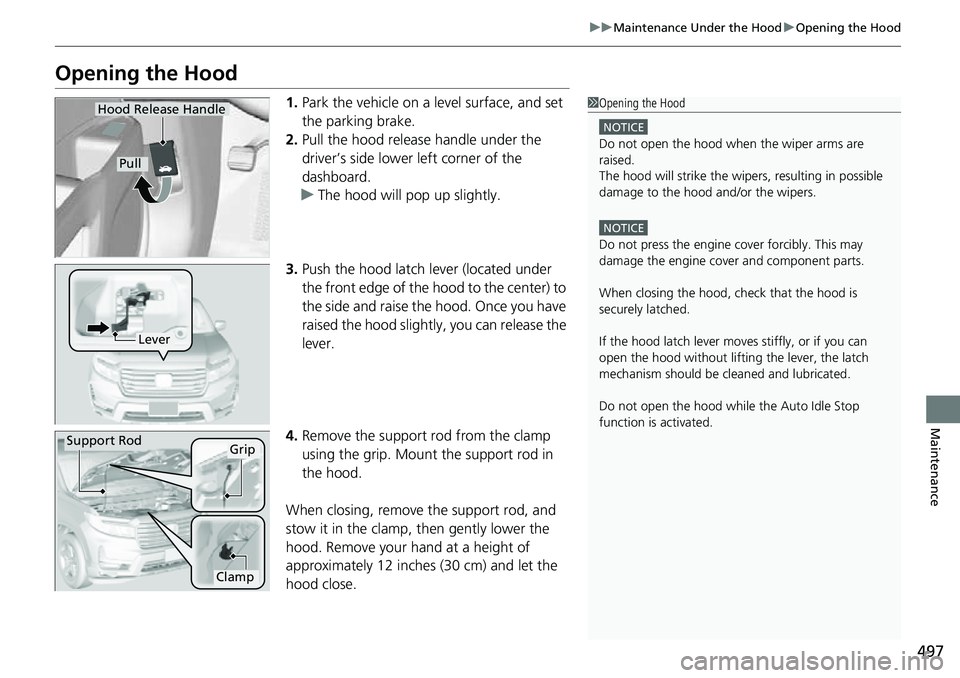
1. Park the vehicle on a level surface, and set
the parking brake.
2. Pull the hood release handle under the
driver’s side lower left corner of the
dashboard.
u The hood will pop up slightly.
3. Push the hood latch lever (located under
the front edge of the hood to the center) to
the side and raise the hood. Once you have
raised the hood slightly, you can release the
lever.
4. Remove the support rod from the clamp
using the grip. Mount the support rod in
the hood.
When closing, remove the support rod, and
stow it in the clamp, then gently lower the
hood. Remove your hand at a height of
approximately 12 inches (30 cm) and let the
hood close.1 Opening the Hood
NOTICE
Do not open the hood when the wiper arms are
raisedM
The hood will strike the wipe rs, resulting in possible
damage to the hood and/or the wipersM
NOTICE
Do not press the engine cover forcibly. This may
damage the engine cover and component parts.
When closing the hood, check that the hood is
securely latchedM
If the hood latch lever moves stiffly, or if you can
open the hood without lifti ng the lever, the latch
mechanism should be cl eaned and lubricatedM
Do not open the hood while the Auto Idle Stop
function is activated.
Hood Release Handle
Pull
Lever
Support RodGrip
Clamp
Page 534 of 598
uuCleaning uExterior Care
532
Maintenance
• Make sure to follow the instructions indicated on the automated car wash.
• Fold in the door mirrors.
• For models equipped with automatic inte rmittent wipers, turn the wipers off.
• Keep sufficient distance between the cleaning nozzl e and the vehicle body.
• Take particular care around the windows. St anding too close may cause water to
enter the vehicle interior.
• Do not spray high pressure water directly into the engine compartment. Instead,
use low pressure water and a mild detergent.
A good coat of automotive body wax helps protect your vehicle’s paint from the
elements. Wax will wear off over time and expose your vehicle’s paint to the
elements, so reapply as necessary.
■Using an Automated Car Wash
■Using High Pressure Cleaners
■Applying Wax
1 Using an Automated Car Wash
When using an automated car wash that pulls the
vehicle through with a c onveyor, make sure the
transmission in
( N position.
2 If you want to keep the transmission in
(N
position [car wash mode] P. 399
1Applying Wax
NOTICE
Chemical solvents and st rong cleaners can damage
the paint, metal, and plasti c on your vehicle. Wipe
away spills immediately.
Page 589 of 598
Index
587
Index
Index
A
ABS (Anti-lock Brake System).................. 470
AC Power Outlet ...................................... 191
Accessories and Modifications ................ 535
Accessory Power Sockets ......................... 182
Adaptive Cruise Control (ACC) ................ 438
Indicator ................................................... 91
Additives
Coolant .................................................. 504
Engine Oil ............................................... 499
Washer ................................................... 507
Adjusting Armrest .................................................. 174
Front Seats.............................................. 166
Head Restraints ............................... 171, 172
Mirrors.................................................... 164
Rear Seats ............................................... 169
Steering Wheel ....................................... 163
Temperature ........................................... 113
Agile Handling Assist ............................... 414
Air Conditioning System (Climate Control System) .................................................... 195
Changing the Mode................................ 195
Defrosting the Windshield and Windows .............................................. 196
Dust and Pollen Filter .............................. 528
Recirculation/Fresh Air Mode................... 196
Sensor .................................................... 201
Synchronized Mode ................................ 198
Using Automatic Climate Control............ 195
Air Pressure ...................................... 517, 575 Airbags
........................................................ 44
Advanced Airbags ..................................... 50
After a Collision ......................................... 47
Airbag Care ............................................... 58
Event Data Recorder .................................... 0
Front Airbags (SRS) .................................... 47
Indicator .............................................. 55, 82
Passenger Airbag Off Indicator .................. 56
Sensors ...................................................... 44
Side Airbags .............................................. 52
Side Curtain Airbags .................................. 54
All-wheel drive (AWD) Indicator ............... 88
AM/FM Radio ............................................ 236
Android Auto ............................................ 273
Anti-lock Brake System (ABS) .................. 470
Indicator .................................................... 82
Apple CarPlay ........................................... 269
Armrest ..................................................... 174
Audio Remote Controls ............................ 209
Audio System ............................................ 204
Adjusting the Sound ................................ 229
Audio/Information Screen ........................ 212
Auxiliary Input Jack .................................. 207
Changing the Home Screen Icon Layout ................................................... 216
Closing Apps ........................................... 226
Display Setup ........................................... 230
Error Messages ........................................ 278
General Information ................................ 281
Home Screen ........................................... 219
Limitations for Manua l Operation ............ 231 MP3/WMA/AAC ...................................... 256
Reactivating ............................................ 208
Remote Controls ..................................... 209
Security Code .......................................... 208
Selecting an Audio Source ....................... 231
Status Area ............................................. 225
Theft Protection ...................................... 208
Truck Bed Audio...................................... 277
USB Flash Drives .............................. 256, 282
USB Port.................................................. 205
Wallpaper Setup...................................... 217
Audio/Information Screen ....................... 212
Authorized Manuals ................................ 584
Auto Door Locking/Unlocking ................. 130
Customize ....................................... 314, 315
Auto High-Beam ....................................... 154
Indicator.................................................... 86
Auto Idle Stop .......................................... 406
OFF Button .............................................. 407
Auto Idle Stop Indicator (Green) ............... 89
Auto Idle Stop System Indicator (Amber) ..................................................... 89
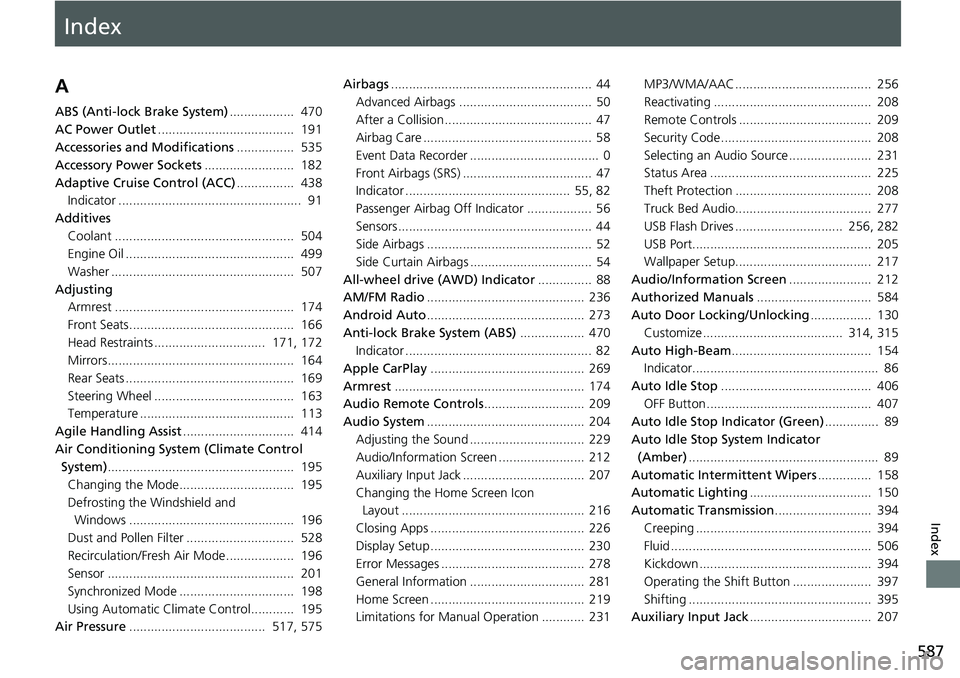
Automatic Intermittent Wipers ............... 158
Automatic Lighting .................................. 150
Automatic Transmission ........................... 394
Creeping ................................................. 394
Fluid ........................................................ 506
Kickdown .............................. ..................
394
Operating the Shift Button ...................... 397
Shifting ................................................... 395
Auxiliary Input Jack .................................. 207
Page 597 of 598
595
Index
V
Vanity Mirrors.............................................. 9
Vehicle Identification Number ................ 576
Vehicle Stability Assist
TM (VSA® ).............. 412
Off Button .............................................. 413
System Indicator ............................... 83, 412
Viscosity (Oil) .................................... 499, 575
Voice Control Operation ......................... 232
Audio Commands ................................... 234
Climate Control Commands.................... 235
General Commands ................................ 235
Music Search Commands ........................ 235
On Screen Commands ............................ 235
Phone Commands .................................. 234
Useful Commands .................................. 234
Voice Portal Screen ................................. 233
Voice Recognition ................................... 232
VSA ® (Vehicle Stability Assist
TM).............. 412
W
Wallpaper ................................................. 217
Warning and Info rmation Messages ........ 96
Warning Indicator On/Blinking ............... 557
Warning Labels .......................................... 75
Warranties (Warranty Manual provided separately) .............................................. 581
Watts ........................................................ 574
Wear Indicators (Tire) .............................. 521
Wheel Nut Wrench (Jack Handle) ........... 543
Wi-Fi Connection ..................................... 266 Window Washers
...................................... 157
Adding/Refilling Fluid ............................... 507
Switch ..................................................... 157
Windows (Opening and Closing) ............. 139
Windshield
Cleaning .................................................. 533
Defrosting/Defogging .............................. 196
Washer Fluid ........................................... 507
Wiper Blades ........................................... 514
Wipers and Washers ................................ 157
Winter Tires .............................................. 524
Snow Tires ............................................... 524
Tire Chains .............................................. 524
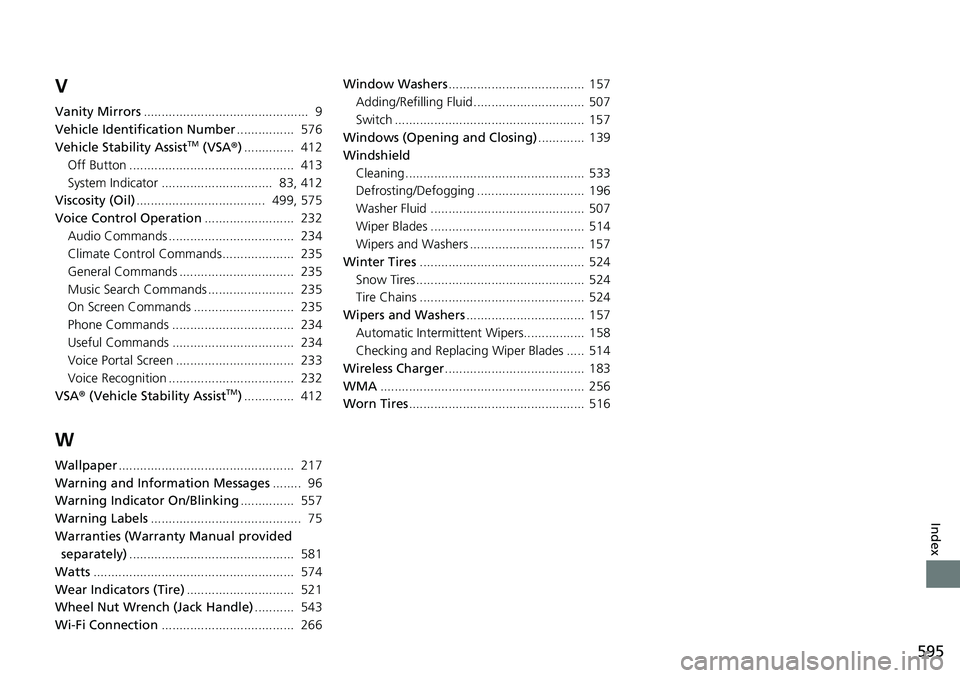
Wipers and Washers ................................. 157
Automatic Intermittent Wipers................. 158
Checking and Replacing Wiper Blades ..... 514
Wireless Charger ....................................... 183
WMA ......................................................... 256
Worn Tires ................................................. 516