tow HUMMER H2 2004 Owner's Manual
[x] Cancel search | Manufacturer: HUMMER, Model Year: 2004, Model line: H2, Model: HUMMER H2 2004Pages: 472, PDF Size: 5.01 MB
Page 135 of 472
Instrument Panel Overview...............................3-2
Hazard Warning Flashers................................3-4
Other Warning Devices...................................3-5
Horn.............................................................3-5
Tilt Wheel.....................................................3-5
Turn Signal/Multifunction Lever.........................3-6
Exterior Lamps.............................................3-13
Interior Lamps..............................................3-16
Accessory Power Outlets...............................3-18
Ashtrays and Cigarette Lighter........................3-18
Climate Controls............................................3-19
Automatic Climate Control System...................3-19
Outlet Adjustment.........................................3-25
Climate Controls Personalization.....................3-25
Warning Lights, Gages, and Indicators............3-26
Instrument Panel Cluster................................3-27
Speedometer and Odometer...........................3-28
Tachometer.................................................3-28
Safety Belt Reminder Light.............................3-28
Air Bag Readiness Light................................3-28
Air Bag Off Light..........................................3-30
Charging System Light..................................3-32
Voltmeter Gage............................................3-32
Brake System Warning Light..........................3-33
Anti-Lock Brake System Warning Light.............3-34
Traction Off Light..........................................3-35Engine Coolant Temperature Gage..................3-35
Transmission Temperature Gage.....................3-36
Malfunction Indicator Lamp.............................3-38
Oil Pressure Gage........................................3-41
Security Light...............................................3-42
Cruise Control Light......................................3-42
Tow/Haul Mode Light....................................3-42
Fuel Gage...................................................3-43
Low Fuel Warning Light.................................3-43
Driver Information Center (DIC).......................3-44
DIC Operation and Displays...........................3-44
DIC Warnings and Messages.........................3-56
Audio System(s).............................................3-62
Setting the Time...........................................3-62
Radio with Cassette and CD..........................3-63
Radio with Six-Disc CD.................................3-74
Navigation/Radio System...............................3-86
Rear Seat Audio (RSA).................................3-87
Theft-Deterrent Feature..................................3-88
Audio Steering Wheel Controls.......................3-89
Radio Reception...........................................3-90
Care of Your Cassette Tape Player.................3-90
Care of Your CDs and DVDs.........................3-92
Care of Your CD and DVD Player...................3-92
Fixed Mast Antenna......................................3-92
Chime Level Adjustment................................3-92
Section 3 Instrument Panel
3-1
Page 137 of 472
The main components of your instrument panel are the
following:
A. Air Outlets. SeeOutlet Adjustment on page 3-25.
B. Exterior Lamps Control. SeeExterior Lamps
on page 3-13.
C. OnStar
®and Radio Steering Wheel Buttons (If
Equipped). SeeOnStar®System on page 2-40and
Audio Steering Wheel Controls on page 3-89.
D. Instrument Panel Cluster. SeeInstrument Panel
Cluster on page 3-27.
E. Locking Rear Axle and All-wheel Drive Buttons. See
Locking Rear Axle on page 4-11andAll-Wheel
Drive on page 2-25.
F. Audio System. SeeAudio System(s) on page 3-62.
G. Air Bag Switch. SeeAir Bag Off Switch on
page 1-68.
H. Glove Box. SeeGlove Box on page 2-45.
I. Rear Wiper/Washer Control. See “Rear Window
Washer/Wiper” underTurn Signal/Multifunction Lever
on page 3-6.
J. Dome Override Button. SeeInterior Lamps on
page 3-16.
K. Turn Signal/Multifunction Lever. SeeTurn
Signal/Multifunction Lever on page 3-6.L. Tilt Lever. SeeTilt Wheel on page 3-5.
M. Driver Information Center (DIC) Buttons. SeeDriver
Information Center (DIC) on page 3-44.
N. Parking Brake Release. SeeParking Brake on
page 2-29.
O. Traction Control Button. SeeTraction Control
System (TCS) on page 4-9.
P. Tow/Haul Selector Button. See “Tow/Haul Mode”
underAutomatic Transmission Operation on
page 2-22.
Q. Ride Height Selector Button (If Equipped). See
Selectable Extended Rear Ride Height on page 4-73.
R. Cigarette Lighter (If Equipped). SeeAshtrays and
Cigarette Lighter on page 3-18.
S. Shift Lever. SeeAutomatic Transmission Operation
on page 2-22.
T. Accessory Power Outlets (If Equipped). See
Accessory Power Outlets on page 3-18.
U. OnStar Buttons. SeeOnStar
®System on page 2-40.
V. Rear Window Defogger Button. See “Rear Window
Defogger” underAutomatic Climate Control
System on page 3-19.
W. Comfort Control System. SeeAutomatic Climate
Control System on page 3-19.
3-3
Page 141 of 472
If a bulb is burned out, replace it to help avoid an
accident. If the arrows don’t go on at all when you signal
a turn, check for burned-out bulbs and a blown fuse.
SeeFuses and Circuit Breakers on page 5-102.
Turn Signal On Chime
If your turn signal is left on for more than 3/4 of a mile
(1.2 km), a chime will sound at each ash of the
turn signal and the message TURN SIGNAL ON will
also appear in the DIC. To turn the chime and message
off, move the turn signal lever to the off position.
Headlamp High/Low-Beam Changer
53
(Headlamp High/Low Beam Changer):To
change the headlamps from low to high beam, push the
lever toward the instrument panel. To return to
low-beam headlamps, pull the multifunction lever toward
you, then release it.When the high beams are
on, this indicator light on
the instrument panel
cluster will also be on.
Flash-to-Pass
This feature lets you use your high-beam headlamps to
signal a driver in front of you that you want to pass.
It works even if your headlamps are in the automatic
position.
To use it, pull the turn signal lever toward you, then
release it.
If your headlamps are in the automatic position or on
low beam, your high-beam headlamps will turn on.
They’ll stay on as long as you hold the lever toward you.
The high-beam indicator on the instrument panel
cluster will come on. Release the lever to return to
normal operation.
3-7
Page 147 of 472
Exterior Lamps
The control on the driver’s side of your instrument panel
operates the exterior lamps.
The exterior lamp control has four positions:
9(Off):Turn the knob to this position and release it
to turn off all exterior lamps including the DRLs. To turn
any lamps back on when in the off mode, turn the
knob to the desired lamp mode. To return to the AUTO
mode, turn the knob to the off position and release
it. The off mode will also cancel and the lamps will return
to the AUTO when the vehicle is turned off. This
mode is not available for vehicles rst sold in Canada.AUTO:Turn the control to this position to put the
system into automatic headlamp mode. The Daytime
Running Lamps (DRL) will also be activated if it is light
enough outside.
;(Parking Lamps):Turn the control to this position
to turn on the parking lamps, together with the
following:
Parking Lamps
Sidemarker Lamps
Taillamps
License Plate Lamps
Roof Marker Lamps
Instrument Panel Lights
2(Headlamps):Turn the control to this position to
turn on the headlamps, together with the previously
listed lamps and lights.
When the vehicle is turned off and the headlamps are in
AUTO, the headlamps may automatically remain on
for a set time. You can change this delay time using the
DIC. SeeDriver Information Center (DIC) on page 3-44.
You can switch your headlamps from low to high-beam
by pushing the turn signal/multifunction lever toward
the instrument panel.
3-13
Page 168 of 472
If the light comes on while you are driving, pull off the
road and stop carefully. You may notice that the pedal is
harder to push. Or, the pedal may go closer to the
oor. It may take longer to stop. If the light is still on,
have the vehicle towed for service. SeeTowing
Your Vehicle on page 4-65.
{CAUTION:
Your brake system may not be working
properly if the brake system warning light is
on. Driving with the brake system warning light
on can lead to an accident. If the light is still
on after you have pulled off the road and
stopped carefully, have the vehicle towed for
service.
Anti-Lock Brake System Warning
Light
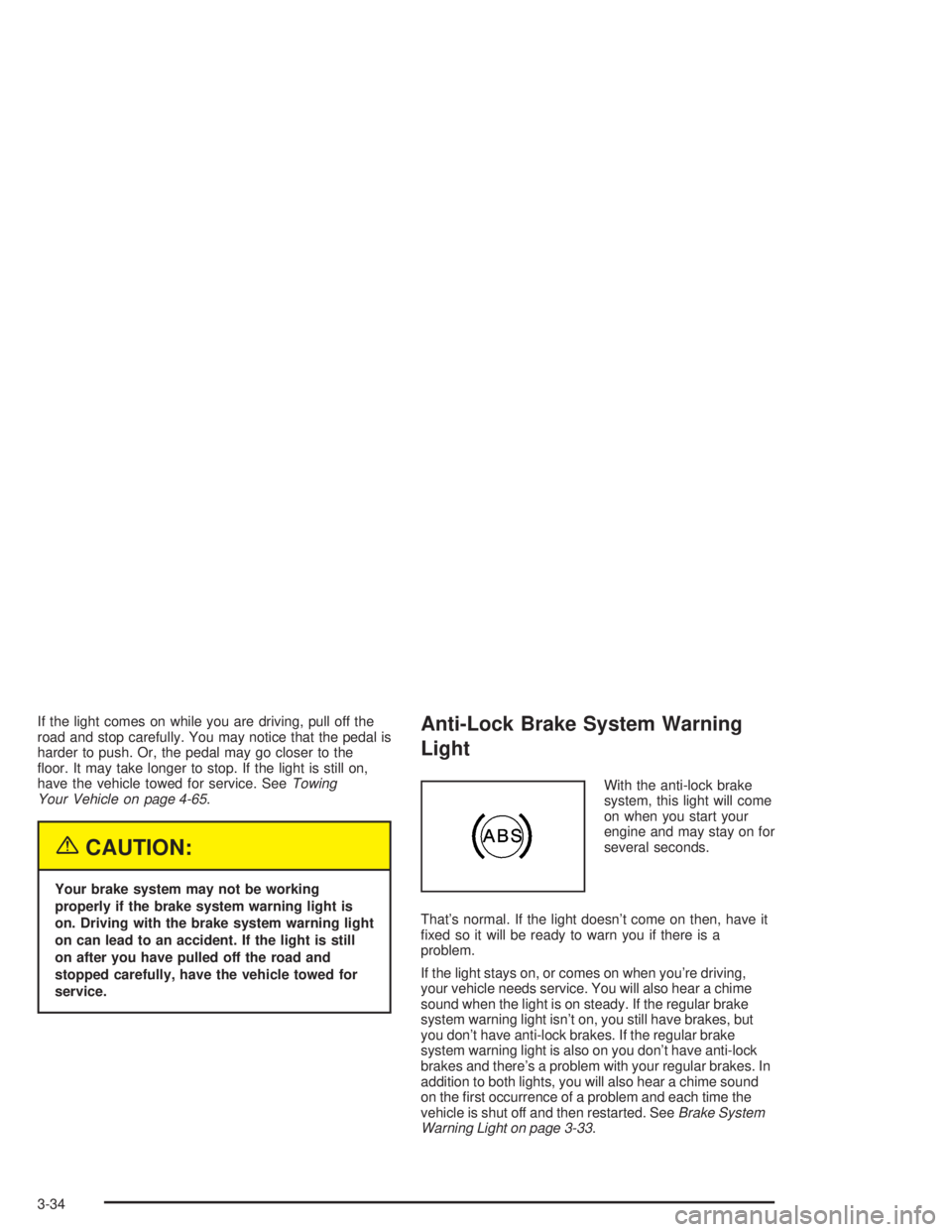
With the anti-lock brake
system, this light will come
on when you start your
engine and may stay on for
several seconds.
That’s normal. If the light doesn’t come on then, have it
xed so it will be ready to warn you if there is a
problem.
If the light stays on, or comes on when you’re driving,
your vehicle needs service. You will also hear a chime
sound when the light is on steady. If the regular brake
system warning light isn’t on, you still have brakes, but
you don’t have anti-lock brakes. If the regular brake
system warning light is also on you don’t have anti-lock
brakes and there’s a problem with your regular brakes. In
addition to both lights, you will also hear a chime sound
on the rst occurrence of a problem and each time the
vehicle is shut off and then restarted. SeeBrake System
Warning Light on page 3-33.
3-34
Page 171 of 472

If the transmission uid reaches temperatures of
approximately 275°F (135°C) or greater, the DIC will
display a TRANS HOT IDLE ENGINE warning message
and a chime will sound. Pull the vehicle off the
roadway when it is safe to do so. Set the parking brake,
place the transmission in PARK (P) and allow the
engine to idle until the transmission temperature falls
below 260°F (127°C). If the transmission continues
to operate above 265°F (130°C), please contact your
nearest dealer or the GM Roadside Assistance Center.
Notice:If you drive your vehicle with the
transmission temperature gage above normal
operating range, you can damage the transmission.
This could lead to costly repairs that would not
be covered by your warranty. Do not drive your
vehicle while the transmission temperature gage
reading is above normal. See your dealer for service.The following situations can cause the transmission to
operate at higher temperatures:
Towing a trailer,
hot outside air temperatures,
hauling a large or heavy load,
low transmission uid level,
high transmission uid level,
restricted air ow to the radiator.
A temporary solution to hotter transmission operating
temperatures may be to let the transmission cool down.
If the transmission is operated at higher temperatures
on a frequent basis, seeScheduled Maintenance
on page 6-4for the proper transmission maintenance
intervals.
3-37
Page 173 of 472
This light should come on, as a check to show you it is
working, when the ignition is on and the engine is
not running. If the light does not come on, have it
repaired. This light will also come on during a
malfunction in one of two ways:
Light Flashing— A misre condition has been
detected. A misre increases vehicle emissions
and may damage the emission control system on
your vehicle. Diagnosis and service may be
required.
Light On Steady— An emission control system
malfunction has been detected on your vehicle.
Diagnosis and service may be required.
If the Light is Flashing
The following may prevent more serious damage to
your vehicle:
Reducing vehicle speed.
Avoiding hard accelerations.
Avoiding steep uphill grades.
If you are towing a trailer, reduce the amount of
cargo being hauled as soon as it is possible.If the light stops ashing and remains on steady, see “If
the Light Is On Steady” following.
If the light continues to ash, when it is safe to do so,
stop the vehicle.Find a safe place to park your vehicle.
Turn the key off, wait at least 10 seconds and restart
the engine. If the light remains on steady, see “If
the Light Is On Steady” following. If the light is still
ashing, follow the previous steps, and see your dealer
for service as soon as possible.
If the Light Is On Steady
You may be able to correct the emission system
malfunction by considering the following:
Did you recently put fuel into your vehicle?
If so, reinstall the fuel cap, making sure to fully install
the cap. SeeFilling Your Tank on page 5-7. The
diagnostic system can determine if the fuel cap has
been left off or improperly installed. A loose or missing
fuel cap will allow fuel to evaporate into the atmosphere.
A few driving trips with the cap properly installed
should turn the light off.
3-39
Page 176 of 472
Security Light
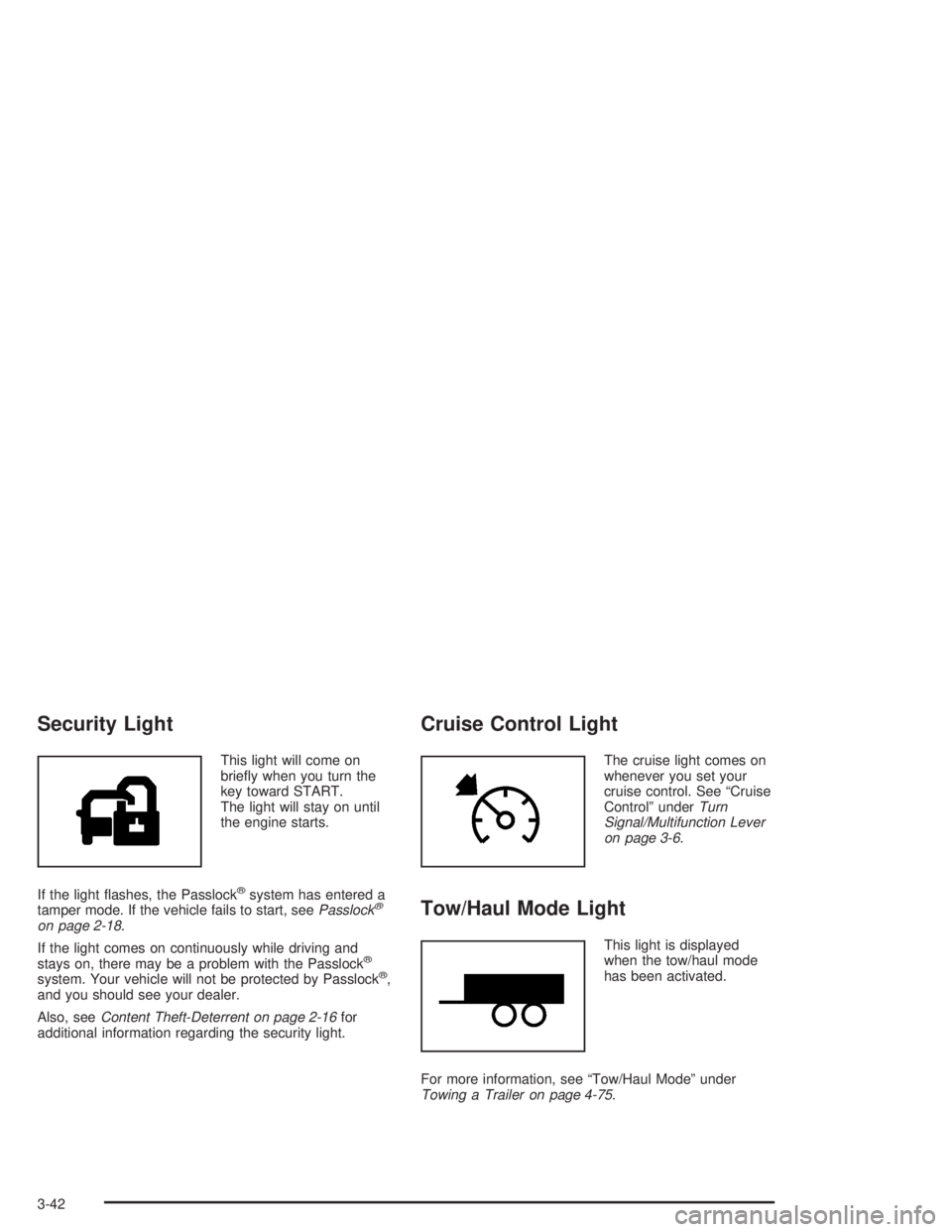
This light will come on
briey when you turn the
key toward START.
The light will stay on until
the engine starts.
If the light ashes, the Passlock
®system has entered a
tamper mode. If the vehicle fails to start, seePasslock®
on page 2-18.
If the light comes on continuously while driving and
stays on, there may be a problem with the Passlock
®
system. Your vehicle will not be protected by Passlock®,
and you should see your dealer.
Also, seeContent Theft-Deterrent on page 2-16for
additional information regarding the security light.
Cruise Control Light
The cruise light comes on
whenever you set your
cruise control. See “Cruise
Control” underTurn
Signal/Multifunction Lever
on page 3-6.
Tow/Haul Mode Light
This light is displayed
when the tow/haul mode
has been activated.
For more information, see “Tow/Haul Mode” under
Towing a Trailer on page 4-75.
3-42
Page 194 of 472

The following situations can cause the transmission to
operate at higher temperatures:
Towing a trailer
Hot outside air temperatures
Hauling a large or heavy load
Low transmission uid level
High transmission uid level
Restricted air ow to the radiator and the auxiliary
transmission oil cooler (if equipped).
A temporary solution to hotter transmission operating
temperatures may be to let the transmission cool down.
If the transmission is operated at higher temperatures
on a frequent basis, seeScheduled Maintenance
on page 6-4for the proper transmission maintenance
intervals.
TRANS HOT IDLE ENGINE
If the transmission uid gets hot, this message will
appear on the DIC along with a continuous chime.
Driving with the transmission uid temperature high can
cause damage to the vehicle. Stop the vehicle and
let it idle to allow the transmission to cool. This message
will clear and the chime will stop when the uid
temperature reaches a safe level.
DRIVER DOOR AJAR
If the driver’s door is not fully closed and the vehicle is
in a drive gear, this message will appear on the
display and you will hear a chime. Stop and turn off the
vehicle, check the door for obstacles, and close the
door again. Check to see if the message still appears on
the DIC. Pressing the select button will clear it from
the DIC display.
3-60
Page 199 of 472
Setting the Tone (Bass/Treble)
AUDIO:Push and release the AUDIO knob until BASS
or TREB appears on the display. Turn the knob to
increase or to decrease. The display will show the bass
or treble level. If a station is weak or noisy, you may
want to decrease the treble.
To adjust the bass and treble to the middle position,
push and hold the AUDIO knob. The radio will produce
one beep and adjust the display level to the middle
position.
To adjust all tone and speaker controls to the middle
position, push and hold the AUDIO knob when no tone
or speaker control is displayed. ALL will appear on
the display, you will hear a beep, and the display level
will be adjusted to the middle position.
AUTO EQ (Automatic Equalization):Press this button
to select customized equalization settings.
The radio will save separate AUTO EQ settings for each
preset and source.
If you radio is equipped with the Bose audio system,
your equalization settings are either CUSTOM or TALK.
Adjusting the Speakers (Balance/Fade)
AUDIO:To adjust the balance between the right
and the left speakers, push and release the AUDIO
knob until BAL appears on the display. Turn the knob to
move the sound toward the right or the left speakers.
To adjust the fade between the front and the rear
speakers, push and release the AUDIO knob until FADE
appears on the display. Turn the knob to move the
sound toward the front or the rear speakers.
To adjust the balance and fade to the middle position,
push the AUDIO knob then push it again and hold it until
the radio produces one beep. The balance and fade
will be adjusted to the middle position and the display
will show the speaker balance.
To adjust all tone and speaker controls to the middle
position, push and hold the AUDIO knob when no tone
or speaker control is displayed. ALL will appear on
the display, you will hear a beep, and the display level
will be adjusted to the middle position.
3-65