instrument panel HUMMER H2 2004 Owner's Guide
[x] Cancel search | Manufacturer: HUMMER, Model Year: 2004, Model line: H2, Model: HUMMER H2 2004Pages: 472, PDF Size: 5.01 MB
Page 162 of 472
Speedometer and Odometer
Your speedometer lets you see your speed in both
miles per hour (mph) and kilometers per hour (km/h).
Your vehicle’s odometer works together with the
driver information center. You can set a personal trip
and business trip odometer. See “Trip Information” under
DIC Operation and Displays on page 3-44.
The odometer mileage can be checked without the
vehicle running. Simply press the trip stem on the
instrument panel cluster.
If your vehicle ever needs a new odometer installed, the
new one will be set to the correct mileage total of the
old odometer.
Tachometer
Your tachometer displays the engine speed in
revolutions per minute (rpm).
Notice:If you operate the engine with the
tachometer in the shaded warning area, your vehicle
could be damaged, and the damages would not
be covered by your warranty. Do not operate
the engine with the tachometer in the shaded
warning area.
Safety Belt Reminder Light
When the key is turned to RUN or START, a chime will
come on for several seconds to remind people to
fasten their safety belts, unless the driver’s safety belt is
already buckled.
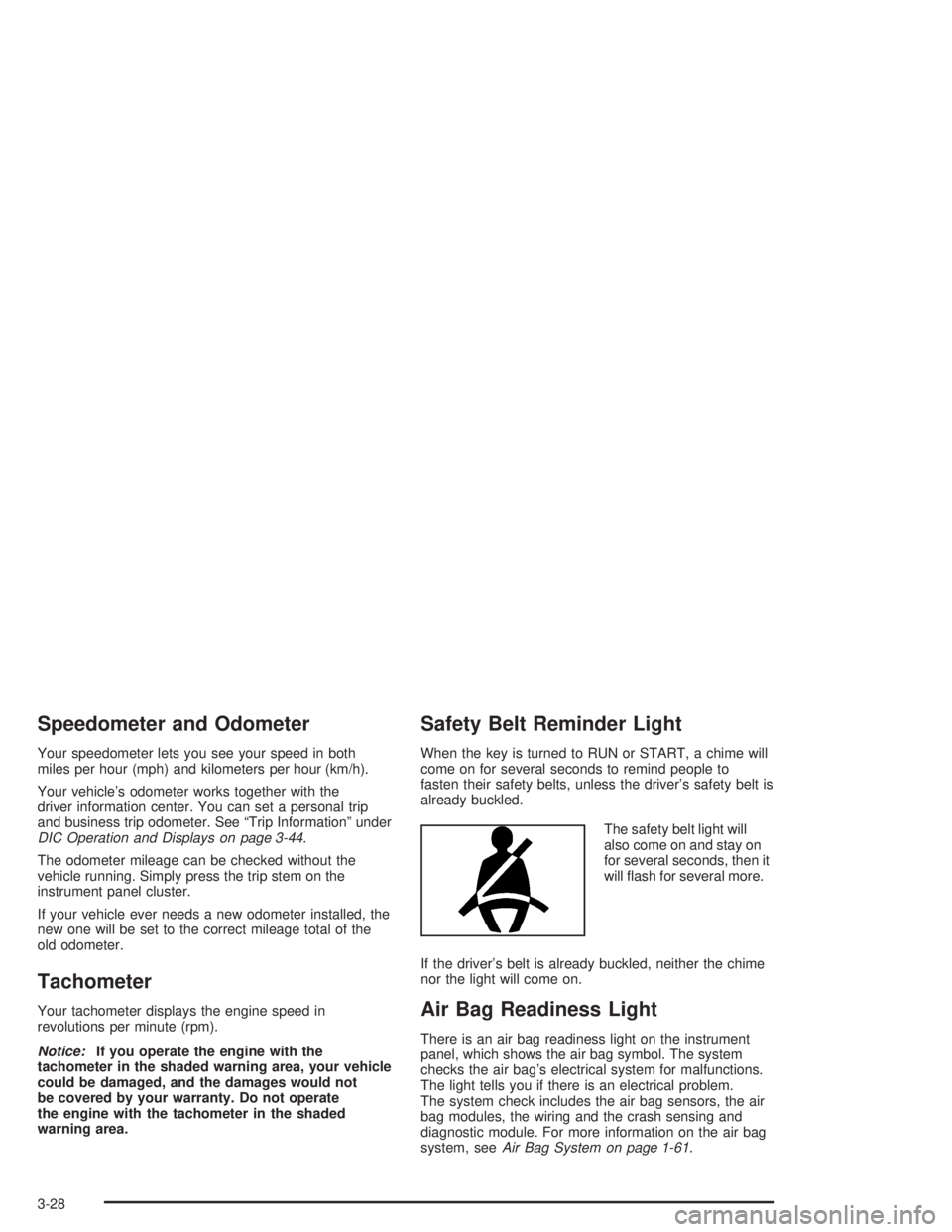
The safety belt light will
also come on and stay on
for several seconds, then it
will ash for several more.
If the driver’s belt is already buckled, neither the chime
nor the light will come on.
Air Bag Readiness Light
There is an air bag readiness light on the instrument
panel, which shows the air bag symbol. The system
checks the air bag’s electrical system for malfunctions.
The light tells you if there is an electrical problem.
The system check includes the air bag sensors, the air
bag modules, the wiring and the crash sensing and
diagnostic module. For more information on the air bag
system, seeAir Bag System on page 1-61.
3-28
Page 178 of 472
Driver Information Center (DIC)
The DIC display is located on the instrument panel
cluster above the steering column. The DIC can display
information such as the trip odometer, fuel economy
and personalization features.
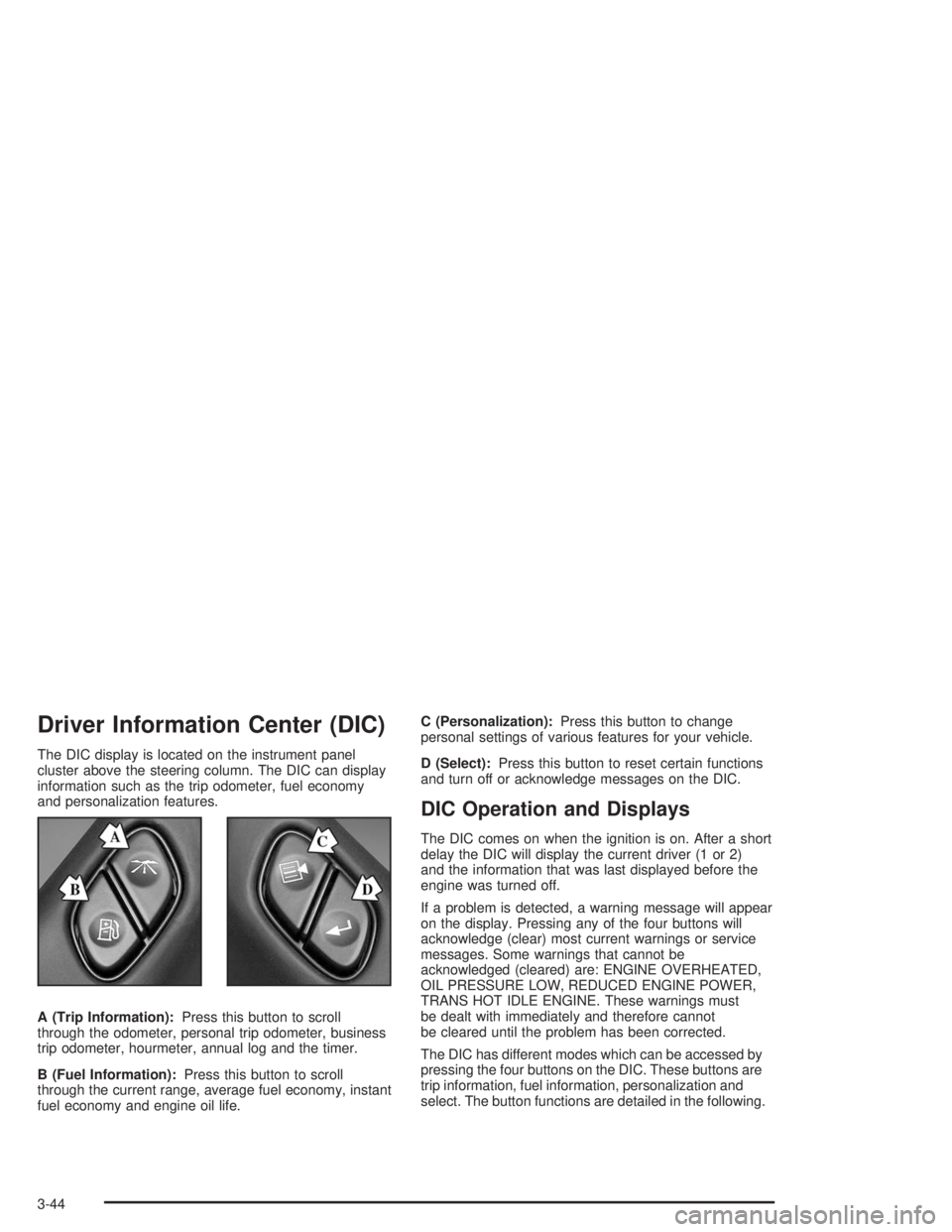
A (Trip Information):Press this button to scroll
through the odometer, personal trip odometer, business
trip odometer, hourmeter, annual log and the timer.
B (Fuel Information):Press this button to scroll
through the current range, average fuel economy, instant
fuel economy and engine oil life.C (Personalization):Press this button to change
personal settings of various features for your vehicle.
D (Select):Press this button to reset certain functions
and turn off or acknowledge messages on the DIC.
DIC Operation and Displays
The DIC comes on when the ignition is on. After a short
delay the DIC will display the current driver (1 or 2)
and the information that was last displayed before the
engine was turned off.
If a problem is detected, a warning message will appear
on the display. Pressing any of the four buttons will
acknowledge (clear) most current warnings or service
messages. Some warnings that cannot be
acknowledged (cleared) are: ENGINE OVERHEATED,
OIL PRESSURE LOW, REDUCED ENGINE POWER,
TRANS HOT IDLE ENGINE. These warnings must
be dealt with immediately and therefore cannot
be cleared until the problem has been corrected.
The DIC has different modes which can be accessed by
pressing the four buttons on the DIC. These buttons are
trip information, fuel information, personalization and
select. The button functions are detailed in the following.
3-44
Page 193 of 472
TIGHTEN FUEL CAP
If the vehicle’s fuel cap is not tightened properly this
message may appear along with the check engine light
on the instrument panel. SeeMalfunction Indicator
Lamp on page 3-38. Reinstall the fuel cap, making sure
to fully install the cap. SeeFilling Your Tank on
page 5-7. The diagnostic system can determine if the
fuel cap has been left off or improperly installed. A loose
or missing fuel cap will allow fuel to evaporate into
the atmosphere. A few driving trips with the cap properly
installed should turn the light and message off.
CHECK WASHER FLUID
If the washer uid level is low, this message will appear
on the DIC. Adding washer uid will clear the message.
Pressing the select button will clear it from the DIC
display. This message will clear itself after 10 seconds
until the next ignition cycle.
TRACTION ACTIVE
When the traction control system has detected that any
of the vehicle’s wheels are slipping, the traction
control system will activate and this message will appear
on the DIC. SeeTraction Control System (TCS) on
page 4-9for more information.
TRANSMISSION HOT
If the transmission uid temperature becomes high, the
message center will display this message.
When the transmission enters the protection mode, you
may notice a change in the transmission shifting
patterns. When the transmission uid temperature
returns to normal, the display will turn off and the
transmission shifting patterns will return to normal.
Notice:If you drive your vehicle while the
transmission uid is overheating and the
transmission temperature warning is displayed on
the instrument panel cluster and/or DIC, you
can damage the transmission. This could lead to
costly repairs that would not be covered by
your warranty. Do not drive your vehicle with
overheated transmission uid or while transmission
temperature warning is displayed.
3-59
Page 236 of 472
Another feature of this system is the Traction Control 2
(TC2) mode. TC2 should be selected for improved
traction and system performance when the vehicle is on
loose surfaces such as deep sand or mud.
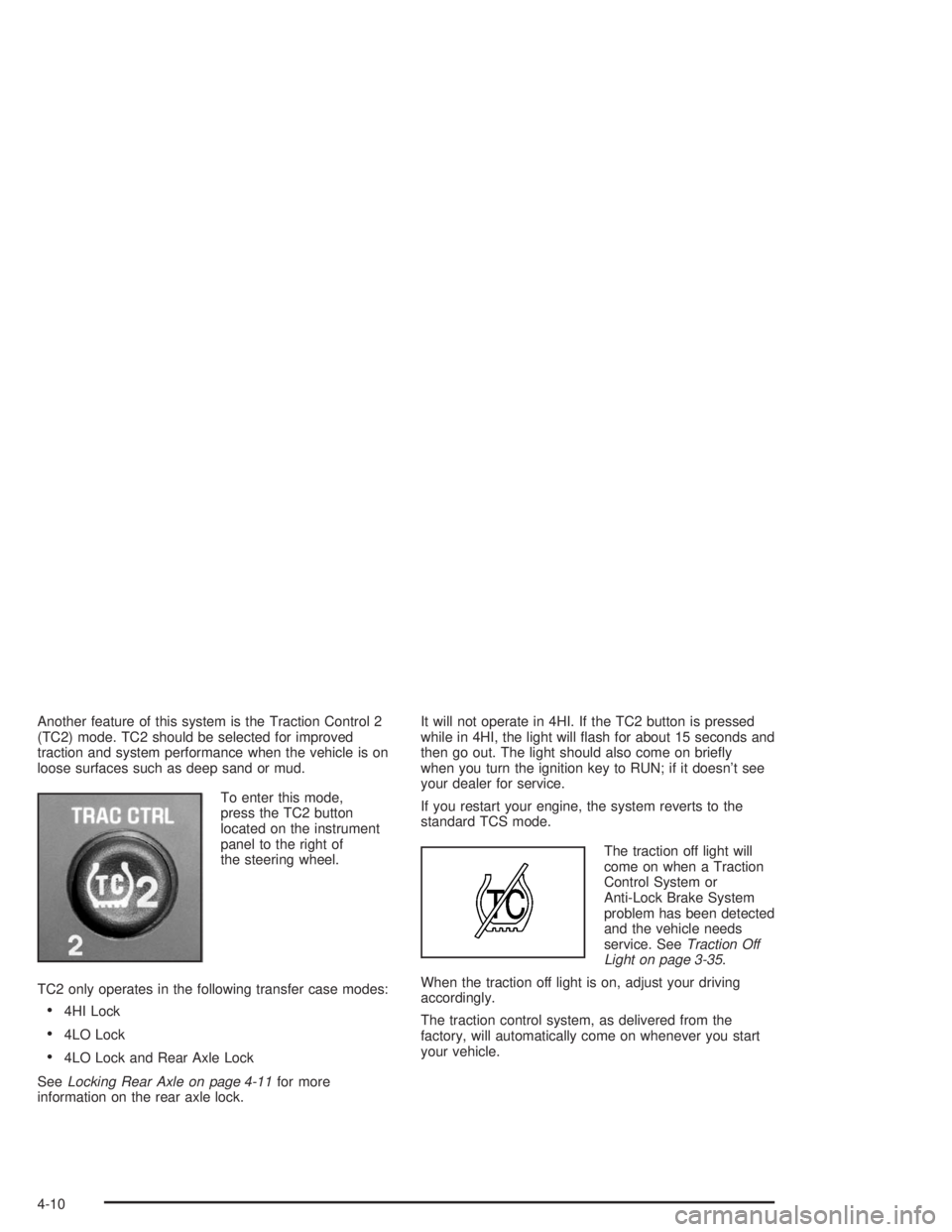
To enter this mode,
press the TC2 button
located on the instrument
panel to the right of
the steering wheel.
TC2 only operates in the following transfer case modes:
4HI Lock
4LO Lock
4LO Lock and Rear Axle Lock
SeeLocking Rear Axle on page 4-11for more
information on the rear axle lock.It will not operate in 4HI. If the TC2 button is pressed
while in 4HI, the light will ash for about 15 seconds and
then go out. The light should also come on briey
when you turn the ignition key to RUN; if it doesn’t see
your dealer for service.
If you restart your engine, the system reverts to the
standard TCS mode.
The traction off light will
come on when a Traction
Control System or
Anti-Lock Brake System
problem has been detected
and the vehicle needs
service. SeeTraction Off
Light on page 3-35.
When the traction off light is on, adjust your driving
accordingly.
The traction control system, as delivered from the
factory, will automatically come on whenever you start
your vehicle.
4-10
Page 299 of 472
Selectable Extended Rear Ride
Height
If your vehicle has this feature it comes as part of the
electronically controlled air suspension system.
The selectable rear ride height allows you to raise the
rear of the vehicle about 2 inches (5 cm) over the normal
ride height. This can be helpful when driving off-road
where you may need more ground clearance to clear
an obstacle.
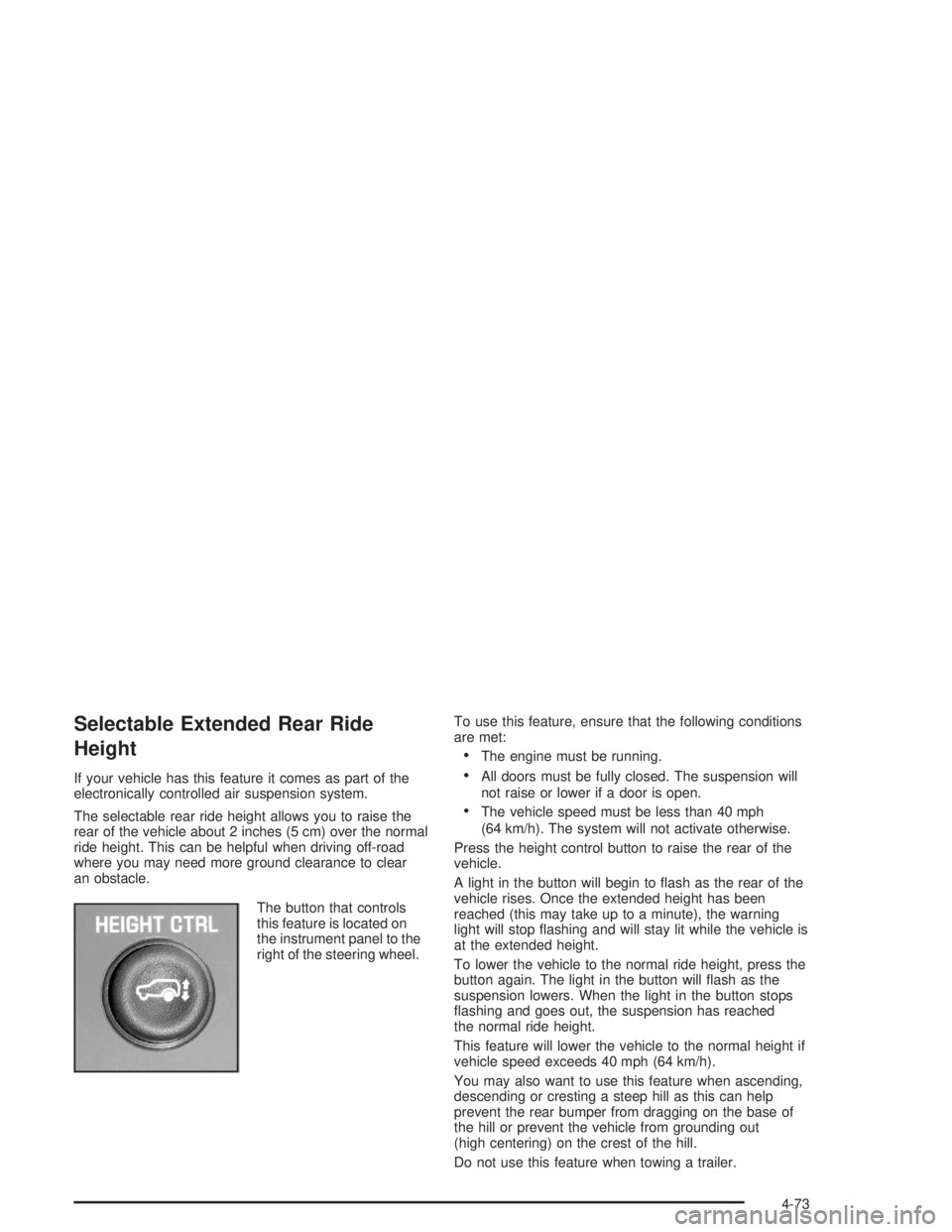
The button that controls
this feature is located on
the instrument panel to the
right of the steering wheel.To use this feature, ensure that the following conditions
are met:
The engine must be running.
All doors must be fully closed. The suspension will
not raise or lower if a door is open.
The vehicle speed must be less than 40 mph
(64 km/h). The system will not activate otherwise.
Press the height control button to raise the rear of the
vehicle.
A light in the button will begin to ash as the rear of the
vehicle rises. Once the extended height has been
reached (this may take up to a minute), the warning
light will stop ashing and will stay lit while the vehicle is
at the extended height.
To lower the vehicle to the normal ride height, press the
button again. The light in the button will ash as the
suspension lowers. When the light in the button stops
ashing and goes out, the suspension has reached
the normal ride height.
This feature will lower the vehicle to the normal height if
vehicle speed exceeds 40 mph (64 km/h).
You may also want to use this feature when ascending,
descending or cresting a steep hill as this can help
prevent the rear bumper from dragging on the base of
the hill or prevent the vehicle from grounding out
(high centering) on the crest of the hill.
Do not use this feature when towing a trailer.
4-73
Page 303 of 472

Tow/Haul Mode
Tow/haul is designed to assist while your vehicle is
pulling a large or heavy load or trailer. Tow/haul is most
useful while pulling such a load in rolling terrain, in
stop-and-go traffic, or when you need improved
low-speed control, such as when parking. The purpose
of the tow/haul mode is to do the following:
Reduce the frequency and improve the predictability
of transmission shifts when pulling a heavy trailer or
a large or heavy load.
Provide the same solid shift feel when pulling a
heavy trailer or a large or heavy load as when
the vehicle is unloaded.
Improve control of vehicle speed while requiring
less throttle pedal activity when pulling a heavy
trailer or a large or heavy load.
Tow/haul is designed to be most effective when the
vehicle and trailer combined weight is at least 75% of the
vehicle’s Gross Combination Weight Rating (GCWR).
See “Weight of the Trailer” later in this section.Press the button on the
instrument panel to the
right of the steering
wheel to enable the
tow/haul mode.
A light on the instrument
panel will illuminate to
indicate that tow/haul
mode has been selected.
Press the button again to turn off tow/haul. The indicator
light on the instrument panel will turn off. The vehicle will
automatically turn off tow/haul every time it is started.
Driving with tow/haul activated without a heavy load or
with no trailer will cause reduced fuel economy and
unpleasant engine and transmission driving
characteristics, but will not cause damage.
4-77
Page 308 of 472
Following Distance
Stay at least twice as far behind the vehicle ahead as
you would when driving your vehicle without a trailer.
This can help you avoid situations that require
heavy braking and sudden turns.
Passing
You’ll need more passing distance up ahead when
you’re towing a trailer. And, because you’re a good deal
longer, you’ll need to go much farther beyond the
passed vehicle before you can return to your lane.
Backing Up
Hold the bottom of the steering wheel with one hand.
Then, to move the trailer to the left, just move that hand
to the left. To move the trailer to the right, move your
hand to the right. Always back up slowly and, if possible,
have someone guide you.
Making Turns
Notice:Making very sharp turns while trailering
could cause the trailer to come in contact with the
vehicle. Your vehicle could be damaged. Avoid
making very sharp turns while trailering.
When you’re turning with a trailer, make wider turns
than normal. Do this so your trailer won’t strike
soft shoulders, curbs, road signs, trees or other objects.
Avoid jerky or sudden maneuvers. Signal well in
advance.
Turn Signals When Towing a Trailer
The arrows on your instrument panel will ash whenever
you signal a turn or lane change. Properly hooked up,
the trailer lamps will also ash, telling other drivers
you’re about to turn, change lanes or stop.
When towing a trailer, the arrows on your instrument
panel will ash for turns even if the bulbs on the trailer
are burned out. Thus, you may think drivers behind
you are seeing your signal when they are not. It’s
important to check occasionally to be sure the trailer
bulbs are still working.
4-82
Page 311 of 472
The trailer towing harness contains the following trailer
circuits:
Yellow: Left Stop/Turn Signal
Dark Green: Right Stop/Turn Signal
Brown: Taillamps
White: Ground
Light Green: Back-up Lamps
Light Blue: Center High-Mounted
Stoplamp (CHMSL)
Red: Battery Feed
Dark Blue: Trailer BrakeA jumper harness for an electric trailer brake controller
and a trailer battery feed fuse may be included with
this trailering package. See “Instrument Panel Jumper
Wiring Harness” later in this section.
If you need to tow a light-duty trailer with a standard
four-way, round pin connector, an adapter may be
included. See “Four-Wire Harness Adapter” later in this
section.
4-85
Page 312 of 472
Instrument Panel Jumper Wiring Harness
Notice:If your vehicle has factory or
dealer-installed HUMMER off-road lamps, the place
where an electric trailer brake connection must
be made is already in use. Do not attempt to
double-up or “piggyback” the connection, because
this could cause a failure or damage to your
vehicle, the electric trailer brake system, or both. If
you want to connect a trailer with electric brakes
to your vehicle, see your dealer to disconnect
the off-road lamps. Also, readAdd-On Electrical
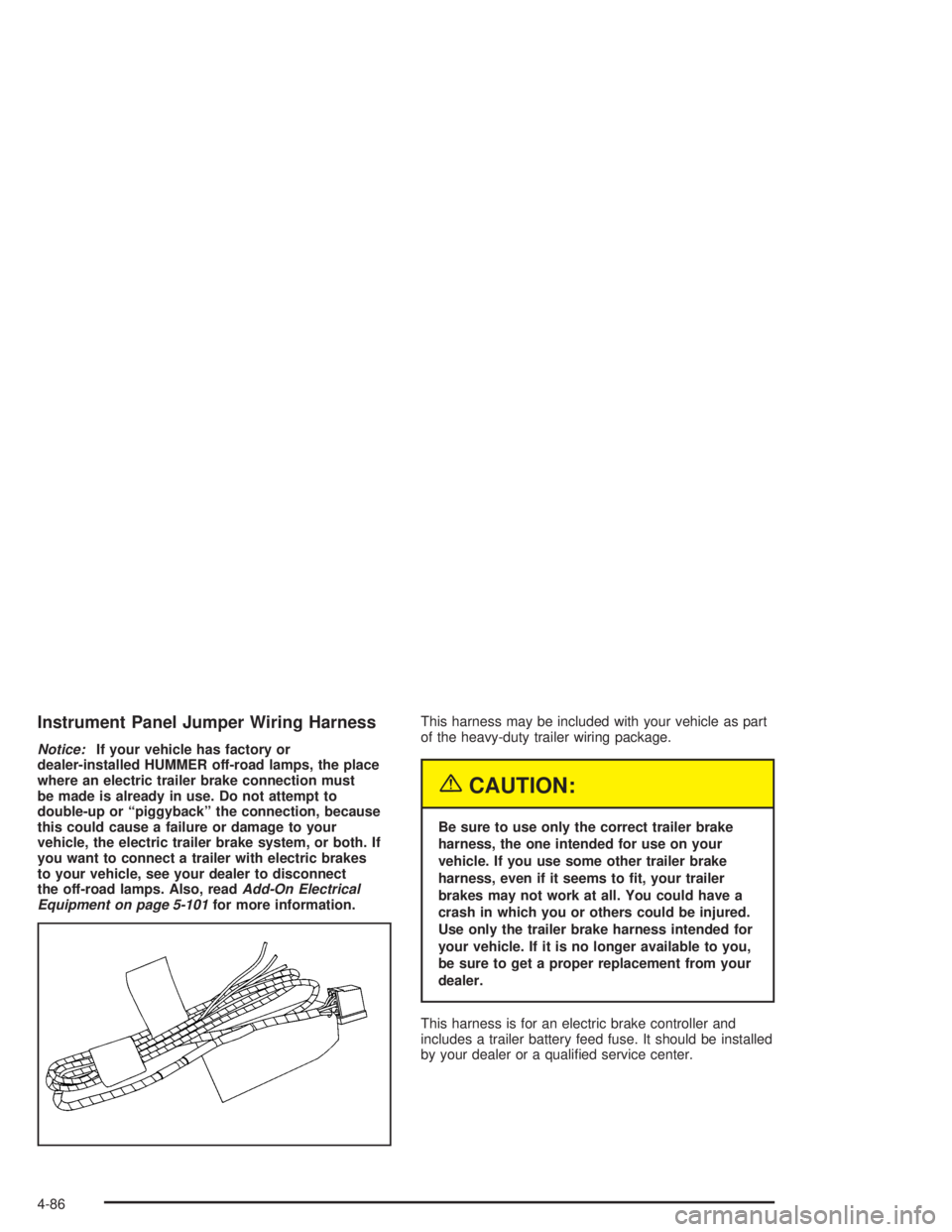
Equipment on page 5-101for more information.This harness may be included with your vehicle as part
of the heavy-duty trailer wiring package.
{CAUTION:
Be sure to use only the correct trailer brake
harness, the one intended for use on your
vehicle. If you use some other trailer brake
harness, even if it seems to t, your trailer
brakes may not work at all. You could have a
crash in which you or others could be injured.
Use only the trailer brake harness intended for
your vehicle. If it is no longer available to you,
be sure to get a proper replacement from your
dealer.
This harness is for an electric brake controller and
includes a trailer battery feed fuse. It should be installed
by your dealer or a qualied service center.
4-86
Page 319 of 472

Adding Equipment to the Outside of
Your Vehicle
Things you might add to the outside of your vehicle can
affect the airow around it. This may cause wind
noise and affect windshield washer performance. Check
with your dealer before adding equipment to the
outside of your vehicle.
Fuel
The 8th digit of your vehicle identication number (VIN)
shows the code letter or number that identies your
engine. You will nd the VIN at the top left of the
instrument panel. SeeVehicle Identication Number
(VIN) on page 5-101.
Gasoline Octane
Use regular unleaded gasoline with a posted octane of 87
or higher. If the octane is less than 87, you may get a
heavy knocking noise when you drive. If this occurs, use
a gasoline rated at 87 octane or higher as soon as
possible. Otherwise, you might damage your engine. A
little pinging noise when you accelerate or drive uphill is
considered normal. This does not indicate a problem
exists or that a higher-octane fuel is necessary. If you are
using 87 octane or higher-octane fuel and hear heavy
knocking, your engine needs service.
Gasoline Specications
It is recommended that gasoline meet specications
which were developed by automobile manufacturers
around the world and contained in the World-Wide Fuel
Charter which is available from the Alliance of
Automobile Manufacturers at www.autoalliance.org.
Gasoline meeting these specications could provide
improved driveability and emission control system
performance compared to other gasoline.
In Canada, look for the
“Auto Makers’ Choice”
label on the pump.
Canada Only
5-5