parking brake HUMMER H2 2006 Owners Manual
[x] Cancel search | Manufacturer: HUMMER, Model Year: 2006, Model line: H2, Model: HUMMER H2 2006Pages: 502, PDF Size: 3.35 MB
Page 77 of 502
Keys...............................................................2-3
Remote Keyless Entry System.........................2-4
Remote Keyless Entry System Operation...........2-5
Doors and Locks.............................................2-8
Door Locks....................................................2-8
Power Door Locks..........................................2-9
Delayed Locking.............................................2-9
Programmable Automatic Door Locks..............2-10
Rear Door Security Locks..............................2-10
Lockout Protection........................................2-10
Liftgate (SUV)..............................................2-11
Midgate
®(SUT)............................................2-12
Tailgate/Spare Tire Carrier.............................2-14
Windows........................................................2-17
Power Windows............................................2-18
Sun Visors...................................................2-21
Theft-Deterrent Systems..................................2-21
Content Theft-Deterrent.................................2-21
Passlock
®....................................................2-23
Starting and Operating Your Vehicle................2-24
New Vehicle Break-In....................................2-24
Ignition Positions..........................................2-24
Retained Accessory Power (RAP)...................2-25Starting the Engine.......................................2-25
Engine Coolant Heater..................................2-26
Automatic Transmission Operation...................2-27
Tow/Haul Mode............................................2-30
Full-Time Four-Wheel Drive............................2-30
Parking Brake..............................................2-34
Shifting Into Park (P).....................................2-35
Shifting Out of Park (P).................................2-36
Parking Over Things That Burn.......................2-37
Engine Exhaust............................................2-37
Running the Engine While Parked...................2-38
Mirrors...........................................................2-39
Automatic Dimming Rearview Mirror with
OnStar
®and Compass...............................2-39
Automatic Dimming Rearview Mirror with
OnStar
®, Compass and Temperature
Display....................................................2-41
Automatic Dimming Rearview Mirror
with Compass...........................................2-43
Outside Power Mirrors...................................2-45
Outside Convex Mirror...................................2-46
Outside Heated Mirrors..................................2-47
Outside Automatic Dimming Mirror with
Curb View Assist.......................................2-47
Section 2 Features and Controls
2-1
Page 104 of 502
PARK (P):This position locks your drive wheels. It is
the best position to use when you start your engine
because your vehicle cannot move easily.
{CAUTION:
It is dangerous to get out of your vehicle if the
shift lever is not fully in PARK (P) with the
parking brake rmly set. Your vehicle can roll.
Do not leave your vehicle when the engine is
running unless you have to. If you have left the
engine running, the vehicle can move
suddenly. You or others could be injured. To
be sure your vehicle will not move, even when
you are on fairly level ground, always set your
parking brake and move the shift lever to
PARK (P). SeeShifting Into Park (P) on
page 2-35. If you are pulling a trailer, see
Towing a Trailer on page 4-63.
{CAUTION:
Shifting the transfer case to NEUTRAL can
cause your vehicle to roll even if the
transmission is in PARK (P). You or someone
else could be seriously injured. Be sure to set
the parking brake before placing the transfer
case in NEUTRAL. SeeParking Brake on
page 2-34.
REVERSE (R):Use this gear to back up.
Notice:Shifting to REVERSE (R) while your vehicle
is moving forward could damage the transmission.
The repairs would not be covered by your warranty.
Shift to REVERSE (R) only after your vehicle is
stopped.
To rock your vehicle back and forth to get out of snow,
ice or sand without damaging your transmission,
seeIf Your Vehicle is Stuck in Sand, Mud, Ice or Snow
on page 4-50.
NEUTRAL (N):In this position, your engine does not
connect with the drive wheels. To restart when you
are already moving, use NEUTRAL (N) only.
2-28
Page 107 of 502
The transfer case is a part of the Full-Time Four-Wheel
Drive system and allows the following four different
modes of operation:
4
m(Full-Time Four-Wheel Drive):This setting is
used for driving in most street and highway situations.
You can also use this setting for light or variable
off-road conditions.
4
mQ(Four-Wheel-High Lock):Use this mode
when you need extra traction in most off-road situations
such as sand, mud, snow, or level, rocky trails.
4
nQ(Four-Wheel-Low Lock):This mode delivers
extra torque to all four wheels and is used for extreme
off-road conditions. You might choose
Four-Wheel-Low Lock if you are driving off-road in deep
sand, mud, or snow and climbing or descending
steep hills.
When in this mode you can also choose to lock the rear
axle for additional traction in extreme off-road situations.
SeeLocking Rear Axle on page 4-10.Notice:Operating your vehicle in
Four-Wheel-Low Lock above 50 mph (80 km/h) for
any extended period of time could cause damage to
the transfer case. Do not operate your vehicle in
Four-Wheel-Low Lock above 50 mph (80 km/h) for
extended periods.
{CAUTION:
Shifting the transfer case to NEUTRAL can
cause your vehicle to roll even if the
transmission is in PARK (P). You or someone
else could be seriously injured. Be sure to set
the parking brake before placing the transfer
case in NEUTRAL. SeeParking Brake on
page 2-34.
N (NEUTRAL):Shift the vehicle’s transfer case to
NEUTRAL only when towing your vehicle. See
Recreational Vehicle Towing on page 4-60orTowing
Your Vehicle on page 4-59for more information.
2-31
Page 109 of 502
Shifting Out of Four-Wheel Low Lock
To shift from Four-Wheel-Low Lock to Four-Wheel High
or Four-Wheel-High Lock, your vehicle must be stopped
or moving less than 3 mph (5 km/h) with the transmission
in NEUTRAL (N) and the ignition in RUN. The preferred
method for shifting out of Four-Wheel-Low Lock is to
have your vehicle moving 1 to 2 mph (1.6 to 3.2 km/h).
Press and release the Four-Wheel High or
Four-Wheel-High Lock button. You must wait for the
Four-Wheel High or Four-Wheel-High Lock indicator light
to stop ashing and remain lit before shifting your
transmission into gear.
It is normal for your vehicle to have engagement noise
and bump when shifting between Four-Wheel Low
and Four-Wheel High or Four-Wheel-High Lock ranges
or from NEUTRAL with the engine running.
If the Four-Wheel High or Four-Wheel-High Lock button
is pressed when your vehicle is in gear and/or moving,
the Four-Wheel High or Four-Wheel-High Lock indicator
light will ash for 30 seconds but will not complete
the shift unless your vehicle is moving less than 3 mph
(5 km/h) and the transmission is in NEUTRAL (N).
Notice:Shifting the transmission into gear before
the indicator light stops ashing could cause
damage to the transfer case. Always wait until the
indicator light stops ashing before putting the
transmission back in gear.
Shifting into NEUTRAL
To shift the transfer case to NEUTRAL, do the following:
1. Make sure the vehicle is parked so that it will
not roll.
2. Set the parking brake.
3. Start the vehicle or turn the ignition to RUN.
4. Put the transmission in NEUTRAL (N).
5. Shift the transfer case to Four-Wheel High.
6. Simultaneously press and hold the Four-Wheel
High and Four-Wheel Low Lock buttons for
10 seconds. The NEUTRAL light will come on when
the transfer case shift to NEUTRAL is complete.
7. If the engine is running, verify that the transfer case
is in NEUTRAL by shifting the transmission to
REVERSE (R), then shift the transmission to
DRIVE (D) and then back to NEUTRAL (N).
8. Turn the ignition to ACCESSORY, which will turn
the engine off.
9. Place the transmission shift lever in PARK (P).
10. Turn the ignition to LOCK.
2-33
Page 110 of 502
Shifting Out of NEUTRAL
To shift the transfer case out of NEUTRAL, do
the following:
1. Set the parking brake and apply the regular
brake pedal.
2. Shift the transmission to NEUTRAL (N) and turn the
ignition to RUN with the engine off.
3. Press the button for the desired transfer case shift
position (Four-Wheel High, Four-Wheel-High Lock,
or Four-Wheel-Low Lock).
4. After the transfer case has shifted out of NEUTRAL
the red light will go out.
Notice:Shifting the transmission into gear before
the indicator light stops ashing could cause
damage to the transfer case. Always wait until the
indicator light stops ashing before putting the
transmission back in gear.
5. You may start the engine and shift the transmission
to the desired position.
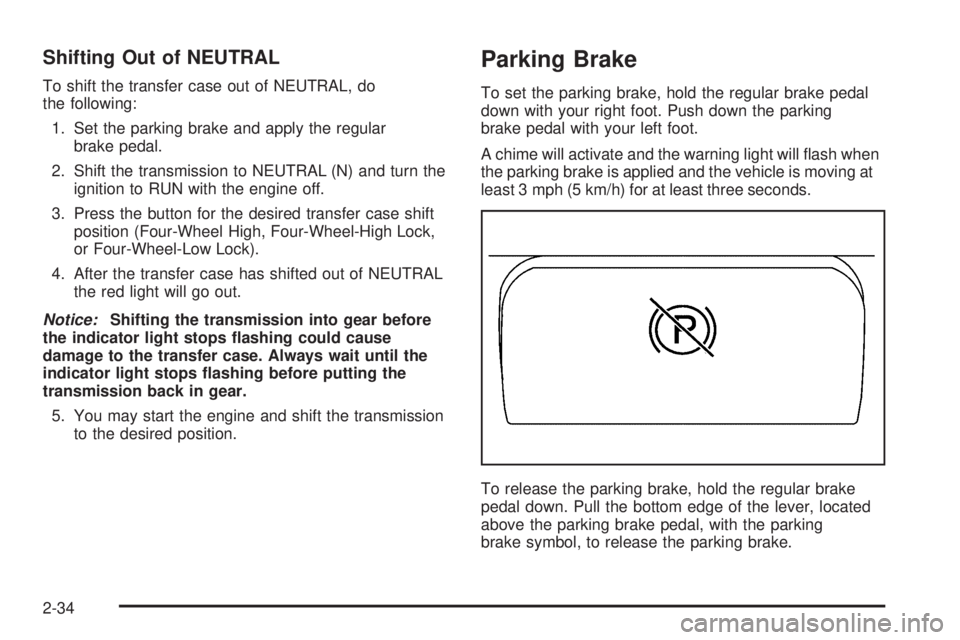
Parking Brake
To set the parking brake, hold the regular brake pedal
down with your right foot. Push down the parking
brake pedal with your left foot.
A chime will activate and the warning light will ash when
the parking brake is applied and the vehicle is moving at
least 3 mph (5 km/h) for at least three seconds.
To release the parking brake, hold the regular brake
pedal down. Pull the bottom edge of the lever, located
above the parking brake pedal, with the parking
brake symbol, to release the parking brake.
2-34
Page 111 of 502
If the ignition is on when the parking brake is released,
the brake system warning light will go off.
Notice:Driving with the parking brake on can
overheat the brake system and cause premature
wear or damage to brake system parts. Verify that
the parking brake is fully released and the brake
warning light is off before driving.
If you are towing a trailer and are parking on any hill,
seeTowing a Trailer on page 4-63.
Shifting Into Park (P)
{CAUTION:
It can be dangerous to get out of your vehicle
if the shift lever is not fully in PARK (P) with
the parking brake rmly set. Your vehicle can
roll. If you have left the engine running, the
vehicle can move suddenly. You or others
CAUTION: (Continued)
CAUTION: (Continued)
could be injured. To be sure your vehicle will
not move, even when you are on fairly level
ground, use the steps that follow. If you are
pulling a trailer, seeTowing a Trailer on
page 4-63.
1. Hold the brake pedal down with your right foot and
set the parking brake.
2. Move the shift lever into PARK (P) by pressing and
holding the button on the end of the shift lever and
moving the lever forward as far as it will go.
3. Turn the ignition key to LOCK.
4. Remove the key and take it with you. If you can
leave your vehicle with the ignition key in your
hand, your vehicle is in PARK (P).
2-35
Page 112 of 502
Leaving Your Vehicle With the Engine
Running
{CAUTION:
It can be dangerous to leave your vehicle with
the engine running. Your vehicle could move
suddenly if the shift lever is not fully in
PARK (P) with the parking brake rmly set.
And, if you leave the vehicle with the engine
running, it could overheat and even catch re.
You or others could be injured. Do not leave
your vehicle with the engine running.
If you have to leave your vehicle with the engine
running, be sure your vehicle is in PARK (P) and the
parking brake is rmly set before you leave it. After you
move the shift lever into PARK (P), hold the regular
brake pedal down. Then, see if you can move the shift
lever away from PARK (P) without rst pulling it
toward you. If you can, it means that the shift lever was
not fully locked into PARK (P).
Torque Lock
If you are parking on a hill and you do not shift your
vehicle into PARK (P) properly, the weight of the vehicle
may put too much force on the parking pawl in the
transmission. You may nd it difficult to pull the shift
lever out of PARK (P). This is called torque lock.
To prevent torque lock, set the parking brake and then
shift into PARK (P) properly before you leave the
driver’s seat. To nd out how, seeShifting Into Park (P)
on page 2-35.
When you are ready to drive, move the shift lever out of
PARK (P) before you release the parking brake.
If torque lock does occur, you may need to have another
vehicle push yours a little uphill to take some of the
pressure from the parking pawl in the transmission, so
you can pull the shift lever out of PARK (P).
Shifting Out of Park (P)
Your vehicle has an automatic transmission shift lock
control system. You have to fully apply the regular
brakes before you can shift from PARK (P) when the
ignition is in RUN. SeeAutomatic Transmission
Operation on page 2-27.
2-36
Page 114 of 502

Running the Engine While Parked
It is better not to park with the engine running. But if you
ever have to, here are some things to know.
{CAUTION:
Idling the engine with the climate control
system off could allow dangerous exhaust into
your vehicle. See the earlier caution under
Engine Exhaust on page 2-37.
Also, idling in a closed-in place can let deadly
carbon monoxide (CO) into your vehicle even if
the climate control fan is at the highest setting.
One place this can happen is a garage.
Exhaust — with CO — can come in easily.
NEVER park in a garage with the engine
running.
Another closed-in place can be a blizzard. See
Winter Driving on page 4-46.
{CAUTION:
It can be dangerous to get out of your vehicle if
the shift lever is not fully in PARK (P) with the
parking brake rmly set. Your vehicle can roll.
Do not leave your vehicle when the engine is
running unless you have to. If you have left the
engine running, the vehicle can move suddenly.
You or others could be injured. To be sure your
vehicle will not move, even when you are on
fairly level ground, always set your parking
brake and move the shift lever to PARK (P).
2-38
Page 115 of 502
{CAUTION:
Full-time four-wheel drive vehicles with the
transfer case in NEUTRAL will allow the
vehicle to roll, even if your shift lever is in
PARK (P). So, be sure the transfer case is in a
drive gear — not in NEUTRAL. Always set your
parking brake.
Follow the proper steps to be sure your vehicle will not
move. SeeShifting Into Park (P) on page 2-35.
If you are pulling a trailer, seeTowing a Trailer on
page 4-63.
Mirrors
Automatic Dimming Rearview Mirror
with OnStar
®and Compass
Your vehicle may have an automatic-dimming rearview
mirror with a compass and the OnStar®system.
There are three additional buttons for the OnStar
®
system. See your dealer for more information on the
system and how to subscribe to OnStar®. SeeOnStar®
System on page 2-48for more information about the
services OnStar®provides.
Mirror Operation
When turned on, this mirror automatically dims to the
proper level to minimize glare from any headlamps
behind you after dark.
O(On/Off): This is the on/off button for the automatic
dimming feature and compass. Press the far left button,
located below the mirror face, for up to three seconds
to turn the feature on and off. A light on the mirror will be
lit while the feature is turned on.
2-39
Page 145 of 502
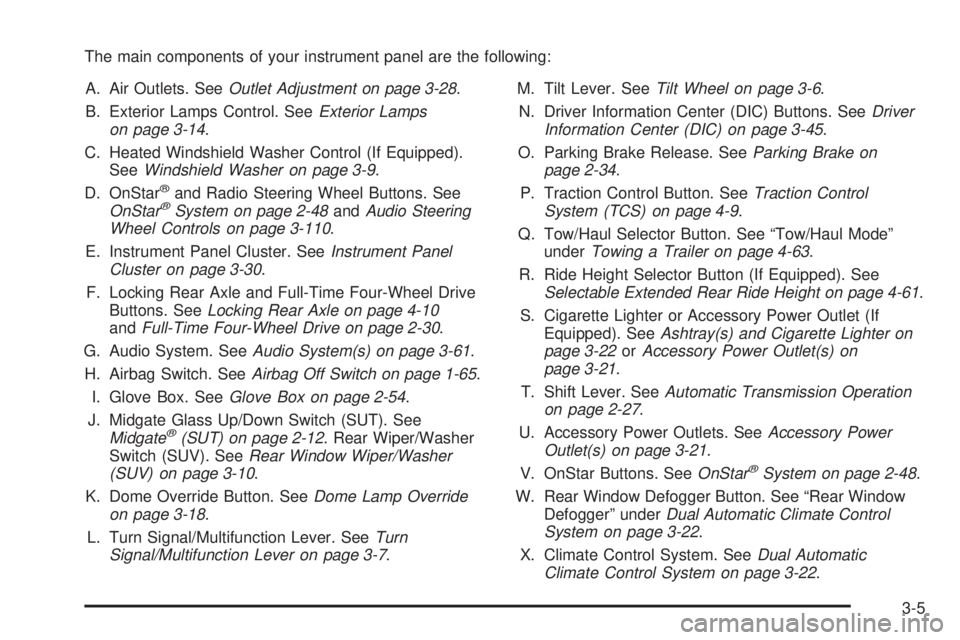
The main components of your instrument panel are the following:
A. Air Outlets. SeeOutlet Adjustment on page 3-28.
B. Exterior Lamps Control. SeeExterior Lamps
on page 3-14.
C. Heated Windshield Washer Control (If Equipped).
SeeWindshield Washer on page 3-9.
D. OnStar
®and Radio Steering Wheel Buttons. See
OnStar®System on page 2-48andAudio Steering
Wheel Controls on page 3-110.
E. Instrument Panel Cluster. SeeInstrument Panel
Cluster on page 3-30.
F. Locking Rear Axle and Full-Time Four-Wheel Drive
Buttons. SeeLocking Rear Axle on page 4-10
andFull-Time Four-Wheel Drive on page 2-30.
G. Audio System. SeeAudio System(s) on page 3-61.
H. Airbag Switch. SeeAirbag Off Switch on page 1-65.
I. Glove Box. SeeGlove Box on page 2-54.
J. Midgate Glass Up/Down Switch (SUT). See
Midgate
®(SUT) on page 2-12. Rear Wiper/Washer
Switch (SUV). SeeRear Window Wiper/Washer
(SUV) on page 3-10.
K. Dome Override Button. SeeDome Lamp Override
on page 3-18.
L. Turn Signal/Multifunction Lever. SeeTurn
Signal/Multifunction Lever on page 3-7.M. Tilt Lever. SeeTilt Wheel on page 3-6.
N. Driver Information Center (DIC) Buttons. SeeDriver
Information Center (DIC) on page 3-45.
O. Parking Brake Release. SeeParking Brake on
page 2-34.
P. Traction Control Button. SeeTraction Control
System (TCS) on page 4-9.
Q. Tow/Haul Selector Button. See “Tow/Haul Mode”
underTowing a Trailer on page 4-63.
R. Ride Height Selector Button (If Equipped). See
Selectable Extended Rear Ride Height on page 4-61.
S. Cigarette Lighter or Accessory Power Outlet (If
Equipped). SeeAshtray(s) and Cigarette Lighter on
page 3-22orAccessory Power Outlet(s) on
page 3-21.
T. Shift Lever. SeeAutomatic Transmission Operation
on page 2-27.
U. Accessory Power Outlets. SeeAccessory Power
Outlet(s) on page 3-21.
V. OnStar Buttons. SeeOnStar
®System on page 2-48.
W. Rear Window Defogger Button. See “Rear Window
Defogger” underDual Automatic Climate Control
System on page 3-22.
X. Climate Control System. SeeDual Automatic
Climate Control System on page 3-22.
3-5