battery HUMMER H3 2006 Owner's Manual
[x] Cancel search | Manufacturer: HUMMER, Model Year: 2006, Model line: H3, Model: HUMMER H3 2006Pages: 410, PDF Size: 2.61 MB
Page 307 of 410

4. Open the hoods and locate the positive (+) and
negative (−) terminal locations on the other
vehicle. Your vehicle has a remote positive (+)
and a remote negative (−) jump starting terminal.
SeeEngine Compartment Overview on page 5-12
for more information on the terminal locations.
{CAUTION:
Using a match near a battery can cause battery
gas to explode. People have been hurt doing
this, and some have been blinded. Use a
ashlight if you need more light.
Be sure the batteries have enough water.
You do not need to add water to the ACDelco
®
battery (or batteries) installed in your new
vehicle. But if a battery has ller caps, be sure
the right amount of uid is there. If it is low,
add water to take care of that rst. If you do
not, explosive gas could be present.
Battery uid contains acid that can burn you.
Do not get it on you. If you accidentally get it
in your eyes or on your skin, ush the place
with water and get medical help immediately.
{CAUTION:
Fans or other moving engine parts can injure
you badly. Keep your hands away from moving
parts once the engine is running.
5. Check that the jumper cables do not have loose or
missing insulation. If they do, you could get a
shock. The vehicles could be damaged too.
Before you connect the cables, here are some
basic things you should know. Positive (+) will go to
positive (+) or to a remote positive (+) terminal if
the vehicle has one. Negative (−) will go to a heavy,
unpainted metal engine part or to a remote
negative (−) terminal if the vehicle has one.
Do not connect positive (+) to negative (−)oryou
will get a short that would damage the battery
and maybe other parts too. And do not connect the
negative (−) cable to the negative (−) terminal on
the dead battery because this can cause sparks.
5-41
Page 308 of 410

6. Connect the red positive (+) cable to the positive (+)
terminal of the dead battery. Use a remote
positive (+) terminal if the vehicle has one.
7. Do not let the other end touch metal. Connect it to
the positive (+) terminal of the good battery. Use a
remote positive (+) terminal if the vehicle has one.8. Now connect the black negative (−) cable to the
negative (−) terminal of the good battery. Use a
remote negative (−) terminal if the vehicle has one.
Do not let the other end touch anything until the
next step. The other end of the negative (−) cable
does not go to the dead battery. It goes to a
heavy, unpainted metal engine part, or to a remote
negative (−) terminal on the vehicle with the
dead battery.
9. Connect the other end of the negative (−) cable at
least 18 inches (45 cm) away from the dead battery,
but not near engine parts that move. The electrical
connection is just as good there, and the chance
of sparks getting back to the battery is much less.
Your vehicle has a remote negative (−) terminal
for this purpose.
10. Now start the vehicle with the good battery and run
the engine for a while.
11. Try to start the vehicle that had the dead battery.
If it will not start after a few tries, it probably needs
service.
5-42
Page 309 of 410

Notice:If the jumper cables are connected or
removed in the wrong order, electrical shorting may
occur and damage the vehicle. The repairs would
not be covered by your warranty. Always connect
and remove the jumper cables in the correct
order, making sure that the cables do not touch
each other or other metal.
A. Heavy, Unpainted Metal Engine Part or Remote
Negative (−) Terminal
B. Good Battery or Remote Positive (+) and Remote
Negative (−) Terminals
C. Dead Battery or Remote Positive (+) TerminalTo disconnect the jumper cables from both vehicles,
do the following:
1. Disconnect the black negative (−) cable from the
vehicle that had the dead battery.
2. Disconnect the black negative (−) cable from the
vehicle with the good battery.
3. Disconnect the red positive (+) cable from the
vehicle with the good battery.
4. Disconnect the red positive (+) cable from the
other vehicle.
Jumper Cable Removal
5-43
Page 365 of 410

Fuse Usage
1 Heated Seats
2 Grille Guard
3 Fuel Pump
4 Roof Lamp
5 Battery Ignition Switch
6 Front Wiper
7 Spare 1
8 Power Locks
9 Sunroof, Front Washer Pump
10 Accessories (SPO)
11 Not Used
12 Transfer Case Control Module
13Radio, Heating, Ventilation,
Air Conditioning Display
14 Body Control Module
15 Rear Wiper Motor
16 Rear Wiper Pump Switch
17 Spare 2Fuse Usage
18 Spare 6
19 Cluster
20 Rear Turn Signal, Hazard Signal
21 Powertrain Control Module 1
22Mass Air Flow Sensor, Purge
Solenoid
23 Injector
24 Fog Lamp
25 Powertrain Control Module B
26 Spare 4
27 Airbags
28 Back-up Lamps
29 Anti-lock Brakes, StabiliTrak
®
30 Rear Window Defogger
31 Canister Vent
32 Spare 5
33 Ignition 1
34 Transmission
5-99
Page 390 of 410
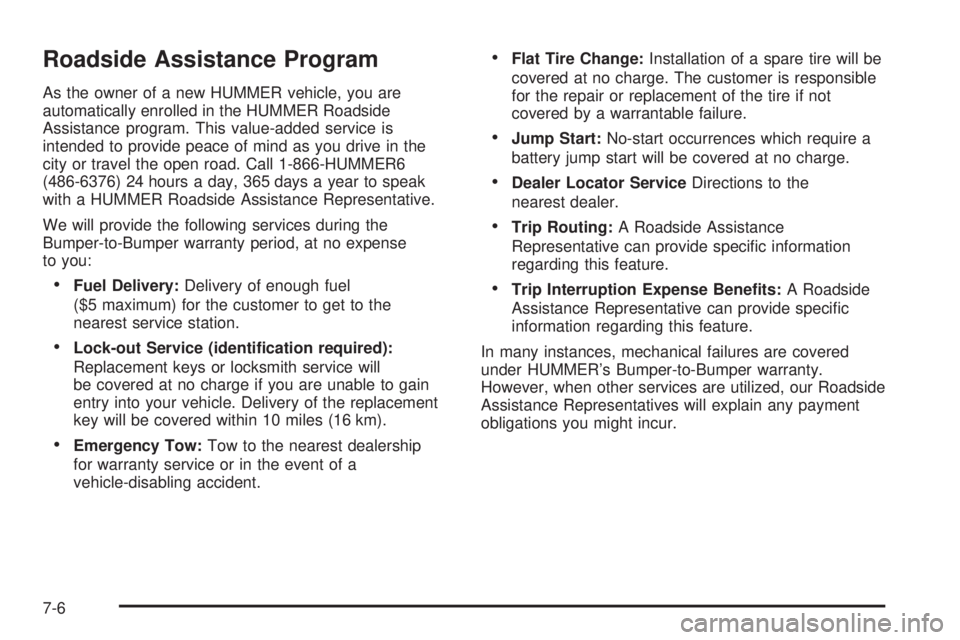
Roadside Assistance Program
As the owner of a new HUMMER vehicle, you are
automatically enrolled in the HUMMER Roadside
Assistance program. This value-added service is
intended to provide peace of mind as you drive in the
city or travel the open road. Call 1-866-HUMMER6
(486-6376) 24 hours a day, 365 days a year to speak
with a HUMMER Roadside Assistance Representative.
We will provide the following services during the
Bumper-to-Bumper warranty period, at no expense
to you:
Fuel Delivery:Delivery of enough fuel
($5 maximum) for the customer to get to the
nearest service station.
Lock-out Service (identication required):
Replacement keys or locksmith service will
be covered at no charge if you are unable to gain
entry into your vehicle. Delivery of the replacement
key will be covered within 10 miles (16 km).
Emergency Tow:Tow to the nearest dealership
for warranty service or in the event of a
vehicle-disabling accident.
Flat Tire Change:Installation of a spare tire will be
covered at no charge. The customer is responsible
for the repair or replacement of the tire if not
covered by a warrantable failure.
Jump Start:No-start occurrences which require a
battery jump start will be covered at no charge.
Dealer Locator ServiceDirections to the
nearest dealer.
Trip Routing:A Roadside Assistance
Representative can provide specic information
regarding this feature.
Trip Interruption Expense Benets:A Roadside
Assistance Representative can provide specic
information regarding this feature.
In many instances, mechanical failures are covered
under HUMMER’s Bumper-to-Bumper warranty.
However, when other services are utilized, our Roadside
Assistance Representatives will explain any payment
obligations you might incur.
7-6
Page 398 of 410
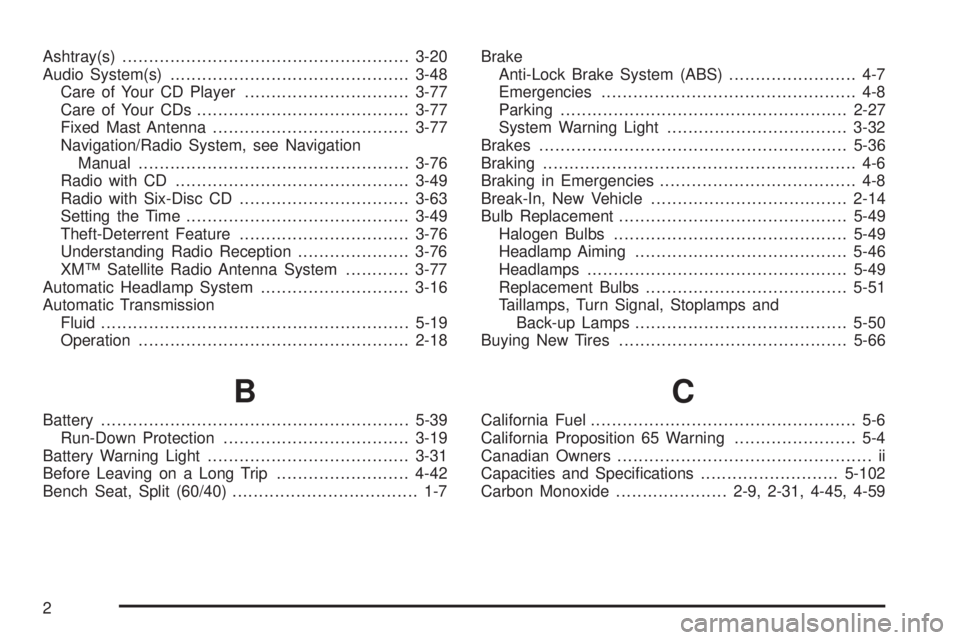
Ashtray(s)......................................................3-20
Audio System(s).............................................3-48
Care of Your CD Player...............................3-77
Care of Your CDs........................................3-77
Fixed Mast Antenna.....................................3-77
Navigation/Radio System, see Navigation
Manual...................................................3-76
Radio with CD............................................3-49
Radio with Six-Disc CD................................3-63
Setting the Time..........................................3-49
Theft-Deterrent Feature................................3-76
Understanding Radio Reception.....................3-76
XM™ Satellite Radio Antenna System............3-77
Automatic Headlamp System............................3-16
Automatic Transmission
Fluid..........................................................5-19
Operation...................................................2-18
B
Battery..........................................................5-39
Run-Down Protection...................................3-19
Battery Warning Light......................................3-31
Before Leaving on a Long Trip.........................4-42
Bench Seat, Split (60/40)................................... 1-7Brake
Anti-Lock Brake System (ABS)........................ 4-7
Emergencies................................................ 4-8
Parking......................................................2-27
System Warning Light..................................3-32
Brakes..........................................................5-36
Braking........................................................... 4-6
Braking in Emergencies..................................... 4-8
Break-In, New Vehicle.....................................2-14
Bulb Replacement...........................................5-49
Halogen Bulbs............................................5-49
Headlamp Aiming........................................5-46
Headlamps.................................................5-49
Replacement Bulbs......................................5-51
Taillamps, Turn Signal, Stoplamps and
Back-up Lamps........................................5-50
Buying New Tires...........................................5-66
C
California Fuel.................................................. 5-6
California Proposition 65 Warning....................... 5-4
Canadian Owners................................................ ii
Capacities and Specications..........................5-102
Carbon Monoxide.....................2-9, 2-31, 4-45, 4-59
2
Page 401 of 410
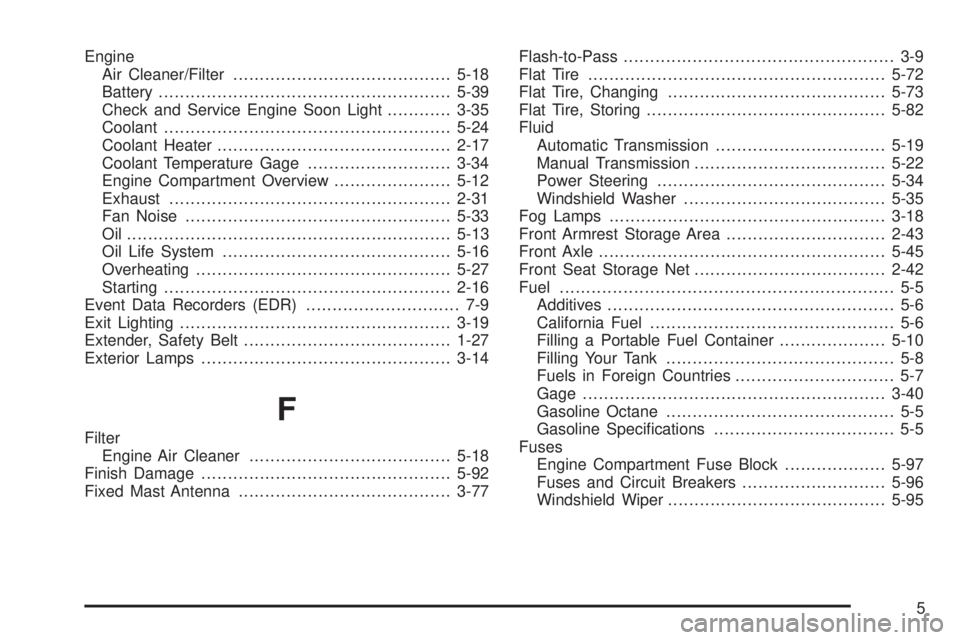
Engine
Air Cleaner/Filter.........................................5-18
Battery.......................................................5-39
Check and Service Engine Soon Light............3-35
Coolant......................................................5-24
Coolant Heater............................................2-17
Coolant Temperature Gage...........................3-34
Engine Compartment Overview......................5-12
Exhaust.....................................................2-31
Fan Noise..................................................5-33
Oil .............................................................5-13
Oil Life System...........................................5-16
Overheating................................................5-27
Starting......................................................2-16
Event Data Recorders (EDR)............................. 7-9
Exit Lighting...................................................3-19
Extender, Safety Belt.......................................1-27
Exterior Lamps...............................................3-14
F
Filter
Engine Air Cleaner......................................5-18
Finish Damage...............................................5-92
Fixed Mast Antenna........................................3-77Flash-to-Pass................................................... 3-9
Flat Tire........................................................5-72
Flat Tire, Changing.........................................5-73
Flat Tire, Storing.............................................5-82
Fluid
Automatic Transmission................................5-19
Manual Transmission....................................5-22
Power Steering...........................................5-34
Windshield Washer......................................5-35
Fog Lamps....................................................3-18
Front Armrest Storage Area..............................2-43
Front Axle......................................................5-45
Front Seat Storage Net....................................2-42
Fuel............................................................... 5-5
Additives...................................................... 5-6
California Fuel.............................................. 5-6
Filling a Portable Fuel Container....................5-10
Filling Your Tank........................................... 5-8
Fuels in Foreign Countries.............................. 5-7
Gage.........................................................3-40
Gasoline Octane........................................... 5-5
Gasoline Specications.................................. 5-5
Fuses
Engine Compartment Fuse Block...................5-97
Fuses and Circuit Breakers...........................5-96
Windshield Wiper.........................................5-95
5
Page 403 of 410

J
Jump Starting.................................................5-40
K
Keyless Entry System....................................... 2-4
Keys............................................................... 2-2
L
Labelling, Tire Sidewall....................................5-54
Lamps
Battery Run-Down Protection.........................3-19
Dome........................................................3-18
Dome Lamp Override...................................3-19
Exterior......................................................3-14
Fog ...........................................................3-18
Off-Road....................................................3-17
Reading.....................................................3-19
LATCH System
Child Restraints...........................................1-38
Light
Airbag Readiness........................................3-28
Anti-Lock Brake System Warning...................3-33
Battery Warning..........................................3-31
Brake System Warning.................................3-32Light (cont.)
Cruise Control.............................................3-39
Highbeam On.............................................3-39
Malfunction Indicator....................................3-35
Oil Pressure...............................................3-38
Passenger Airbag Status Indicator..................3-29
Passenger Safety Belt Reminder....................3-27
Safety Belt Reminder...................................3-27
Security.....................................................3-39
StabiliTrak
®Not Ready.................................3-33
Tire Pressure..............................................3-34
Traction Off................................................3-33
Up-Shift.....................................................3-31
Lighting
Exit...........................................................3-19
Loading Your Vehicle.......................................4-52
Locking Rear Axle...........................................4-10
Lockout Protection............................................ 2-8
Locks
Door........................................................... 2-7
Lockout Protection......................................... 2-8
Power Door.................................................. 2-8
Programmable Automatic Door Locks............... 2-8
Loss of Control...............................................4-16
Luggage Carrier..............................................2-43
Lumbar
Power Controls............................................. 1-3
7