engine HUMMER H3 2010 Owner's Manual
[x] Cancel search | Manufacturer: HUMMER, Model Year: 2010, Model line: H3, Model: HUMMER H3 2010Pages: 410, PDF Size: 2.24 MB
Page 128 of 410

5-14 Instruments and Controls
Emissions Inspection and
Maintenance Programs
Some state/provincial and local
governments have or might begin
programs to inspect the emission
control equipment on the vehicle.
Failure to pass this inspection
could prevent getting a vehicle
registration.
Here are some things to know to
help the vehicle pass an inspection:
.The vehicle will not pass this
inspection if the check engine
light is on with the engine
running, or if the key is in
ON/RUN and the light is not on.
.The vehicle will not pass
this inspection if the OBD II
(on-board diagnostic) system
determines that critical emission
control systems have not been
completely diagnosed by the
system. The vehicle would
be considered not ready for
inspection. This can happen ifthe battery has recently been
replaced or if the battery has run
down. The diagnostic system is
designed to evaluate critical
emission control systems during
normal driving. This can take
several days of routine driving.
If this has been done and the
vehicle still does not pass the
inspection for lack of OBD II
system readiness, your dealer
can prepare the vehicle for
inspection.
Brake System Warning
Light
The vehicle's hydraulic brake
system is divided into two parts.
If one part is not working, the other
part can still work and stop the
vehicle. For good braking though,
both parts need to be working well.
If the warning light comes on, there
could be a brake problem. Have the
brake system inspected right away.
United StatesCanada
This light comes on briefly when the
ignition key is turned to ON/RUN.
If it does not, have it fixed so it will
be ready to warn if there is a
problem.
When the ignition is on, the brake
system warning light comes on
when the parking brake is set.
See Parking Brake
on page 9‑51for more information. The light stays
on if the parking brake does not
release fully. If it stays on after the
parking brake is fully released, it
means there is a brake problem.
Page 129 of 410
Instruments and Controls 5-15
If the light comes on while driving,
pull off the road and stop. The brake
pedal might be harder to push, or it
might go closer to the floor. It can
take longer to stop. If the light is
still on, have the vehicle towed for
service. SeeTowing the Vehicle
on
page 10‑90.
{WARNING
The brake system might not be
working properly if the brake
system warning light is on.
Driving with the brake system
warning light on can lead to a
crash. If the light is still on after
the vehicle has been pulled off
the road and carefully stopped,
have the vehicle towed for
service.
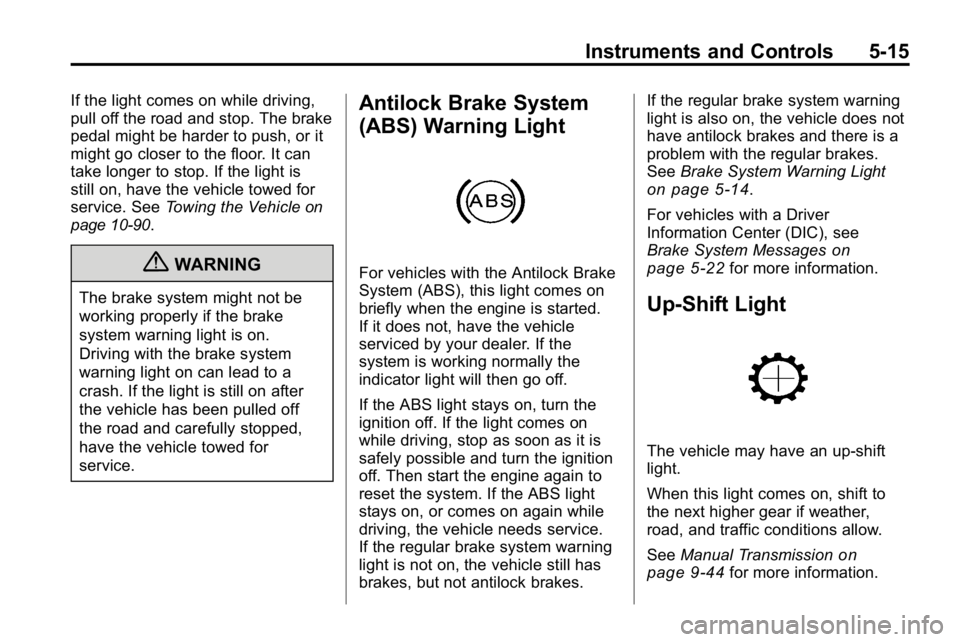
Antilock Brake System
(ABS) Warning Light
For vehicles with the Antilock Brake
System (ABS), this light comes on
briefly when the engine is started.
If it does not, have the vehicle
serviced by your dealer. If the
system is working normally the
indicator light will then go off.
If the ABS light stays on, turn the
ignition off. If the light comes on
while driving, stop as soon as it is
safely possible and turn the ignition
off. Then start the engine again to
reset the system. If the ABS light
stays on, or comes on again while
driving, the vehicle needs service.
If the regular brake system warning
light is not on, the vehicle still has
brakes, but not antilock brakes. If the regular brake system warning
light is also on, the vehicle does not
have antilock brakes and there is a
problem with the regular brakes.
See
Brake System Warning Light
on page 5‑14.
For vehicles with a Driver
Information Center (DIC), see
Brake System Messages
on
page 5‑22for more information.
Up-Shift Light
The vehicle may have an up-shift
light.
When this light comes on, shift to
the next higher gear if weather,
road, and traffic conditions allow.
See Manual Transmission
on
page 9‑44for more information.
Page 130 of 410
5-16 Instruments and Controls
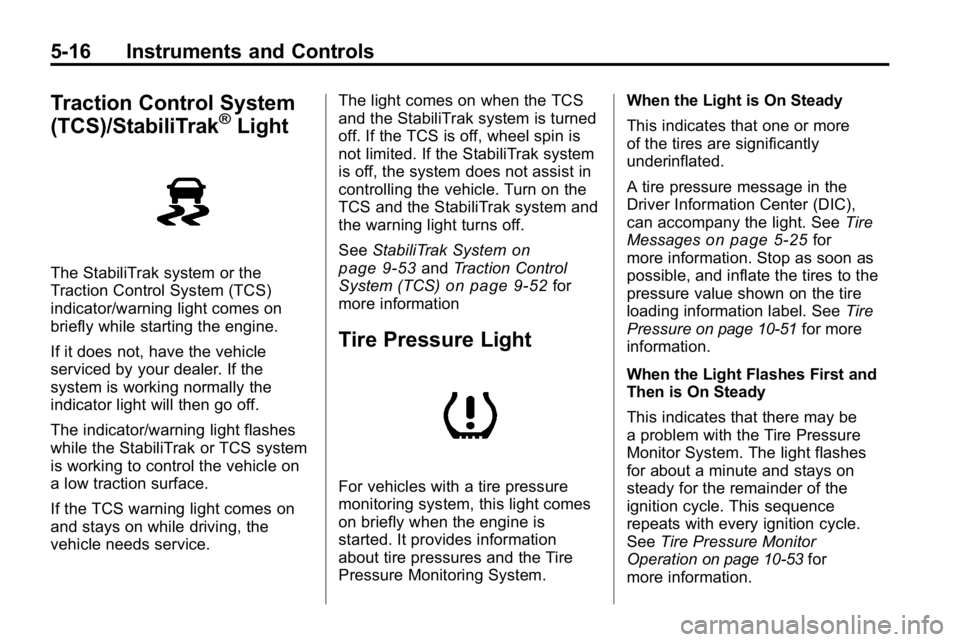
Traction Control System
(TCS)/StabiliTrak®Light
The StabiliTrak system or the
Traction Control System (TCS)
indicator/warning light comes on
briefly while starting the engine.
If it does not, have the vehicle
serviced by your dealer. If the
system is working normally the
indicator light will then go off.
The indicator/warning light flashes
while the StabiliTrak or TCS system
is working to control the vehicle on
a low traction surface.
If the TCS warning light comes on
and stays on while driving, the
vehicle needs service.The light comes on when the TCS
and the StabiliTrak system is turned
off. If the TCS is off, wheel spin is
not limited. If the StabiliTrak system
is off, the system does not assist in
controlling the vehicle. Turn on the
TCS and the StabiliTrak system and
the warning light turns off.
See
StabiliTrak System
on
page 9‑53and Traction Control
System (TCS)on page 9‑52for
more information
Tire Pressure Light
For vehicles with a tire pressure
monitoring system, this light comes
on briefly when the engine is
started. It provides information
about tire pressures and the Tire
Pressure Monitoring System. When the Light is On Steady
This indicates that one or more
of the tires are significantly
underinflated.
A tire pressure message in the
Driver Information Center (DIC),
can accompany the light. See
Tire
Messages
on page 5‑25for
more information. Stop as soon as
possible, and inflate the tires to the
pressure value shown on the tire
loading information label. See Tire
Pressure
on page 10‑51for more
information.
When the Light Flashes First and
Then is On Steady
This indicates that there may be
a problem with the Tire Pressure
Monitor System. The light flashes
for about a minute and stays on
steady for the remainder of the
ignition cycle. This sequence
repeats with every ignition cycle.
See Tire Pressure Monitor
Operation
on page 10‑53for
more information.
Page 131 of 410

Instruments and Controls 5-17
Engine Oil Pressure Light
{WARNING
Do not keep driving if the oil
pressure is low. The engine can
become so hot that it catches fire.
Someone could be burned. Check
the oil as soon as possible and
have the vehicle serviced.
Notice: Lack of proper engine
oil maintenance can damage the
engine. The repairs would not be
covered by the vehicle warranty.
Always follow the maintenance
schedule in this manual for
changing engine oil.
The oil pressure light should come
on briefly as the engine is started.
If it does not come on have the
vehicle serviced by your dealer.
If the light comes on and stays on, it
means that oil is not flowing through
the engine properly. The vehicle
could be low on oil and might
have some other system problem.
See your dealer.
Security Light
This light flashes when the security
system is activated.
For more information, see Anti-Theft
Alarm System on page 2‑9.
High-Beam on Light
The high-beam on light comes on
when the high-beam headlamps are
in use.
See Headlamp High/Low-Beam
Changer
on page 6‑3for more
information.
Page 133 of 410
Instruments and Controls 5-19
Engine Oil Life System
With the engine off, turn the key
to ON/RUN and then press the
reset stem until OIL LIFE RESET
appears—alternating between
OIL LIFE and RESET —on the DIC
display. The CHANGE OIL message
alerts you to change the oil on a
schedule consistent with your
driving conditions. Always reset
the OIL LIFE message after an
oil change. To reset the message,
see Engine Oil Life System
on
page 10‑11.
In addition to the engine oil life
system monitoring the oil life,
additional maintenance is
recommended in the Maintenance
Schedule in this manual. See
Engine Oil
on page 10‑9and
Scheduled Maintenanceon
page 11‑2for more information.
Language
This feature allows you to choose
the language in which the DIC
display shows information.
To set your choice for this feature:
1. With the engine off, turn the key to ON/RUN, but do not start the
engine.
2. Close all doors so the DOORS message does not display in
the DIC.
3. Momentarily press and release the reset stem until the current
language is displayed: English
(default), Spanish, or French.
4. To select a different language, press and hold the reset stem
until the next language appears. 5. Repeat Step 4 until the desired
language is displayed. Once the
desired language is shown on
the DIC display, the language
is set.
6. To exit the language selection, momentarily press and release
the reset stem. All DIC
messages will now display in
the language selected.
Automatic Door Locks
This feature allows you to program
the door locks to a preferred setting.
To set your choice for this feature:
1. With the engine off, turn the keyto LOCK/OFF. Do not remove
the key from the ignition.
2. Press and hold the power door lock button until the DIC display
shows the current door
lock mode.
Page 134 of 410
5-20 Instruments and Controls
3. To view the next availablemode, press and hold the reset
stem until the mode appears.
Release the reset stem and
press and hold again to view
the next mode.
4. Once the desired mode is shown on the DIC display, briefly press
the reset stem to set your
choice. The DIC display then
clears.
The following are the available
modes:
Lock 1 (default): On vehicles with
an automatic transmission, this
mode locks all of the doors when
the vehicle is shifted out of P (Park)
and unlocks all of the doors when
the vehicle is shifted into P (Park).
On vehicles with a manual
transmission, this mode locks all of
the doors when the vehicle speed is
greater than 24 km/h (15 mph) and
unlocks all of the doors when the
key is removed from the ignition. Lock 2:
On vehicles with an
automatic transmission, this mode
locks all of the doors when the
vehicle is shifted out of P (Park) and
unlocks the driver's door when the
vehicle is shifted into P (Park).
On vehicles with a manual
transmission, this mode locks all of
the doors when the vehicle speed is
greater than 24 km/h (15 mph) and
unlocks the driver's door when the
key is removed from the ignition.
Lock 3: On vehicles with an
automatic transmission, this mode
locks all of the doors when the
vehicle is shifted out of P (Park).
The doors will not automatically
unlock.
On vehicles with a manual
transmission, this mode locks all of
the doors when the vehicle speed is
greater than 24 km/h (15 mph). The
doors will not automatically unlock.Remote Keyless Entry (RKE)
Feedback
This feature allows you to program
the Remote Keyless Entry (RKE)
feedback to a preferred setting.
To set your choice for this feature:
1. With the engine off, turn the key to LOCK/OFF. Do not remove
the key from the ignition.
2. Press and hold the lock and unlock buttons on the RKE
transmitter at the same time.
Hold both buttons until the DIC
display shows the current RKE
feedback mode.
3. To view the next available mode, press and hold the reset
stem until the mode appears.
Release the reset stem and
press and hold again to view
the next mode.
4. Once the desired mode is shown on the DIC display, briefly press
the reset stem to set your
choice. The DIC display then
clears.
Page 137 of 410
Instruments and Controls 5-23
Engine Cooling System
Messages
AC (Air Conditioning) OFF
This message displays when the
engine coolant temperature is too
high and the air conditioning in
the vehicle needs to be turned off.
SeeEngine Overheating
on
page 10‑22and Climate Control
Systemson page 8‑1for more
information. This message displays
along with the ENG HOT message.
ENG (Engine) HOT
This message displays when the
engine coolant temperature is
hot. Check the engine coolant
temperature gauge. See Engine
Coolant Temperature Gauge
on
page 5‑9. Have the vehicle
serviced by your dealer as soon
as possible if you suspect the
engine is overheating. See Engine
Overheating
on page 10‑22for more
information.
Engine Oil Messages
CHANGE OIL
This message displays when the
oil needs to be changed. Check
the oil in the vehicle as soon as
possible and have the vehicle
serviced by your dealer. See Engine
Oil
on page 10‑9and Scheduled
Maintenanceon page 11‑2for
more information. Press and release
the reset stem to acknowledge the
message and clear it from the
display.
OIL
This message displays when the oil
pressure is low. See Engine Oil
Pressure Light
on page 5‑17and
Engine Oilon page 10‑9for more
information.
Engine Power Messages
REDUCED POWER
This message displays when the
vehicle's engine power is reduced.
Reduced engine power can affect
the vehicle's ability to accelerate.
If this message is on, but there
is no reduction in performance,
proceed to your destination.
The performance may be reduced
the next time the vehicle is driven.
The vehicle may be driven at a
reduced speed while this message
is on, but acceleration and speed
may be reduced. Anytime this
message stays on, the vehicle
should be taken to your dealer
for service as soon as possible.
Press and release the reset stem
to acknowledge the message and
clear it from the display.
Page 138 of 410
5-24 Instruments and Controls
Fuel System Messages
FUEL CAP
This message displays if the
vehicle's fuel cap is either off or
loose. Pull over as soon as possible
and check to see if the fuel cap is
secure. You may also see the check
engine light on the instrument panel
cluster. If the check engine light
does come on when the fuel cap
was loose, it may take a few driving
trips before the light turns off.
SeeMalfunction Indicator Lamp
on
page 5‑12for more information if
the light still remains on. Press
and release the reset stem to
acknowledge the message and
clear it from the display.
LOW FUEL
This message displays if the level of
fuel in the vehicle is low. Also check
the fuel gauge. See Fuel Gauge
on
page 5‑8for more information.
Refill the fuel tank as soon as
possible.
Lamp Messages
TURN SIGNAL
This message displays when the
turn signal is on for about 1.2 km
(0.75 miles) of travel. Press
and release the reset stem to
acknowledge the message and
clear it from the display.
Ride Control System
Messages
SERVICE STAB (Stability)
SYS (System)
This message displays if there is
a problem with the StabiliTrak®
system. Have the vehicle serviced
by your dealer. See StabiliTrak
System
on page 9‑53for more
information.
STAB (Stability)
SYS (System) OFF
This message displays when the
StabiliTrak®system is turned off.
See StabiliTrak Systemon
page 9‑53for more information.
TRAC (Traction) OFF
This message along with the
traction off light displays when the
Traction Control System (TCS) is
turned off by pressing the TCS
button. See Traction Control System
(TCS)
on page 9‑52and Traction
Control System (TCS)/StabiliTrak®
Lighton page 5‑16for more
information.
Page 153 of 410
Lighting 6-9
A high electrical load occurs when
several of the following are on, such
as: headlamps, high beams, fog
lamps, rear window defogger,
climate control fan at high speed,
heated seats, engine cooling fans,
trailer loads, and loads plugged into
accessory power outlets.
EPM works to prevent excessive
discharge of the battery. It does this
by balancing the generator's output
and the vehicle's electrical needs.
It can increase engine idle speed to
generate more power, whenever
needed. It can temporarily reduce
the power demands of some
accessories.Normally, these actions occur in
steps or levels, without being
noticeable. In rare cases at the
highest levels of corrective action,
this action may be noticeable to the
driver. If so, a Driver Information
Center (DIC) message might be
displayed, such as BATTERY
SAVER ACTIVE, BATTERY
VOLTAGE LOW, or LOW BATTERY.
If one of these messages displays,
it is recommended that the driver
reduce the electrical loads as much
as possible. See
Driver Information
Center (DIC) on page 5‑18.Battery Power Protection
The dome lamp is shut off if it is left
on for more than 20 minutes when
the ignition is in LOCK/OFF. This
helps to prevent the battery from
being drained.
Page 155 of 410
Infotainment System 7-1
Infotainment
System
Introduction
Introduction . . . . . . . . . . . . . . . . . . . 7-1
Theft-Deterrent Feature . . . . . . . 7-2
Operation . . . . . . . . . . . . . . . . . . . . . 7-2
Radio
AM-FM Radio . . . . . . . . . . . . . . . . . 7-5
Satellite Radio . . . . . . . . . . . . . . . . 7-6
Radio Reception . . . . . . . . . . . . . . 7-9
Fixed Mast Antenna . . . . . . . . . 7-10
Satellite Radio Antenna . . . . . . 7-10
Audio Players
CD Player . . . . . . . . . . . . . . . . . . . 7-10
Phone
Bluetooth . . . . . . . . . . . . . . . . . . . . 7-15
Introduction
Determine which radio the vehicle
has and read the following pages to
become familiar with its features.
{WARNING
Taking your eyes off the road
for extended periods could
cause a crash resulting in injury
or death to you or others. Do not
give extended attention to
entertainment tasks while driving.
This system provides access to
many audio and non‐audio listings.
To minimize taking your eyes off the
road while driving, do the following
while the vehicle is parked:
.Become familiar with the
operation and controls of the
audio system.
.Set up the tone, speaker
adjustments, and preset radio
stations. For more information, see
Defensive
Driving on page 9‑2.
Notice: Contact your dealer
before adding any equipment.
Adding audio or communication
equipment could interfere with
the operation of the vehicle's
engine, radio, or other systems,
and could damage them. Follow
federal rules covering mobile
radio and telephone equipment.
The vehicle has Retained
Accessory Power (RAP). With RAP,
the audio system can be played
even after the ignition is turned off.
See Retained Accessory Power
(RAP)
on page 9‑35for more
information.
For vehicles with a navigation radio
system, see the separate Navigation
System manual.