stop start Hyundai Accent 2013 User Guide
[x] Cancel search | Manufacturer: HYUNDAI, Model Year: 2013, Model line: Accent, Model: Hyundai Accent 2013Pages: 402, PDF Size: 8.49 MB
Page 134 of 402
Features of your vehicle
64 4
Overspeed warning
(if equipped)
Overspeed warning light
If you drive with the speed of 120 km/h or
more, the overspeed warning light will
blink. This is to prevent you from driving
your vehicle with overspeed.
Overspeed warning chime (if equipped)
If you drive with the speed of 120 km/h or
more, the overspeed warning chime will
sound for about 5 seconds. This is to pre-
vent you from driving your vehicle with
overspeed.
Warning on the LCD screen
(if equipped)
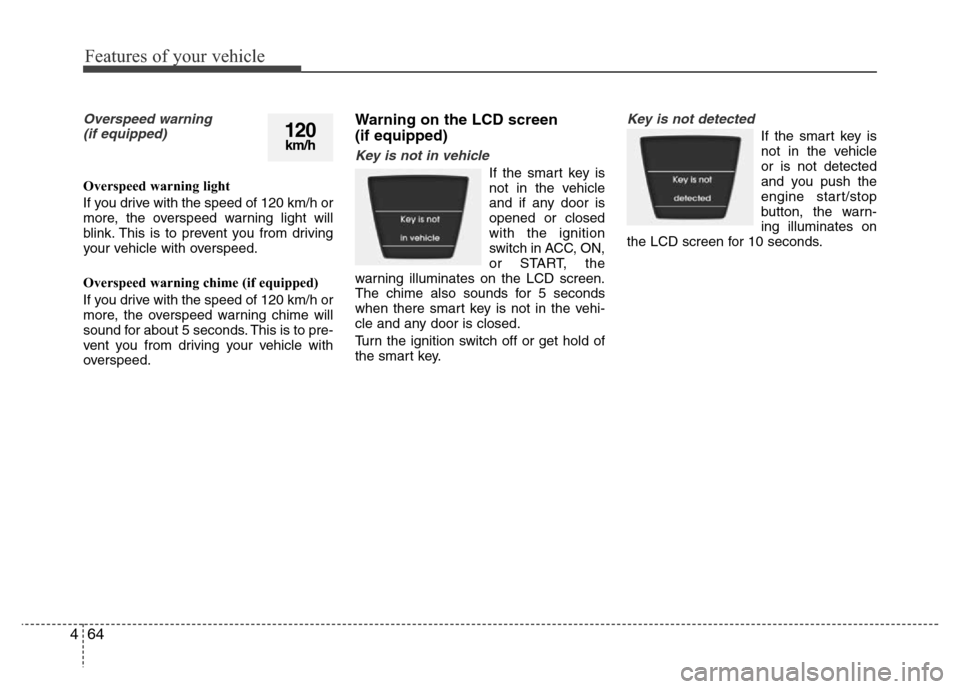
Key is not in vehicle
If the smart key is
not in the vehicle
and if any door is
opened or closed
with the ignition
switch in ACC, ON,
or START, the
warning illuminates on the LCD screen.
The chime also sounds for 5 seconds
when there smart key is not in the vehi-
cle and any door is closed.
Turn the ignition switch off or get hold of
the smart key.
Key is not detected
If the smart key is
not in the vehicle
or is not detected
and you push the
engine start/stop
button, the warn-
ing illuminates on
the LCD screen for 10 seconds.120km/h
Page 135 of 402
465
Features of your vehicle
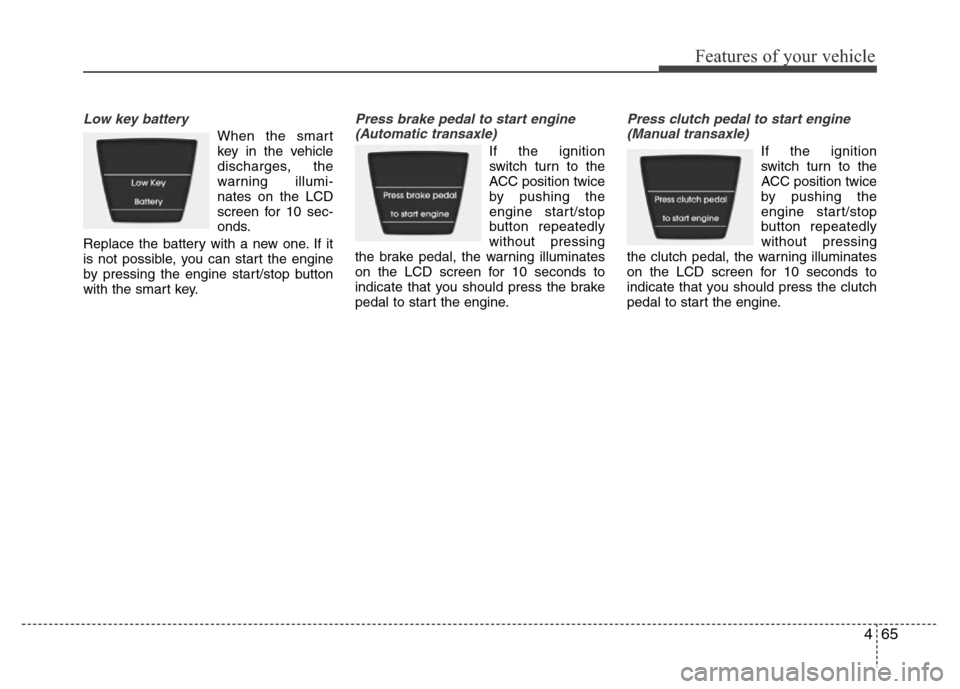
Low key battery
When the smart
key in the vehicle
discharges, the
warning illumi-
nates on the LCD
screen for 10 sec-
onds.
Replace the battery with a new one. If it
is not possible, you can start the engine
by pressing the engine start/stop button
with the smart key.
Press brake pedal to start engine
(Automatic transaxle)
If the ignition
switch turn to the
ACC position twice
by pushing the
engine start/stop
button repeatedly
without pressing
the brake pedal, the warning illuminates
on the LCD screen for 10 seconds to
indicate that you should press the brake
pedal to start the engine.
Press clutch pedal to start engine
(Manual transaxle)
If the ignition
switch turn to the
ACC position twice
by pushing the
engine start/stop
button repeatedly
without pressing
the clutch pedal, the warning illuminates
on the LCD screen for 10 seconds to
indicate that you should press the clutch
pedal to start the engine.
Page 136 of 402
Features of your vehicle
66 4
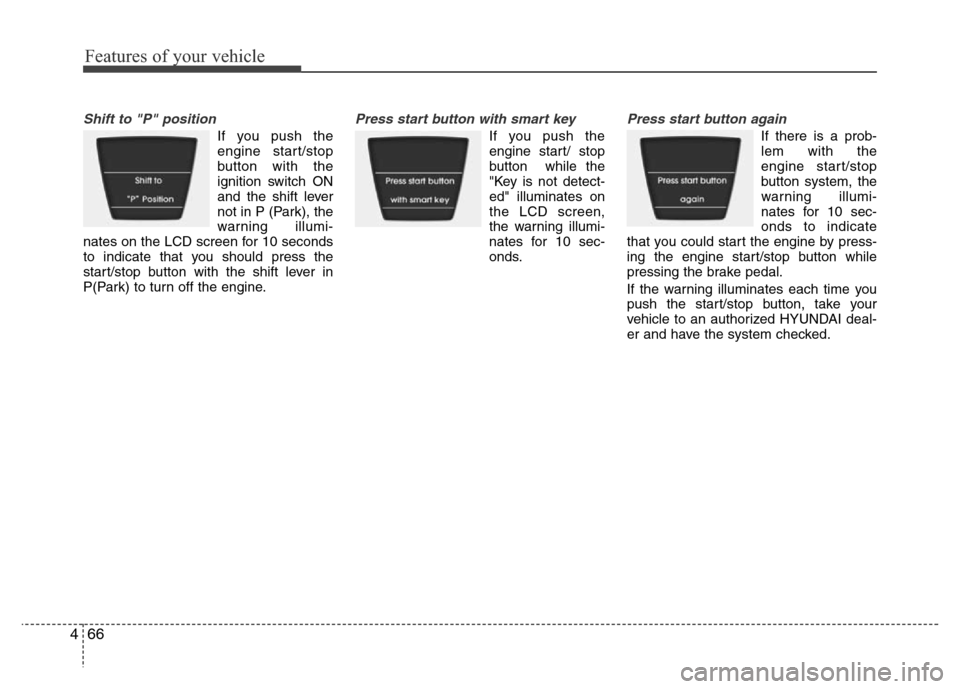
Shift to "P" position
If you push the
engine start/stop
button with the
ignition switch ON
and the shift lever
not in P (Park), the
warning illumi-
nates on the LCD screen for 10 seconds
to indicate that you should press the
start/stop button with the shift lever in
P(Park) to turn off the engine.
Press start button with smart key
If you push the
engine start/ stop
button while the
"Key is not detect-
ed" illuminates on
the LCD screen,
the warning illumi-
nates for 10 sec-
onds.
Press start button again
If there is a prob-
lem with the
engine start/stop
button system, the
warning illumi-
nates for 10 sec-
onds to indicate
that you could start the engine by press-
ing the engine start/stop button while
pressing the brake pedal.
If the warning illuminates each time you
push the start/stop button, take your
vehicle to an authorized HYUNDAI deal-
er and have the system checked.
Page 138 of 402
Features of your vehicle
68 4
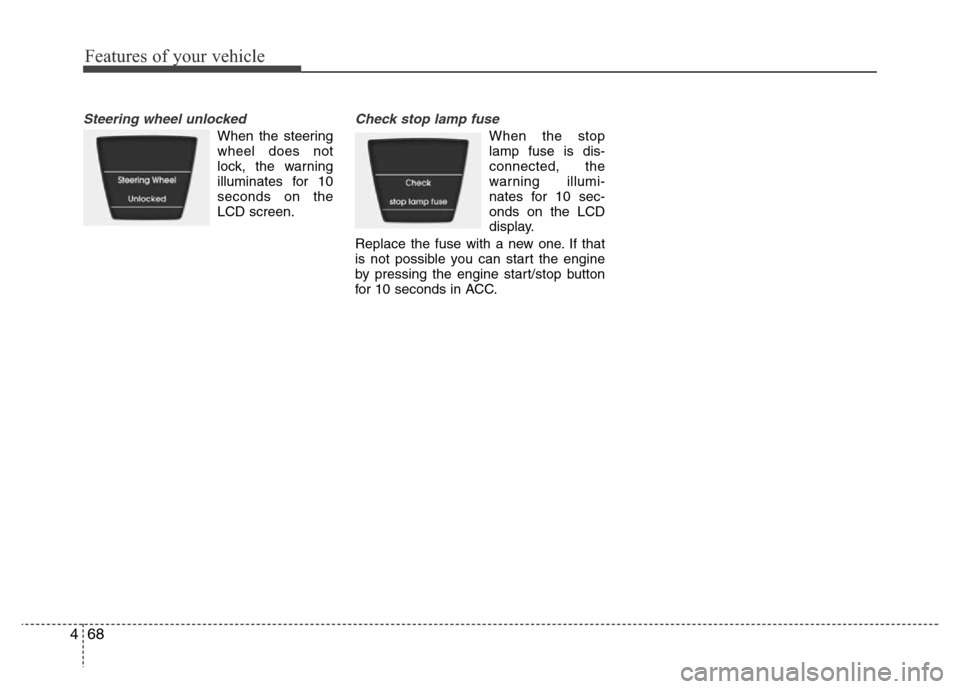
Steering wheel unlocked
When the steering
wheel does not
lock, the warning
illuminates for 10
seconds on the
LCD screen.
Check stop lamp fuse
When the stop
lamp fuse is dis-
connected, the
warning illumi-
nates for 10 sec-
onds on the LCD
display.
Replace the fuse with a new one. If that
is not possible you can start the engine
by pressing the engine start/stop button
for 10 seconds in ACC.
Page 192 of 402
Features of your vehicle
122 4
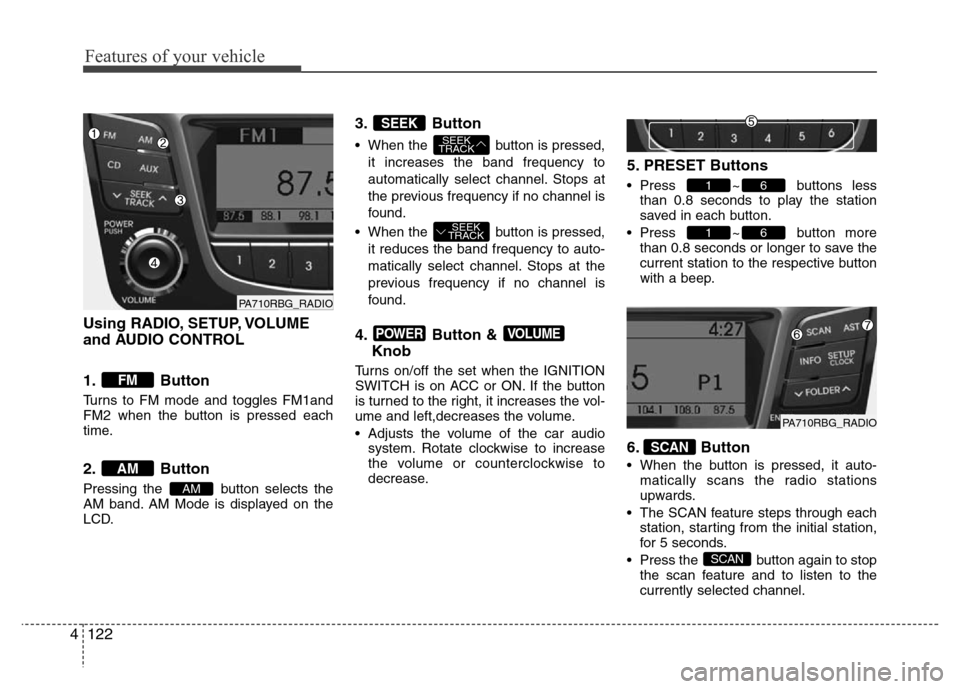
Using RADIO, SETUP, VOLUME
and AUDIO CONTROL
1. Button
Turns to FM mode and toggles FM1and
FM2 when the button is pressed each
time.
2. Button
Pressing the button selects the
AM band. AM Mode is displayed on the
LCD.
3. Button
• When the button is pressed,
it increases the band frequency to
automatically select channel. Stops at
the previous frequency if no channel is
found.
• When the button is pressed,
it reduces the band frequency to auto-
matically select channel. Stops at the
previous frequency if no channel is
found.
4. Button &
Knob
Turns on/off the set when the IGNITION
SWITCH is on ACC or ON. If the button
is turned to the right, it increases the vol-
ume and left,decreases the volume.
• Adjusts the volume of the car audio
system. Rotate clockwise to increase
the volume or counterclockwise to
decrease.
5. PRESET Buttons
• Press ~ buttons less
than 0.8 seconds to play the station
saved in each button.
• Press ~ button more
than 0.8 seconds or longer to save the
current station to the respective button
with a beep.
6. Button
• When the button is pressed, it auto-
matically scans the radio stations
upwards.
• The SCAN feature steps through each
station, starting from the initial station,
for 5 seconds.
• Press the button again to stop
the scan feature and to listen to the
currently selected channel.
SCAN
SCAN
61
61
VOLUMEPOWER
SEEK
TRACK
SEEK
TRACK
SEEK
AM
AM
FM
PA710RBG_RADIO
PA710RBG_RADIO
Page 221 of 402
5
Before driving / 5-3
Key / 5-5
Engine Start/Stop button / 5-8
Manual transaxle / 5-14
Automatic transaxle / 5-17
Brake system / 5-23
Economical operation / 5-34
Special driving conditions / 5-36
Winter driving / 5-40
Trailer towing / 5-44
Vehicle weight / 5-53
Driving your vehicle
Page 227 of 402
57
Driving your vehicle
Starting the diesel engine
(if equipped)
To start the diesel engine when the
engine is cold, it has to be pre-heated
before starting the engine and then have
to be warmed up before starting to drive.
1. Make sure the parking brake is
applied.
2.Manual Transaxle- Depress the
clutch pedal fully and shift the
transaxle into Neutral. Keep the clutch
pedal and brake pedal depressed
while turning the ignition switch to the
start position.
Automatic Transaxle- Place the
transaxle shift lever in P (park).
Depress the brake pedal fully.
You can also start the engine when the
shift lever is in the N (neutral) position.
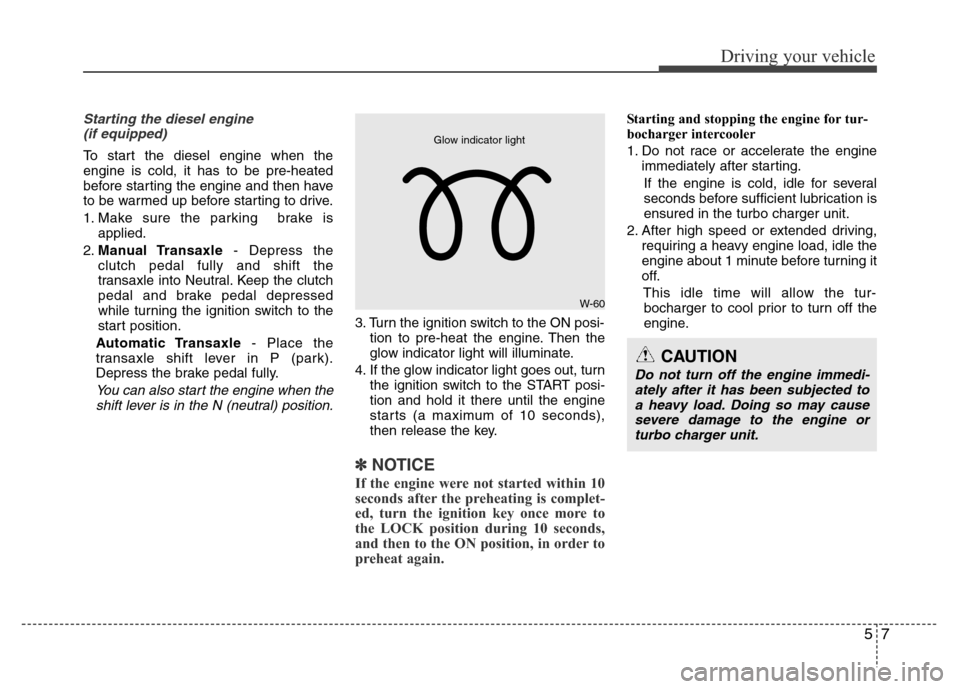
3. Turn the ignition switch to the ON posi-
tion to pre-heat the engine. Then the
glow indicator light will illuminate.
4. If the glow indicator light goes out, turn
the ignition switch to the START posi-
tion and hold it there until the engine
starts (a maximum of 10 seconds),
then release the key.
✽ NOTICE
If the engine were not started within 10
seconds after the preheating is complet-
ed, turn the ignition key once more to
the LOCK position during 10 seconds,
and then to the ON position, in order to
preheat again.
Starting and stopping the engine for tur-
bocharger intercooler
1. Do not race or accelerate the engine
immediately after starting.
If the engine is cold, idle for several
seconds before sufficient lubrication is
ensured in the turbo charger unit.
2. After high speed or extended driving,
requiring a heavy engine load, idle the
engine about 1 minute before turning it
off.
This idle time will allow the tur-
bocharger to cool prior to turn off the
engine.
W-60
Glow indicator light
CAUTION
Do not turn off the engine immedi-
ately after it has been subjected to
a heavy load. Doing so may cause
severe damage to the engine or
turbo charger unit.
Page 228 of 402
Driving your vehicle
8 5
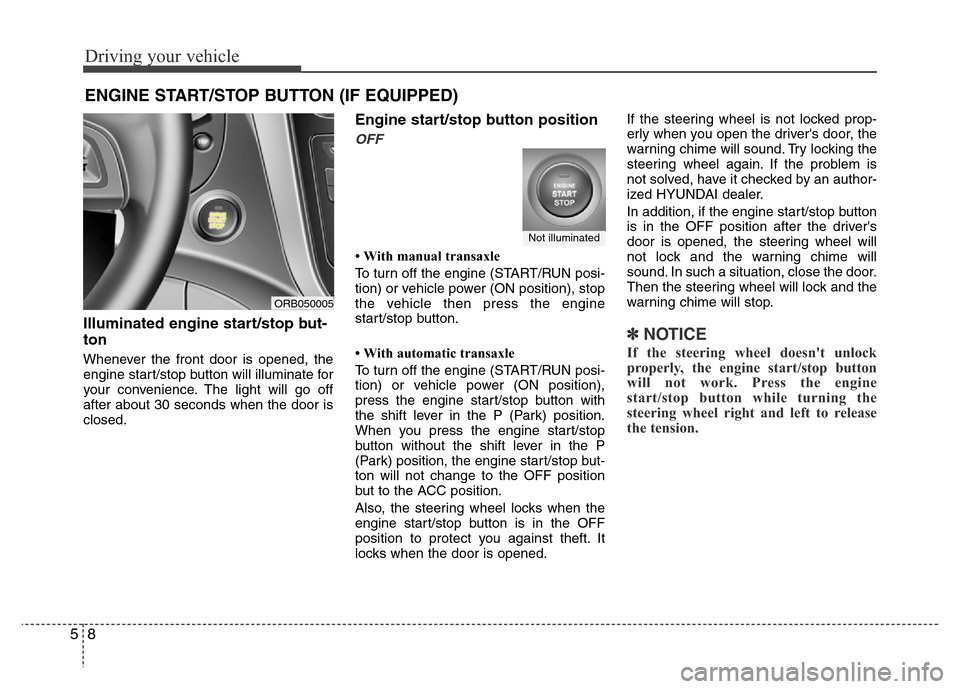
Illuminated engine start/stop but-
ton
Whenever the front door is opened, the
engine start/stop button will illuminate for
your convenience. The light will go off
after about 30 seconds when the door is
closed.
Engine start/stop button position
OFF
• With manual transaxle
To turn off the engine (START/RUN posi-
tion) or vehicle power (ON position), stop
the vehicle then press the engine
start/stop button.
• With automatic transaxle
To turn off the engine (START/RUN posi-
tion) or vehicle power (ON position),
press the engine start/stop button with
the shift lever in the P (Park) position.
When you press the engine start/stop
button without the shift lever in the P
(Park) position, the engine start/stop but-
ton will not change to the OFF position
but to the ACC position.
Also, the steering wheel locks when the
engine start/stop button is in the OFF
position to protect you against theft. It
locks when the door is opened.If the steering wheel is not locked prop-
erly when you open the driver's door, the
warning chime will sound. Try locking the
steering wheel again. If the problem is
not solved, have it checked by an author-
ized HYUNDAI dealer.
In addition, if the engine start/stop button
is in the OFF position after the driver's
door is opened, the steering wheel will
not lock and the warning chime will
sound. In such a situation, close the door.
Then the steering wheel will lock and the
warning chime will stop.
✽ NOTICE
If the steering wheel doesn't unlock
properly, the engine start/stop button
will not work. Press the engine
start/stop button while turning the
steering wheel right and left to release
the tension.
ENGINE START/STOP BUTTON (IF EQUIPPED)
ORB050005
Not illuminated
Page 229 of 402
59
Driving your vehicle
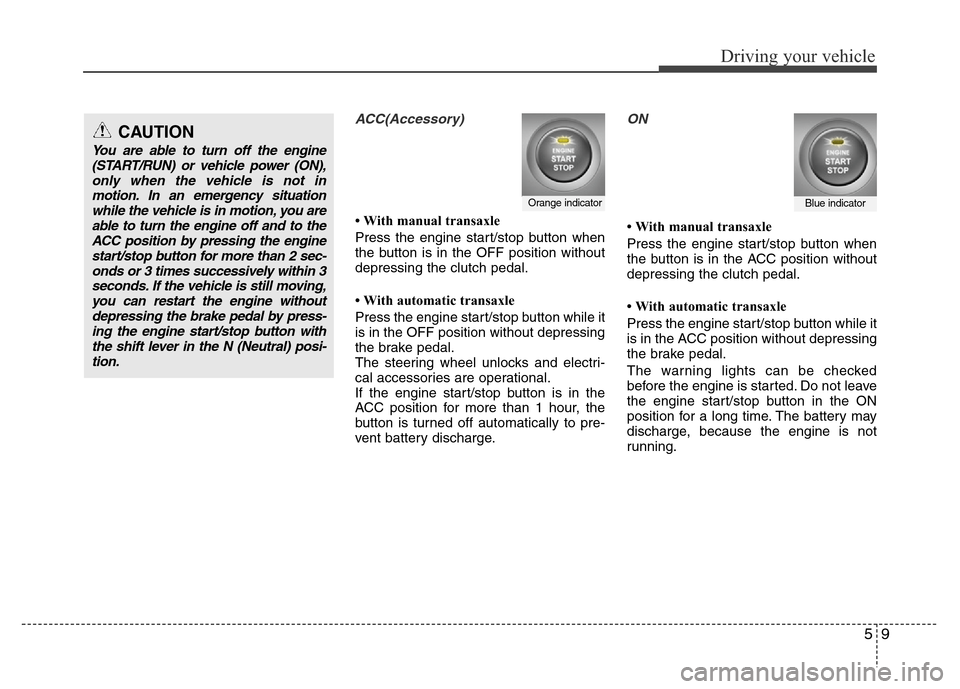
ACC(Accessory)
• With manual transaxle
Press the engine start/stop button when
the button is in the OFF position without
depressing the clutch pedal.
• With automatic transaxle
Press the engine start/stop button while it
is in the OFF position without depressing
the brake pedal.
The steering wheel unlocks and electri-
cal accessories are operational.
If the engine start/stop button is in the
ACC position for more than 1 hour, the
button is turned off automatically to pre-
vent battery discharge.
ON
• With manual transaxle
Press the engine start/stop button when
the button is in the ACC position without
depressing the clutch pedal.
• With automatic transaxle
Press the engine start/stop button while it
is in the ACC position without depressing
the brake pedal.
The warning lights can be checked
before the engine is started. Do not leave
the engine start/stop button in the ON
position for a long time. The battery may
discharge, because the engine is not
running.
Orange indicatorBlue indicator
CAUTION
You are able to turn off the engine
(START/RUN) or vehicle power (ON),
only when the vehicle is not in
motion. In an emergency situation
while the vehicle is in motion, you are
able to turn the engine off and to the
ACC position by pressing the engine
start/stop button for more than 2 sec-
onds or 3 times successively within 3
seconds. If the vehicle is still moving,
you can restart the engine without
depressing the brake pedal by press-
ing the engine start/stop button with
the shift lever in the N (Neutral) posi-
tion.
Page 230 of 402
Driving your vehicle
10 5
START/RUN
• With manual transaxle
To start the engine, depress the clutch
pedal and brake pedal, then press the
engine start/stop button with the shift
lever in the N (Neutral) position.
• With automatic transaxle
To start the engine, depress the brake
pedal and press the engine start/stop
button with the shift lever in the P (Park)
or the N (Neutral) position. For your safe-
ty, start the engine with the shift lever in
the P (Park) position.
✽ NOTICE
If you press the engine start/stop button
without depressing the clutch pedal for
manual transaxle vehicles or without
depressing the brake pedal for automat-
ic transaxle vehicles, the engine will not
start and the engine start/stop button
changes as follow:
OFF
➔ACC ➔ON ➔OFF or ACC
✽ NOTICE
If you leave the engine start/stop button
in the ACC or ON position for a long
time, the battery will discharge.
WARNING
• Never press the engine start/stop
button while the vehicle is in
motion. This would result in loss
of directional control and braking
function, which could cause an
accident.
• The anti-theft steering column
lock is not a substitute for the
parking brake. Before leaving the
driver's seat, always make sure
the shift lever is engaged in P
(Park), set the parking brake fully
and shut the engine off.
Unexpected and sudden vehicle
movement may occur if these
precautions are not taken.
(Continued)
(Continued)
• Never reach for the engine start/
stop button or any other controls
through the steering wheel while
the vehicle is in motion. The pres-
ence of your hand or arm in the
area could cause loss of vehicle
control, an accident and serious
bodily injury or death.
• Do not place any movable objects
around the driver's seat as they
may move while driving, interfere
with the driver and lead to an
accident.
Not illuminated