sport mode Hyundai Accent 2020 Owner's Manual
[x] Cancel search | Manufacturer: HYUNDAI, Model Year: 2020, Model line: Accent, Model: Hyundai Accent 2020Pages: 445, PDF Size: 42.28 MB
Page 4 of 445
F2
Your HYUNDAI should not be modified in any way.
Such modifications may adversely affect the per-
formance, safety or durability of your HYUNDAI
and may, in addition, violate conditions of the limit-
ed warranties covering the vehicle. Certain modifi-
cations may also be in violation of regulations
established by the U.S. Department of
Transportation and other federal or state agencies.
Your vehicle is equipped with electronic fuel injec-
tion and other electronic components. It is possible
for an improperly installed/adjusted two-way radio
or cellular telephone to adversely affect electronic
systems. For this reason, we recommend that you
carefully follow the radio manufacturer's instruc-
tions or consult your HYUNDAI dealer for precau-
tionary measures or special instructions if you
choose to install one of these devices.
CAUTION: MODIFICATIONS TO
YOUR HYUNDAI
TWO-WAY RADIO OR CELLULAR
TELEPHONE INSTALLATION
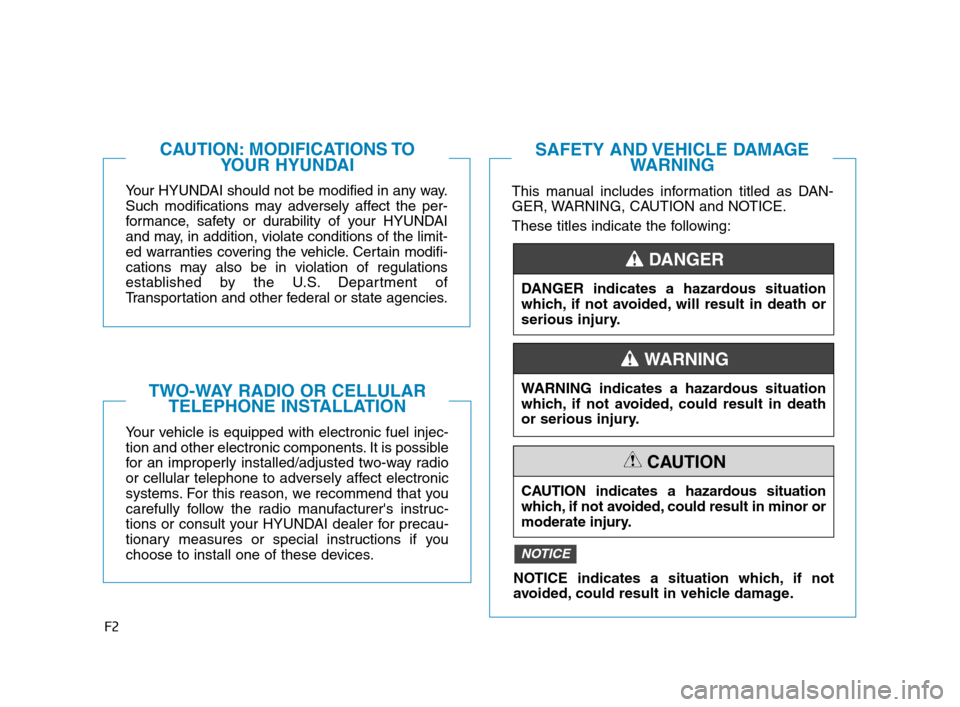
This manual includes information titled as DAN-
GER, WARNING, CAUTION and NOTICE.
These titles indicate the following:
SAFETY AND VEHICLE DAMAGE
WARNING
DANGER indicates a hazardous situation
which, if not avoided, will result in death or
serious injury.
DANGER
WARNING indicates a hazardous situation
which, if not avoided, could result in death
or serious injury.
CAUTION indicates a hazardous situation
which, if not avoided, could result in minor or
moderate injury.
CAUTION
NOTICE indicates a situation which, if not
avoided, could result in vehicle damage.
NOTICE
WARNING
HCa HMA FOREWORD.QXP 1/5/2018 9:27 AM Page 2
Page 155 of 445
3-67
Convenient features of your vehicle
3
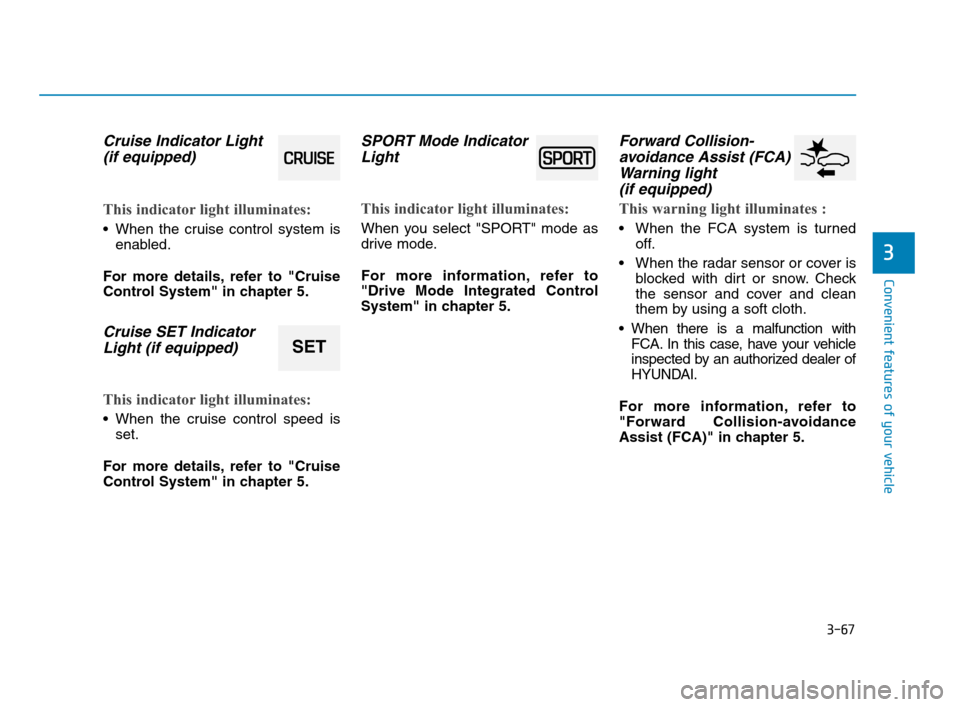
Cruise Indicator Light
(if equipped)
This indicator light illuminates:
When the cruise control system is
enabled.
For more details, refer to "Cruise
Control System" in chapter 5.
Cruise SET Indicator
Light (if equipped)
This indicator light illuminates:
When the cruise control speed is
set.
For more details, refer to "Cruise
Control System" in chapter 5.
SPORT Mode Indicator
Light
This indicator light illuminates:
When you select "SPORT" mode as
drive mode.
For more information, refer to
"Drive Mode Integrated Control
System" in chapter 5.
Forward Collision-
avoidance Assist (FCA)
Warning light
(if equipped)
This warning light illuminates :
When the FCA system is turned
off.
When the radar sensor or cover is
blocked with dirt or snow. Check
the sensor and cover and clean
them by using a soft cloth.
When there is a malfunction with
FCA. In this case, have your vehicle
inspected by an authorized dealer of
HYUNDAI.
For more information, refer to
"Forward Collision-avoidance
Assist (FCA)" in chapter 5.
SET
HCa HMA 3a(~84).qxp 4/9/2019 3:02 PM Page 67
Page 282 of 445
5-20
Driving your vehicle
R (Reverse)
Use this position to drive the vehicle
backward.
Always come to a complete stop
before shifting into or out of R
(Reverse); you may damage the
transmission if you shift into R
(Reverse) while the vehicle is in
motion.
N (Neutral)
The wheels and transmission are not
engaged.
Use N (Neutral) if you need to restart
a stalled engine.
Shift into P (Park) if you need to
leave your vehicle for any reason.
Always depress the brake pedal
when you are shifting from N
(Neutral) to another gear.
D (Drive)
This is the normal driving position.
The transmission will automatically
shift, providing the best fuel econo-
my and power.
For extra power when passing anoth-
er vehicle or driving uphill depress
the accelerator pedal further until
you feel the transmission downshift
to a lower gear.
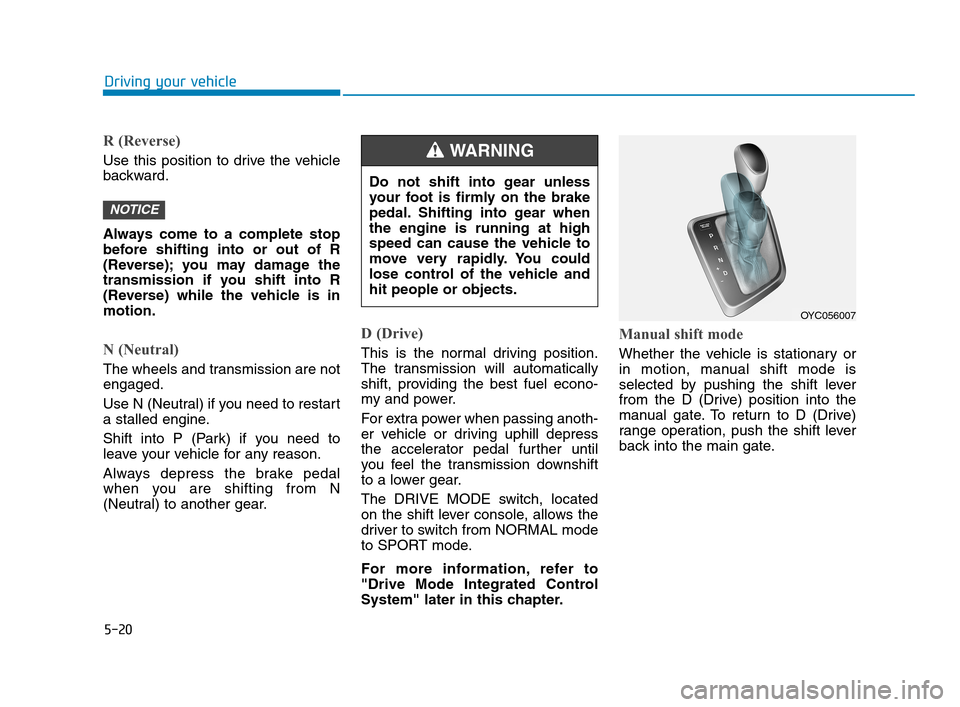
The DRIVE MODE switch, located
on the shift lever console, allows the
driver to switch from NORMAL mode
to SPORT mode.
For more information, refer to
"Drive Mode Integrated Control
System" later in this chapter.
Manual shift mode
Whether the vehicle is stationary or
in motion, manual shift mode is
selected by pushing the shift lever
from the D (Drive) position into the
manual gate. To return to D (Drive)
range operation, push the shift lever
back into the main gate.
NOTICE
Do not shift into gear unless
your foot is firmly on the brake
pedal. Shifting into gear when
the engine is running at high
speed can cause the vehicle to
move very rapidly. You could
lose control of the vehicle and
hit people or objects.
WARNING
OYC056007
HCa HMA 5.QXP 4/9/2019 2:39 PM Page 20
Page 296 of 445
5-34
Driving your vehicle
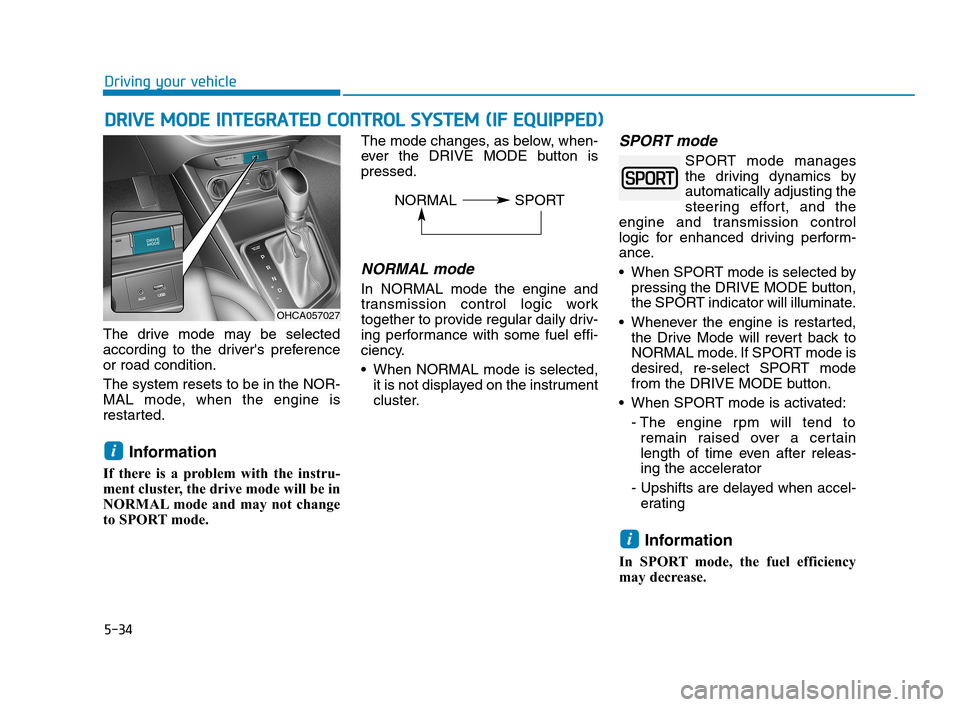
The drive mode may be selected
according to the driver's preference
or road condition.
The system resets to be in the NOR-
MAL mode, when the engine is
restarted.
Information
If there is a problem with the instru-
ment cluster, the drive mode will be in
NORMAL mode and may not change
to SPORT mode. The mode changes, as below, when-
ever the DRIVE MODE button is
pressed.
NORMAL mode
In NORMAL mode the engine and
transmission control logic work
together to provide regular daily driv-
ing performance with some fuel effi-
ciency.
When NORMAL mode is selected,
it is not displayed on the instrument
cluster.
SPORT mode
SPORT mode manages
the driving dynamics by
automatically adjusting the
steering effort, and the
engine and transmission control
logic for enhanced driving perform-
ance.
When SPORT mode is selected by
pressing the DRIVE MODE button,
the SPORT indicator will illuminate.
Whenever the engine is restarted,
the Drive Mode will revert back to
NORMAL mode. If SPORT mode is
desired, re-select SPORT mode
from the DRIVE MODE button.
When SPORT mode is activated:
- The engine rpm will tend to
remain raised over a certain
length of time even after releas-
ing the accelerator
- Upshifts are delayed when accel-
erating
Information
In SPORT mode, the fuel efficiency
may decrease.
i
i
D DR
RI
IV
VE
E
M
MO
OD
DE
E
I
IN
NT
TE
EG
GR
RA
AT
TE
ED
D
C
CO
ON
NT
TR
RO
OL
L
S
SY
YS
ST
TE
EM
M
(
(I
IF
F
E
EQ
QU
UI
IP
PP
PE
ED
D)
)
OHCA057027
NORMAL SPORT
HCa HMA 5.QXP 4/9/2019 2:39 PM Page 34