FEATURES OF YOUR HYUNDAI
1-48 B922F01X-GAT 1. STOP
o Insert the CD to start CD playback, during the radio operation.
o Press the button to stop CD playback and to change the source to Radio.
2. FF/REWWhile the disc is playing, press and hold FF
button to quickly move forward until you reach the desired section of the track and vice versa.
3. TRACK UP/DOWN
o The desired track on the disc currently being played can be selected using the track num-ber.
o Pressing the button once increases the track number by one and pressing the button decreases it.
4. REPEAT
o To repeat the music you are listening to, press the RPT button and to cancel musicrepeat, press again.
FM/AM
5. EJECT Button When the EJECT button is pressed with the CD loaded, the CD is ejected. NOTE:
o To assure proper operation of the unit, keep the vehicle interior temperature with- in a normal range by using the vehicle’sair conditioning or heating system.
o When replacing the fuse, replace it with a fuse having the correct capacity.
o The preset station frequencies are all erased when the car battery is discon-nected. Therefore, all data will have to beset again if this should occur.
o Do not add any oil to the rotating parts.
o This equipment is designed to be used only in a 12 volt DC battery system with negative ground.
o This unit is made of precision parts. Do not attempt to disassemble or adjust anyparts.
o When driving your vehicle, be sure to keep the volume of the unit set lowenough to allow you to hear sounds com-ing from the outside.
o Do not expose this equipment (including the speakers and tape) to water or exces-sive moisture.
FEATURES OF YOUR HYUNDAI 1-49
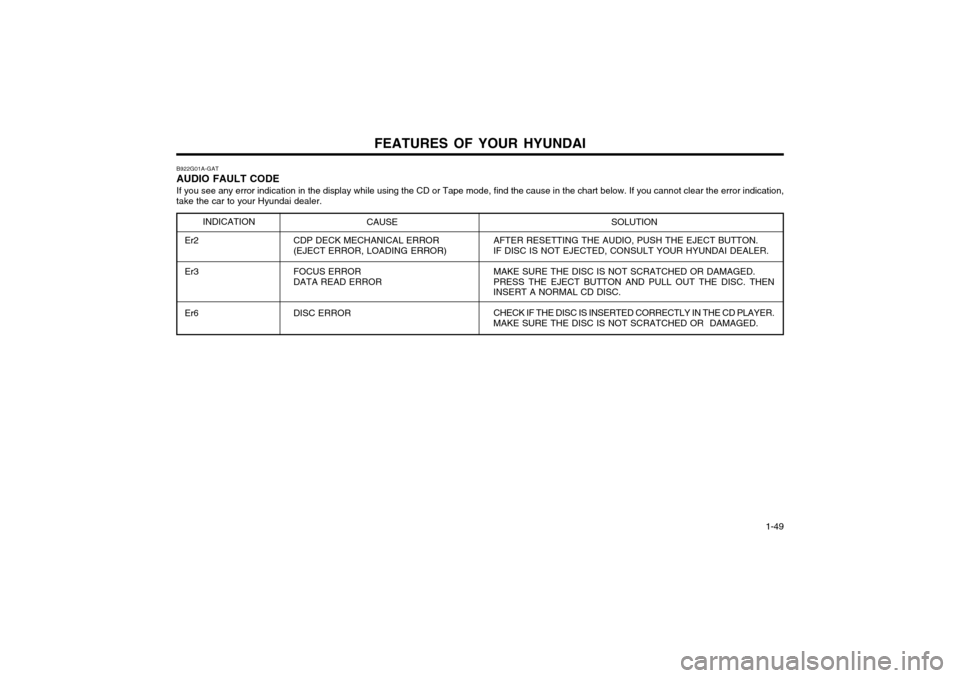
B922G01A-GAT AUDIO FAULT CODE
If you see any error indication in the display while using the CD or Tape mode, find the cause in the chart below. If you cannot clear the error indication,
take the car to your Hyundai dealer.
INDICATION CAUSE SOLUTION
Er2 Er3 Er6 CDP DECK MECHANICAL ERROR (EJECT ERROR, LOADING ERROR) FOCUS ERROR DATA READ ERROR DISC ERROR AFTER RESETTING THE AUDIO, PUSH THE EJECT BUTTON. IF DISC IS NOT EJECTED, CONSULT YOUR HYUNDAI DEALER. MAKE SURE THE DISC IS NOT SCRATCHED OR DAMAGED. PRESS THE EJECT BUTTON AND PULL OUT THE DISC. THEN
INSERT A NORMAL CD DISC.
CHECK IF THE DISC IS INSERTED CORRECTLY IN THE CD PLAYER.
MAKE SURE THE DISC IS NOT SCRATCHED OR DAMAGED.