CD changer Hyundai Azera 2007 Owner's Manual
[x] Cancel search | Manufacturer: HYUNDAI, Model Year: 2007, Model line: Azera, Model: Hyundai Azera 2007Pages: 308, PDF Size: 12.63 MB
Page 135 of 308
1
FEATURES OF YOUR HYUNDAI
121
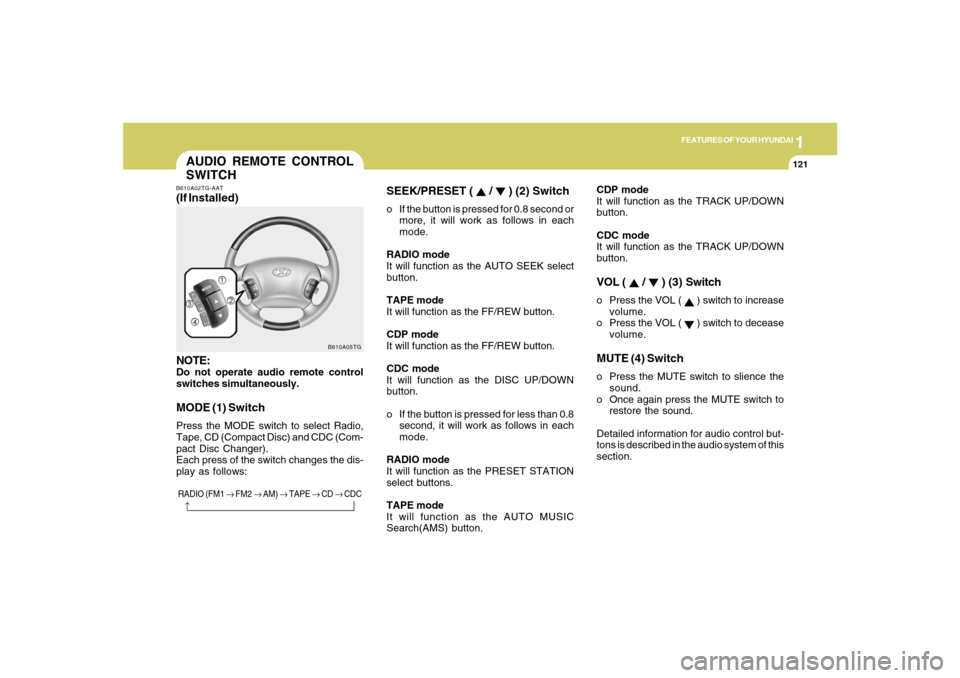
AUDIO REMOTE CONTROL
SWITCHB610A02TG-AAT(If Installed)
NOTE:Do not operate audio remote control
switches simultaneously.MODE (1) SwitchPress the MODE switch to select Radio,
Tape, CD (Compact Disc) and CDC (Com-
pact Disc Changer).
Each press of the switch changes the dis-
play as follows:
B610A05TG
RADIO (FM1 → FM2 → AM) → TAPE → CD → CDC
→
SEEK/PRESET (
/
) (2) Switch
o If the button is pressed for 0.8 second or
more, it will work as follows in each
mode.
RADIO mode
It will function as the AUTO SEEK select
button.
TAPE mode
It will function as the FF/REW button.
CDP mode
It will function as the FF/REW button.
CDC mode
It will function as the DISC UP/DOWN
button.
o If the button is pressed for less than 0.8
second, it will work as follows in each
mode.
RADIO mode
It will function as the PRESET STATION
select buttons.
TAPE mode
It will function as the AUTO MUSIC
Search(AMS) button.CDP mode
It will function as the TRACK UP/DOWN
button.
CDC mode
It will function as the TRACK UP/DOWN
button.
VOL (
/
) (3) Switch
o Press the VOL (
) switch to increase
volume.
o Press the VOL ( ) switch to decease
volume.
MUTE (4) Switcho Press the MUTE switch to slience the
sound.
o Once again press the MUTE switch to
restore the sound.
Detailed information for audio control but-
tons is described in the audio system of this
section.
Page 168 of 308
1FEATURES OF YOUR HYUNDAI
154
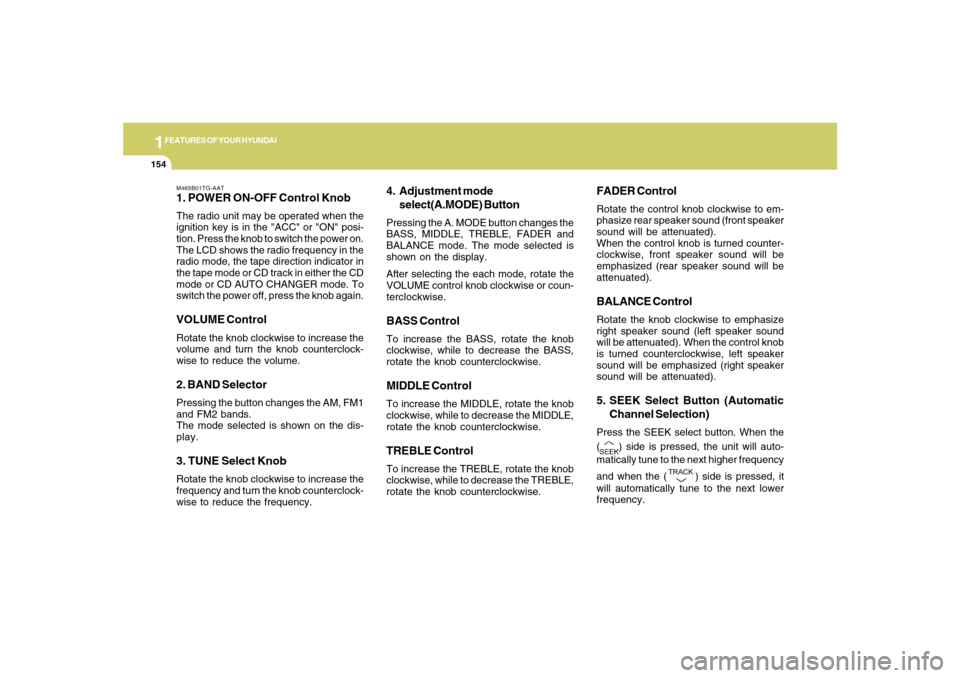
M465B01TG-AAT1. POWER ON-OFF Control KnobThe radio unit may be operated when the
ignition key is in the "ACC" or "ON" posi-
tion. Press the knob to switch the power on.
The LCD shows the radio frequency in the
radio mode, the tape direction indicator in
the tape mode or CD track in either the CD
mode or CD AUTO CHANGER mode. To
switch the power off, press the knob again.VOLUME ControlRotate the knob clockwise to increase the
volume and turn the knob counterclock-
wise to reduce the volume.2. BAND SelectorPressing the button changes the AM, FM1
and FM2 bands.
The mode selected is shown on the dis-
play.3. TUNE Select KnobRotate the knob clockwise to increase the
frequency and turn the knob counterclock-
wise to reduce the frequency.
4. Adjustment mode
select(A.MODE) ButtonPressing the A. MODE button changes the
BASS, MIDDLE, TREBLE, FADER and
BALANCE mode. The mode selected is
shown on the display.
After selecting the each mode, rotate the
VOLUME control knob clockwise or coun-
terclockwise.BASS ControlTo increase the BASS, rotate the knob
clockwise, while to decrease the BASS,
rotate the knob counterclockwise.MIDDLE ControlTo increase the MIDDLE, rotate the knob
clockwise, while to decrease the MIDDLE,
rotate the knob counterclockwise.TREBLE ControlTo increase the TREBLE, rotate the knob
clockwise, while to decrease the TREBLE,
rotate the knob counterclockwise.
FADER ControlRotate the control knob clockwise to em-
phasize rear speaker sound (front speaker
sound will be attenuated).
When the control knob is turned counter-
clockwise, front speaker sound will be
emphasized (rear speaker sound will be
attenuated).BALANCE ControlRotate the knob clockwise to emphasize
right speaker sound (left speaker sound
will be attenuated). When the control knob
is turned counterclockwise, left speaker
sound will be emphasized (right speaker
sound will be attenuated).5. SEEK Select Button (Automatic
Channel Selection)Press the SEEK select button. When the
(
) side is pressed, the unit will auto-
matically tune to the next higher frequency
and when the (
) side is pressed, it
will automatically tune to the next lower
frequency.
Page 176 of 308
1FEATURES OF YOUR HYUNDAI
162
NOTE:Tracks stored on Mark Memory will be
automatically erased after you eject CDs
that contain those tracks.10. REPEAT (RPT) Buttono To repeat the track you are currently
listening to, press the RPT button. To
cancel, press it again. If it pressed for
more than one second, it will be re-
peated all tracks within currently played
CD.
o To repeat the music within currently
played folder, press the RPT button for
more than one second. Then it will be
repeated in sequential order within the
currently played folder. To cancel, press
it again. (MP3 CD only)
o If you do not release RPT operation
when the track ends, it will automati-
cally be replayed. This process will be
continued until you push the button
again.
11. RANDOM (RDM) Buttono For listen to the music in random order,
press the RDM Button with beep sound
for more than one second. To cancel,
press it again.
o For listen to the music within the cur-
rently played folder in random order,
press the RDM Button within one sec-
ond. To cancel, press it again within one
second. If it pressed for more than one
second, it will be played all in random
order within currently played CD (MP3
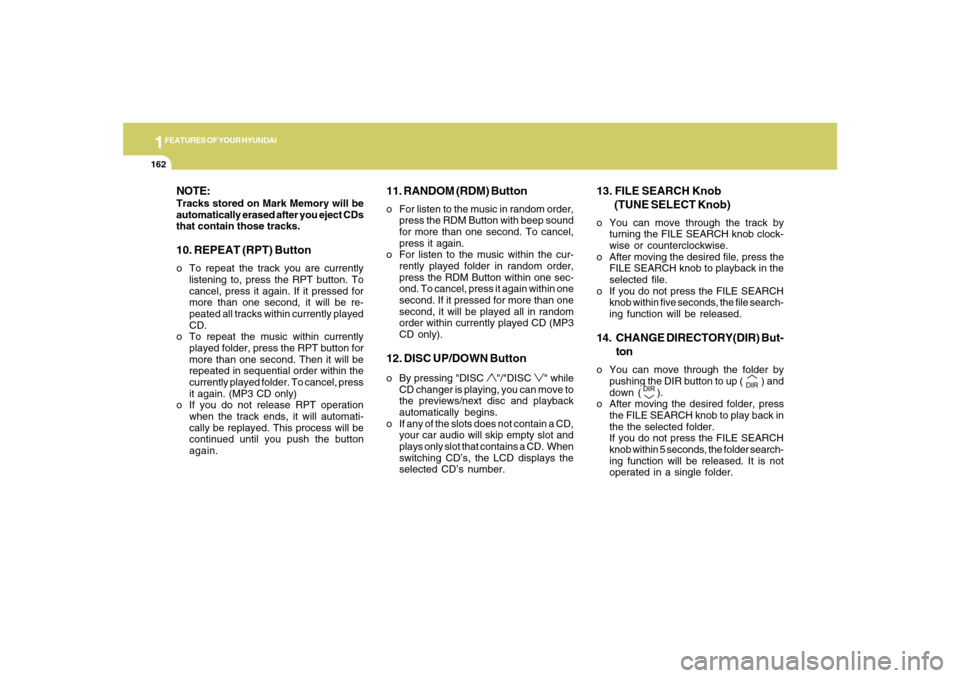
CD only).12. DISC UP/DOWN Buttono By pressing "DISC
"/"DISC
" while
CD changer is playing, you can move to
the previews/next disc and playback
automatically begins.
o If any of the slots does not contain a CD,
your car audio will skip empty slot and
plays only slot that contains a CD. When
switching CD’s, the LCD displays the
selected CD’s number.
13. FILE SEARCH Knob
(TUNE SELECT Knob)o You can move through the track by
turning the FILE SEARCH knob clock-
wise or counterclockwise.
o After moving the desired file, press the
FILE SEARCH knob to playback in the
selected file.
o If you do not press the FILE SEARCH
knob within five seconds, the file search-
ing function will be released.14. CHANGE DIRECTORY(DIR) But-
tono You can move through the folder by
pushing the DIR button to up (
) and
down (
).
o After moving the desired folder, press
the FILE SEARCH knob to play back in
the the selected folder.
If you do not press the FILE SEARCH
knob within 5 seconds, the folder search-
ing function will be released. It is not
operated in a single folder.