Tint Hyundai Azera 2015 Owner's Manual
[x] Cancel search | Manufacturer: HYUNDAI, Model Year: 2015, Model line: Azera, Model: Hyundai Azera 2015Pages: 473, PDF Size: 11.92 MB
Page 173 of 473
Features of your vehicle
96 4
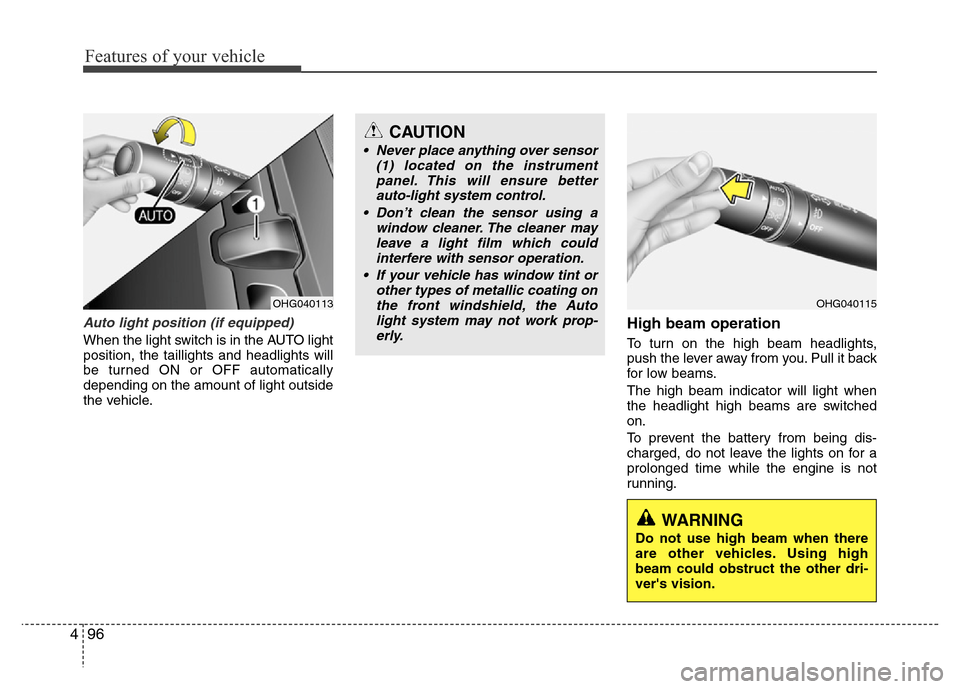
Auto light position (if equipped)
When the light switch is in the AUTO light
position, the taillights and headlights will
be turned ON or OFF automatically
depending on the amount of light outside
the vehicle.
High beam operation
To turn on the high beam headlights,
push the lever away from you. Pull it back
for low beams.
The high beam indicator will light when
the headlight high beams are switched
on.
To prevent the battery from being dis-
charged, do not leave the lights on for a
prolonged time while the engine is not
running.
OHG040113OHG040115
CAUTION
• Never place anything over sensor
(1) located on the instrument
panel. This will ensure better
auto-light system control.
• Don’t clean the sensor using a
window cleaner. The cleaner may
leave a light film which could
interfere with sensor operation.
• If your vehicle has window tint or
other types of metallic coating on
the front windshield, the Auto
light system may not work prop-
erly.
WARNING
Do not use high beam when there
are other vehicles. Using high
beam could obstruct the other dri-
ver's vision.
Page 220 of 473
4 143
Features of your vehicle
✽NOTICE
• If you install an aftermarket HID
head lamp, your vehicle’s audio and
electronic device may malfunction.
• Prevent chemicals such as perfume,
cosmetic oil, sun cream, hand cleaner,
and air freshener from contacting the
interior parts because they may cause
damage or discoloration.
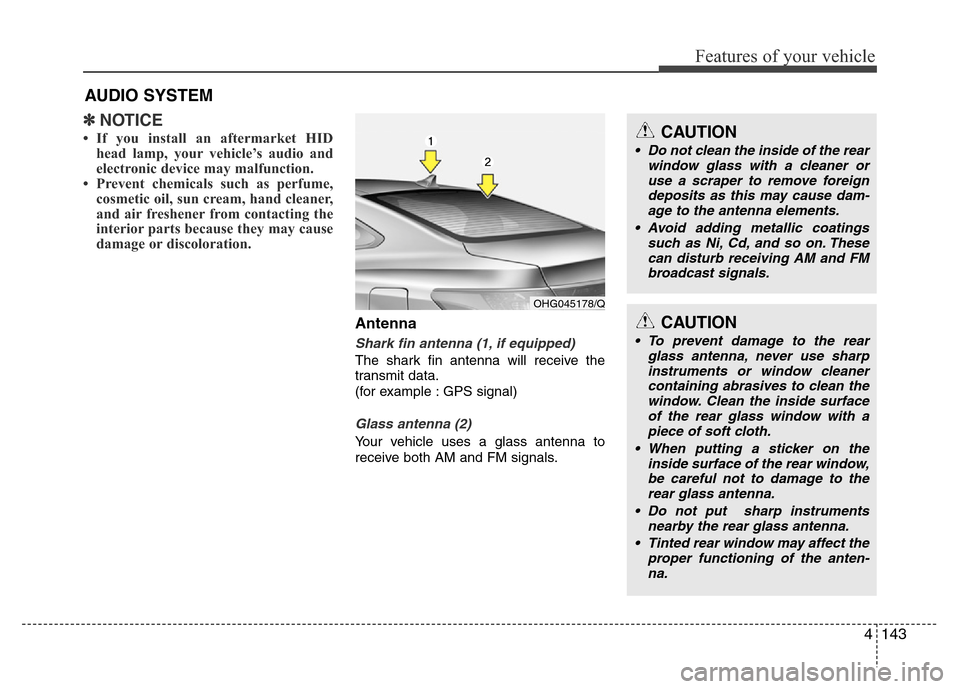
Antenna
Shark fin antenna (1, if equipped)
The shark fin antenna will receive the
transmit data.
(for example : GPS signal)
Glass antenna (2)
Your vehicle uses a glass antenna to
receive both AM and FM signals.
AUDIO SYSTEM
OHG045178/Q
CAUTION
• Do not clean the inside of the rear
window glass with a cleaner or
use a scraper to remove foreign
deposits as this may cause dam-
age to the antenna elements.
• Avoid adding metallic coatings
such as Ni, Cd, and so on. These
can disturb receiving AM and FM
broadcast signals.
CAUTION
• To prevent damage to the rear
glass antenna, never use sharp
instruments or window cleaner
containing abrasives to clean the
window. Clean the inside surface
of the rear glass window with a
piece of soft cloth.
• When putting a sticker on the
inside surface of the rear window,
be careful not to damage to the
rear glass antenna.
• Do not put sharp instruments
nearby the rear glass antenna.
• Tinted rear window may affect the
proper functioning of the anten-
na.
Page 345 of 473
Driving your vehicle
62 5
Non-operating condition
Outside rearview mirror may not alert
the driver when:
- The outside rearview mirror housing is
damaged or covered with debris.
- The window is covered with debris.
- The windows are severely tinted.DRIVER'S ATTENTION
The driver must be cautious in the
below situations for the system may
not detect other vehicles or objects in
certain circumstances.
- Curved roads, tollgates, etc.
- The surrounding of the sensor is
polluted with rain, snow, mud, etc
- The rear bumper near the sensor is
covered or hidden with a foreign
matter such as a sticker, bumper
guard, bicycle stand etc.
- The rear bumper is damaged or the
sensor is out of place.
- The height of the vehicle is altered
such as when the trunk is loaded
with heavy objects, or there is low
tire pressure etc.
- Bad weather such as heavy rain or
snow.
- A fixed object is near such as a
guardrail, tunnel, human and animal
etc.
- Metal substances are near the vehi-
cles such as in a construction area.
- A big vehicle is near such as a bus or
truck.
- A motorcycle or bicycle is near.
(Continued)(Continued)
- A flat trailer is near.
- If the vehicle has started at the same
time as the vehicle next to you and
has accelerated.
- When the other vehicle passes by at
a higher rate of speed.
- When changing lanes.
- When going down or up a steep road
where the height of the lane is differ-
ent.
- When the other vehicle drives very
close.
- When a trailer or carrier is installed.
- When the temperature of the rear
bumper is high.
- When the sensors are covered by a
wall or a pillar of a parking lot.
- When your vehicle is backing up, if
the detected vehicle also backs up.
- Small objects like shopping carts
and strollers.
- If there is a vehicle with decreased
ride height (lowered).
- When the vehicle is close to another
vehicle.
- When the vehicle in the next lane
moves two lanes away from you OR
when the vehicle two lanes away
moves to the next lane from you.