lock Hyundai Coupe 2007 Owner's Guide
[x] Cancel search | Manufacturer: HYUNDAI, Model Year: 2007, Model line: Coupe, Model: Hyundai Coupe 2007Pages: 487, PDF Size: 12.96 MB
Page 90 of 487
1FEATURES OF YOUR HYUNDAI
78LUGGAGE NET
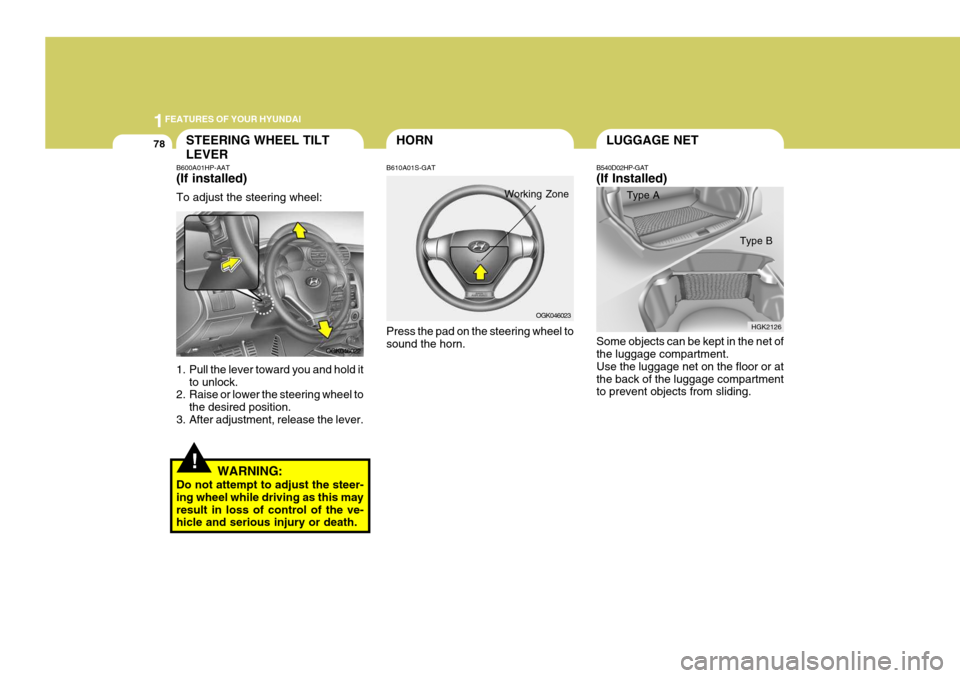
B540D02HP-GAT (If Installed) Type A
Some objects can be kept in the net of the luggage compartment. Use the luggage net on the floor or atthe back of the luggage compartment to prevent objects from sliding. HGK2126
Type B
OGK046023
HORN
!
STEERING WHEEL TILT LEVER
B600A01HP-AAT (If installed) To adjust the steering wheel:
1. Pull the lever toward you and hold it
to unlock.
2. Raise or lower the steering wheel to
the desired position.
3. After adjustment, release the lever.
WARNING:
Do not attempt to adjust the steer- ing wheel while driving as this mayresult in loss of control of the ve- hicle and serious injury or death. B610A01S-GAT Press the pad on the steering wheel to sound the horn.
OGK046022
Working Zone
Page 102 of 487
1FEATURES OF YOUR HYUNDAI
90AIR CONDITIONING SYSTEM
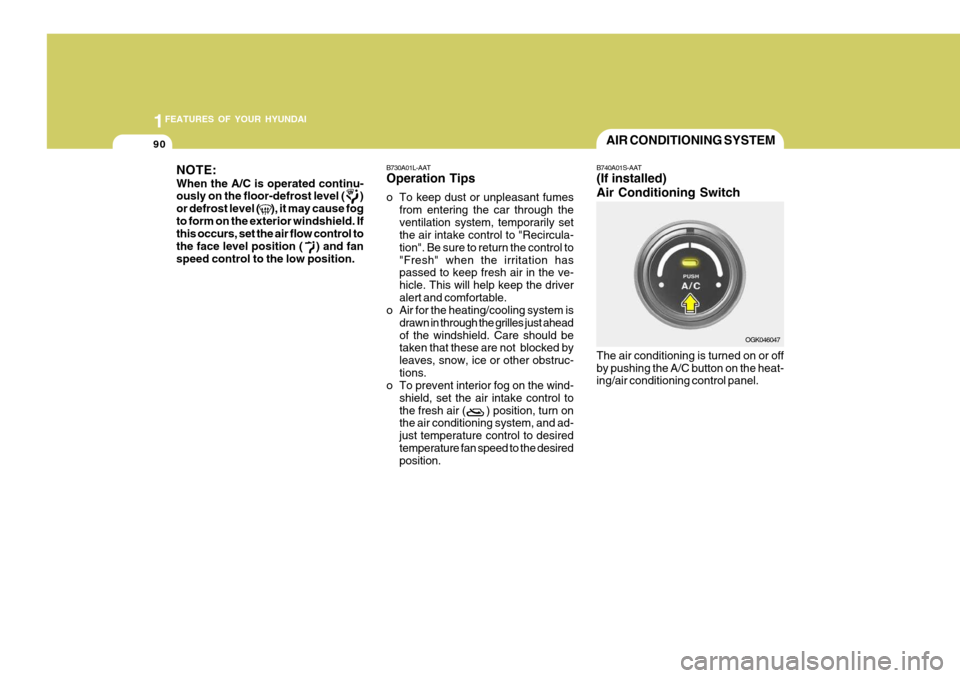
B740A01S-AAT (If installed) Air Conditioning Switch The air conditioning is turned on or off by pushing the A/C button on the heat- ing/air conditioning control panel. OGK046047
NOTE: When the A/C is operated continu- ously on the floor-defrost level ( ) or defrost level ( ), it may cause fogto form on the exterior windshield. If this occurs, set the air flow control to the face level position ( ) and fanspeed control to the low position.
B730A01L-AAT Operation Tips
o To keep dust or unpleasant fumes
from entering the car through the ventilation system, temporarily set the air intake control to "Recircula- tion". Be sure to return the control to"Fresh" when the irritation has passed to keep fresh air in the ve- hicle. This will help keep the driveralert and comfortable.
o Air for the heating/cooling system is
drawn in through the grilles just aheadof the windshield. Care should be taken that these are not blocked by leaves, snow, ice or other obstruc-tions.
o To prevent interior fog on the wind-
shield, set the air intake control tothe fresh air ( ) position, turn on the air conditioning system, and ad- just temperature control to desiredtemperature fan speed to the desired position.
Page 106 of 487
1FEATURES OF YOUR HYUNDAI
94
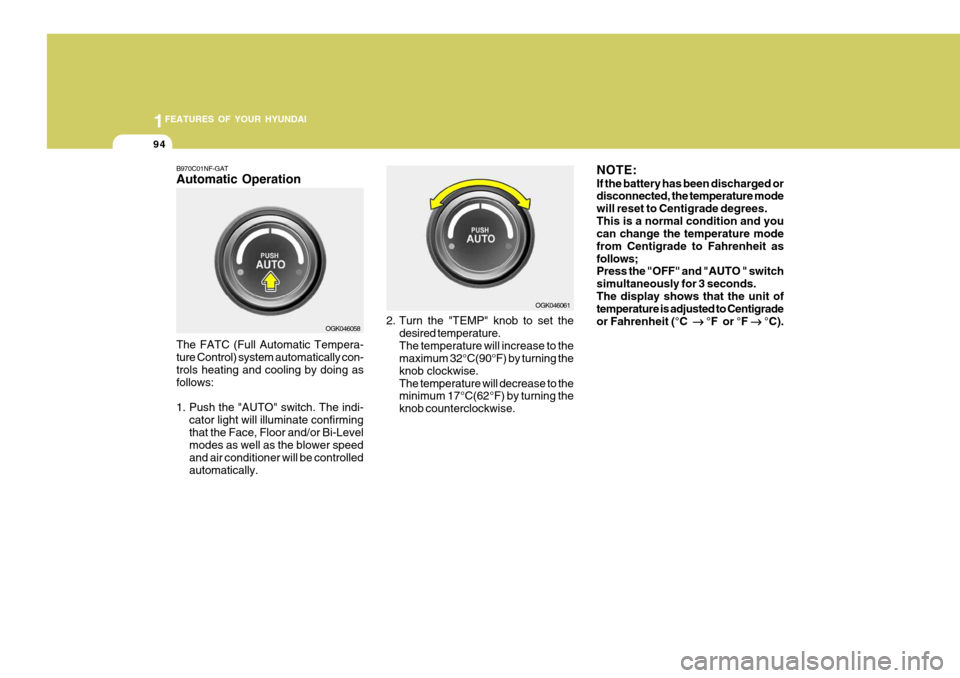
B970C01NF-GAT Automatic Operation The FATC (Full Automatic Tempera- ture Control) system automatically con- trols heating and cooling by doing as follows:
1. Push the "AUTO" switch. The indi-
cator light will illuminate confirming that the Face, Floor and/or Bi-Level modes as well as the blower speed and air conditioner will be controlledautomatically. 2. Turn the "TEMP" knob to set the
desired temperature.The temperature will increase to the maximum 32°C(90°F) by turning the knob clockwise.The temperature will decrease to the minimum 17°C(62°F) by turning the knob counterclockwise. NOTE: If the battery has been discharged or disconnected, the temperature mode will reset to Centigrade degrees.This is a normal condition and you can change the temperature mode from Centigrade to Fahrenheit asfollows; Press the "OFF" and "AUTO " switch simultaneously for 3 seconds.The display shows that the unit of temperature is adjusted to Centigrade or Fahrenheit (°C
°F or °F
°C).
OGK046058 OGK046061
Page 112 of 487
1FEATURES OF YOUR HYUNDAI
100CLIMATE CONTROL AIR FILTER (IN FRONT OF BLOWER UNIT)
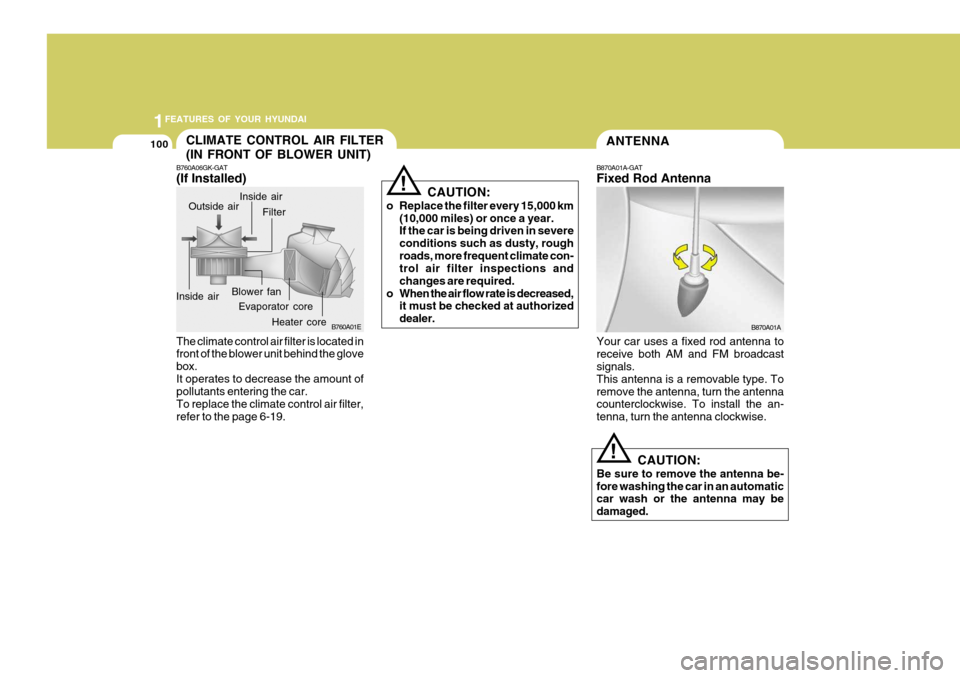
B760A06GK-GAT (If Installed)
B760A01E
Evaporator core Filter
Heater core
Outside air
Inside air Inside air
Blower fan
The climate control air filter is located in front of the blower unit behind the glove box.It operates to decrease the amount of pollutants entering the car. To replace the climate control air filter,refer to the page 6-19. CAUTION:
o Replace the filter every 15,000 km (10,000 miles) or once a year. If the car is being driven in severe conditions such as dusty, roughroads, more frequent climate con- trol air filter inspections and changes are required.
o When the air flow rate is decreased, it must be checked at authorizeddealer.
!
ANTENNA
B870A01A
!
B870A01A-GAT Fixed Rod Antenna Your car uses a fixed rod antenna to receive both AM and FM broadcast signals. This antenna is a removable type. Toremove the antenna, turn the antenna counterclockwise. To install the an- tenna, turn the antenna clockwise.
CAUTION:
Be sure to remove the antenna be-fore washing the car in an automatic car wash or the antenna may be damaged.
Page 115 of 487
1
FEATURES OF YOUR HYUNDAI
103
!
B750A04L
B750A05L
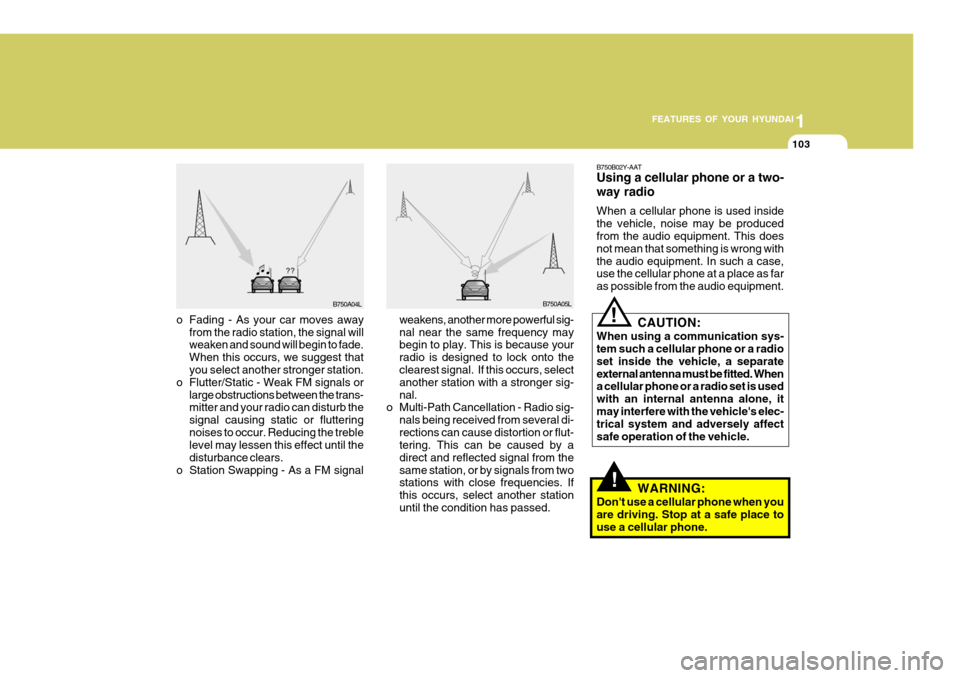
weakens, another more powerful sig- nal near the same frequency may begin to play. This is because your radio is designed to lock onto the clearest signal. If this occurs, select another station with a stronger sig-nal.
o Multi-Path Cancellation - Radio sig-
nals being received from several di-rections can cause distortion or flut- tering. This can be caused by a direct and reflected signal from thesame station, or by signals from two stations with close frequencies. If this occurs, select another stationuntil the condition has passed.
o Fading - As your car moves away
from the radio station, the signal will weaken and sound will begin to fade. When this occurs, we suggest that you select another stronger station.
o Flutter/Static - Weak FM signals or large obstructions between the trans-mitter and your radio can disturb the signal causing static or flutteringnoises to occur. Reducing the treble level may lessen this effect until the disturbance clears.
o Station Swapping - As a FM signal B750B02Y-AAT Using a cellular phone or a two- way radio When a cellular phone is used inside the vehicle, noise may be produced from the audio equipment. This does not mean that something is wrong withthe audio equipment. In such a case, use the cellular phone at a place as far as possible from the audio equipment.
!
CAUTION:
When using a communication sys- tem such a cellular phone or a radio set inside the vehicle, a separateexternal antenna must be fitted. When a cellular phone or a radio set is used with an internal antenna alone, itmay interfere with the vehicle's elec- trical system and adversely affect safe operation of the vehicle.
WARNING:
Don't use a cellular phone when youare driving. Stop at a safe place touse a cellular phone.
Page 117 of 487
1
FEATURES OF YOUR HYUNDAI
105
H280B01GK-GAT
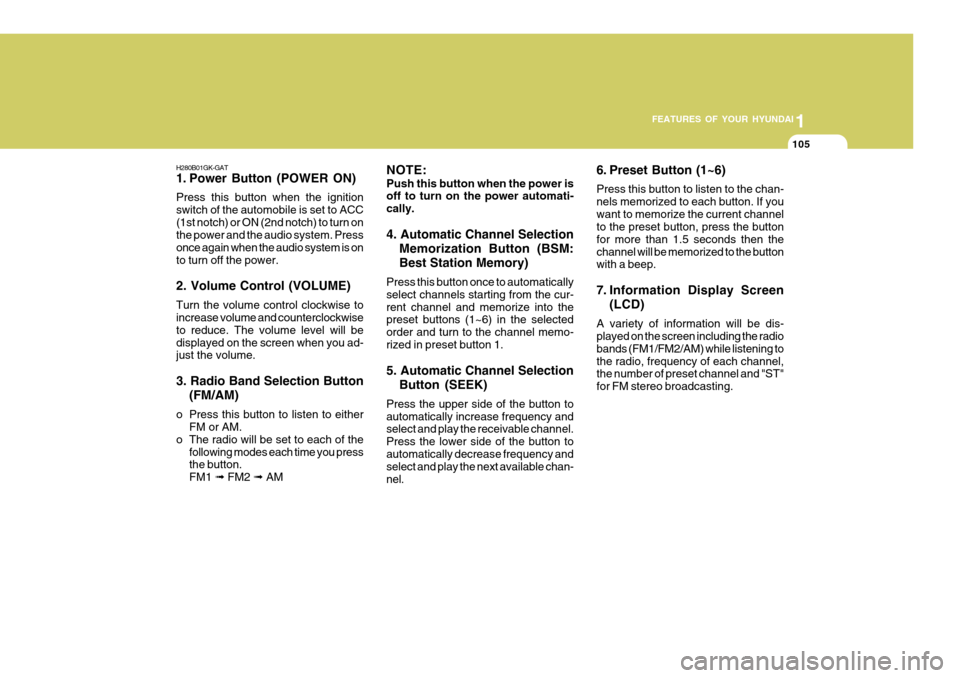
1. Power Button (POWER ON) Press this button when the ignition switch of the automobile is set to ACC(1st notch) or ON (2nd notch) to turn on the power and the audio system. Press once again when the audio system is onto turn off the power. 2. Volume Control (VOLUME) Turn the volume control clockwise to increase volume and counterclockwise to reduce. The volume level will bedisplayed on the screen when you ad- just the volume. 3. Radio Band Selection Button (FM/AM)
o Press this button to listen to either FM or AM.
o The radio will be set to each of the
following modes each time you press the button. FM1 ➟ FM2 ➟ AM NOTE: Push this button when the power is off to turn on the power automati- cally. 4. Automatic Channel Selection
Memorization Button (BSM: Best Station Memory)
Press this button once to automatically select channels starting from the cur-rent channel and memorize into the preset buttons (1~6) in the selected order and turn to the channel memo-rized in preset button 1. 5. Automatic Channel Selection Button (SEEK)
Press the upper side of the button to automatically increase frequency and select and play the receivable channel. Press the lower side of the button toautomatically decrease frequency and select and play the next available chan- nel. 6. Preset Button (1~6) Press this button to listen to the chan- nels memorized to each button. If youwant to memorize the current channel to the preset button, press the button for more than 1.5 seconds then thechannel will be memorized to the button with a beep.
7. Information Display Screen
(LCD)
A variety of information will be dis- played on the screen including the radio bands (FM1/FM2/AM) while listening tothe radio, frequency of each channel, the number of preset channel and "ST" for FM stereo broadcasting.
Page 118 of 487
1FEATURES OF YOUR HYUNDAI
106
!
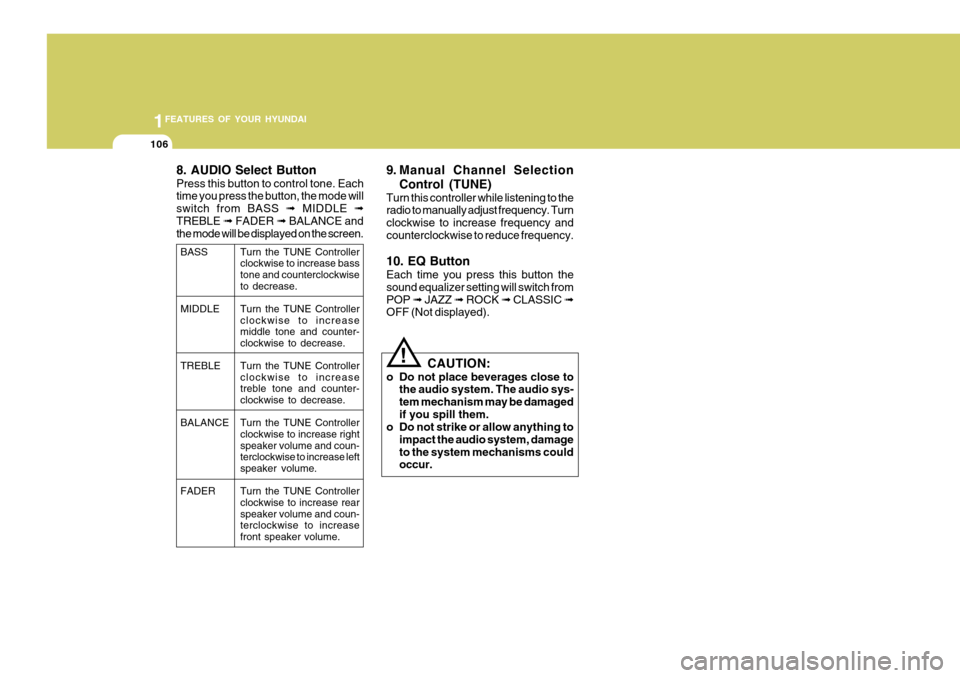
8. AUDIO Select Button Press this button to control tone. Each time you press the button, the mode will switch from BASS
➟ MIDDLE ➟
TREBLE ➟ FADER ➟ BALANCE and
the mode will be displayed on the screen. 9. Manual Channel Selection
Control (TUNE)
Turn this controller while listening to the radio to manually adjust frequency. Turn clockwise to increase frequency andcounterclockwise to reduce frequency. 10. EQ Button Each time you press this button the sound equalizer setting will switch fromPOP ➟ JAZZ ➟ ROCK ➟ CLASSIC ➟
OFF (Not displayed).
CAUTION:
o Do not place beverages close to the audio system. The audio sys-tem mechanism may be damagedif you spill them.
o Do not strike or allow anything to
impact the audio system, damageto the system mechanisms could occur.
BASS MIDDLE TREBLE BALANCE FADER Turn the TUNE Controller clockwise to increase basstone and counterclockwise to decrease. Turn the TUNE Controller clockwise to increase middle tone and counter-clockwise to decrease. Turn the TUNE Controller clockwise to increasetreble tone and counter- clockwise to decrease. Turn the TUNE Controller clockwise to increase right speaker volume and coun-terclockwise to increase left speaker volume. Turn the TUNE Controller clockwise to increase rear speaker volume and coun-terclockwise to increase front speaker volume.
Page 126 of 487
1FEATURES OF YOUR HYUNDAI
114
H265B01GK-GAT
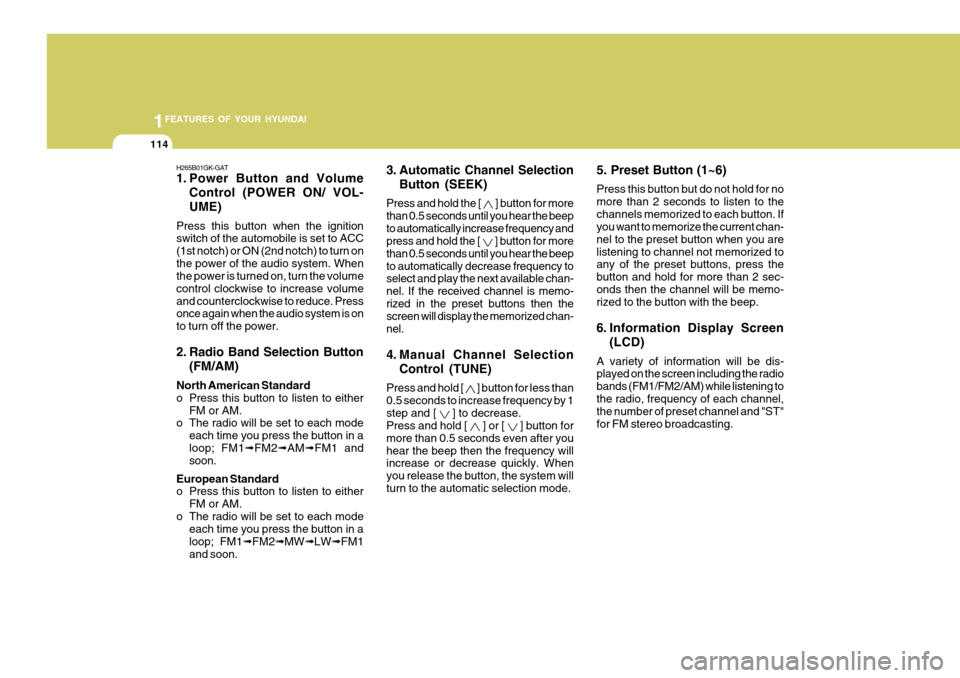
1. Power Button and VolumeControl (POWER ON/ VOL- UME)
Press this button when the ignition switch of the automobile is set to ACC (1st notch) or ON (2nd notch) to turn onthe power of the audio system. When the power is turned on, turn the volume control clockwise to increase volumeand counterclockwise to reduce. Press once again when the audio system is on to turn off the power.
2. Radio Band Selection Button (FM/AM)
North American Standard
o Press this button to listen to either FM or AM.
o The radio will be set to each mode
each time you press the button in aloop; FM1 ➟FM2 ➟AM ➟FM1 and
soon.
European Standard
o Press this button to listen to either FM or AM.
o The radio will be set to each mode each time you press the button in a loop; FM1 ➟FM2 ➟MW ➟LW ➟FM1
and soon. 5. Preset Button (1~6) Press this button but do not hold for no more than 2 seconds to listen to thechannels memorized to each button. If you want to memorize the current chan- nel to the preset button when you arelistening to channel not memorized to any of the preset buttons, press the button and hold for more than 2 sec-onds then the channel will be memo- rized to the button with the beep.
6. Information Display Screen
(LCD)
A variety of information will be dis- played on the screen including the radio bands (FM1/FM2/AM) while listening tothe radio, frequency of each channel, the number of preset channel and "ST" for FM stereo broadcasting.
3. Automatic Channel Selection
Button (SEEK)
Press and hold the [
] button for more
than 0.5 seconds until you hear the beep to automatically increase frequency and press and hold the [
] button for more
than 0.5 seconds until you hear the beep to automatically decrease frequency to select and play the next available chan- nel. If the received channel is memo-rized in the preset buttons then the screen will display the memorized chan- nel.
4. Manual Channel Selection
Control (TUNE)
Press and hold [
] button for less than
0.5 seconds to increase frequency by 1 step and [
] to decrease.
Press and hold [
] or [ ] button for
more than 0.5 seconds even after you hear the beep then the frequency will increase or decrease quickly. When you release the button, the system willturn to the automatic selection mode.
Page 127 of 487
1
FEATURES OF YOUR HYUNDAI
115
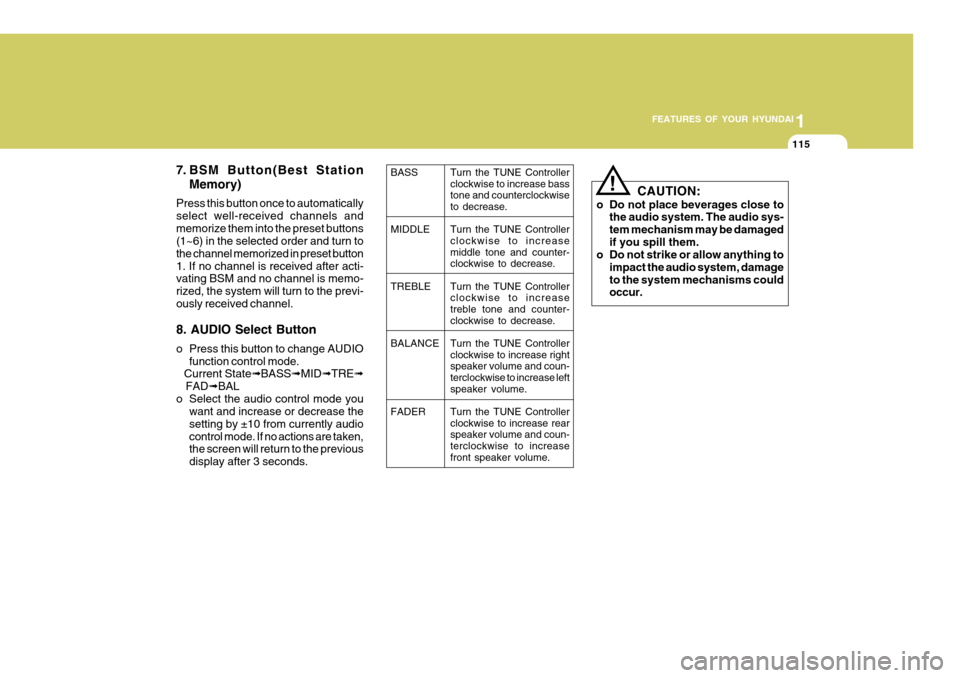
7. BSM Button(Best Station Memory)
Press this button once to automatically select well-received channels andmemorize them into the preset buttons (1~6) in the selected order and turn to the channel memorized in preset button1. If no channel is received after acti- vating BSM and no channel is memo- rized, the system will turn to the previ-ously received channel. 8. AUDIO Select Button
o Press this button to change AUDIO function control mode.
Current State ➟BASS ➟MID ➟TRE ➟
FAD ➟BAL
o Select the audio control mode you want and increase or decrease the setting by ±10 from currently audiocontrol mode. If no actions are taken, the screen will return to the previous display after 3 seconds.
! CAUTION:
o Do not place beverages close to the audio system. The audio sys- tem mechanism may be damagedif you spill them.
o Do not strike or allow anything to
impact the audio system, damageto the system mechanisms could occur.
BASS MIDDLETREBLE BALANCE FADER Turn the TUNE Controller clockwise to increase bass tone and counterclockwiseto decrease. Turn the TUNE Controller clockwise to increase middle tone and counter- clockwise to decrease. Turn the TUNE Controller clockwise to increasetreble tone and counter- clockwise to decrease. Turn the TUNE Controller clockwise to increase right speaker volume and coun-terclockwise to increase left speaker volume. Turn the TUNE Controller clockwise to increase rear speaker volume and coun-terclockwise to increase front speaker volume.
Page 132 of 487
1FEATURES OF YOUR HYUNDAI
120
H465B01GK-GAT
1. Power Button (POWER ON) Press this button when the ignition switch of the automobile is set to ACC(1st notch) or ON (2nd notch) to turn on the power and the audio system. Press once again when the audio system is onto turn off the power. 2. Volume Control (VOLUME) Turn the volume control clockwise to increase volume and counterclockwise to reduce. The volume level will bedisplayed on the screen when you ad- just the volume. 3. Radio Band Selection Button(FM/AM)
o Press this button to listen to either FM or AM.
o The radio will be set to each of the
following modes each time you press the button. FM1 ➟ FM2 ➟ AM NOTE: Push this button when the power is off to turn on the power automati- cally. 4. Automatic Channel Selection
Memorization Button (BSM: Best Station Memory)
Press this button once to automatically select channels starting from the cur-rent channel and memorize into the preset buttons (1~6) in the selected order and turn to the channel memo-rized in preset button 1. 5. Automatic Channel Selection Button (SEEK)
Press the [SEEK
] button to auto-
matically increase frequency and press the [TRACK
] button to automati-
cally decrease frequency to select and play the next available channel. If the received channel is memorized in thepreset buttons then the screen will dis- play the memorized channel. 6. Manual Channel Selection
Control (TUNE)
Turn the TUNE control clockwise to increase frequency and counterclock-wise to reduce frequency by 1 step for each click.
7. Preset Button (1~6) Press this button to listen to the chan- nels memorized to each button. If you want to memorize the current channelto the preset button, press the button for more than 1.5 seconds then the channel will be memorized to the buttonwith a beep.
8. Information Display Screen (LCD)
A variety of information will be dis- played on the screen including the radiobands (FM1/FM2/AM) while listening to the radio, frequency of each channel, the number of preset channel and "ST"for FM stereo broadcasting.