ESP Hyundai Elantra 2005 Owner's Manual
[x] Cancel search | Manufacturer: HYUNDAI, Model Year: 2005, Model line: Elantra, Model: Hyundai Elantra 2005Pages: 256, PDF Size: 10.4 MB
Page 2 of 256
A010A02A-AAT
WARRANTIES FOR YOUR HYUNDAI VEHICLE
o New Vehicle 60 Months/60,000 Miles Limited Warranty
o New Vehicle 120 Months/100,000 Miles Limited Powertrain Warranty (original owner only)
o Anti-Perforation Limited Warranty
o Emission Defect Warranty - Federal Vehicle
o California Emission Control System Warranty (if applicable)
o Emission Performance Warranty - Federal Vehicle
o Replacement Parts and Accessories Limited WarrantyNOTE:Detailed warranty information is provided in your Hyundai Owner's Handbook.A020A01A-AAT
RESPONSIBILITY FOR MAINTENANCE
The maintenance requirements for your new Hyundai are found in Section 5. As the owner, it is your responsibility
to see that all maintenance operations specified by the manufacturer are carried out at the appropriate intervals.
When the vehicle is used in severe driving conditions, more frequent maintenance is required for some operations.
Maintenance requirements for severe operating conditions are also included in Section 5.
xdflhma-0.p652/5/2008, 1:59 PM 4
Page 15 of 256
1FEATURES OF YOUR HYUNDAI4
ILLUMINATED IGNITION SWITCH
!DOOR
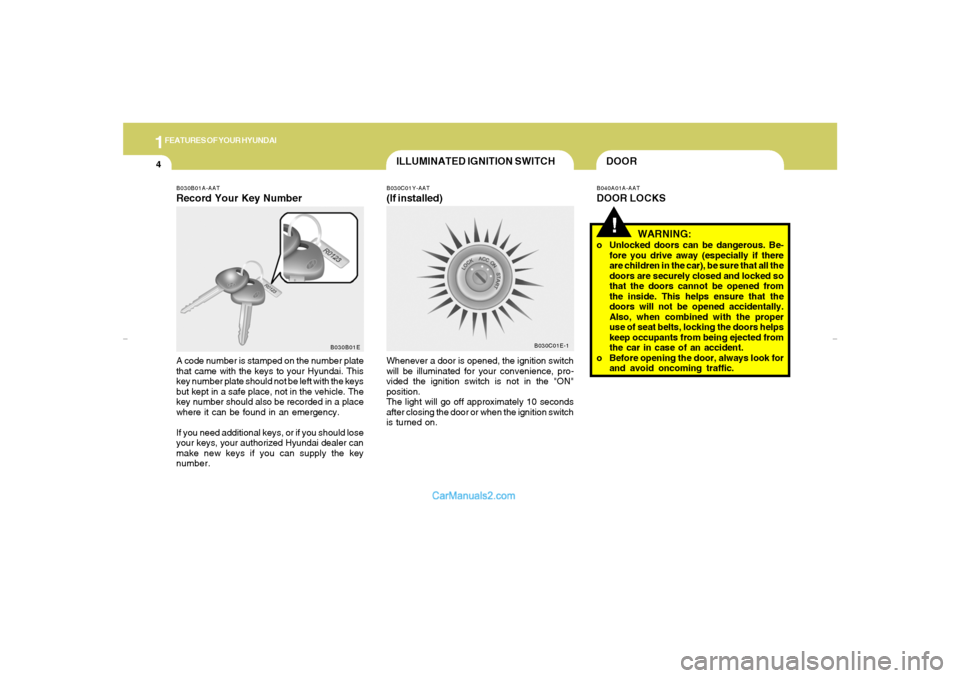
B030B01A-AATRecord Your Key NumberA code number is stamped on the number plate
that came with the keys to your Hyundai. This
key number plate should not be left with the keys
but kept in a safe place, not in the vehicle. The
key number should also be recorded in a place
where it can be found in an emergency.
If you need additional keys, or if you should lose
your keys, your authorized Hyundai dealer can
make new keys if you can supply the key
number.
B030C01Y-AAT(If installed)Whenever a door is opened, the ignition switch
will be illuminated for your convenience, pro-
vided the ignition switch is not in the "ON"
position.
The light will go off approximately 10 seconds
after closing the door or when the ignition switch
is turned on.
B040A01A-AATDOOR LOCKS
B030B01EB030C01E-1
WARNING:
o Unlocked doors can be dangerous. Be-
fore you drive away (especially if there
are children in the car), be sure that all the
doors are securely closed and locked so
that the doors cannot be opened from
the inside. This helps ensure that the
doors will not be opened accidentally.
Also, when combined with the proper
use of seat belts, locking the doors helps
keep occupants from being ejected from
the car in case of an accident.
o Before opening the door, always look for
and avoid oncoming traffic.
xdflhma-1a.p652/5/2008, 2:02 PM 4
Page 20 of 256
1
FEATURES OF YOUR HYUNDAI
9
!
B070D03O-AATDisarmed StageThe system will be disarmed by using the
transmitter or the ignition key.
The driver's door is unlocked by depressing
once the "UNLOCK" button on the transmitter.
If you wish to unlock all doors, press the "UN-
LOCK" button on the transmitter again within 4
seconds.
Whenever the step above is completed, the turn
signal lights will blink twice to indicate that the
system is disarmed.B070E01O-AATPanic Warning1. Push the "PANIC" button on the transmitter.
2. At the same time, the siren will sound and the
turn signal lights will blink for 30 seconds.
3. To turn off the system, push the "PANIC"
button again on the transmitter.
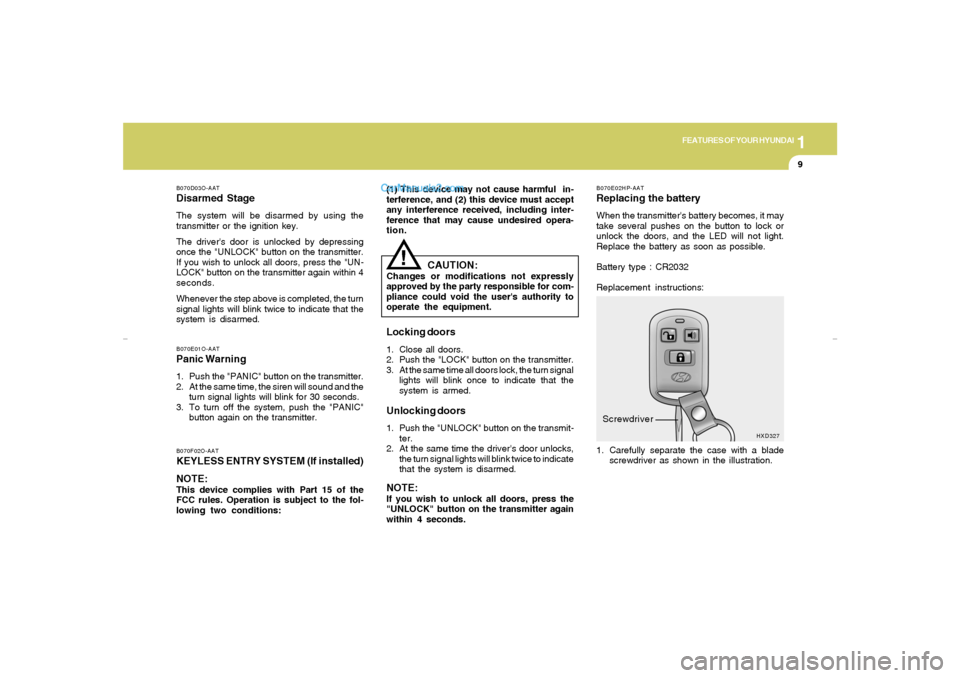
1. Carefully separate the case with a blade
screwdriver as shown in the illustration.
B070E02HP-AATReplacing the batteryWhen the transmitter's battery becomes, it may
take several pushes on the button to lock or
unlock the doors, and the LED will not light.
Replace the battery as soon as possible.
Battery type : CR2032
Replacement instructions:
HXD327
Screwdriver
B070F02O-AATKEYLESS ENTRY SYSTEM (If installed)
NOTE:This device complies with Part 15 of the
FCC rules. Operation is subject to the fol-
lowing two conditions:
CAUTION:
Changes or modifications not expressly
approved by the party responsible for com-
pliance could void the user's authority to
operate the equipment.Locking doors1. Close all doors.
2. Push the "LOCK" button on the transmitter.
3. At the same time all doors lock, the turn signal
lights will blink once to indicate that the
system is armed.Unlocking doors1. Push the "UNLOCK" button on the transmit-
ter.
2. At the same time the driver's door unlocks,
the turn signal lights will blink twice to indicate
that the system is disarmed.NOTE:If you wish to unlock all doors, press the
"UNLOCK" button on the transmitter again
within 4 seconds. (1) This device may not cause harmful in-
terference, and (2) this device must accept
any interference received, including inter-
ference that may cause undesired opera-
tion.
xdflhma-1a.p652/5/2008, 2:02 PM 9
Page 80 of 256
1
FEATURES OF YOUR HYUNDAI
69
!
CAUTION:
o Do not operate the switch continuously
for an unnecessary length of time.
o Scraping ice from the mirror face could
cause permanent damage. To remove
any ice, use a sponge, soft cloth or
approved de-icer.
!
WARNING:
Be careful when judging the size or dis-
tance of any object seen in the passenger
side rear view mirror. It is a convex mirror
with a curved surface, and objects seen in
this mirror are closer than they appear.
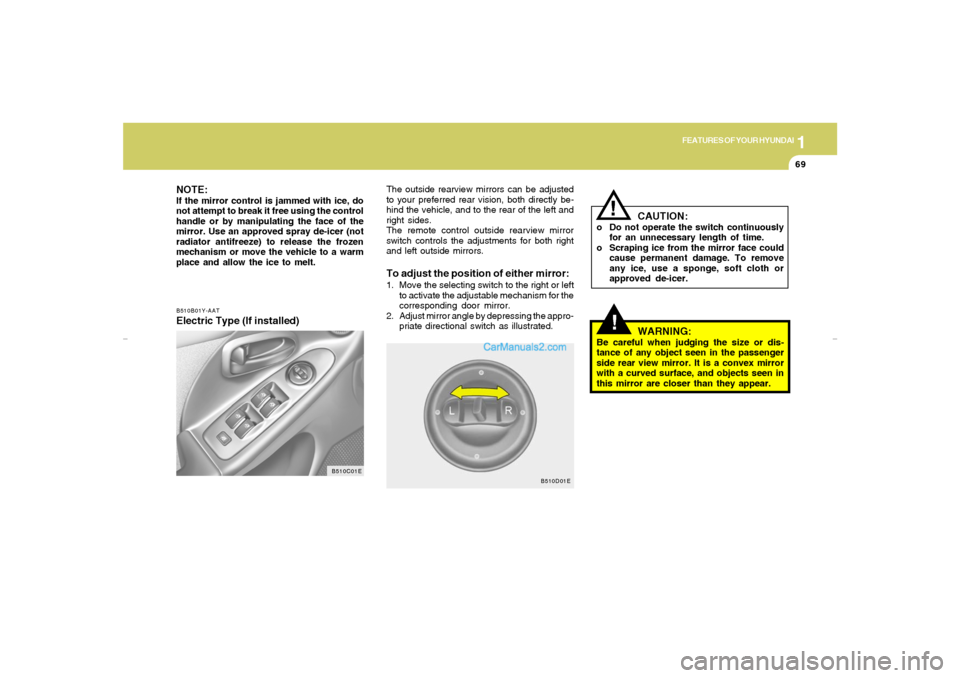
The outside rearview mirrors can be adjusted
to your preferred rear vision, both directly be-
hind the vehicle, and to the rear of the left and
right sides.
The remote control outside rearview mirror
switch controls the adjustments for both right
and left outside mirrors.To adjust the position of either mirror:1. Move the selecting switch to the right or left
to activate the adjustable mechanism for the
corresponding door mirror.
2. Adjust mirror angle by depressing the appro-
priate directional switch as illustrated.
B510D01E
NOTE:If the mirror control is jammed with ice, do
not attempt to break it free using the control
handle or by manipulating the face of the
mirror. Use an approved spray de-icer (not
radiator antifreeze) to release the frozen
mechanism or move the vehicle to a warm
place and allow the ice to melt.B510B01Y-AATElectric Type (If installed)
B510C01E
xdflhma-1a.p652/5/2008, 2:04 PM 69
Page 113 of 256
1FEATURES OF YOUR HYUNDAI
102
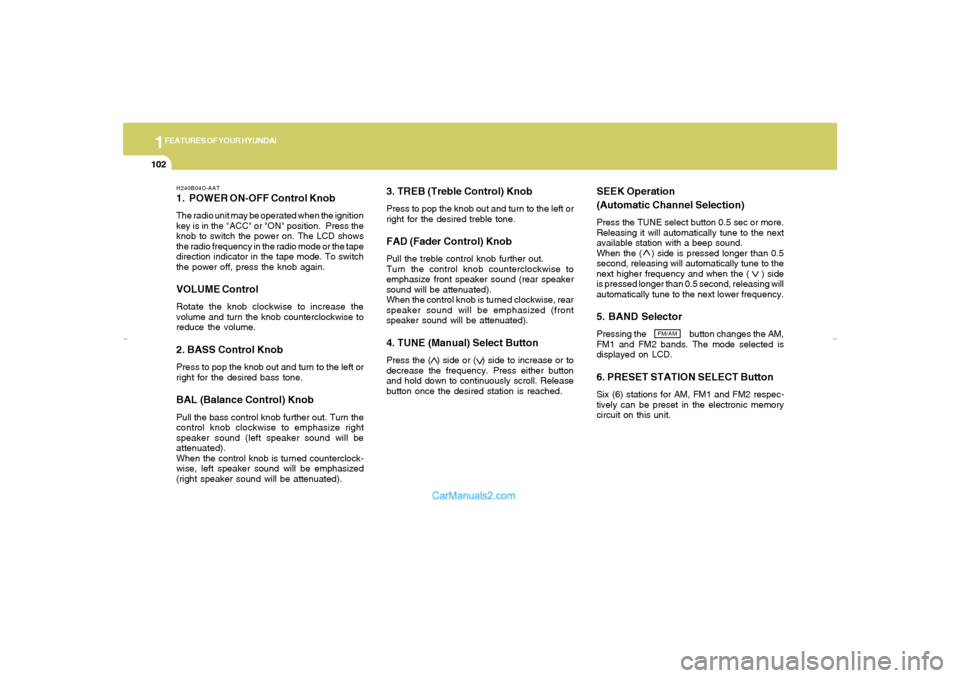
H240B04O-AAT1. POWER ON-OFF Control KnobThe radio unit may be operated when the ignition
key is in the "ACC" or "ON" position. Press the
knob to switch the power on. The LCD shows
the radio frequency in the radio mode or the tape
direction indicator in the tape mode. To switch
the power off, press the knob again.VOLUME ControlRotate the knob clockwise to increase the
volume and turn the knob counterclockwise to
reduce the volume.2. BASS Control KnobPress to pop the knob out and turn to the left or
right for the desired bass tone.BAL (Balance Control) KnobPull the bass control knob further out. Turn the
control knob clockwise to emphasize right
speaker sound (left speaker sound will be
attenuated).
When the control knob is turned counterclock-
wise, left speaker sound will be emphasized
(right speaker sound will be attenuated).
3. TREB (Treble Control) KnobPress to pop the knob out and turn to the left or
right for the desired treble tone.FAD (Fader Control) KnobPull the treble control knob further out.
Turn the control knob counterclockwise to
emphasize front speaker sound (rear speaker
sound will be attenuated).
When the control knob is turned clockwise, rear
speaker sound will be emphasized (front
speaker sound will be attenuated).4. TUNE (Manual) Select ButtonPress the ( ) side or ( ) side to increase or to
decrease the frequency. Press either button
and hold down to continuously scroll. Release
button once the desired station is reached.
SEEK Operation
(Automatic Channel Selection)Press the TUNE select button 0.5 sec or more.
Releasing it will automatically tune to the next
available station with a beep sound.
When the ( ) side is pressed longer than 0.5
second, releasing will automatically tune to the
next higher frequency and when the ( ) side
is pressed longer than 0.5 second, releasing will
automatically tune to the next lower frequency.5. BAND SelectorPressing the button changes the AM,
FM1 and FM2 bands. The mode selected is
displayed on LCD.6. PRESET STATION SELECT ButtonSix (6) stations for AM, FM1 and FM2 respec-
tively can be preset in the electronic memory
circuit on this unit.
FM/AM
xdflhma-1b.p652/5/2008, 2:06 PM 102
Page 118 of 256
1
FEATURES OF YOUR HYUNDAI
107
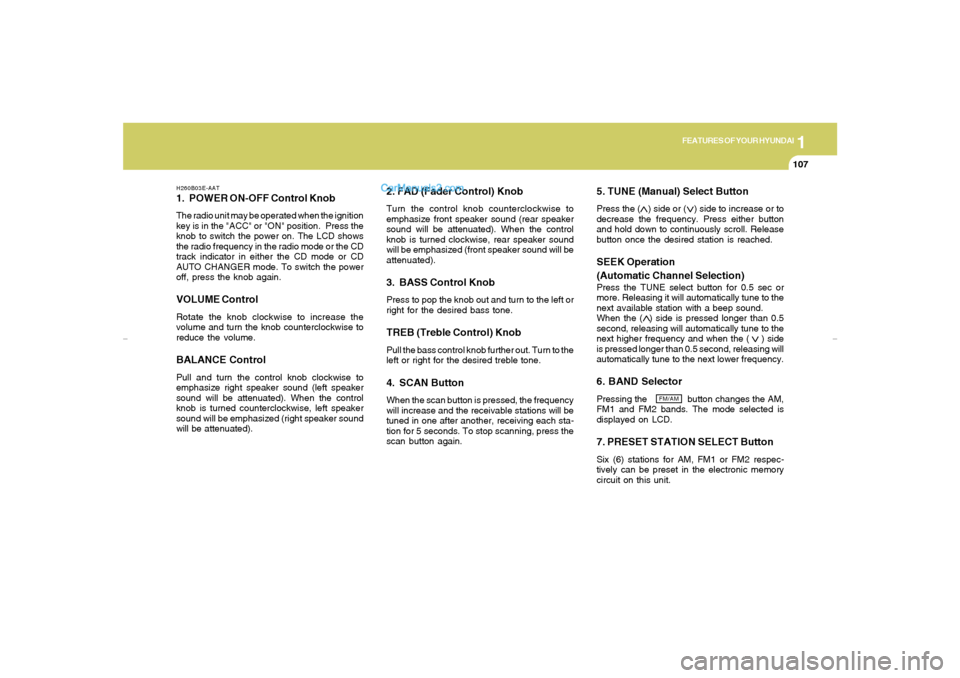
H260B03E-AAT1. POWER ON-OFF Control KnobThe radio unit may be operated when the ignition
key is in the "ACC" or "ON" position. Press the
knob to switch the power on. The LCD shows
the radio frequency in the radio mode or the CD
track indicator in either the CD mode or CD
AUTO CHANGER mode. To switch the power
off, press the knob again.VOLUME ControlRotate the knob clockwise to increase the
volume and turn the knob counterclockwise to
reduce the volume.BALANCE ControlPull and turn the control knob clockwise to
emphasize right speaker sound (left speaker
sound will be attenuated). When the control
knob is turned counterclockwise, left speaker
sound will be emphasized (right speaker sound
will be attenuated).
2. FAD (Fader Control) KnobTurn the control knob counterclockwise to
emphasize front speaker sound (rear speaker
sound will be attenuated). When the control
knob is turned clockwise, rear speaker sound
will be emphasized (front speaker sound will be
attenuated).3. BASS Control KnobPress to pop the knob out and turn to the left or
right for the desired bass tone.TREB (Treble Control) KnobPull the bass control knob further out. Turn to the
left or right for the desired treble tone.4. SCAN ButtonWhen the scan button is pressed, the frequency
will increase and the receivable stations will be
tuned in one after another, receiving each sta-
tion for 5 seconds. To stop scanning, press the
scan button again.
5. TUNE (Manual) Select ButtonPress the ( ) side or ( ) side to increase or to
decrease the frequency. Press either button
and hold down to continuously scroll. Release
button once the desired station is reached.SEEK Operation
(Automatic Channel Selection)Press the TUNE select button for 0.5 sec or
more. Releasing it will automatically tune to the
next available station with a beep sound.
When the ( ) side is pressed longer than 0.5
second, releasing will automatically tune to the
next higher frequency and when the ( ) side
is pressed longer than 0.5 second, releasing will
automatically tune to the next lower frequency.6. BAND SelectorPressing the button changes the AM,
FM1 and FM2 bands. The mode selected is
displayed on LCD.7. PRESET STATION SELECT ButtonSix (6) stations for AM, FM1 or FM2 respec-
tively can be preset in the electronic memory
circuit on this unit.
FM/AM
xdflhma-1b.p652/5/2008, 2:06 PM 107
Page 127 of 256
1FEATURES OF YOUR HYUNDAI
116
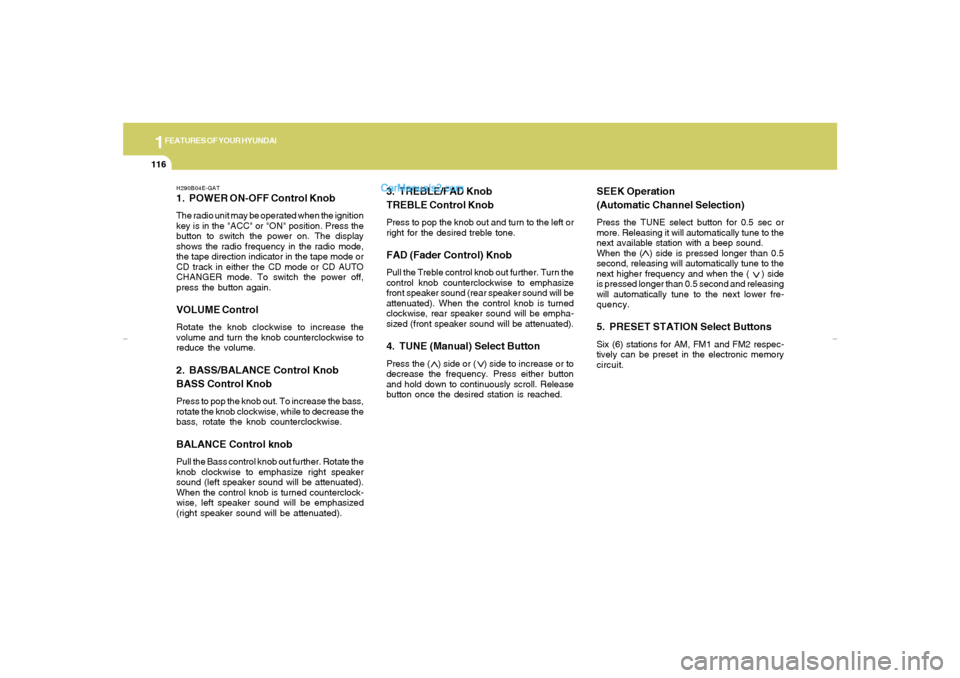
H290B04E-GAT1. POWER ON-OFF Control KnobThe radio unit may be operated when the ignition
key is in the "ACC" or "ON" position. Press the
button to switch the power on. The display
shows the radio frequency in the radio mode,
the tape direction indicator in the tape mode or
CD track in either the CD mode or CD AUTO
CHANGER mode. To switch the power off,
press the button again.VOLUME ControlRotate the knob clockwise to increase the
volume and turn the knob counterclockwise to
reduce the volume.2. BASS/BALANCE Control Knob
BASS Control KnobPress to pop the knob out. To increase the bass,
rotate the knob clockwise, while to decrease the
bass, rotate the knob counterclockwise.BALANCE Control knobPull the Bass control knob out further. Rotate the
knob clockwise to emphasize right speaker
sound (left speaker sound will be attenuated).
When the control knob is turned counterclock-
wise, left speaker sound will be emphasized
(right speaker sound will be attenuated).
3. TREBLE/FAD Knob
TREBLE Control KnobPress to pop the knob out and turn to the left or
right for the desired treble tone.FAD (Fader Control) KnobPull the Treble control knob out further. Turn the
control knob counterclockwise to emphasize
front speaker sound (rear speaker sound will be
attenuated). When the control knob is turned
clockwise, rear speaker sound will be empha-
sized (front speaker sound will be attenuated).4. TUNE (Manual) Select ButtonPress the ( ) side or ( ) side to increase or to
decrease the frequency. Press either button
and hold down to continuously scroll. Release
button once the desired station is reached.
SEEK Operation
(Automatic Channel Selection)Press the TUNE select button for 0.5 sec or
more. Releasing it will automatically tune to the
next available station with a beep sound.
When the ( ) side is pressed longer than 0.5
second, releasing will automatically tune to the
next higher frequency and when the ( ) side
is pressed longer than 0.5 second and releasing
will automatically tune to the next lower fre-
quency.5. PRESET STATION Select ButtonsSix (6) stations for AM, FM1 and FM2 respec-
tively can be preset in the electronic memory
circuit.
xdflhma-1b.p652/5/2008, 2:07 PM 116
Page 148 of 256
DRIVING YOUR HYUNDAI
72
AUTOMATIC TRANSAXLE
!
C070D03O-AATGood Driving Practiceso Never take the car out of gear and coast
down a hill. This is extremely hazardous.
Always leave the car in gear.
o Don't "ride" the brakes. This can cause them
to overheat and malfunction. Instead, when
you are driving down a long hill, slow down
and shift to a lower gear. When you do this,
engine braking will help slow the car.
o Slow down before shifting to a lower gear.
This will help avoid over-revving the engine,
which can cause damage.
o Slow down when you encounter cross winds.
This gives you much better control of your
car.
o Be sure the car is completely stopped before
you attempt to shift into reverse. The
transaxle can be damaged if you do not. To
shift into reverse, depress the clutch, move
the shift lever to neutral, wait three seconds,
then shift to the reverse position.
o Exercise extreme caution when driving on a
slippery surface. Be especially careful when
braking, accelerating or shifting gears. On a
slippery surface, an abrupt change in ve-
hicle speed can cause the drive wheels to
lose traction and the vehicle to go out of
control.
WARNING:
o Avoid high cornering speeds.
o Do not make quick steering wheel move-
ments, such as sharp lane changes or
fast, sharp turns.
o Always wear your seat belts.
In a collision, unbelted person is signifi-
cantly more likely to be seriously injured
or killed than a person wearing a seat
belt.
o The risk of rollover is greatly increased if
you lose control of your vehicle at high-
way speeds.
o The risk of rollover is greatly increased if
you lose control of your vehicle at high-
way speeds.
o Loss of control often occurs if two or
more wheels drop off the roadway and
the driver oversteers to reenter the road-
way.
o In the event your vehicle leaves the road-
way, do not steer sharply. Instead, slow
down before pulling back into the travel
lanes.
o In a collision, an unbelted person is
significantly more likely to die than a
person wearing a seat belt.
o Never exceed posted speed limits.
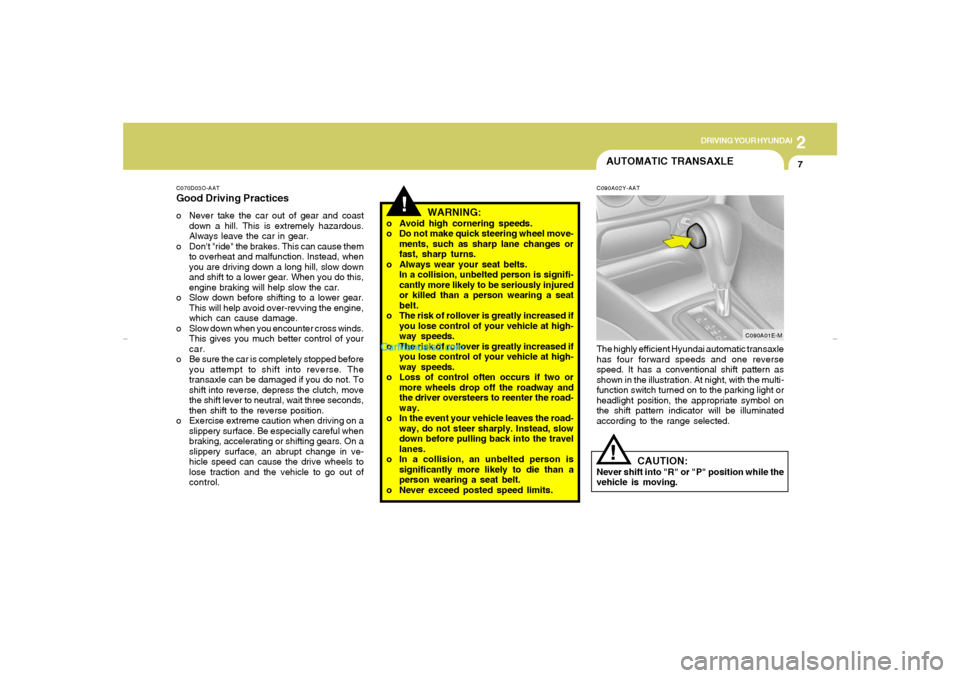
C090A02Y-AATThe highly efficient Hyundai automatic transaxle
has four forward speeds and one reverse
speed. It has a conventional shift pattern as
shown in the illustration. At night, with the multi-
function switch turned on to the parking light or
headlight position, the appropriate symbol on
the shift pattern indicator will be illuminated
according to the range selected.
!
CAUTION:
Never shift into "R" or "P" position while the
vehicle is moving.
C090A01E-M
xdflhma-2.p652/5/2008, 2:08 PM 7
Page 151 of 256
2
DRIVING YOUR HYUNDAI
10
!
C090N03A-AATGood Driving Practiceso Never move the gear selector lever from "P"
or "N" to any other position with the accelera-
tor pedal depressed.
o Never move the gear selector lever into "P"
when the vehicle is in motion.
o Be sure the car is completely stopped before
you attempt to shift into "R".
o Never take the car out of gear and coast
down a hill. This may be extremely hazard-
ous. Always leave the car in gear when
moving.
o Do not "ride" the brakes. This can cause
them to overheat and malfunction. Instead,
when you are driving down a long hill, slow
down and shift to a lower gear. When you do
this, engine braking will help slow the car.
o Slow down before shifting to a lower gear.
Otherwise, the lower gear may not be en-
gaged.
o Always use the parking brake. Do not de-
pend on placing the transaxle in "P" to keep
the car from moving.
o Exercise extreme caution when driving on a
slippery surface. Be especially careful when
braking, accelerating or shifting gears. On a
slippery surface, an abrupt change in ve-
hicle speed can cause the drive wheels to
lose traction and the vehicle to go out of
control.
WARNING:
o Avoid high cornering speeds.
o Do not make quick steering wheel move-
ments, such as sharp lane changes or
fast, sharp turns.
o Always wear your seat belts.
In a collision, unbelted person is signifi-
cantly more likely to be seriously injured
or killed than a person wearing a seat
belt.
o The risk of rollover is greatly increased if
you lose control of your vehicle at high-
way speeds.
o The risk of rollover is greatly increased if
you lose control of your vehicle at high-
way speeds.
o Loss of control often occurs if two or
more wheels drop off the roadway and
the driver oversteers to reenter the road-
way. o Turn the overdrive switch on for good fuel
economy and smooth driving. If engine brak-
ing is needed in the "D" range or if repeated
upshifting and downshifting between the 3rd
and 4th gear is needed when climbing a
gentle slope, it is recommended that the
overdrive switch be turned off. Turn the
overdrive switch back on immediately after-
ward.o In the event your vehicle leaves the road-
way, do not steer sharply. Instead, slow
down before pulling back into the travel
lanes.
o In a collision, an unbelted person is
significantly more likely to die than a
person wearing a seat belt.
o Never exceed posted speed limits.
o Excessive depressing of the accelerater
pedal in slippery driving conditions such
as pulling out of deep snow or mud may
cause severe damage to the transaxle.
Rocking the vehicle is not recommended.
Rather, use an appropriate towing
method.
xdflhma-2.p652/5/2008, 2:08 PM 10
Page 155 of 256
2
DRIVING YOUR HYUNDAI
14
o Remember, your Hyundai does not require
extended warm-up. As soon as the engine
is running smoothly, you can drive away. In
very cold weather, however, give your en-
gine a slightly longer warm-up period.
o Don't "lug" or "over-rev" the engine. Lugging
is driving too slowly in too high a gear result-
ing in the engine bucking. If this happens,
shift to a lower gear. Over-revving is racing
the engine beyond its safe limit. This can be
avoided by shifting at the recommended
speeds.
o Use your air conditioning sparingly. The air
conditioning system is operated by engine
power so your fuel economy is reduced
when you use it. o Be sure that the wheels are aligned cor-
rectly. Improper alignment can result from
hitting curbs or driving too fast over irregular
surfaces. Poor alignment causes faster tire
wear and may also result in other problems
as well as greater fuel consumption.
o Keep your car in good condition. For better
fuel economy and reduced maintenance
costs, maintain your car in accordance with
the maintenance schedule in Section 5. If
you drive your car in severe conditions,
more frequent maintenance is required (see
Section 5 for details).
o Keep your car clean. For maximum service,
your Hyundai should be kept clean and free
of corrosive materials. It is especially impor-
tant that mud, dirt, ice, etc. not be allowed to
accumulate on the underside of the car. This
extra weight can result in increased fuel
consumption and also contribute to corro-
sion.
o Travel lightly. Don't carry unnecessary
weight in your car. Weight reduces fuel
economy.
o Don't let the engine idle longer than neces-
sary. If you are waiting (and not in traffic),
turn off your engine and restart only when
you're ready to go.
DRIVING FOR ECONOMYC140A01A-AATYou can save fuel and get more miles from your
car if you follow these suggestions:
o Drive smoothly. Accelerate at a moderate
rate. Don't make "jack-rabbit" starts or full-
throttle shifts and maintain a steady cruising
speed. Don't race between stoplights. Try to
adjust your speed to that of the other traffic
so you don't have to change speeds unnec-
essarily. Avoid heavy traffic whenever pos-
sible. Always maintain a safe distance from
other vehicles so you can avoid unneces-
sary braking. This also reduces brake wear.
o Drive at a moderate speed. The faster you
drive, the more fuel your car uses. Driving at
a moderate speed, especially on the high-
way, is one of the most effective ways to
reduce fuel consumption.
o Don't "ride" the brake or clutch pedal. This
can increase fuel consumption and also
increase wear on these components. In
addition, driving with your foot resting on the
brake pedal may cause the brakes to over-
heat, which reduces their effectiveness and
may lead to more serious consequences.
o Take care of your tires. Keep them inflated
to the recommended pressure. Incorrect
inflation, either too much or too little, results
in unnecessary tire wear. Check the tire
pressures at least once a month.
xdflhma-2.p652/5/2008, 2:08 PM 14