climate settings Hyundai Elantra 2017 Owner's Manual - RHD (UK. Australia)
[x] Cancel search | Manufacturer: HYUNDAI, Model Year: 2017, Model line: Elantra, Model: Hyundai Elantra 2017Pages: 571, PDF Size: 65.66 MB
Page 14 of 571
F14F14
Windows ................................................................3-31
Power windows ................................................................3-31
Sunroof..................................................................3-36
Sunroof opening and closing .......................................3-36
Sliding the sunroof .........................................................3-36
Tilting the sunroof ..........................................................3-37
Sunshade ...........................................................................3-38
Resetting the sunroof ....................................................3-39
Exterior features .................................................3-40
Bonnet................................................................................3-40
Boot ....................................................................................3-42
Smart Boot ......................................................................3-43
Fuel filler door .................................................................3-47
Instrument cluster................................................3-50
Instrument cluster control ............................................3-52
Gauges ...............................................................................3-53
Odometer...........................................................................3-56
Warning and indicator lights ........................................3-56
LCD display messages ..................................................3-69
LCD display (for supervision cluster) ...............3-80
LCD display control.........................................................3-80
LCD modes ........................................................................3-80
User settings mode.........................................................3-84
Tr i p c o m p u t e r . . . . . . . . . . . . . . . . . . . . . . . . . . . . . . . . . . . . . . . . . . . . . . . . . . . . . . . 3 - 8 9
Conventional cluster .......................................................3-89
Supervision cluster .........................................................3-93
Lighting..................................................................3-98
Exterior lights ..................................................................3-98
Welcome system ...........................................................3-104
Interior lights..................................................................3-105
Wipers and washers ..........................................3-108
Windscreen wipers ......................................................3-108
Windscreen washers ...................................................3-110
Driver assist system ..........................................3-111
Rear view camera .........................................................3-111
Rear parking assist system ........................................3-112
Parking Assist System .................................................3-115
Defroster ............................................................3-119
Rear window defroster ...............................................3-119
Manual climate control system........................3-120
Heating and air conditioning......................................3-121
System operation ..........................................................3-126
System maintenance ....................................................3-128
Page 147 of 571
3-55
Convenient features of your vehicle
3
Outside Temperature Gauge
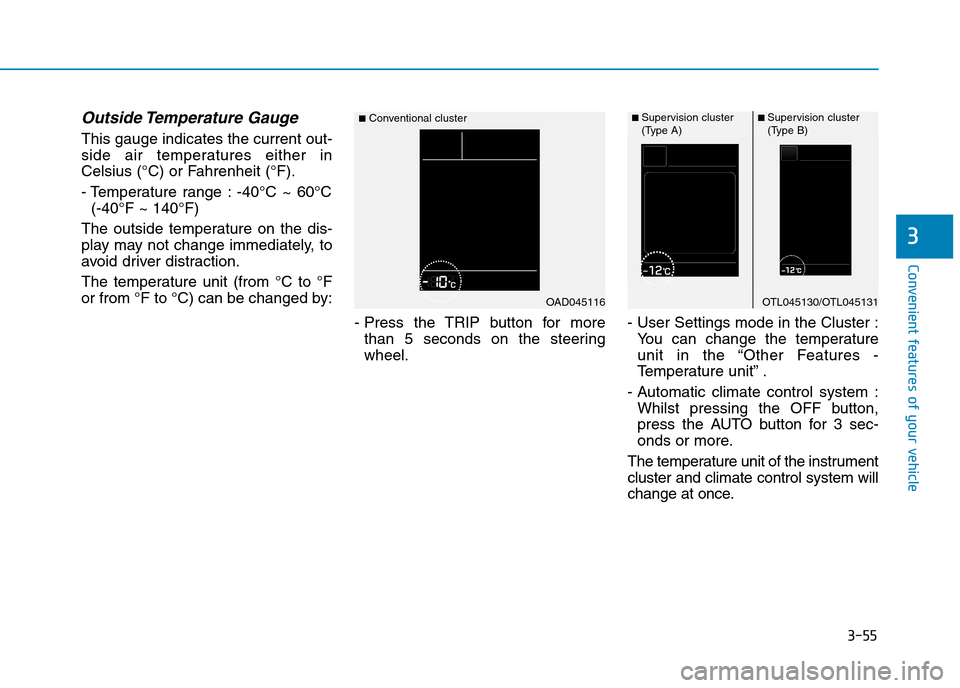
This gauge indicates the current out-
side air temperatures either in
Celsius (°C) or Fahrenheit (°F).
- Temperature range : -40°C ~ 60°C
(-40°F ~ 140°F)
The outside temperature on the dis-
play may not change immediately, to
avoid driver distraction.
The temperature unit (from °C to °F
or from °F to °C) can be changed by:
- Press the TRIP button for more
than 5 seconds on the steering
wheel.
- User Settings mode in the Cluster :
Yo u c a n c h a n g e t h e t e m p e r a t u r e
unit in the “Other Features -
Te m p e r a t u r e u n i t ” .
- Automatic climate control system :
Whilst pressing the OFF button,
press the AUTO button for 3 sec-
onds or more.
The temperature unit of the instrument
cluster and climate control system will
change at once.
OAD045116
■Conventional cluster
OTL045130/OTL045131
■ Supervision cluster(Type A)■ Supervision cluster(Type B)
Page 228 of 571
3-136
Convenient features of your vehicle
Adjusting the driver and passenger
side temperature individually
•Press the “SYNC”button again to
adjust the driver and passenger
side temperature individually. The
light in the button turns off.
•Operate the driver side tempera-
ture control knob to adjust the driv-
er side temperature.
•Operate the passenger side tem-
perature control knob to adjust the
passenger side temperature.
Temperature conversion
If the battery has been discharged or
disconnected, the temperature mode
display will reset to Centigrade.
This is a normal condition. You can
switch the temperature mode between
Centigrade and Fahrenheit as follows:
-Automatic climate control system
Whilst pressing the OFF button,
press the AUTO button for 3 sec-
onds or more. The display will
change from Centigrade to
Fahrenheit, or from Fahrenheit to
Centigrade.
-“User settings mode”in the cluster
:You can change the temperature
unit in the “Other features -
Te m p e r a t u r e u n i t ” .
Air intake control
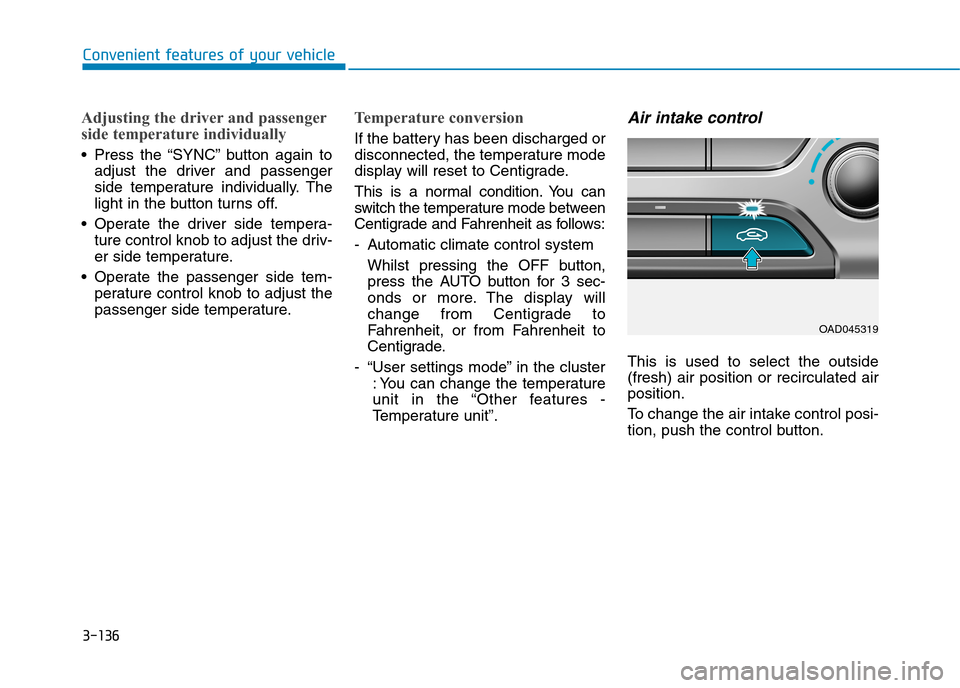
This is used to select the outside
(fresh) air position or recirculated air
position.
To c h a n g e t h e a i r i n t a k e c o n t r o l p o s i -
tion, push the control button.
OAD045319