wheel Hyundai Elantra 2019 Service Manual
[x] Cancel search | Manufacturer: HYUNDAI, Model Year: 2019, Model line: Elantra, Model: Hyundai Elantra 2019Pages: 535, PDF Size: 16.83 MB
Page 281 of 535
5-45
Driving your vehicle
5
ESC operation
ESC ON condition
When the ignition switch is in the ON
position, the ESC and the ESC OFF
indicator lights illuminate for approxi-
mately three seconds. After both
lights go off, the ESC is enabled.
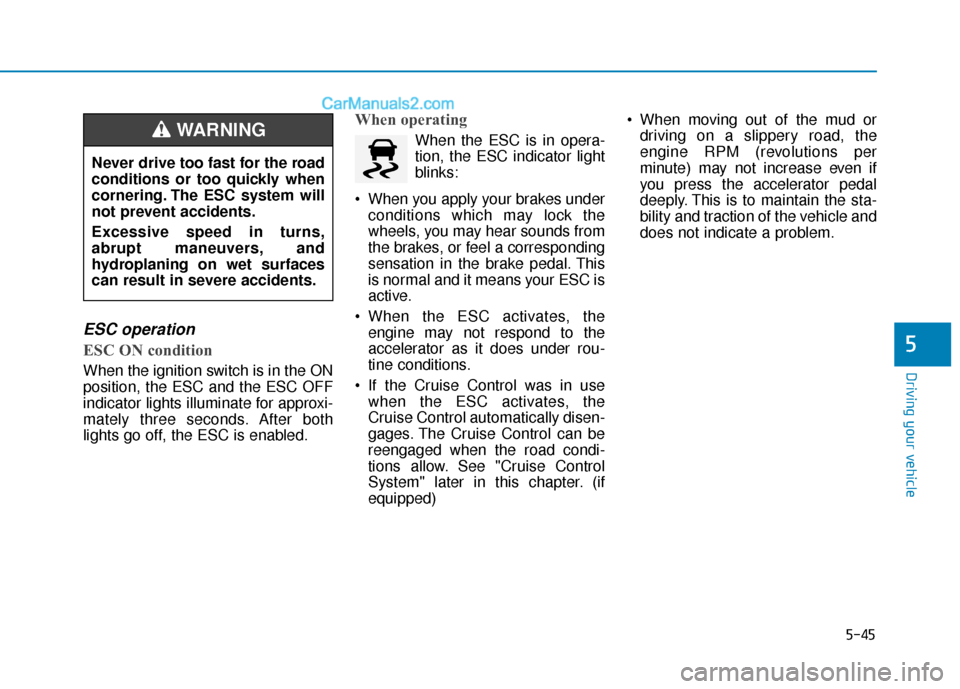
When operating
When the ESC is in opera-
tion, the ESC indicator light
blinks:
When you apply your brakes under conditions which may lock the
wheels, you may hear sounds from
the brakes, or feel a corresponding
sensation in the brake pedal. This
is normal and it means your ESC is
active.
When the ESC activates, the engine may not respond to the
accelerator as it does under rou-
tine conditions.
If the Cruise Control was in use when the ESC activates, the
Cruise Control automatically disen-
gages. The Cruise Control can be
reengaged when the road condi-
tions allow. See "Cruise Control
System" later in this chapter. (if
equipped) When moving out of the mud or
driving on a slippery road, the
engine RPM (revolutions per
minute) may not increase even if
you press the accelerator pedal
deeply. This is to maintain the sta-
bility and traction of the vehicle and
does not indicate a problem.
Never drive too fast for the road
conditions or too quickly when
cornering. The ESC system will
not prevent accidents.
Excessive speed in turns,
abrupt maneuvers, and
hydroplaning on wet surfaces
can result in severe accidents.WARNING
Page 283 of 535
5-47
Driving your vehicle
5Driving with wheels and tires with
different sizes may cause the ESC
system to malfunction. Before
replacing tires, make sure all four
tires and wheels are the same
size. Never drive the vehicle with
different sized wheels and tires
installed.
ESC OFF usage
When Driving
The ESC OFF mode should only be
used briefly to help free the vehicle if
stuck in snow or mud by temporarily
stopping operation of the ESC to
maintain wheel torque.
To turn ESC off while driving, press
the ESC OFF button while driving on
a flat road surface.To prevent damage to the trans-
mission:
Do not allow wheel(s) of one
axle to spin excessively while
the ESC, ABS, and parking brake
warning lights are displayed.
The repairs would not be cov-
ered by the vehicle warranty.
Reduce engine power and do
not spin the wheel(s) excessive-
ly while these lights are dis-
played.
When operating the vehicle on a dynamometer, make sure the
ESC is turned off (ESC OFF light
illuminated).
Information
Turning the ESC off does not affect
ABS or standard brake system opera-
tion.
i
NOTICE
NOTICE
When the ESC is blinking, this
indicates the ESC is active:
Drive slowly and NEVER
attempt to accelerate. NEVER
turn the ESC off while the ESC
indicator light is blinking or you
may lose control of the vehicle
resulting in an accident.
WARNING
Page 285 of 535
5-49
Driving your vehicle
5
VSM OFF condition
To cancel VSM operation, press the
ESC OFF button. ESC OFF indicator
light ( ) will illuminate.
To turn on VSM, press the ESC OFF
button again. The ESC OFF indicator
light will go out.
Driving with wheels and tires with dif-
ferent sizes may cause the ESC sys-
tem to malfunction. Before replacing
tires, make sure all four tires and
wheels are the same size. Never
drive the vehicle with different sized
tires and wheels installed.
Hill-Start Assist Control (HAC)
The Hill-Start Assist Control (HAC)
helps prevent the vehicle from rolling
backwards when starting a vehicle
from a stop on a hill. The system
operates the brakes automatically for
approximately 2 seconds and releas-
es the brake after 2 seconds or when
the accelerator pedal is depressed.
The HAC does not operate whenthe shift lever is in P (Park) or N
(Neutral)
The HAC activates even though the ESC (Electronic Stability
Control) is off but does not acti-
vate when the ESC has malfunc-
tioned.
Good Braking Practices
NOTICE
If ESC indicator light ( ) or
EPS warning light ( ) stays on
or blinks, your vehicle may have
a malfunction with the VSM sys-
tem. When the warning light illu-
minates, have your vehicle
checked by an authorized
HYUNDAI dealer as soon as
possible.
WARNING
Always be ready to depress the
accelerator pedal when starting
off on a incline. The HAC acti-
vates only for approximately 2
seconds.
WARNING
Whenever leaving the vehicle or
parking, always come to a com-
plete stop and continue to
depress the brake pedal. Move
the shift lever into the 1
stgear
(for manual transmission vehi-
cle) or P (Park, for automatic
transmission vehicle) position,
then apply the parking brake,
and place the ignition switch in
the LOCK/OFF position.
Vehicles parked with the park-
ing brake not applied or not
fully engaged may roll inadver-
tently and may cause injury to
the driver and others. ALWAYS
apply the parking brake before
exiting the vehicle.
WARNING
Page 288 of 535
5-52
Driving your vehicle
SMART mode
SMART mode selects the
proper driving mode
between NORMAL and
SPORT by judging the
driver's driving habits (i.e.
Economical or Aggressive) from the
brake pedal depression or the steer-
ing wheel operation.
Press the DRIVE MODE button to select SMART mode. When
SMART mode is activated, the
indicator illuminates on the instru-
ment cluster.
Vehicle's equipped with a supervi- sion cluster the indicator illumi-
nates in green, when the driver's
driving is categorized to be eco-
nomic. It illuminates in white, when
the driver's driving is categorized
to be normal. It illuminates in yel-
low, when the driver's driving is
categorized to be sportive during
abrupt braking or sharp curving.
Whenever the engine is restarted, the drive mode will revert back to
NORMAL mode. If SMART mode
is desired, re-select SMART mode. SMART mode automatically con-
trols gear shifting patterns, engine
torque, in accordance with the dri-
ver's driving habits.
Information
When you dynamically drive the vehi-
cle in SMART mode by abruptly
decelerating or sharply turning the
driving mode changes to SPORT
mode. However, it may adversely
affect fuel economy.
Various driving situations, which
you may encounter in SMART
mode
The driving mode automaticallychanges to SMART SPORT, when
you abruptly accelerate the vehicle
or repetitively operate the steering
wheel (Your driving is categorized
to be sporty.). In this mode, your
vehicle drives in a lower gear for
abrupt accelerating/decelerating
and increases the engine brake
performance.
You may still sense the engine braking performance, even when
you release the accelerator pedal
in SMART SPORT mode. It is
because your vehicle remains in
lower gear over a certain period of
time for next acceleration. Thus, it
is a normal driving situation, not
indicating any malfunction.
The driving mode automatically changes to SMART SPORT mode
only in harsh driving situations. In
most of the normal driving situa-
tions, the driving mode sets to be
in SMART NORMAL mode.
i
60$57
Page 311 of 535
5-75
Driving your vehicle
5
Prerequisite for activation
The FCA system is on and ready
when FCA is selected on the LCD
display and when the following pre-
requisites are satisfied:
- The ESC (Electronic StabilityControl) is on.
- Driving speed exceeds approxi- mately 6mph (10 km/h) (The FCA
is only activated within a certain
speed range.).
- The system detects a vehicle in front, which may collide with your
vehicle. (The FCA may not be acti-
vated or may sound a warning
alarm in accordance with the driv-
ing situation or vehicle condition.)
FCA Warning Message and
System Control
The FCA produces warning mes-
sages and warning alarms in accor-
dance with the collision risk levels,
such as abrupt stopping of the vehi-
cle in front, insufficient braking dis-
tance detection. Also, it controls the
brakes in accordance with the colli-
sion risk levels.
The driver can select the initial warn-
ing activation time in the User
Settings in the LCD display. The
options for the initial Forward Collision
Warning include Early or Later initial
warning time.Completely stop the vehicle
on a safe location before
operating the switch on the
steering wheel to activate/
deactivate the FCA system.
The FCA automatically acti-
vates upon placing the igni-
tion switch to the ON position.
The driver can deactivate the
FCA by canceling the system
setting on the LCD display.
The FCA automatically deacti-
vates upon canceling the ESC
(Electronic Stability Control).
When the ESC is canceled,
the FCA cannot be activated
on the LCD display. The FCA
warning light will illuminate
which is normal.
WARNING
Page 313 of 535
5-77
Driving your vehicle
5
- If you select "Warning Only", theFCA system activates and pro-
duces only warning alarms in
accordance with the collision risk
levels. You should control the brake
directly because the FCA system
do not control the brake.
Brake operation
In an urgent situation, the brakingsystem enters into the ready status
for prompt reaction against the dri-
ver's depressing the brake pedal.
The FCA provides additional brak- ing power for optimum braking per-
formance, when the driver
depresses the brake pedal.
The braking control is automatical- ly deactivated, when the driver
sharply depresses the accelerator
pedal, or when the driver abruptly
operates the steering wheel.
The FCA braking control is auto- matically canceled, when risk fac-
tors disappear.
The driver should always use
extreme caution while operat-
ing the vehicle, whether or not
there is a warning message or
alarm from the FCA system.
If any other warning sound
such as seat belt warning
chime is already generated,
the Forward Collision-
Avoidance Assist (FCA) sys-
tem warning may not sound.
CAUTION
The FCA system logic operates
within certain parameters, such
as the distance from the vehicle
ahead, the speed of the vehicle
ahead, and the driver's vehicle
speed. Certain conditions such
as inclement weather and road
conditions may affect the oper-
ation of the FCA system.
WARNING
The FCA braking control cannot
completely stop the vehicle nor
avoid all collisions. The driver
should hold the responsibility
to safely drive and control the
vehicle.
WARNING Never deliberately drive danger-
ously to activate the system.
WARNING
Page 321 of 535
5-85
Driving your vehicle
5
Information
In some instances, the FCA system
may be canceled when subjected to
electromagnetic interference.
Information
This device complies with Part 15 of
the FCC rules.
Operation is subject to the following
two conditions:
1. This device may not cause harmfulinterference.
2. This device must accept any inter- ference received, including interfer-
ence that may cause undesired
operation.
i
i
Do not use the Forward
Collision Avoidance Assist
(FCA) system when towing a
vehicle. Application of the
FCA system while towing may
adversely affect the safety of
your vehicle or the towing
vehicle.
Use extreme caution when the
vehicle in front of you has
cargo that extends rearward
from the cab, or when the
vehicle in front of you has
higher ground clearance.
The FCA system is designed
to detect and monitor the
vehicle ahead in the roadway
through camera recognition. It
is not designed to detect
pedestrians, bicycles, motor-
cycles, or smaller wheeled
objects such as luggage
bags, shopping carts, or
strollers.
Never try to test the operation
of the FCA system. Doing so
may cause severe injury or
death.
WARNING
Page 324 of 535
5-88
Driving your vehicle
- Later : When this condition is selected,
the initial Forward Collision
Warning is activated later than nor-
mal. This setting reduces the
amount of distance between the
vehicle or pedestrian ahead before
the initial warning occurs.
Select 'Later' when traffic is light
and when driving speed is slow.
Information
If you change the warning timing, the
warning time of other systems may
change. Always be aware before
changing the warning timing.
Prerequisite for activation
The FCA system is on and ready
when FCA is selected on the LCD
display and when the following pre-
requisites are satisfied:
- The ESC (Electronic StabilityControl) is on.
- Driving speed exceeds approxi- mately 6 mph (10 km/h) (The FCA
is only activated within a certain
speed range.).
- The system detects a pedestrian or a vehicle in front, which may col-
lide with your vehicle. (The FCA
may not be activated or may sound
a warning alarm in accordance
with the driving situation or vehicle
condition.)
- If you select "Warning only", the FCA system activates and pro-
duces only warning alarms in
accordance with the collision risk
levels. (The FCA system may not
operate properly depending on the
frontal situation, the direction of
pedestrian or cyclist (if equipped)
and speed.)
i
Completely stop the vehicle
on a safe location before
operating the switch on the
steering wheel to activate
/deactivate the FCA system.
The FCA automatically acti-
vates upon placing the igni-
tion switch to the ON position.
The driver can deactivate the
FCA by canceling the system
setting on the LCD display.
The FCA automatically deacti-
vates upon canceling the ESC
(Electronic Stability Control).
When the ESC is canceled,
the FCA cannot be activated
on the LCD display. The FCA
warning light will illuminate
which is normal.
WARNING
Page 326 of 535
5-90
Driving your vehicle
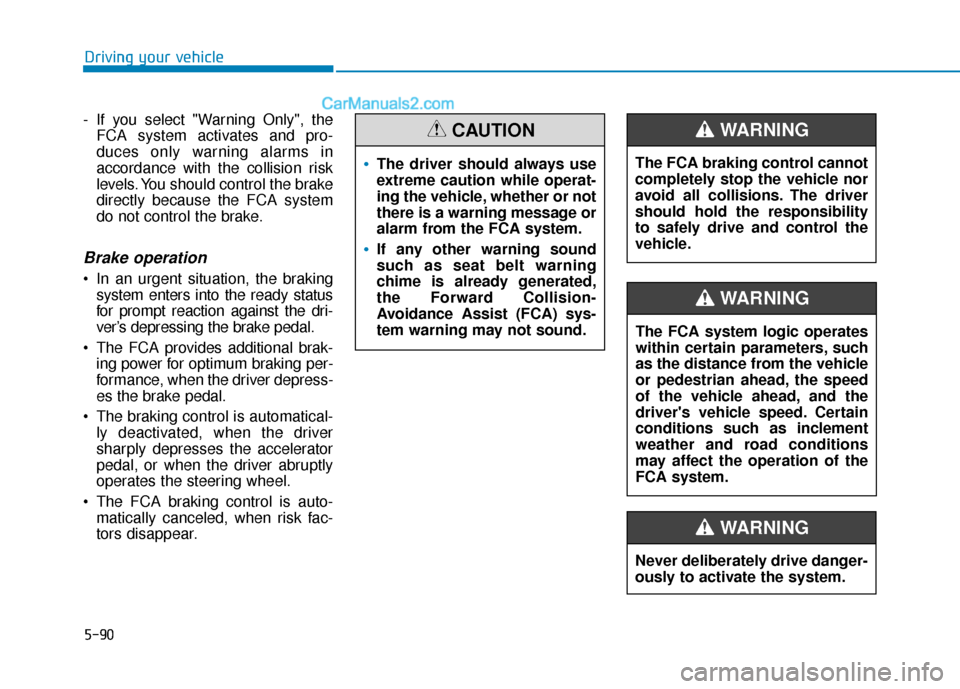
- If you select "Warning Only", the FCA system activates and pro-
duces only warning alarms in
accordance with the collision risk
levels. You should control the brake
directly because the FCA system
do not control the brake.
Brake operation
In an urgent situation, the brakingsystem enters into the ready status
for prompt reaction against the dri-
ver’s depressing the brake pedal.
The FCA provides additional brak- ing power for optimum braking per-
formance, when the driver depress-
es the brake pedal.
The braking control is automatical- ly deactivated, when the driver
sharply depresses the accelerator
pedal, or when the driver abruptly
operates the steering wheel.
The FCA braking control is auto- matically canceled, when risk fac-
tors disappear.
The driver should always use
extreme caution while operat-
ing the vehicle, whether or not
there is a warning message or
alarm from the FCA system.
If any other warning sound
such as seat belt warning
chime is already generated,
the Forward Collision-
Avoidance Assist (FCA) sys-
tem warning may not sound.
CAUTION
The FCA system logic operates
within certain parameters, such
as the distance from the vehicle
or pedestrian ahead, the speed
of the vehicle ahead, and the
driver's vehicle speed. Certain
conditions such as inclement
weather and road conditions
may affect the operation of the
FCA system.
WARNING
The FCA braking control cannot
completely stop the vehicle nor
avoid all collisions. The driver
should hold the responsibility
to safely drive and control the
vehicle.
WARNING
Never deliberately drive danger-
ously to activate the system.
WARNING
Page 335 of 535
5-99
Driving your vehicle
5
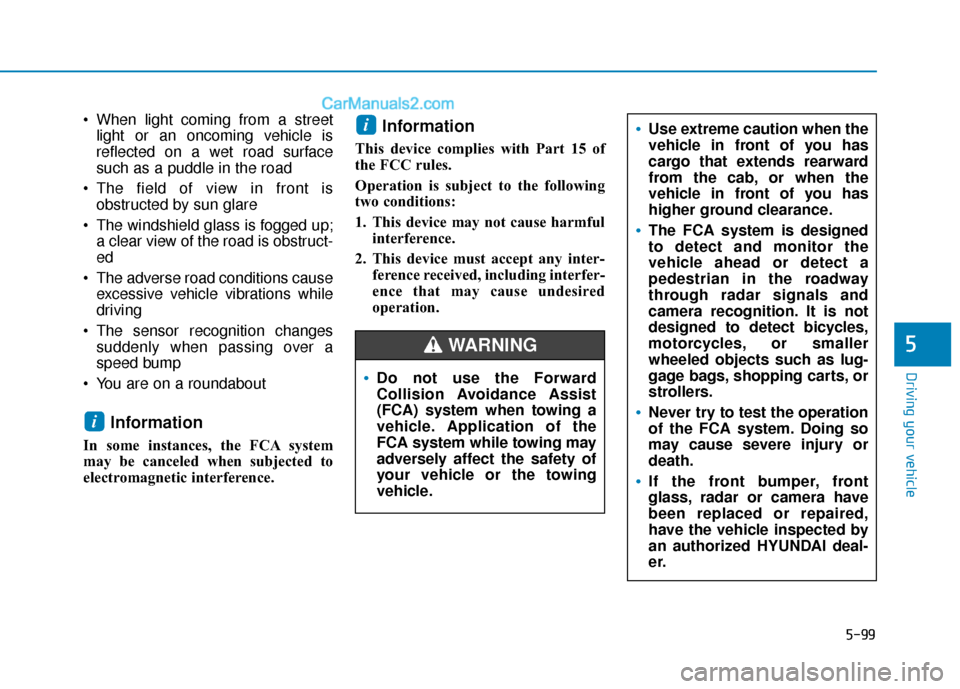
When light coming from a streetlight or an oncoming vehicle is
reflected on a wet road surface
such as a puddle in the road
The field of view in front is obstructed by sun glare
The windshield glass is fogged up; a clear view of the road is obstruct-
ed
The adverse road conditions cause excessive vehicle vibrations while
driving
The sensor recognition changes suddenly when passing over a
speed bump
You are on a roundabout
Information
In some instances, the FCA system
may be canceled when subjected to
electromagnetic interference.
Information
This device complies with Part 15 of
the FCC rules.
Operation is subject to the following
two conditions:
1. This device may not cause harmful interference.
2. This device must accept any inter- ference received, including interfer-
ence that may cause undesired
operation.
i
i
Do not use the Forward
Collision Avoidance Assist
(FCA) system when towing a
vehicle. Application of the
FCA system while towing may
adversely affect the safety of
your vehicle or the towing
vehicle.
Use extreme caution when the
vehicle in front of you has
cargo that extends rearward
from the cab, or when the
vehicle in front of you has
higher ground clearance.
The FCA system is designed
to detect and monitor the
vehicle ahead or detect a
pedestrian in the roadway
through radar signals and
camera recognition. It is not
designed to detect bicycles,
motorcycles, or smaller
wheeled objects such as lug-
gage bags, shopping carts, or
strollers.
Never try to test the operation
of the FCA system. Doing so
may cause severe injury or
death.
If the front bumper, front
glass, radar or camera have
been replaced or repaired,
have the vehicle inspected by
an authorized HYUNDAI deal-
er.
WARNING