check engine Hyundai Elantra 2020 Owner's Guide
[x] Cancel search | Manufacturer: HYUNDAI, Model Year: 2020, Model line: Elantra, Model: Hyundai Elantra 2020Pages: 535, PDF Size: 16.8 MB
Page 263 of 535
5-27
Driving your vehicle
5
As a result, shifts are sometimes
more noticeable, and a light vibra-
tion can be felt as the transmission
shaft speed is matched with the
engine shaft speed. This is a nor-
mal condition of the dual clutch
transmission.
The dry-type clutch transfers torque more directly and provides
a direct-drive feeling which may
feel different from a conventional
automatic transmission. This may
be more noticeable when launch-
ing the vehicle from a stop or when
traveling at low, stop-and-go vehi-
cle speeds.
When rapidly accelerating from a lower vehicle speed, the engine
rpm may increase dramatically as
a result of clutch slip as the dual
clutch transmission selects the cor-
rect gear. This is a normal condi-
tion.
When accelerating from a stop on an incline, press the accelerator
smoothly and gradually to avoid
any shudder feeling or jerkiness. When traveling at a lower vehicle
speed, if you release the accelera-
tor pedal quickly, you may feel
engine braking before the trans-
mission changes gears. This
engine braking feeling is similar to
operating a manual transmission at
low speed.
When driving downhill, you may wish to move the gear shift lever to
Manual Shift mode and downshift
to a lower gear in order to control
your speed without using the brake
pedal excessively.
When you turn the engine on and off, you may hear clicking sounds
as the system goes through a self-
test. This is a normal sound for the
dual clutch transmission.
During the first 1000 miles, you may feel that the vehicle may not
be smooth when accelerating at
low speed. During this break-in
period, the shift quality and per-
formance of your new vehicle is
continuously optimized. To reduce the risk of serious
injury or death:
ALWAYS check the surround-
ing areas near your vehicle for
people, especially children,
before shifting a vehicle into
D (Drive) or R (Reverse).
Before leaving the driver's
seat, always make sure the
shift lever is in the P (Park)
position, then set the parking
brake, and place the ignition
switch in the LOCK/OFF posi-
tion. Unexpected and sudden
vehicle movement can occur
if these precautions are not
followed.
Do not use aggressive engine
braking (shifting from a high-
er gear to a lower gear) on
slippery roads. This could
cause the tires to slip and may
result in an accident.
WARNING
Page 268 of 535
5-32
Driving your vehicle
If this occurs, pull over to a safe location, stop the vehicle with the
engine running, apply the brakes
and shift the vehicle to P (Park)
with engine on, and allow the
transmission to cool.
If you ignore this warning, the driv- ing condition may become worse.
You may experience abrupt shifts,
frequent shifts, or jerkiness. To
return to the normal driving condi-
tion, stop the vehicle and apply the
foot brake or shift into P (Park).
Then allow the transmission to cool
for a few minutes with engine on,
before driving off.
When possible, drive the vehicle smoothly.
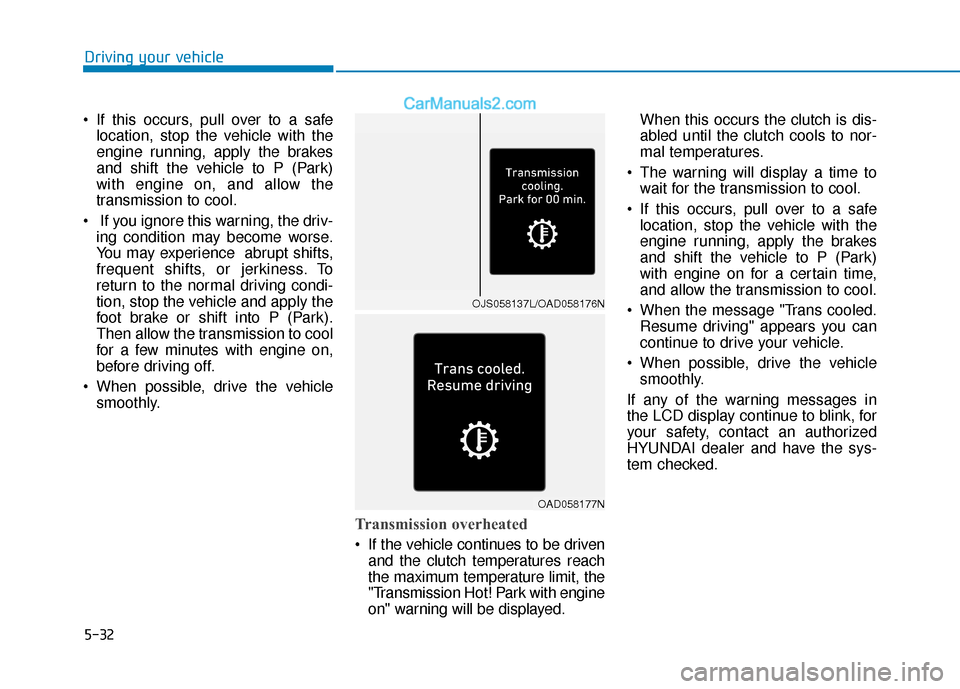
Transmission overheated
If the vehicle continues to be drivenand the clutch temperatures reach
the maximum temperature limit, the
"Transmission Hot! Park with engine
on" warning will be displayed. When this occurs the clutch is dis-
abled until the clutch cools to nor-
mal temperatures.
The warning will display a time to wait for the transmission to cool.
If this occurs, pull over to a safe location, stop the vehicle with the
engine running, apply the brakes
and shift the vehicle to P (Park)
with engine on for a certain time,
and allow the transmission to cool.
When the message "Trans cooled. Resume driving" appears you can
continue to drive your vehicle.
When possible, drive the vehicle smoothly.
If any of the warning messages in
the LCD display continue to blink, for
your safety, contact an authorized
HYUNDAI dealer and have the sys-
tem checked.
OAD058177N
OJS058137L/OAD058176N
Page 278 of 535
5-42
Driving your vehicle
Do not apply the accelerator pedal while the parking brake is
engaged. If you depress the
accelerator pedal with the park-
ing brake engaged, warning will
sound. Damage to the parking
brake may occur.
Driving with the parking brake on can overheat the braking sys-
tem and cause premature wear
or damage to brake parts. Make
sure the parking brake is
released and the Brake Warning
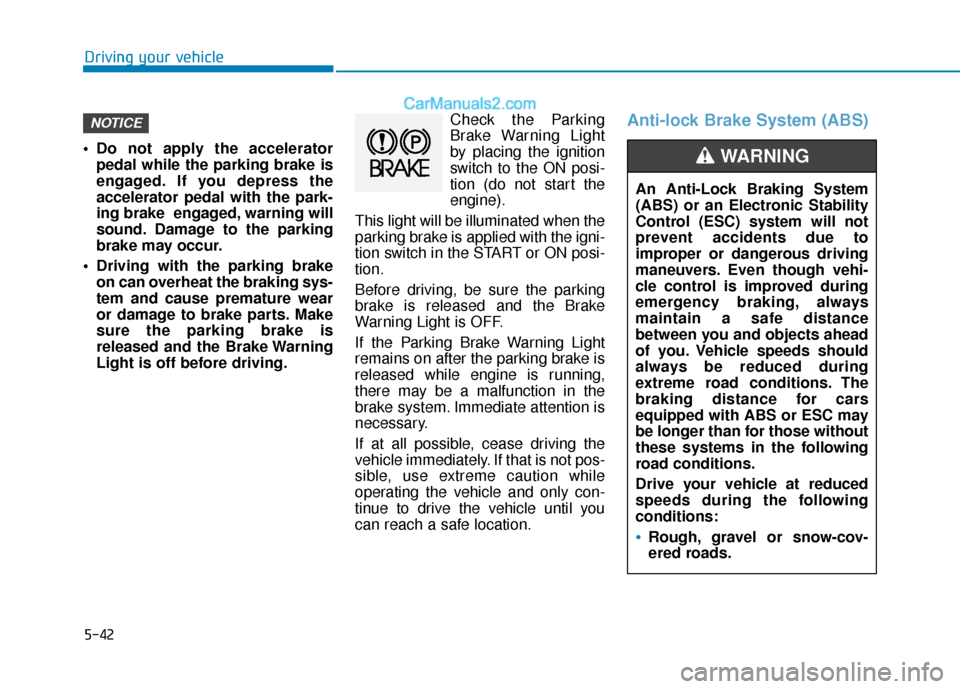
Light is off before driving. Check the Parking
Brake Warning Light
by placing the ignition
switch to the ON posi-
tion (do not start the
engine).
This light will be illuminated when the
parking brake is applied with the igni-
tion switch in the START or ON posi-
tion.
Before driving, be sure the parking
brake is released and the Brake
Warning Light is OFF.
If the Parking Brake Warning Light
remains on after the parking brake is
released while engine is running,
there may be a malfunction in the
brake system. Immediate attention is
necessary.
If at all possible, cease driving the
vehicle immediately. If that is not pos-
sible, use extreme caution while
operating the vehicle and only con-
tinue to drive the vehicle until you
can reach a safe location.
Anti-lock Brake System (ABS)NOTICE
An Anti-Lock Braking System
(ABS) or an Electronic Stability
Control (ESC) system will not
prevent accidents due to
improper or dangerous driving
maneuvers. Even though vehi-
cle control is improved during
emergency braking, always
maintain a safe distance
between you and objects ahead
of you. Vehicle speeds should
always be reduced during
extreme road conditions. The
braking distance for cars
equipped with ABS or ESC may
be longer than for those without
these systems in the following
road conditions.
Drive your vehicle at reduced
speeds during the following
conditions:
Rough, gravel or snow-cov-
ered roads.
WARNING
Page 280 of 535
5-44
Driving your vehicle
Information
When you jump start your vehicle
because of a drained battery, the ABS
warning light ( ) may turn on at the
same time. This happens because of
the low battery voltage. It does not
mean your ABS is malfunctioning.
Have the battery recharged before
driving the vehicle.
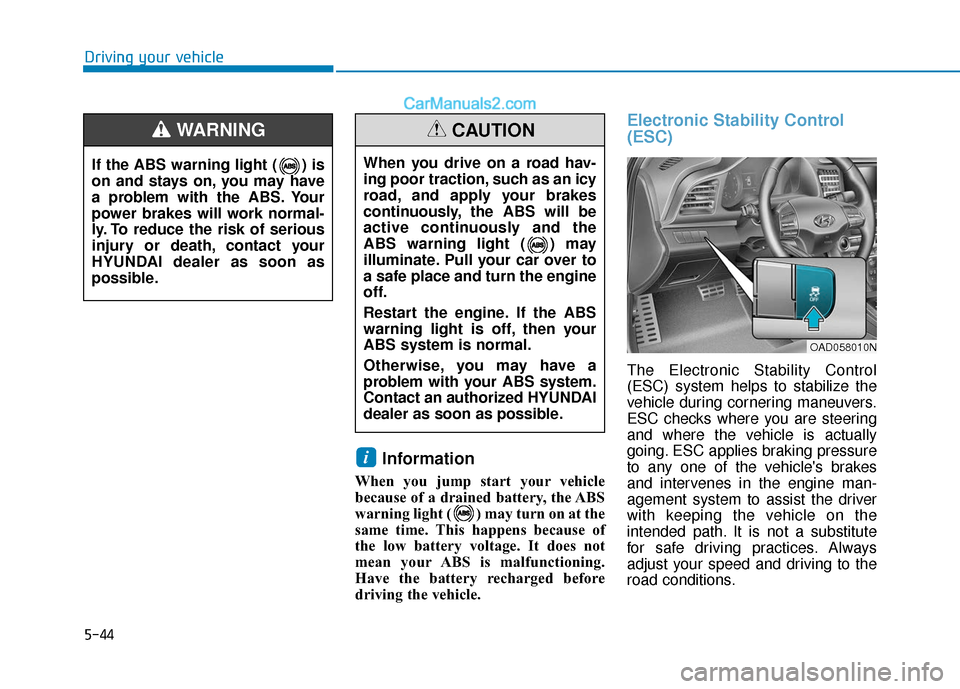
Electronic Stability Control
(ESC)
The Electronic Stability Control
(ESC) system helps to stabilize the
vehicle during cornering maneuvers.
ESC checks where you are steering
and where the vehicle is actually
going. ESC applies braking pressure
to any one of the vehicle's brakes
and intervenes in the engine man-
agement system to assist the driver
with keeping the vehicle on the
intended path. It is not a substitute
for safe driving practices. Always
adjust your speed and driving to the
road conditions.
i
If the ABS warning light ( ) is
on and stays on, you may have
a problem with the ABS. Your
power brakes will work normal-
ly. To reduce the risk of serious
injury or death, contact your
HYUNDAI dealer as soon as
possible.
WARNING
When you drive on a road hav-
ing poor traction, such as an icy
road, and apply your brakes
continuously, the ABS will be
active continuously and the
ABS warning light ( ) may
illuminate. Pull your car over to
a safe place and turn the engine
off.
Restart the engine. If the ABS
warning light is off, then your
ABS system is normal.
Otherwise, you may have a
problem with your ABS system.
Contact an authorized HYUNDAI
dealer as soon as possible.
CAUTION
OAD058010N
Page 282 of 535
5-46
Driving your vehicle
ESC OFF condition
To cancel ESC operation :
State 1
Press the ESC OFF button briefly.
The ESC OFF indicator light and
message (if equipped with supervi-
sion cluster) will illuminate. In this
state, the traction control function of
ESC (engine management) is dis-
abled, but the brake control function
of ESC (braking management) still
operates.
Press and hold the ESC OFF button
continuously for more than 3 sec-
onds. The ESC OFF indicator light
and message (if equipped with
supervision cluster) illuminates and
a warning chime sounds. In this
state, both the traction control func-
tion of ESC (engine management)
and the brake control function of
ESC (braking management) are dis-
abled.
If the ignition switch is placed to the
LOCK/OFF position when ESC is off,
ESC remains off. Upon restarting the
engine, the ESC will automatically
turn on again.
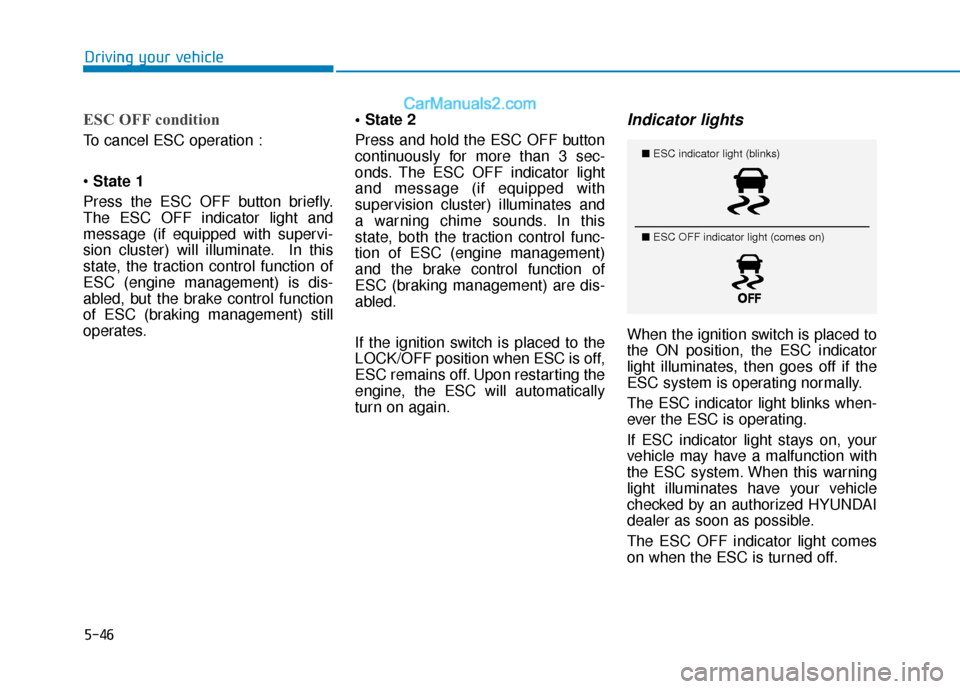
Indicator lights
When the ignition switch is placed to
the ON position, the ESC indicator
light illuminates, then goes off if the
ESC system is operating normally.
The ESC indicator light blinks when-
ever the ESC is operating.
If ESC indicator light stays on, your
vehicle may have a malfunction with
the ESC system. When this warning
light illuminates have your vehicle
checked by an authorized HYUNDAI
dealer as soon as possible.
The ESC OFF indicator light comes
on when the ESC is turned off.
■
ESC indicator light (blinks)
■ ESC OFF indicator light (comes on)
Page 315 of 535
5-79
Driving your vehicle
5
Warning message and warninglight
Forward Collision Avoidance Assist
(FCA) system disabled.
Camera obscured
When the front camera is blocked
with dirt, snow, or debris, the FCA
system operation not be able to
detect other vehicles. If this occurs, a
warning message will appear on the
LCD display. The system will operate
normally when such dirt, snow or
debris is removed. FCA may not properly operate in an
area (e.g. open terrain) where any
objects or vehicles are not detected
after turning on the engine.
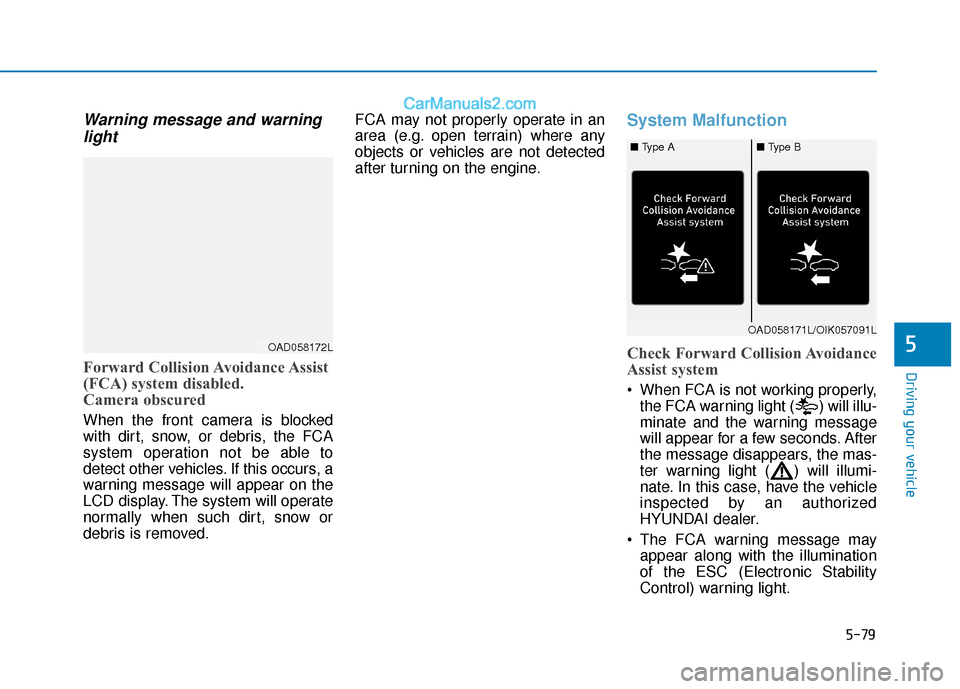
System Malfunction
Check Forward Collision Avoidance
Assist system
When FCA is not working properly,
the FCA warning light ( ) will illu-
minate and the warning message
will appear for a few seconds. After
the message disappears, the mas-
ter warning light ( ) will illumi-
nate. In this case, have the vehicle
inspected by an authorized
HYUNDAI dealer.
The FCA warning message may appear along with the illumination
of the ESC (Electronic Stability
Control) warning light.
OAD058172L
OAD058171L/OIK057091L
■ Type A■ Type B
Page 328 of 535
5-92
Driving your vehicle
If the sensor is forcibly moved out of proper alignment, the FCA
system may not operate correct-
ly. In this case, a warning mes-
sage may not be displayed. Have
the vehicle inspected by an
authorized HYUNDAI dealer.
Information
Have the system checked by an
authorized HYUNDAI dealer when:
• The windshield glass is replaced.
• The radar sensor or cover gets dam-aged or replaced.
Warning message and warninglight
Forward Collision Avoidance Assist
(FCA) system disabled.
Radar blocked
When the sensor cover is blocked
with dirt, snow, or debris, the FCA
system operation not be able to
detect other vehicles. If this occurs, a
warning message will appear on the
LCD display. The system will operate
normally when such dirt, snow or
debris is removed.
FCA may not properly operate in an
area (e.g. open terrain) where any
objects or vehicles are not detected
after turning on the engine.
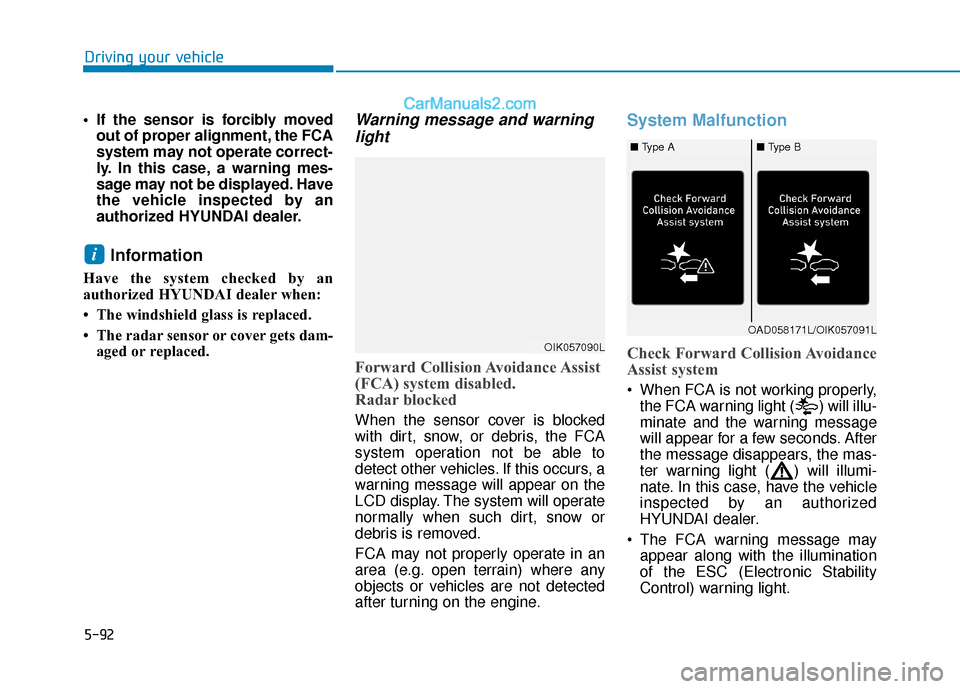
System Malfunction
Check Forward Collision Avoidance
Assist system
When FCA is not working properly,
the FCA warning light ( ) will illu-
minate and the warning message
will appear for a few seconds. After
the message disappears, the mas-
ter warning light ( ) will illumi-
nate. In this case, have the vehicle
inspected by an authorized
HYUNDAI dealer.
The FCA warning message may appear along with the illumination
of the ESC (Electronic Stability
Control) warning light.
i
OIK057090L
OAD058171L/OIK057091L
■ Type A■ Type B
Page 341 of 535
5-105
Driving your vehicle
5
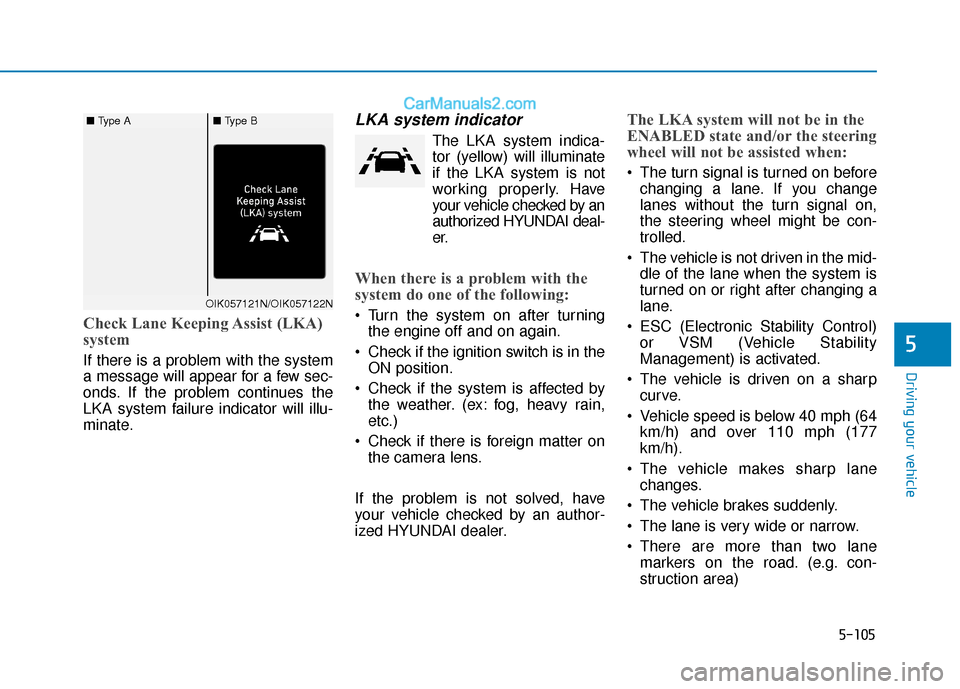
Check Lane Keeping Assist (LKA)
system
If there is a problem with the system
a message will appear for a few sec-
onds. If the problem continues the
LKA system failure indicator will illu-
minate.
LKA system indicator
The LKA system indica-tor (yellow) will illuminate
if the LKA system is not
working properly. Have
your vehicle checked by an
authorized HYUNDAI deal-
er.
When there is a problem with the
system do one of the following:
Turn the system on after turning the engine off and on again.
Check if the ignition switch is in the ON position.
Check if the system is affected by the weather. (ex: fog, heavy rain,
etc.)
Check if there is foreign matter on the camera lens.
If the problem is not solved, have
your vehicle checked by an author-
ized HYUNDAI dealer.
The LKA system will not be in the
ENABLED state and/or the steering
wheel will not be assisted when:
The turn signal is turned on before changing a lane. If you change
lanes without the turn signal on,
the steering wheel might be con-
trolled.
The vehicle is not driven in the mid- dle of the lane when the system is
turned on or right after changing a
lane.
ESC (Electronic Stability Control) or VSM (Vehicle Stability
Management) is activated.
The vehicle is driven on a sharp curve.
Vehicle speed is below 40 mph (64 km/h) and over 110 mph (177
km/h).
The vehicle makes sharp lane changes.
The vehicle brakes suddenly.
The lane is very wide or narrow.
There are more than two lane markers on the road. (e.g. con-
struction area)
OIK057121N/OIK057122N
■ Type A■ Type B
Page 350 of 535
5-114
Driving your vehicle
Information
• During normal cruise control opera-tion, when the SET switch is activat-
ed or reactivated after applying the
brakes, the cruise control will ener-
gize after approximately 3 seconds.
This delay is normal.
• Before activating the cruise control function, the system will check to
verify that the brake switch is oper-
ating normally. Depress the brake
pedal at least once after turning ON
the ignition or starting the engine.
To set Cruise Control speed
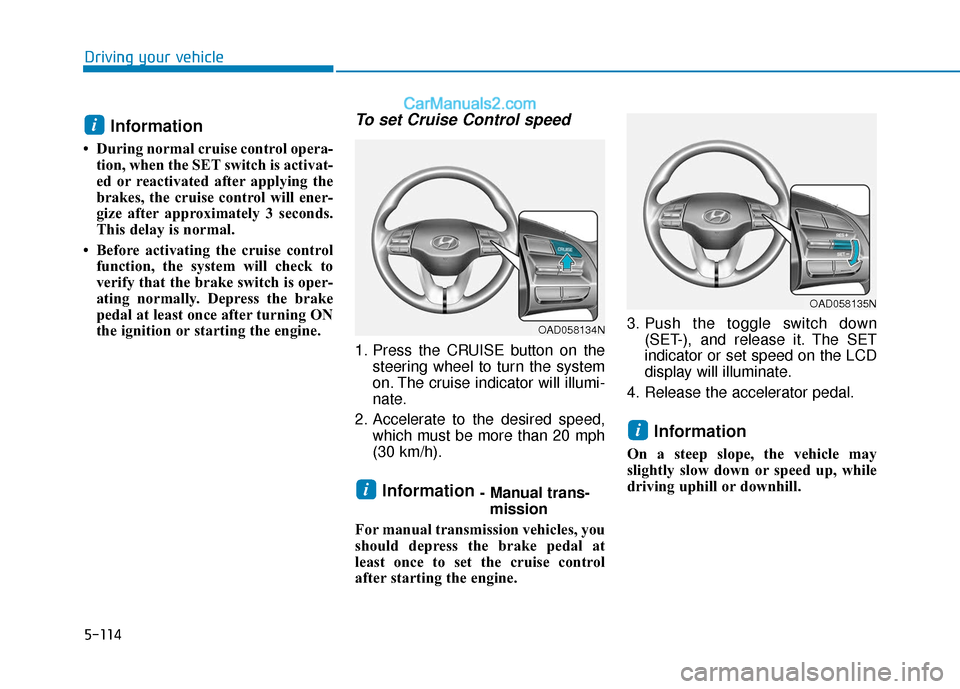
1. Press the CRUISE button on the steering wheel to turn the system
on. The cruise indicator will illumi-
nate.
2. Accelerate to the desired speed, which must be more than 20 mph
(30 km/h).
Information - Manual trans-mission
For manual transmission vehicles, you
should depress the brake pedal at
least once to set the cruise control
after starting the engine. 3. Push the toggle switch down
(SET-), and release it. The SET
indicator or set speed on the LCD
display will illuminate.
4. Release the accelerator pedal.
Information
On a steep slope, the vehicle may
slightly slow down or speed up, while
driving uphill or downhill.
i
i
i
OAD058135N
OAD058134N
Page 359 of 535
5-123
Driving your vehicle
5
The driver starts driving by pushingthe toggle switch up (RES+)/down
(SET-) or depressing the accelera-
tor pedal, after stopping the vehicle
with a vehicle stopped far away in
front.
The Forward Collision-Avoidance Assist (FCA) is activated.
The engine is stopped by ISG (Idle Stop and Go) system (if equipped).
Each of these actions will cancel the
Smart Cruise Control operation. The
Set Speed and Vehicle-to-Vehicle
Distance on the cluster LCD display
will go off.
In a condition the Smart Cruise
Control is cancelled automatically,
the Smart Cruise Control will not
resume even though the RES+ or
SET- toggle switch is pushed.
Also, if the Smart Cruise Control is
canceled automatically while the
vehicle is at a standstill, EPB
(Electronic Parking Brake) will be
applied.Information
If the Smart Cruise Control is can-
celed during a situation that is not
described, have the system checked by
an authorized HYUNDAI dealer.
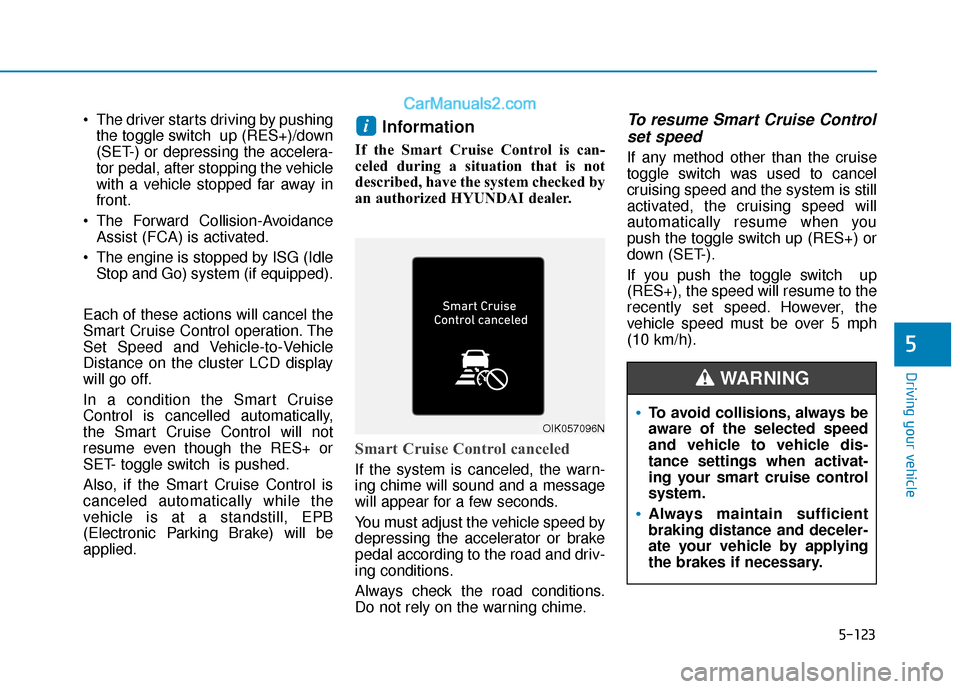
Smart Cruise Control canceled
If the system is canceled, the warn-
ing chime will sound and a message
will appear for a few seconds.
You must adjust the vehicle speed by
depressing the accelerator or brake
pedal according to the road and driv-
ing conditions.
Always check the road conditions.
Do not rely on the warning chime.
To resume Smart Cruise Control set speed
If any method other than the cruise
toggle switch was used to cancel
cruising speed and the system is still
activated, the cruising speed will
automatically resume when you
push the toggle switch up (RES+) or
down (SET-).
If you push the toggle switch up
(RES+), the speed will resume to the
recently set speed. However, the
vehicle speed must be over 5 mph
(10 km/h).
i
OIK057096NTo avoid collisions, always be
aware of the selected speed
and vehicle to vehicle dis-
tance settings when activat-
ing your smart cruise control
system.
Always maintain sufficient
braking distance and deceler-
ate your vehicle by applying
the brakes if necessary.
WARNING