light HYUNDAI ELANTRA GT 2020 Workshop Manual
[x] Cancel search | Manufacturer: HYUNDAI, Model Year: 2020, Model line: ELANTRA GT, Model: HYUNDAI ELANTRA GT 2020Pages: 495, PDF Size: 15.22 MB
Page 151 of 495
3-66
Convenient features of your vehicle
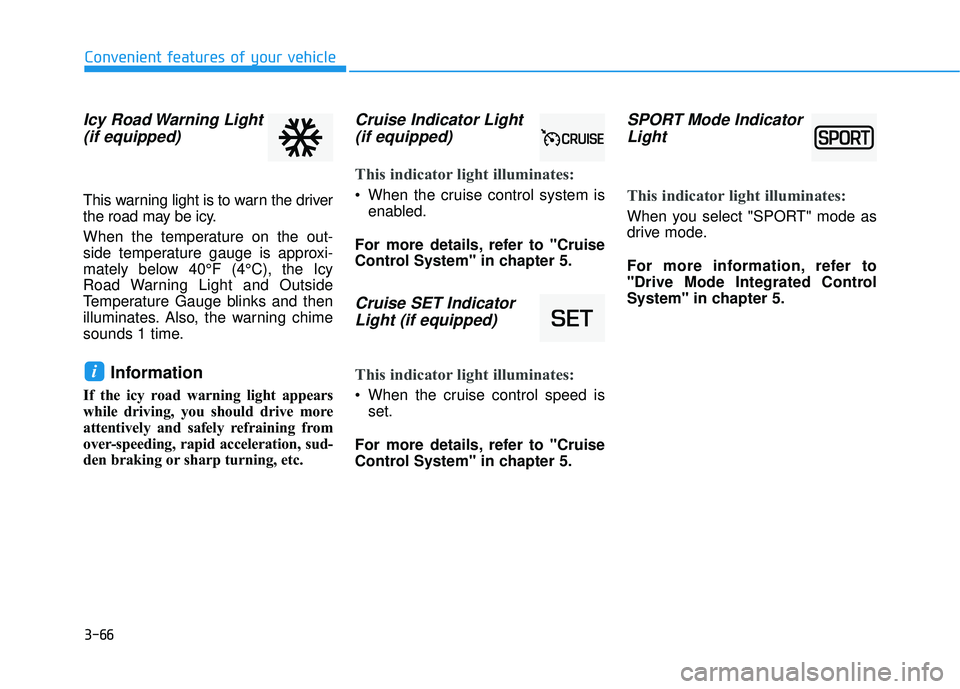
Icy Road Warning Light(if equipped)
This warning light is to warn the driver
the road may be icy.
When the temperature on the out-
side temperature gauge is approxi-
mately below 40°F (4°C), the Icy
Road Warning Light and Outside
Temperature Gauge blinks and then
illuminates. Also, the warning chime
sounds 1 time.
Information
If the icy road warning light appears
while driving, you should drive more
attentively and safely refraining from
over-speeding, rapid acceleration, sud-
den braking or sharp turning, etc.
Cruise Indicator Light (if equipped)
This indicator light illuminates:
When the cruise control system is
enabled.
For more details, refer to "Cruise
Control System" in chapter 5.
Cruise SET Indicator Light (if equipped)
This indicator light illuminates:
When the cruise control speed is
set.
For more details, refer to "Cruise
Control System" in chapter 5.
SPORT Mode Indicator Light
This indicator light illuminates:
When you select "SPORT" mode as
drive mode.
For more information, refer to
"Drive Mode Integrated Control
System" in chapter 5.
i
Page 152 of 495
3-67
Convenient features of your vehicle
3
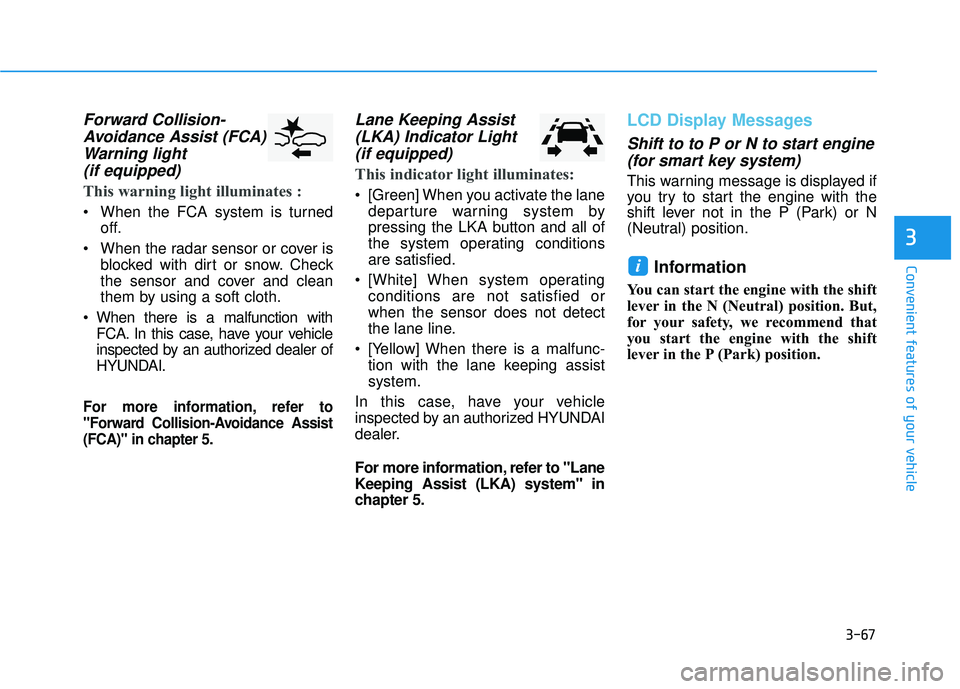
Forward Collision-Avoidance Assist (FCA)Warning light (if equipped)
This warning light illuminates :
When the FCA system is turned
off.
When the radar sensor or cover is blocked with dirt or snow. Check
the sensor and cover and clean
them by using a soft cloth.
When there is a malfunction with FCA. In this case, have your vehicle
inspected by an authorized dealer of
HYUNDAI.
For more information, refer to
"Forward Collision-Avoidance Assist
(FCA)" in chapter 5.
Lane Keeping Assist(LKA) Indicator Light (if equipped)
This indicator light illuminates:
[Green] When you activate the lane
departure warning system by
pressing the LKA button and all of
the system operating conditions
are satisfied.
[White] When system operating conditions are not satisfied or
when the sensor does not detect
the lane line.
[Yellow] When there is a malfunc- tion with the lane keeping assist
system.
In this case, have your vehicle
inspected by an authorized HYUNDAI
dealer.
For more information, refer to "Lane
Keeping Assist (LKA) system" in
chapter 5.
LCD Display Messages
Shift to to P or N to start engine (for smart key system)
This warning message is displayed if
you try to start the engine with the
shift lever not in the P (Park) or N
(Neutral) position.
Information
You can start the engine with the shift
lever in the N (Neutral) position. But,
for your safety, we recommend that
you start the engine with the shift
lever in the P (Park) position.
i
Page 154 of 495
3-69
Convenient features of your vehicle
3
Press START button with key(for smart key system)
This warning message is displayed if
you press the Engine Start/Stop but-
ton while the warning message "Key
not detected" is displayed.
At this time, the immobilizer indicator
light blinks.
Check BRAKE SWITCH fuse (for smart key system)
This warning message is displayed if
the brake switch fuse is disconnected.
You need to replace the fuse with a
new one before starting the engine.
If that is not possible, you can start the
engine by pressing the Engine
Start/Stop button for 10 seconds in the
ACC position.
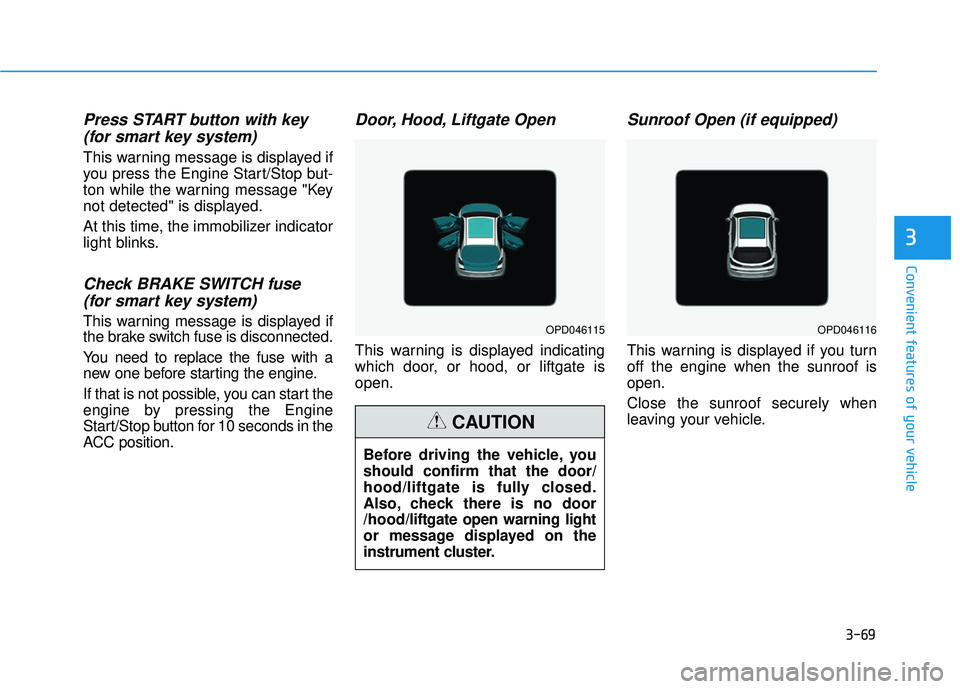
Door, Hood, Liftgate Open
This warning is displayed indicating
which door, or hood, or liftgate is
open.
Sunroof Open (if equipped)
This warning is displayed if you turn
off the engine when the sunroof is
open.
Close the sunroof securely when
leaving your vehicle.
OPD046115OPD046116
Before driving the vehicle, you
should confirm that the door/
hood/liftgate is fully closed.
Also, check there is no door
/hood/liftgate open warning light
or message displayed on the
instrument cluster.
CAUTION
Page 155 of 495
3-70
Convenient features of your vehicle
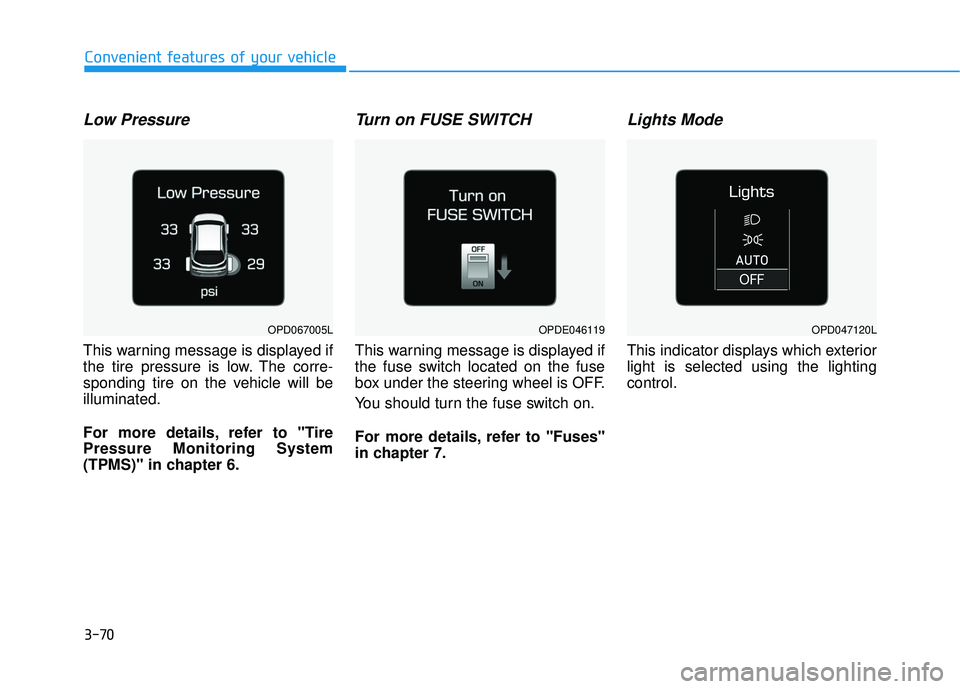
Low Pressure
This warning message is displayed if
the tire pressure is low. The corre-
sponding tire on the vehicle will be
illuminated.
For more details, refer to "Tire
Pressure Monitoring System
(TPMS)" in chapter 6.
Turn on FUSE SWITCH
This warning message is displayed if
the fuse switch located on the fuse
box under the steering wheel is OFF.
You should turn the fuse switch on.
For more details, refer to "Fuses"
in chapter 7.
Lights Mode
This indicator displays which exterior
light is selected using the lighting
control.
OPDE046119OPD047120LOPD067005L
Page 156 of 495
3-71
Convenient features of your vehicle
3
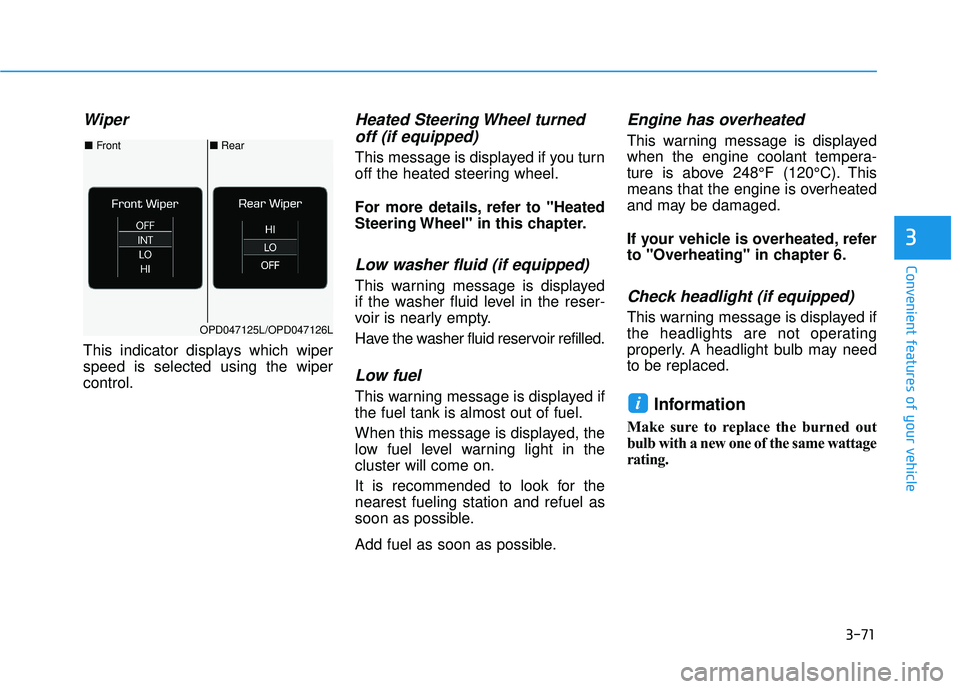
Wiper
This indicator displays which wiper
speed is selected using the wiper
control.
Heated Steering Wheel turnedoff (if equipped)
This message is displayed if you turn
off the heated steering wheel.
For more details, refer to "Heated
Steering Wheel" in this chapter.
Low washer fluid (if equipped)
This warning message is displayed
if the washer fluid level in the reser-
voir is nearly empty.
Have the washer fluid reservoir refilled.
Low fuel
This warning message is displayed if
the fuel tank is almost out of fuel.
When this message is displayed, the
low fuel level warning light in the
cluster will come on.
It is recommended to look for the
nearest fueling station and refuel as
soon as possible.
Add fuel as soon as possible.
Engine has overheated
This warning message is displayed
when the engine coolant tempera-
ture is above 248°F (120°C). This
means that the engine is overheated
and may be damaged.
If your vehicle is overheated, refer
to "Overheating" in chapter 6.
Check headlight (if equipped)
This warning message is displayed if
the headlights are not operating
properly. A headlight bulb may need
to be replaced.
Information
Make sure to replace the burned out
bulb with a new one of the same wattage
rating.
i
■ Rear
■ Front
OPD047125L/OPD047126L
Page 162 of 495
3-77
Convenient features of your vehicle
3
Warning mode
If one of followings occurs, warning
messages will be displayed on the
LCD display for several seconds.
- LED headlamp malfunction (if equipped)
- Blind-spot Collision Warning (BCW) system malfunction (if
equipped)
- Forward Collision-Avoidance Assist (FCA) malfunction
- Smart cruise control malfunction
User settings mode
In this mode, you can change the
settings of the instrument cluster,
doors, lamps, etc.
1. Driver Assistance
2. Door
3. Lights
4. Sound
5. Convenience
6. Service Interval
7. Other
8. Reset
The information provided may differ
depending on which functions are
applicable to your vehicle. 1. Driver Assistance
system
To adjust the sensitivity of the Lane
Keeping Assist system.
- Lane Departure Warning/
Standard LKA/Active LKA
For more information, refer to the
"Lane Keeping Assist (LKA) sys-
tem" in chapter 5.
To adjust the sensitivity of the Driver
Attention Warning (DAW). - Off/Normal/Early
For more information, refer to the
"Driver Attention Warning (DAW)"
in chapter 5.
To adjust the sensitivity of the Smart
Cruise Control system.
- Slow/Normal/Fast
For more information, refer to the
"Smart Cruise Control" in chapter
5.
Page 164 of 495
3-79
Convenient features of your vehicle
3
3. Lights
One Touch Turn Signal
- Off: The one touch turn signal func-tion will be deactivated.
- 3, 5, 7 Flashes: The turn signal indicator will blink 3, 5, or 7 times
when the turn signal lever is moved
slightly.
For more information, refer to
"Lighting" in this chapter.
Head Lamp Delay
To activate or deactivate the head-
light delay function.
For more information, refer to
"Lighting" in this chapter
4. Sound
Blind-spot Collision Warning Sound
To activate or deactivate the Blind-
spot Collision Warning sound.
For more information, refer to
"Blind-spot Collision Warning" in
chapter 5. Welcome Sound
To activate or deactivate the wel-
come sound function.
5. Convenience
Wireless Charging System
To activate or deactivate the wireless
charging system in the front seat.
For more information, refer to
"Wireless Charging System" in
this chapter.
Wiper/Lights Display
To activate or deactivate the Wiper/
Light mode.
When activated, the LCD display
shows the selected Wiper/Light
mode whenever you change the
mode.
Auto Rear Wiper (reverse)
To activate or deactivate the rear
wiper while the vehicle is in reverse
with the front wiper ON.
Gear Position Pop-up
To activate or deactivate the gear
position pop-up.
When activated, the gear position
will be displayed on the LCD display.
(if equipped with automatic transmis-
sion/dual clutch transmission)
6. Service
Service Interval
To activate or deactivate the service
interval function.
Adjust Interval
If the service interval menu is acti-
vated, you may adjust the time and
distance.
Information
To use the service interval menu, con-
sult an authorized HYUNDAI dealer.
i
Page 168 of 495
3-83
Convenient features of your vehicle
3
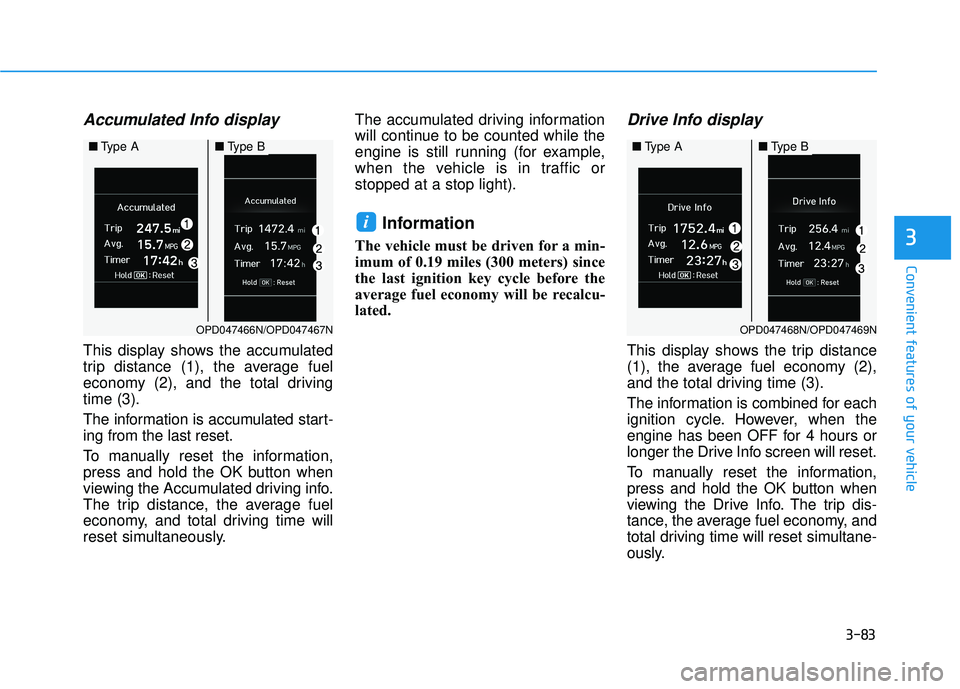
Accumulated Info display
This display shows the accumulated
trip distance (1), the average fuel
economy (2), and the total driving
time (3).
The information is accumulated start-
ing from the last reset.
To manually reset the information,
press and hold the OK button when
viewing the Accumulated driving info.
The trip distance, the average fuel
economy, and total driving time will
reset simultaneously.The accumulated driving information
will continue to be counted while the
engine is still running (for example,
when the vehicle is in traffic or
stopped at a stop light).
Information
The vehicle must be driven for a min-
imum of 0.19 miles (300 meters) since
the last ignition key cycle before the
average fuel economy will be recalcu-
lated.
Drive Info display
This display shows the trip distance
(1), the average fuel economy (2),
and the total driving time (3).
The information is combined for each
ignition cycle. However, when the
engine has been OFF for 4 hours or
longer the Drive Info screen will reset.
To manually reset the information,
press and hold the OK button when
viewing the Drive Info. The trip dis-
tance, the average fuel economy, and
total driving time will reset simultane-
ously.
i
OPD047468N/OPD047469N
■
Type A■Type B
OPD047466N/OPD047467N
■Type A■Type B
Page 169 of 495
3-84
Convenient features of your vehicle
The driving information will continue to
be counted while the engine is still run-
ning (for example, when the vehicle is
in traffic or stopped at a stop light).
Information
The vehicle must be driven for a mini-
mum of 0.19 miles (300 meters) since the
last ignition key cycle before the average
fuel economy will be recalculated.
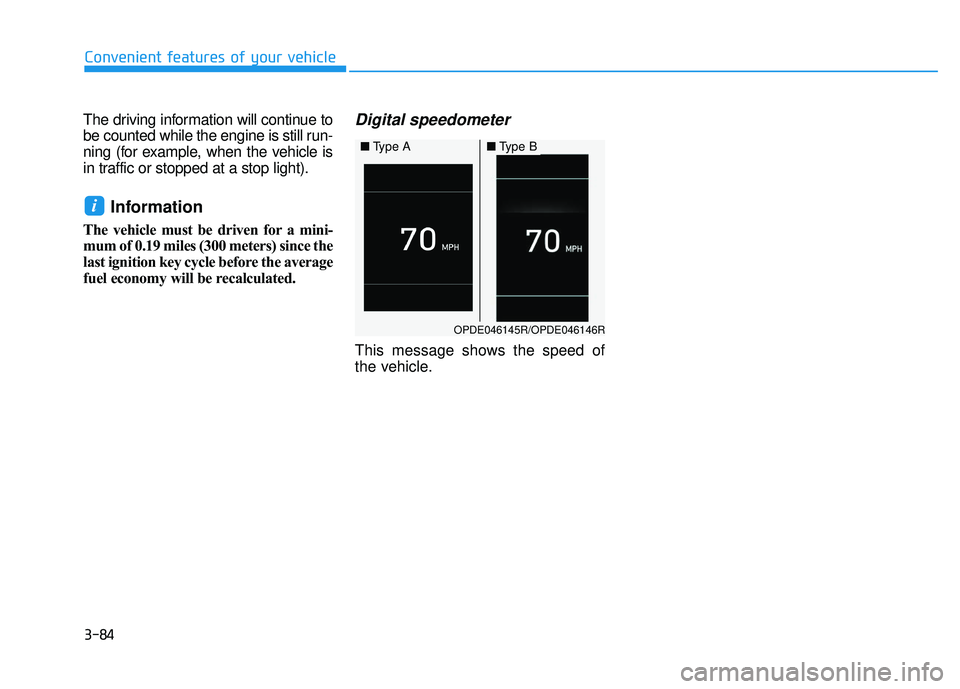
Digital speedometer
This message shows the speed of
the vehicle.
i
OPDE046145R/OPDE046146R
■ Type A■Type B
Page 170 of 495
3-85
Convenient features of your vehicle
3
L
LI
IG
G H
H T
TI
IN
N G
G
Exterior Lights
Lighting control
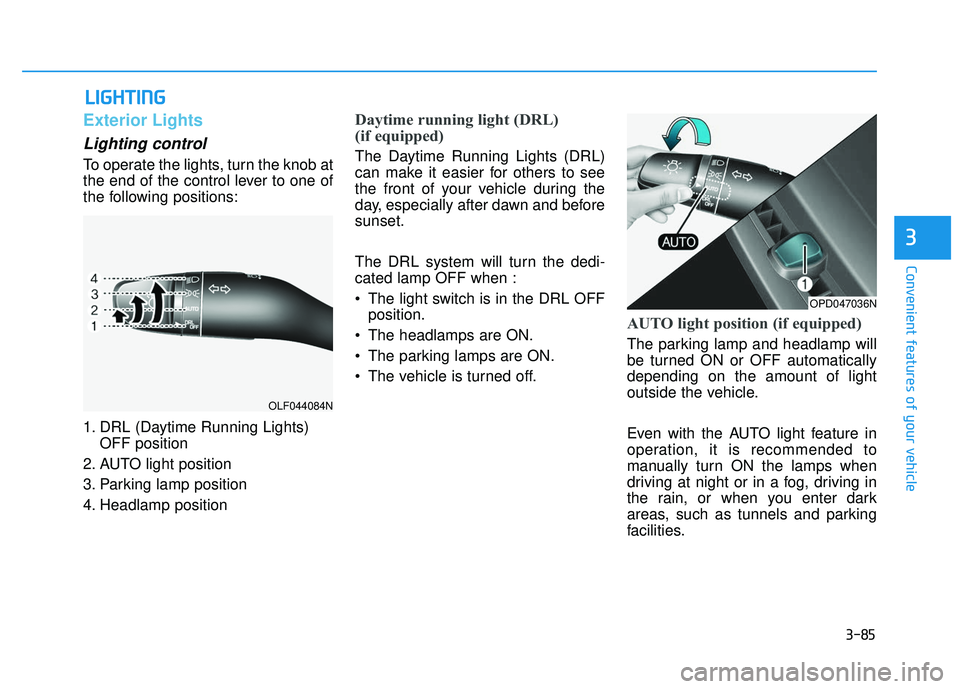
To operate the lights, turn the knob at
the end of the control lever to one of
the following positions:
1. DRL (Daytime Running Lights)
OFF position
2. AUTO light position
3. Parking lamp position
4. Headlamp position
Daytime running light (DRL)
(if equipped)
The Daytime Running Lights (DRL)
can make it easier for others to see
the front of your vehicle during the
day, especially after dawn and before
sunset.
The DRL system will turn the dedi-
cated lamp OFF when :
• The light switch is in the DRL OFF position.
The headlamps are ON.
The parking lamps are ON.
The vehicle is turned off.
AUTO light position (if equipped)
The parking lamp and headlamp will
be turned ON or OFF automatically
depending on the amount of light
outside the vehicle.
Even with the AUTO light feature in
operation, it is recommended to
manually turn ON the lamps when
driving at night or in a fog, driving in
the rain, or when you enter dark
areas, such as tunnels and parking
facilities.
OLF044084N
OPD047036N