lock HYUNDAI ELANTRA SEL 2021 Owners Manual
[x] Cancel search | Manufacturer: HYUNDAI, Model Year: 2021, Model line: ELANTRA SEL, Model: HYUNDAI ELANTRA SEL 2021Pages: 570, PDF Size: 52.21 MB
Page 337 of 570
Driver assistance system
7-24
• Your vehicle is being towed
• The surrounding is very bright
• The surrounding is very dark, such as
in a tunnel, etc.
• The brightness changes suddenly, for
example when entering or exiting a
tunnel
• The brightness outside is low, and the
headlamps are not on or are not bright
• Driving through steam, smoke or
shadow
• Only part of the vehicle, pedestrian or
cyclist is detected
• The vehicle in front is a bus, heavy
truck, truck with a unusually shaped
luggage, trailer, etc.
• The vehicle in front has no tail lights,
tail lights are located unusually, etc.
• The brightness outside is low, and the
tail lamps are not on or are not bright
• The rear of the front vehicle is small
or the vehicle does not look normal,
such as when the vehicle is tilted,
overturned, or the side of the vehicle
is visible, etc.
• The
fr
ont
v
ehicle’s
gr
ound
clear
ance
is low or high
• A v
ehicle, pedestrian or cyclist
suddenly cuts in front
• The bumper around the front radar is
impacted, damaged or the front radar
is out of position
• The temperature around the front
radar is high or low •
Driving through a tunnel or iron bridge
• Driving in large areas where there are
few vehicles or structures (i.e. desert,
meadow, suburb, etc.)
• Driving near areas containing metal
substances, such as a construction
zone, railroad, etc.
• A material is near that reflects very
well on the front radar, such as a
guardrail, nearby vehicle, etc.
• The cyclist in front is on a bicycle
made of material that does not reflect
on the front radar
• The vehicle in front is detected late
• The vehicle in front is suddenly
blocked by a obstacle
• The vehicle in front suddenly changes
lane or suddenly reduces speed
• The vehicle in front is bent out of
shape
• The
fr
ont
v
ehicle’s
speed is f
ast
or slow
• The v
ehicle in front steers in the
opposite direction of your vehicle to
avoid a collision
• With a vehicle in front, your vehicle
changes lane at low speed
• The vehicle in front is covered with
snow
• You are departing or returning to the
lane
• Unstable driving
• You are on a roundabout and the
vehicle in front is not detected
• You are continuously driving in a circle
• The vehicle in front has an unusual
shape
• The vehicle in front is driving uphill or
downhill
Page 354 of 570
07
7-41
Function malfunction and
limitations
Function malfunction
OTM070099N
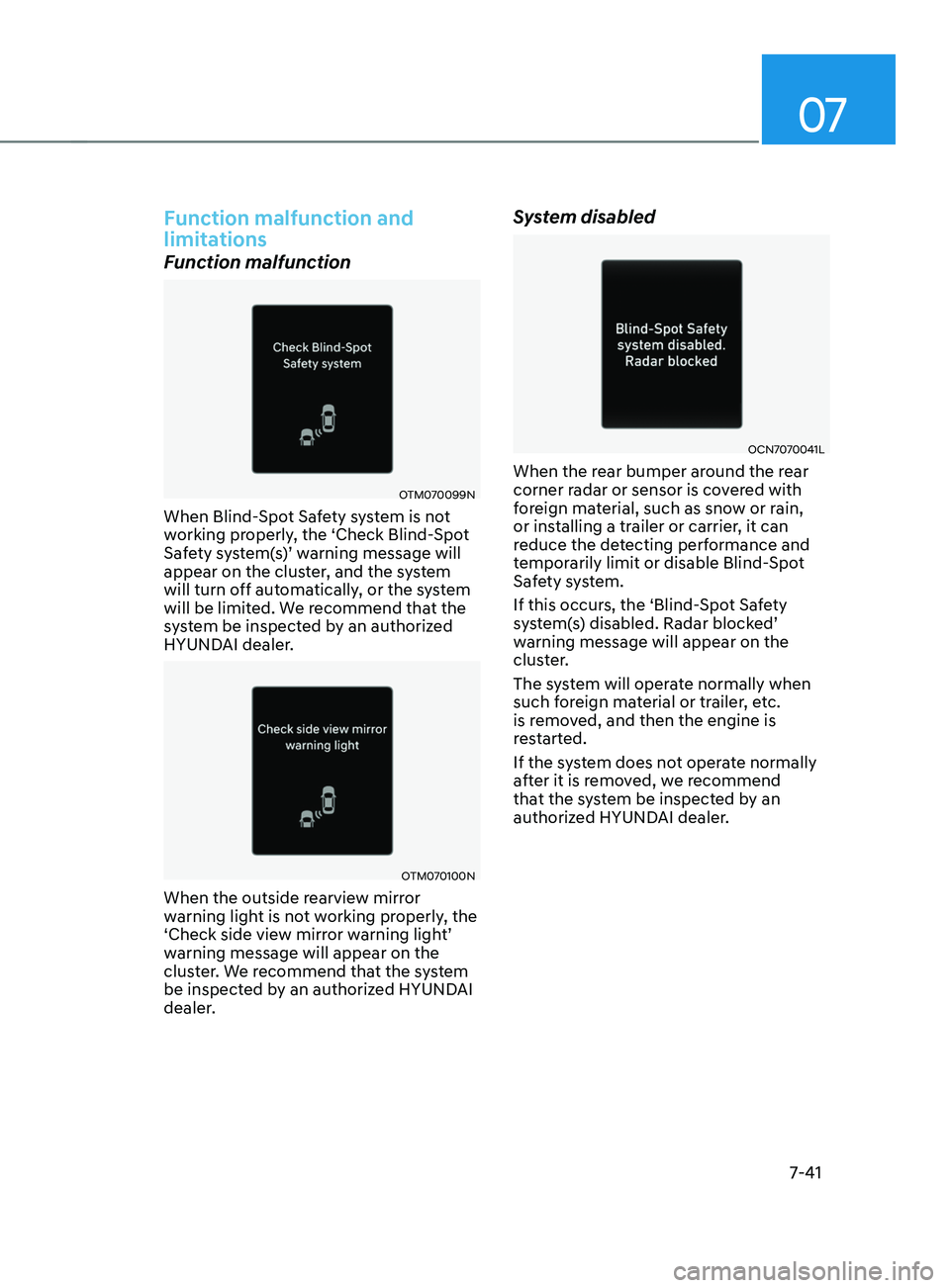
When Blind-Spot Safety system is not
working properly, the ‘Check Blind-Spot
Safety
s
ystem(s)’
w
arning
message will appear on the clust
er, and the system
will turn off automatically, or the system
will be limited. We recommend that the
system be inspected by an authorized
HYUNDAI dealer.
OTM070100N
When the outside rearview mirror
warning light is not working properly, the
‘Check
side vie
w
mirr
or
w
arning
ligh
t’
warning message will appear on the
clus
ter. We recommend that the system
be inspected by an authorized HYUNDAI
dealer.
System disabled
OCN7070041L
When the rear bumper around the rear
corner radar or sensor is covered with
foreign material, such as snow or rain,
or installing a trailer or carrier, it can
reduce the detecting performance and
temporarily limit or disable Blind-Spot
Safety system.
If this occurs, the ‘Blind-Spot Safety
system(s)
disabled. Radar block
ed’
warning message will appear on the
clus
ter.
The system will operate normally when
such foreign material or trailer, etc.
is removed, and then the engine is
restarted.
If the system does not operate normally
after it is removed, we recommend
that the system be inspected by an
authorized HYUNDAI dealer.
Page 355 of 570
Driver assistance system
7-42
WARNING
• Even though the warning message
does not appear on the cluster, Blind-
Spot Safety system may not properly
operate.
• Blind-Spot Safety system may not
properly operate in an area (e.g. open
terrain), where any substance are
not detected right after the engine
is turned on, or when the detecting
sensor is blocked with foreign
material right after the engine is
turned on.
CAUTION
Turn off Blind-Spot Safety system to
install a trailer, carrier, etc., or remove
the trailer, carrier, etc. to use Blind-Spot
Safety system.
Limitations of the function
Blind-Spot Safety system may not
operate normally, or the system may
operate unexpectedly under the
following circumstances:
• There is inclement weather, such as
heavy snow, heavy rain, etc.
• The rear corner radar is covered with
snow, rain, dirt, etc.
• The temperature around the rear
corner radar is high or low
• Driving on a highway (or motorway)
ramp
• The road pavement (or the peripheral
ground) abnormally contains metallic
components (i.e. possibly due to
subway construction) •
There is a fixed object near the
vehicle, such as sound barriers,
guardrails, central dividers, entry
barriers, street lamps, signs,
tunnels, walls, etc. (including double
structures)
• Driving in large areas where there are
few vehicles or structures (i.e. desert,
meadow, suburb, etc.)
• Driving through a narrow road where
trees or grass are overgrown
• Driving on a wet road surface, such as
a puddle on the road
• The other vehicle drives very close
behind your vehicle, or the other
vehicle passes by your vehicle in close
proximity
• The speed of the other vehicle is very
fast that it passes by your vehicle in a
short time
• Your vehicle passes by the other
vehicle
• Your vehicle changes lane
• Your vehicle has started at the same
time as the vehicle next to you and
has accelerated
• The vehicle in the next lane moves
two lanes away from you, or when the
vehicle two lanes away moves to the
next lane from you
• A trailer or carrier is installed around
the rear corner radar
• The bumper around the rear corner
radar is covered with objects, such as
a bumper sticker, bumper guard, bike
rack, etc.
• The bumper around the rear corner
radar is impacted, damaged or the
radar is out of position
• Your vehicle height is low or high
due to heavy loads, abnormal tire
pressure, etc.
Page 367 of 570
Driver assistance system
7-54
Function disabled
OTM070098N
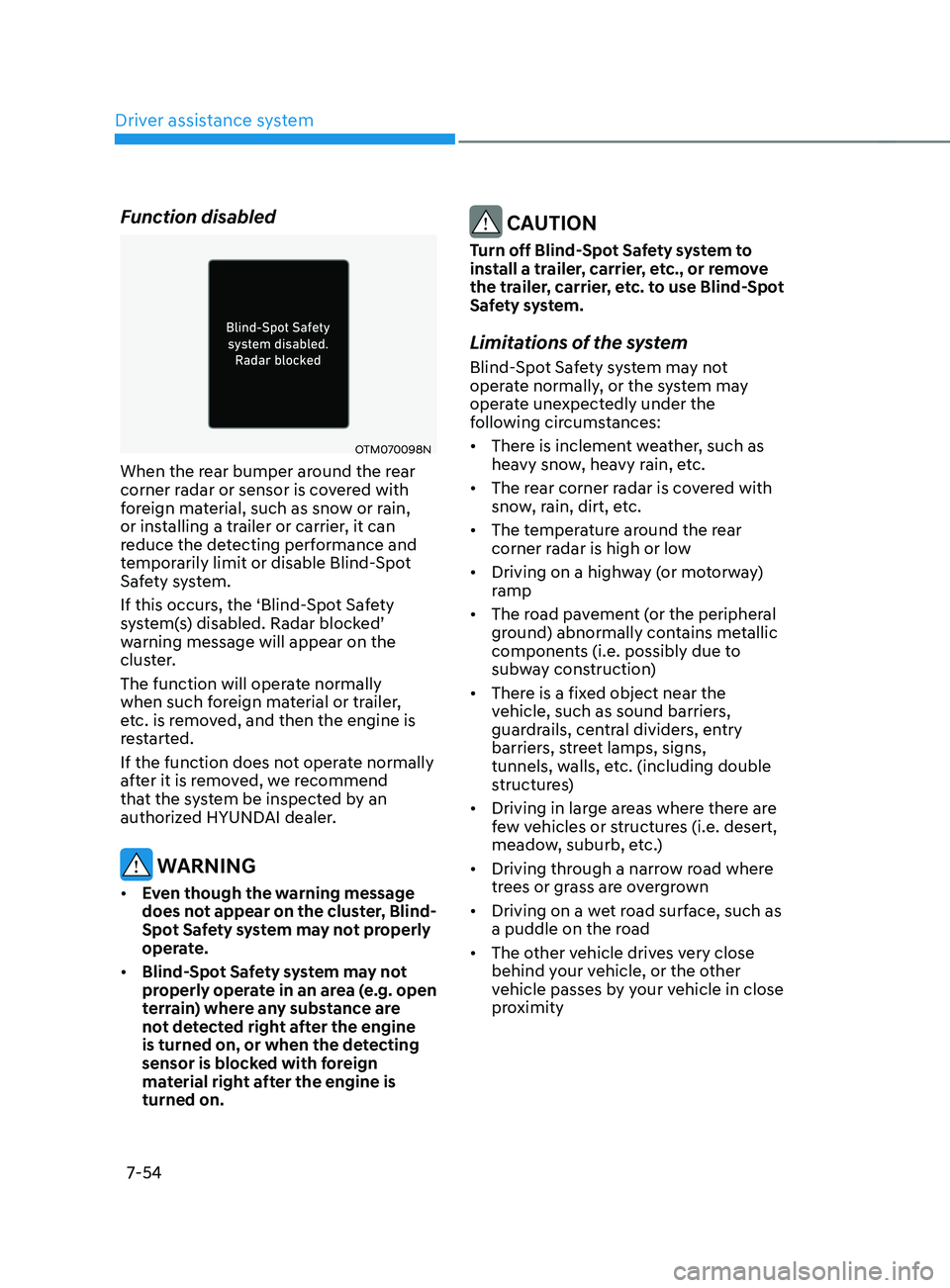
When the rear bumper around the rear
corner radar or sensor is covered with
foreign material, such as snow or rain,
or installing a trailer or carrier, it can
reduce the detecting performance and
temporarily limit or disable Blind-Spot
Safety system.
If this occurs, the ‘Blind-Spot Safety
system(s)
disabled. Radar block
ed’
warning message will appear on the
clus
ter.
The function will operate normally
when such foreign material or trailer,
etc. is removed, and then the engine is
restarted.
If the function does not operate normally
after it is removed, we recommend
that the system be inspected by an
authorized HYUNDAI dealer.
WARNING
• Even though the warning message
does not appear on the cluster, Blind-
Spot Safety system may not properly
operate.
• Blind-Spot Safety system may not
properly operate in an area (e.g. open
terrain) where any substance are
not detected right after the engine
is turned on, or when the detecting
sensor is blocked with foreign
material right after the engine is
turned on.
CAUTION
Turn off Blind-Spot Safety system to
install a trailer, carrier, etc., or remove
the trailer, carrier, etc. to use Blind-Spot
Safety system.
Limitations of the system
Blind-Spot Safety system may not
operate normally, or the system may
operate unexpectedly under the
following circumstances:
• There is inclement weather, such as
heavy snow, heavy rain, etc.
• The rear corner radar is covered with
snow, rain, dirt, etc.
• The temperature around the rear
corner radar is high or low
• Driving on a highway (or motorway)
ramp
• The road pavement (or the peripheral
ground) abnormally contains metallic
components (i.e. possibly due to
subway construction)
• There is a fixed object near the
vehicle, such as sound barriers,
guardrails, central dividers, entry
barriers, street lamps, signs,
tunnels, walls, etc. (including double
structures)
• Driving in large areas where there are
few vehicles or structures (i.e. desert,
meadow, suburb, etc.)
• Driving through a narrow road where
trees or grass are overgrown
• Driving on a wet road surface, such as
a puddle on the road
• The other vehicle drives very close
behind your vehicle, or the other
vehicle passes by your vehicle in close
proximity
Page 374 of 570
07
7-61
WARNING
Take the following precautions when
using Safe Exit Warning:
• For your safety, change the Settings
after parking the vehicle at a safe
location.
• If any other function’s warning
message is displayed or audible
warning is generated, Safe Exit
Warning warning message may not
be displayed and audible warning
may not be generated.
• You may not hear the warning
sound of Safe Exit Warning if the
surrounding is noisy.
• Safe Exit Warning does not operate
in all situations or cannot prevent all
collisions.
• Safe Exit Warning may warn the
driver late or may not warn the driver
depending on the road and driving
conditions. Always check vehicle
surroundings.
• The driver and passengers are
responsible for accidents that occurs
while exiting the vehicle. Always
check the surroundings before you
exit the vehicle.
• Never deliberately operate Safe
Exit Warning. Doing so may lead to
serious injury or death. •
Safe Exit Warning does not operate
if there is a problem with Blind-Spot
Safety system. The warning message
of Blind-Spot Safety system will
appear when:
-Blind-Spo
t Safety system sensor or
the sensor surrounding is polluted
or covered
- Blind-Spo
t Safety system fails to
warn passengers or falsely warn
passengers
Information
After the engine is turned off, Safe Exit
Warning operates approximately for 10
minutes, but turns off immediately if the
doors are locked.
Function malfunction and
limitations
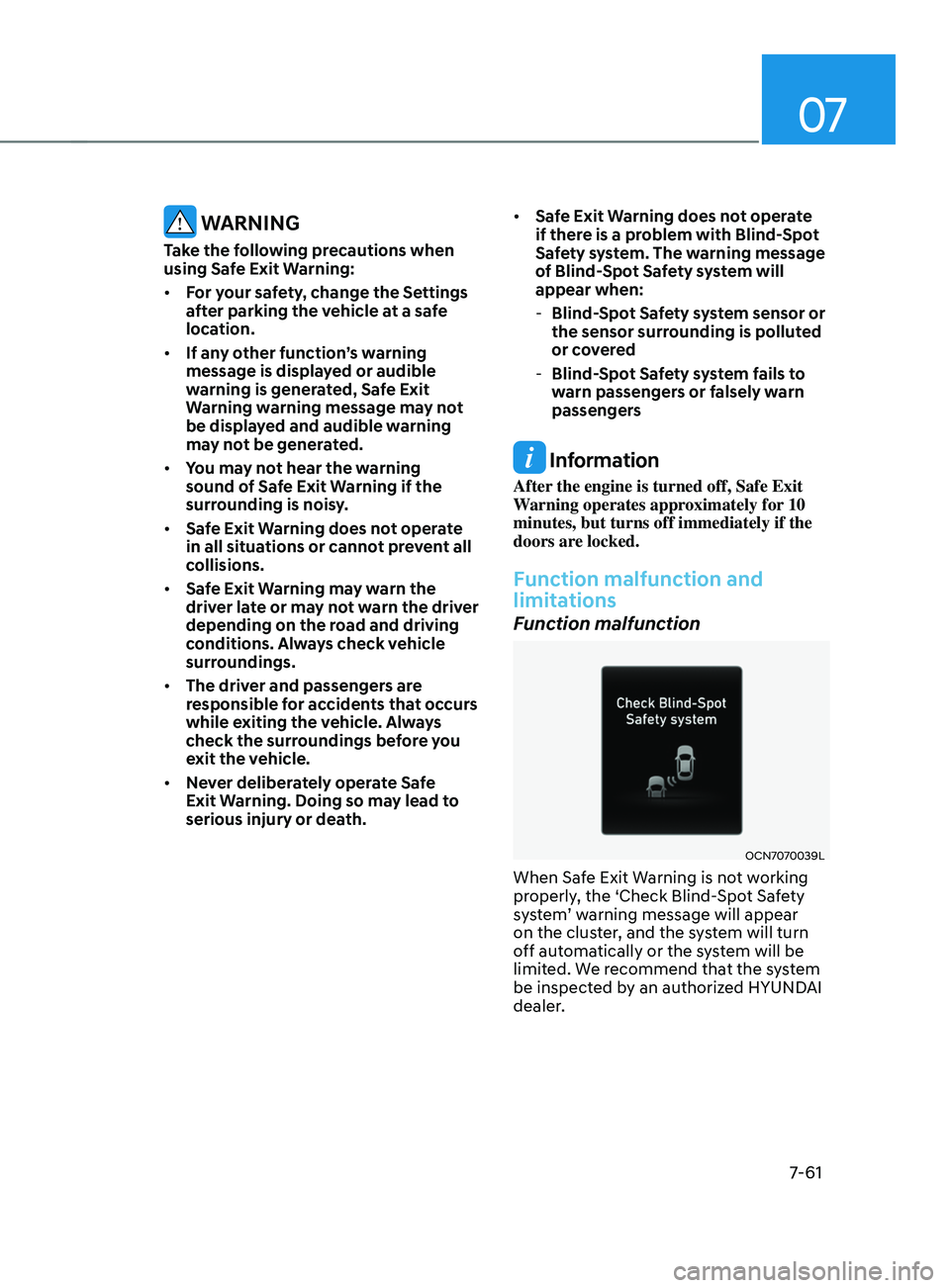
Function malfunction
OCN7070039L
When Safe Exit Warning is not working
properly, the ‘Check Blind-Spot Safety
system’
w
arning
message will appear on the clust
er, and the system will turn
off automatically or the system will be
limited. We recommend that the system
be inspected by an authorized HYUNDAI
dealer.
Page 375 of 570
Driver assistance system
7-62
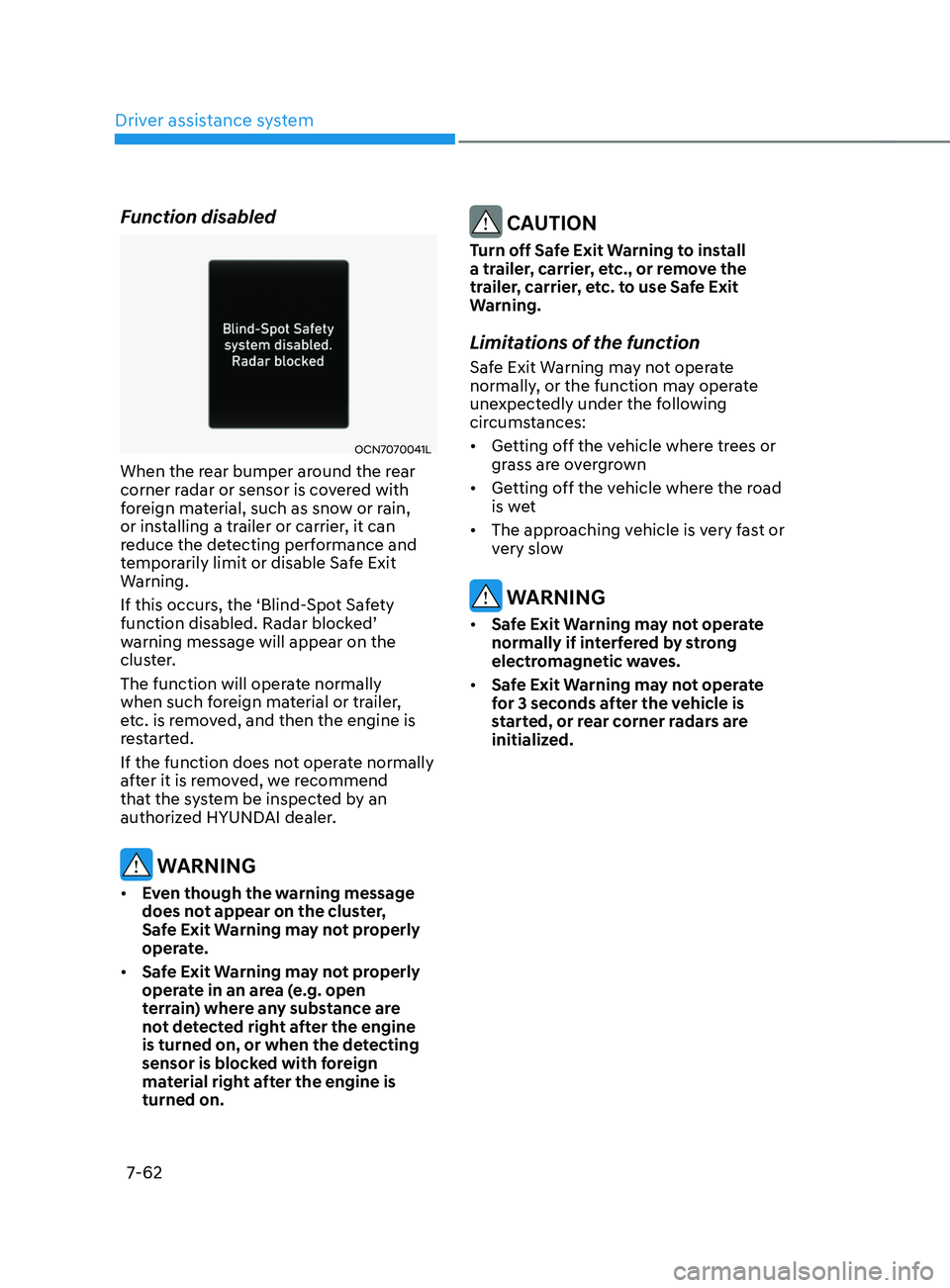
Function disabled
OCN7070041L
When the rear bumper around the rear
corner radar or sensor is covered with
foreign material, such as snow or rain,
or installing a trailer or carrier, it can
reduce the detecting performance and
temporarily limit or disable Safe Exit
Warning.
If this occurs, the ‘Blind-Spot Safety
function
disabled. Radar block
ed’
warning message will appear on the
clus
ter.
The function will operate normally
when such foreign material or trailer,
etc. is removed, and then the engine is
restarted.
If the function does not operate normally
after it is removed, we recommend
that the system be inspected by an
authorized HYUNDAI dealer.
WARNING
• Even though the warning message
does not appear on the cluster,
Safe Exit Warning may not properly
operate.
• Safe Exit Warning may not properly
operate in an area (e.g. open
terrain) where any substance are
not detected right after the engine
is turned on, or when the detecting
sensor is blocked with foreign
material right after the engine is
turned on.
CAUTION
Turn off Safe Exit Warning to install
a trailer, carrier, etc., or remove the
trailer, carrier, etc. to use Safe Exit
Warning.
Limitations of the function
Safe Exit Warning may not operate
normally, or the function may operate
unexpectedly under the following
circumstances:
• Getting off the vehicle where trees or
grass are overgrown
• Getting off the vehicle where the road
is wet
• The approaching vehicle is very fast or
very slow
WARNING
• Safe Exit Warning may not operate
normally if interfered by strong
electromagnetic waves.
• Safe Exit Warning may not operate
for 3 seconds after the vehicle is
started, or rear corner radars are
initialized.
Page 405 of 570
Driver assistance system
7-92
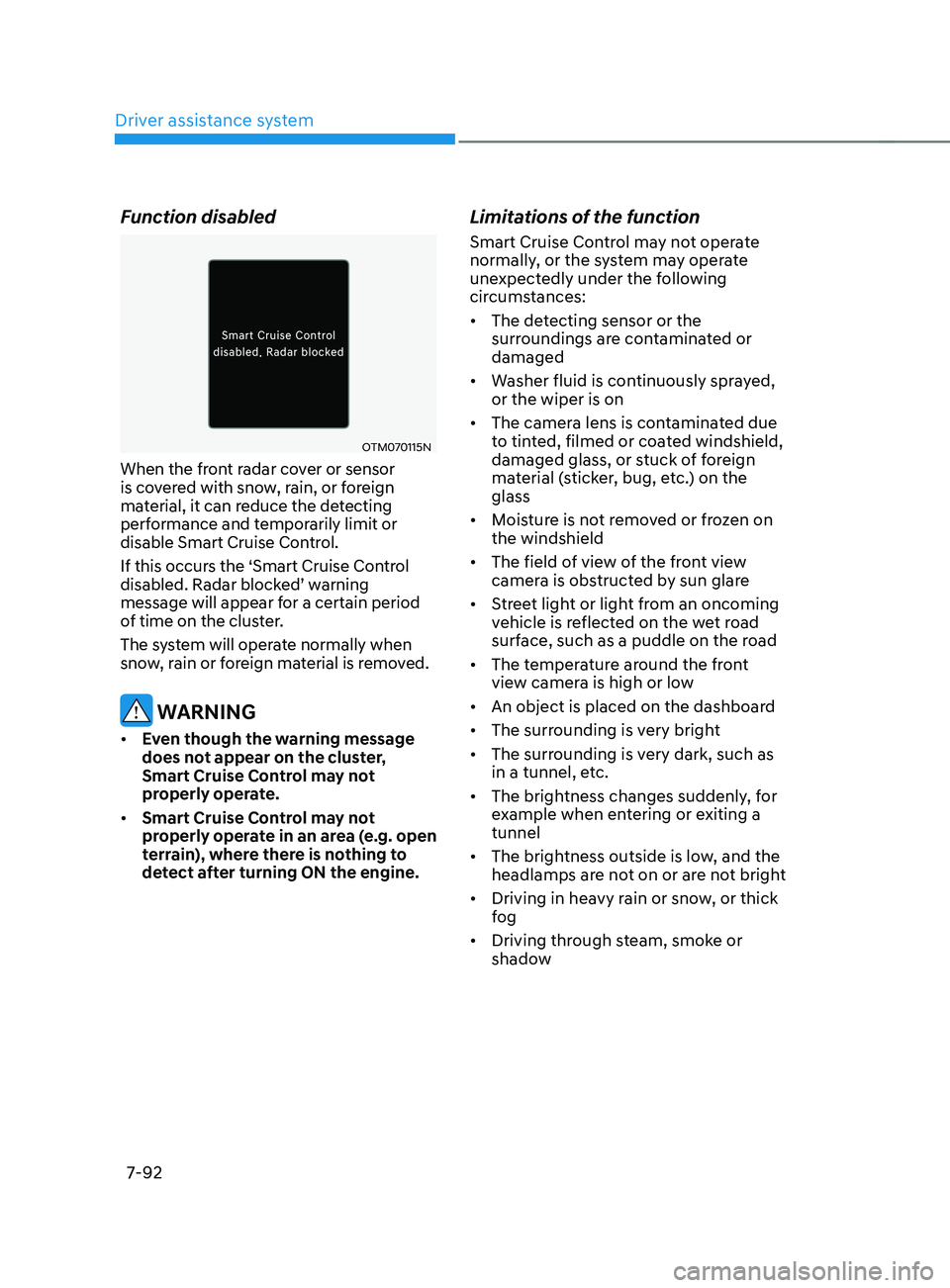
Function disabled
OTM070115N
When the front radar cover or sensor
is covered with snow, rain, or foreign
material, it can reduce the detecting
performance and temporarily limit or
disable Smart Cruise Control.
If this occurs the ‘Smart Cruise Control
disabled.
Radar block
ed’
w
arning
message will appear for a certain period
of time on the cluster.
The system will operate normally when
snow, rain or foreign material is removed.
WARNING
• Even though the warning message
does not appear on the cluster,
Smart Cruise Control may not
properly operate.
• Smart Cruise Control may not
properly operate in an area (e.g. open
terrain), where there is nothing to
detect after turning ON the engine.
Limitations of the function
Smart Cruise Control may not operate
normally, or the system may operate
unexpectedly under the following
circumstances:
• The detecting sensor or the
surroundings are contaminated or
damaged
• Washer fluid is continuously sprayed,
or the wiper is on
• The camera lens is contaminated due
to tinted, filmed or coated windshield,
damaged glass, or stuck of foreign
material (sticker, bug, etc.) on the
glass
• Moisture is not removed or frozen on
the windshield
• The field of view of the front view
camera is obstructed by sun glare
• Street light or light from an oncoming
vehicle is reflected on the wet road
surface, such as a puddle on the road
• The temperature around the front
view camera is high or low
• An object is placed on the dashboard
• The surrounding is very bright
• The surrounding is very dark, such as
in a tunnel, etc.
• The brightness changes suddenly, for
example when entering or exiting a
tunnel
• The brightness outside is low, and the
headlamps are not on or are not bright
• Driving in heavy rain or snow, or thick
fog
• Driving through steam, smoke or
shadow
Page 406 of 570
07
7-93
• Only part of the vehicle is detected
• The vehicle in front has no tail lights,
tail lights are located unusually, etc.
• The brightness outside is low, and the
tail lamps are not on or are not bright
• The rear of the front vehicle is small
or does not look normal (i.e. tilted,
overturned, etc.)
• The
fr
ont
v
ehicle’s
gr
ound
clear
ance
is low or high
• A v
ehicle suddenly cuts in front
• Your vehicle is being towed
• Driving through a tunnel or iron bridge
• Driving near areas containing metal
substances, such as a construction
zone, railroad, etc.
• A material is near that reflects very
well on the front radar, such as a
guardrail, nearby vehicle, etc.
• The bumper around the front radar is
impacted, damaged or the front radar
is out of position
• The temperature around the front
radar is high or low
• Driving in large areas where there are
few vehicles or structures (i.e. desert,
meadow, suburb, etc.)
• The vehicle in front is made of
material that does not reflect on the
front radar
• Driving near a highway (or motorway)
interchange or tollgate
• Driving on a slippery surface due to
snow, water puddle, ice, etc.
• Driving on a curved road
• The vehicle in front is detected late
• The vehicle in front is suddenly
blocked by a obstacle
• The vehicle in front suddenly changes
lane or suddenly reduces speed •
The vehicle in front is bent out of
shape
• The
fr
ont
v
ehicle’s
speed is f
ast
or slow
• With a v
ehicle in front, your vehicle
changes lane at low speed
• The vehicle in front is covered with
snow
• Unstable driving
• You are on a roundabout and the
vehicle in front is not detected
• You are continuously driving in a circle
• Driving in a parking lot
• Driving through a construction area,
unpaved road, partial paved road,
uneven road, speed bumps, etc.
• Driving on an incline road, curved
road, etc.
• Driving through a roadside with trees
or streetlights
• The adverse road conditions cause
excessive vehicle vibrations while
driving
• Your vehicle height is low or high
due to heavy loads, abnormal tire
pressure, etc.
• Driving through a narrow road where
trees or grass are overgrown
• There is interference by
electromagnetic waves, such as
driving in an area with strong radio
waves or electrical noise
Page 414 of 570
07
7-101
Limitations of the function
Navigation-based Smart Cruise Control
may not operate normally under the
following circumstances:
• The navigation is not working properly
• Speed limit and road information in
the navigation is not updated
• The map information and the actual
road is different because of real-time
GPS data or map information error
• The navigation searches for a route
while driving
• GPS signals are blocked in areas such
as a tunnel
• The navigation is updated while
driving
• Map information is not transmitted
due to infotainment system's
abnormal operation
• A road that divides into two or more
roads and joins again
• The driver goes off course the route
set in the navigation
• The route to the destination is
changed or canceled by resetting the
navigation •
The vehicle enters a service station or
rest area
• The speed limit of some sections
changes according to the road
situations
• Android Auto or Car Play is operating
• The navigation cannot detect the
current vehicle position (ex: elevated
roads including overpass adjacent to
general roads or nearby roads exist in
a parallel way)
• The navigation is being updated while
driving
• The navigation is being restarted while
driving
• There is bad weather, such as heavy
rain, heavy snow, etc.
• Driving on a road under construction
• Driving on a road that is controlled
• Driving on a road that is sharply
curved
• Driving on roads with intersections,
roundabouts, straight entrances and
exits, etc.
Page 427 of 570
Driver assistance system
7-114
• Highway Driving Assist may
inadvertently operate or turn off
depending on road conditions
(navigation information) and
surroundings.
• Lane Following Assist function may
be temporarily disabled when the
front view camera cannot detect
lanes properly or the hands-off
warning is on.
• You may not hear the warning sound
of Highway Driving Assist if the
surrounding is noisy.
• If the vehicle is driven at high speed
above a certain speed at a curve,
your vehicle may drive to one side or
may depart from the driving lane.
• When you are towing a trailer or
another vehicle, we recommend that
Highway Driving Assist is turned off
due to safety reasons.
• The hands–off warning message
may appear early or late depending
on how the steering wheel is held or
road conditions. Always have your
hands on the steering wheel while
driving.
• For your safety, please read the
owner's manual before using the
Highway Driving Assist.
• Highway Driving Assist will not
operate when the engine is started,
or when the detecting sensors or
navigation is being initialized.Limitations of the function
Highway Driving Assist may not operate
normally, or may not operate under the
following circumstances:
• The map information and the
actual road is different because the
navigation is not updated
• The map information and the actual
road is different because of real-time
GPS data or map information error
• The infotainment system is overloaded
by simultaneously performing
functions such as route search, video
playback, voice recognition, etc.
• GPS signals are blocked in areas such
as a tunnel
• The driver goes off course or the
route to the destination is changed or
canceled by resetting the navigation
• The vehicle enters a service station or
rest area
• Android Auto or Car Play is operating
• The navigation cannot detect the
current vehicle position (ex: elevated
roads including overpass adjacent to
general roads or nearby roads exist in
a parallel way)
• White single dotted lane line or road
edge cannot be detected
• The road is temporarily controlled due
to construction, etc.
• There is no structure, such as a
medium strip, guardrails, etc., on the
road
• There is a changeable lane in the
direction of lane change
For more details on the limitations of
the front view camera, front radar, front
corner radar and rear corner radar, refer
to “Forward Collision-Avoidance Assist
(FCA)” section in chapter 7.