warning light HYUNDAI ELANTRA SEL 2021 Owners Manual
[x] Cancel search | Manufacturer: HYUNDAI, Model Year: 2021, Model line: ELANTRA SEL, Model: HYUNDAI ELANTRA SEL 2021Pages: 570, PDF Size: 52.21 MB
Page 404 of 570
07
7-91
• When you are towing a trailer or
another vehicle, we recommend that
Smart Cruise Control is turned off
due to safety reasons.
• Turn off Smart Cruise Control when
your vehicle is being towed.
• Smart Cruise Control may not
operate normally if interfered by
strong electromagnetic waves.
• Smart Cruise Control may not
detect an obstacle in front and lead
to a collision. Always look ahead
cautiously to prevent unexpected
and sudden situations from
occurring.
• Vehicles moving in front of you with
a frequent lane change may cause
a delay in the system's reaction or
may cause the system to react to a
vehicle actually in an adjacent lane.
Always drive cautiously to prevent
unexpected and sudden situations
from occurring.
• Always be aware of the surroundings
and drive safely, even though a
warning message does not appear or
an audible warning does not sound.
• If any other system’s warning
message is displayed or warning
sound is generated, Smart Cruise
Control warning message may not
be displayed and warning sound may
not be generated.
• You may not hear the warning sound
of Forward Collision-Avoidance
Assist if the surrounding is noisy.
• The vehicle manufacturer is not
responsible for any traffic violation
or accidents caused by the driver.
• Always set the vehicle speed to the
speed limit in your country. Information
• Smart Cruise Control may not operate
for 15 seconds after the vehicle is
started or the front view camera or
front radar is initialized.
• You may hear a sound when the brake
is controlled by Smart Cruise Control.
Function malfunction and
limitations
Function malfunction
OCN7070056L
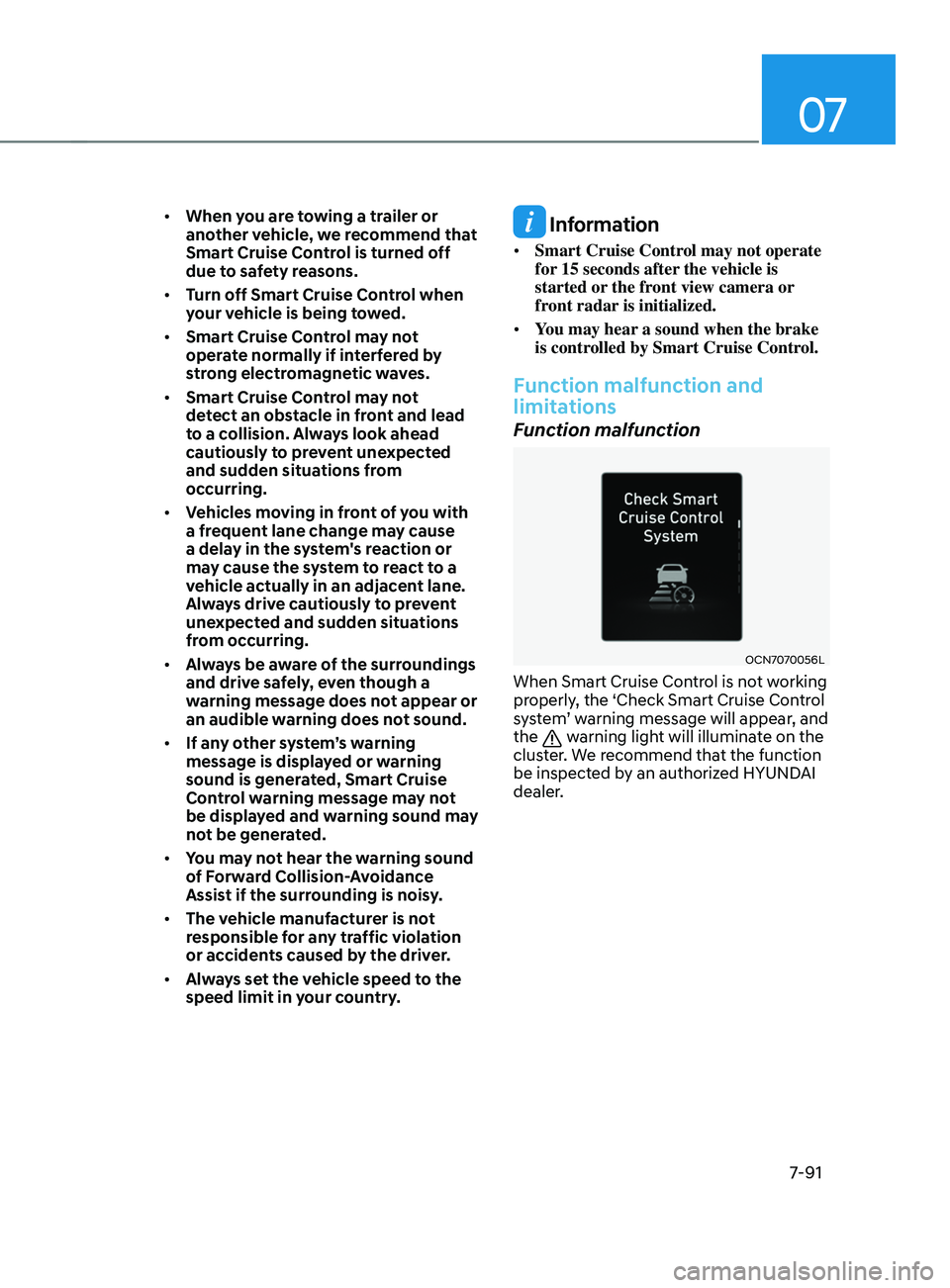
When Smart Cruise Control is not working
properly, the ‘Check Smart Cruise Control
system’ warning message will appear, and
the
warning light will illuminate on the
cluster. We recommend that the function
be inspected by an authorized HYUNDAI
dealer.
Page 405 of 570
Driver assistance system
7-92
Function disabled
OTM070115N
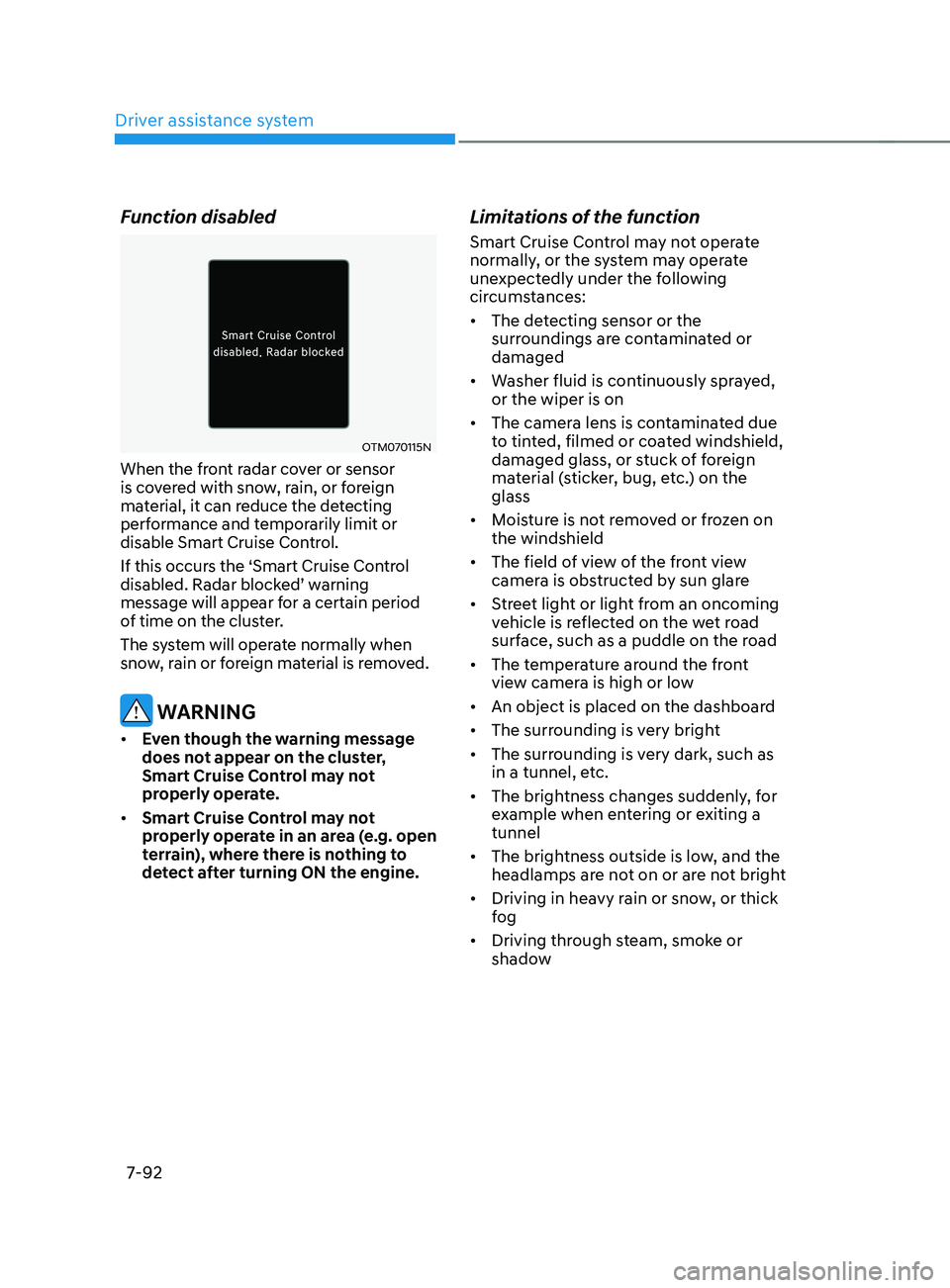
When the front radar cover or sensor
is covered with snow, rain, or foreign
material, it can reduce the detecting
performance and temporarily limit or
disable Smart Cruise Control.
If this occurs the ‘Smart Cruise Control
disabled.
Radar block
ed’
w
arning
message will appear for a certain period
of time on the cluster.
The system will operate normally when
snow, rain or foreign material is removed.
WARNING
• Even though the warning message
does not appear on the cluster,
Smart Cruise Control may not
properly operate.
• Smart Cruise Control may not
properly operate in an area (e.g. open
terrain), where there is nothing to
detect after turning ON the engine.
Limitations of the function
Smart Cruise Control may not operate
normally, or the system may operate
unexpectedly under the following
circumstances:
• The detecting sensor or the
surroundings are contaminated or
damaged
• Washer fluid is continuously sprayed,
or the wiper is on
• The camera lens is contaminated due
to tinted, filmed or coated windshield,
damaged glass, or stuck of foreign
material (sticker, bug, etc.) on the
glass
• Moisture is not removed or frozen on
the windshield
• The field of view of the front view
camera is obstructed by sun glare
• Street light or light from an oncoming
vehicle is reflected on the wet road
surface, such as a puddle on the road
• The temperature around the front
view camera is high or low
• An object is placed on the dashboard
• The surrounding is very bright
• The surrounding is very dark, such as
in a tunnel, etc.
• The brightness changes suddenly, for
example when entering or exiting a
tunnel
• The brightness outside is low, and the
headlamps are not on or are not bright
• Driving in heavy rain or snow, or thick
fog
• Driving through steam, smoke or
shadow
Page 419 of 570
Driver assistance system
7-106
OTM070141N
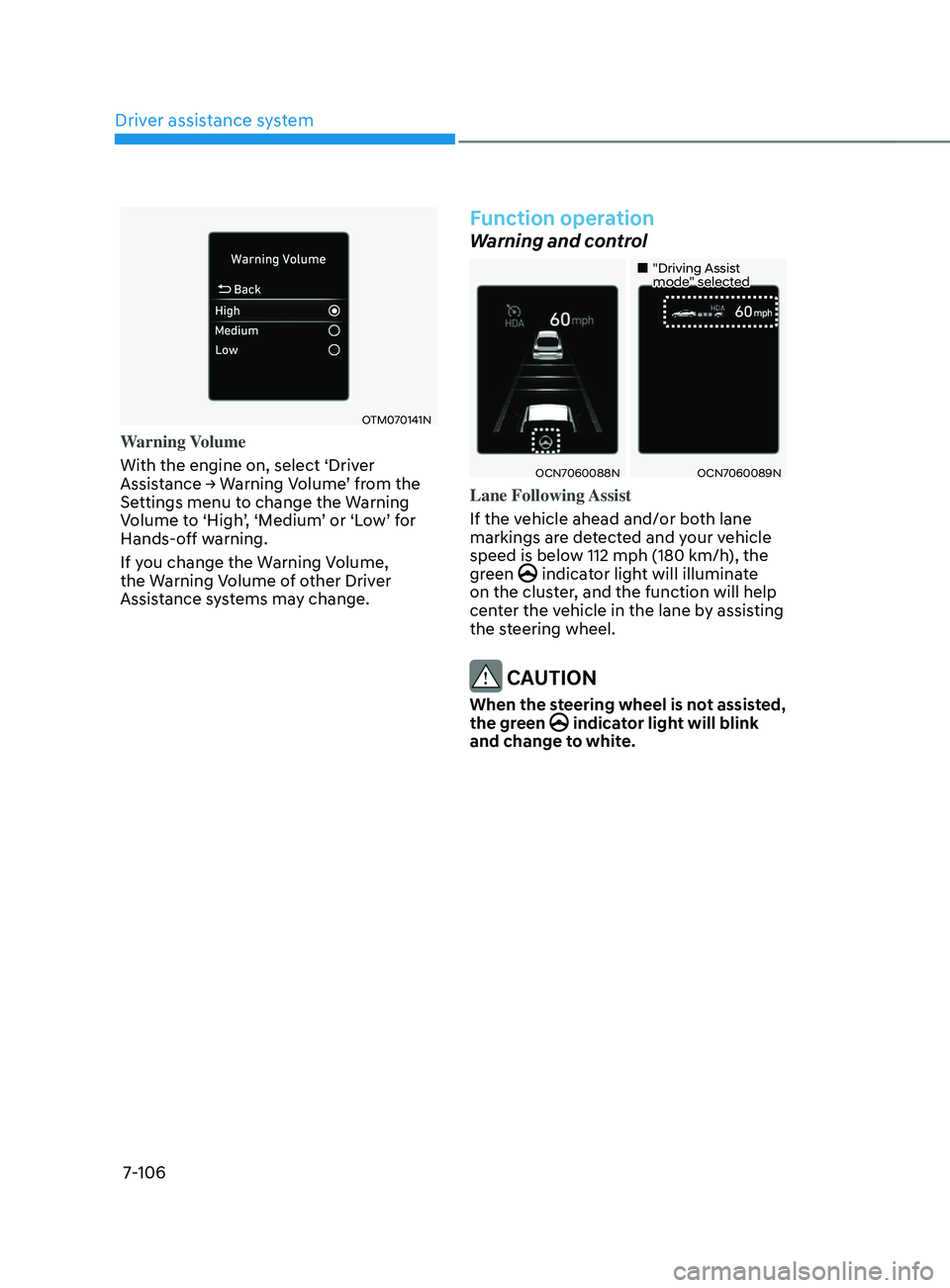
Warning Volume
With the engine on, select ‘Driver
Assistance
→ W
arning
V
olume’
fr
om
the Settings menu t
o change the Warning
Volume
t
o
‘High
’,
‘M
edium’
or ‘L
ow’
f
or
Hands-o
ff warning.
If you change the Warning Volume,
the Warning Volume of other Driver
Assistance systems may change.
Function operation
Warning and control
„„"Driving Assist mode" selected
OCN7060088NOCN7060089N
Lane Following Assist
If the vehicle ahead and/or both lane
markings are detected and your vehicle
speed is below 112 mph (180 km/h), the
green
indicator light will illuminate
on the cluster, and the function will help
center the vehicle in the lane by assisting
the steering wheel.
CAUTION
When the steering wheel is not assisted,
the green indicator light will blink
and change to white.
Page 420 of 570
07
7-107
OCN7070035L
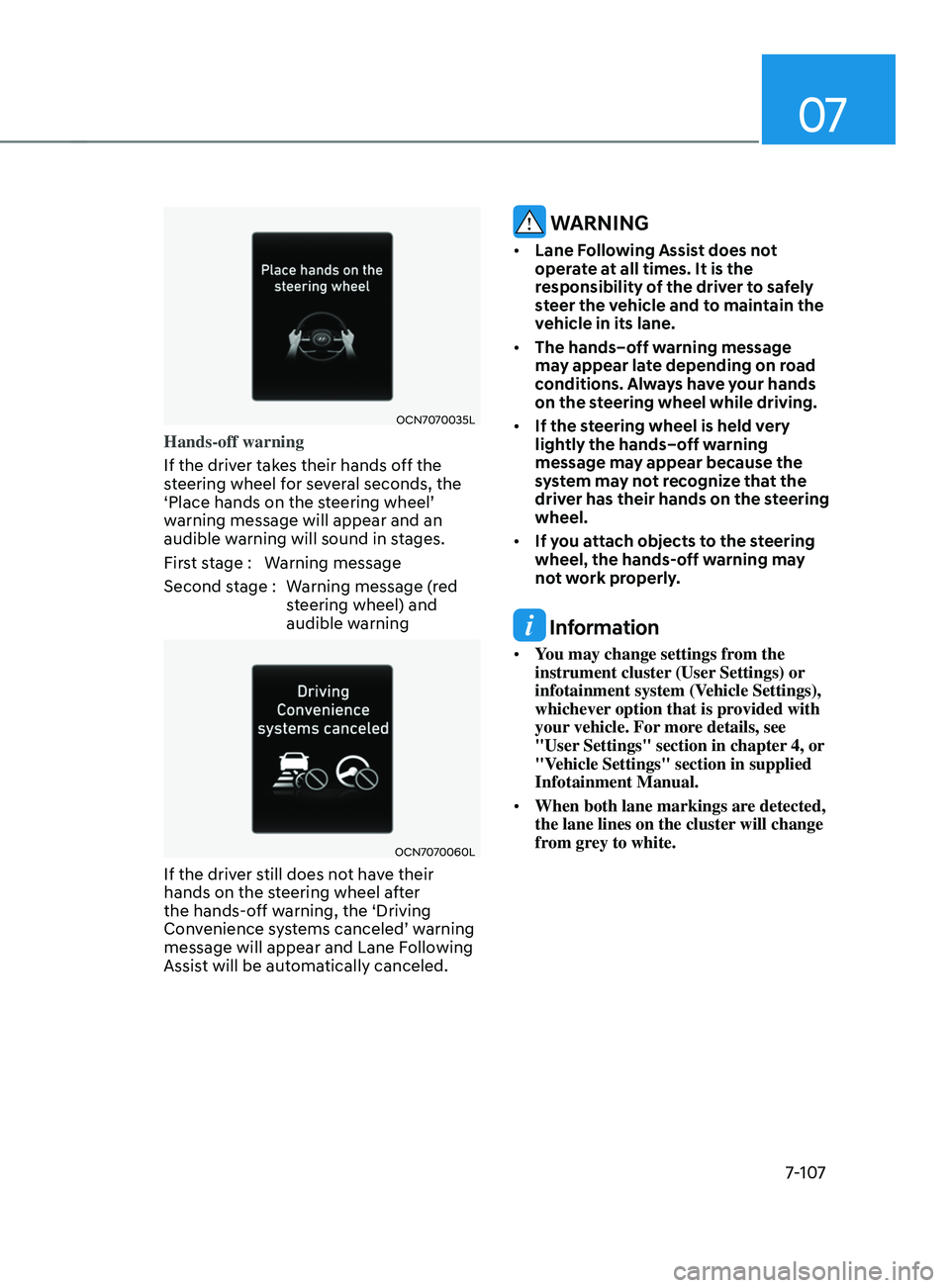
Hands-off warning
If the driver takes their hands off the
steering wheel for several seconds, the
‘Place
hands on the s
teering
wheel’ warning message will appear and an
audible w
arning will sound in stages.
First stage : Warning message
Second stage : Warning message (red steering wheel) and
audible warning
OCN7070060L
If the driver still does not have their
hands on the steering wheel after
the hands-off warning, the ‘Driving
Convenience
s
ystems
canceled’ w
arning
message will appear and Lane Follo
wing
Assist will be automatically canceled.
WARNING
• Lane Following Assist does not
operate at all times. It is the
responsibility of the driver to safely
steer the vehicle and to maintain the
vehicle in its lane.
• The hands–off warning message
may appear late depending on road
conditions. Always have your hands
on the steering wheel while driving.
• If the steering wheel is held very
lightly the hands–off warning
message may appear because the
system may not recognize that the
driver has their hands on the steering
wheel.
• If you attach objects to the steering
wheel, the hands-off warning may
not work properly.
Information
• You may change settings from the
instrument cluster (User Settings) or
infotainment system (Vehicle Settings),
whichever option that is provided with
your vehicle. For more details, see
"User Settings" section in chapter 4, or
"Vehicle Settings" section in supplied
Infotainment Manual.
• When both lane markings are detected,
the lane lines on the cluster will change
from grey to white.
Page 421 of 570
Driver assistance system
7-108
„„Lane undetected„•Type A„•Type B
OCN7060034OCN7060035
„„Lane detected„•Type A„•Type B
OCN7060039OCN7060037
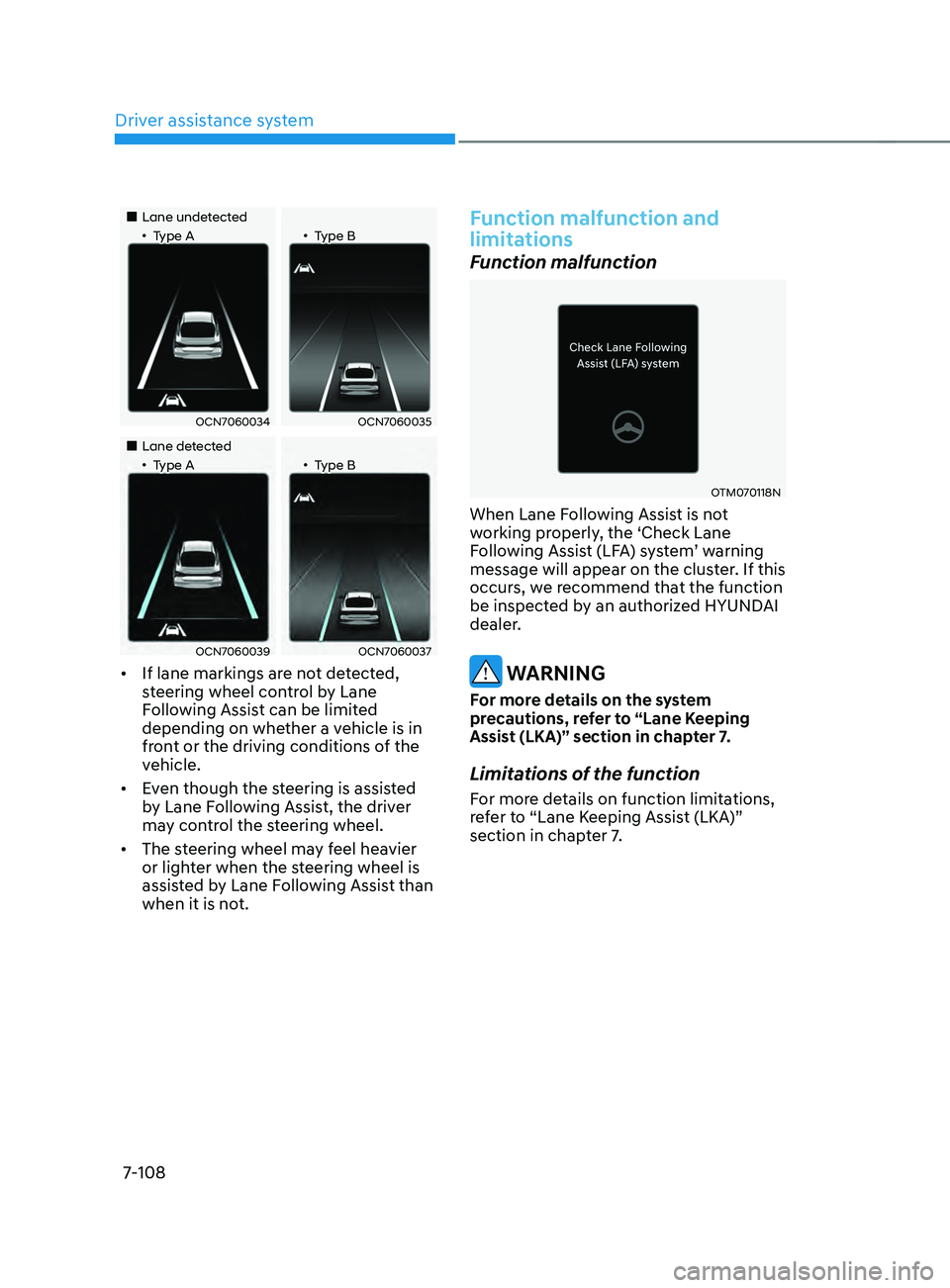
• If lane markings are not detected,
steering wheel control by Lane
Following Assist can be limited
depending on whether a vehicle is in
front or the driving conditions of the
vehicle.
• Even though the steering is assisted
by Lane Following Assist, the driver
may control the steering wheel.
• The steering wheel may feel heavier
or lighter when the steering wheel is
assisted by Lane Following Assist than
when it is not.
Function malfunction and
limitations
Function malfunction
OTM070118N
When Lane Following Assist is not
working properly, the ‘Check Lane
Following
Assis
t
(LF
A)
s
ystem’
w
arning
message will appear on the clust
er. If this
occurs, we recommend that the function
be inspected by an authorized HYUNDAI
dealer.
WARNING
For more details on the system
precautions, refer to “Lane Keeping
Assist (LKA)” section in chapter 7.
Limitations of the function
For more details on function limitations,
refer to “Lane Keeping Assist (LKA)”
section in chapter 7.
Page 426 of 570
07
7-113
Function standby
When Smart Cruise Control is
temporarily canceled while Highway
Driving Assist is operating, Highway
Driving Assist will be in the standby state.
At this time, Lane Following Assist will
operate normally.
Function malfunction and
limitations
System malfunction
OTM070120N
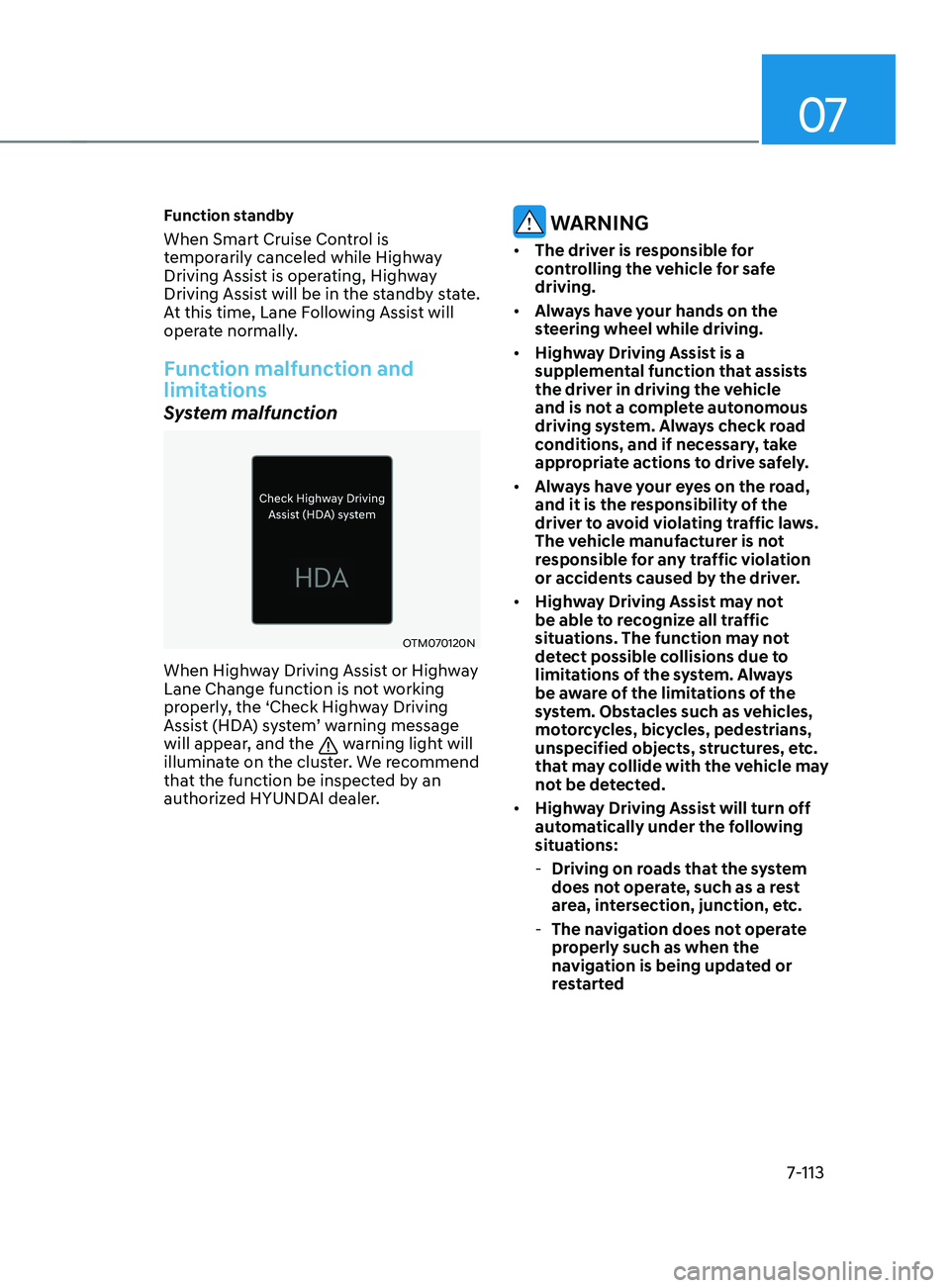
When Highway Driving Assist or Highway
Lane Change function is not working
properly, the ‘Check Highway Driving
Assist (HDA) system’ warning message
will appear, and the
warning light will
illuminate on the cluster. We recommend
that the function be inspected by an
authorized HYUNDAI dealer.
WARNING
• The driver is responsible for
controlling the vehicle for safe
driving.
• Always have your hands on the
steering wheel while driving.
• Highway Driving Assist is a
supplemental function that assists
the driver in driving the vehicle
and is not a complete autonomous
driving system. Always check road
conditions, and if necessary, take
appropriate actions to drive safely.
• Always have your eyes on the road,
and it is the responsibility of the
driver to avoid violating traffic laws.
The vehicle manufacturer is not
responsible for any traffic violation
or accidents caused by the driver.
• Highway Driving Assist may not
be able to recognize all traffic
situations. The function may not
detect possible collisions due to
limitations of the system. Always
be aware of the limitations of the
system. Obstacles such as vehicles,
motorcycles, bicycles, pedestrians,
unspecified objects, structures, etc.
that may collide with the vehicle may
not be detected.
• Highway Driving Assist will turn off
automatically under the following
situations:
- Driving on roads that the system
does not operate, such as a rest
area, intersection, junction, etc.
- The navigation does not operate
properly such as when the
navigation is being updated or
restarted
Page 435 of 570
Driver assistance system
7-122
OTM070141N
Warning Volume
With the engine on, select ‘Driver
Assistance
→ W
arning
V
olume’
fr
om
the Settings menu t
o change the Warning
Volume
t
o
‘High
’,
‘M
edium’
or ‘L
ow’
f
or
Rear Cr
oss-Traffic Safety system.
If you change the Warning Volume,
the Warning Volume of other Driver
Assistance systems may change.
CAUTION
• The setting of the Warning Timing
and Warning Volume applies to all
functions of the Rear Cross-Traffic
Safety.
• Even though ‘Normal’ is selected for
Warning Timing, if the vehicles from
the left and right side approaches
at high speed, the initial warning
activation time may seem late.
• Select ‘Late’ for Warning Timing
when traffic is light and when driving
speed is slow.
Information
If the engine is restarted, Warning Timing
and Warning Volume will maintain the
last setting.
Function operation
Function warning
Rear Cross-Traffic Safety system will
warn the driver when a collision is
imminent.
OCN7060116
OCN7060106
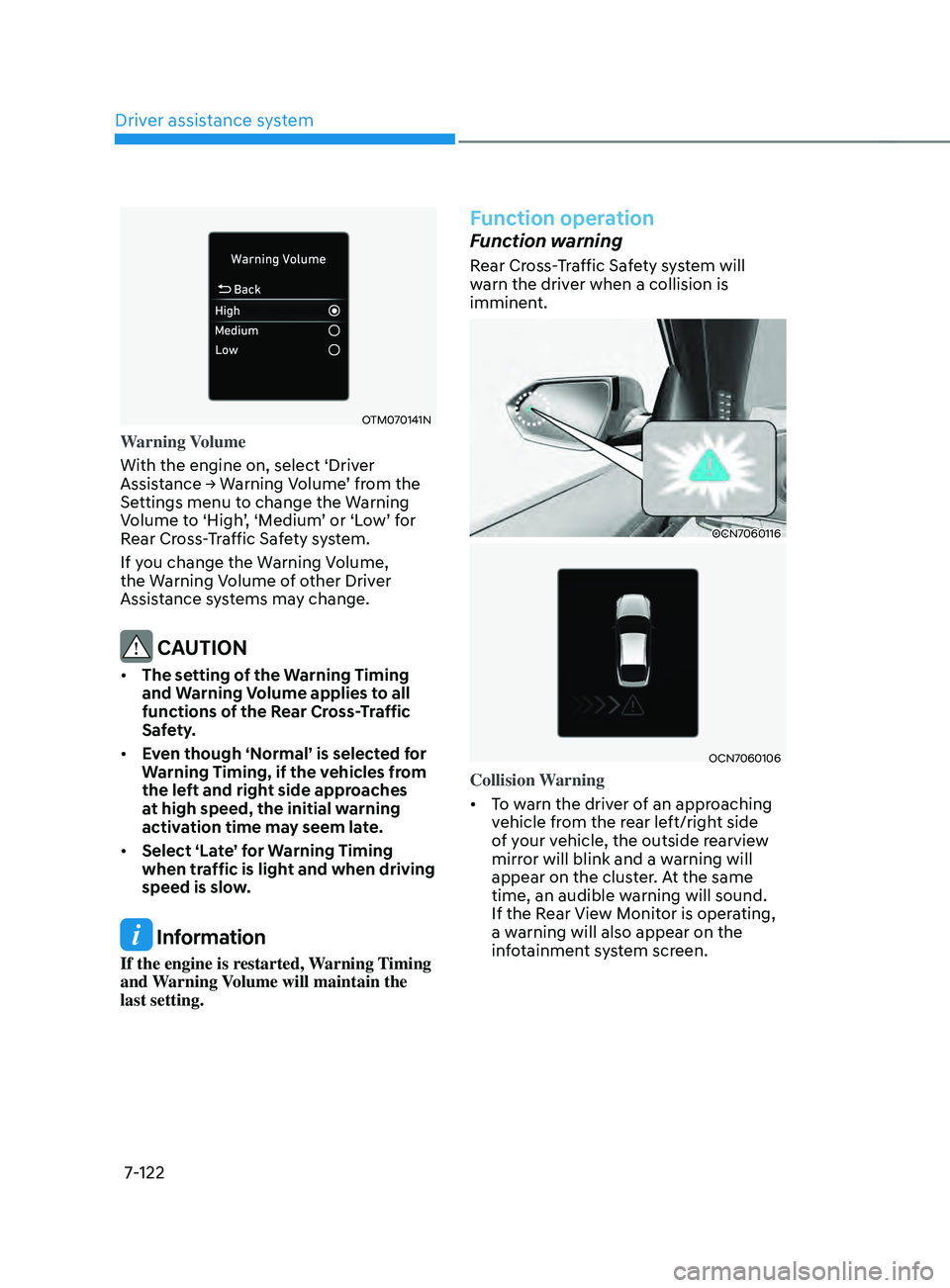
Collision Warning
• To warn the driver of an approaching
vehicle from the rear left/right side
of your vehicle, the outside rearview
mirror will blink and a warning will
appear on the cluster. At the same
time, an audible warning will sound.
If the Rear View Monitor is operating,
a warning will also appear on the
infotainment system screen.
Page 437 of 570
Driver assistance system
7-124
Function malfunction and
limitations
Function malfunction
OCN7070064L
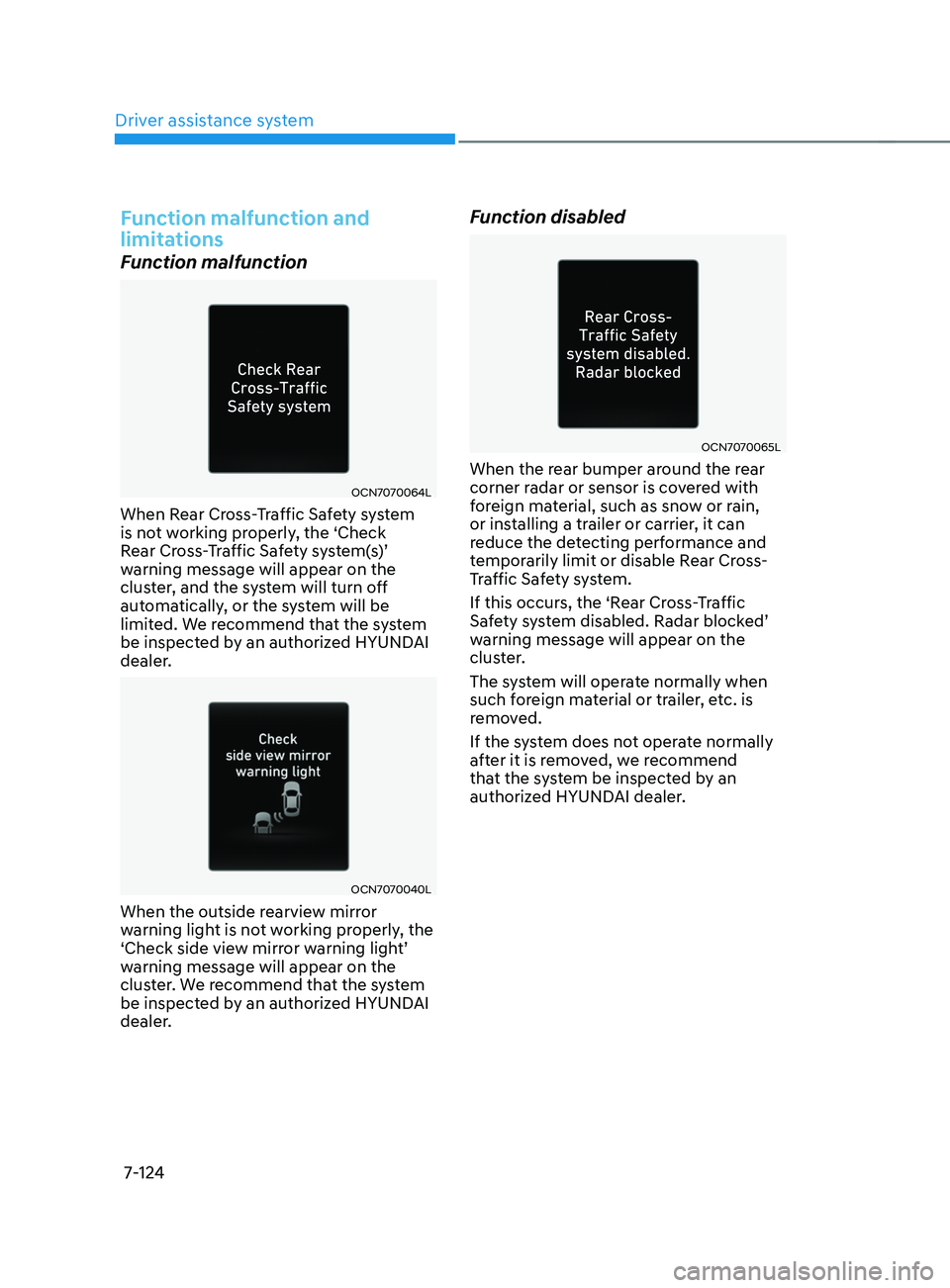
When Rear Cross-Traffic Safety system
is not working properly, the ‘Check
Rear
Cr
oss-Traffic
Sa
fety
s
ystem(s)’
warning message will appear on the
clus
ter, and the system will turn off
automatically, or the system will be
limited. We recommend that the system
be inspected by an authorized HYUNDAI
dealer.
OCN7070040L
When the outside rearview mirror
warning light is not working properly, the
‘Check
side vie
w
mirr
or
w
arning
ligh
t’
warning message will appear on the
clus
ter. We recommend that the system
be inspected by an authorized HYUNDAI
dealer.
Function disabled
OCN7070065L
When the rear bumper around the rear
corner radar or sensor is covered with
foreign material, such as snow or rain,
or installing a trailer or carrier, it can
reduce the detecting performance and
temporarily limit or disable Rear Cross-
Traffic Safety system.
If this occurs, the ‘Rear Cross-Traffic
Safety
s
ystem
disabled. Radar block
ed’
warning message will appear on the
clus
ter.
The system will operate normally when
such foreign material or trailer, etc. is
removed.
If the system does not operate normally
after it is removed, we recommend
that the system be inspected by an
authorized HYUNDAI dealer.
Page 443 of 570
Driver assistance system
7-130
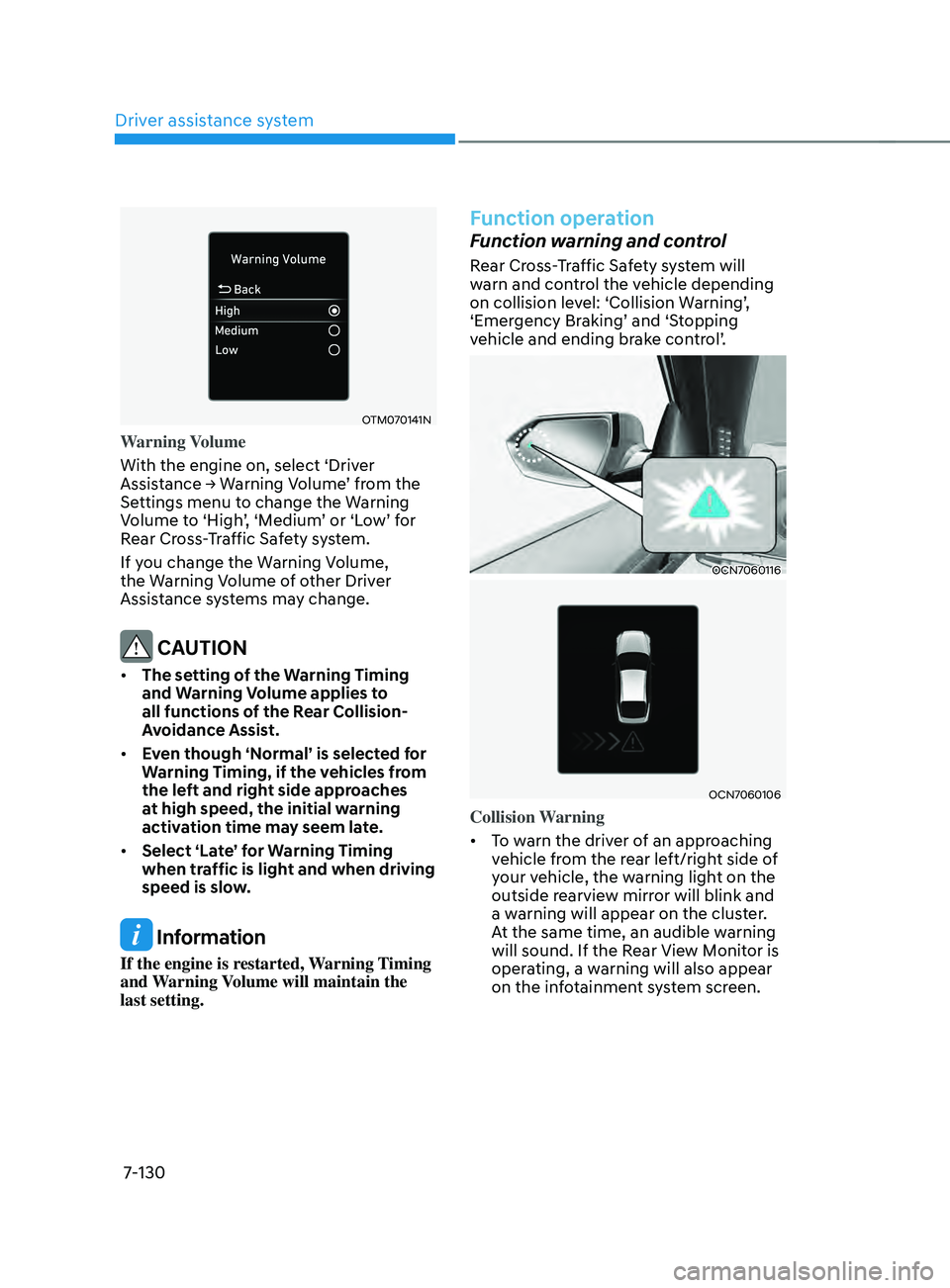
OTM070141N
Warning Volume
With the engine on, select ‘Driver
Assistance
→ W
arning
V
olume’
fr
om
the Settings menu t
o change the Warning
Volume
t
o
‘High
’,
‘M
edium’
or ‘L
ow’
f
or
Rear Cr
oss-Traffic Safety system.
If you change the Warning Volume,
the Warning Volume of other Driver
Assistance systems may change.
CAUTION
• The setting of the Warning Timing
and Warning Volume applies to
all functions of the Rear Collision-
Avoidance Assist.
• Even though ‘Normal’ is selected for
Warning Timing, if the vehicles from
the left and right side approaches
at high speed, the initial warning
activation time may seem late.
• Select ‘Late’ for Warning Timing
when traffic is light and when driving
speed is slow.
Information
If the engine is restarted, Warning Timing
and Warning Volume will maintain the
last setting.
Function operation
Function warning and control
Rear Cross-Traffic Safety system will
warn and control the vehicle depending
on
collision le
vel:
‘Collision W
arning’,
‘Emer
gency
Br
aking’
and ‘S
topping
vehicle and ending br
ake
con
trol’.
OCN7060116
OCN7060106
Collision Warning
• To warn the driver of an approaching
vehicle from the rear left/right side of
your vehicle, the warning light on the
outside rearview mirror will blink and
a warning will appear on the cluster.
At the same time, an audible warning
will sound. If the Rear View Monitor is
operating, a warning will also appear
on the infotainment system screen.
Page 444 of 570
07
7-131
• The function will operate when all the
following conditions are satisfied:
- The gear is shifted t
o R (Reverse)
- Vehicle speed is belo
w 5 mph (8
km/h)
- The approaching v
ehicle is within
approximately 82 ft. (25 m) from the
left and right side of your vehicle
- The speed of the v
ehicle
approaching from the left and right
is above 3 mph (5 km/h)
Information
If the operating conditions are satisfied,
there will be a warning whenever the
vehicle approaches from the left or right
side even though your vehicle speed is 0
mph (0
km/h).
OCN7060116
OCN7060106
OCN7060148L
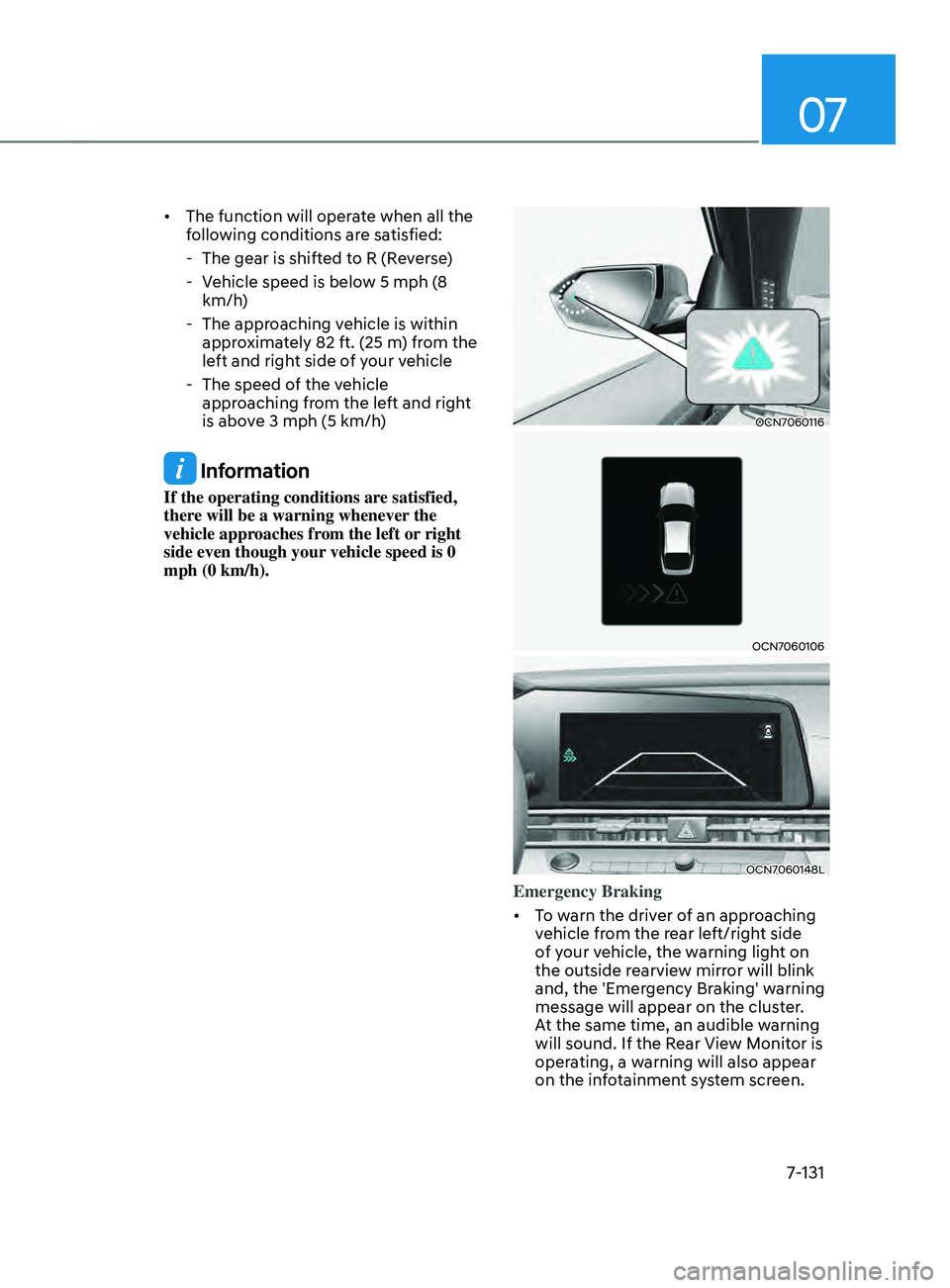
Emergency Braking
• To warn the driver of an approaching
vehicle from the rear left/right side
of your vehicle, the warning light on
the outside rearview mirror will blink
and, the 'Emergency Braking' warning
message will appear on the cluster.
At the same time, an audible warning
will sound. If the Rear View Monitor is
operating, a warning will also appear
on the infotainment system screen.