instrument panel HYUNDAI ENTOURAGE 2007 User Guide
[x] Cancel search | Manufacturer: HYUNDAI, Model Year: 2007, Model line: ENTOURAGE, Model: HYUNDAI ENTOURAGE 2007Pages: 398, PDF Size: 8.03 MB
Page 110 of 398
Features of your vehicle94 3SRS CareThe SRS is virtually maintenance-free
and so there are no parts you can safely
service by yourself. If the SRS "AIR BAG"
warning light does not illuminate, or con-
tinuously remains on, have your vehicle
immediately inspected by your Hyundai
dealer.
Any work on the SRS system, such as
removing, installing, repairing, or any
work on the steering wheel must be per-
formed by a qualified Hyundai technician.
Improper handling of the SRS system
may result in serious personal injury.
WARNING
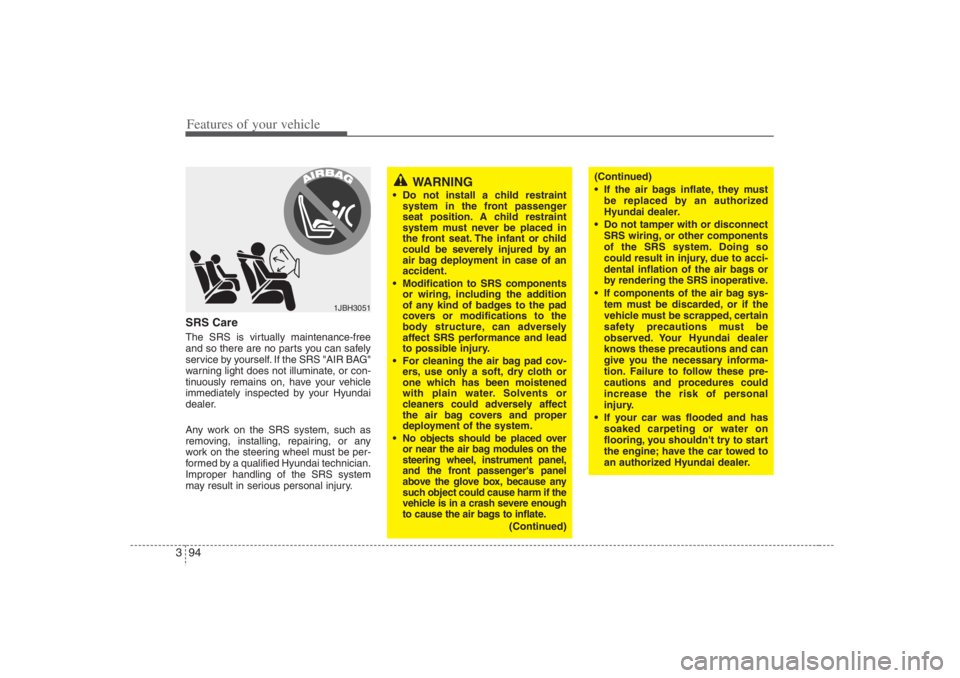
Do not install a child restraint
system in the front passenger
seat position. A child restraint
system must never be placed in
the front seat. The infant or child
could be severely injured by an
air bag deployment in case of an
accident.
Modification to SRS components
or wiring, including the addition
of any kind of badges to the pad
covers or modifications to the
body structure, can adversely
affect SRS performance and lead
to possible injury.
For cleaning the air bag pad cov-
ers, use only a soft, dry cloth or
one which has been moistened
with plain water. Solvents or
cleaners could adversely affect
the air bag covers and proper
deployment of the system.
No objects should be placed over
or near the air bag modules on the
steering wheel, instrument panel,
and the front passenger's panel
above the glove box, because any
such object could cause harm if the
vehicle is in a crash severe enough
to cause the air bags to inflate.
(Continued)
1JBH3051
(Continued)
If the air bags inflate, they must
be replaced by an authorized
Hyundai dealer.
Do not tamper with or disconnect
SRS wiring, or other components
of the SRS system. Doing so
could result in injury, due to acci-
dental inflation of the air bags or
by rendering the SRS inoperative.
If components of the air bag sys-
tem must be discarded, or if the
vehicle must be scrapped, certain
safety precautions must be
observed. Your Hyundai dealer
knows these precautions and can
give you the necessary informa-
tion. Failure to follow these pre-
cautions and procedures could
increase the risk of personal
injury.
If your car was flooded and has
soaked carpeting or water on
flooring, you shouldn't try to start
the engine; have the car towed to
an authorized Hyundai dealer.
Page 128 of 398
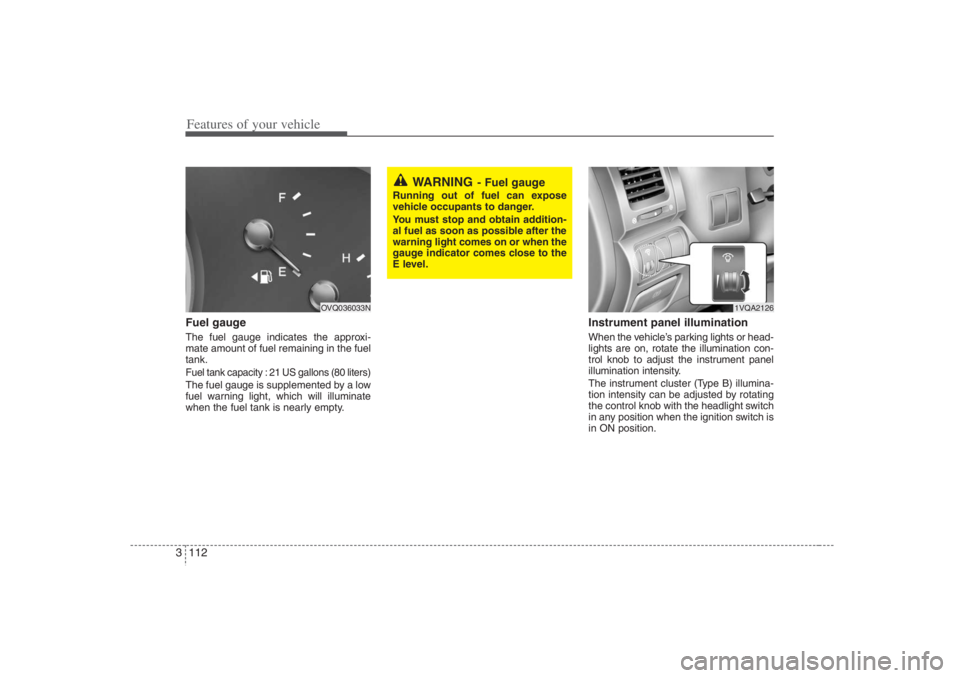
Features of your vehicle112 3Fuel gaugeThe fuel gauge indicates the approxi-
mate amount of fuel remaining in the fuel
tank.Fuel tank capacity : 21 US gallons (80 liters)The fuel gauge is supplemented by a low
fuel warning light, which will illuminate
when the fuel tank is nearly empty.
Instrument panel illuminationWhen the vehicle’s parking lights or head-
lights are on, rotate the illumination con-
trol knob to adjust the instrument panel
illumination intensity.
The instrument cluster (Type B) illumina-
tion intensity can be adjusted by rotating
the control knob with the headlight switch
in any position when the ignition switch is
in ON position.
OVQ036033N
WARNING
- Fuel gauge
Running out of fuel can expose
vehicle occupants to danger.
You must stop and obtain addition-
al fuel as soon as possible after the
warning light comes on or when the
gauge indicator comes close to the
E level.
1VQA2126
Page 138 of 398
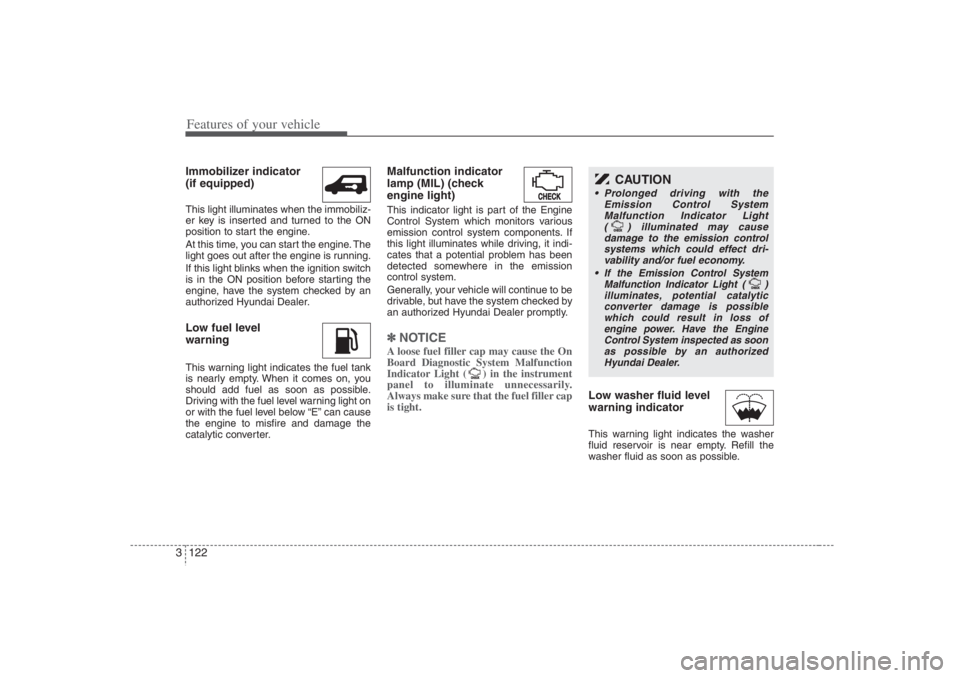
Features of your vehicle122 3Immobilizer indicator
(if equipped)This light illuminates when the immobiliz-
er key is inserted and turned to the ON
position to start the engine.
At this time, you can start the engine. The
light goes out after the engine is running.
If this light blinks when the ignition switch
is in the ON position before starting the
engine, have the system checked by an
authorized Hyundai Dealer.Low fuel level
warningThis warning light indicates the fuel tank
is nearly empty. When it comes on, you
should add fuel as soon as possible.
Driving with the fuel level warning light on
or with the fuel level below “E” can cause
the engine to misfire and damage the
catalytic converter.
Malfunction indicator
lamp (MIL) (check
engine light)This indicator light is part of the Engine
Control System which monitors various
emission control system components. If
this light illuminates while driving, it indi-
cates that a potential problem has been
detected somewhere in the emission
control system.
Generally, your vehicle will continue to be
drivable, but have the system checked by
an authorized Hyundai Dealer promptly.✽ ✽
NOTICE A loose fuel filler cap may cause the On
Board Diagnostic System Malfunction
Indicator Light ( ) in the instrument
panel to illuminate unnecessarily.
Always make sure that the fuel filler cap
is tight.
Low washer fluid level
warning indicatorThis warning light indicates the washer
fluid reservoir is near empty. Refill the
washer fluid as soon as possible.
CAUTION
Prolonged driving with the
Emission Control System
Malfunction Indicator Light
( ) illuminated may cause
damage to the emission control
systems which could effect dri-
vability and/or fuel economy.
If the
Emission
Control System
Malfunction Indicator Light ( )
illuminates, potential catalytic
converter damage is possible
which could result in loss of
engine power. Have the Engine
Control System inspected as soon
as possible by an authorized
Hyundai Dealer.
Page 145 of 398
3 129
Features of your vehicle
Rescue mode functionIf your vehicle has any problem on the
vehicle network system, the headlights
(low beam) and parking lights turn on
automatically with the ignition switch in
the ON position even though the head-
light switch is not turned on. At this time,
the emergency lighting is not turned off
when the headlight switch is turned off.
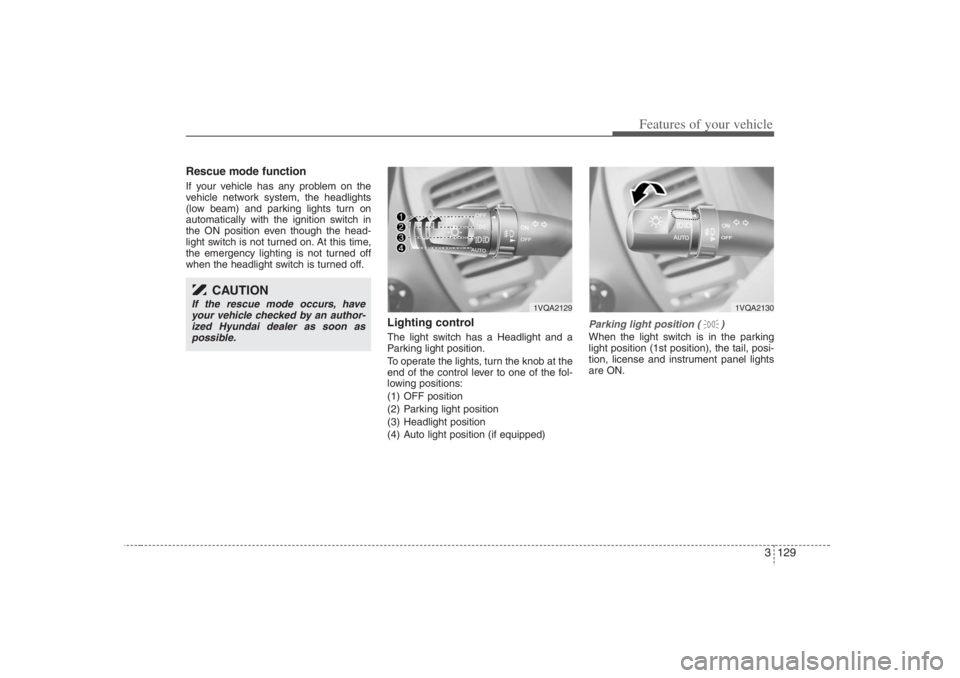
Lighting controlThe light switch has a Headlight and a
Parking light position.
To operate the lights, turn the knob at the
end of the control lever to one of the fol-
lowing positions:
(1) OFF position
(2) Parking light position
(3) Headlight position
(4) Auto light position (if equipped)
Parking light position ( )When the light switch is in the parking
light position (1st position), the tail, posi-
tion, license and instrument panel lights
are ON.
CAUTION
If the rescue mode occurs, have
your vehicle checked by an author-
ized Hyundai dealer as soon as
possible.
1VQA2129
1VQA2130
Page 146 of 398
Features of your vehicle130 3
CAUTION
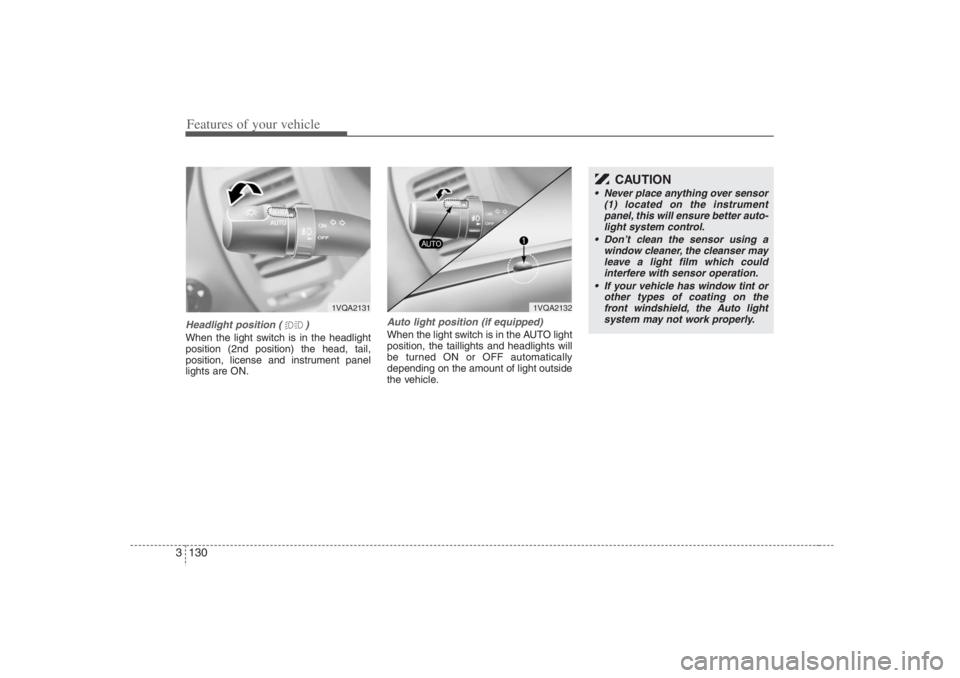
Never place anything over sensor
(1) located on the instrument
panel, this will ensure better auto-
light system control.
Don’t clean the sensor using a
window cleaner, the cleanser may
leave a light film which could
interfere with sensor operation.
If your vehicle has window tint or
other types of coating on the
front windshield, the Auto light
system may not work properly.
Headlight position ( )When the light switch is in the headlight
position (2nd position) the head, tail,
position, license and instrument panel
lights are ON.
Auto light position (if equipped)When the light switch is in the AUTO light
position, the taillights and headlights will
be turned ON or OFF automatically
depending on the amount of light outside
the vehicle.
1VQA2131
1VQA2132
Page 147 of 398
3 131
Features of your vehicle
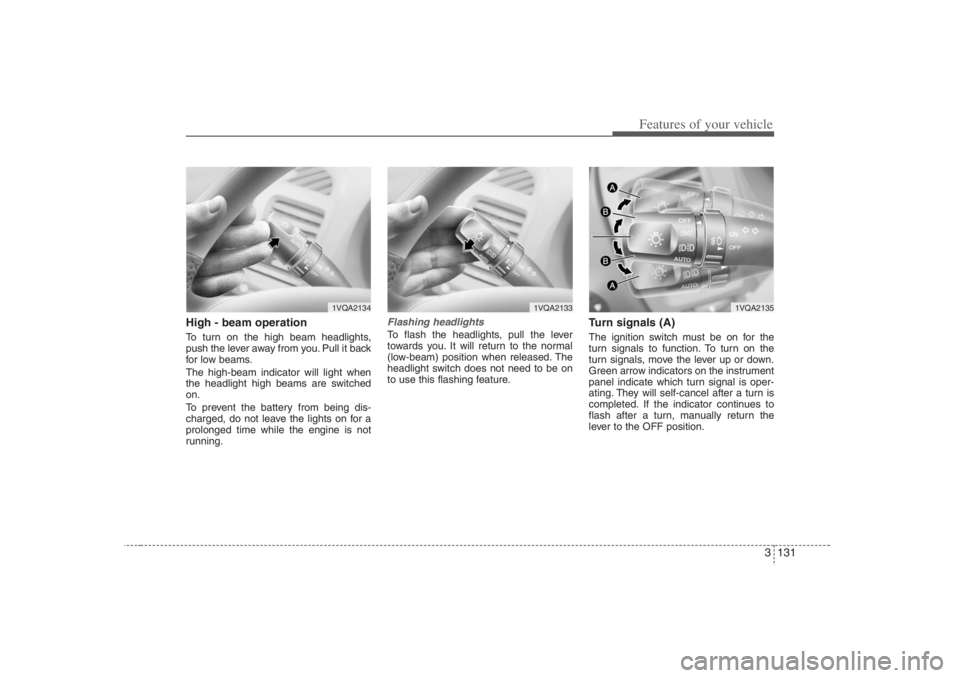
High - beam operation To turn on the high beam headlights,
push the lever away from you. Pull it back
for low beams.
The high-beam indicator will light when
the headlight high beams are switched
on.
To prevent the battery from being dis-
charged, do not leave the lights on for a
prolonged time while the engine is not
running.
Flashing headlights To flash the headlights, pull the lever
towards you. It will return to the normal
(low-beam) position when released. The
headlight switch does not need to be on
to use this flashing feature.
Turn signals (A)The ignition switch must be on for the
turn signals to function. To turn on the
turn signals, move the lever up or down.
Green arrow indicators on the instrument
panel indicate which turn signal is oper-
ating. They will self-cancel after a turn is
completed. If the indicator continues to
flash after a turn, manually return the
lever to the OFF position.
1VQA2134
1VQA2133
1VQA2135
Page 152 of 398
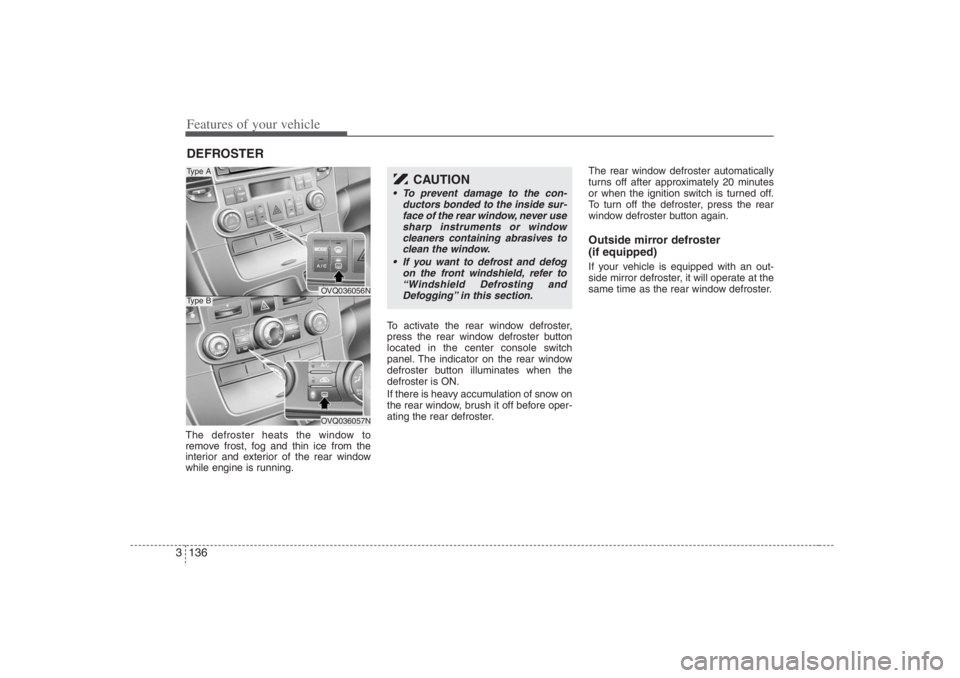
Features of your vehicle136 3The defroster heats the window to
remove frost, fog and thin ice from the
interior and exterior of the rear window
while engine is running.To activate the rear window defroster,
press the rear window defroster button
located in the center console switch
panel. The indicator on the rear window
defroster button illuminates when the
defroster is ON.
If there is heavy accumulation of snow on
the rear window, brush it off before oper-
ating the rear defroster.The rear window defroster automatically
turns off after approximately 20 minutes
or when the ignition switch is turned off.
To turn off the defroster, press the rear
window defroster button again.
Outside mirror defroster
(if equipped)If your vehicle is equipped with an out-
side mirror defroster, it will operate at the
same time as the rear window defroster.
DEFROSTER
OVQ036056NOVQ036057N
Type AType B
CAUTION
To prevent damage to the con-
ductors bonded to the inside sur-
face of the rear window, never use
sharp instruments or window
cleaners containing abrasives to
clean the window.
If you want to defrost and defog
on the front windshield, refer to
“Windshield Defrosting and
Defogging” in this section.
Page 158 of 398
Features of your vehicle142 3MAX/ A/C position
When you select the MAX
A/C mode while the fan
speed is on, the following
system settings will be made
automatically;
the air conditioning system
will be turned on.
the recirculated air position
will be selected.
the face mode will be
selected.
If you select MAX A/C mode,
you will not be able to cancel
the A/C system operation, or
change the recirculated air
mode position.
Set the fan speed control
knob to the desired speed
and rotate the temperature
control knob to the COOL
position for maximum cool-
ing. (outlet port : B, E)
Face position
Air flow is directed toward the
upper body and face.
Additionally, each outlet can
be controlled to direct the air
discharged from the outlet.
(outlet port: B, E)Face - floor position
Air flow is directed towards
the face and the floor.
(outlet port: B, C, E, F)
OFF position
The fan is turned off.
Floor position
Most of the air flow is direct-
ed to the floor, with a small
amount of the air being
directed to the windshield
and side window defroster.
(outlet port: A, C, D, E, F)
Floor - defrost position
Most of the air flow is direct-
ed to the floor and the wind-
shield with a small amount
directed to the side window
defrosters.
(outlet port: A, C, D, E, F)
Defrost position
Most of the air flow is direct-
ed to the windshield with a
small amount of air directed
to the side window
defrosters.
(outlet port: A, D, E)
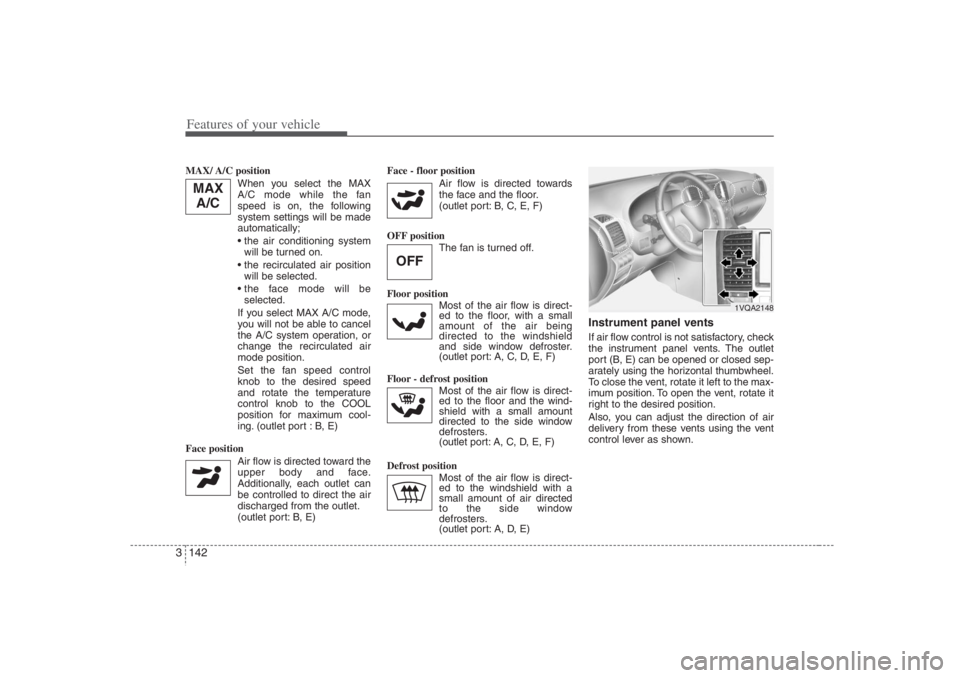
Instrument panel ventsIf air flow control is not satisfactory, check
the instrument panel vents. The outlet
port (B, E) can be opened or closed sep-
arately using the horizontal thumbwheel.
To close the vent, rotate it left to the max-
imum position. To open the vent, rotate it
right to the desired position.
Also, you can adjust the direction of air
delivery from these vents using the vent
control lever as shown.
OFF
MAX
A/C
1VQA2148
Page 166 of 398
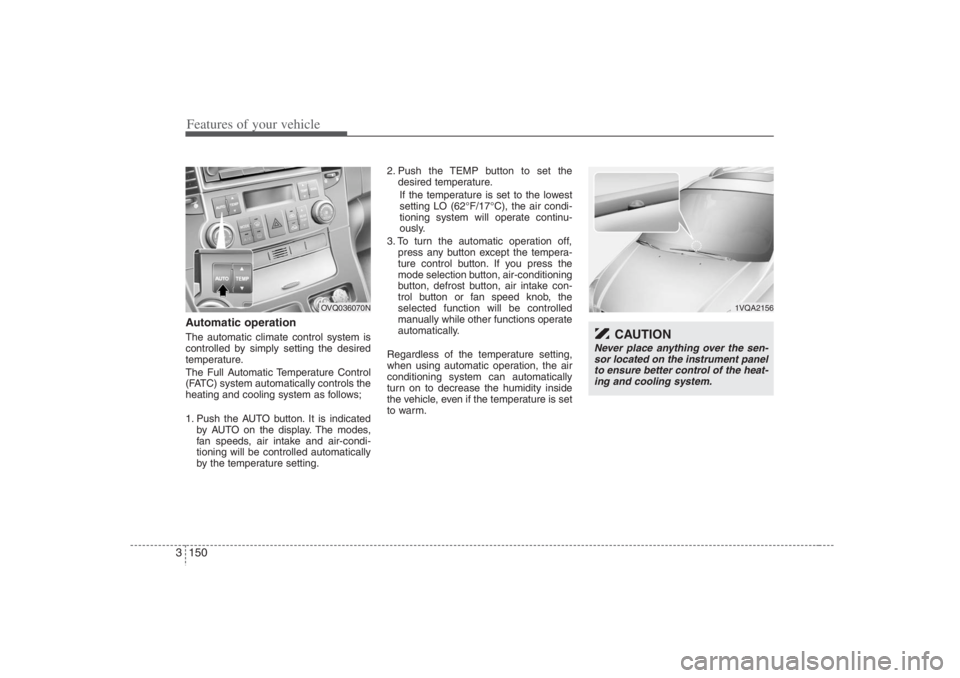
Features of your vehicle150 3Automatic operationThe automatic climate control system is
controlled by simply setting the desired
temperature.
The Full Automatic Temperature Control
(FATC) system automatically controls the
heating and cooling system as follows;
1. Push the AUTO button. It is indicated
by AUTO on the display. The modes,
fan speeds, air intake and air-condi-
tioning will be controlled automatically
by the temperature setting.2. Push the TEMP button to set the
desired temperature.
If the temperature is set to the lowest
setting LO (62°F/17°C), the air condi-
tioning system will operate continu-
ously.
3. To turn the automatic operation off,
press any button except the tempera-
ture control button. If you press the
mode selection button, air-conditioning
button, defrost button, air intake con-
trol button or fan speed knob, the
selected function will be controlled
manually while other functions operate
automatically.
Regardless of the temperature setting,
when using automatic operation, the air
conditioning system can automatically
turn on to decrease the humidity inside
the vehicle, even if the temperature is set
to warm.
1VQA2156
CAUTION
Never place anything over the sen-
sor located on the instrument panel
to ensure better control of the heat-
ing and cooling system.
OVQ036070N
Page 171 of 398
3 155
Features of your vehicle
Face position
Air flow is directed toward the
upper body and face.
Additionally, each outlet can
be controlled to direct the air
discharged from the outlet.
(outlet port: B, E)
Face - floor position
Air flow is directed towards
the face and the floor.
(outlet port: B, C, E, F)
Floor position
Most of the air flow is direct-
ed to the floor, with a small
amount of the air being
directed to the windshield
and side window defroster.
(outlet port: A, C, D, E, F)
Floor - defrost position
Most of the air flow is direct-
ed to the floor and the wind-
shield with a small amount
directed to the side window
defrosters.
(outlet port:
A, C, D, E, F
)
Instrument panel ventsIf air flow control is not satisfactory, check
the instrument panel vents. The outlet
port (B, E) can be opened or closed sep-
arately using the horizontal thumbwheel.
To close the vent, rotate it left to the max-
imum position. To open the vent, rotate it
right to the desired position.
Also, you can adjust the direction of air
delivery from these vents using the vent
control lever as shown.
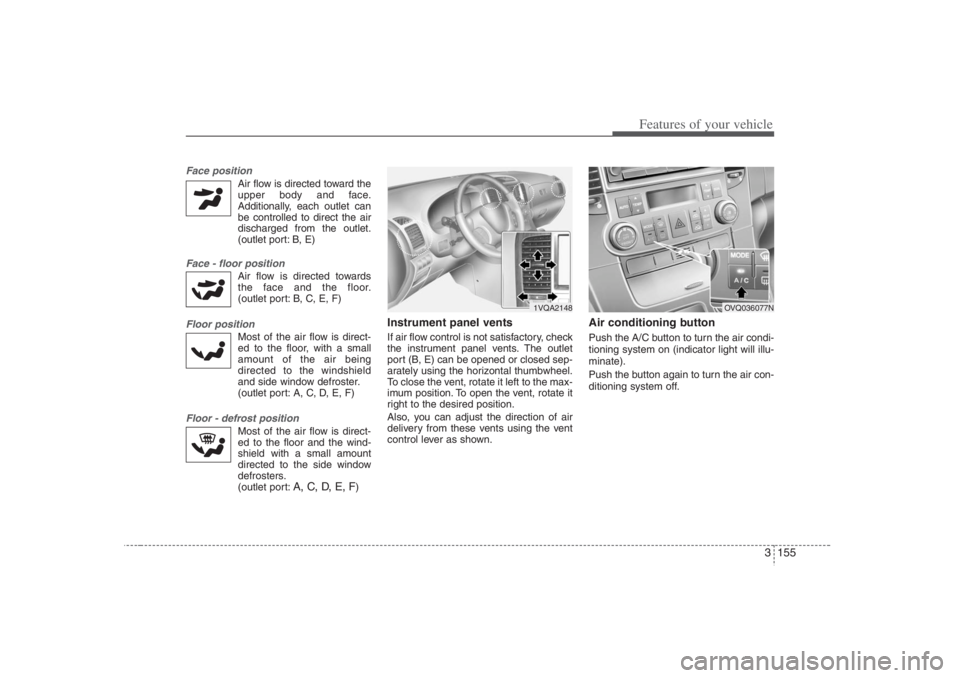
Air conditioning button Push the A/C button to turn the air condi-
tioning system on (indicator light will illu-
minate).
Push the button again to turn the air con-
ditioning system off.
1VQA2148
OVQ036077N