lock Hyundai Equus 2015 Repair Manual
[x] Cancel search | Manufacturer: HYUNDAI, Model Year: 2015, Model line: Equus, Model: Hyundai Equus 2015Pages: 483, PDF Size: 13.26 MB
Page 229 of 483
Features of your vehicle
140 4
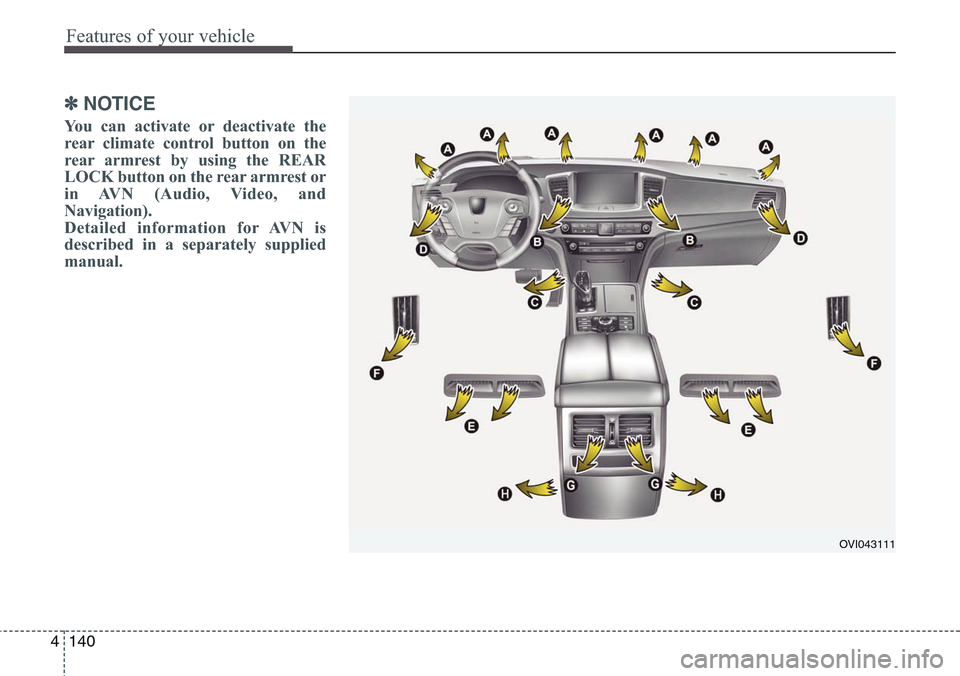
✽NOTICE
You can activate or deactivate the
rear climate control button on the
rear armrest by using the REAR
LOCK button on the rear armrest or
in AVN (Audio, Video, and
Navigation).
Detailed information for AVN is
described in a separately supplied
manual.
OVI043111
Page 237 of 483
Features of your vehicle
148 4
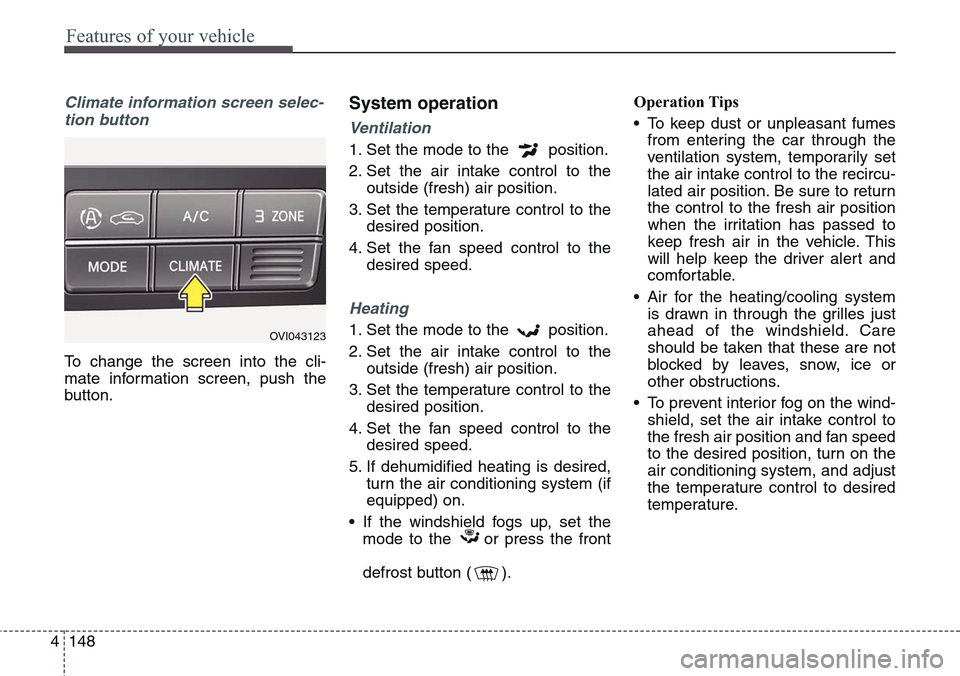
Climate information screen selec-
tion button
To change the screen into the cli-
mate information screen, push the
button.
System operation
Ventilation
1. Set the mode to the position.
2. Set the air intake control to the
outside (fresh) air position.
3. Set the temperature control to the
desired position.
4. Set the fan speed control to the
desired speed.
Heating
1. Set the mode to the position.
2. Set the air intake control to the
outside (fresh) air position.
3. Set the temperature control to the
desired position.
4. Set the fan speed control to the
desired speed.
5. If dehumidified heating is desired,
turn the air conditioning system (if
equipped) on.
• If the windshield fogs up, set the
mode to the or press the front
defrost button ( ).Operation Tips
• To keep dust or unpleasant fumes
from entering the car through the
ventilation system, temporarily set
the air intake control to the recircu-
lated air position. Be sure to return
the control to the fresh air position
when the irritation has passed to
keep fresh air in the vehicle. This
will help keep the driver alert and
comfortable.
• Air for the heating/cooling system
is drawn in through the grilles just
ahead of the windshield. Care
should be taken that these are not
blocked by leaves, snow, ice or
other obstructions.
• To prevent interior fog on the wind-
shield, set the air intake control to
the fresh air position and fan speed
to the desired position, turn on the
air conditioning system, and adjust
the temperature control to desired
temperature.OVI043123
Page 245 of 483
Features of your vehicle
156 4
These compartments can be used to
store small items required by the
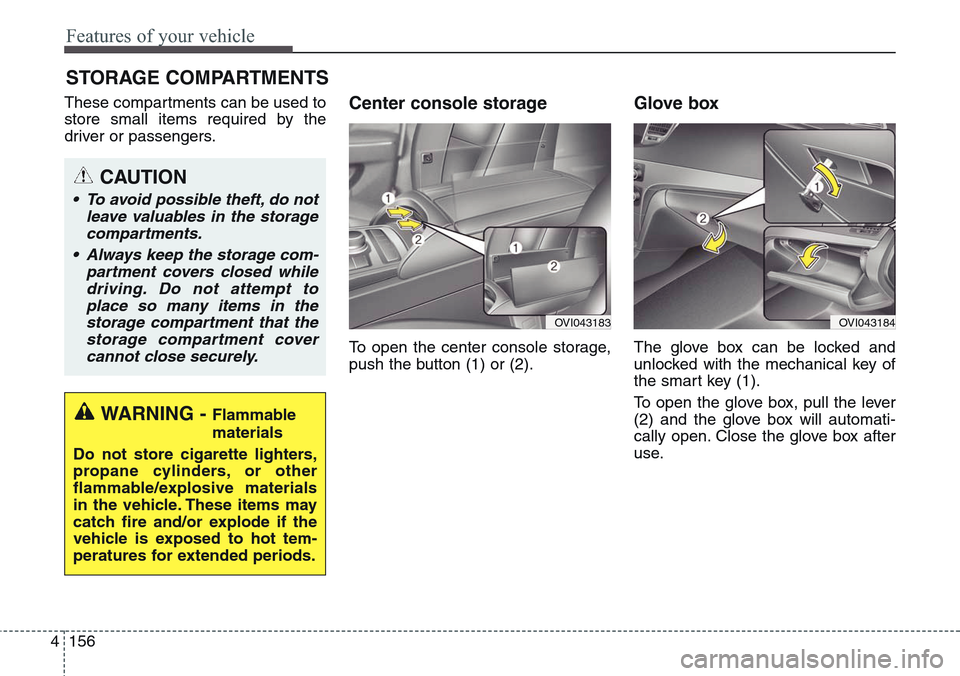
driver or passengers.Center console storage
To open the center console storage,
push the button (1) or (2).
Glove box
The glove box can be locked and
unlocked with the mechanical key of
the smart key (1).
To open the glove box, pull the lever
(2) and the glove box will automati-
cally open. Close the glove box after
use.
STORAGE COMPARTMENTS
WARNING - Flammable
materials
Do not store cigarette lighters,
propane cylinders, or other
flammable/explosive materials
in the vehicle. These items may
catch fire and/or explode if the
vehicle is exposed to hot tem-
peratures for extended periods.
CAUTION
• To avoid possible theft, do not
leave valuables in the storage
compartments.
• Always keep the storage com-
partment covers closed while
driving. Do not attempt to
place so many items in the
storage compartment that the
storage compartment cover
cannot close securely.
OVI043183OVI043184
Page 246 of 483
4157
Features of your vehicle
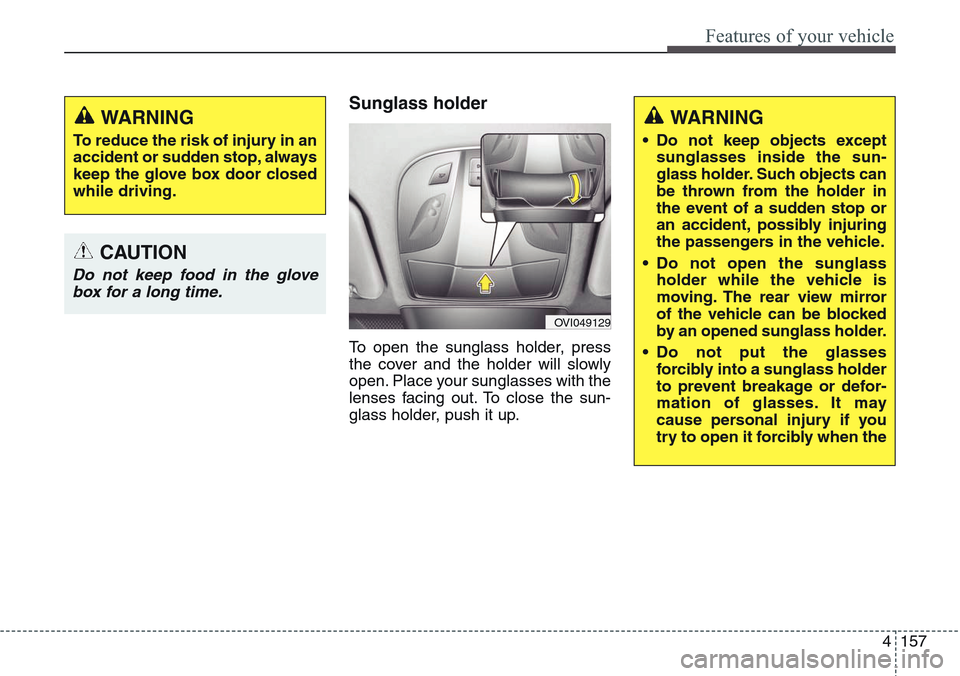
Sunglass holder
To open the sunglass holder, press
the cover and the holder will slowly
open. Place your sunglasses with the
lenses facing out. To close the sun-
glass holder, push it up.
OVI049129
WARNING
To reduce the risk of injury in an
accident or sudden stop, always
keep the glove box door closed
while driving.
CAUTION
Do not keep food in the glove
box for a long time.
WARNING
• Do not keep objects except
sunglasses inside the sun-
glass holder. Such objects can
be thrown from the holder in
the event of a sudden stop or
an accident, possibly injuring
the passengers in the vehicle.
• Do not open the sunglass
holder while the vehicle is
moving. The rear view mirror
of the vehicle can be blocked
by an opened sunglass holder.
• Do not put the glasses
forcibly into a sunglass holder
to prevent breakage or defor-
mation of glasses. It may
cause personal injury if you
try to open it forcibly when the
Page 249 of 483
Features of your vehicle
160 4
OVI043189
OVI049190
CAUTION
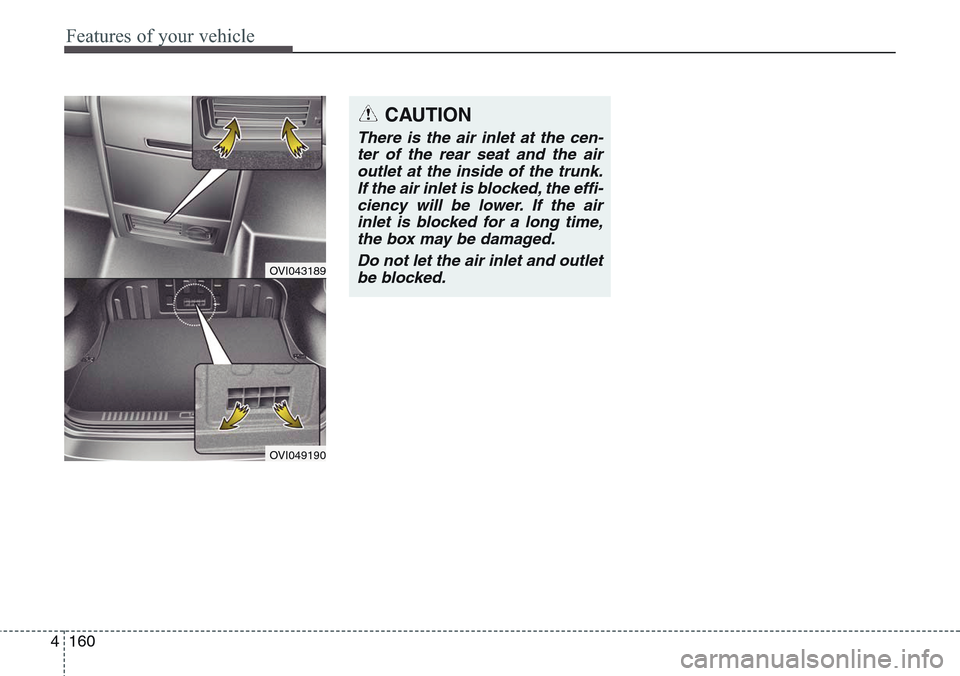
There is the air inlet at the cen-
ter of the rear seat and the air
outlet at the inside of the trunk.
If the air inlet is blocked, the effi-
ciency will be lower. If the air
inlet is blocked for a long time,
the box may be damaged.
Do not let the air inlet and outlet
be blocked.
Page 254 of 483
4165
Features of your vehicle
Clock
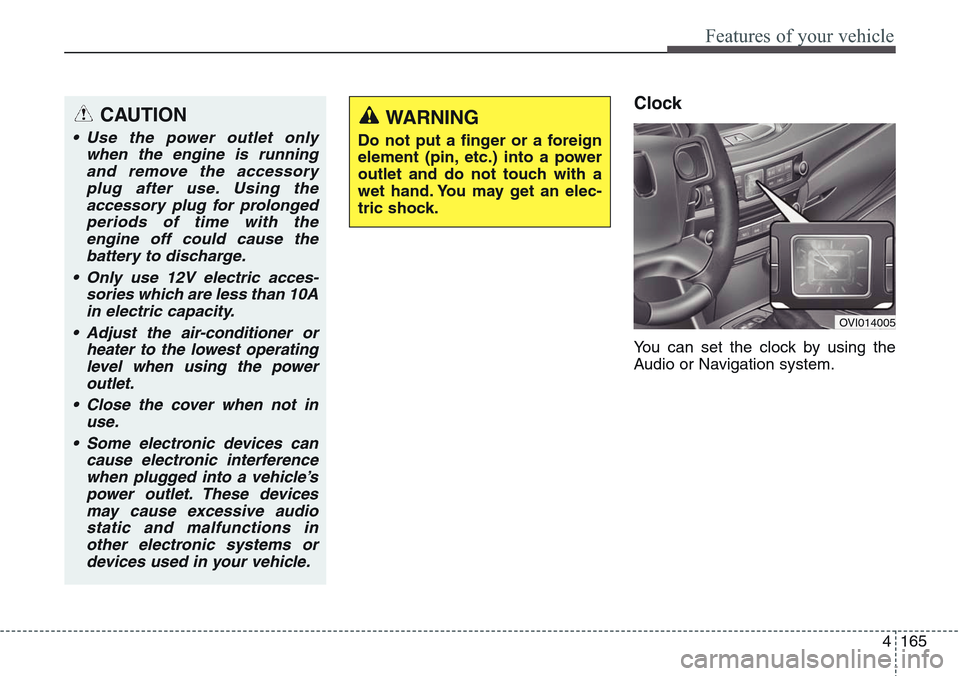
You can set the clock by using the
Audio or Navigation system.
CAUTION
• Use the power outlet only
when the engine is running
and remove the accessory
plug after use. Using the
accessory plug for prolonged
periods of time with the
engine off could cause the
battery to discharge.
• Only use 12V electric acces-
sories which are less than 10A
in electric capacity.
• Adjust the air-conditioner or
heater to the lowest operating
level when using the power
outlet.
• Close the cover when not in
use.
• Some electronic devices can
cause electronic interference
when plugged into a vehicle’s
power outlet. These devices
may cause excessive audio
static and malfunctions in
other electronic systems or
devices used in your vehicle.
WARNING
Do not put a finger or a foreign
element (pin, etc.) into a power
outlet and do not touch with a
wet hand. You may get an elec-
tric shock.
OVI014005
Page 255 of 483
Features of your vehicle
166 4
Clock settings
With Navigation model
- GPS Time check
The clock is automatically updated
through the GPS time.
- GPS Time non-check
The clock can be manually adjusted.
1. Select the "System Settings" in the
"INFO" screen.
2. Select the "Clock Settings".
3. Select the "Time Settings" by
rotating the controller on the cen-
ter console panel.Without Navigation model
The clock can be manually adjusted.
1. Select the "System Settings" in the
"INFO" screen.
2. Select the "Clock Settings".
3. Select the "Time Settings" by
rotating the controller on the cen-
ter console panel.
For more details, please refer to the
Audio or Navigation Manual that was
supplied with your vehicle.
Clothes hanger (if equipped)
WARNING
Do not adjust the clock while
driving. You may lose your
steering control and cause an
accident that results in severe
personal injury or death.CAUTION
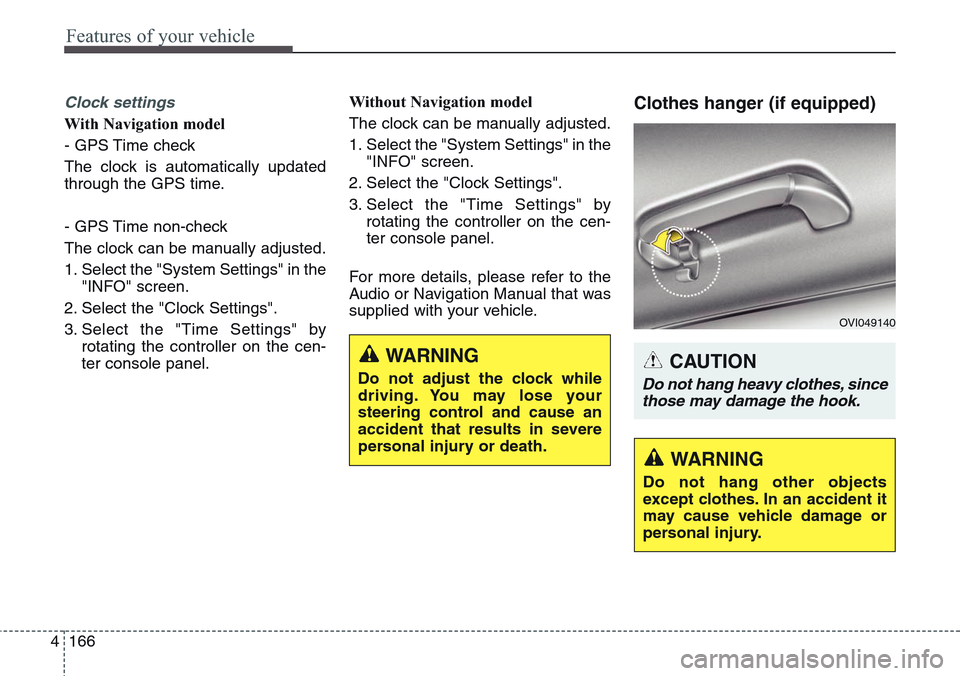
Do not hang heavy clothes, since
those may damage the hook.
OVI049140
WARNING
Do not hang other objects
except clothes. In an accident it
may cause vehicle damage or
personal injury.
Page 262 of 483
Driving your vehicle
Before driving . . . . . . . . . . . . . . . . . . . . . . . . . . . . . . 5-4
• Before entering vehicle . . . . . . . . . . . . . . . . . . . . . . . . . 5-4
• Necessary inspections . . . . . . . . . . . . . . . . . . . . . . . . . 5-4
• Before starting . . . . . . . . . . . . . . . . . . . . . . . . . . . . . . . 5-4
Engine start/stop button . . . . . . . . . . . . . . . . . . . . . 5-6
• Illuminated engine start/stop button . . . . . . . . . . . . . . 5-6
• Engine start/stop button position. . . . . . . . . . . . . . . . . 5-6
Starting the engine . . . . . . . . . . . . . . . . . . . . . . . . . . 5-9
Automatic transmission (Shift by wire) . . . . . . . . 5-11
• Automatic transmission operation . . . . . . . . . . . . . . . 5-11
• Good driving practices . . . . . . . . . . . . . . . . . . . . . . . . 5-20
Brake system . . . . . . . . . . . . . . . . . . . . . . . . . . . . . 5-23
• Power brakes . . . . . . . . . . . . . . . . . . . . . . . . . . . . . . . 5-23
• Electric parking brake (EPB) . . . . . . . . . . . . . . . . . . 5-26
• Emergency braking . . . . . . . . . . . . . . . . . . . . . . . . . . . 5-29
• Auto hold . . . . . . . . . . . . . . . . . . . . . . . . . . . . . . . . . . . 5-30
• Anti-lock brake system (ABS) . . . . . . . . . . . . . . . . . . 5-34
• Electronic Stability Control (ESC) . . . . . . . . . . . . . . 5-36
• Hill-start assist control (HAC) . . . . . . . . . . . . . . . . . . 5-41
• Emergency Stop Signal (ESS) . . . . . . . . . . . . . . . . . . 5-41
• Good braking practices. . . . . . . . . . . . . . . . . . . . . . . . 5-42
Drive mode integrated control system . . . . . . . . . 5-44
• Drive mode / Snow mode . . . . . . . . . . . . . . . . . . . . . . 5-44
Electronic controlled suspension (ECS) . . . . . . . . 5-46
• To control the vehicle height . . . . . . . . . . . . . . . . . . . 5-46• ECS (electronic controlled suspension) malfunction
warning message . . . . . . . . . . . . . . . . . . . . . . . . . . . . 5-47
• Towing your vehicle. . . . . . . . . . . . . . . . . . . . . . . . . . . 5-48
Cruise control system. . . . . . . . . . . . . . . . . . . . . . . 5-50
• Cruise control speed . . . . . . . . . . . . . . . . . . . . . . . . . . 5-51
Advanced smart cruise control system. . . . . . . . . 5-55
• Smart cruise control speed . . . . . . . . . . . . . . . . . . . . . 5-56
• Smart cruise control vehicle to vehicle distance. . . . 5-60
• Distance to distance vehicle sensor . . . . . . . . . . . . . . 5-62
• To convert to cruise control mode . . . . . . . . . . . . . . . 5-63
• Limitations of the system . . . . . . . . . . . . . . . . . . . . . . 5-64
Lane departure warning system (LDWS) . . . . . . 5-70
• LDWS operation . . . . . . . . . . . . . . . . . . . . . . . . . . . . . 5-71
Intelligent accelerator pedal . . . . . . . . . . . . . . . . . 5-74
Advanced vehicle safety management (AVSM) . . 5-75
Blind spot detection system (BSD) . . . . . . . . . . . . 5-78
• Operating conditions . . . . . . . . . . . . . . . . . . . . . . . . . . 5-79
• Warning type . . . . . . . . . . . . . . . . . . . . . . . . . . . . . . . . 5-79
• Detecting sensor . . . . . . . . . . . . . . . . . . . . . . . . . . . . . . 5-80
• Warning message . . . . . . . . . . . . . . . . . . . . . . . . . . . . . 5-81
• Rear cross traffic alert . . . . . . . . . . . . . . . . . . . . . . . . 5-81
• Operating conditions . . . . . . . . . . . . . . . . . . . . . . . . . . 5-81
• Warning type . . . . . . . . . . . . . . . . . . . . . . . . . . . . . . . . 5-82
• Non-operating condition . . . . . . . . . . . . . . . . . . . . . . . 5-83
5
Page 263 of 483
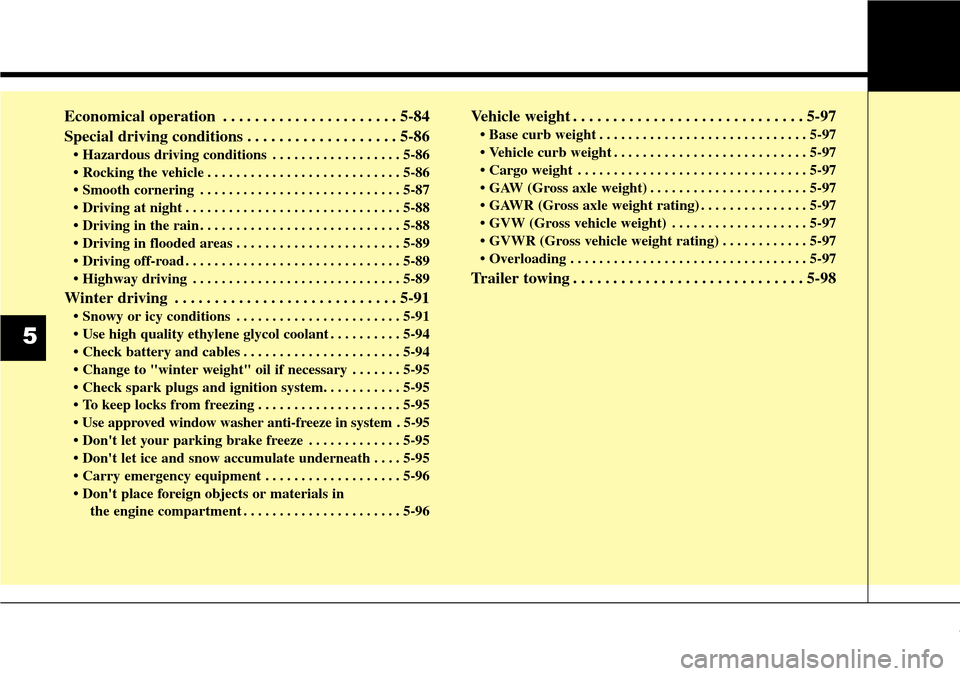
Economical operation . . . . . . . . . . . . . . . . . . . . . . 5-84
Special driving conditions . . . . . . . . . . . . . . . . . . . 5-86
• Hazardous driving conditions . . . . . . . . . . . . . . . . . . 5-86
• Rocking the vehicle . . . . . . . . . . . . . . . . . . . . . . . . . . . 5-86
• Smooth cornering . . . . . . . . . . . . . . . . . . . . . . . . . . . . 5-87
• Driving at night . . . . . . . . . . . . . . . . . . . . . . . . . . . . . . 5-88
• Driving in the rain . . . . . . . . . . . . . . . . . . . . . . . . . . . . 5-88
• Driving in flooded areas . . . . . . . . . . . . . . . . . . . . . . . 5-89
• Driving off-road . . . . . . . . . . . . . . . . . . . . . . . . . . . . . . 5-89
• Highway driving . . . . . . . . . . . . . . . . . . . . . . . . . . . . . 5-89
Winter driving . . . . . . . . . . . . . . . . . . . . . . . . . . . . 5-91
• Snowy or icy conditions . . . . . . . . . . . . . . . . . . . . . . . 5-91
• Use high quality ethylene glycol coolant . . . . . . . . . . 5-94
• Check battery and cables . . . . . . . . . . . . . . . . . . . . . . 5-94
• Change to "winter weight" oil if necessary . . . . . . . 5-95
• Check spark plugs and ignition system. . . . . . . . . . . 5-95
• To keep locks from freezing . . . . . . . . . . . . . . . . . . . . 5-95
• Use approved window washer anti-freeze in system . 5-95
• Don't let your parking brake freeze . . . . . . . . . . . . . 5-95
• Don't let ice and snow accumulate underneath . . . . 5-95
• Carry emergency equipment . . . . . . . . . . . . . . . . . . . 5-96
• Don't place foreign objects or materials in
the engine compartment . . . . . . . . . . . . . . . . . . . . . . 5-96
Vehicle weight . . . . . . . . . . . . . . . . . . . . . . . . . . . . . 5-97
• Base curb weight . . . . . . . . . . . . . . . . . . . . . . . . . . . . . 5-97
• Vehicle curb weight . . . . . . . . . . . . . . . . . . . . . . . . . . . 5-97
• Cargo weight . . . . . . . . . . . . . . . . . . . . . . . . . . . . . . . . 5-97
• GAW (Gross axle weight) . . . . . . . . . . . . . . . . . . . . . . 5-97
• GAWR (Gross axle weight rating) . . . . . . . . . . . . . . . 5-97
• GVW (Gross vehicle weight) . . . . . . . . . . . . . . . . . . . 5-97
• GVWR (Gross vehicle weight rating) . . . . . . . . . . . . 5-97
• Overloading . . . . . . . . . . . . . . . . . . . . . . . . . . . . . . . . . 5-97
Trailer towing . . . . . . . . . . . . . . . . . . . . . . . . . . . . . 5-98
5
Page 265 of 483
Driving your vehicle
4 5
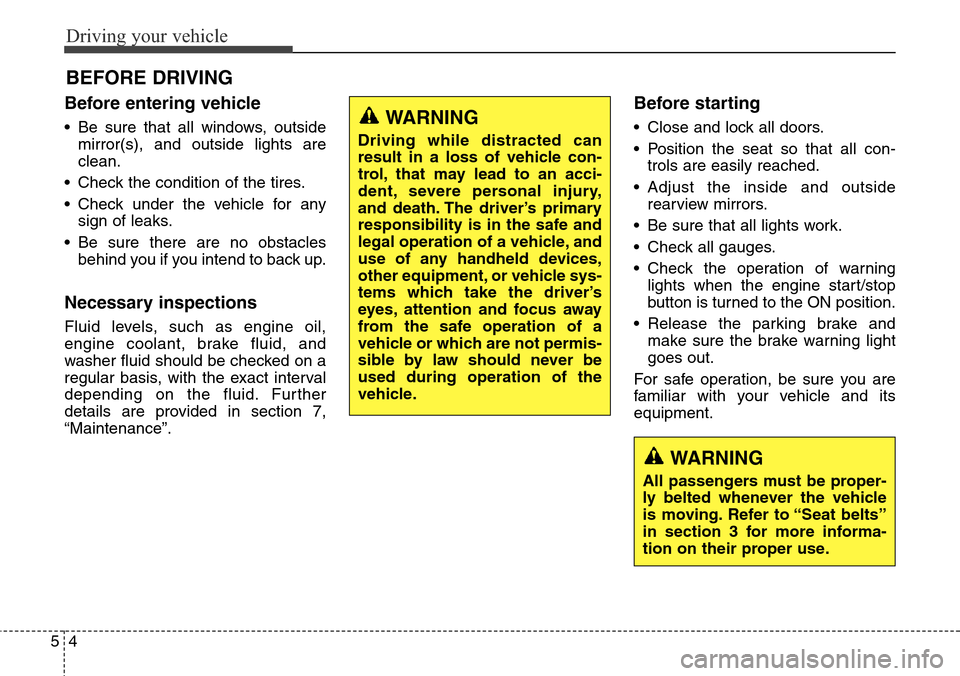
Before entering vehicle
• Be sure that all windows, outside
mirror(s), and outside lights are
clean.
• Check the condition of the tires.
• Check under the vehicle for any
sign of leaks.
• Be sure there are no obstacles
behind you if you intend to back up.
Necessary inspections
Fluid levels, such as engine oil,
engine coolant, brake fluid, and
washer fluid should be checked on a
regular basis, with the exact interval
depending on the fluid. Further
details are provided in section 7,
“Maintenance”.
Before starting
• Close and lock all doors.
• Position the seat so that all con-
trols are easily reached.
• Adjust the inside and outside
rearview mirrors.
• Be sure that all lights work.
• Check all gauges.
• Check the operation of warning
lights when the engine start/stop
button is turned to the ON position.
• Release the parking brake and
make sure the brake warning light
goes out.
For safe operation, be sure you are
familiar with your vehicle and its
equipment.
BEFORE DRIVING
WARNING
All passengers must be proper-
ly belted whenever the vehicle
is moving. Refer to “Seat belts”
in section 3 for more informa-
tion on their proper use.
WARNING
Driving while distracted can
result in a loss of vehicle con-
trol, that may lead to an acci-
dent, severe personal injury,
and death. The driver’s primary
responsibility is in the safe and
legal operation of a vehicle, and
use of any handheld devices,
other equipment, or vehicle sys-
tems which take the driver’s
eyes, attention and focus away
from the safe operation of a
vehicle or which are not permis-
sible by law should never be
used during operation of the
vehicle.