USB Hyundai Genesis 2013 User Guide
[x] Cancel search | Manufacturer: HYUNDAI, Model Year: 2013, Model line: Genesis, Model: Hyundai Genesis 2013Pages: 429, PDF Size: 8.94 MB
Page 220 of 429
4141
Features of your vehicle
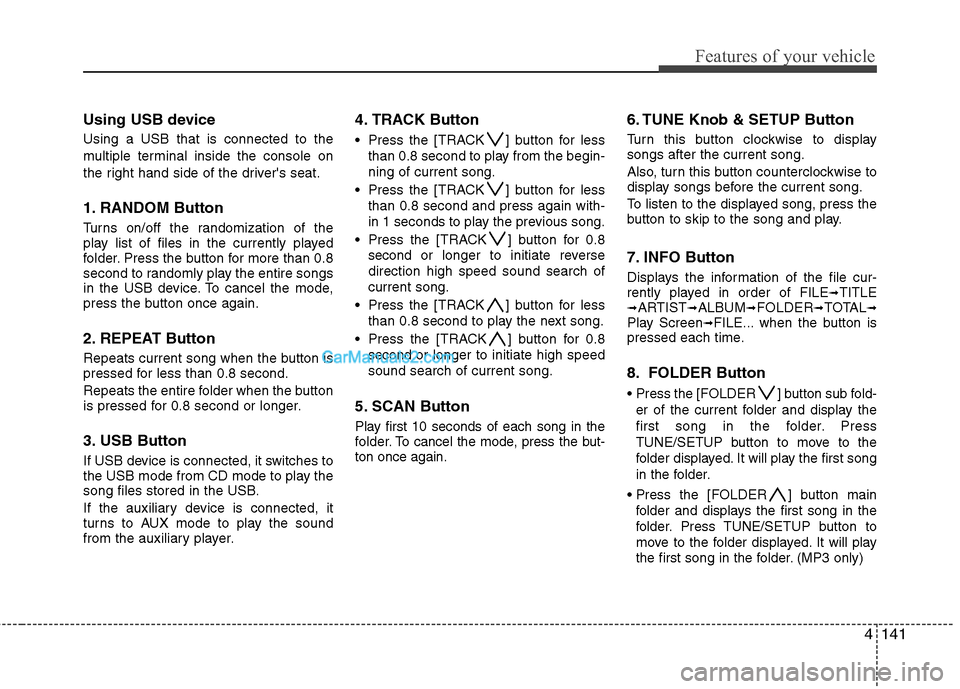
Using USB device
Using a USB that is connected to the
multiple terminal inside the console on
the right hand side of the driver's seat.
1. RANDOM Button
Turns on/off the randomization of the
play list of files in the currently played
folder. Press the button for more than 0.8
second to randomly play the entire songs
in the USB device. To cancel the mode,
press the button once again.
2. REPEAT Button
Repeats current song when the button is
pressed for less than 0.8 second.
Repeats the entire folder when the button
is pressed for 0.8 second or longer.
3. USB Button
If USB device is connected, it switches to
the USB mode from CD mode to play the
song files stored in the USB.
If the auxiliary device is connected, it
turns to AUX mode to play the sound
from the auxiliary player.
4. TRACK Button
Press the [TRACK ] button for lessthan 0.8 second to play from the begin-
ning of current song.
Press the [TRACK ] button for less than 0.8 second and press again with-
in 1 seconds to play the previous song.
Press the [TRACK ] button for 0.8 second or longer to initiate reverse
direction high speed sound search of
current song.
Press the [TRACK ] button for less than 0.8 second to play the next song.
Press the [TRACK ] button for 0.8 second or longer to initiate high speed
sound search of current song.
5. SCAN Button
Play first 10 seconds of each song in the
folder. To cancel the mode, press the but-
ton once again.
6. TUNE Knob & SETUP Button
Turn this button clockwise to display
songs after the current song.
Also, turn this button counterclockwise to
display songs before the current song.
To listen to the displayed song, press the
button to skip to the song and play.
7. INFO Button
Displays the information of the file cur-
rently played in order of FILE➟TITLE➟ARTIST➟ALBUM➟FOLDER➟TOTAL➟Play Screen➟FILE... when the button is
pressed each time.
8. FOLDER Button
Press the [FOLDER ] button sub fold-
er of the current folder and display the
first song in the folder. Press
TUNE/SETUP button to move to the
folder displayed. It will play the first song
in the folder.
] button main folder and displays the first song in the
folder. Press TUNE/SETUP button to
move to the folder displayed. It will play
the first song in the folder. (MP3 only)
Page 223 of 429
Features of your vehicle
144
4
✽
✽
NOTICE FOR USING THE
iPod®DEVICE
• Some iPod®models might not sup-
port the communication protocol
and the files will not be played.
Supported iPod
®models:
- iPod®Mini
- iPod®4th(Photo) ~ 6th(Classic)
generation
- iPod
®Nano 1st~4th generation
- iPod®Touch 1st~2nd generation
• The order of search or playback of songs in the iPod
®can be different
from the order searched in the
audio system.
• If the iPod
®disabled due to its own
malfunction, reset the iPod®.
(Reset: Refer to iPod®manual)
• An iPod®may not operate normally
on low battery.
• Some iPod
®devices, such as the
iPhone, can be connected through the
Bluetooth
®Wireless Technology inter-
face. The device must have audio
Bluetooth
®Wireless Technology capa-
bility (such as for stereo headphone
Bluetooth
® Wireless Technology). The
device can play, but it will not be con-
trolled by the audio system.
CAUTION IN USING THE
iPod®DEVICE
The HYUNDAI iPod®Power Cable
is needed in order to operate iPod
®with the audio buttons on
the audio system. The USB cable provided by Apple may causemalfunction and should not beused for HYUNDAI vehicles.
❋ The HYUNDAI iPod®Power Cable
may be purchased through your HYUNDAI Dealership.
When connecting iPod
®with the
iPod®Power Cable, insert the con-
nector to the multimedia socket completely. If not inserted com-pletely, communications betweeniPod and audio may be interrupted.
When adjusting the sound effects of the iPod
®and the audio system, the
sound effects of both devices will overlap and might reduce or distort the quality of the sound.
Deactivate (turn off) the equalizer function of an iPod
®when adjust-
ing the audio system’s volume, and turn off the equalizer of theaudio system when using theequalizer of an iPod
®.
(Continued)
(Continued) When the iPod®cable is connected,
the system can be switched to AUX mode even without iPod
®device
and may cause noise. Disconnect
the iPod
®cable when you are not
using the iPod®device.
When not using iPod®with car
audio, detach the iPod®cable from
iPod®. Otherwise, iPod®may
remain in accessory mode, and may not work properly.
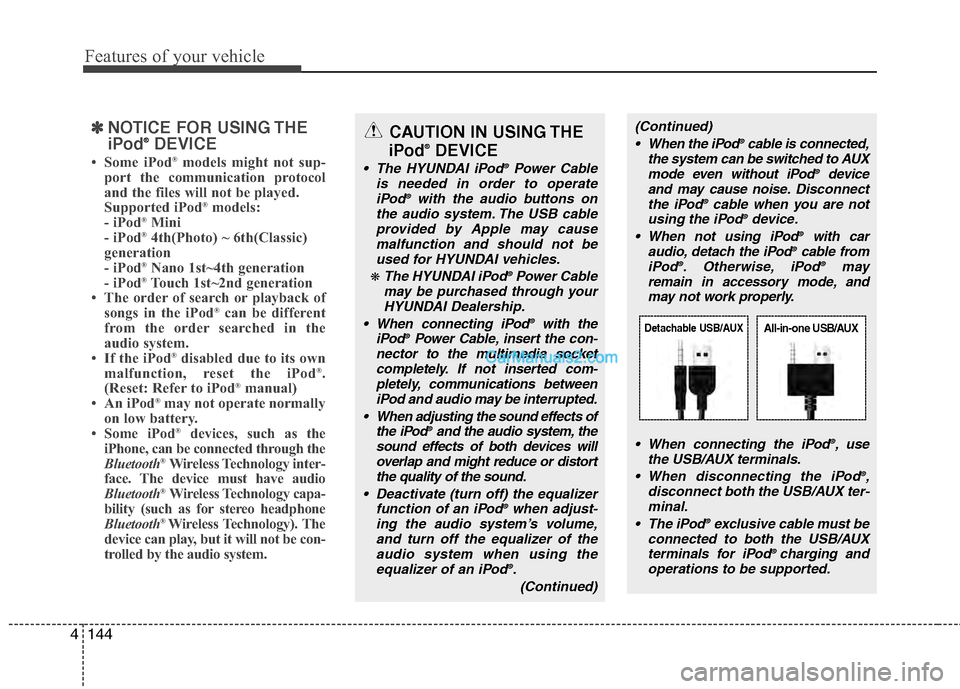
When connecting the iPod
®, use
the USB/AUX terminals.
When disconnecting the iPod
®,
disconnect both the USB/AUX ter- minal.
The iPod
®exclusive cable must be
connected to both the USB/AUX terminals for iPod
® charging and
operations to be supported.
Detachable USB/AUXAll-in-one USB/AUX
Page 426 of 429

Index
4I
Indicator symbols on the instrument cluster ················· 1-7
Instrument cluster ··················\
··················\
··················\
·· 4-48Engine temperature gauge ··················\
··················\
····· 4-51
Fuel gauge ··················\
··················\
··················\
··········· 4-52
Instrument panel illumination ··················\
················· 4-50
Speedometer ···············\
··················\
··················\
··········· 4-50
Tachometer ················\
··················\
··················\
············ 4-50
Trip computer ··················\
··················\
··················\
······ 4-52
Warning and indicators ··················\
··················\
·········· 4-57
Warning on the LCD screen ··················\
··················\
·· 4-68
Instrument panel overview ··················\
··················\
········ 2-3
Interior features ··················\
··················\
··················\
··· 4-106 Ashtray ················\
··················\
··················\
················ 4-106
AUX, USB and iPod
®port ·················\
··················\
··· 4-113
Bluetooth®Wireless Technology hands-free ··········· 4-114
Cigarette lighter ··················\
··················\
··················\
· 4-106
Clothes hanger ··················\
··················\
··················\
··· 4-111
Cup holder ··················\
··················\
··················\
········· 4-107
Digital clock ··················\
··················\
··················\
······ 4-109
DIS(Driver Information System) ··················\
·········· 4-114
Floor mat anchor(s) ··················\
··················\
···············4-111
Luggage net (holder) ··················\
··················\
··········· 4-112
Navigation system ··················\
··················\
··············· 4-113
Outside thermometer ··················\
··················\
··········· 4-110
Power outlet ··················\
··················\
··················\
······· 4-108
Rear curtain ··················\
··················\
··················\
······· 4-112
Sunvisor ·················\
··················\
··················\
·············· 4-107 Interior light ··················\
··················\
··················\
··········· 4-85
Interior overview ··················\
··················\
··················\
····· 2-2
Key ··················\
··················\
··················\
··················\
········· 5-5
Ignition switch position ··················\
··················\
··········· 5-5
Starting the engine ··················\
··················\
··················\
· 5-6
Keys ··················\
··················\
··················\
··················\
······· 4-3
Lane departure warning system (LDWS) ··················\
····5-51
Light bulbs ··················\
··················\
··················\
············· 7-60 Headlight, position light, turn signal light, side marker light and front fog light bulb replacement ············· 7-60
High mounted stop light replacement ··················\
····· 7-63
Interior light bulb replacement ··················\
················ 7-68
License plate light bulb replacement ··················\
······ 7-67
Door courtesy lamp bulb replacement ··················\
···· 7-68
Rear combination light bulb replacement ················· 7-62
Side repeater light bulb replacement ··················\
······· 7-62
Lighting ················\
··················\
··················\
··················\
· 4-77 AFLS(Adaptive Front Lighting System) ··················\
4-81
Battery saver function ··················\
··················\
··········· 4-77
Headlight escort function ··················\
··················\
········4-77
L
K