warning lights Hyundai Genesis 2015 User Guide
[x] Cancel search | Manufacturer: HYUNDAI, Model Year: 2015, Model line: Genesis, Model: Hyundai Genesis 2015Pages: 501, PDF Size: 38.76 MB
Page 188 of 501
3-94
Convenient features of your vehicle
Warning lights
✽ ✽
NOTICE
Make sure that all warning lights
are OFF after starting the engine. If
any light is still ON, this indicates a
situation that needs attention.
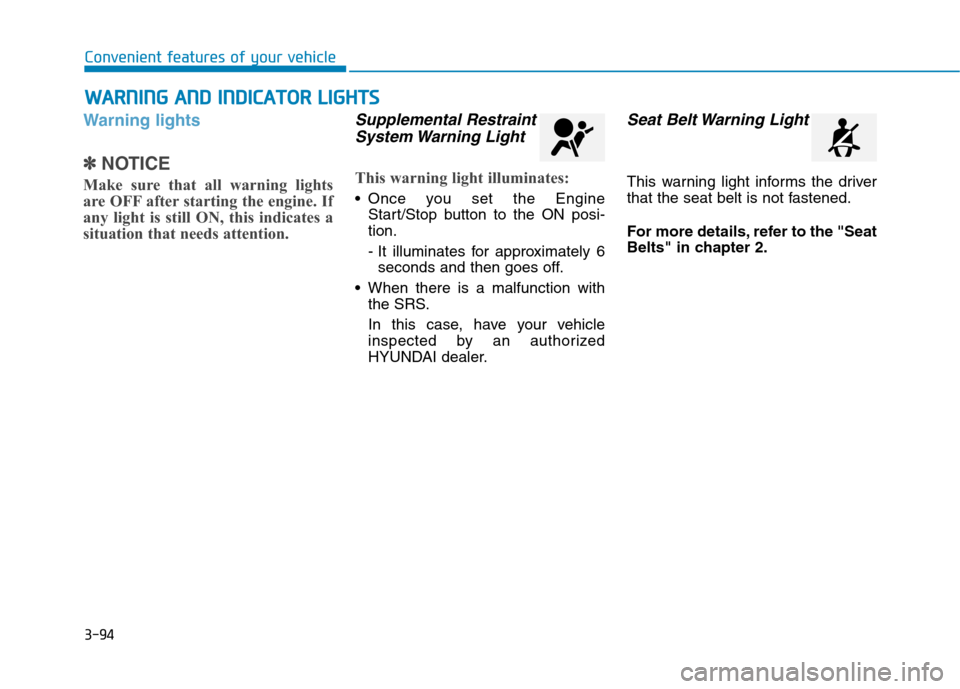
Supplemental Restraint
System Warning Light
This warning light illuminates:
Once you set the Engine
Start/Stop button to the ON posi-
tion.
- It illuminates for approximately 6
seconds and then goes off.
When there is a malfunction with
the SRS.
In this case, have your vehicle
inspected by an authorized
HYUNDAI dealer.
Seat Belt Warning Light
This warning light informs the driver
that the seat belt is not fastened.
For more details, refer to the "Seat
Belts" in chapter 2.
W WA
AR
RN
NI
IN
NG
G
A
AN
ND
D
I
IN
ND
DI
IC
CA
AT
TO
OR
R
L
LI
IG
GH
HT
TS
S
Page 190 of 501
3-96
Convenient features of your vehicle
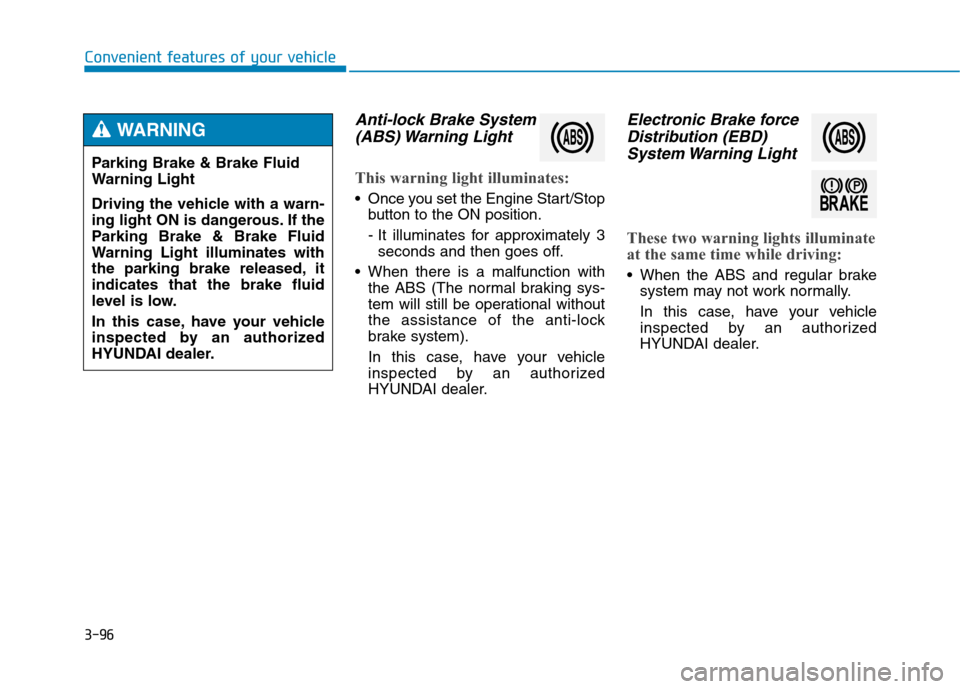
Anti-lock Brake System
(ABS) Warning Light
This warning light illuminates:
Once you set the Engine Start/Stop
button to the ON position.
- It illuminates for approximately 3
seconds and then goes off.
When there is a malfunction with
the ABS (The normal braking sys-
tem will still be operational without
the assistance of the anti-lock
brake system).
In this case, have your vehicle
inspected by an authorized
HYUNDAI dealer.
Electronic Brake force
Distribution (EBD)
System Warning Light
These two warning lights illuminate
at the same time while driving:
When the ABS and regular brake
system may not work normally.
In this case, have your vehicle
inspected by an authorized
HYUNDAI dealer. Parking Brake & Brake Fluid
Warning Light
Driving the vehicle with a warn-
ing light ON is dangerous. If the
Parking Brake & Brake Fluid
Warning Light illuminates with
the parking brake released, it
indicates that the brake fluid
level is low.
In this case, have your vehicle
inspected by an authorized
HYUNDAI dealer.
WARNING
Page 191 of 501
3-97
Convenient features of your vehicle
3
✽ ✽
NOTICE - Electronic Brake
force Distribution (EBD)
System Warning Light
When the ABS Warning Light is on
or both ABS and Parking Brake &
Brake Fluid Warning Lights are on,
the speedometer, odometer, or trip-
meter may not work. Also, the EPS
Warning Light may illuminate and
the steering effort may increase or
decrease.
In this case, have your vehicle
inspected by an authorized
HYUNDAI dealer.
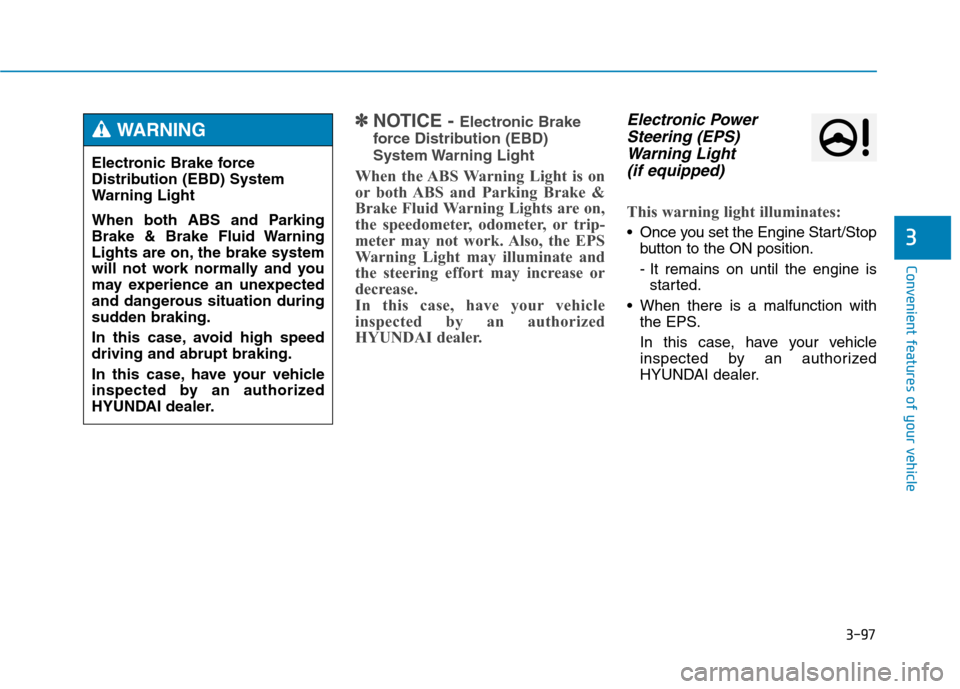
Electronic Power
Steering (EPS)
Warning Light
(if equipped)
This warning light illuminates:
Once you set the Engine Start/Stop
button to the ON position.
- It remains on until the engine is
started.
When there is a malfunction with
the EPS.
In this case, have your vehicle
inspected by an authorized
HYUNDAI dealer. Electronic Brake force
Distribution (EBD) System
Warning Light
When both ABS and Parking
Brake & Brake Fluid Warning
Lights are on, the brake system
will not work normally and you
may experience an unexpected
and dangerous situation during
sudden braking.
In this case, avoid high speed
driving and abrupt braking.
In this case, have your vehicle
inspected by an authorized
HYUNDAI dealer.
WARNING
Page 198 of 501
3-104
Convenient features of your vehicle
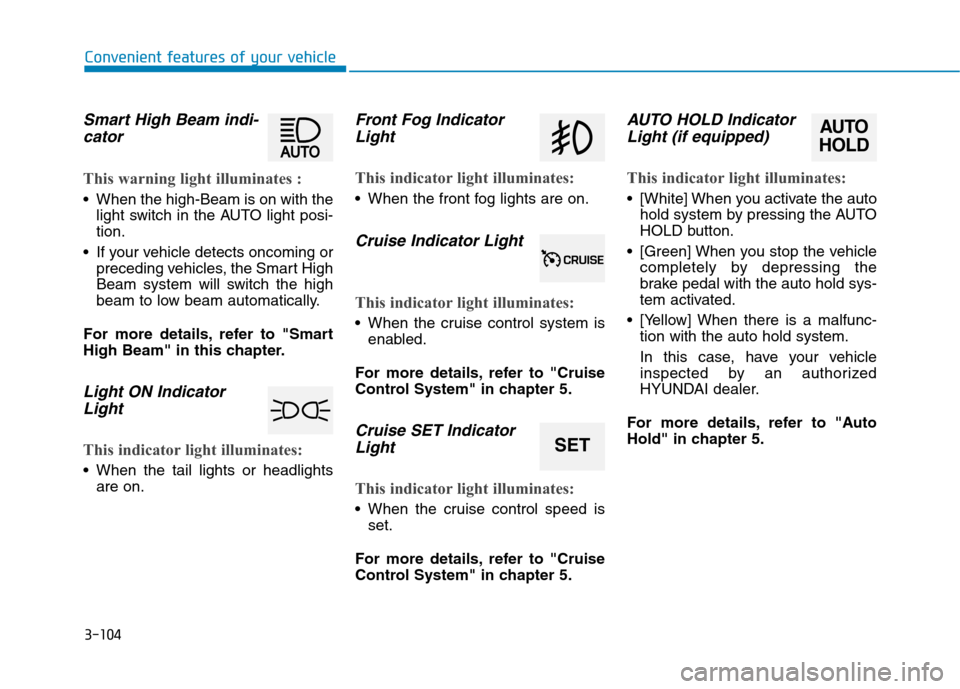
Smart High Beam indi-
cator
This warning light illuminates :
When the high-Beam is on with the
light switch in the AUTO light posi-
tion.
If your vehicle detects oncoming or
preceding vehicles, the Smart High
Beam system will switch the high
beam to low beam automatically.
For more details, refer to "Smart
High Beam" in this chapter.
Light ON Indicator
Light
This indicator light illuminates:
When the tail lights or headlights
are on.
Front Fog Indicator
Light
This indicator light illuminates:
When the front fog lights are on.
Cruise Indicator Light
This indicator light illuminates:
When the cruise control system is
enabled.
For more details, refer to "Cruise
Control System" in chapter 5.
Cruise SET Indicator
Light
This indicator light illuminates:
When the cruise control speed is
set.
For more details, refer to "Cruise
Control System" in chapter 5.
AUTO HOLD Indicator
Light (if equipped)
This indicator light illuminates:
[White] When you activate the auto
hold system by pressing the AUTO
HOLD button.
[Green] When you stop the vehicle
completely by depressing the
brake pedal with the auto hold sys-
tem activated.
[Yellow] When there is a malfunc-
tion with the auto hold system.
In this case, have your vehicle
inspected by an authorized
HYUNDAI dealer.
For more details, refer to "Auto
Hold" in chapter 5.
SET
AUTO
HOLD
Page 202 of 501
3-108
Convenient features of your vehicle
7. Blind Spot Detection (BSD) sys-
tem information (if equipped)
8. Warning lights (Low fuel)
9. Audio/Video information
On the "User settings Mode" of the
LCD display, you can activate or
deactivate the Turn By Turn (TBT)
navigation, smart cruise control
(scc), Lane Keeping Assist
System(LKAS), and Blind Spot
Detection (BSD) system information.
✽ ✽
NOTICE
If you select the Turn By Turn
(TBT) navigation information as
HUD contents, the Turn By Turn
(TBT) navigation information will
not be displayed on the LCD
Display.
Head Up Display Setting
On the LCD display, you can change
the head up display settings as fol-
lows.
1. Head up display ON/OFF
2. Display height
3. Illumination
4. Contents setting
5. Speedometer number size
6. Speedometer number color
For more details, refer to "LCD
Display" in this chapter.
Page 206 of 501
3-112
Convenient features of your vehicle
The high beam switches to low beam
in the below conditions.
- When the Smart High Beam is off.
- When the light switch is not in the
AUTO position.
- When the headlamp is detected
from the on-coming vehicle.
- When the tail lamp is detected
from the front vehicle.
- When the surrounding is bright
enough high beams are not need-
ed.
- When streetlights or other lights
are detected.
- When vehicle speed is below 22
mph (35km/h).The system may not operate nor-
mally in the below conditions.
When the light from the on-
coming or front vehicle is not
detected because of lamp dam-
age, hidden from sight, etc.
When the lamp of the on-com-
ing or front vehicle is covered
with dust, snow or water.
When the light from the on-
coming or front vehicle is not
detected because of exhaust
fume, smoke, fog, snow, etc.
When the front window is cov-
ered with foreign matters such
as ice, dust, fog, or is damaged.
When there is a similar shape
lamp with the front vehicle’s
lamps.
When it is hard to see because
of fog, heavy rain or snow.
When the headlamp is not
repaired or replaced at an
authorized dealer.
(continued)
CAUTION(continued)
When headlamp aiming is not
properly adjusted.
When driving on a narrow
curved road or rough road.
When driving downhill or uphill.
When only part of the vehicle
in front is visible on a cross-
road or curved road.
When there is a traffic light,
reflecting sign, flashing sign
or mirror.
When the road conditions are
bad such as being wet or cov-
ered with snow.
When the front vehicle’s head-
lamps are off but the fog lamps
on.
When a vehicle suddenly
appears from a curve.
When the vehicle is tilted from
a flat tire or being towed.
When the LKAS (Lane keep-
ing Assist System) warning
light illuminates. (if equipped)
Page 209 of 501
3-115
Convenient features of your vehicle
3
✽ ✽
NOTICE
If the driver gets out of the vehicle
through other doors (except driver's
door), the battery saver function
does not operate and the headlamp
delay function does not turn off
automatically. Therefore, It causes
the battery to be discharged. In this
case, make sure to turn off the lamp
before getting out of the vehicle.
Daytime running light (DRL)
(if equipped)
The Daytime Running Lights (DRL)
can make it easier for others to see
the front of your vehicle during the
day, especially after dawn and before
sunset.
for U.S.A
The DRL will turn off when:
1. The light switch is not in the AUTO
position.
2. The parking brake is applied.
3. The engine is turned off.
4. The hazard warning flasher is on.
5. You turn the turn signal light on.
- If you turn on the turn signal
light, only the corresponding
daytime running lights will turn
off.
for Canada
The DRL will turn off when:
1. The light switch is in the headlamp
position, including the operation
that the headlamp is turned on
automatically in the AUTO light
position.
2. The parking brake is applied.
3. The engine is turned off.
4. The hazard warning flasher is on.
5. You turn the turn signal light on.
- If you turn on the turn signal
light, only the corresponding
daytime running lights will turn
off.
- If you turn on turn signal light
with the position light turned on,
the daytime running lights will
turn off but the position light
remains on.
Page 211 of 501
3-117
Convenient features of your vehicle
3
Headlamp and Parking lamp
When the headlamp (lamp switch in
the headlamp or AUTO position) is on
and all doors (and trunk) are locked
and closed, the parking lamp and
headlamp will come on for 15 seconds
if/or any of the below is performed.
When the door unlock button is
pressed on the smart key.
At this time, if you press the door lock
or unlock button on the smart key the
parking lamp and headlamp will turn
off immediately.
You can activate or deactivate the
Welcome Light from the User
Settings Mode (Light) on the LCD
display.
For more details, refer to "LCD
Display" in this chapter.
Interior lamp
When the interior lamp switch is in
the DOOR position and all doors (and
trunk) are closed and locked, the
room lamp will come on for 30 sec-
onds if any of the below is performed.
When the door unlock button is
pressed on the smart key.
When the button of the outside
door handle is pressed.
At this time, if you press the door lock
or unlock button on the smart key the
room lamp will turn off immediately.
Interior lights
Do not use the interior lights
when driving in the dark. The inte-
rior lights may obscure your view
and cause an accident.
WARNING
Do not use the interior lights for
extended periods when the
engine is turned off or the bat-
tery will discharge.
CAUTION
Page 264 of 501
5-4
Driving your vehicle
Before entering the vehicle
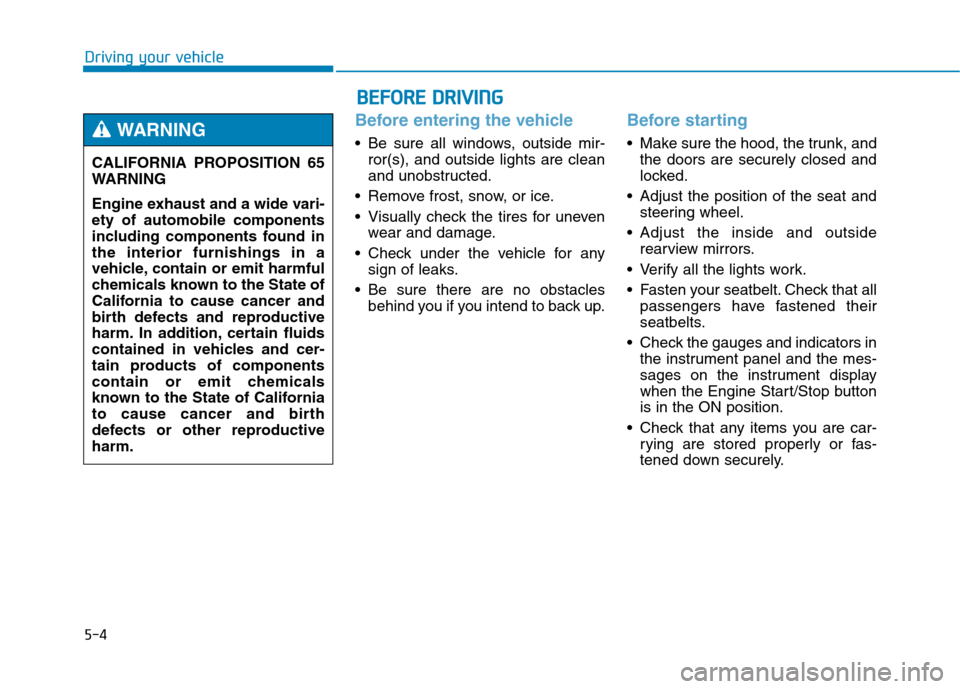
• Be sure all windows, outside mir-
ror(s), and outside lights are clean
and unobstructed.
Remove frost, snow, or ice.
Visually check the tires for uneven
wear and damage.
Check under the vehicle for any
sign of leaks.
Be sure there are no obstacles
behind you if you intend to back up.
Before starting
Make sure the hood, the trunk, and
the doors are securely closed and
locked.
Adjust the position of the seat and
steering wheel.
Adjust the inside and outside
rearview mirrors.
Verify all the lights work.
Fasten your seatbelt. Check that all
passengers have fastened their
seatbelts.
Check the gauges and indicators in
the instrument panel and the mes-
sages on the instrument display
when the Engine Start/Stop button
is in the ON position.
Check that any items you are car-
rying are stored properly or fas-
tened down securely. CALIFORNIA PROPOSITION 65
WARNING
Engine exhaust and a wide vari-
ety of automobile components
including components found in
the interior furnishings in a
vehicle, contain or emit harmful
chemicals known to the State of
California to cause cancer and
birth defects and reproductive
harm. In addition, certain fluids
contained in vehicles and cer-
tain products of components
contain or emit chemicals
known to the State of California
to cause cancer and birth
defects or other reproductive
harm.WARNING
B BE
EF
FO
OR
RE
E
D
DR
RI
IV
VI
IN
NG
G
Page 268 of 501
5-8
Driving your vehicle
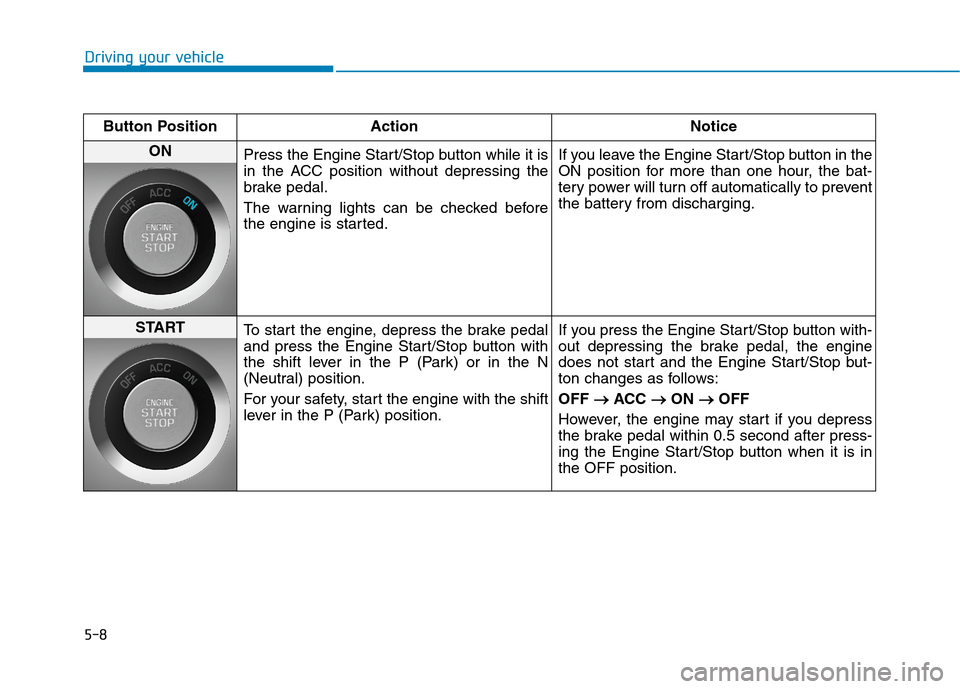
Button Position Action Notice
ON
Press the Engine Start/Stop button while it is
in the ACC position without depressing the
brake pedal.
The warning lights can be checked before
the engine is started.If you leave the Engine Start/Stop button in the
ON position for more than one hour, the bat-
tery power will turn off automatically to prevent
the battery from discharging.
START
To start the engine, depress the brake pedal
and press the Engine Start/Stop button with
the shift lever in the P (Park) or in the N
(Neutral) position.
For your safety, start the engine with the shift
lever in the P (Park) position.If you press the Engine Start/Stop button with-
out depressing the brake pedal, the engine
does not start and the Engine Start/Stop but-
ton changes as follows:
OFF → →
ACC → →
ON → →
OFF
However, the engine may start if you depress
the brake pedal within 0.5 second after press-
ing the Engine Start/Stop button when it is in
the OFF position.