tire Hyundai Genesis Coupe 2010 Owner's Manual
[x] Cancel search | Manufacturer: HYUNDAI, Model Year: 2010, Model line: Genesis Coupe, Model: Hyundai Genesis Coupe 2010Pages: 322, PDF Size: 25.93 MB
Page 9 of 322
Introduction
2
1
A010000AHM
We want to help you get the greatest
possible driving pleasure from your vehi-
cle. Your Owner’s Manual can assist you
in many ways. We strongly recommend
that you read the entire manual. In order
to minimize the chance of death or injury,
you must read the WARNING and CAU-
TION sections in the manual.
Illustrations complement the words in this
manual to best explain how to enjoy your
vehicle. By reading your manual, you
learn about features, important safety
information, and driving tips under vari-
ous road conditions.
The general layout of the manual is pro-
vided in the Table of Contents. A good
place to start is the index; it has an alpha-
betical listing of all information in your
manual.
Sections: This manual has eight sections
plus an index. Each section begins with a
brief list of contents so you can tell at a
glance if that section has the information
you want. You will find various WARNINGs,
CAUTIONs, and NOTICEs in this manu-
al. These WARNINGs were prepared to
enhance your personal safety. You should
carefully read and follow ALL procedures
and recommendations provided in these
WARNINGs, CAUTIONs and NOTICEs.
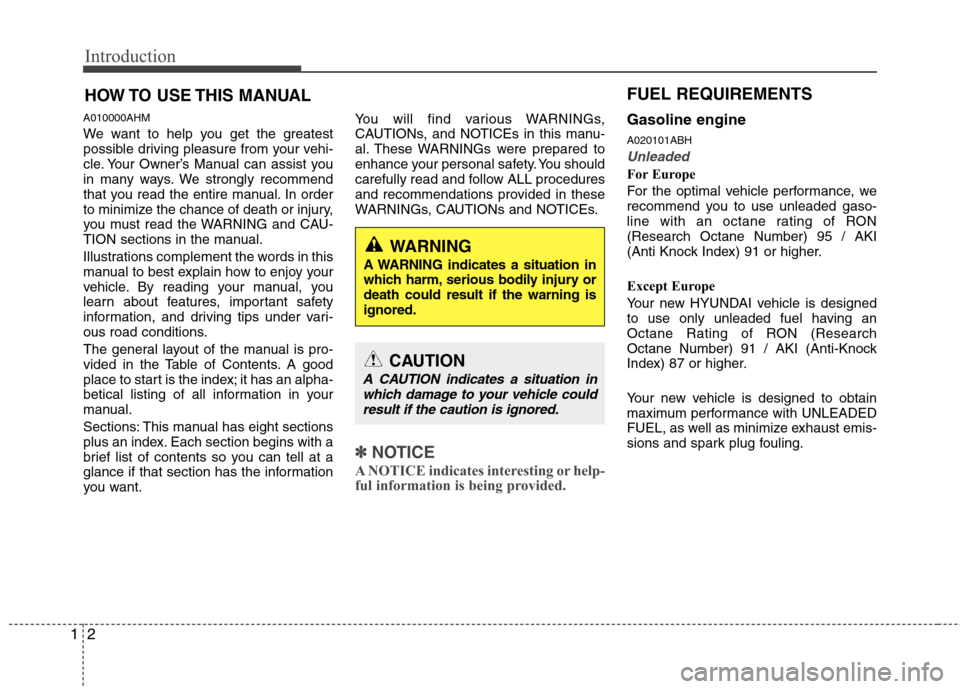
✽✽
NOTICE
A NOTICE indicates interesting or help-
ful information is being provided.
Gasoline engine A020101ABH
Unleaded
For Europe
For the optimal vehicle performance, we
recommend you to use unleaded gaso-
line with an octane rating of RON(Research Octane Number) 95 / AKI
(Anti Knock Index) 91 or higher.
Except Europe
Your new HYUNDAI vehicle is designed
to use only unleaded fuel having an
Octane Rating of RON (Research
Octane Number) 91 / AKI (Anti-Knock
Index) 87 or higher.
Your new vehicle is designed to obtain
maximum performance with UNLEADED
FUEL, as well as minimize exhaust emis-
sions and spark plug fouling.
HOW TO USE THIS MANUAL
WARNING
A WARNING indicates a situation in
which harm, serious bodily injury ordeath could result if the warning isignored.
CAUTION
A CAUTION indicates a situation in which damage to your vehicle couldresult if the caution is ignored.
FUEL REQUIREMENTS
Page 31 of 322
Safety features of your vehicle
14
3
C020100ABK Seat belt restraint system SEAT BELTS
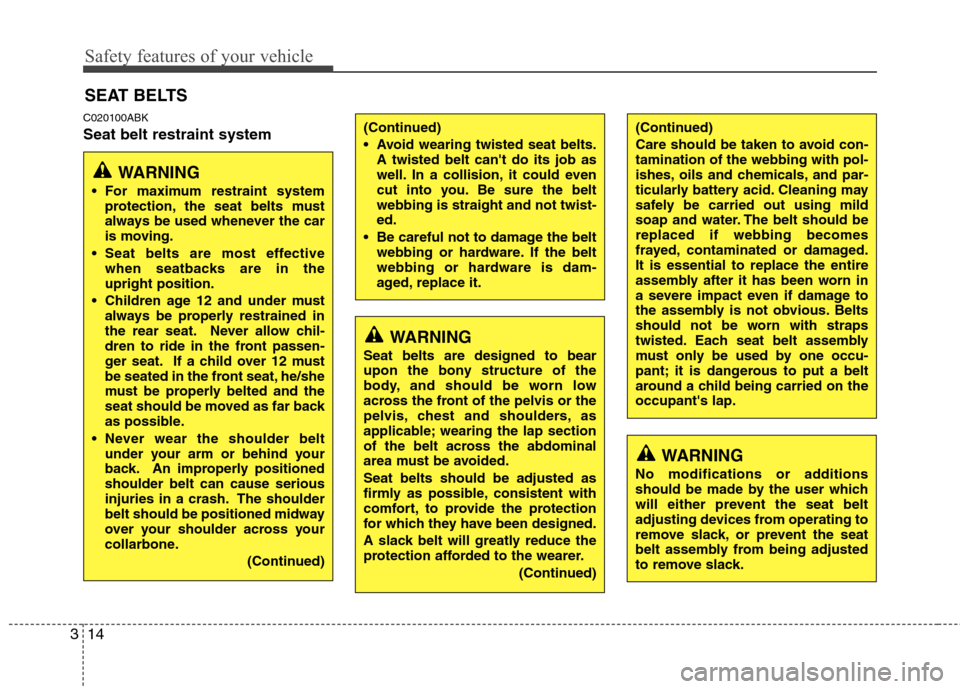
WARNING
For maximum restraint system protection, the seat belts must
always be used whenever the car
is moving.
Seat belts are most effective when seatbacks are in theupright position.
Children age 12 and under must always be properly restrained in
the rear seat. Never allow chil-
dren to ride in the front passen-
ger seat. If a child over 12 must
be seated in the front seat, he/she
must be properly belted and the
seat should be moved as far back
as possible.
Never wear the shoulder belt under your arm or behind your
back. An improperly positionedshoulder belt can cause serious
injuries in a crash. The shoulder
belt should be positioned midway
over your shoulder across your
collarbone.
(Continued)
WARNING
Seat belts are designed to bear
upon the bony structure of the
body, and should be worn low
across the front of the pelvis or the
pelvis, chest and shoulders, as
applicable; wearing the lap section
of the belt across the abdominal
area must be avoided. Seat belts should be adjusted as
firmly as possible, consistent with
comfort, to provide the protection
for which they have been designed.
A slack belt will greatly reduce the
protection afforded to the wearer.
(Continued)
(Continued)
Care should be taken to avoid con- tamination of the webbing with pol-
ishes, oils and chemicals, and par-
ticularly battery acid. Cleaning may
safely be carried out using mild
soap and water. The belt should bereplaced if webbing becomes
frayed, contaminated or damaged.It is essential to replace the entire
assembly after it has been worn in
a severe impact even if damage to
the assembly is not obvious. Belts
should not be worn with straps
twisted. Each seat belt assembly
must only be used by one occu-
pant; it is dangerous to put a belt
around a child being carried on theoccupant's lap.
WARNING
No modifications or additions
should be made by the user which
will either prevent the seat belt
adjusting devices from operating to
remove slack, or prevent the seat
belt assembly from being adjusted
to remove slack.
(Continued)
Avoid wearing twisted seat belts. A twisted belt can't do its job as
well. In a collision, it could even
cut into you. Be sure the beltwebbing is straight and not twist-ed.
Be careful not to damage the belt webbing or hardware. If the belt
webbing or hardware is dam-
aged, replace it.
Page 40 of 322
323
Safety features of your vehicle
C020400ABK Care of seat belts
Seat belt systems should never be disas-
sembled or modified. In addition, care
should be taken to assure that seat belts
and belt hardware are not damaged by
seat hinges, doors or other abuse. C020401AEN
Periodic inspection
All seat belts should be inspected peri-
odically for wear or damage of any kind.
Any damaged parts should be replaced
as soon as possible.C020402AUN
Keep belts clean and dry
Seat belts should be kept clean and dry.
If belts become dirty, they can be
cleaned by using a mild soap solution
and warm water. Bleach, dye, strong
detergents or abrasives should not be
used because they may damage and
weaken the fabric. C020403AEN
When to replace seat belts
Entire in-use seat belt assembly or
assemblies should be replaced if the
vehicle has been involved in an accident.
This should be done even if no damage
is visible. Additional questions concern-
ing seat belt operation should be directed
to an authorized HYUNDAI dealer.
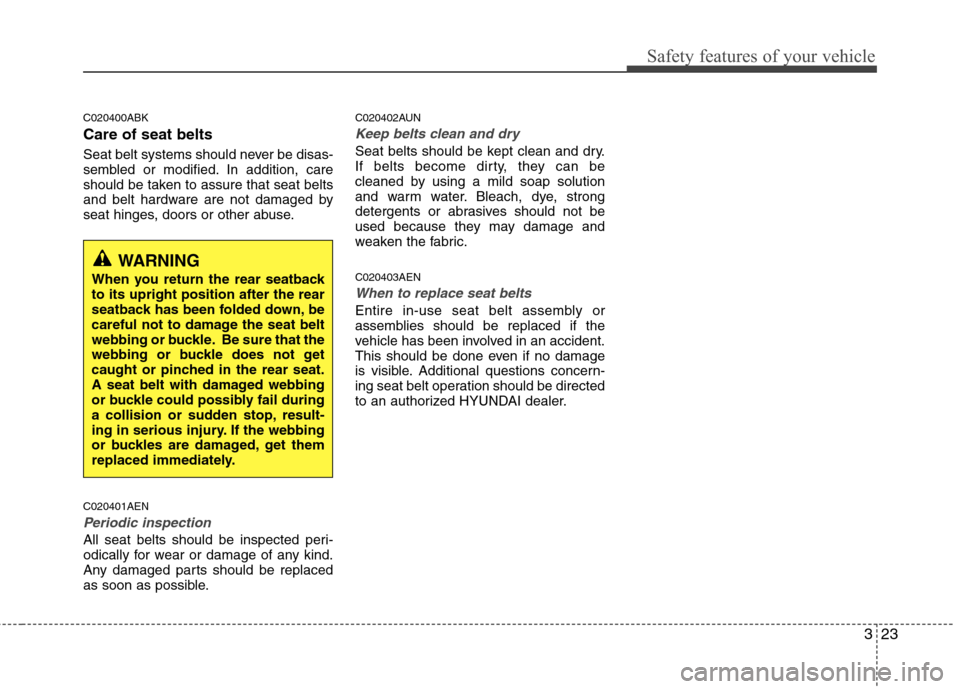
WARNING
When you return the rear seatback to its upright position after the rear
seatback has been folded down, be
careful not to damage the seat belt
webbing or buckle. Be sure that the
webbing or buckle does not get
caught or pinched in the rear seat.
A seat belt with damaged webbing
or buckle could possibly fail during
a collision or sudden stop, result-
ing in serious injury. If the webbing
or buckles are damaged, get them
replaced immediately.
Page 82 of 322
Safety features of your vehicle
14
3
C020100ABK Seat belt restraint system SEAT BELTS
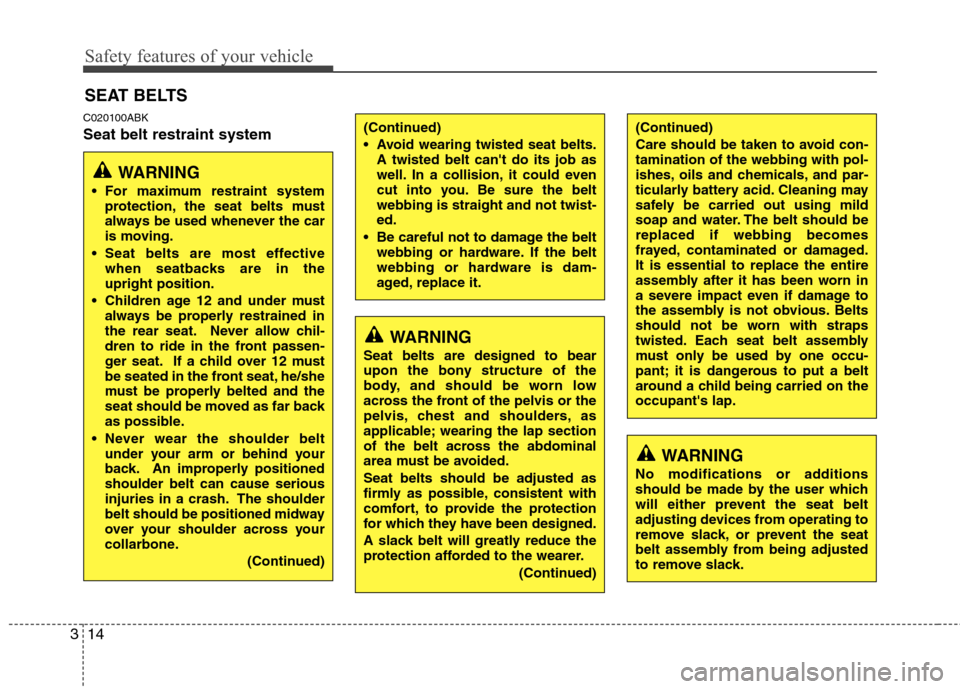
WARNING
For maximum restraint system protection, the seat belts must
always be used whenever the car
is moving.
Seat belts are most effective when seatbacks are in theupright position.
Children age 12 and under must always be properly restrained in
the rear seat. Never allow chil-
dren to ride in the front passen-
ger seat. If a child over 12 must
be seated in the front seat, he/she
must be properly belted and the
seat should be moved as far back
as possible.
Never wear the shoulder belt under your arm or behind your
back. An improperly positionedshoulder belt can cause serious
injuries in a crash. The shoulder
belt should be positioned midway
over your shoulder across your
collarbone.
(Continued)
WARNING
Seat belts are designed to bear
upon the bony structure of the
body, and should be worn low
across the front of the pelvis or the
pelvis, chest and shoulders, as
applicable; wearing the lap section
of the belt across the abdominal
area must be avoided. Seat belts should be adjusted as
firmly as possible, consistent with
comfort, to provide the protection
for which they have been designed.
A slack belt will greatly reduce the
protection afforded to the wearer.
(Continued)
(Continued)
Care should be taken to avoid con- tamination of the webbing with pol-
ishes, oils and chemicals, and par-
ticularly battery acid. Cleaning may
safely be carried out using mild
soap and water. The belt should bereplaced if webbing becomes
frayed, contaminated or damaged.It is essential to replace the entire
assembly after it has been worn in
a severe impact even if damage to
the assembly is not obvious. Belts
should not be worn with straps
twisted. Each seat belt assembly
must only be used by one occu-
pant; it is dangerous to put a belt
around a child being carried on theoccupant's lap.
WARNING
No modifications or additions
should be made by the user which
will either prevent the seat belt
adjusting devices from operating to
remove slack, or prevent the seat
belt assembly from being adjusted
to remove slack.
(Continued)
Avoid wearing twisted seat belts. A twisted belt can't do its job as
well. In a collision, it could even
cut into you. Be sure the beltwebbing is straight and not twist-ed.
Be careful not to damage the belt webbing or hardware. If the belt
webbing or hardware is dam-
aged, replace it.
Page 91 of 322
323
Safety features of your vehicle
C020400ABK Care of seat belts
Seat belt systems should never be disas-
sembled or modified. In addition, care
should be taken to assure that seat belts
and belt hardware are not damaged by
seat hinges, doors or other abuse. C020401AEN
Periodic inspection
All seat belts should be inspected peri-
odically for wear or damage of any kind.
Any damaged parts should be replaced
as soon as possible.C020402AUN
Keep belts clean and dry
Seat belts should be kept clean and dry.
If belts become dirty, they can be
cleaned by using a mild soap solution
and warm water. Bleach, dye, strong
detergents or abrasives should not be
used because they may damage and
weaken the fabric. C020403AEN
When to replace seat belts
Entire in-use seat belt assembly or
assemblies should be replaced if the
vehicle has been involved in an accident.
This should be done even if no damage
is visible. Additional questions concern-
ing seat belt operation should be directed
to an authorized HYUNDAI dealer.
WARNING
When you return the rear seatback to its upright position after the rear
seatback has been folded down, be
careful not to damage the seat belt
webbing or buckle. Be sure that the
webbing or buckle does not get
caught or pinched in the rear seat.
A seat belt with damaged webbing
or buckle could possibly fail during
a collision or sudden stop, result-
ing in serious injury. If the webbing
or buckles are damaged, get them
replaced immediately.
Page 157 of 322
4105
Features of your vehicle
1. RANDOM Play Button
Turns on/off the randomization of the
play list of files in the currently played
DISC. To cancel the mode, press the but-ton once again.
If loaded CD has a file folder, RANDOM
PLAY button operates below.
play randomized files in folder.
play randomized all files in CD.
2. REPEAT Button
Repeating an MP3 DISC or WMA DISC file Repeats current song when the button
is pressed for less than 0.8 second.
Repeats all songs in current folder when
the button is pressed for 0.8 second or
longer.
Repeats current song when the button
is pressed for less than 0.8 second.
Repeats the entire DISC when the but-
ton is pressed for 0.8 second or longer. 3. CD Loading Slot
Please face printed side upward and gen-
tly press in. When the ignition switch is on
ACC or ON and power is off, power is auto-
matically turned on if the CD is loaded.
This CDP supports only 12cm CD. If VCD,Data CD are loaded, "Reading Error" mes-sage will appear and CD will be ejected.
4. CD Eject Button
Press [ ] button to eject the CD during
CD playback. This button is enabled when
ignition switch is off.
5. TRACK UP/DOWN Button
] button to play the
next song.
] button to play from the beginning of current song and press
again to play the previous song.
6. SEEK UP/DOWN Button
] button to initiate high speed sound search of current song.
] button to initiate reverse direction high speed sound search of current song. 7. CD Selection Button
If there is a CD in the CD DECK it turns
to CD mode then it toggles.
8. AST Play Button
Plays first 10 seconds of each song in
the DISC. Press the button once again to
cancel the mode.
9. Display
Displays the current time, mode, play
track number, play time, RDM, RPT and
AST status.
10. CD Indicator
When car ignition switch is ACC or ON and if the CD is loaded, this indicator is
lighted. If the CD is ejected the light is
turned off.
11. FOLDER UP/DOWN Button
When the loaded CD has file folders,
[FOLDER / ] buttons will operate in
the manner described below.
] button to move
child folder of the current folder and dis-
play the first song in the folder. Press
[ENTER] button to move to the folder
displayed. It will play the first song in the
folder.
Page 160 of 322
Features of your vehicle
108
4
1. RANDOM Play Button
Press the button for less than 0.8 second
to start or stop the random playback of
the songs in the current folder.
Press the button for more than 0.8 sec-
ond to randomly play the entire songs in
the USB device. Press the button again
to cancel the mode.
2. REPEAT Button
Repeats current song when the button is
pressed for less than 0.8 second.
Repeats all songs in current folder when
the button is pressed for 0.8 second or
longer.
3. TRACK UP/DOWN Button
] button to play
from the beginning of the song current-
ly played. Press again to move and play
the previous track.
] button to move to the next track.
4. SEEK UP/DOWN Button
] button to play the song in reverse direction in fast speed.
] button to play the song in forward direction in fast speed. 5. AUX Selection Button
If USB or AUX is connected, it switches
to USB or AUX mode to play the song. If
there is no USB or AUX device connect-
ed, then it displays the message "No
Media" and returns to the previous mode.
6. AST Button
Scans each song in the USB device for
10 seconds each. Press the button onceagain to cancel scanning.
7. Display
Displays the current time, mode, play
track number, play time, RDM, RPT and
AST status.
8. FOLDER UP/DOWN Button
] button to move
child folder of the current folder and dis-
play the first song in the folder. Press
[ENTER] button to move to the folder
displayed. It will play the first song in the
folder.
] button to move parent folder and display the first song
in the folder. Press [ENTER] button to
move to the folder displayed. 9. TUNE FILE UP/DOWN Button
] button to select
the next song and press [ENTER] but-
ton to play.
] button to select the previous song and press [ENTER]
button to play.
10. INFO Button
Displays the information of the file cur-
rently played in the order of FILE NAME➟ TITLE ➟ARTIST ➟ALBUM ➟FOLD-
ER ➟TOTAL FILE ➟NORMAL DISPLAY
➟ FILE NAME ➟... (Displays no informa-
tion if the file has no song information.)
Page 164 of 322
Features of your vehicle
112
4
1. RANDOM Play Button
Press the button for less than 0.8 second
to to activate or deactivate the random
playback of the songs within the current
category. Press the button for longer than
0.8 second to randomly play all songs in
the entire album of the iPod. Press the
button once again to cancel the mode.
2. REPEAT Button
Press the button to repeat the song cur-
rently played.
3. TRACK UP/DOWN Button
] button to play
from the beginning of the song current-
ly played. Press again to move and play
the previous track.
] button to move to the next track.
4. SEEK UP/DOWN Button
] button to play the song in reverse direction in fast speed.
] button to play the song in forward direction in fast speed. 5. AUX Selection Button
If iPod is connected, it switches to the
iPod mode from the previous mode to
play the song files stored in the iPod.
If there is no iPod connected, then it dis-
plays the message "No Media" and
returns to the previous mode.
6. AST Button
Scans each song in the USB device for
10 seconds each. Press the button onceagain to cancel scanning.
7. Display
Displays the current time, mode, play
track number, play time, RDM, RPT and
AST status.
8. FOLDER UP/DOWN Button
] button to move the
category and display the first song in
the category. Press [ENTER] button to
move to the category displayed. It will
play the first song in the folder.
] button to move the category and display the first song in
the category. Press [ENTER] button to
move to the category displayed. (PLAYLISTS
➟ ARTISTS ➟ ALBUMS ➟
GENRES ➟ SONGS ➟ COMPOSERS ➟
PLAYLIST ➟...)
9. TUNE FILE UP/DOWN Button
] button to select the next song and press [ENTER] but-
ton to play.
] button to select the previous song and press [ENTER]
button to play.
10. INFO Button
Displays the information of the file cur-
rently played in the order of TITLE ➟
ARTIST ➟ALBUM ➟NORMAL DISPLAY
➟ TITLE ➟... (Displays no information if
the file has no song information.)
Page 169 of 322
4117
Features of your vehicle
1. RANDOM Play Button
Turns on/off the randomization of the
play list of files in the currently played
DISC. To cancel the mode, press the but-ton once again.
If loaded CD has a file folder, RANDOM
PLAY button operates below.
play randomized files in folder.
play randomized all files in CD.
2. REPEAT Button
Repeating an MP3 DISC or WMA DISC file Repeats current song when the button
is pressed for less than 0.8 second.
Repeats all songs in current folder when
the button is pressed for 0.8 second or
longer.
Repeats current song when the button
is pressed for less than 0.8 second.
Repeats the entire DISC when the but-
ton is pressed for 0.8 second or longer. 3. CD Loading Slot
Please face printed side upward and gen-
tly press in. When the ignition switch is on
ACC or ON and power is off, power is auto-
matically turned on if the CD is loaded.
This CDP supports only 12cm CD. If VCD,Data CD are loaded, "Reading Error" mes-sage will appear and CD will be ejected.
4. CD Eject Button
] button for less than 0.8 sec-
ond to eject the CD during CD play-
back.
] button for 0.8 second or longer to eject all the CD in deck.
tion switch is off.
5. DISC UP/DOWN button
] button to change disc to the previous disc.
] button to change disc to the next disc. 6. SEEK TRACK UP/DOWN Button
Press [SEEK TRACK ] button for
less than 0.8 second too play from the begining of current song and press
again within 1 second to play the previ-ous song.
Press [SEEK TRACK ] button for 0.8 second or longer to initiate reverse direc-tion high speed sound search of currentsong.
] button for less than 0.8 second to play the next song.
] button for 0.8 second or longer to initiate high speedsound search of current song.
7. CD Selection Button If there is a CD in the CDP DECK, it
switches from the previous mode to CD
mode and plays the song. If there is no
CD, then it displays the message "No
Media" and returns to the previous mode.
8. AST Play Button
Plays first 10 seconds of each song in
the DISC. Press the button once again to
cancel the mode.
Page 172 of 322
Features of your vehicle
120
4
1. RANDOM Play Button
Press the button for less than 0.8 second
to start or stop the random playback of
the songs in the current folder.
Press the button for more than 0.8 sec-
ond to randomly play the entire songs in
the USB device. Press the button again
to cancel the mode.
2. REPEAT Button
Repeats current song when the button is
pressed for less than 0.8 second.
Repeats all songs in current folder when
the button is pressed for 0.8 second or
longer.
3. SEEK TRACK UP/DOWN Button
] button for
less than 0.8 second to play from the
beginning of the song currently played.
Press the button for less than 0.8 sec-ond and and press again within 1 sec-
ond to play the previous track.
Press the button for 0.8 second or
longer to play songs reverse direction in
fast speed. ] button for
less than 0.8 second to move to the next
track. Press the button for 0.8 second or
longer to play the song in forward direc-
tion in fast speed.
4. AUX Selection Button
If USB or AUX is connected, it switches
to USB or AUX mode to play the song. If
there is no USB or AUX device connect-
ed, then it displays the message "No
Media" and returns to the previous mode.
5. AST Button
Scans each song in the USB device for
10 seconds. Press the button once againto cancel scanning.
6. Display
Displays the current time, mode, play
track number, play time, RDM, RPT and
AST status.
7. FOLDER UP/DOWN Button
] button to move child folder of the current folder and dis-
play the first song in the folder. Press
[ENTER] button to move to the folder
displayed. It will play the first song in the
folder. ] button to move
parent folder and display the first song
in the folder. Press [ENTER] button to
move to the folder displayed.
8. TUNE FILE UP/DOWN Button
] button to select the next song and press [ENTER] but-
ton to play.
] button to select the previous song and press [ENTER]
button to play.
9. INFO Button
Displays the information of the file cur-
rently played in the order of FILE NAME➟ TITLE ➟ARTIST ➟ALBUM ➟FOLD-
ER ➟TOTAL FILE ➟NORMAL DISPLAY
➟ FILE NAME ➟... (Displays no informa-
tion if the file has no song information.)