brake HYUNDAI GENESIS G80 2013 User Guide
[x] Cancel search | Manufacturer: HYUNDAI, Model Year: 2013, Model line: GENESIS G80, Model: HYUNDAI GENESIS G80 2013Pages: 432, PDF Size: 29.24 MB
Page 97 of 432
Features of your vehicle
18 4
When pushing down on the front por-
tion (1) of the switch, all vehicle doors
will lock.
When pushing down on the rear por-
tion (2) of the switch, all vehicle doors
will unlock.
If the key is in the ignition switch or the
smart key is in the vehicle, and any
door is open, the doors will not lock
even though the front portion (1) of
central door lock switch is pressed.D050300AAM-EE
Impact sensing door unlock system
(if equipped)
In the event of air bag deployment result-
ing from a vehicle impact, all doors will
automatically unlock.
D050400ABH-EU
Speed sensing door lock system
(if equipped)
All doors will be automatically locked
when the vehicle speed exceeds 9 mph
(15 km/h). And all doors will be automat-
ically unlocked after you turn the engine
off or when you remove the ignition key.
(if equipped)
WARNING- Unlocked
vehicles
Leaving your vehicle unlocked can
invite theft or possible harm to you
or others from someone hiding in
your vehicle while you are gone.
Always remove the ignition key,
engage the parking brake, close all
windows and lock all doors when
leaving your vehicle unattended.
WARNING- Unattended
children
An enclosed vehicle can become
extremely hot, causing death or
severe injury to unattended chil-
dren or animals who cannot escape
the vehicle. Furthermore, children
might operate features of the vehi-
cle that could injure them, or they
could encounter other harm, possi-
bly from someone gaining entry to
the vehicle. Never leave children or
animals unattended in your vehicle.
WARNING - Doors
The doors should always be fully
closed and locked while the vehi-
cle is in motion to prevent acci-
dental opening of the door.
Locked doors will also discour-
age potential intruders when the
vehicle stops or traveling slowly.
Be careful when opening doors
and watch for vehicles, motorcy-
cles, bicycles or pedestrians
approaching the vehicle in the
path of the door. Opening a door
when something is approaching
can cause damage or injury.
Page 106 of 432
427
Features of your vehicle
D090100AEN
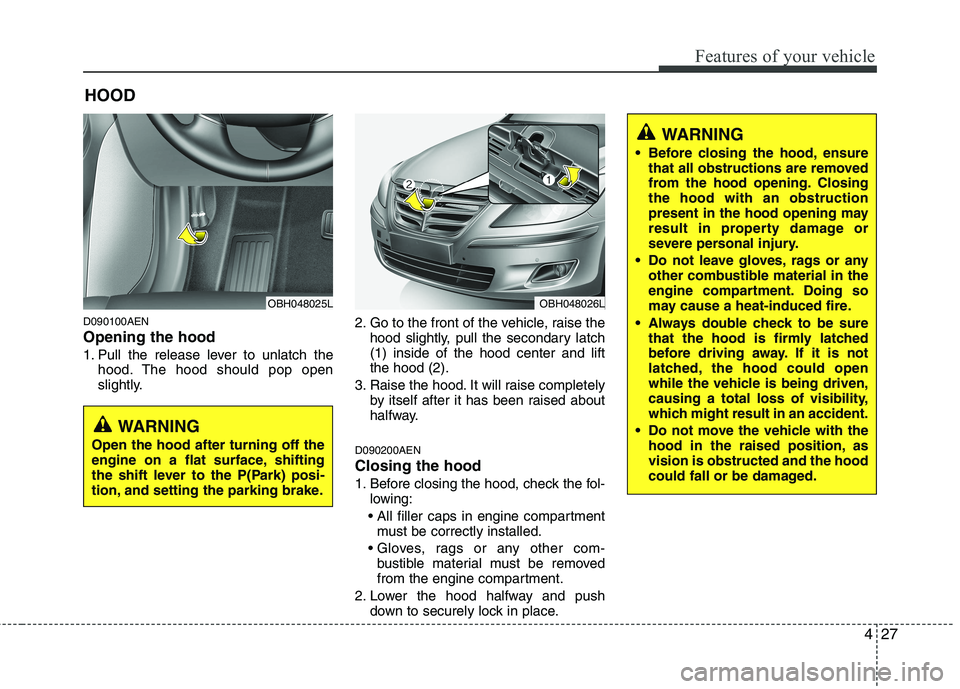
Opening the hood
1. Pull the release lever to unlatch the
hood. The hood should pop open
slightly.2. Go to the front of the vehicle, raise the
hood slightly, pull the secondary latch
(1) inside of the hood center and lift
the hood (2).
3. Raise the hood. It will raise completely
by itself after it has been raised about
halfway.
D090200AEN
Closing the hood
1. Before closing the hood, check the fol-
lowing:
must be correctly installed.
bustible material must be removed
from the engine compartment.
2. Lower the hood halfway and push
down to securely lock in place.
HOOD
OBH048025LOBH048026L
WARNING
Before closing the hood, ensure
that all obstructions are removed
from the hood opening. Closing
the hood with an obstruction
present in the hood opening may
result in property damage or
severe personal injury.
Do not leave gloves, rags or any
other combustible material in the
engine compartment. Doing so
may cause a heat-induced fire.
Always double check to be sure
that the hood is firmly latched
before driving away. If it is not
latched, the hood could open
while the vehicle is being driven,
causing a total loss of visibility,
which might result in an accident.
Do not move the vehicle with the
hood in the raised position, as
vision is obstructed and the hood
could fall or be damaged.
WARNING
Open the hood after turning off the
engine on a flat surface, shifting
the shift lever to the P(Park) posi-
tion, and setting the parking brake.
Page 137 of 432
Features of your vehicle
58 4
D150300AEN
Warnings and indicators
All warning lights are checked by turning
the ignition switch ON (do not start the
engine). Any light that does not illuminate
should be checked by an authorized
HYUNDAI dealer.
After starting the engine, check to make
sure that all warning lights are off. If any
are still on, this indicates a situation that
needs attention. When releasing the
parking brake, the brake system warning
light should go off. The fuel warning light
will stay on if the fuel level is low.
ECO indicator
(if equipped)
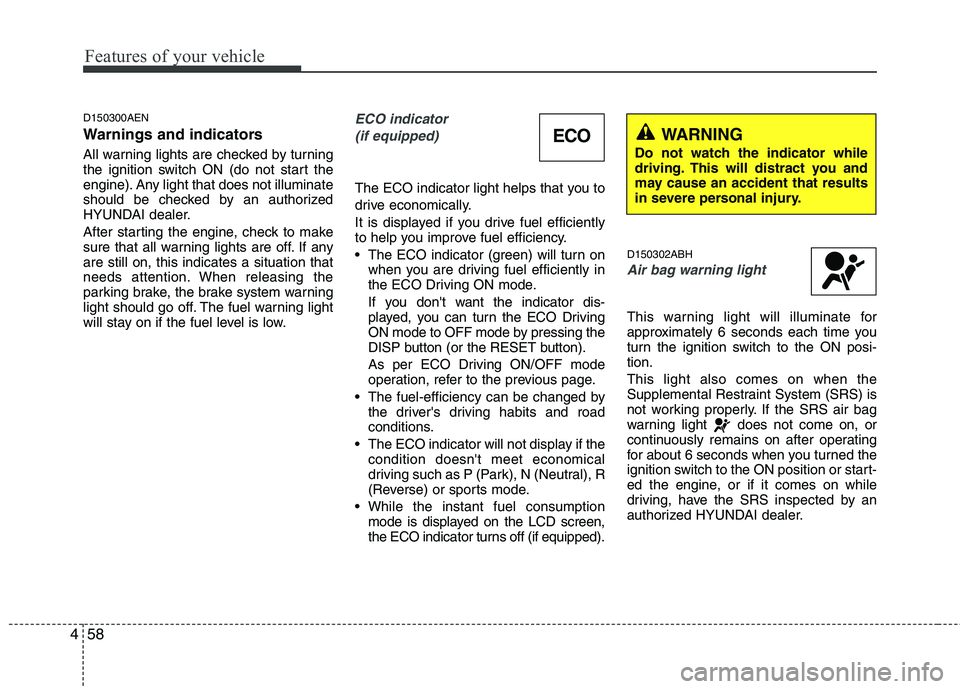
The ECO indicator light helps that you to
drive economically.
It is displayed if you drive fuel efficiently
to help you improve fuel efficiency.
The ECO indicator (green) will turn on
when you are driving fuel efficiently in
the ECO Driving ON mode.
If you don't want the indicator dis-
played, you can turn the ECO Driving
ON mode to OFF mode by pressing the
DISP button (or the RESET button).
As per ECO Driving ON/OFF mode
operation, refer to the previous page.
The fuel-efficiency can be changed by
the driver's driving habits and road
conditions.
The ECO indicator will not display if the
condition doesn't meet economical
driving such as P (Park), N (Neutral), R
(Reverse) or sports mode.
While the instant fuel consumption
mode is displayed on the LCD screen,
the ECO indicator turns off (if equipped).
D150302ABH
Air bag warning light
This warning light will illuminate for
approximately 6 seconds each time you
turn the ignition switch to the ON posi-
tion.
This light also comes on when the
Supplemental Restraint System (SRS) is
not working properly. If the SRS air bag
warning light does not come on, or
continuously remains on after operating
for about 6 seconds when you turned the
ignition switch to the ON position or start-
ed the engine, or if it comes on while
driving, have the SRS inspected by an
authorized HYUNDAI dealer.
ECOWARNING
Do not watch the indicator while
driving. This will distract you and
may cause an accident that results
in severe personal injury.
Page 138 of 432
459
Features of your vehicle
D150303AEN
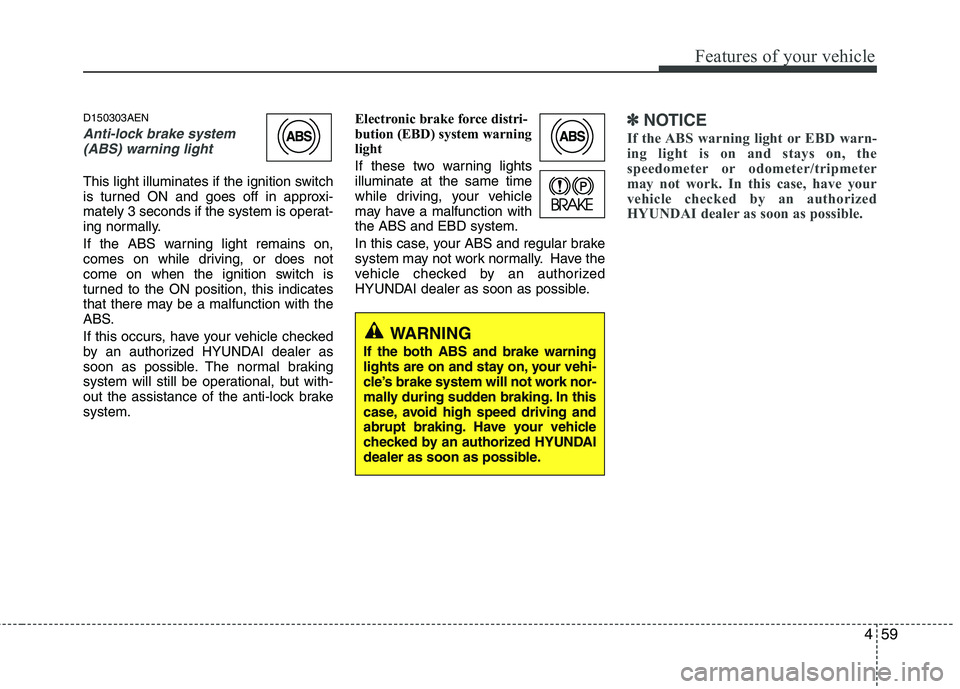
Anti-lock brake system
(ABS) warning light
This light illuminates if the ignition switch
is turned ON and goes off in approxi-
mately 3 seconds if the system is operat-
ing normally.
If the ABS warning light remains on,
comes on while driving, or does not
come on when the ignition switch is
turned to the ON position, this indicates
that there may be a malfunction with the
ABS.
If this occurs, have your vehicle checked
by an authorized HYUNDAI dealer as
soon as possible. The normal braking
system will still be operational, but with-
out the assistance of the anti-lock brake
system.Electronic brake force distri-
bution (EBD) system warning
light
If these two warning lights
illuminate at the same time
while driving, your vehicle
may have a malfunction with
the ABS and EBD system.
In this case, your ABS and regular brake
system may not work normally. Have the
vehicle checked by an authorized
HYUNDAI dealer as soon as possible.
✽ ✽
NOTICE
If the ABS warning light or EBD warn-
ing light is on and stays on, the
speedometer or odometer/tripmeter
may not work. In this case, have your
vehicle checked by an authorized
HYUNDAI dealer as soon as possible.
WARNING
If the both ABS and brake warning
lights are on and stay on, your vehi-
cle’s brake system will not work nor-
mally during sudden braking. In this
case, avoid high speed driving and
abrupt braking. Have your vehicle
checked by an authorized HYUNDAI
dealer as soon as possible.
Page 140 of 432
461
Features of your vehicle
D150308ABH-EU
Parking brake & brake fluid
warning light
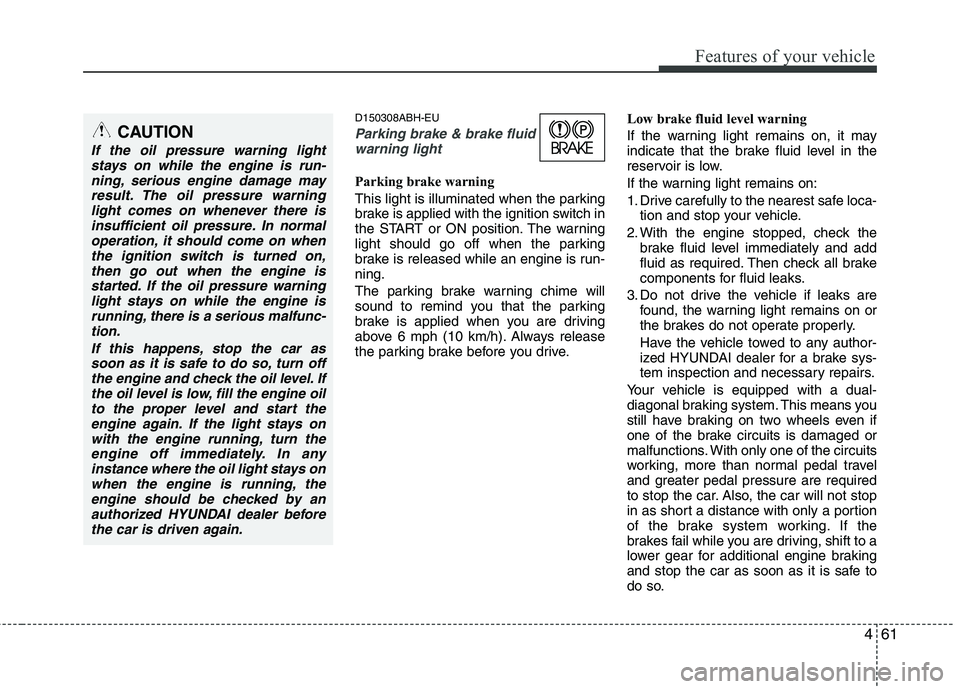
Parking brake warning
This light is illuminated when the parking
brake is applied with the ignition switch in
the START or ON position. The warning
light should go off when the parking
brake is released while an engine is run-
ning.
The parking brake warning chime will
sound to remind you that the parking
brake is applied when you are driving
above 6 mph (10 km/h). Always release
the parking brake before you drive.Low brake fluid level warning
If the warning light remains on, it may
indicate that the brake fluid level in the
reservoir is low.
If the warning light remains on:
1. Drive carefully to the nearest safe loca-
tion and stop your vehicle.
2. With the engine stopped, check the
brake fluid level immediately and add
fluid as required. Then check all brake
components for fluid leaks.
3. Do not drive the vehicle if leaks are
found, the warning light remains on or
the brakes do not operate properly.
Have the vehicle towed to any author-
ized HYUNDAI dealer for a brake sys-
tem inspection and necessary repairs.
Your vehicle is equipped with a dual-
diagonal braking system. This means you
still have braking on two wheels even if
one of the brake circuits is damaged or
malfunctions. With only one of the circuits
working, more than normal pedal travel
and greater pedal pressure are required
to stop the car. Also, the car will not stop
in as short a distance with only a portion
of the brake system working. If the
brakes fail while you are driving, shift to a
lower gear for additional engine braking
and stop the car as soon as it is safe to
do so.
CAUTION
If the oil pressure warning light
stays on while the engine is run-
ning, serious engine damage may
result. The oil pressure warning
light comes on whenever there is
insufficient oil pressure. In normal
operation, it should come on when
the ignition switch is turned on,
then go out when the engine is
started. If the oil pressure warning
light stays on while the engine is
running, there is a serious malfunc-
tion.
If this happens, stop the car as
soon as it is safe to do so, turn off
the engine and check the oil level. If
the oil level is low, fill the engine oil
to the proper level and start the
engine again. If the light stays on
with the engine running, turn the
engine off immediately. In any
instance where the oil light stays on
when the engine is running, the
engine should be checked by an
authorized HYUNDAI dealer before
the car is driven again.
Page 141 of 432
Features of your vehicle
62 4
To check bulb operation, check whether
the parking brake and brake fluid warning
light illuminates when the ignition switch
is in the ON position.D150331ABH
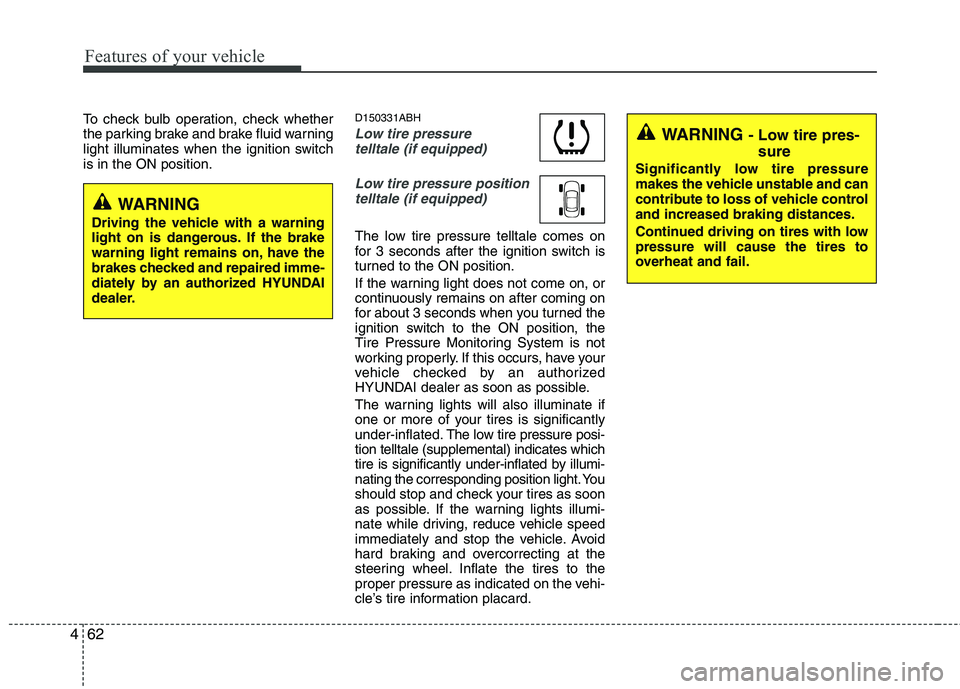
Low tire pressure
telltale (if equipped)
Low tire pressure position
telltale (if equipped)
The low tire pressure telltale comes on
for 3 seconds after the ignition switch is
turned to the ON position.
If the warning light does not come on, or
continuously remains on after coming on
for about 3 seconds when you turned the
ignition switch to the ON position, the
Tire Pressure Monitoring System is not
working properly. If this occurs, have your
vehicle checked by an authorized
HYUNDAI dealer as soon as possible.
The warning lights will also illuminate if
one or more of your tires is significantly
under-inflated.The low tire pressure posi-
tion telltale (supplemental) indicates which
tire is significantly under-inflated by illumi-
nating the corresponding position light. You
should stop and check your tires as soon
as possible. If the warning lights illumi-
nate while driving, reduce vehicle speed
immediately and stop the vehicle. Avoid
hard braking and overcorrecting at the
steering wheel. Inflate the tires to the
proper pressure as indicated on the vehi-
cle’s tire information placard.
WARNING - Low tire pres-
sure
Significantly low tire pressure
makes the vehicle unstable and can
contribute to loss of vehicle control
and increased braking distances.
Continued driving on tires with low
pressure will cause the tires to
overheat and fail.
WARNING
Driving the vehicle with a warning
light on is dangerous. If the brake
warning light remains on, have the
brakes checked and repaired imme-
diately by an authorized HYUNDAI
dealer.
Page 142 of 432
463
Features of your vehicle
D150332AEN
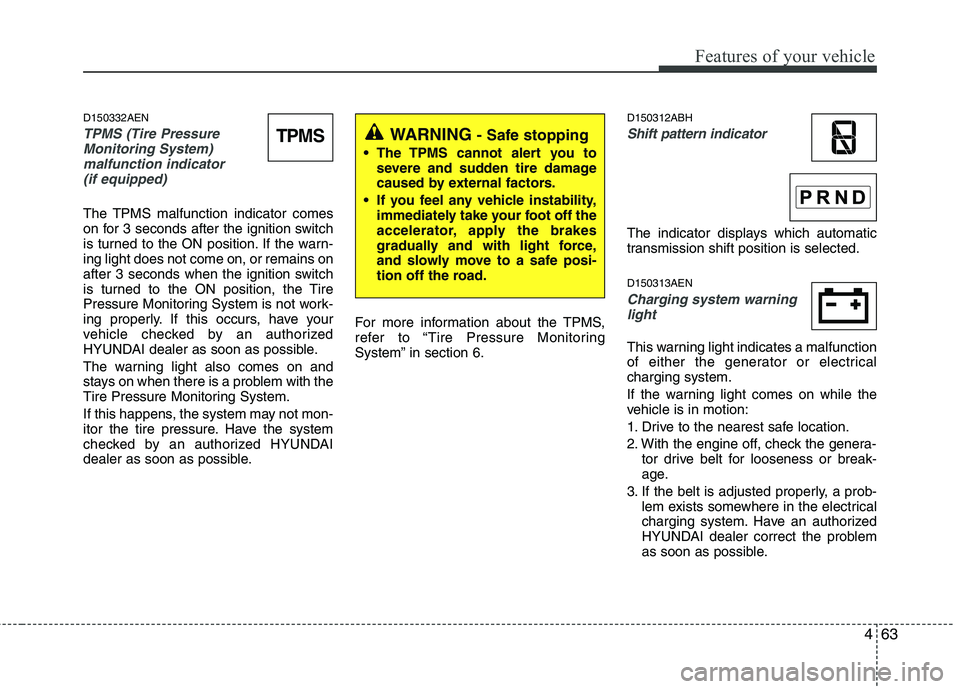
TPMS (Tire Pressure
Monitoring System)
malfunction indicator
(if equipped)
The TPMS malfunction indicator comes
on for 3 seconds after the ignition switch
is turned to the ON position. If the warn-
ing light does not come on, or remains on
after 3 seconds when the ignition switch
is turned to the ON position, the Tire
Pressure Monitoring System is not work-
ing properly. If this occurs, have your
vehicle checked by an authorized
HYUNDAI dealer as soon as possible.
The warning light also comes on and
stays on when there is a problem with the
Tire Pressure Monitoring System.
If this happens, the system may not mon-
itor the tire pressure. Have the system
checked by an authorized HYUNDAI
dealer as soon as possible.For more information about the TPMS,
refer to “Tire Pressure Monitoring
System” in section 6.
D150312ABH
Shift pattern indicator
The indicator displays which automatic
transmission shift position is selected.
D150313AEN
Charging system warning
light
This warning light indicates a malfunction
of either the generator or electrical
charging system.
If the warning light comes on while the
vehicle is in motion:
1. Drive to the nearest safe location.
2. With the engine off, check the genera-
tor drive belt for looseness or break-
age.
3. If the belt is adjusted properly, a prob-
lem exists somewhere in the electrical
charging system. Have an authorized
HYUNDAI dealer correct the problem
as soon as possible.
TPMSWARNING - Safe stopping
The TPMS cannot alert you to
severe and sudden tire damage
caused by external factors.
If you feel any vehicle instability,
immediately take your foot off the
accelerator, apply the brakes
gradually and with light force,
and slowly move to a safe posi-
tion off the road.
Page 146 of 432
467
Features of your vehicle
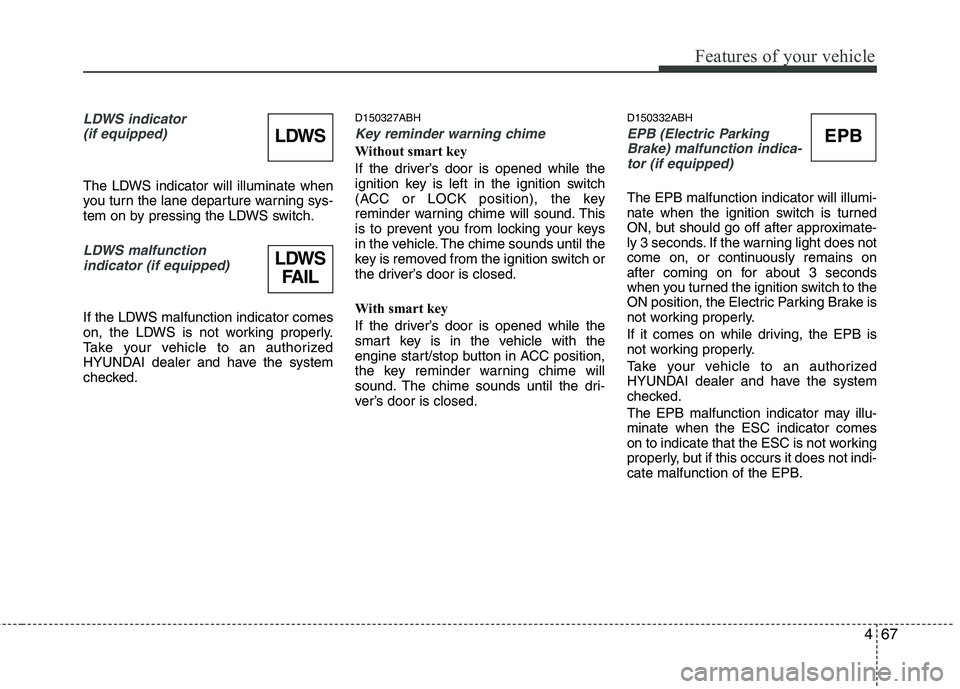
LDWS indicator
(if equipped)
The LDWS indicator will illuminate when
you turn the lane departure warning sys-
tem on by pressing the LDWS switch.
LDWS malfunction
indicator (if equipped)
If the LDWS malfunction indicator comes
on, the LDWS is not working properly.
Take your vehicle to an authorized
HYUNDAI dealer and have the system
checked.
D150327ABH
Key reminder warning chime
Without smart key
If the driver’s door is opened while the
ignition key is left in the ignition switch
(ACC or LOCK position), the key
reminder warning chime will sound. This
is to prevent you from locking your keys
in the vehicle. The chime sounds until the
key is removed from the ignition switch or
the driver’s door is closed.
With smart key
If the driver’s door is opened while the
smart key is in the vehicle with the
engine start/stop button in ACC position,
the key reminder warning chime will
sound. The chime sounds until the dri-
ver’s door is closed.
D150332ABH
EPB (Electric Parking
Brake) malfunction indica-
tor (if equipped)
The EPB malfunction indicator will illumi-
nate when the ignition switch is turned
ON, but should go off after approximate-
ly 3 seconds. If the warning light does not
come on, or continuously remains on
after coming on for about 3 seconds
when you turned the ignition switch to the
ON position, the Electric Parking Brake is
not working properly.
If it comes on while driving, the EPB is
not working properly.
Take your vehicle to an authorized
HYUNDAI dealer and have the system
checked.
The EPB malfunction indicator may illu-
minate when the ESC indicator comes
on to indicate that the ESC is not working
properly, but if this occurs it does not indi-
cate malfunction of the EPB.
EPBLDWS
LDWS
FAIL
Page 147 of 432
Features of your vehicle
68 4
D150333ABH
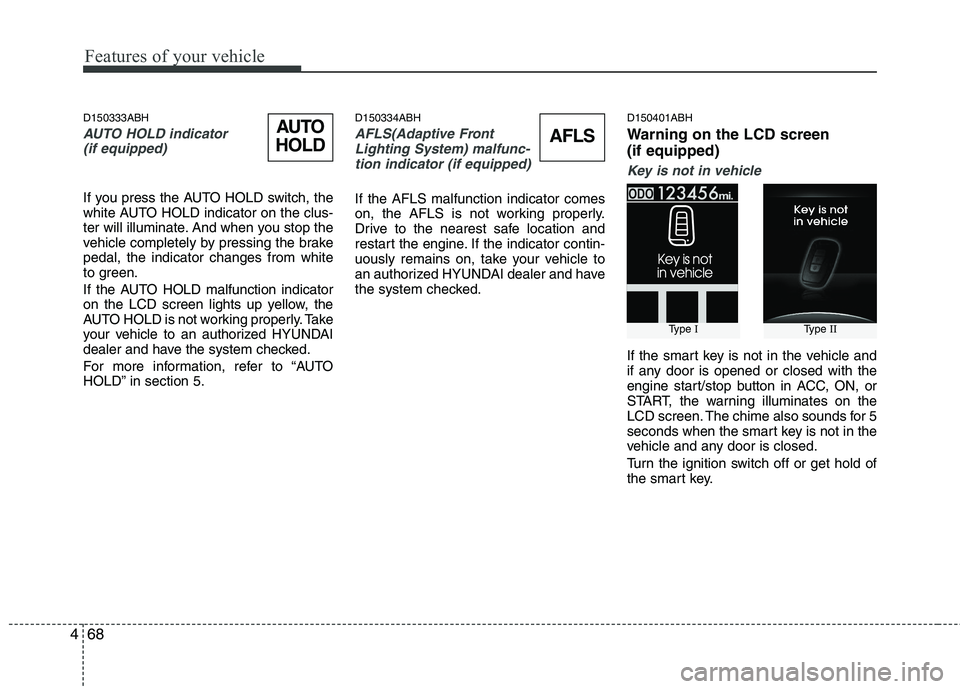
AUTO HOLD indicator
(if equipped)
If you press the AUTO HOLD switch, the
white AUTO HOLD indicator on the clus-
ter will illuminate. And when you stop the
vehicle completely by pressing the brake
pedal, the indicator changes from white
to green.
If the AUTO HOLD malfunction indicator
on the LCD screen lights up yellow, the
AUTO HOLD is not working properly. Take
your vehicle to an authorized HYUNDAI
dealer and have the system checked.
For more information, refer to “AUTO
HOLD” in section 5.
D150334ABH
AFLS(Adaptive Front
Lighting System) malfunc-
tion indicator (if equipped)
If the AFLS malfunction indicator comes
on, the AFLS is not working properly.
Drive to the nearest safe location and
restart the engine. If the indicator contin-
uously remains on, take your vehicle to
an authorized HYUNDAI dealer and have
the system checked.
D150401ABH
Warning on the LCD screen
(if equipped)
Key is not in vehicle
If the smart key is not in the vehicle and
if any door is opened or closed with the
engine start/stop button in ACC, ON, or
START, the warning illuminates on the
LCD screen. The chime also sounds for 5
seconds when the smart key is not in the
vehicle and any door is closed.
Turn the ignition switch off or get hold of
the smart key.
Type IType II
AUTO
HOLDAFLS
Page 149 of 432
Features of your vehicle
70 4
D150404ABH
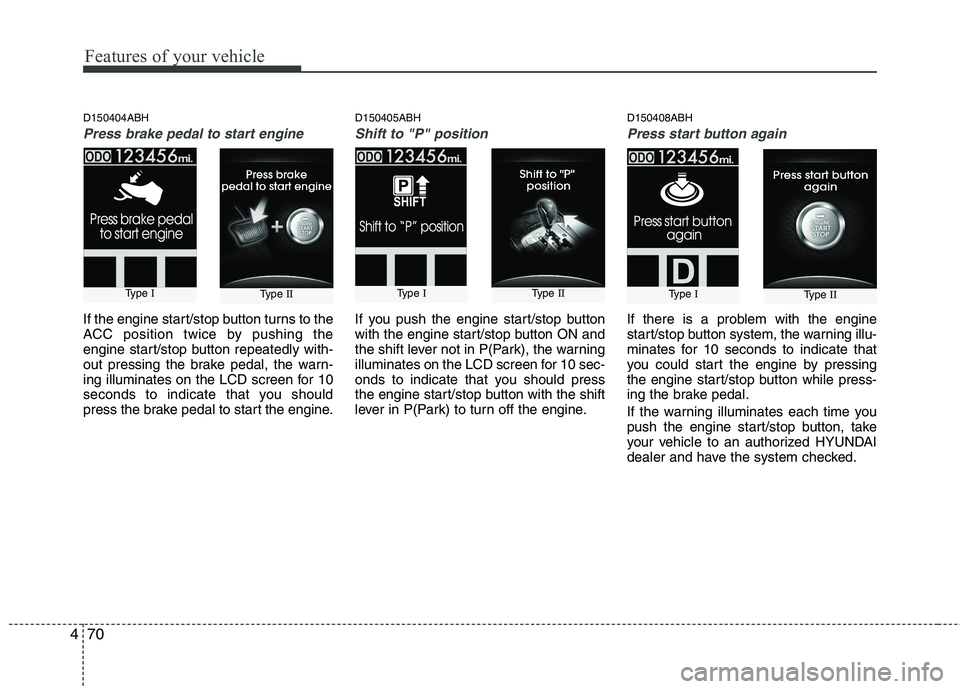
Press brake pedal to start engine
If the engine start/stop button turns to the
ACC position twice by pushing the
engine start/stop button repeatedly with-
out pressing the brake pedal, the warn-
ing illuminates on the LCD screen for 10
seconds to indicate that you should
press the brake pedal to start the engine.
D150405ABH
Shift to "P" position
If you push the engine start/stop button
with the engine start/stop button ON and
the shift lever not in P(Park), the warning
illuminates on the LCD screen for 10 sec-
onds to indicate that you should press
the engine start/stop button with the shift
lever in P(Park) to turn off the engine.
D150408ABH
Press start button again
If there is a problem with the engine
start/stop button system, the warning illu-
minates for 10 seconds to indicate that
you could start the engine by pressing
the engine start/stop button while press-
ing the brake pedal.
If the warning illuminates each time you
push the engine start/stop button, take
your vehicle to an authorized HYUNDAI
dealer and have the system checked.
Type IType IIType IType IIType IType II