engine Hyundai Grand Santa Fe 2013 Repair Manual
[x] Cancel search | Manufacturer: HYUNDAI, Model Year: 2013, Model line: Grand Santa Fe, Model: Hyundai Grand Santa Fe 2013Pages: 718, PDF Size: 13.5 MB
Page 191 of 718
Features of your vehicle
94 4
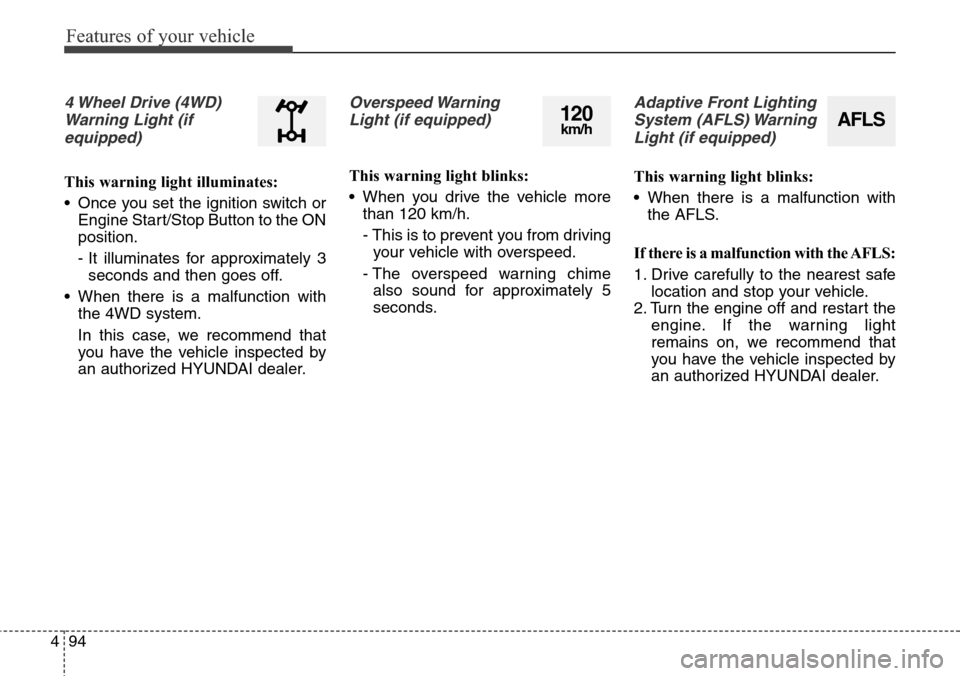
4 Wheel Drive (4WD)
Warning Light (if
equipped)
This warning light illuminates:
• Once you set the ignition switch or
Engine Start/Stop Button to the ON
position.
- It illuminates for approximately 3
seconds and then goes off.
• When there is a malfunction with
the 4WD system.
In this case, we recommend that
you have the vehicle inspected by
an authorized HYUNDAI dealer.
Overspeed Warning
Light (if equipped)
This warning light blinks:
• When you drive the vehicle more
than 120 km/h.
- This is to prevent you from driving
your vehicle with overspeed.
- The overspeed warning chime
also sound for approximately 5
seconds.
Adaptive Front Lighting
System (AFLS) Warning
Light (if equipped)
This warning light blinks:
• When there is a malfunction with
the AFLS.
If there is a malfunction with the AFLS:
1. Drive carefully to the nearest safe
location and stop your vehicle.
2. Turn the engine off and restart the
engine. If the warning light
remains on, we recommend that
you have the vehicle inspected by
an authorized HYUNDAI dealer.
AFLS120km/h
Page 192 of 718
495
Features of your vehicle
Indicator Lights
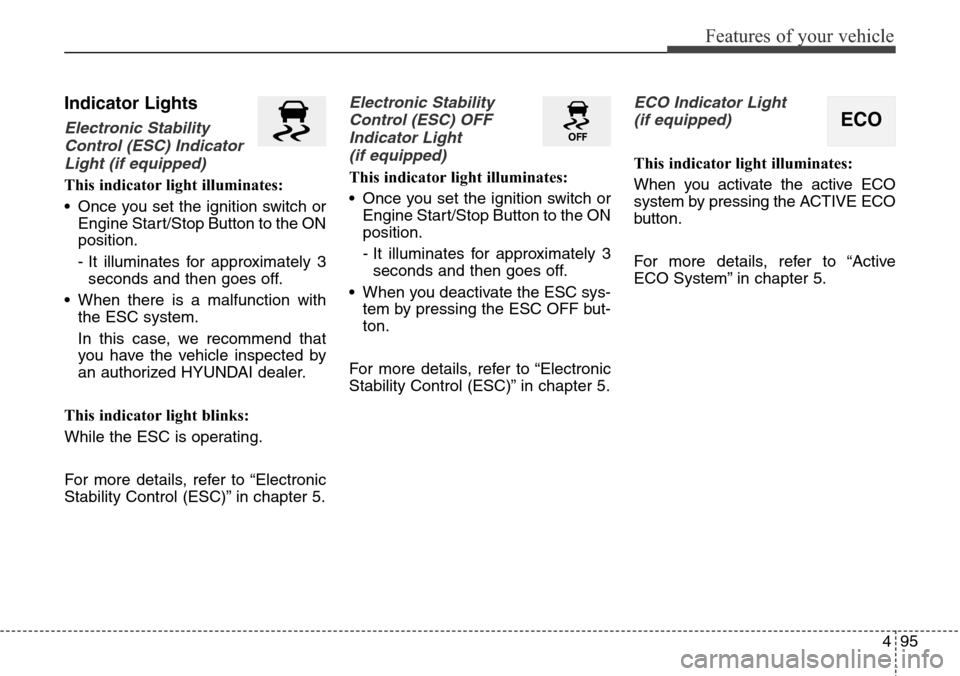
Electronic Stability
Control (ESC) Indicator
Light (if equipped)
This indicator light illuminates:
• Once you set the ignition switch or
Engine Start/Stop Button to the ON
position.
- It illuminates for approximately 3
seconds and then goes off.
• When there is a malfunction with
the ESC system.
In this case, we recommend that
you have the vehicle inspected by
an authorized HYUNDAI dealer.
This indicator light blinks:
While the ESC is operating.
For more details, refer to “Electronic
Stability Control (ESC)” in chapter 5.
Electronic Stability
Control (ESC) OFF
Indicator Light
(if equipped)
This indicator light illuminates:
• Once you set the ignition switch or
Engine Start/Stop Button to the ON
position.
- It illuminates for approximately 3
seconds and then goes off.
• When you deactivate the ESC sys-
tem by pressing the ESC OFF but-
ton.
For more details, refer to “Electronic
Stability Control (ESC)” in chapter 5.
ECO Indicator Light
(if equipped)
This indicator light illuminates:
When you activate the active ECO
system by pressing the ACTIVE ECO
button.
For more details, refer to “Active
ECO System” in chapter 5.
ECO
Page 193 of 718
Features of your vehicle
96 4
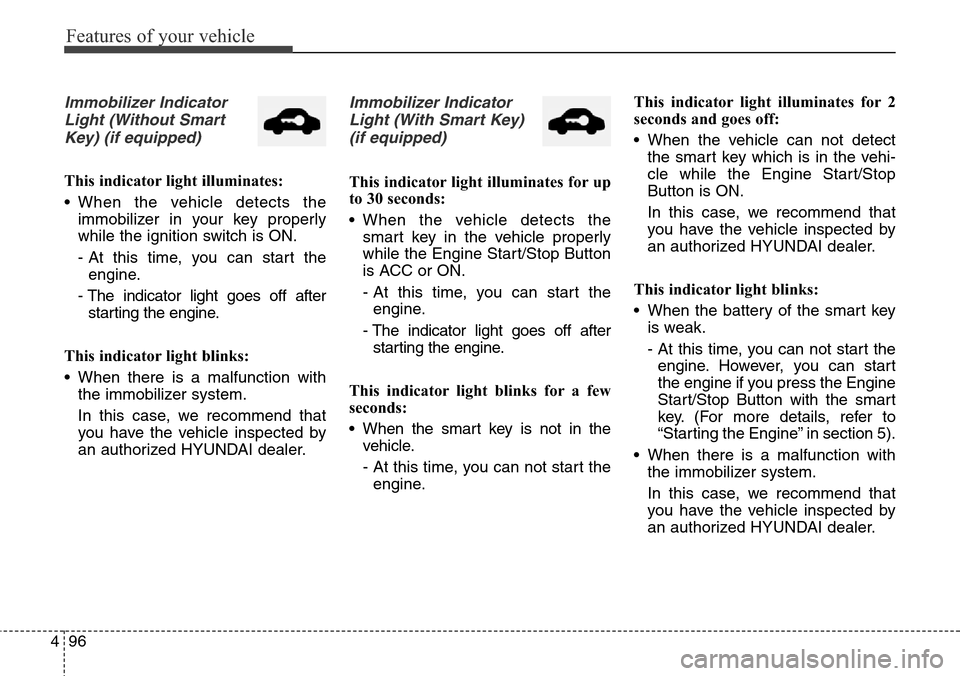
Immobilizer Indicator
Light (Without Smart
Key) (if equipped)
This indicator light illuminates:
• When the vehicle detects the
immobilizer in your key properly
while the ignition switch is ON.
- At this time, you can start the
engine.
- The indicator light goes off after
starting the engine.
This indicator light blinks:
• When there is a malfunction with
the immobilizer system.
In this case, we recommend that
you have the vehicle inspected by
an authorized HYUNDAI dealer.
Immobilizer Indicator
Light (With Smart Key)
(if equipped)
This indicator light illuminates for up
to 30 seconds:
• When the vehicle detects the
smart key in the vehicle properly
while the Engine Start/Stop Button
is ACC or ON.
- At this time, you can start the
engine.
- The indicator light goes off after
starting the engine.
This indicator light blinks for a few
seconds:
• When the smart key is not in the
vehicle.
- At this time, you can not start the
engine.This indicator light illuminates for 2
seconds and goes off:
• When the vehicle can not detect
the smart key which is in the vehi-
cle while the Engine Start/Stop
Button is ON.
In this case, we recommend that
you have the vehicle inspected by
an authorized HYUNDAI dealer.
This indicator light blinks:
• When the battery of the smart key
is weak.
- At this time, you can not start the
engine. However, you can start
the engine if you press the Engine
Start/Stop Button with the smart
key. (For more details, refer to
“Starting the Engine” in section 5).
• When there is a malfunction with
the immobilizer system.
In this case, we recommend that
you have the vehicle inspected by
an authorized HYUNDAI dealer.
Page 195 of 718
![Hyundai Grand Santa Fe 2013 Repair Manual Features of your vehicle
98 4
AUTO HOLD Indicator
Light (if equipped)
This indicator light illuminates:
• [White] When you activate the auto
hold system by pressing the AUTO
HOLD button.
• [Green]](/img/35/14776/w960_14776-194.png "Hyundai Grand Santa Fe 2013 Repair Manual Features of your vehicle
98 4
AUTO HOLD Indicator
Light (if equipped)
This indicator light illuminates:
• [White] When you activate the auto
hold system by pressing the AUTO
HOLD button.
• [Green]")
Features of your vehicle
98 4
AUTO HOLD Indicator
Light (if equipped)
This indicator light illuminates:
• [White] When you activate the auto
hold system by pressing the AUTO
HOLD button.
• [Green] When you stop the vehicle
completely by depressing the
brake pedal with the auto hold sys-
tem activated.
• [Yellow] When there is a malfunc-
tion with the auto hold system.
In this case, we recommend that
you have the vehicle inspected by
an authorized HYUNDAI dealer.
For more details, refer to “Auto Hold”
in chapter 5.
Glow Indicator Light
(Diesel Engine)
This indicator light illuminates:
• When the engine is being preheat-
ed with the ignition switch or
Engine Start/Stop Button in the ON
position.
- The engine can be started after
the glow indicator light goes off.
- The illumination time varies with
the engine coolant temperature,
air temperature, and battery con-
dition.
If the indicator light remains on or
blinks after the engine has warmed
up or while driving, there may a mal-
function with the engine preheating
system.
In this case, we recommend that you
have the vehicle inspected by an
authorized HYUNDAI dealer.
✽NOTICE - Engine Preheating
If the engine does not start within 10
seconds after the preheating is com-
pleted, set the ignition switch or
Engine Start/Stop Button to the
LOCK or OFF position for 10 sec-
onds and then to the ON position in
order to preheat the engine again.AUTO
HOLD
Page 196 of 718
499
Features of your vehicle
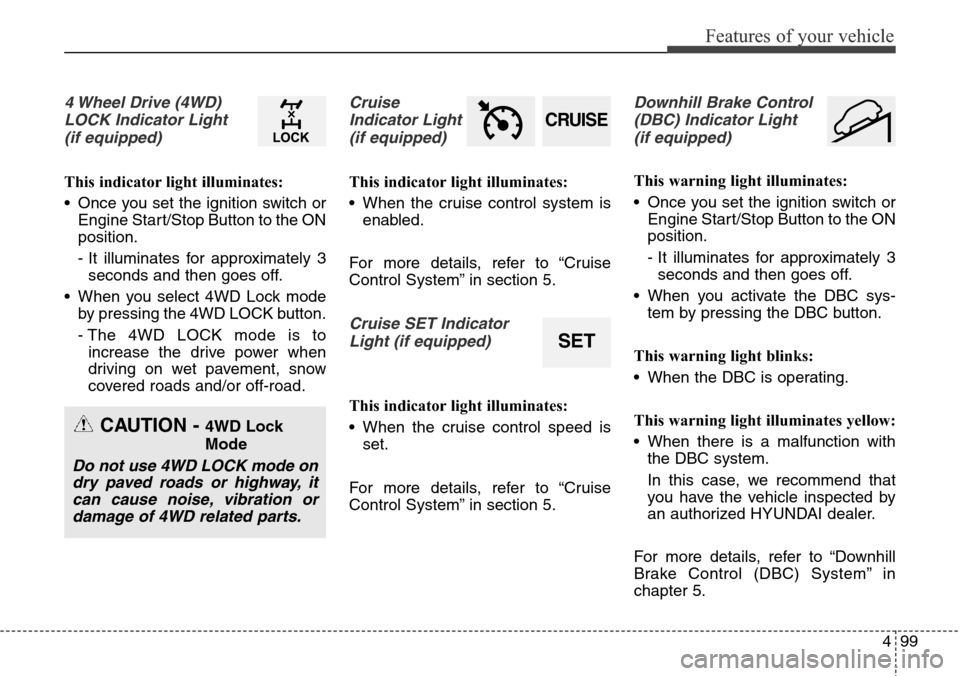
4 Wheel Drive (4WD)
LOCK Indicator Light
(if equipped)
This indicator light illuminates:
• Once you set the ignition switch or
Engine Start/Stop Button to the ON
position.
- It illuminates for approximately 3
seconds and then goes off.
• When you select 4WD Lock mode
by pressing the 4WD LOCK button.
- The 4WD LOCK mode is to
increase the drive power when
driving on wet pavement, snow
covered roads and/or off-road.
Cruise
Indicator Light
(if equipped)
This indicator light illuminates:
• When the cruise control system is
enabled.
For more details, refer to “Cruise
Control System” in section 5.
Cruise SET Indicator
Light (if equipped)
This indicator light illuminates:
• When the cruise control speed is
set.
For more details, refer to “Cruise
Control System” in section 5.
Downhill Brake Control
(DBC) Indicator Light
(if equipped)
This warning light illuminates:
• Once you set the ignition switch or
Engine Start/Stop Button to the ON
position.
- It illuminates for approximately 3
seconds and then goes off.
• When you activate the DBC sys-
tem by pressing the DBC button.
This warning light blinks:
• When the DBC is operating.
This warning light illuminates yellow:
• When there is a malfunction with
the DBC system.
In this case, we recommend that
you have the vehicle inspected by
an authorized HYUNDAI dealer.
For more details, refer to “Downhill
Brake Control (DBC) System” in
chapter 5.
CRUISE
SET
CAUTION - 4WD Lock
Mode
Do not use 4WD LOCK mode on
dry paved roads or highway, it
can cause noise, vibration or
damage of 4WD related parts.
Page 198 of 718
4101
Features of your vehicle
• This system will activate when back-
ing up with the ignition switch ON.
If the vehicle is moving at a speed
over 10 km/h (6 mph), the system
may not be activated correctly.
• The sensing distance while the rear
parking assist system is in operation
is approximately 120 cm (47 in.).
• When more than two objects are
sensed at the same time, the clos-
est one will be recognized first.Types of warning sound
• When an object is 120 cm to 61 cm
(47 in. to 24 in.) from the rear
bumper: Buzzer beeps intermittently.
• When an object is 60 cm to 31 cm
(23 in. to 12 in.) from the rear
bumper: Buzzer beeps more fre-
quently.
• When an object is within 30 cm (11
in.) of the rear bumper:
Buzzer sounds continuously.
Non-operational conditions of
rear parking assist system
The rear parking assist system
may not operate properly when:
1. Moisture is frozen to the sensor. (It
will operate normally when the
moisture has been cleared.)
2. The sensor is covered with foreign
matter, such as snow or water, or
the sensor cover is blocked. (It will
operate normally when the materi-
al is removed or the sensor is no
longer blocked.)
3. Driving on uneven road surfaces
(unpaved roads, gravel, bumps,
gradient).
4. Objects generating excessive
noise (vehicle horns, loud motor-
cycle engines, or truck air brakes)
are within range of the sensor.
5. Heavy rain or water spray exists.
6. Wireless transmitters or mobile
phones are within range of the
sensor.
7. The sensor is covered with snow.
8. Trailer towing
Page 204 of 718
4107
Features of your vehicle
Non-operational conditions of
parking assist system
Parking assist system may not
operate normally when:
1. Moisture is frozen to the sensor. (It
will operate normally when mois-
ture melts.)
2. Sensor is covered with foreign
matter, such as snow or water, or
the sensor cover is blocked. (It will
operate normally when the materi-
al is removed or the sensor is no
longer blocked.)
3. Sensor is stained with foreign mat-
ter such as snow or water.
(Sensing range will return to nor-
mal when removed.)
4.The parking assist button is off.
There is a possibility of parking
assist system malfunction when:
1. Driving on uneven road surfaces
such as unpaved roads, gravel,
bumps, or gradient.
2. Objects generating excessive noise
such as vehicle horns, loud motor-
cycle engines, or truck air brakes
can interfere with the sensor.
3. Heavy rain or water spray.
4. Wireless transmitters or mobile
phones present near the sensor.
5. Sensor is covered with snow.
Detecting range may decrease
when:
1. Outside air temperature is
extremely hot or cold.
2. Undetectable objects smaller than
1 m and narrower than 14 cm in
diameter.
The following objects may not be
recognized by the sensor:
1. Sharp or slim objects such as
ropes, chains or small poles.
2. Objects, which tend to absorb sen-
sor frequency such as clothes,
spongy material or snow.
Page 223 of 718
Features of your vehicle
126 4
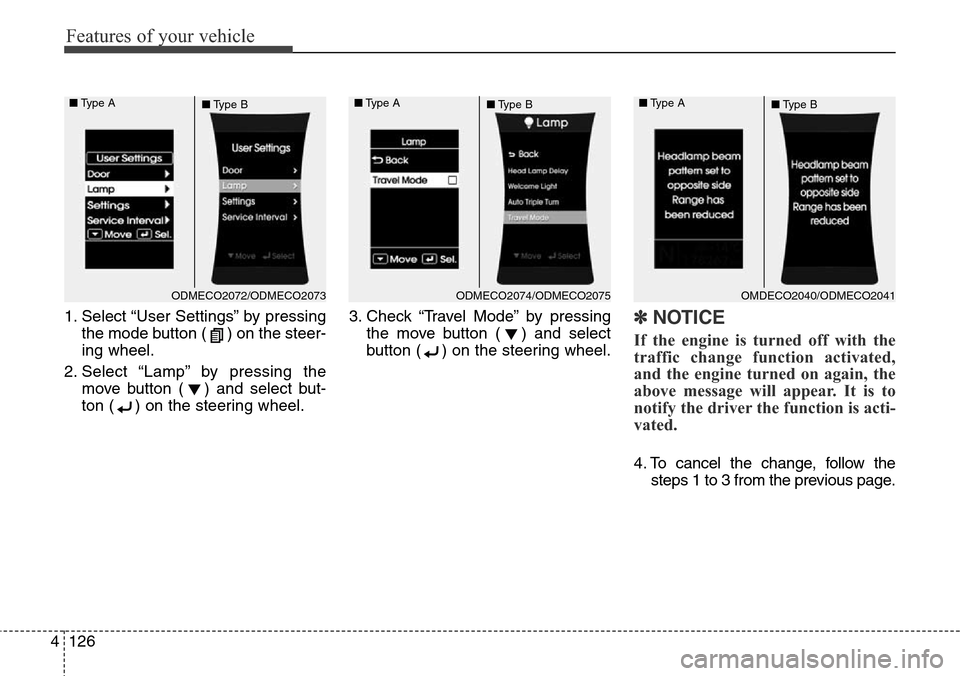
1. Select “User Settings” by pressing
the mode button ( ) on the steer-
ing wheel.
2. Select “Lamp” by pressing the
move button ( ) and select but-
ton ( ) on the steering wheel.3. Check “Travel Mode” by pressing
the move button ( ) and select
button ( ) on the steering wheel.✽NOTICE
If the engine is turned off with the
traffic change function activated,
and the engine turned on again, the
above message will appear. It is to
notify the driver the function is acti-
vated.
4. To cancel the change, follow the
steps 1 to 3 from the previous page.
ODMECO2072/ODMECO2073 ■Type A
■Type BODMECO2074/ODMECO2075 ■Type A
■Type BOMDECO2040/ODMECO2041 ■Type A
■Type B
Page 224 of 718
4127
Features of your vehicle
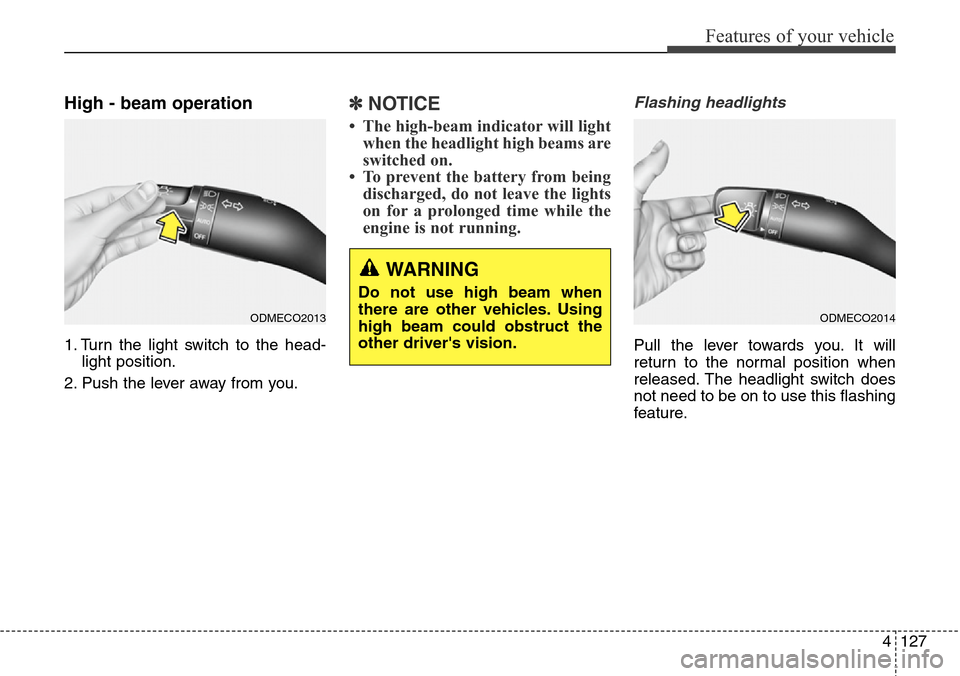
High - beam operation
1. Turn the light switch to the head-
light position.
2. Push the lever away from you.
✽NOTICE
• The high-beam indicator will light
when the headlight high beams are
switched on.
• To prevent the battery from being
discharged, do not leave the lights
on for a prolonged time while the
engine is not running.
Flashing headlights
Pull the lever towards you. It will
return to the normal position when
released. The headlight switch does
not need to be on to use this flashing
feature.
ODMECO2013ODMECO2014
WARNING
Do not use high beam when
there are other vehicles. Using
high beam could obstruct the
other driver's vision.
Page 227 of 718
Features of your vehicle
130 4
Daytime running light
(if equipped)
Daytime Running Lights (DRL) can
make it easier for others to see the
front of your vehicle during the day.
DRL can be helpful in many different
driving conditions, and it is especial-
ly helpful after dawn and before sun-
set.
The DRL system will turn off the ded-
icated lamp when:
1. The front fog light or headlight (low
beam) switch is ON.
2. The engine is OFF.
Headlight leveling device
(if equipped)
Manual type
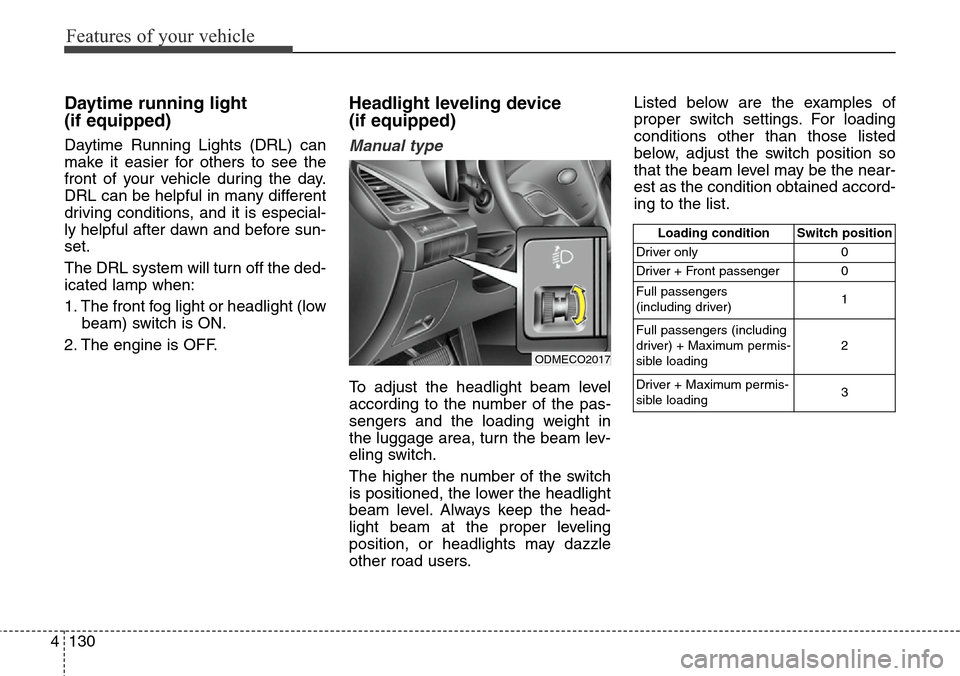
To adjust the headlight beam level
according to the number of the pas-
sengers and the loading weight in
the luggage area, turn the beam lev-
eling switch.
The higher the number of the switch
is positioned, the lower the headlight
beam level. Always keep the head-
light beam at the proper leveling
position, or headlights may dazzle
other road users.Listed below are the examples of
proper switch settings. For loading
conditions other than those listed
below, adjust the switch position so
that the beam level may be the near-
est as the condition obtained accord-
ing to the list.
Loading condition Switch position
Driver only 0
Driver + Front passenger 0
Full passengers
(including driver)1
Full passengers (including
driver) + Maximum permis-
sible loading2
Driver + Maximum permis-
sible loading 3
ODMECO2017