warning light HYUNDAI I20 2022 Owner's Manual
[x] Cancel search | Manufacturer: HYUNDAI, Model Year: 2022, Model line: I20, Model: HYUNDAI I20 2022Pages: 444, PDF Size: 8.93 MB
Page 102 of 444
5-12
Instrument cluster
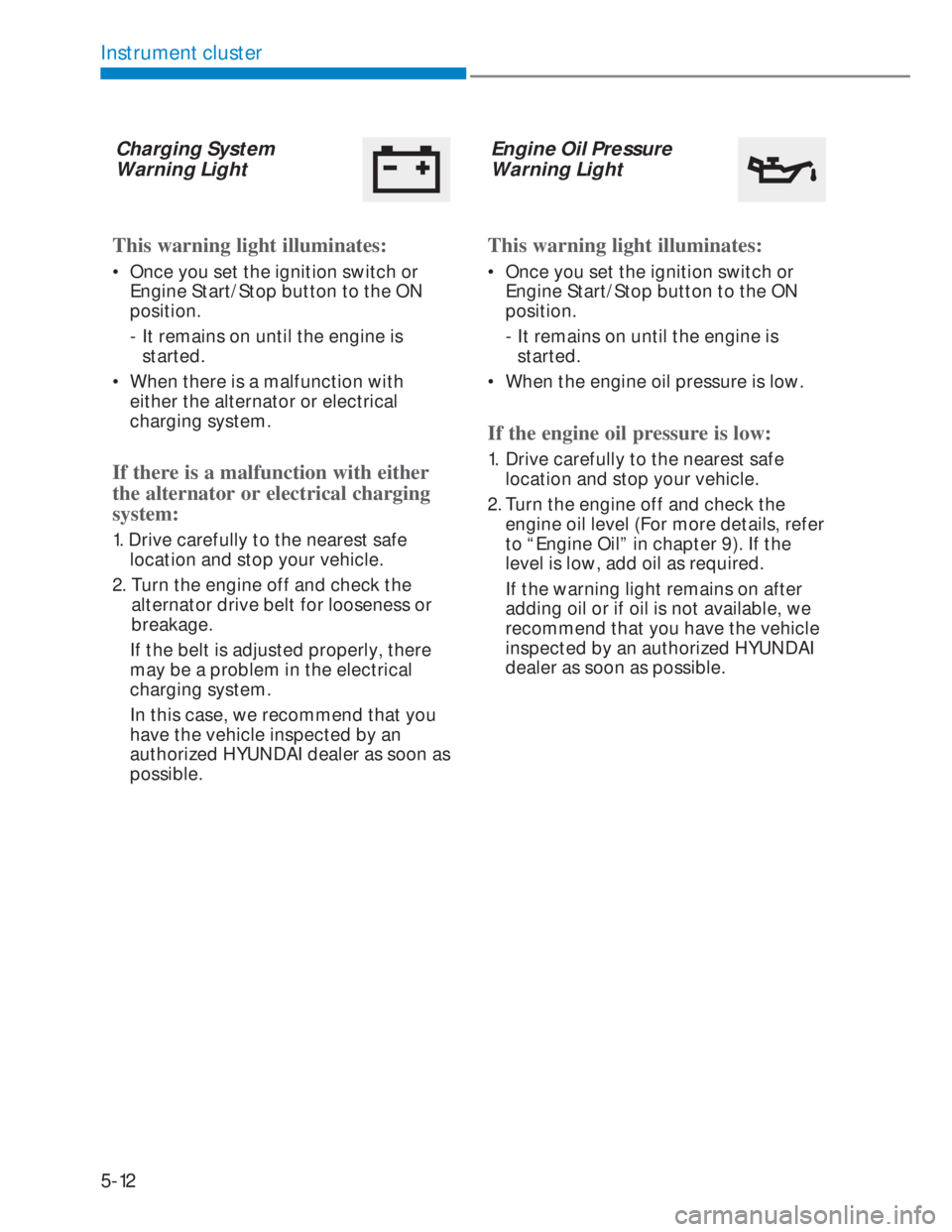
Charging System
Warning Light
This warning light illuminates:
• Once you set the ignition switch or
Engine Start/Stop button to the ON
position.
- It remains on until the engine is
started.
• When there is a malfunction with
either the alternator or electrical
charging system.
If there is a malfunction with either
the alternator or electrical charging
system:
1. Drive carefully to the nearest safe
location and stop your vehicle.
2. Turn the engine off and check the
alternator drive belt for looseness or
breakage.
If the belt is adjusted properly, there
may be a problem in the electrical
charging system.
In this case, we recommend that you
have the vehicle inspected by an
authorized HYUNDAI dealer as soon as
possible.
Engine Oil Pressure
Warning Light
This warning light illuminates:
• Once you set the ignition switch or
Engine Start/Stop button to the ON
position.
- It remains on until the engine is
started.
• When the engine oil pressure is low.
If the engine oil pressure is low:
1. Drive carefully to the nearest safe
location and stop your vehicle.
2. Turn the engine off and check the
engine oil level (For more details, refer
to “Engine Oil” in chapter 9). If the
level is low, add oil as required.
If the warning light remains on after
adding oil or if oil is not available, we
recommend that you have the vehicle
inspected by an authorized HYUNDAI
dealer as soon as possible.
Page 103 of 444
5-13
05
NOTICE
- Engine Oil Pressure Warning Light
• If the engine does not stop
immediately after the Engine Oil
Pressure Warning Light is illuminated,
severe damage could result.
• If the warning light stays on while the
engine is running, it indicates that
there may be serious engine damage
or malfunction. In this case,
1. Stop the vehicle as soon as it is safe
to do so.
2. Turn off the engine and check the
oil level. If the oil level is low, fill
the engine oil to the proper level.
3. Start the engine again. If the
warning light stays on after the
engine is started, turn the engine
off immediately. In this case, we
recommend that you have the
vehicle inspected by an authorized
HYUNDAI dealer.
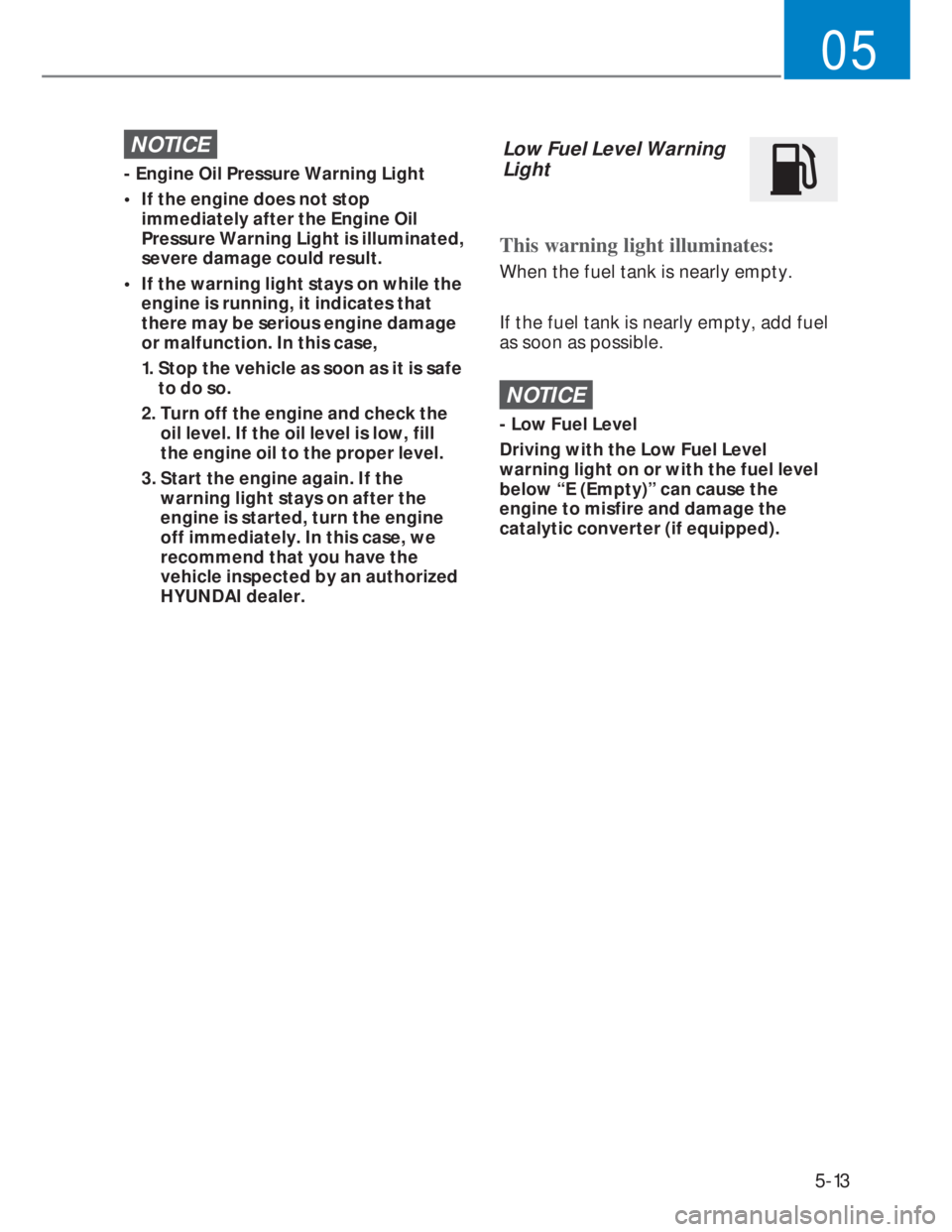
Low Fuel Level Warning
Light
This warning light illuminates:
When the fuel tank is nearly empty.
If the fuel tank is nearly empty, add fuel
as soon as possible.
NOTICE
- Low Fuel Level
Driving with the Low Fuel Level
warning light on or with the fuel level
below “E (Empty)” can cause the
engine to misfire and damage the
catalytic converter (if equipped).
Page 104 of 444
5-14
Instrument cluster
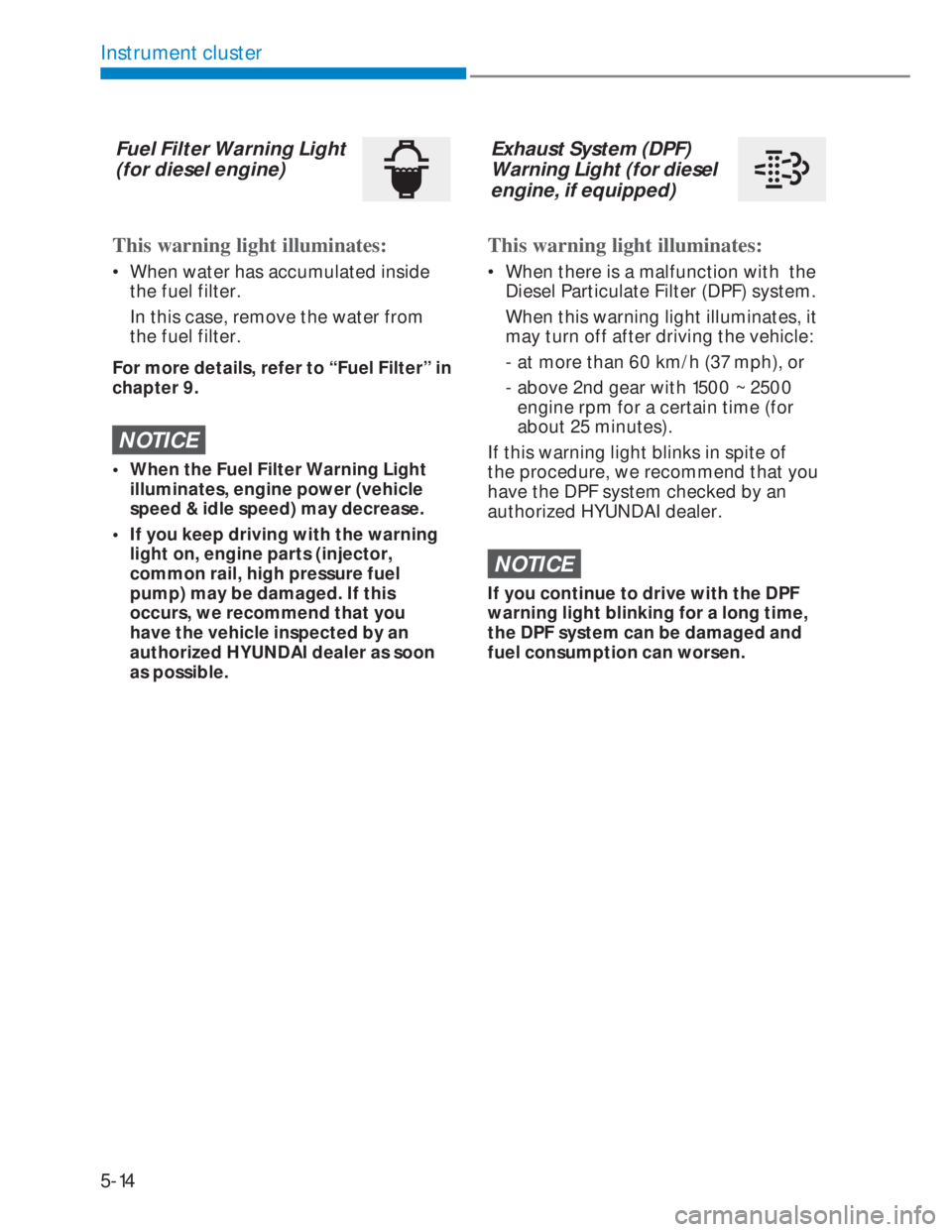
Fuel Filter Warning Light
(for diesel engine)
This warning light illuminates:
• When water has accumulated inside
the fuel filter.
In this case, remove the water from
the fuel filter.
For more details, refer to “Fuel Filter” in
chapter 9.
NOTICE
• When the Fuel Filter Warning Light
illuminates, engine power (vehicle
speed & idle speed) may decrease.
• If you keep driving with the warning
light on, engine parts (injector,
common rail, high pressure fuel
pump) may be damaged. If this
occurs, we recommend that you
have the vehicle inspected by an
authorized HYUNDAI dealer as soon
as possible.
Exhaust System (DPF)
Warning Light (for diesel
engine, if equipped)
This warning light illuminates:
• When there is a malfunction with the
Diesel Particulate Filter (DPF) system.
When this warning light illuminates, it
may turn off after driving the vehicle:
- at more than 60 km/h (37 mph), or
- above 2nd gear with 1500 ~ 2500
engine rpm for a certain time (for
about 25 minutes).
If this warning light blinks in spite of
the procedure, we recommend that you
have the DPF system checked by an
authorized HYUNDAI dealer.
NOTICE
If you continue to drive with the DPF
warning light blinking for a long time,
the DPF system can be damaged and
fuel consumption can worsen.
Page 106 of 444
5-16
Instrument cluster
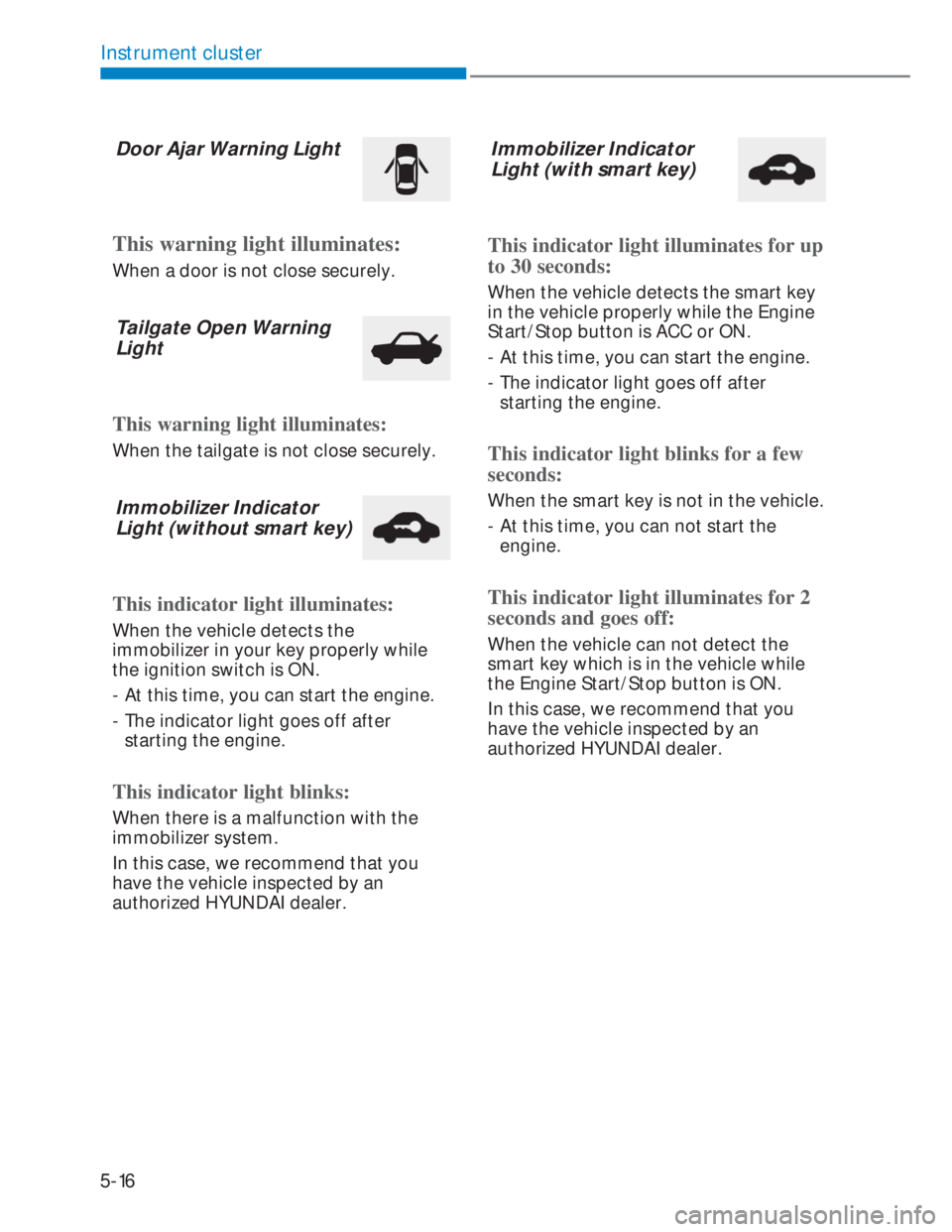
Door Ajar Warning Light
This warning light illuminates:
When a door is not close securely.
Tailgate Open Warning
Light
This warning light illuminates:
When the tailgate is not close securely.
Immobilizer Indicator
Light (without smart key)
This indicator light illuminates:
When the vehicle detects the
immobilizer in your key properly while
the ignition switch is ON.
- At this time, you can start the engine.
- The indicator light goes off after
starting the engine.
This indicator light blinks:
When there is a malfunction with the
immobilizer system.
In this case, we recommend that you
have the vehicle inspected by an
authorized HYUNDAI dealer.
Immobilizer Indicator
Light (with smart key)
This indicator light illuminates for up
to 30 seconds:
When the vehicle detects the smart key
in the vehicle properly while the Engine
Start/Stop button is ACC or ON.
- At this time, you can start the engine.
- The indicator light goes off after
starting the engine.
This indicator light blinks for a few
seconds:
When the smart key is not in the vehicle.
- At this time, you can not start the
engine.
This indicator light illuminates for 2
seconds and goes off:
When the vehicle can not detect the
smart key which is in the vehicle while
the Engine Start/Stop button is ON.
In this case, we recommend that you
have the vehicle inspected by an
authorized HYUNDAI dealer.
Page 108 of 444
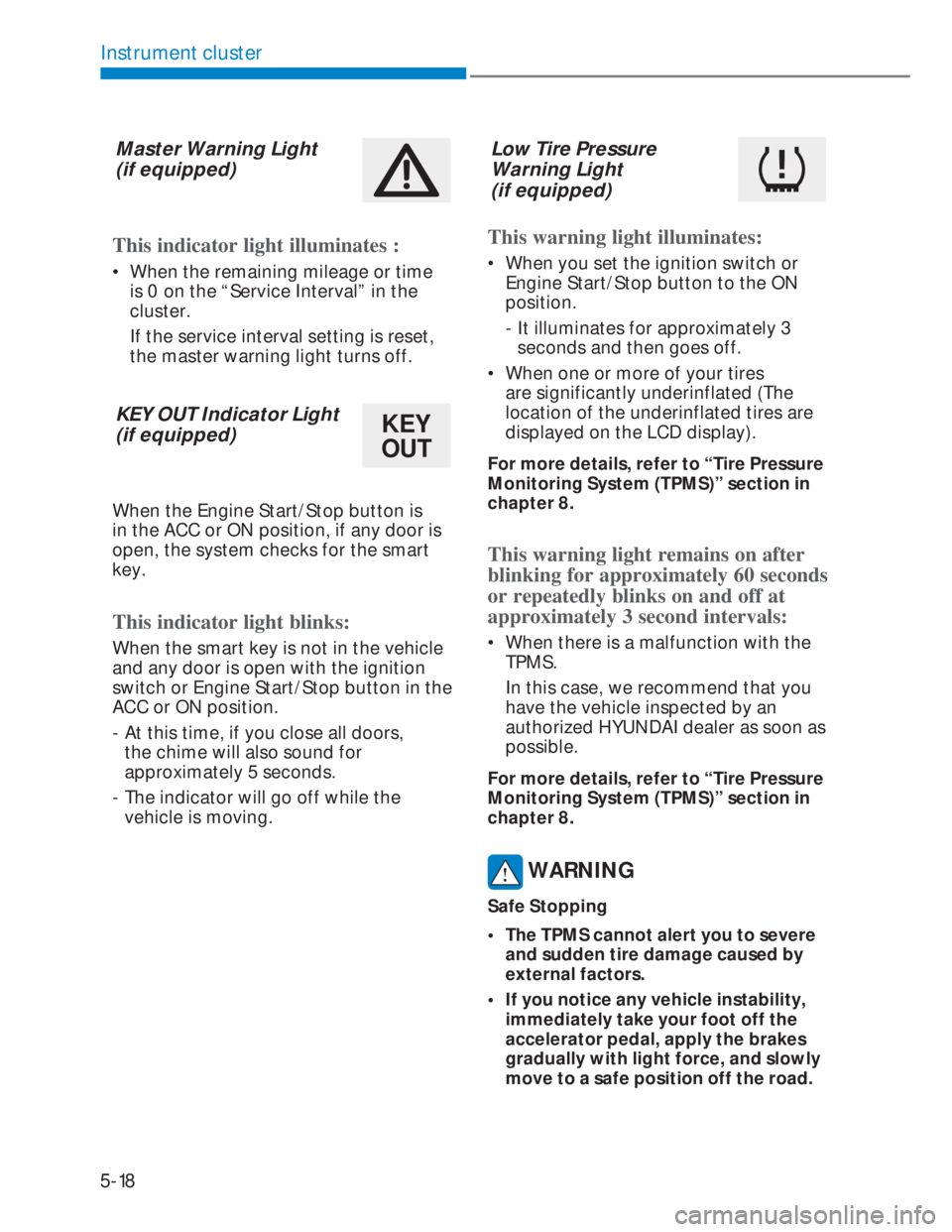
5-18
Instrument cluster
Master Warning Light
(if equipped)
This indicator light illuminates :
• When the remaining mileage or time
is 0 on the “Service Interval” in the
cluster.
If the service interval setting is reset,
the master warning light turns off.
KEY OUT Indicator Light
(if equipped)
KEY
OUT
When the Engine Start/Stop button is
in the ACC or ON position, if any door is
open, the system checks for the smart
key.
This indicator light blinks:
When the smart key is not in the vehicle
and any door is open with the ignition
switch or Engine Start/Stop button in the
ACC or ON position.
- At this time, if you close all doors,
the chime will also sound for
approximately 5 seconds.
- The indicator will go off while the
vehicle is moving.
Low Tire Pressure
Warning Light
(if equipped)
This warning light illuminates:
• When you set the ignition switch or
Engine Start/Stop button to the ON
position.
- It illuminates for approximately 3
seconds and then goes off.
• When one or more of your tires
are significantly underinflated (The
location of the underinflated tires are
displayed on the LCD display).
For more details, refer to “Tire Pressure
Monitoring System (TPMS)” section in
chapter 8.
This warning light remains on after
blinking for approximately 60 seconds
or repeatedly blinks on and off at
approximately 3 second intervals:
• When there is a malfunction with the
TPMS.
In this case, we recommend that you
have the vehicle inspected by an
authorized HYUNDAI dealer as soon as
possible.
For more details, refer to “Tire Pressure
Monitoring System (TPMS)” section in
chapter 8.
WARNING
Safe Stopping
• The TPMS cannot alert you to severe
and sudden tire damage caused by
external factors.
• If you notice any vehicle instability,
immediately take your foot off the
accelerator pedal, apply the brakes
gradually with light force, and slowly
move to a safe position off the road.
Page 109 of 444
5-19
05
LCD display messages
Key not in vehicle
(for smart key system)
This warning message is displayed if the
smart key is not in the vehicle when you
open or close door in the ACC position
or ON position. The warning sound is
heard when you close door without a
smart key in vehicle.
When attempting to start the vehicle
always have the smart key with you.
Key not detected
(for smart key system)
This warning message is displayed if
the smart key is not detected when you
press the Engine Start/Stop button.
Press START button with key (for
smart key system)
This warning message is displayed if
you press the Engine Start/Stop button
while the warning message “Key not
detected” is displayed.
At this time, the immobilizer indicator
light blinks.
Low key battery
(for smart key system)
This warning message is displayed if the
battery of the smart key is discharged
while changing the Engine Start/Stop
button to the OFF position.
Press brake pedal to start engine
(for smart key system and
Automatic transmission/Dual clutch
transmission)
This warning message is displayed if the
Engine Start/Stop button changes to
the ACC position twice by pressing the
button repeatedly without depressing
the brake pedal.
You can start the vehicle by depressing
the brake pedal.
Press clutch pedal to start engine
(for smart key system and Manual
transmission)
This warning message is displayed if the
Engine Start/Stop button is in the ACC
position twice by pressing the button
repeatedly without depressing the clutch
pedal.
Depress the clutch pedal to start the
engine.
Press START button again
(for smart key system)
This message is displayed if you were
unable to start the vehicle when the
Engine Start/Stop button was pressed.
If this occurs, attempt to start the engine
by pressing the Engine Start/Stop button
again.
If the warning message appears each
time you press the Engine Start/Stop
button, we recommend that you have
your vehicle inspected by an authorized
HYUNDAI dealer.
Page 110 of 444
5-20
Instrument cluster
Shift to N to start engine
(for smart key system and
Automatic transmission/Dual clutch
transmission) / iMT (intelligent
manual transmission))
This warning message is displayed if
you try to start the engine with the shift
button not in the N (Neutral) position.
i Information
You can start the engine with the shift
lever in the N (Neutral) position.
Check BRAKE SWITCH fuse (for
smart key system and Automatic
transmission/Dual clutch
transmission)
This warning message is displayed if the
brake switch fuse is disconnected.
You need to replace the fuse with a new
one. If that is not possible, you can start
the engine by pressing the Engine Start/
Stop button for 10 seconds in the ACC
position.
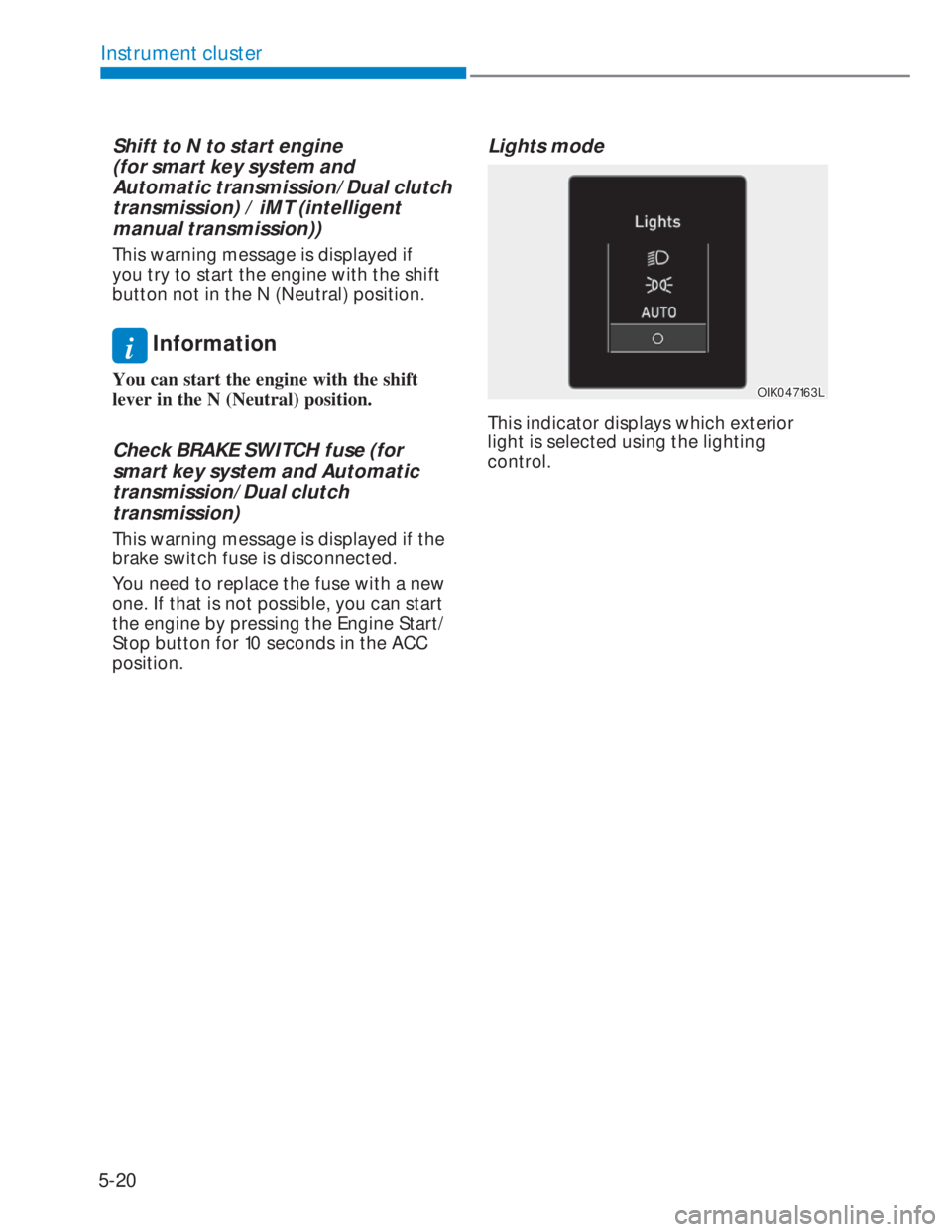
Lights mode
OIK047163LOIK047163L
This indicator displays which exterior
light is selected using the lighting
control.
Page 111 of 444
5-21
05
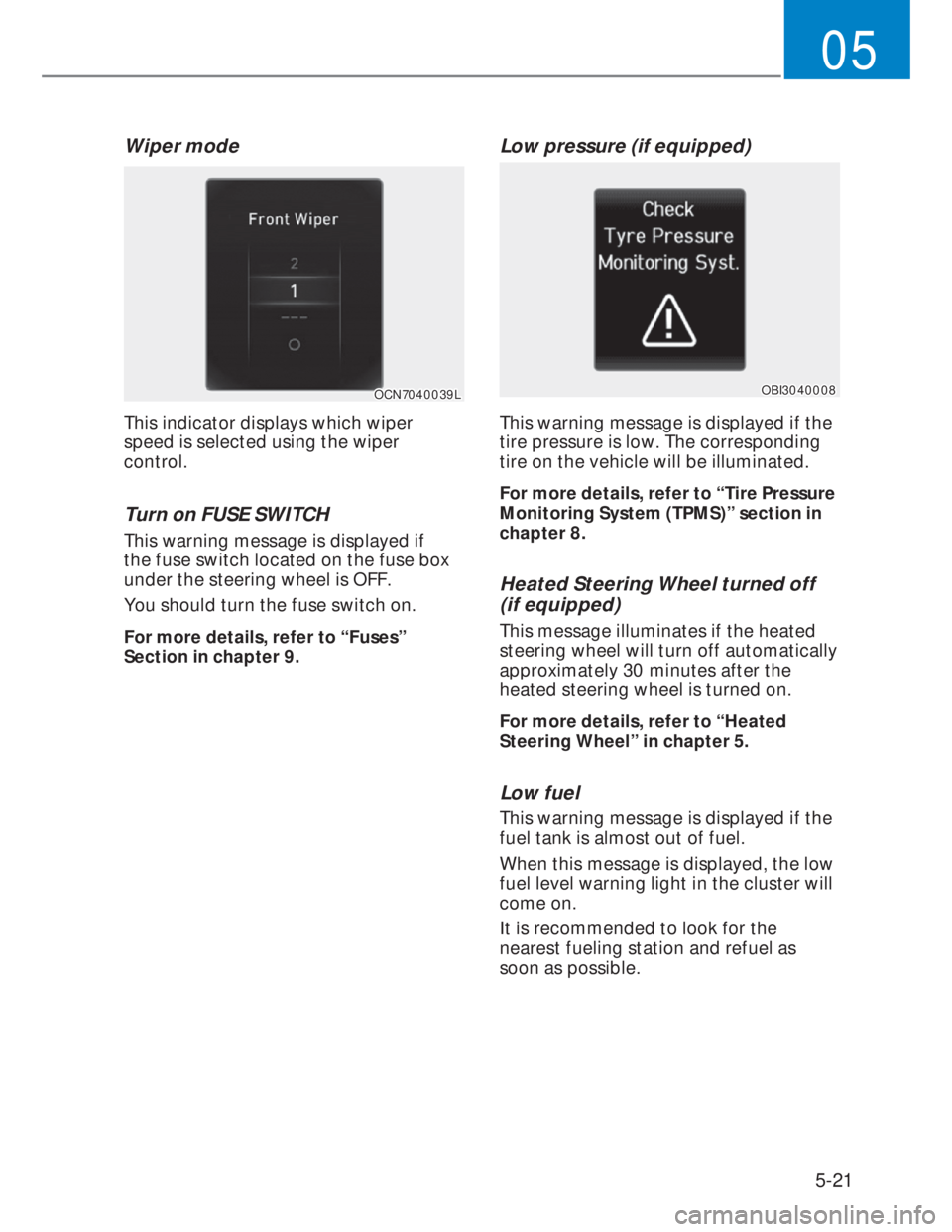
Wiper mode
OCN7040039LOCN7040039L
This indicator displays which wiper
speed is selected using the wiper
control.
Turn on FUSE SWITCH
This warning message is displayed if
the fuse switch located on the fuse box
under the steering wheel is OFF.
You should turn the fuse switch on.
For more details, refer to “Fuses”
Section in chapter 9.
Low pressure (if equipped)
OBI3040008OBI3040008
This warning message is displayed if the
tire pressure is low. The corresponding
tire on the vehicle will be illuminated.
For more details, refer to “Tire Pressure
Monitoring System (TPMS)” section in
chapter 8.
Heated Steering Wheel turned off
(if equipped)
This message illuminates if the heated
steering wheel will turn off automatically
approximately 30 minutes after the
heated steering wheel is turned on.
For more details, refer to “Heated
Steering Wheel” in chapter 5.
Low fuel
This warning message is displayed if the
fuel tank is almost out of fuel.
When this message is displayed, the low
fuel level warning light in the cluster will
come on.
It is recommended to look for the
nearest fueling station and refuel as
soon as possible.
Page 112 of 444
5-22
Instrument cluster
Low engine oil (if equipped)
This warning message is displayed when
the engine oil level should be checked.
If this warning message is displayed,
check the engine oil level as soon as
possible and add engine oil as required.
Slowly pour the recommended oil little
by little into a funnel.
Use only the specified engine oil. (Refer
to "Recommended lubricants and
capacities" section in chapter 2.)
Do not overfill the engine oil. Make sure
the oil level is not above F (Full) mark on
the dipstick.
NOTICE
If the message is displayed
continuously after adding the engine
oil and travelling approximately
50~100 km after the engine warms up,
we recommend that the system be
checked by an authorized HYUNDAI
dealer.
Engine has overheated
(if equipped)
This warning message is displayed
when the engine coolant temperature
is above 120°C (248°F). This means that
the engine is overheated and may be
damaged.
If your vehicle is overheated, refer to
“Overheating” section in chapter 8.
Check headlight (if equipped)
This warning message is displayed if the
headlamps are not operating properly.
In addition, if a specific lamp(turn signal
lamp etc.) is not operating properly, the
warning message according to a specific
lamp (turn signal lamp etc.) is displayed.
A corresponding bulb may need to be
replaced.
Make sure to replace the burned out
bulb with a new one of the same
wattage rating.
Check brake light (if equipped)
This warning message is displayed if the
stop lamps are not operating properly. A
lamp may need to be replaced.
Make sure to replace the burned out
bulb with a new one of the same
wattage rating.
Page 116 of 444
5-26
Instrument cluster
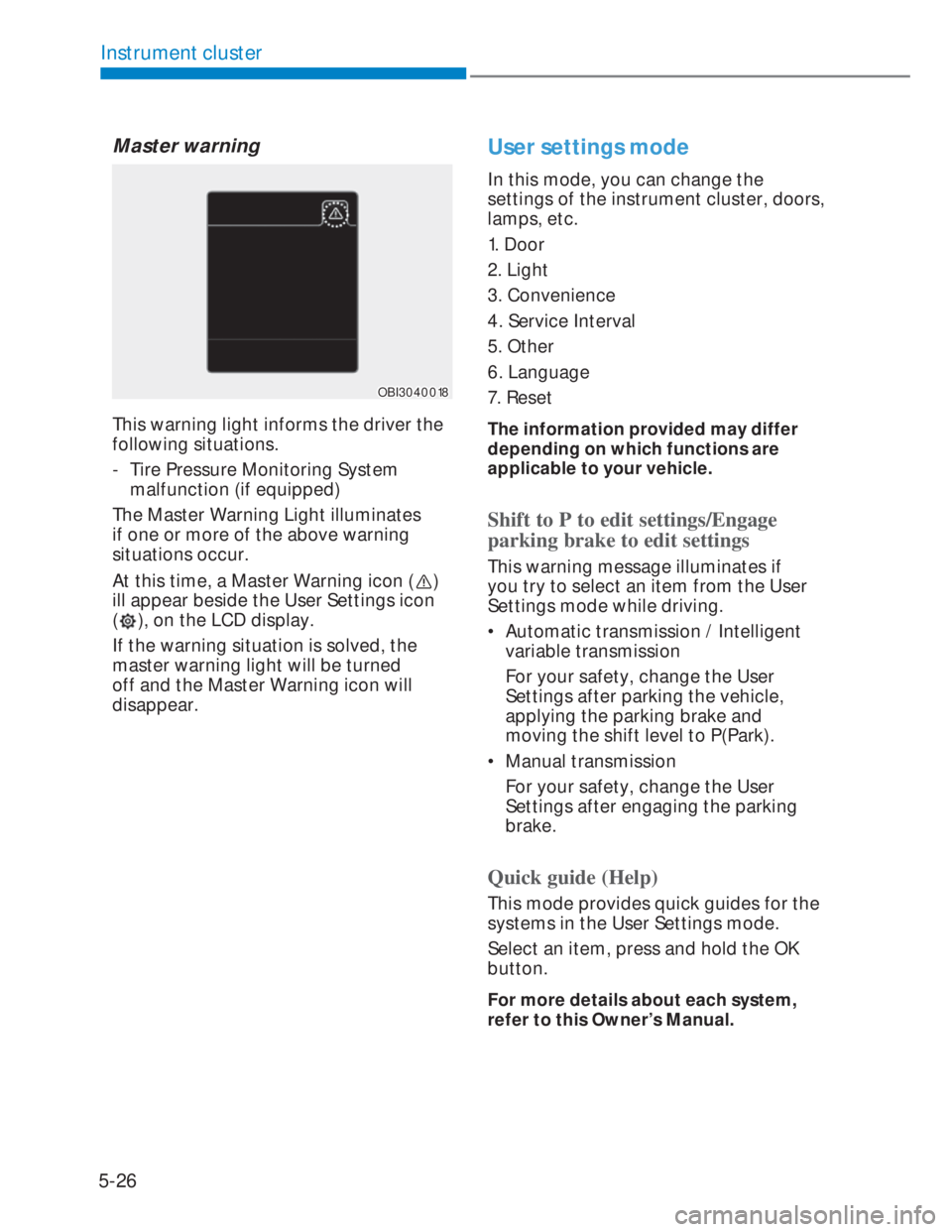
Master warning
OBI3040018OBI3040018
This warning light informs the driver the
following situations.
- Tire Pressure Monitoring System
malfunction (if equipped)
The Master Warning Light illuminates
if one or more of the above warning
situations occur.
At this time, a Master Warning icon (
)
ill appear beside the User Settings icon
(
), on the LCD display.
If the warning situation is solved, the
master warning light will be turned
off and the Master Warning icon will
disappear.
User settings mode
In this mode, you can change the
settings of the instrument cluster, doors,
lamps, etc.
1. Door
2. Light
3. Convenience
4. Service Interval
5. Other
6. Language
7. Reset
The information provided may differ
depending on which functions are
applicable to your vehicle.
Shift to P to edit settings/Engage
parking brake to edit settings
This warning message illuminates if
you try to select an item from the User
Settings mode while driving.
• Automatic transmission / Intelligent
variable transmission
For your safety, change the User
Settings after parking the vehicle,
applying the parking brake and
moving the shift level to P(Park).
• Manual transmission
For your safety, change the User
Settings after engaging the parking
brake.
Quick guide (Help)
This mode provides quick guides for the
systems in the User Settings mode.
Select an item, press and hold the OK
button.
For more details about each system,
refer to this Owner’s Manual.