battery HYUNDAI I40 2012 User Guide
[x] Cancel search | Manufacturer: HYUNDAI, Model Year: 2012, Model line: I40, Model: HYUNDAI I40 2012Pages: 534, PDF Size: 11.05 MB
Page 125 of 534
Downloaded from www.Manualslib.com manuals search engine Features of your vehicle
38
4
Resetting the sunroof
Whenever the vehicle battery is discon-
nected or discharged, you must reset
your sunroof system as follows:
1. Turn the ignition switch to the ON
position.
2. Close the sunshade and sunroof completely if opened.
3. Release the sunroof control lever.
4. Push the sunroof control lever forward in the direction of close (about 10 sec-
onds) until the sunroof moves a little.
Then, release the lever.
5. Push the sunroof control lever forward in the direction of close, until the sun-
roof operates as follows again:
SUNSHADE OPEN →TILT OPEN →
SLIDE OPEN → SLIDE CLOSE →
SUNSHADE CLOSE
Then, release the lever.
When this is complete, the sunroof sys-
tem has been reset.WARNING - Sunroof
Be careful that no head, hands and body parts are obstructed by
a closing sunroof.
Do not extend the face, neck, arms or body outside the sunroof
while driving.
Make sure your hands and head are safely out of the way before
closing a sunroof.
CAUTION
Periodically remove any dirt that may accumulate on the guide rail.
If you try to open the sunroof when the temperature is belowfreezing or when the sunroof iscovered with snow or ice, theglass or the motor could be dam-aged.
Page 126 of 534
Downloaded from www.Manualslib.com manuals search engine 439
Features of your vehicle
A driver position memory system is pro-
vided to store and recall the driver seat
position with a simple button operation.
By saving the desired position into the
system memory, different drivers can
reposition the driver seat based upon
their driving preference. If the battery is
disconnected, the position memory will
be erased and the driving position should
be restored in the system.
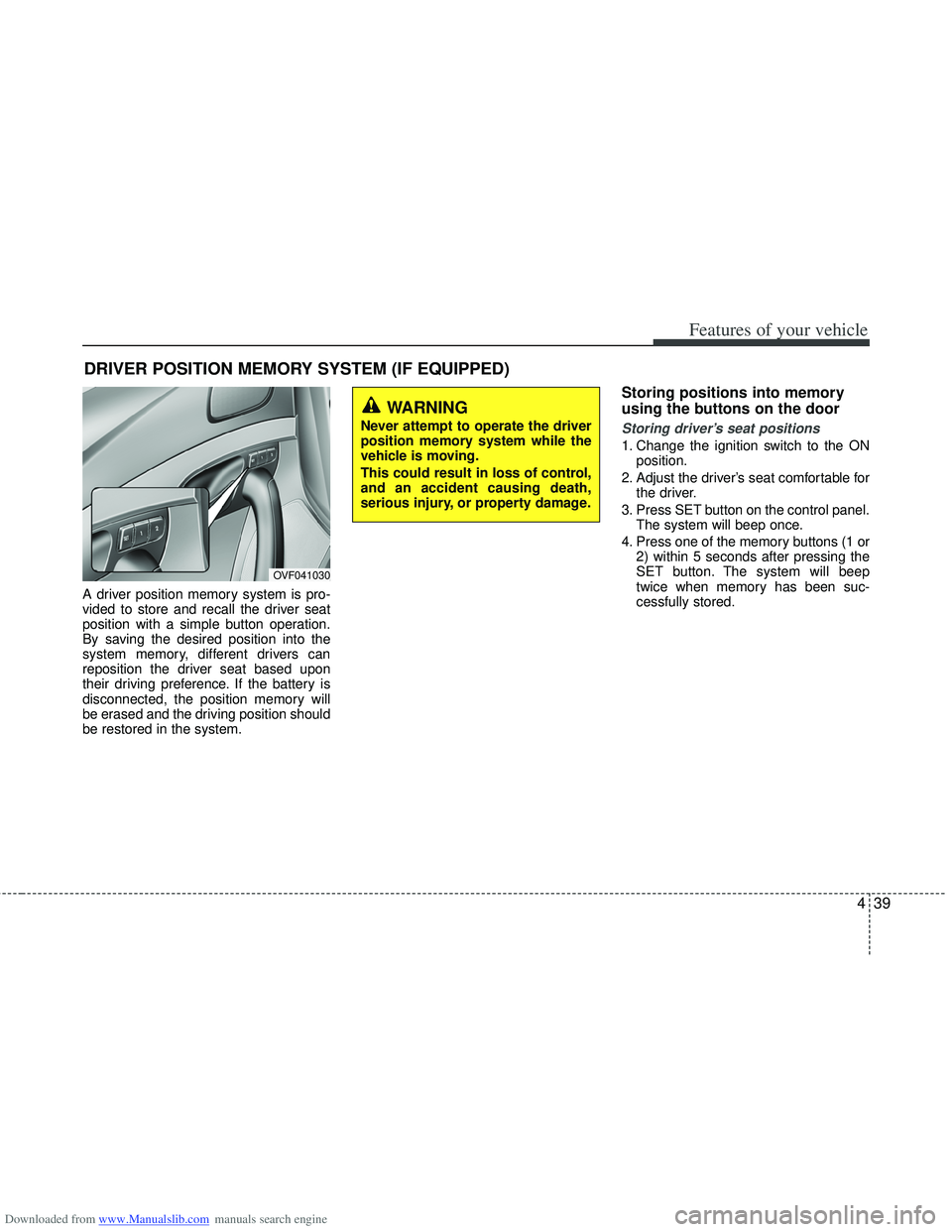
Storing positions into memory
using the buttons on the door
Storing driver’s seat positions
1. Change the ignition switch to the ONposition.
2. Adjust the driver’s seat comfortable for the driver.
3. Press SET button on the control panel. The system will beep once.
4. Press one of the memory buttons (1 or 2) within 5 seconds after pressing the
SET button. The system will beep
twice when memory has been suc-
cessfully stored.
DRIVER POSITION MEMORY SYSTEM (IF EQUIPPED)
WARNING
Never attempt to operate the driver
position memory system while the
vehicle is moving.
This could result in loss of control,
and an accident causing death,
serious injury, or property damage.
OVF041030
Page 134 of 534
Downloaded from www.Manualslib.com manuals search engine 447
Features of your vehicle
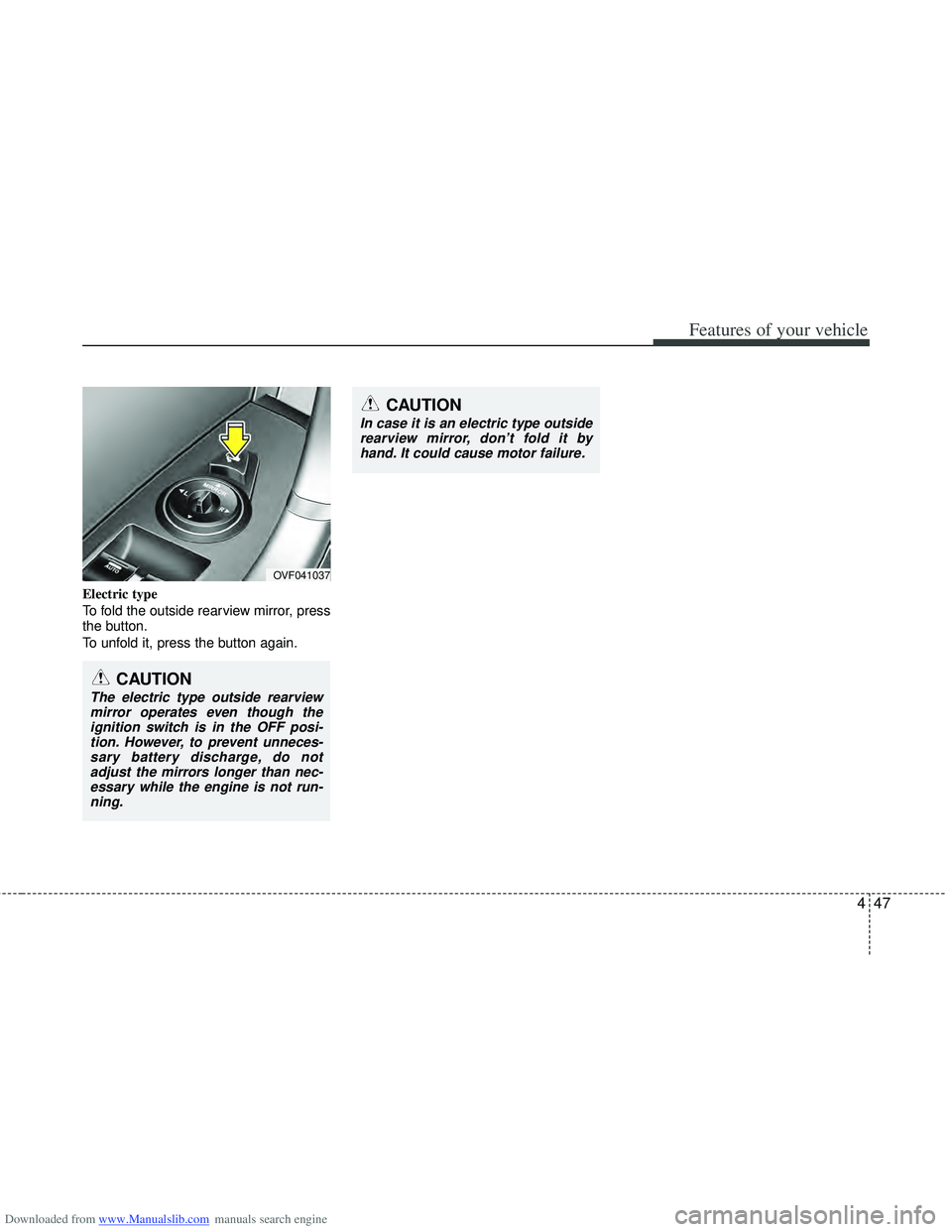
Electric type
To fold the outside rearview mirror, press
the button.
To unfold it, press the button again.
OVF041037
CAUTION
In case it is an electric type outsiderearview mirror, don’t fold it byhand. It could cause motor failure.
CAUTION
The electric type outside rearviewmirror operates even though theignition switch is in the OFF posi-tion. However, to prevent unneces- sary battery discharge, do notadjust the mirrors longer than nec-essary while the engine is not run-ning.
Page 141 of 534
Downloaded from www.Manualslib.com manuals search engine Features of your vehicle
54
4
Trip computer
The trip computer is a microcomputer-
controlled driver information system that
displays information related to driving
when the ignition switch is in the ON
position. All stored driving information
(except odometer, distance to empty and
instant fuel economy) resets if the battery
is disconnected.
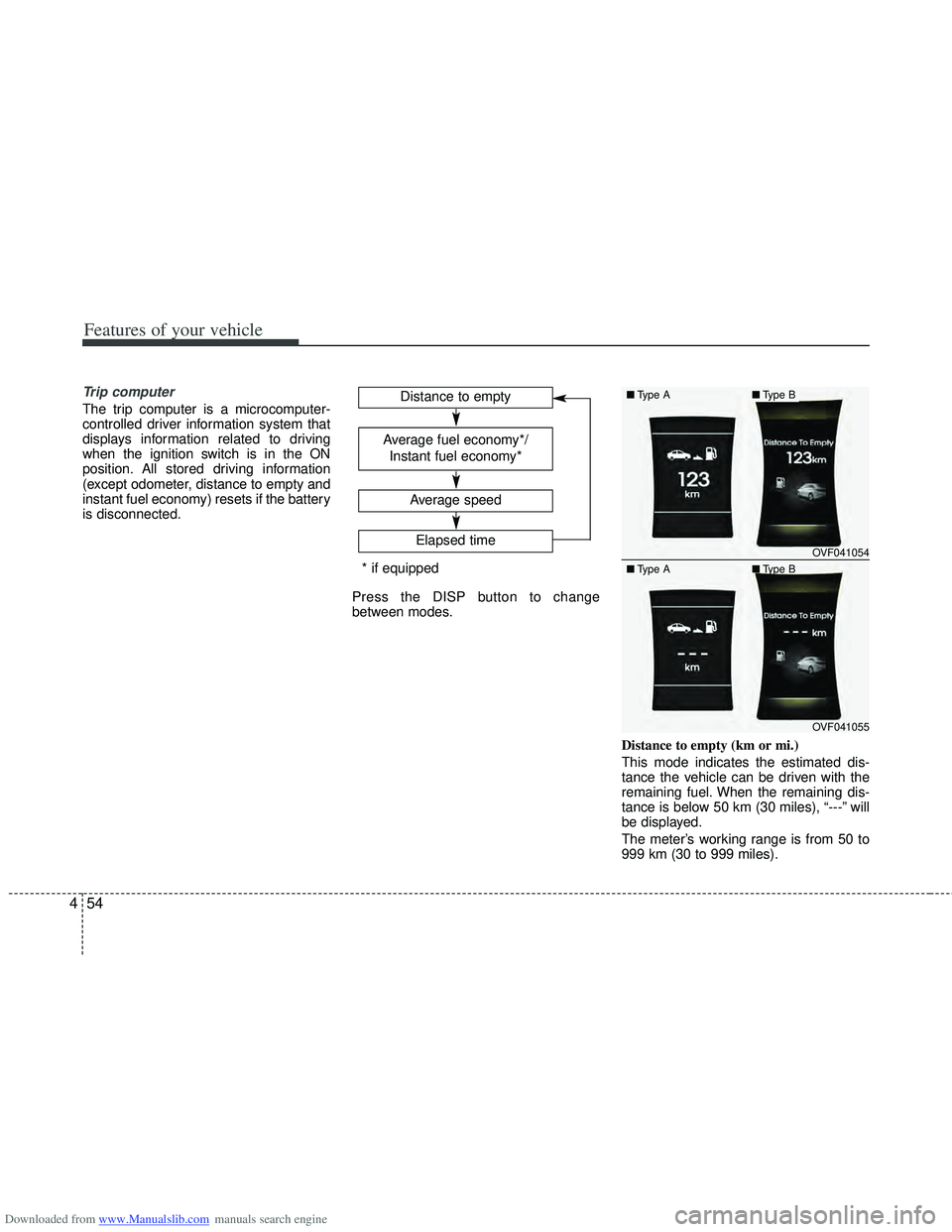
Press the DISP button to change
between modes.
Distance to empty (km or mi.)
This mode indicates the estimated dis-
tance the vehicle can be driven with the
remaining fuel. When the remaining dis-
tance is below 50 km (30 miles), “---” will
be displayed.
The meter’s working range is from 50 to
999 km (30 to 999 miles).
Average speed
Elapsed time
Distance to empty
Average fuel economy*/
Instant fuel economy*
* if equipped
OVF041054
OVF041055
■ Type A■Type B
■ Type A ■Type B
Page 142 of 534
Downloaded from www.Manualslib.com manuals search engine 455
Features of your vehicle
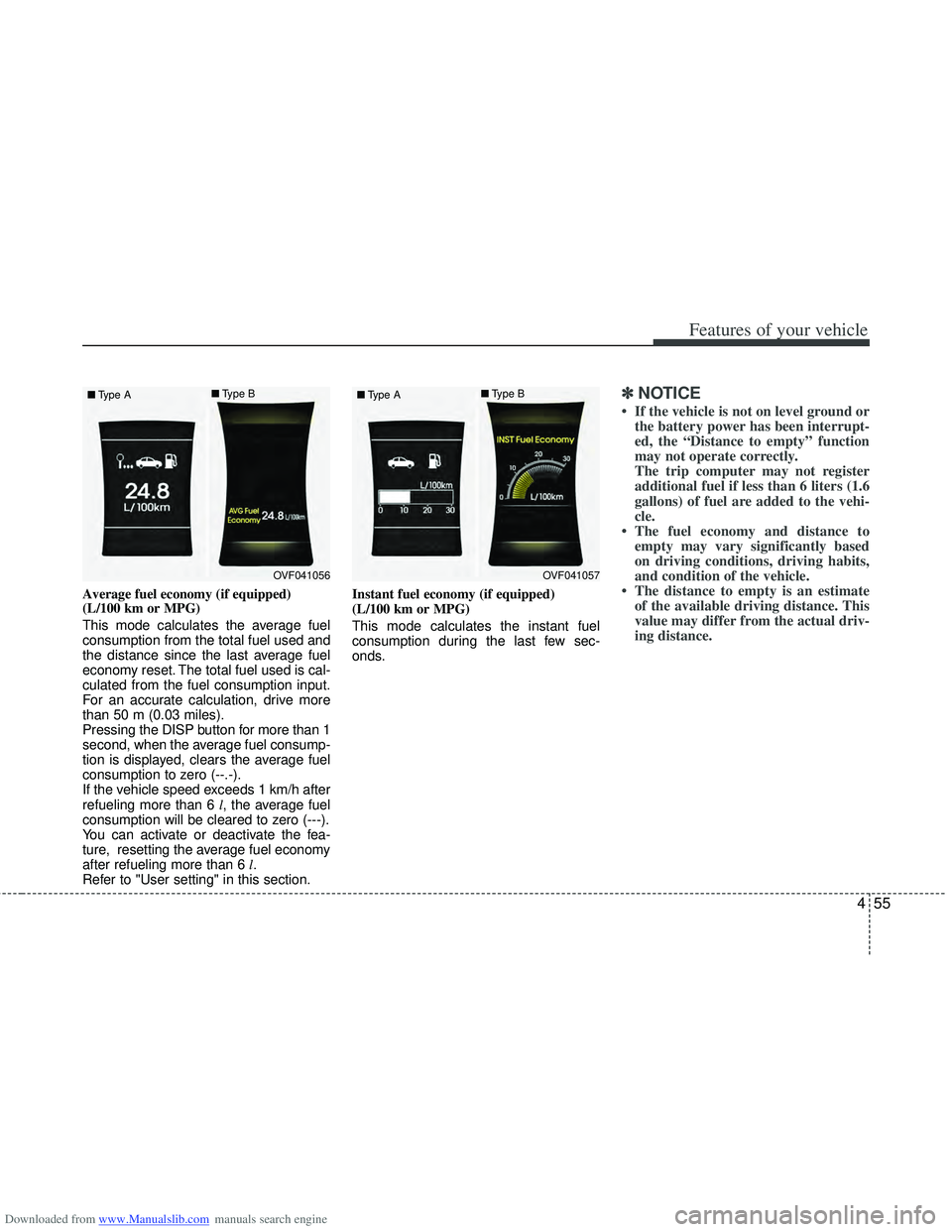
Average fuel economy (if equipped)
(L/100 km or MPG)
This mode calculates the average fuel
consumption from the total fuel used and
the distance since the last average fuel
economy reset. The total fuel used is cal-
culated from the fuel consumption input.
For an accurate calculation, drive more
than 50 m (0.03 miles).
Pressing the DISP button for more than 1
second, when the average fuel consump-
tion is displayed, clears the average fuel
consumption to zero (--.-).
If the vehicle speed exceeds 1 km/h after
refueling more than 6 l, the average fuel
consumption will be cleared to zero (---).
You can activate or deactivate the fea-
ture, resetting the average fuel economy
after refueling more than 6 l.
Refer to "User setting" in this section. Instant fuel economy (if equipped)
(L/100 km or MPG)
This mode calculates the instant fuel
consumption during the last few sec-
onds.
✽ ✽
NOTICE
• If the vehicle is not on level ground or
the battery power has been interrupt-
ed, the “Distance to empty” function
may not operate correctly.
The trip computer may not register
additional fuel if less than 6 liters (1.6
gallons) of fuel are added to the vehi-
cle.
• The fuel economy and distance to empty may vary significantly based
on driving conditions, driving habits,
and condition of the vehicle.
• The distance to empty is an estimate of the available driving distance. This
value may differ from the actual driv-
ing distance.
OVF041056
■
Type A ■
Type BOVF041057
■
Type A ■
Type B
Page 150 of 534
Downloaded from www.Manualslib.com manuals search engine 463
Features of your vehicle
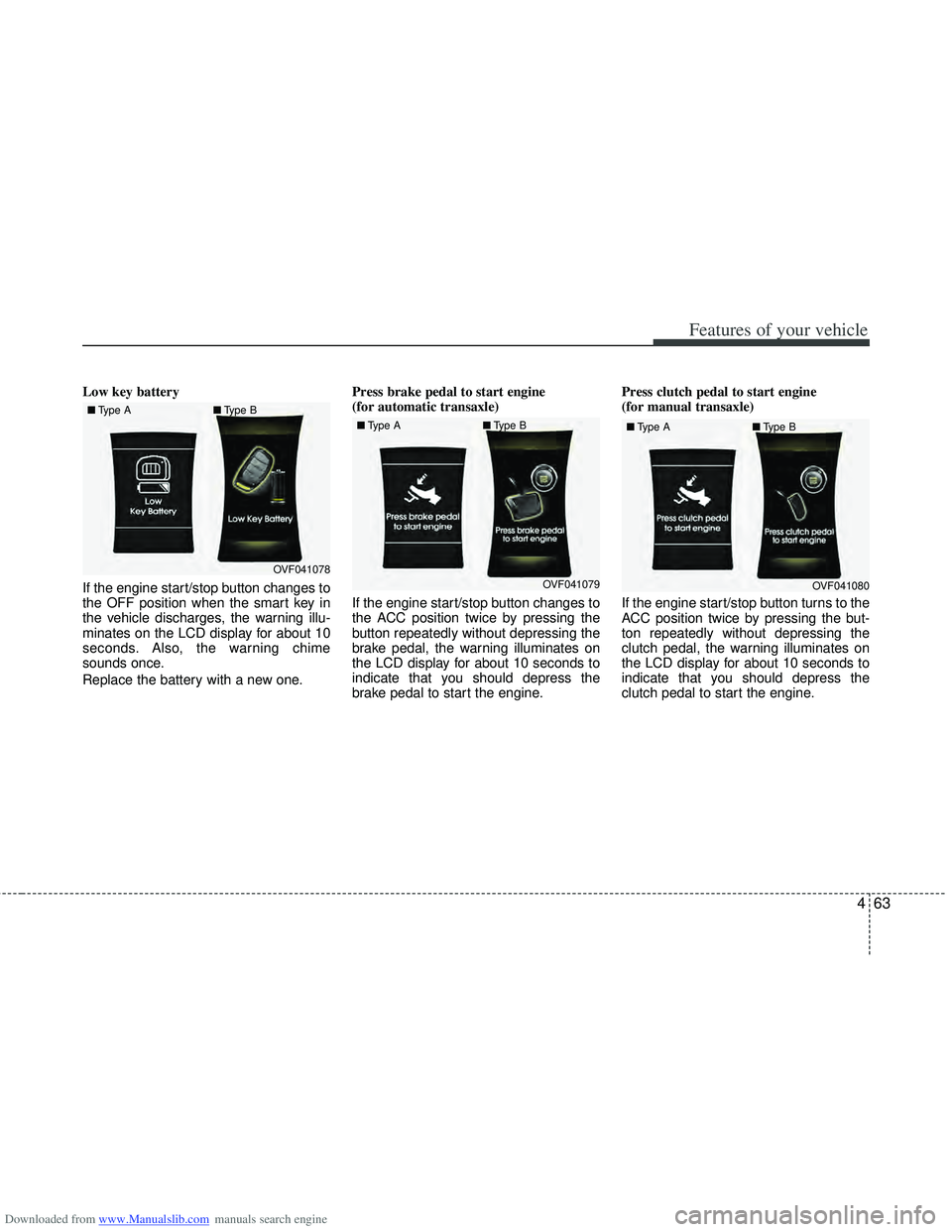
Low key battery
If the engine start/stop button changes to
the OFF position when the smart key in
the vehicle discharges, the warning illu-
minates on the LCD display for about 10
seconds. Also, the warning chime
sounds once.
Replace the battery with a new one.Press brake pedal to start engine
(for automatic transaxle)
If the engine start/stop button changes to
the ACC position twice by pressing the
button repeatedly without depressing the
brake pedal, the warning illuminates on
the LCD display for about 10 seconds to
indicate that you should depress the
brake pedal to start the engine.Press clutch pedal to start engine
(for manual transaxle)
If the engine start/stop button turns to the
ACC position twice by pressing the but-
ton repeatedly without depressing the
clutch pedal, the warning illuminates on
the LCD display for about 10 seconds to
indicate that you should depress the
clutch pedal to start the engine.
OVF041078
■
Type A ■Type BOVF041079
■
Type A ■Type BOVF041080
■
Type A ■Type B
Page 154 of 534
Downloaded from www.Manualslib.com manuals search engine 467
Features of your vehicle
Air bag warning light
This warning light will illuminate for
approximately 6 seconds each time you
turn the ignition switch to the ON posi-
tion.
This light also comes on when the SRS
is not working properly. If the air bag
warning light does not come on, or con-
tinuously remains on after operating for
about 6 seconds when you turn the igni-
tion switch to the ON position or started
the engine, or if it comes on while driving,
have the SRS inspected by an author-
ized HYUNDAI dealer.
.
Immobilizer indicator
Without smart key system
This indicator illuminates when the
immobilizer key is inserted and turned to
the ON position to start the engine.
At this time, you can start the engine. The
indicator goes out after the engine is run-
ning.
If this indicator blinks when the ignition
switch is in the ON position before start-
ing the engine, have the system checked
by an authorized HYUNDAI dealer.With smart key system
If any of the following occurs in a vehicle
equipped with the smart key, the immobi-
lizer indicator illuminates, blinks or goes
off.
When the smart key is in the vehicle, if
the engine start/stop button is in the
ACC or ON position, the indicator will
illuminate for approximately 30 seconds
to indicate that you are able to start the
engine. However, when the smart key is
not in the vehicle, if the engine start/stop
button is pressed, the indicator will blink
for a few seconds to indicate that you are
not be able to start the engine.
If the indicator illuminates only for 2 sec- onds and goes out when the engine
start/stop button is turned to ON position
with the smart key in the vehicle, have
the system checked by an authorized
HYUNDAI dealer.
When the battery is weak, if the engine start/stop button is pressed, the indica-
tor will blink and you are not able to start
the engine. However, you are able to
start the engine by pressing the engine
start/stop button directly with the smart
key. Also, if the smart key system related
parts have a problem, the indicator will
blink.
Page 159 of 534
Downloaded from www.Manualslib.com manuals search engine Features of your vehicle
72
4
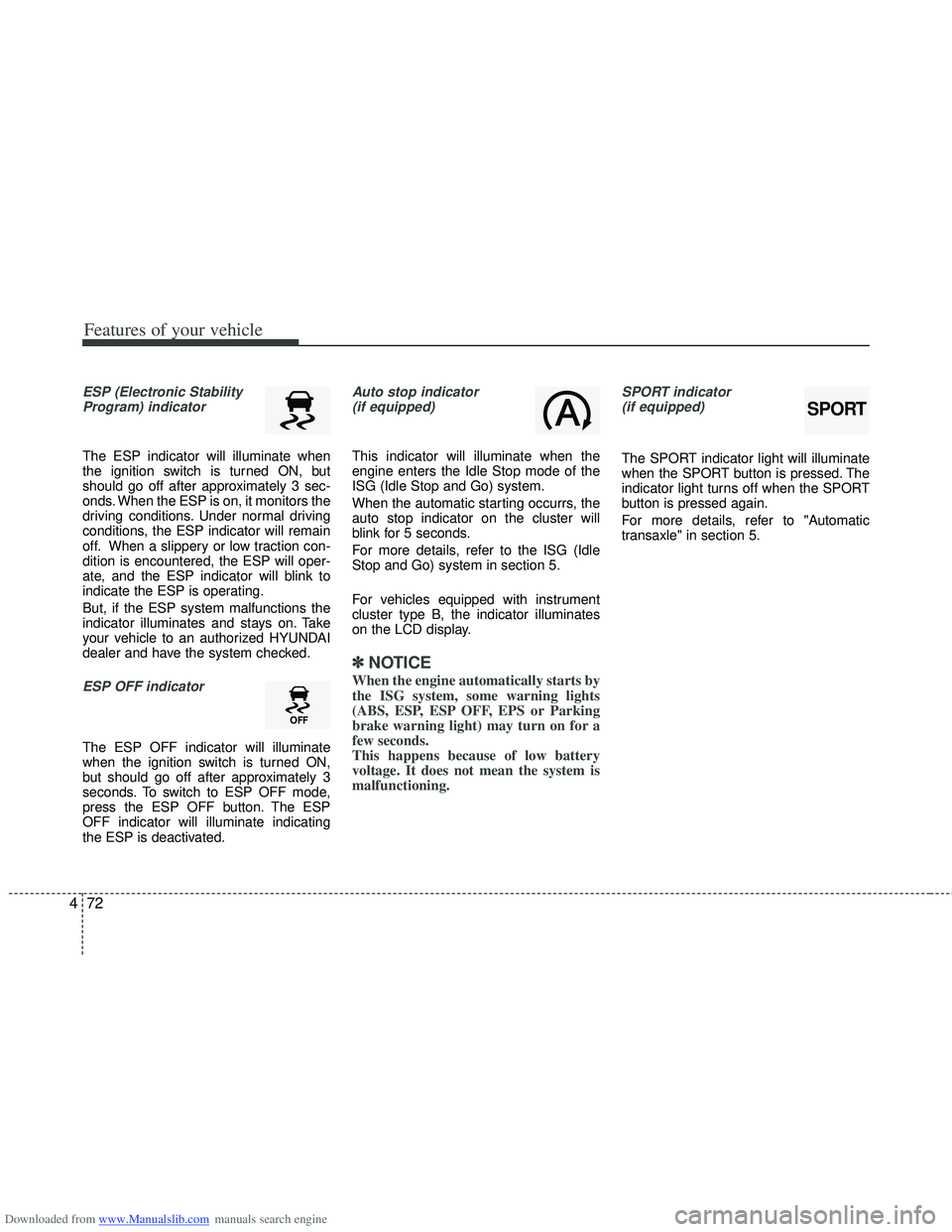
ESP (Electronic Stability
Program) indicator
The ESP indicator will illuminate when
the ignition switch is turned ON, but
should go off after approximately 3 sec-
onds. When the ESP is on, it monitors the
driving conditions. Under normal driving
conditions, the ESP indicator will remain
off. When a slippery or low traction con-
dition is encountered, the ESP will oper-
ate, and the ESP indicator will blink to
indicate the ESP is operating.
But, if the ESP system malfunctions the
indicator illuminates and stays on. Take
your vehicle to an authorized HYUNDAI
dealer and have the system checked.
ESP OFF indicator
The ESP OFF indicator will illuminate
when the ignition switch is turned ON,
but should go off after approximately 3
seconds. To switch to ESP OFF mode,
press the ESP OFF button. The ESP
OFF indicator will illuminate indicating
the ESP is deactivated.
Auto stop indicator(if equipped)
This indicator will illuminate when the
engine enters the Idle Stop mode of the
ISG (Idle Stop and Go) system.
When the automatic starting occurrs, the
auto stop indicator on the cluster will
blink for 5 seconds.
For more details, refer to the ISG (Idle
Stop and Go) system in section 5.
For vehicles equipped with instrument
cluster type B, the indicator illuminates
on the LCD display.
✽ ✽ NOTICE
When the engine automatically starts by
the ISG system, some warning lights
(ABS, ESP, ESP OFF, EPS or Parking
brake warning light) may turn on for a
few seconds.
This happens because of low battery
voltage. It does not mean the system is
malfunctioning.
SPORT indicator
(if equipped)
The SPORT indicator light will illuminate
when the SPORT button is pressed. The
indicator light turns off when the SPORT
button is pressed again.
For more details, refer to "Automatic
transaxle" in section 5.
SPORT
Page 164 of 534
Downloaded from www.Manualslib.com manuals search engine 477
Features of your vehicle
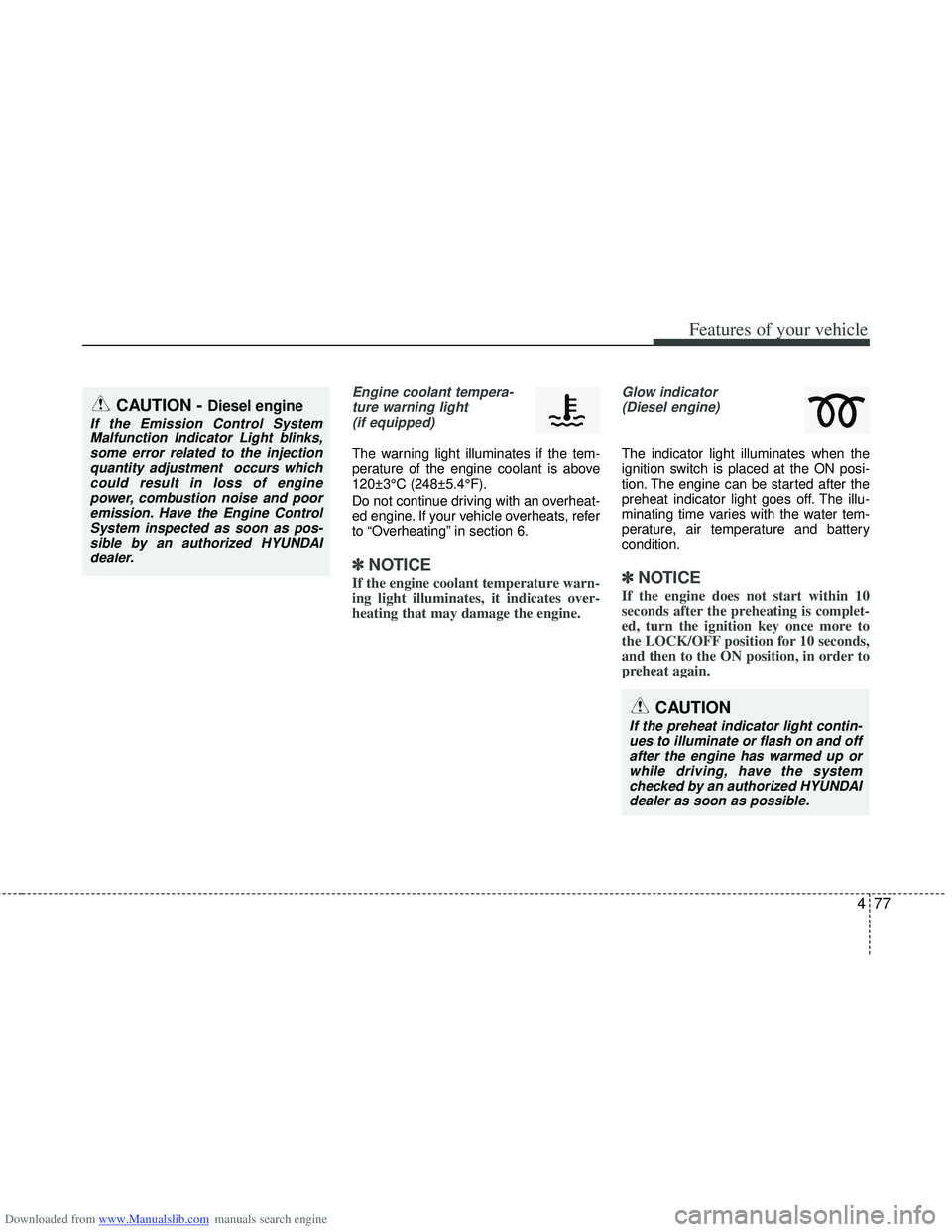
Engine coolant tempera-ture warning light(if equipped)
The warning light illuminates if the tem-
perature of the engine coolant is above
120±3°C (248±5.4°F).
Do not continue driving with an overheat-
ed engine. If your vehicle overheats, refer
to “Overheating” in section 6.
✽ ✽ NOTICE
If the engine coolant temperature warn-
ing light illuminates, it indicates over-
heating that may damage the engine.
Glow indicator
(Diesel engine)
The indicator light illuminates when the
ignition switch is placed at the ON posi-
tion. The engine can be started after the
preheat indicator light goes off. The illu-
minating time varies with the water tem-
perature, air temperature and battery
condition.
✽ ✽ NOTICE
If the engine does not start within 10
seconds after the preheating is complet-
ed, turn the ignition key once more to
the LOCK/OFF position for 10 seconds,
and then to the ON position, in order to
preheat again.
CAUTION
If the preheat indicator light contin-
ues to illuminate or flash on and off after the engine has warmed up orwhile driving, have the systemchecked by an authorized HYUNDAI dealer as soon as possible.
CAUTION - Diesel engine
If the Emission Control SystemMalfunction Indicator Light blinks,some error related to the injectionquantity adjustment occurs whichcould result in loss of engine power, combustion noise and pooremission. Have the Engine ControlSystem inspected as soon as pos-sible by an authorized HYUNDAIdealer.
Page 183 of 534
Downloaded from www.Manualslib.com manuals search engine Features of your vehicle
96
4
Battery saver function
The purpose of this feature is to pre-
vent the battery from being dis-
charged. The system automatically
turns off the parking lights when the
driver removes the ignition key and
opens the driver- side door.
With this feature, the parking lights will be turned off automatically if the driver
parks on the side of road at night.
If necessary, to keep the lights on
when the ignition key is removed, per-
form the following :
1) Open the driver-side door.
2) Turn the parking lights OFF and ON again using the light switch on the
steering column.
Headlight (Headlamp) escort
function (if equipped)
The headlights (and/or taillights) remain
on for approximately 20 minutes after the
ignition key is removed or turned to the
ACC or LOCK position. However, if the
driver’s door is opened and closed, the
headlights are turned off after 30 sec-
onds.
The headlights can be turned off by
pressing the lock button on the transmit-
ter or smart key twice or turning off the
light switch from the headlight or Auto
light position.
Headlight (Headlamp) welcome
function (if equipped)
When the headlight switch is in the ON or
AUTO position and all doors (and tail-
gate) are closed and locked, if you press
the door unlock button on the transmitter
or smart key, the headlights will come on
for about 15 seconds.
If the headlight switch is in the AUTO
position, the function can only operate at
night.
At this time, if you press the door unlock
button again or door lock button on the
transmitter or smart key, the headlights
will turn off immediately.
LIGHTING
CAUTION
If the driver gets out of the vehiclethrough other doors (except dri-ver’s door), the battery saver func-tion does not operate and the head-light escort function does not turnoff automatically. Therefore, it caus-es the battery to be discharged. Inthis case, make sure to turn off thelamp before getting out of the vehi- cle.