ignition HYUNDAI IONIQ 2020 User Guide
[x] Cancel search | Manufacturer: HYUNDAI, Model Year: 2020, Model line: IONIQ, Model: HYUNDAI IONIQ 2020Pages: 561, PDF Size: 24.5 MB
Page 320 of 561
5-84
Driving your vehicle
Driver Attention Warning system dis-
plays the level of the driver’s fatigue
and inattention, considering the driv-
ing pattern, etc.
System setting and operation
System setting
Driver Attention Warning can be acti-
vated from the Users Settings mode
in the cluster LCD display by follow-
ing the procedure below.
1. Set the ignition switch to the ON
position.
2. Select 'User Settings →Driver
Assistance →Driver Attention
Warning' in the cluster LCD dis-
play. Deselect the setting to turn
off the system.
If the vehicle is turned off then on
again, the system maintains the
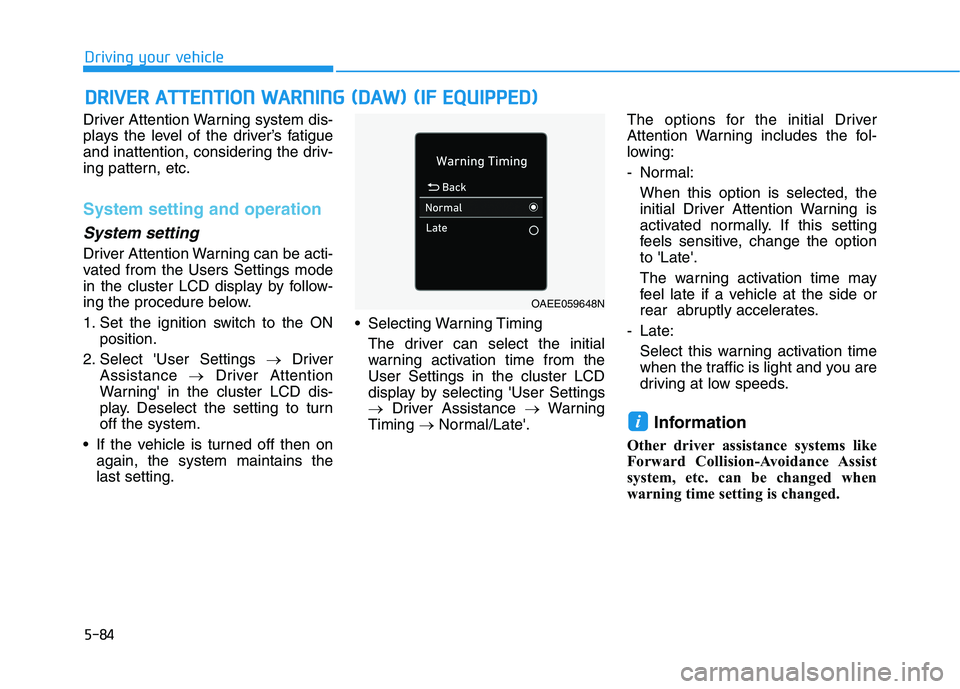
last setting. Selecting Warning Timing
The driver can select the initial
warning activation time from the
User Settings in the cluster LCD
display by selecting 'User Settings
→Driver Assistance →Warning
Timing →Normal/Late'.The options for the initial Driver
Attention Warning includes the fol-
lowing:
- Normal:
When this option is selected, the
initial Driver Attention Warning is
activated normally. If this setting
feels sensitive, change the option
to 'Late'.
The warning activation time may
feel late if a vehicle at the side or
rear abruptly accelerates.
- Late:
Select this warning activation time
when the traffic is light and you are
driving at low speeds.
Information
Other driver assistance systems like
Forward Collision-Avoidance Assist
system, etc. can be changed when
warning time setting is changed.
i
D DR
RI
IV
VE
ER
R
A
AT
TT
TE
EN
NT
TI
IO
ON
N
W
WA
AR
RN
NI
IN
NG
G
(
(D
DA
AW
W)
)
(
(I
IF
F
E
EQ
QU
UI
IP
PP
PE
ED
D)
)
OAEE059648N
Page 326 of 561
5-90
Driving your vehicle
Leading Vehicle Departure
Alert (if equipped)
Leading Vehicle Departure Alert
function provides an alert on whether
the leading vehicle drives away or
not, while at a stop.
Function setting and operating
conditions
System setting
Selecting Driver Attention Warning
system
The Leading Vehicle Departure
Alert can be activated from Users
Settings mode in the cluster LCD
display by following the procedure
below.
1. Set the ignition switch to the ON
position.
2. Select 'User Settings →Driving
Assistance →Driver Attention
Warning →Leading Vehicle
Departure Alert' in cluster LCD
display. Deselect the setting to
turn off the system.
If the vehicle is turned off then on
again, the system maintains the
last setting.
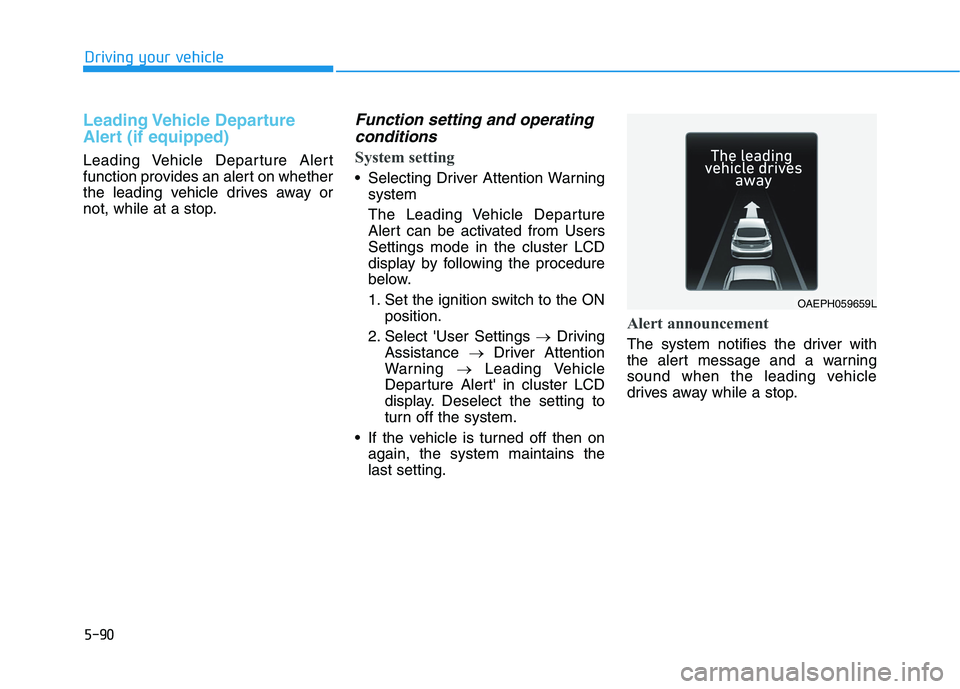
Alert announcement
The system notifies the driver with
the alert message and a warning
sound when the leading vehicle
drives away while a stop.
OAEPH059659L
Page 349 of 561
5-113
Driving your vehicle
5
LFA operation
System setting
With the ignition switch is in the ON
position, Lane Following Assist can
be activated by selecting 'User
Settings →Driver Assistance →
Driving Assist →Lane Following
Assist' in the cluster LCD display.
Deselect the setting to turn off the
system.
If the vehicle is turned off then on
again, the system maintains the
last setting.
Operating conditions
Select 'Lane Following Assist' from
the User settings mode in the cluster
LCD display and meet the following
conditions for the system to operate.
- Smart Cruise Control is operating
- Vehicle speed is below 110 mph
(180 km/h)
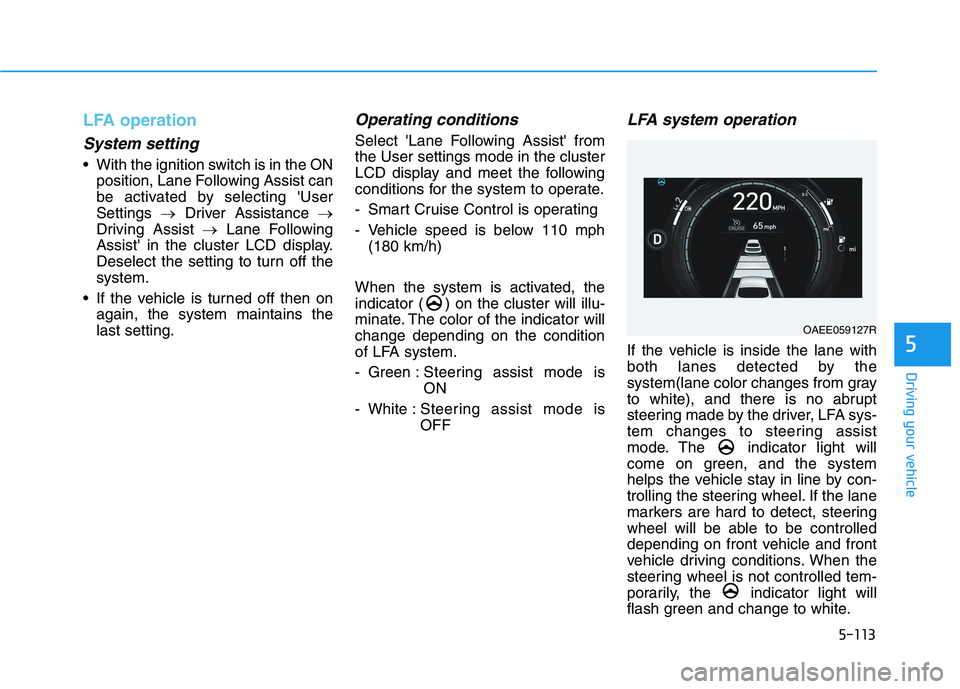
When the system is activated, the
indicator ( ) on the cluster will illu-
minate. The color of the indicator will
change depending on the condition
of LFA system.
- Green : Steering assist mode is
ON
- White :Steering assist mode is
OFF
LFA system operation
If the vehicle is inside the lane with
both lanes detected by the
system(lane color changes from gray
to white), and there is no abrupt
steering made by the driver, LFA sys-
tem changes to steering assist
mode. The indicator light will
come on green, and the system
helps the vehicle stay in line by con-
trolling the steering wheel. If the lane
markers are hard to detect, steering
wheel will be able to be controlled
depending on front vehicle and front
vehicle driving conditions. When the
steering wheel is not controlled tem-
porarily, the indicator light will
flash green and change to white.
OAEE059127R
Page 361 of 561
5-125
Driving your vehicle
5
System description
Rear Cross-Traffic Collision Warning
system uses radar sensors to moni-
tor the approaching cross traffic from
the left and right side of the vehicle
when your vehicle is in reverse.
The blind spot detection range varies
relative to the approaching vehicle
speed.
System setting and operation
System setting
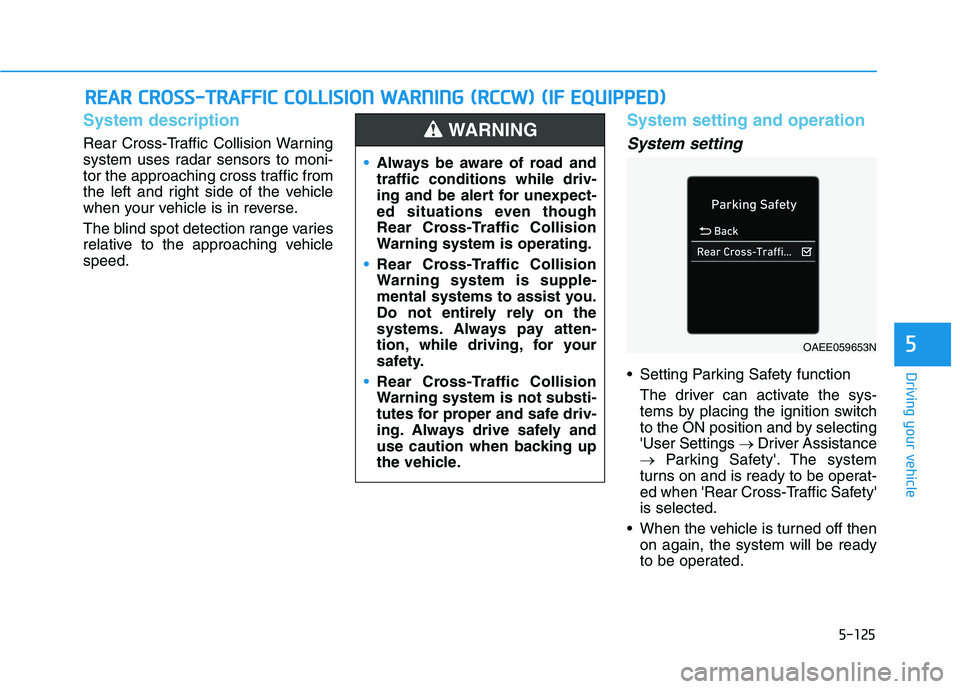
Setting Parking Safety function
The driver can activate the sys-
tems by placing the ignition switch
to the ON position and by selecting
'User Settings →Driver Assistance
→Parking Safety'. The system
turns on and is ready to be operat-
ed when 'Rear Cross-Traffic Safety'
is selected.
When the vehicle is turned off then
on again, the system will be ready
to be operated.
R RE
EA
AR
R
C
CR
RO
OS
SS
S-
-T
TR
RA
AF
FF
FI
IC
C
C
CO
OL
LL
LI
IS
SI
IO
ON
N
W
WA
AR
RN
NI
IN
NG
G
(
(R
RC
CC
CW
W)
)
(
(I
IF
F
E
EQ
QU
UI
IP
PP
PE
ED
D)
)
Always be aware of road and
traffic conditions while driv-
ing and be alert for unexpect-
ed situations even though
Rear Cross-Traffic Collision
Warning system is operating.
Rear Cross-Traffic Collision
Warning system is supple-
mental systems to assist you.
Do not entirely rely on the
systems. Always pay atten-
tion, while driving, for your
safety.
Rear Cross-Traffic Collision
Warning system is not substi-
tutes for proper and safe driv-
ing. Always drive safely and
use caution when backing up
the vehicle.
WARNING
OAEE059653N
Page 386 of 561
6-4
What to do in an emergency
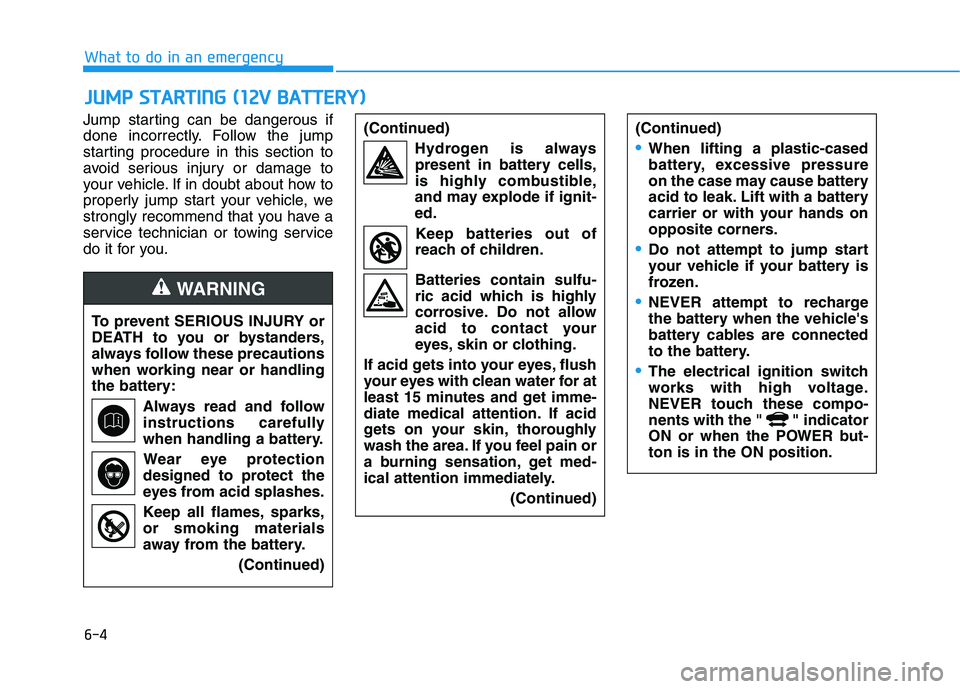
Jump starting can be dangerous if
done incorrectly. Follow the jump
starting procedure in this section to
avoid serious injury or damage to
your vehicle. If in doubt about how to
properly jump start your vehicle, we
strongly recommend that you have a
service technician or towing service
do it for you.
J JU
UM
MP
P
S
ST
TA
AR
RT
TI
IN
NG
G
(
(1
12
2V
V
B
BA
AT
TT
TE
ER
RY
Y)
)
To prevent SERIOUS INJURY or
DEATH to you or bystanders,
always follow these precautions
when working near or handling
the battery:
Always read and follow
instructions carefully
when handling a battery.
Wear eye protection
designed to protect the
eyes from acid splashes.
Keep all flames, sparks,
or smoking materials
away from the battery.
(Continued)
WARNING
(Continued)
Hydrogen is always
present in battery cells,
is highly combustible,
and may explode if ignit-
ed.
Keep batteries out of
reach of children.
Batteries contain sulfu-
ric acid which is highly
corrosive. Do not allow
acid to contact your
eyes, skin or clothing.
If acid gets into your eyes, flush
your eyes with clean water for at
least 15 minutes and get imme-
diate medical attention. If acid
gets on your skin, thoroughly
wash the area. If you feel pain or
a burning sensation, get med-
ical attention immediately.
(Continued)(Continued)
•When lifting a plastic-cased
battery, excessive pressure
on the case may cause battery
acid to leak. Lift with a battery
carrier or with your hands on
opposite corners.
Do not attempt to jump start
your vehicle if your battery is
frozen.
NEVER attempt to recharge
the battery when the vehicle's
battery cables are connected
to the battery.
The electrical ignition switch
works with high voltage.
NEVER touch these compo-
nents with the " " indicator
ON or when the POWER but-
ton is in the ON position.
Page 426 of 561
7-20
Maintenance
1 12
2V
V
B
BA
AT
TT
TE
ER
RY
Y
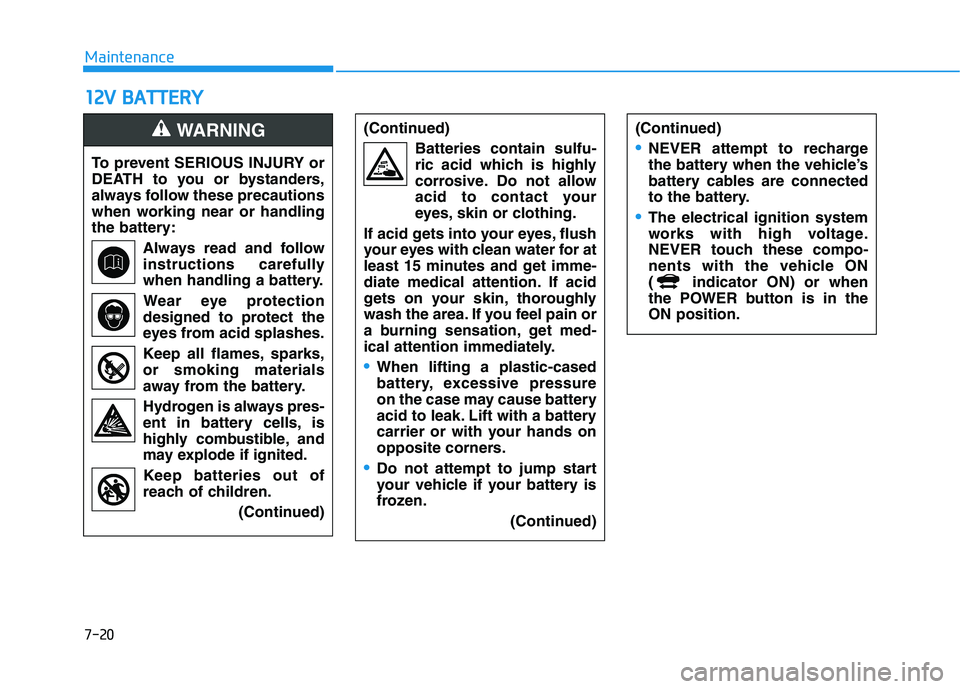
To prevent SERIOUS INJURY or
DEATH to you or bystanders,
always follow these precautions
when working near or handling
the battery:
Always read and follow
instructions carefully
when handling a battery.
Wear eye protection
designed to protect the
eyes from acid splashes.
Keep all flames, sparks,
or smoking materials
away from the battery.
Hydrogen is always pres-
ent in battery cells, is
highly combustible, and
may explode if ignited.
Keep batteries out of
reach of children.
(Continued)
WARNING (Continued)
Batteries contain sulfu-
ric acid which is highly
corrosive. Do not allow
acid to contact your
eyes, skin or clothing.
If acid gets into your eyes, flush
your eyes with clean water for at
least 15 minutes and get imme-
diate medical attention. If acid
gets on your skin, thoroughly
wash the area. If you feel pain or
a burning sensation, get med-
ical attention immediately.
When lifting a plastic-cased
battery, excessive pressure
on the case may cause battery
acid to leak. Lift with a battery
carrier or with your hands on
opposite corners.
Do not attempt to jump start
your vehicle if your battery is
frozen.
(Continued)
(Continued)
NEVER attempt to recharge
the battery when the vehicle’s
battery cables are connected
to the battery.
The electrical ignition system
works with high voltage.
NEVER touch these compo-
nents with the vehicle ON
( indicator ON) or when
the POWER button is in the
ON position.