climate settings HYUNDAI IONIQ 5 2023 User Guide
[x] Cancel search | Manufacturer: HYUNDAI, Model Year: 2023, Model line: IONIQ 5, Model: HYUNDAI IONIQ 5 2023Pages: 680, PDF Size: 48.22 MB
Page 293 of 680
05
5-101
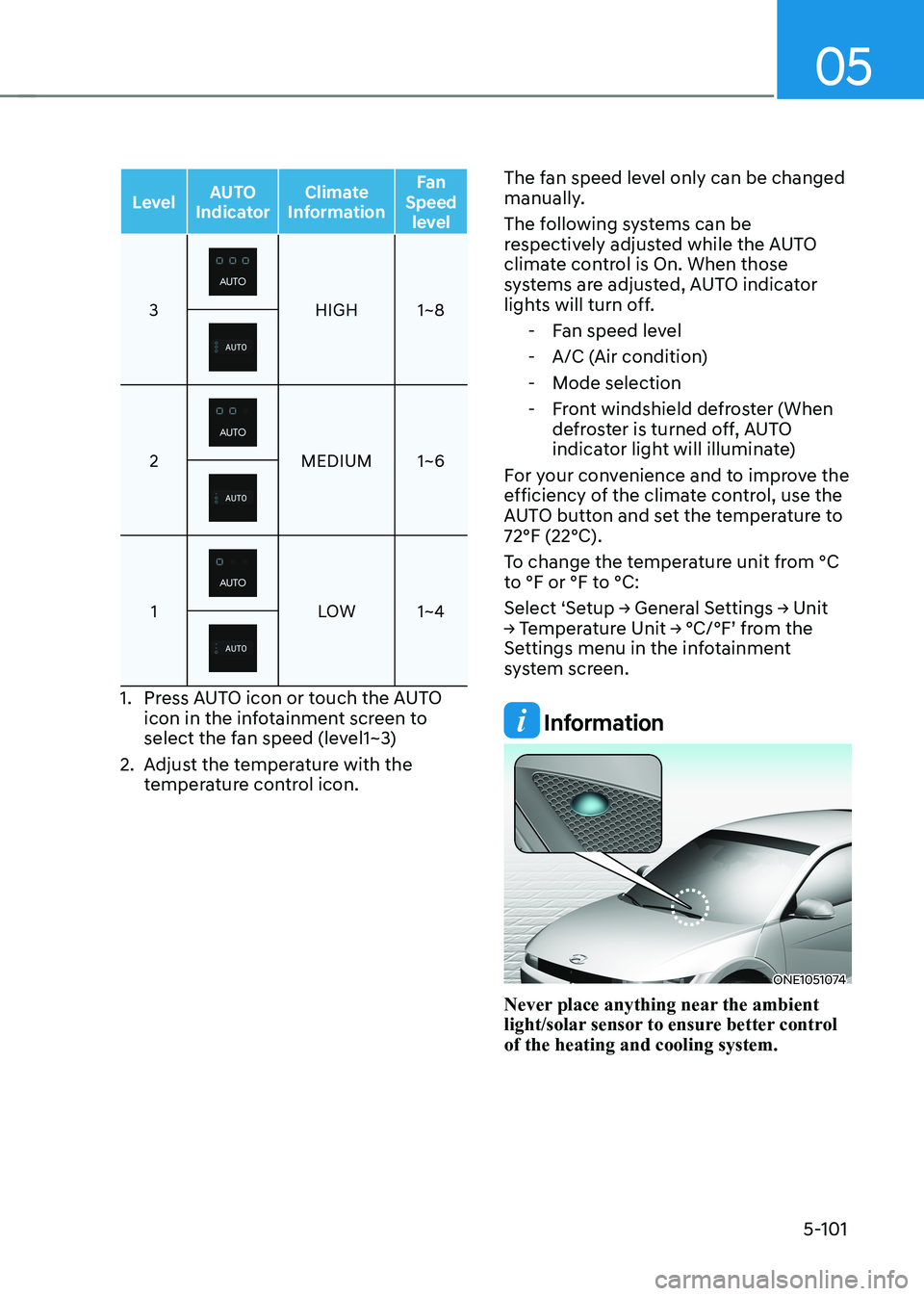
LevelAUTO
Indicator Climate
Information Fan
Speed level
3HIGH 1~8
2MEDIUM 1~6
1LOW 1~4
1. Press AUTO icon or touch the AUTO
icon in the infotainment screen to
select the fan speed (level1~3)
2. Adjust the temperature with the temperature control icon. The fan speed level only can be changed
manually.
The following systems can be
respectively adjusted while the AUTO
climate control is On. When those
systems are adjusted, AUTO indicator
lights will turn off.
- Fan speed level
- A/C (Air condition)
- Mode selection
- Front windshield defroster (When defroster is turned off, AUTO
indicator light will illuminate)
For your convenience and to improve the
efficiency of the climate control, use the
AUTO button and set the temperature to 72°F (22°C).
To change the temperature unit from °C
to °F or °F to °C:
Select ‘Setup → General Settings → Unit
→ Temperature Unit → °C/°F’ from the
Settings menu in the infotainment
system screen.
Information
ONE1051074
Never place anything near the ambient
light/solar sensor to ensure better control of the heating and cooling system.
Page 296 of 680
Convenience Features
5-104
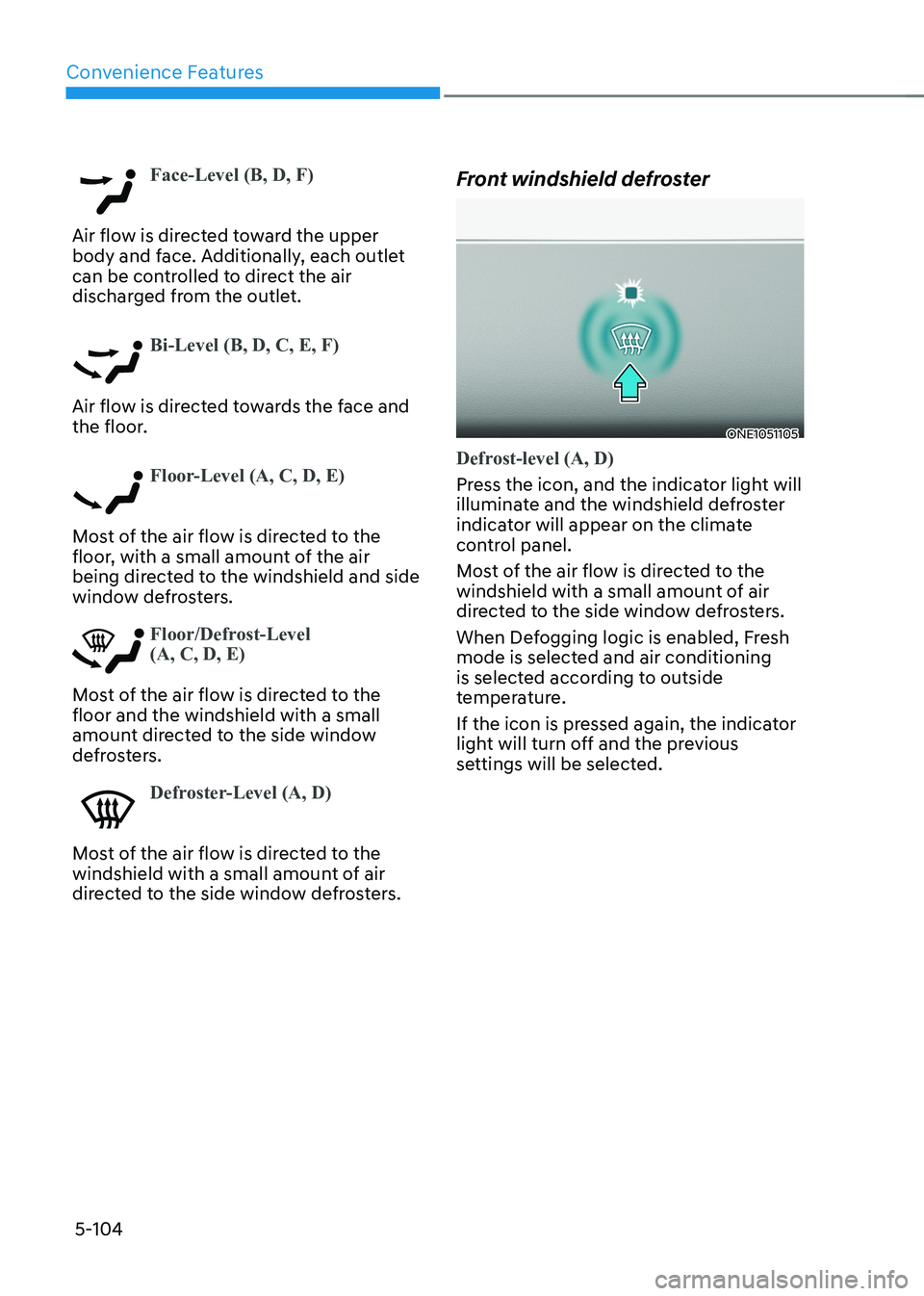
Face-Level (B, D, F)
Air flow is directed toward the upper
body and face. Additionally, each outlet
can be controlled to direct the air
discharged from the outlet.
Bi-Level (B, D, C, E, F)
Air flow is directed towards the face and
the floor.
Floor-Level (A, C, D, E)
Most of the air flow is directed to the
floor, with a small amount of the air
being directed to the windshield and side
window defrosters.
Floor/Defrost-Level (A, C, D, E)
Most of the air flow is directed to the floor and the windshield with a small
amount directed to the side window
defrosters.
Defroster-Level (A, D)
Most of the air flow is directed to the
windshield with a small amount of air
directed to the side window defrosters.Front windshield defroster
ONE1051105
Defrost-level (A, D)
Press the icon, and the indicator light will
illuminate and the windshield defroster
indicator will appear on the climate
control panel.
Most of the air flow is directed to the
windshield with a small amount of air
directed to the side window defrosters.
When Defogging logic is enabled, Fresh
mode is selected and air conditioning
is selected according to outside
temperature.
If the icon is pressed again, the indicator
light will turn off and the previous
settings will be selected.
Page 309 of 680
05
5-117
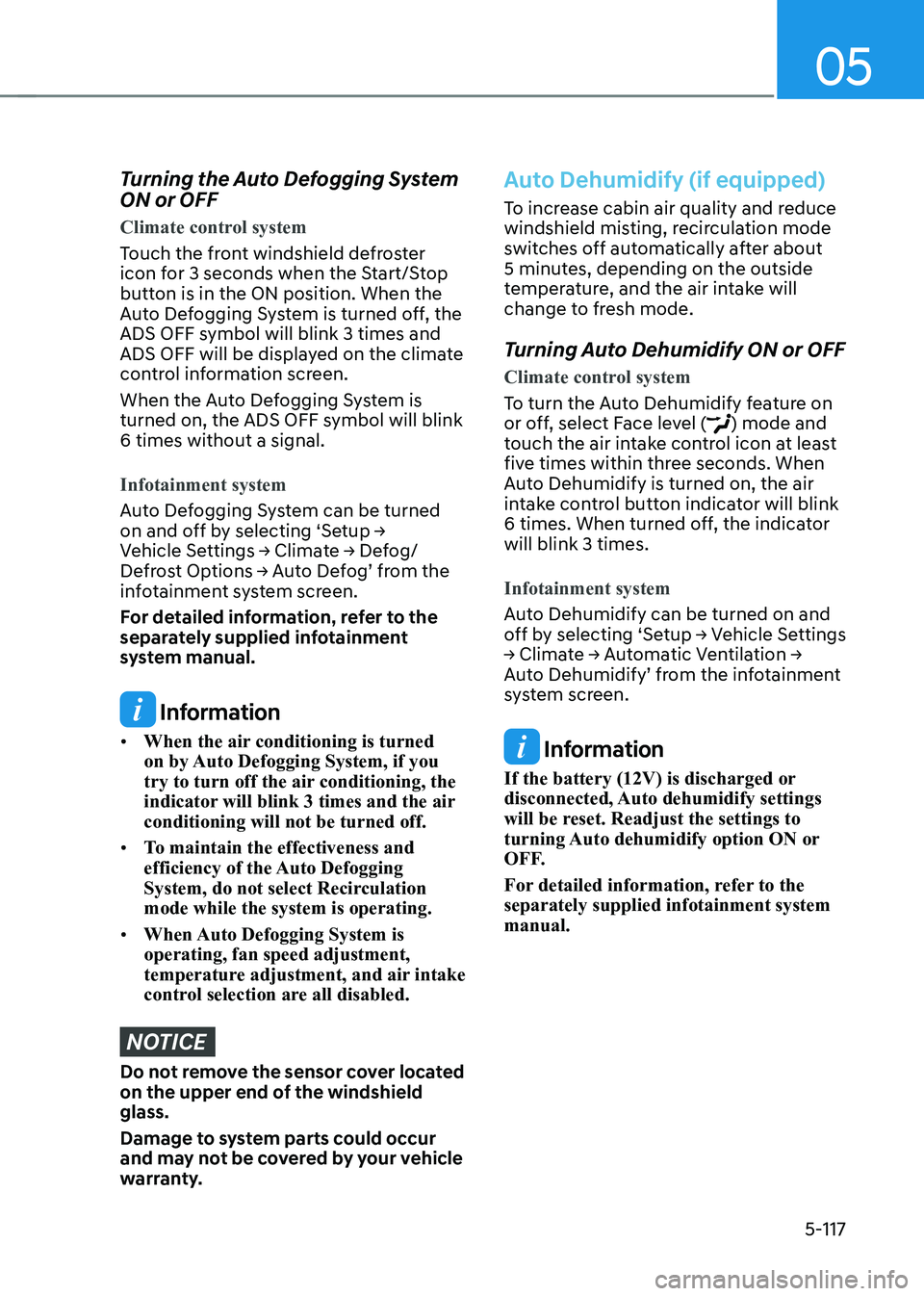
Turning the Auto Defogging System ON or OFF
Climate control system
Touch the front windshield defroster
icon for 3 seconds when the Start/Stop
button is in the ON position. When the
Auto Defogging System is turned off, the
ADS OFF symbol will blink 3 times and
ADS OFF will be displayed on the climate
control information screen.
When the Auto Defogging System is
turned on, the ADS OFF symbol will blink 6 times without a signal.
Infotainment system
Auto Defogging System can be turned
on and off by selecting ‘Setup →
Vehicle Settings → Climate → Defog/
Defrost Options → Auto Defog’ from the
infotainment system screen.
For detailed information, refer to the
separately supplied infotainment
system manual.
Information
• When the air conditioning is turned
on by Auto Defogging System, if you
try to turn off the air conditioning, the
indicator will blink 3 times and the air conditioning will not be turned off.
• To maintain the effectiveness and
efficiency of the Auto Defogging
System, do not select Recirculation mode while the system is operating.
• When Auto Defogging System is operating, fan speed adjustment,
temperature adjustment, and air intake
control selection are all disabled.
NOTICE
Do not remove the sensor cover located
on the upper end of the windshield glass.
Damage to system parts could occur
and may not be covered by your vehicle
warranty.
Auto Dehumidify (if equipped)
To increase cabin air quality and reduce
windshield misting, recirculation mode
switches off automatically after about
5 minutes, depending on the outside
temperature, and the air intake will
change to fresh mode.
Turning Auto Dehumidify ON or OFF
Climate control system
To turn the Auto Dehumidify feature on
or off, select Face level () mode and
touch the air intake control icon at least
five times within three seconds. When
Auto Dehumidify is turned on, the air
intake control button indicator will blink
6 times. When turned off, the indicator will blink 3 times.
Infotainment system
Auto Dehumidify can be turned on and
off by selecting ‘Setup → Vehicle Settings
→ Climate → Automatic Ventilation →
Auto Dehumidify’ from the infotainment
system screen.
Information
If the battery (12V) is discharged or
disconnected, Auto dehumidify settings
will be reset. Readjust the settings to
turning Auto dehumidify option ON or
OFF.
For detailed information, refer to the separately supplied infotainment system manual.
Page 310 of 680
Convenience Features
5-118
Recirculating Air When Washer
Fluid Is Used
Recirculation mode automatically
activates to reduce any objectionable
scent of the washer fluid from entering
the cabin when the windshield washer is used.
Turning Activate upon Washer Fluid
Use ON or OFF
Activate upon Washer Fluid Use can be
turned on and off by selecting ‘Setup →
Vehicle Settings → Climate → Recirculate
Air → Activate upon Washer Fluid Use
(or Interlocking washer fluid)’ from the
infotainment system screen.
For detailed information, refer to the
separately supplied infotainment
system manual.
Auto. Controls That Use Climate
Control Settings (for driver’s
seat)
The temperature of the driver’s seat
warmer, air ventilated seat and heated
steering wheel is automatically
controlled depending on the inside and
outside temperature of the vehicle when
the vehicle is running.
To use these features, it must be
enabled from the Settings menu in the
infotainment system screen. Select: - Setup → Vehicle Settings → Seat →
Heated/Ventilated Features → Heated/
Ventilated Features → Auto. Controls
That Use Climate Control Settings
For more details on Auto Comfort
Control, refer to “Seat Warmers” and
“Air ventilation seats” section in chapter
3 and “Heated Steering Wheel” section
in this chapter.
Smart ventilation
The smart ventilation system maintains
pleasant/fresh air condition inside
the passenger compartment by
automatically detecting/controlling
the temperature and humidity, when
you drive the vehicle with the climate
control system in the OFF position.
When the smart ventilation system
starts to operate, the message “SMART
VENTILATION ON” appears for 5 seconds. • The smart ventilation system stops
operating, when the BLOWER DOWN
OFF button of the climate control
system is selected.
• The smart ventilation system stops
operating, when any button of the
climate control system is selected for
operation.
• The smart ventilation system may not
operate, when the vehicle is driven at
low speed.
Page 667 of 680
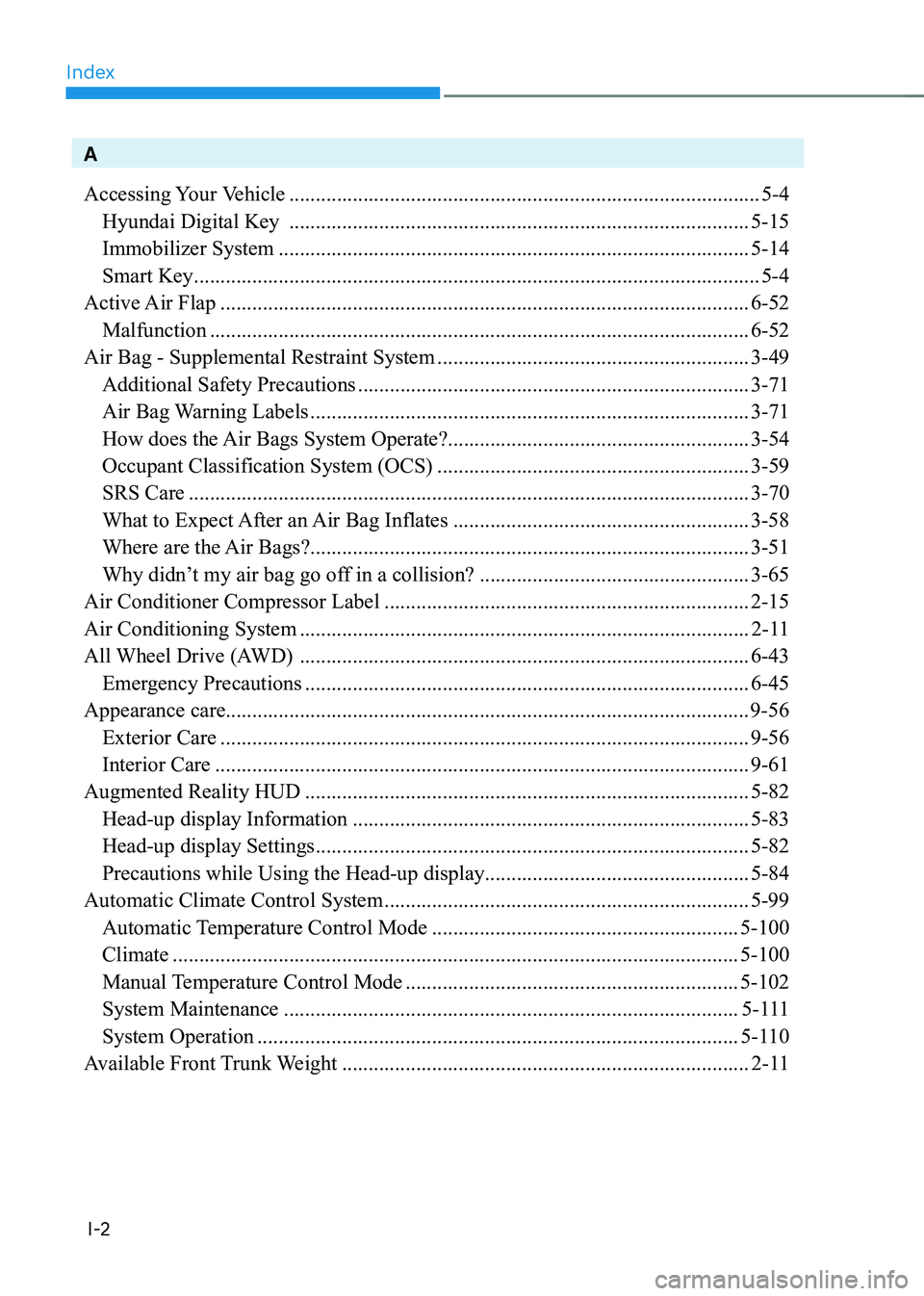
Index
I-2
A
Accessing Your Vehicle ......................................................................................... 5-4
Hyundai Digital Key ....................................................................................... 5-15
Immobilizer System ......................................................................................... 5-14
Smart Key ........................................................................................................... 5-4
Active Air Flap .................................................................................................... 6-52
Malfunction ...................................................................................................... 6-52
Air Bag - Supplemental Restraint System ...........................................................3-49
Additional Safety Precautions .......................................................................... 3-71
Air Bag Warning Labels ................................................................................... 3-71
How does the Air Bags System Operate? .........................................................3-54
Occupant Classification System (OCS) ...........................................................3-59
SRS Care .......................................................................................................... 3-70
What to Expect After an Air Bag Inflates ........................................................3-58
Where are the Air Bags? ................................................................................... 3-51
Why didn’t my air bag go off in a collision? ...................................................3-65
Air Conditioner Compressor Label ..................................................................... 2-15
Air Conditioning System ..................................................................................... 2-11
All Wheel Drive (AWD) ..................................................................................... 6-43
Emergency Precautions .................................................................................... 6-45
Appearance care................................................................................................... 9-56
Exterior Care .................................................................................................... 9-56
Interior Care ..................................................................................................... 9-61
Augmented Reality HUD .................................................................................... 5-82
Head-up display Information ........................................................................... 5-83
Head-up display Settings .................................................................................. 5-82
Precautions while Using the Head-up display ..................................................5-84
Automatic Climate Control System ..................................................................... 5-99
Automatic Temperature Control Mode ..........................................................5-100
Climate ........................................................................................................... 5-100
Manual Temperature Control Mode ............................................................... 5-102
System Maintenance ...................................................................................... 5-111
System Operation ........................................................................................... 5-110
Available Front Trunk Weight ............................................................................. 2-11
Page 669 of 680
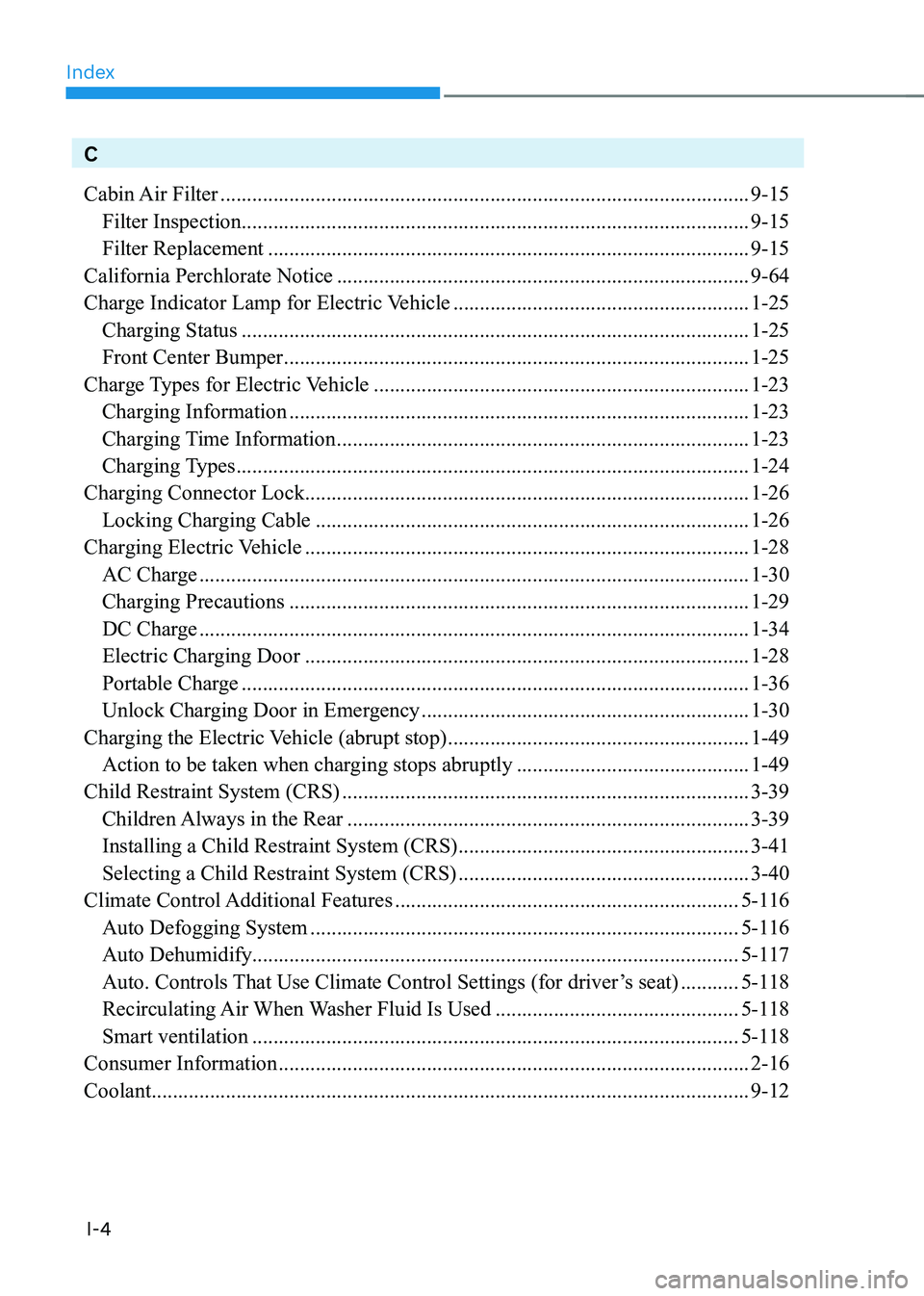
Index
I-4
C
Cabin Air Filter .................................................................................................... 9-15
Filter Inspection ................................................................................................ 9-15
Filter Replacement ........................................................................................... 9-15
California Perchlorate Notice .............................................................................. 9-64
Charge Indicator Lamp for Electric Vehicle ........................................................1-25
Charging Status ................................................................................................ 1-25
Front Center Bumper ........................................................................................ 1-25
Charge Types for Electric Vehicle ....................................................................... 1-23
Charging Information ....................................................................................... 1-23
Charging Time Information .............................................................................. 1-23
Charging Types ................................................................................................. 1-24
Charging Connector Lock .................................................................................... 1-26
Locking Charging Cable .................................................................................. 1-26
Charging Electric Vehicle .................................................................................... 1-28
AC Charge ........................................................................................................ 1-30
Charging Precautions ....................................................................................... 1-29
DC Charge ........................................................................................................ 1-34
Electric Charging Door .................................................................................... 1-28
Portable Charge ................................................................................................ 1-36
Unlock Charging Door in Emergency ..............................................................1-30
Charging the Electric Vehicle (abrupt stop) .........................................................1-49
Action to be taken when charging stops abruptly ............................................1-49
Child Restraint System (CRS) ............................................................................. 3-39
Children Always in the Rear ............................................................................ 3-39
Installing a Child Restraint System (CRS) .......................................................3-41
Selecting a Child Restraint System (CRS) .......................................................3-40
Climate Control Additional Features ................................................................. 5-116
Auto Defogging System ................................................................................. 5-116
Auto Dehumidify ............................................................................................ 5-117
Auto. Controls That Use Climate Control Settings (for driver’s seat) ...........5-118
Recirculating Air When Washer Fluid Is Used ..............................................5-118
Smart ventilation ............................................................................................ 5-118
Consumer Information ......................................................................................... 2-16
Coolant ................................................................................................................. 9-12
Page 671 of 680
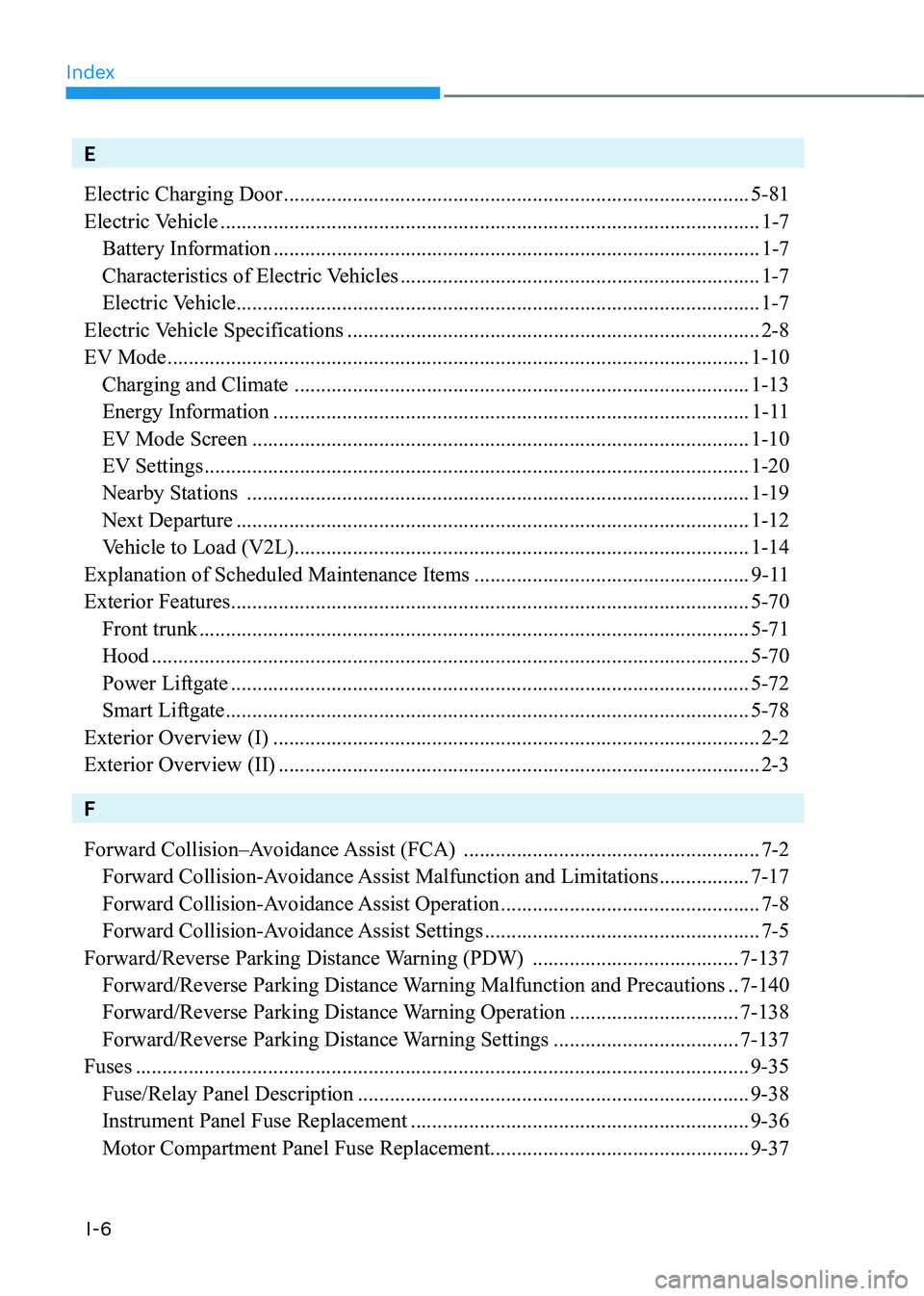
Index
I-6
E
Electric Charging Door ........................................................................................ 5-81
Electric Vehicle ...................................................................................................... 1-7
Battery Information ............................................................................................ 1-7
Characteristics of Electric Vehicles .................................................................... 1-7
Electric Vehicle ................................................................................................... 1-7
Electric Vehicle Specifications .............................................................................. 2-8
EV Mode .............................................................................................................. 1-10
Charging and Climate ...................................................................................... 1-13
Energy Information .......................................................................................... 1-11
EV Mode Screen .............................................................................................. 1-10
EV Settings ....................................................................................................... 1-20
Nearby Stations ............................................................................................... 1-19
Next Departure ................................................................................................. 1-12
Vehicle to Load (V2L) ...................................................................................... 1-14
Explanation of Scheduled Maintenance Items ....................................................9-11
Exterior Features .................................................................................................. 5-70
Front trunk ........................................................................................................ 5-71
Hood ................................................................................................................. 5-70
Power Liftgate .................................................................................................. 5-72
Smart Liftgate ................................................................................................... 5-78
Exterior Overview (I) ............................................................................................ 2-2
Exterior Overview (II) ........................................................................................... 2-3
F
Forward Collision–Avoidance Assist (FCA) ........................................................7-2
Forward Collision-Avoidance Assist Malfunction and Limitations .................7-17
Forward Collision-Avoidance Assist Operation .................................................7-8
Forward Collision-Avoidance Assist Settings ....................................................7-5
Forward/Reverse Parking Distance Warning (PDW) .......................................7-137
Forward/Reverse Parking Distance Warning Malfunction and Precautions ..7-140
Forward/Reverse Parking Distance Warning Operation ................................7-138
Forward/Reverse Parking Distance Warning Settings ...................................7-137
Fuses .................................................................................................................... 9-35
Fuse/Relay Panel Description .......................................................................... 9-38
Instrument Panel Fuse Replacement ................................................................ 9-36
Motor Compartment Panel Fuse Replacement .................................................9-37