climate control Hyundai Ioniq Electric 2019 Owner's Manual - RHD (UK, Australia)
[x] Cancel search | Manufacturer: HYUNDAI, Model Year: 2019, Model line: Ioniq Electric, Model: Hyundai Ioniq Electric 2019Pages: 526, PDF Size: 16.63 MB
Page 1 of 526
H
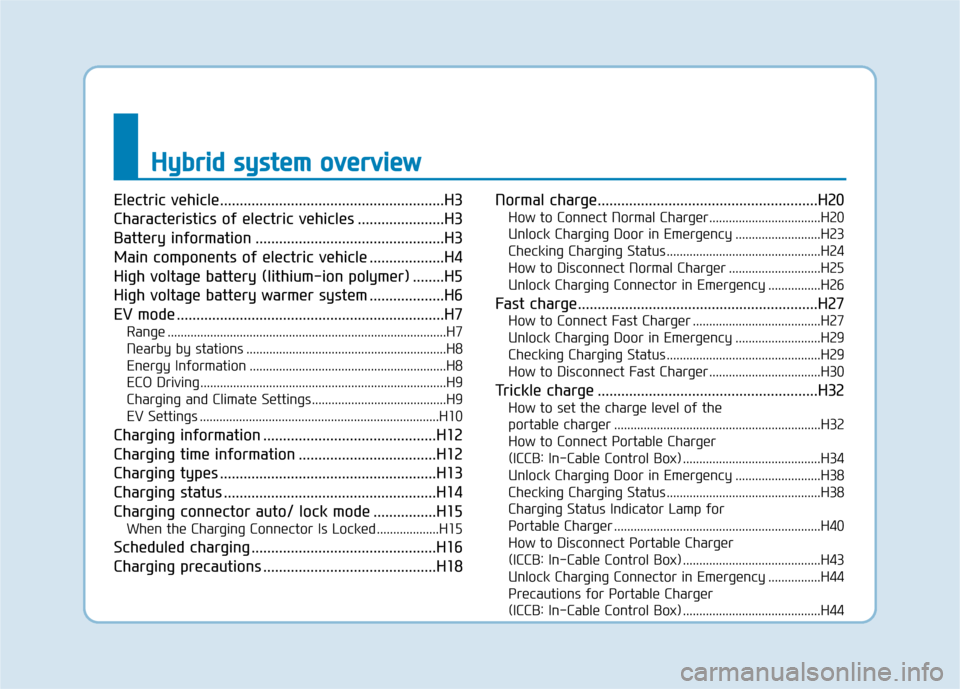
Hy
yb
br
ri
id
d
s
s y
y s
st
te
e m
m
o
o v
ve
e r
rv
v i
ie
e w
w
Electric vehicle.........................................................H3
Characteristics of electric vehicles ......................H3
Battery information ................................................H3
Main components of electric vehicle ...................H4
High voltage battery (lithium-ion polymer) ........H5
High voltage battery warmer system ...................H6
EV mode ....................................................................H7
Range ........................................................................\
.............H7
Nearby by stations .............................................................H8
Energy Information ............................................................H8
ECO Driving ........................................................................\
...H9
Charging and Climate Settings.........................................H9
EV Settings ........................................................................\
.H10
Charging information ............................................H12
Charging time information ...................................H12
Charging types .......................................................H13
Charging status ......................................................H14
Charging connector auto/ lock mode ................H15
When the Charging Connector Is Locked ...................H15
Scheduled charging ...............................................H16
Charging precautions ............................................H18 Normal charge........................................................H20
How to Connect Normal Charger..................................H20
Unlock Charging Door in Emergency ..........................H23
Checking Charging Status ...............................................H24
How to Disconnect Normal Charger ............................H25
Unlock Charging Connector in Emergency ................H26
Fast charge.............................................................H27
How to Connect Fast Charger .......................................H27
Unlock Charging Door in Emergency ..........................H29
Checking Charging Status ...............................................H29
How to Disconnect Fast Charger ..................................H30
Trickle charge ........................................................H32
How to set the charge level of the
portable charger ...............................................................H32
How to Connect Portable Charger
(ICCB: In-Cable Control Box) ..........................................H34
Unlock Charging Door in Emergency ..........................H38
Checking Charging Status ...............................................H38
Charging Status Indicator Lamp for
Portable Charger ...............................................................H40
How to Disconnect Portable Charger
(ICCB: In-Cable Control Box) ..........................................H43
Unlock Charging Connector in Emergency ................H44
Precautions for Portable Charger
(ICCB: In-Cable Control Box) ..........................................H44
Page 9 of 526
H9
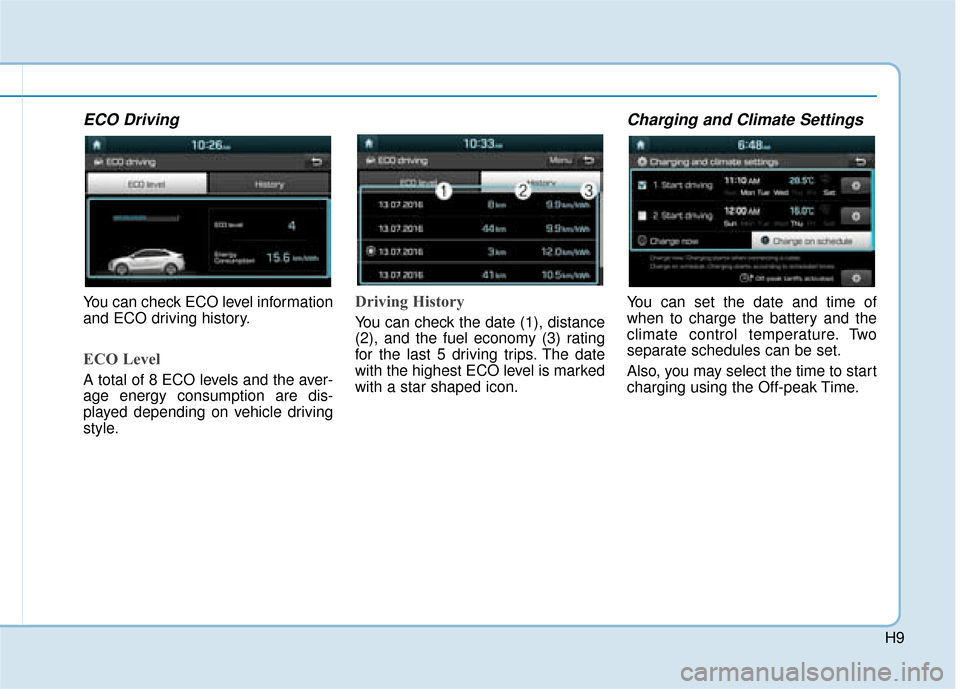
ECO Driving
You can check ECO level information
and ECO driving history.
ECO Level
A total of 8 ECO levels and the aver-
age energy consumption are dis-
played depending on vehicle driving
style.
Driving History
You can check the date (1), distance
(2), and the fuel economy (3) rating
for the last 5 driving trips. The date
with the highest ECO level is marked
with a star shaped icon.
Charging and Climate Settings
You can set the date and time of
when to charge the battery and the
climate control temperature. Two
separate schedules can be set.
Also, you may select the time to start
charging using the Off-peak Time.
Page 77 of 526
1-5
Your vehicle at a glance
1
I
IN
N S
ST
T R
R U
U M
M E
EN
N T
T
P
P A
A N
N E
EL
L
O
O V
VE
ER
R V
V I
IE
E W
W
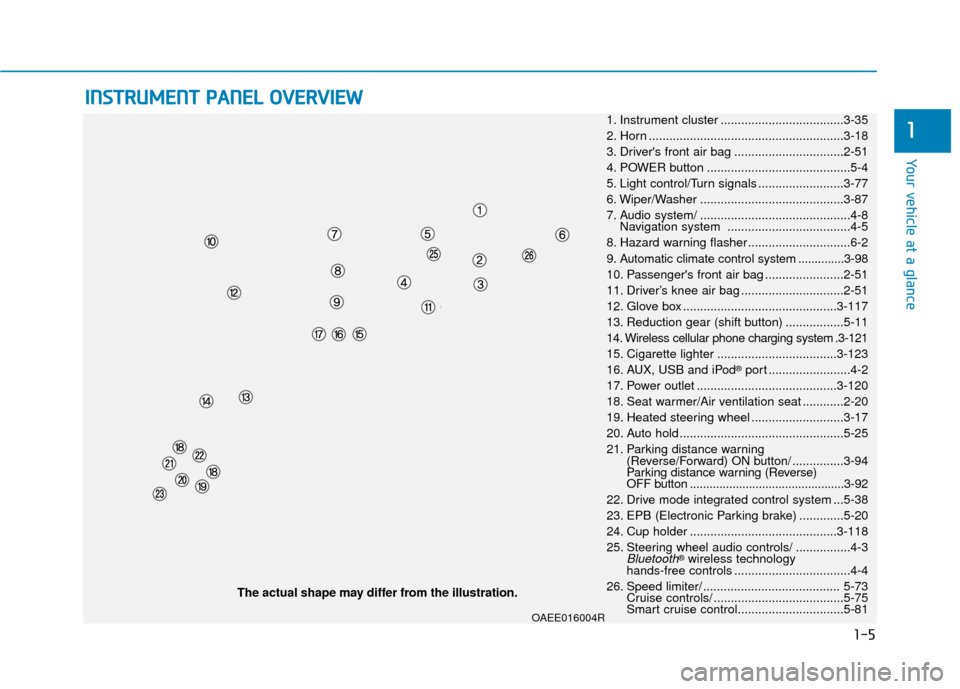
1. Instrument cluster ....................................3-35
2. Horn .........................................................3-18
3. Driver's front air bag ................................2-51
4. POWER button ..........................................5-4
5. Light control/Turn signals .........................3-77
6. Wiper/Washer ..........................................3-87
7. Audio system/ ............................................4-8 Navigation system ....................................4-5
8. Hazard warning flasher ..............................6-2
9. Automatic climate control system ..............3-98
10. Passenger's front air bag .......................2-51
11. Driver’s knee air bag ..............................2-51
12. Glove box .............................................3-117
13. Reduction gear (shift button) .................5-11
14. Wireless cellular phone charging system .3-121
15. Cigarette lighter ...................................3-123
16. AUX, USB and iPod
®port ........................4-2
17. Power outlet .........................................3-120
18. Seat warmer/Air ventilation seat ............2-20
19. Heated steering wheel ...........................3-17
20. Auto hold ................................................5-25
21. Parking distance warning (Reverse/Forward) ON button/ ...............3-94
Parking distance warning (Reverse)
OFF button ...............................................3-92
22. Drive mode integrated control system ...5-38
23. EPB (Electronic Parking brake) .............5-20
24. Cup holder ...........................................3-118
25. Steering wheel audio controls/ ................4-3
Bluetooth®wireless technology
hands-free controls ..................................4-4
26. Speed limiter/ ........................................ 5-73 Cruise controls/ ......................................5-75
Smart cruise control...............................5-81
The actual shape may differ from the illustration.
OAEE016004R
Page 100 of 526
2-22
Safety system of your vehicle
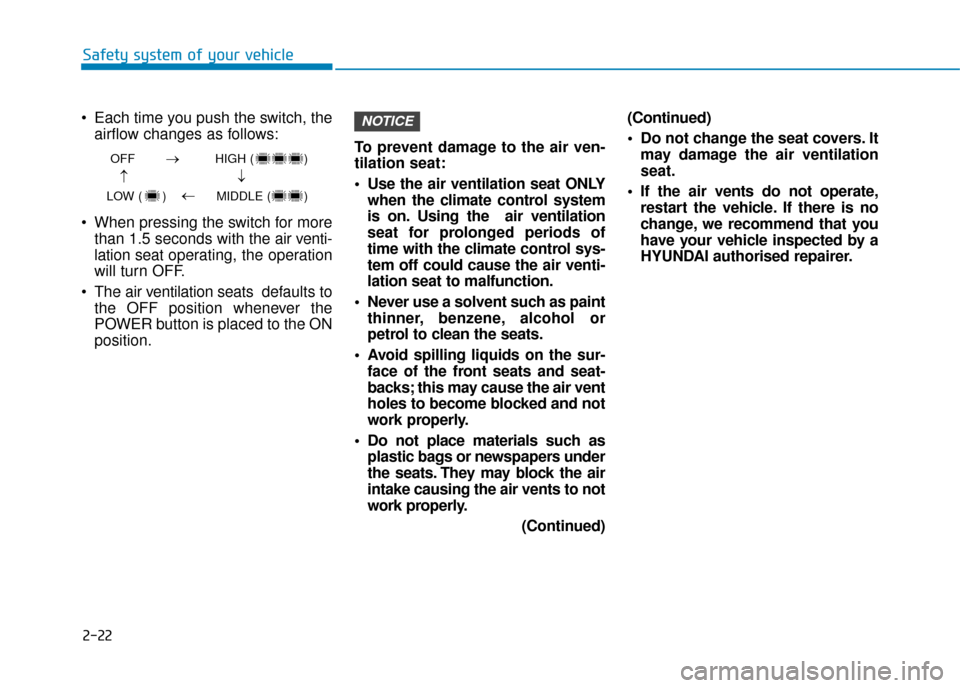
Each time you push the switch, the airflow changes as follows:
When pressing the switch for more than 1.5 seconds with the air v enti-
lation seat operating, the operation
will turn OFF.
The air ventilation seats def aults to
the OFF position whenever the
POWER button is placed to the ON
position. To prevent damage to the air ven-
tilation seat:
Use the air ventilation seat ONLY
when the climate control system
is on. Using the air ventilation
seat for prolonged periods of
time with the climate control sys-
tem off could cause the air venti-
lation seat to malfunction.
Never use a solvent such as paint thinner, benzene, alcohol or
petrol to clean the seats.
Avoid spilling liquids on the sur- face of the front seats and seat-
backs; this may cause the air vent
holes to become blocked and not
work properly.
Do not place materials such as plastic bags or newspapers under
the seats. They may block the air
intake causing the air vents to not
work properly.
(Continued)(Continued)
Do not change the seat covers. It
may damage the air ventilation
seat.
If the air vents do not operate, restart the vehicle. If there is no
change, we recommend that you
have your vehicle inspected by a
HYUNDAI authorised repairer.
NOTICE
OFF HIGH ( )
LOW ( ) MIDDLE ( )
→→
→
→
Page 149 of 526
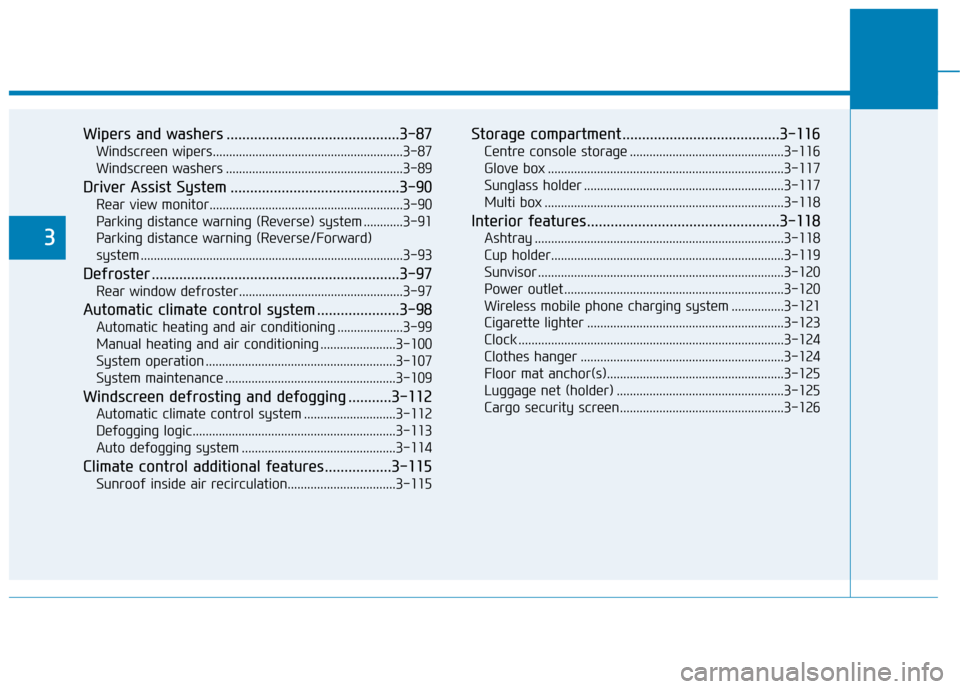
Wipers and washers ............................................3-87
Windscreen wipers..........................................................3-87
Windscreen washers ......................................................3-89
Driver Assist System ...........................................3-90
Rear view monitor...........................................................3-90
Parking distance warning (Reverse) system ............3-91
Parking distance warning (Reverse/Forward)
system ........................................................................\
........3-93
Defroster ...............................................................3-97
Rear window defroster..................................................3-97
Automatic climate control system .....................3-98
Automatic heating and air conditioning ....................3-99
Manual heating and air conditioning .......................3-100
System operation ..........................................................3-107
System maintenance ....................................................3-109
Windscreen defrosting and defogging ...........3-112
Automatic climate control system ............................3-112
Defogging logic..............................................................3-113
Auto defogging system ...............................................3-114
Climate control additional features.................3-115
Sunroof inside air recirculation.................................3-115
Storage compartment ........................................3-116
Centre console storage ...............................................3-116
Glove box ........................................................................\
3-117
Sunglass holder .............................................................3-117
Multi box ........................................................................\
.3-118
Interior features.................................................3-118
Ashtray ........................................................................\
....3-118
Cup holder.......................................................................3\
-119
Sunvisor ........................................................................\
...3-120
Power outlet ...................................................................3-120\
Wireless mobile phone charging system ................3-121
Cigarette lighter ............................................................3-123
Clock ........................................................................\
.........3-124
Clothes hanger ..............................................................3-124
Floor mat anchor(s)......................................................3-125
Luggage net (holder) ...................................................3-125
Cargo security screen..................................................3-1263
Page 171 of 526
3-24
Convenient features of your vehicle
The POWER button must be in the
ON position to be able to raise or
lower the windows. Each door has a
Power Window switch to control that
door's window. The driver has a
Power Window Lock switch which
can block the operation of passenger
windows. The power windows will
operate for approximately 30 sec-
onds after the POWER button is
placed in the ACC or OFF position.
However, if the front doors are
opened, the Power Windows cannot
be operated even within the 30 sec-
ond period.
Information
• In cold and wet climates, power win- dows may not work properly due to
freezing conditions.
• Whilst driving with the rear win- dows down or with the sunroof (if
equipped) opened (or partially
opened), your vehicle may demon-
strate a wind buffeting or pulsation
noise. This noise is normal and can
be reduced or eliminated by taking
the following actions. If the noise
occurs with one or both of the rear
windows down, partially lower both
front windows approximately 2.5
cm. If you experience the noise with
the sunroof open, slightly close the
sunroof.
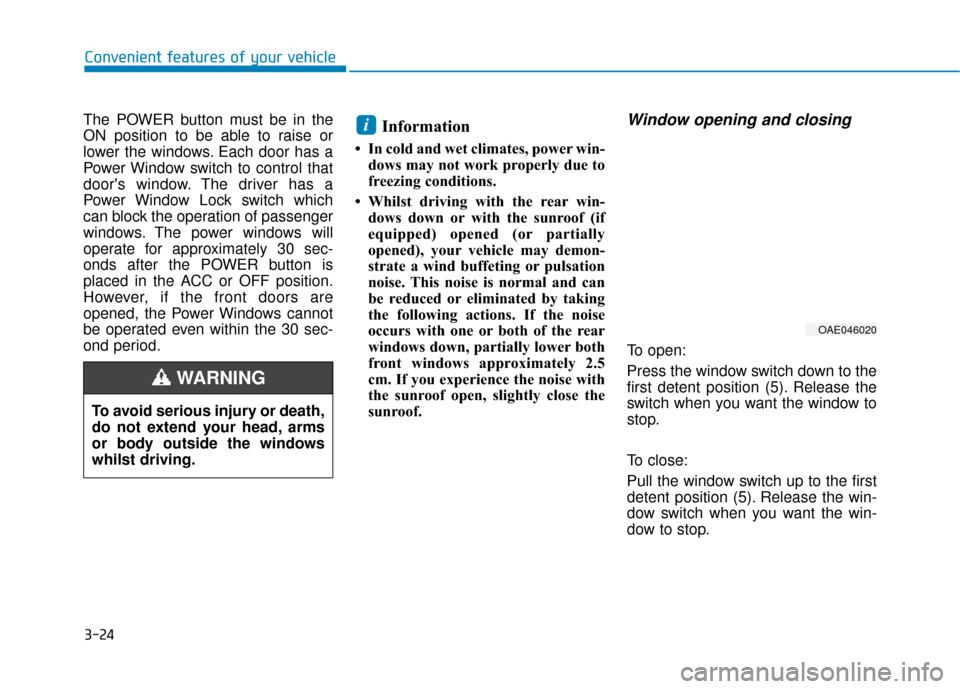
Window opening and closing
To open:
Press the window switch down to the
first detent position (5). Release the
switch when you want the window to
stop.
To close:
Pull the window switch up to the first
detent position (5). Release the win-
dow switch when you want the win-
dow to stop.
i
To avoid serious injury or death,
do not extend your head, arms
or body outside the windows
whilst driving.
WARNING
OAE046020
Page 175 of 526
3-28
Convenient features of your vehicle
S
SU
U N
NR
RO
O O
OF
F
(
( I
IF
F
E
E Q
Q U
UI
IP
P P
PE
ED
D )
)
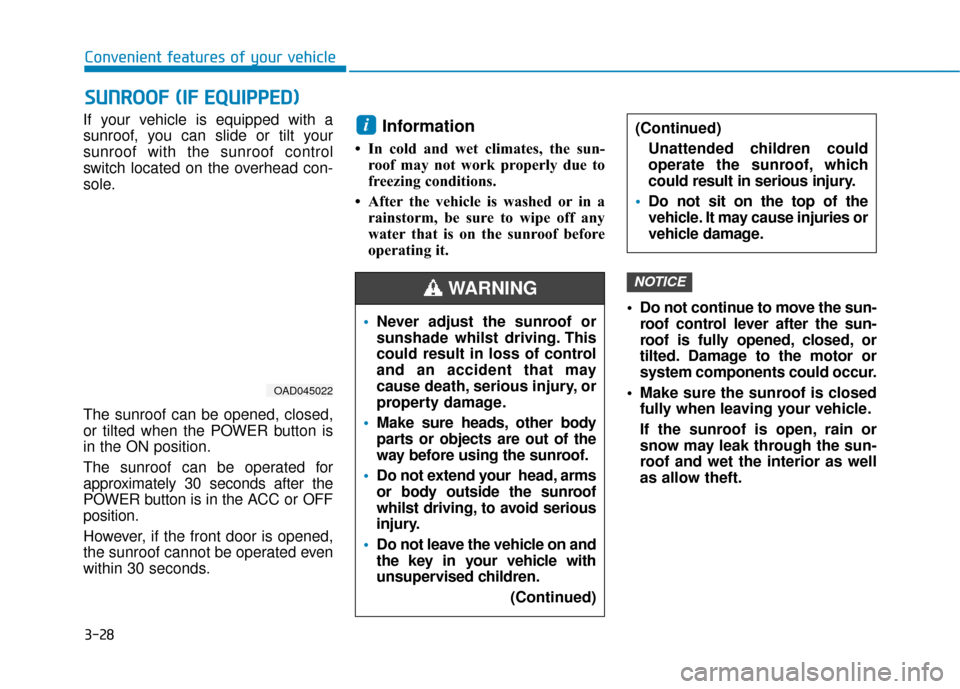
If your vehicle is equipped with a
sunroof, you can slide or tilt your
sunroof with the sunroof control
switch located on the overhead con-
sole.
The sunroof can be opened, closed,
or tilted when the POWER button is
in the ON position.
The sunroof can be operated for
approximately 30 seconds after the
POWER button is in the ACC or OFF
position.
However, if the front door is opened,
the sunroof cannot be operated even
within 30 seconds.Information
• In cold and wet climates, the sun-
roof may not work properly due to
freezing conditions.
• After the vehicle is washed or in a rainstorm, be sure to wipe off any
water that is on the sunroof before
operating it.
Do not continue to move the sun-roof control lever after the sun-
roof is fully opened, closed, or
tilted. Damage to the motor or
system components could occur.
Make sure the sunroof is closed fully when leaving your vehicle.
If the sunroof is open, rain or
snow may leak through the sun-
roof and wet the interior as well
as allow theft.
NOTICE
i
OAD045022
Never adjust the sunroof or
sunshade whilst driving. This
could result in loss of control
and an accident that may
cause death, serious injury, or
property damage.
Make sure heads, other body
parts or objects are out of the
way before using the sunroof.
Do not extend your head, arms
or body outside the sunroof
whilst driving, to avoid serious
injury.
Do not leave the vehicle on and
the key in your vehicle with
unsupervised children.
(Continued)
WARNING
(Continued)Unattended children could
operate the sunroof, which
could result in serious injury.
Do not sit on the top of the
vehicle. It may cause injuries or
vehicle damage.
Page 177 of 526
3-30
Convenient features of your vehicle
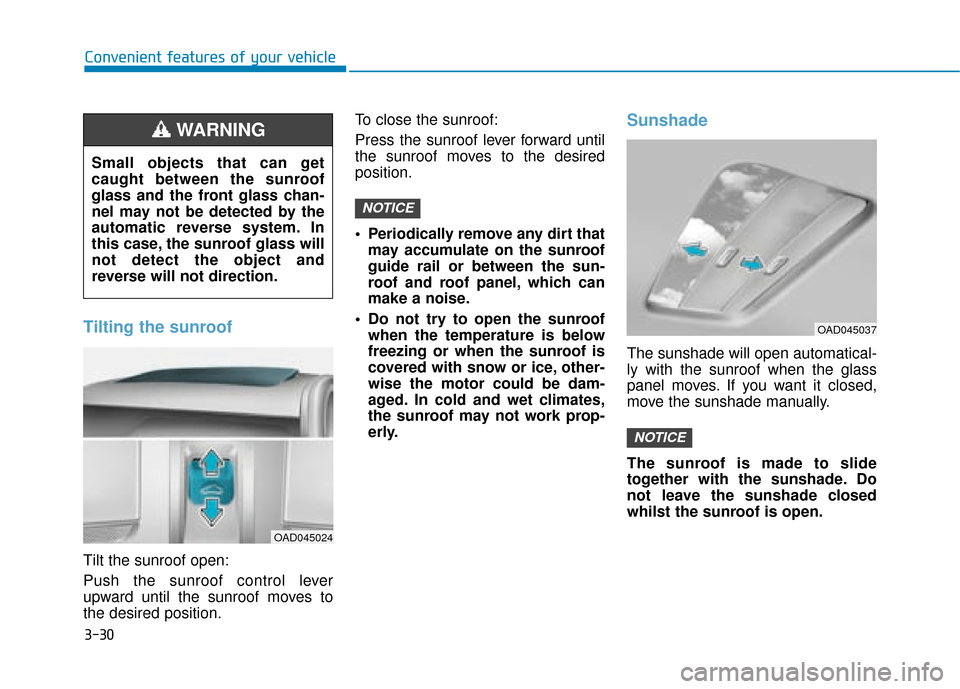
Tilting the sunroof
Tilt the sunroof open:
Push the sunroof control lever
upward until the sunroof moves to
the desired position.To close the sunroof:
Press the sunroof lever forward until
the sunroof moves to the desired
position.
Periodically remove any dirt that
may accumulate on the sunroof
guide rail or between the sun-
roof and roof panel, which can
make a noise.
Do not try to open the sunroof when the temperature is below
freezing or when the sunroof is
covered with snow or ice, other-
wise the motor could be dam-
aged. In cold and wet climates,
the sunroof may not work prop-
erly.
Sunshade
The sunshade will open automatical-
ly with the sunroof when the glass
panel moves. If you want it closed,
move the sunshade manually.
The sunroof is made to slide
together with the sunshade. Do
not leave the sunshade closed
whilst the sunroof is open.
NOTICE
NOTICE
OAD045037
Small objects that can get
caught between the sunroof
glass and the front glass chan-
nel may not be detected by the
automatic reverse system. In
this case, the sunroof glass will
not detect the object and
reverse will not direction.
WARNING
OAD045024
Page 186 of 526
3-39
Convenient features of your vehicle
3
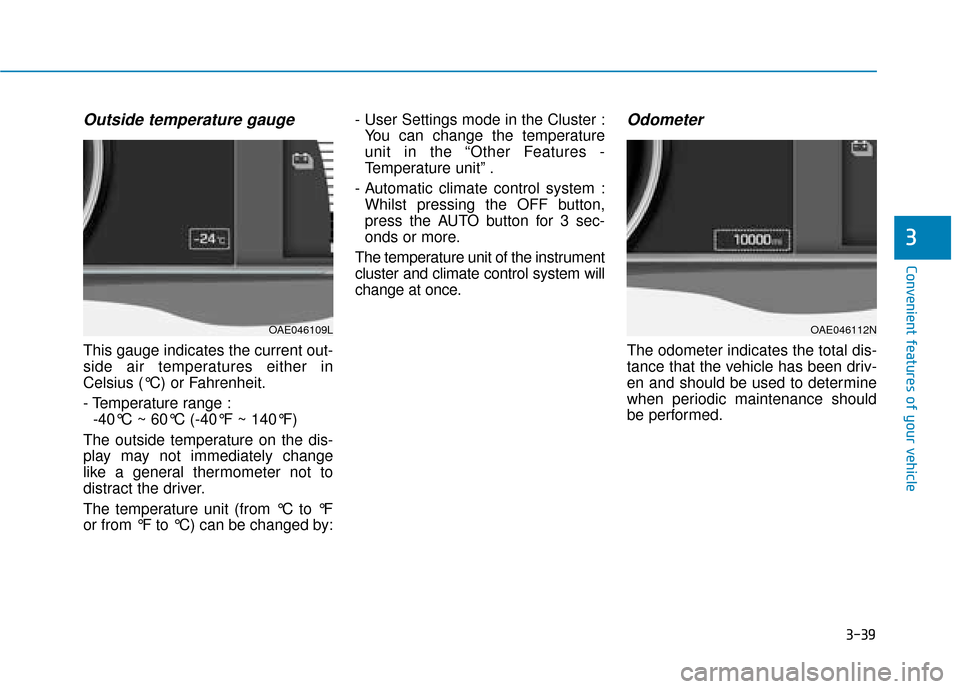
Outside temperature gauge
This gauge indicates the current out-
side air temperatures either in
Celsius (°C) or Fahrenheit.
- Temperature range :-40°C ~ 60°C (-40°F ~ 140°F)
The outside temperature on the dis-
play may not immediately change
like a general thermometer not to
distract the driver.
The temperature unit (from °C to °F
or from °F to °C) can be changed by: - User Settings mode in the Cluster :
You can change the temperature
unit in the “Other Features -
Temperature unit” .
- Automatic climate control system : Whilst pressing the OFF button,
press the AUTO button for 3 sec-
onds or more.
The temperature unit of the instrument
cluster and climate control system will
change at once.
Odometer
The odometer indicates the total dis-
tance that the vehicle has been driv-
en and should be used to determine
when periodic maintenance should
be performed.
OAE046112NOAE046109L
Page 245 of 526
3-98
Convenient features of your vehicle
A
AU
U T
TO
O M
M A
AT
TI
IC
C
C
C L
LI
IM
M A
AT
TE
E
C
C O
O N
NT
TR
R O
O L
L
S
S Y
Y S
ST
T E
EM
M
OAEE046300/OAEE046301
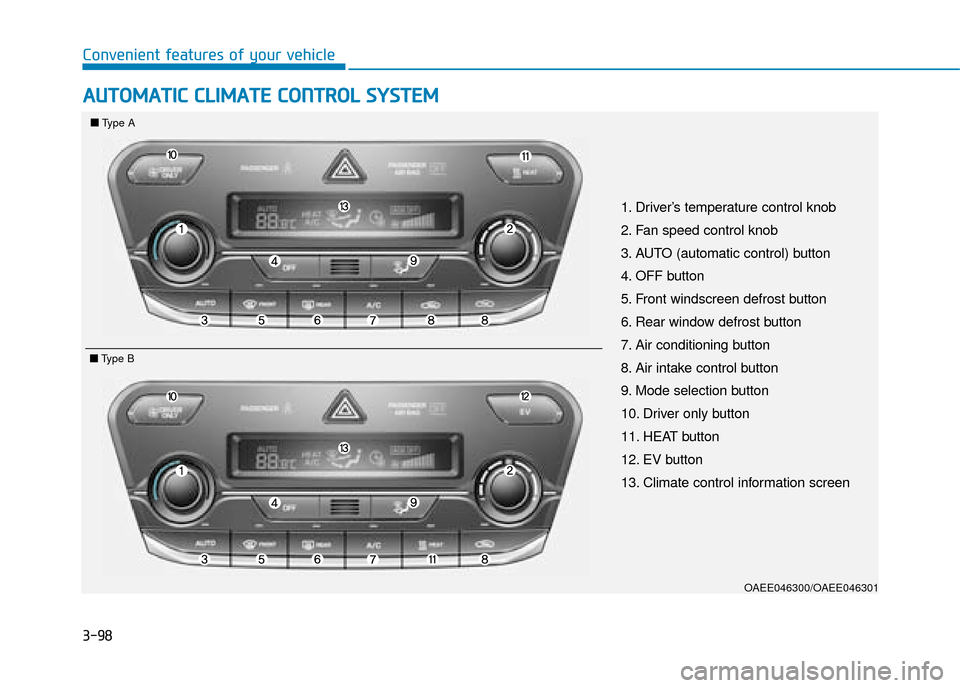
1. Driver’s temperature control knob
2. Fan speed control knob
3. AUTO (automatic control) button
4. OFF button
5. Front windscreen defrost button
6. Rear window defrost button
7. Air conditioning button
8. Air intake control button
9. Mode selection button
10. Driver only button
11. HEAT button
12. EV button
13. Climate control information screen
■ ■
Type A
■
■Type B