stop start HYUNDAI IX20 2011 User Guide
[x] Cancel search | Manufacturer: HYUNDAI, Model Year: 2011, Model line: IX20, Model: HYUNDAI IX20 2011Pages: 420, PDF Size: 20.53 MB
Page 137 of 420
459
Features of your vehicle
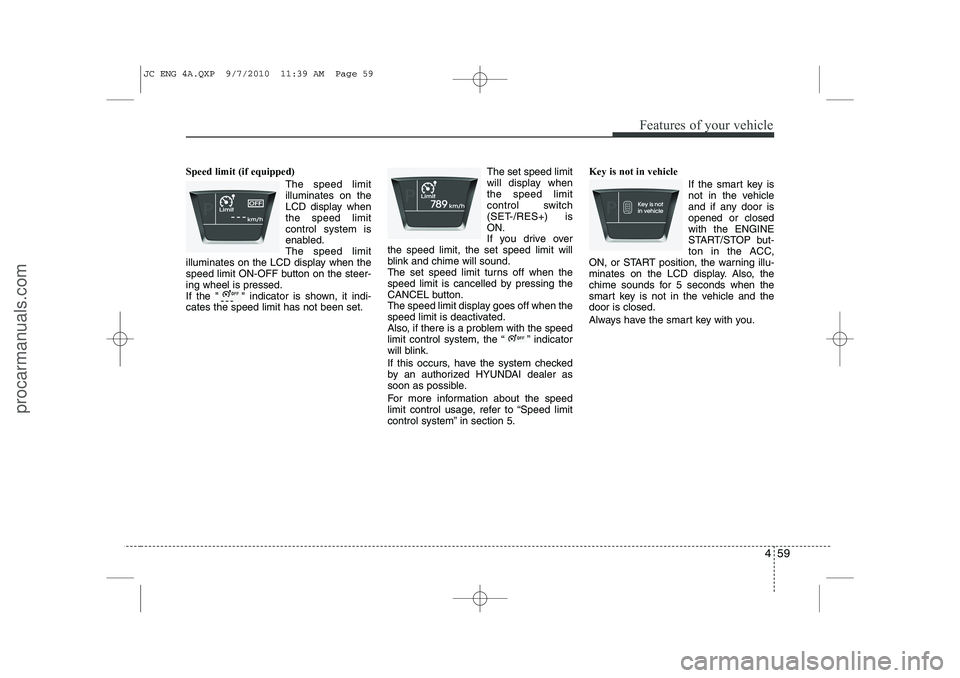
Speed limit (if equipped)The speed limit illuminates on the
LCD display whenthe speed limitcontrol system is
enabled.The speed limit
illuminates on the LCD display when the
speed limit ON-OFF button on the steer-ing wheel is pressed.
If the " " indicator is shown, it indi-cates the speed limit has not been set. The set speed limit
will display whenthe speed limit
control switch
(SET-/RES+) isON.
If you drive over
the speed limit, the set speed limit will
blink and chime will sound.
The set speed limit turns off when the
speed limit is cancelled by pressing the
CANCEL button.
The speed limit display goes off when the
speed limit is deactivated.
Also, if there is a problem with the speed
limit control system, the “ ” indicator
will blink.
If this occurs, have the system checked
by an authorized HYUNDAI dealer as
soon as possible.
For more information about the speed
limit control usage, refer to “Speed limit
control system” in section 5. Key is not in vehicle
If the smart key is
not in the vehicle
and if any door isopened or closedwith the ENGINE
START/STOP but-
ton in the ACC,
ON, or START position, the warning illu-
minates on the LCD display. Also, the
chime sounds for 5 seconds when the
smart key is not in the vehicle and thedoor is closed.
Always have the smart key with you.
JC ENG 4A.QXP 9/7/2010 11:39 AM Page 59
procarmanuals.com
Page 138 of 420
Features of your vehicle
60
4
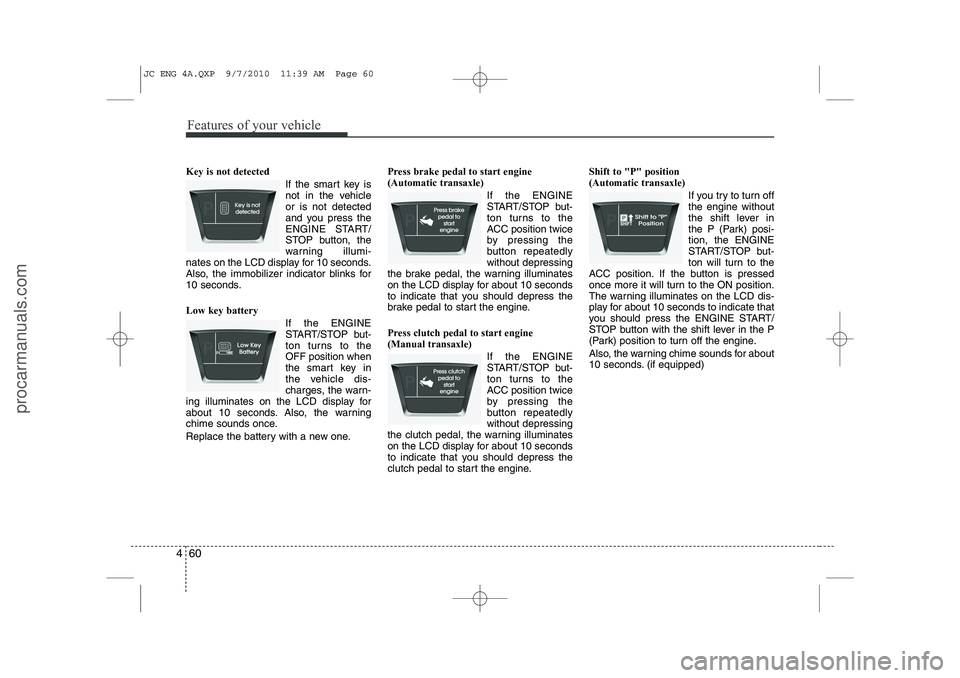
Key is not detected
If the smart key is
not in the vehicleor is not detected
and you press the
ENGINE START/
STOP button, the
warning illumi-
nates on the LCD display for 10 seconds.
Also, the immobilizer indicator blinks for
10 seconds. Low key battery
If the ENGINE
START/STOP but-
ton turns to theOFF position when
the smart key in
the vehicle dis-
charges, the warn-
ing illuminates on the LCD display for
about 10 seconds. Also, the warning
chime sounds once.
Replace the battery with a new one. Press brake pedal to start engine (Automatic transaxle)
If the ENGINE
START/STOP but-
ton turns to the
ACC position twice
by pressing the
button repeatedlywithout depressing
the brake pedal, the warning illuminates
on the LCD display for about 10 seconds
to indicate that you should depress the
brake pedal to start the engine.
Press clutch pedal to start engine (Manual transaxle)
If the ENGINE
START/STOP but-
ton turns to the
ACC position twice
by pressing the
button repeatedlywithout depressing
the clutch pedal, the warning illuminates
on the LCD display for about 10 seconds
to indicate that you should depress the
clutch pedal to start the engine. Shift to "P" position (Automatic transaxle)
If you try to turn offthe engine without
the shift lever in
the P (Park) posi-tion, the ENGINE
START/STOP but-
ton will turn to the
ACC position. If the button is pressed
once more it will turn to the ON position.
The warning illuminates on the LCD dis-
play for about 10 seconds to indicate that
you should press the ENGINE START/
STOP button with the shift lever in the P
(Park) position to turn off the engine.
Also, the warning chime sounds for about
10 seconds. (if equipped)
JC ENG 4A.QXP 9/7/2010 11:39 AM Page 60
procarmanuals.com
Page 139 of 420
461
Features of your vehicle
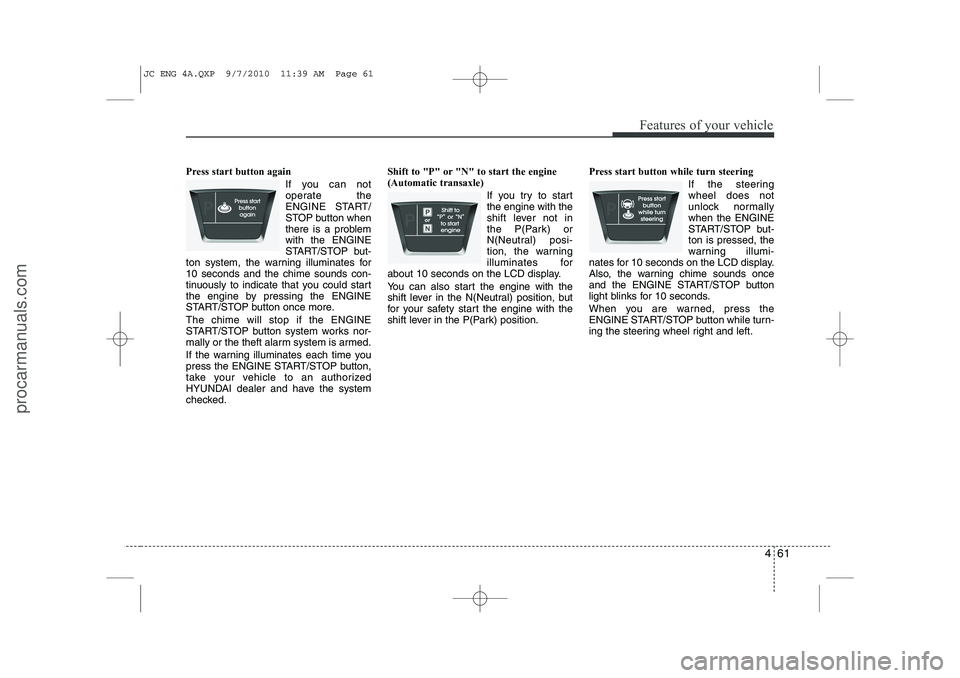
Press start button againIf you can not
operate the
ENGINE START/
STOP button when
there is a problemwith the ENGINE
START/STOP but-
ton system, the warning illuminates for10 seconds and the chime sounds con-
tinuously to indicate that you could start
the engine by pressing the ENGINE
START/STOP button once more. The chime will stop if the ENGINE
START/STOP button system works nor-
mally or the theft alarm system is armed.
If the warning illuminates each time you
press the ENGINE START/STOP button,
take your vehicle to an authorized
HYUNDAI dealer and have the system
checked. Shift to "P" or "N" to start the engine(Automatic transaxle)
If you try to startthe engine with the
shift lever not in
the P(Park) or
N(Neutral) posi-
tion, the warning
illuminates for
about 10 seconds on the LCD display.
You can also start the engine with the
shift lever in the N(Neutral) position, but
for your safety start the engine with the
shift lever in the P(Park) position. Press start button while turn steering
If the steeringwheel does not
unlock normallywhen the ENGINE
START/STOP but-ton is pressed, the
warning illumi-
nates for 10 seconds on the LCD display.
Also, the warning chime sounds once
and the ENGINE START/STOP button
light blinks for 10 seconds.
When you are warned, press the
ENGINE START/STOP button while turn-
ing the steering wheel right and left.
JC ENG 4A.QXP 9/7/2010 11:39 AM Page 61
procarmanuals.com
Page 140 of 420
Features of your vehicle
62
4
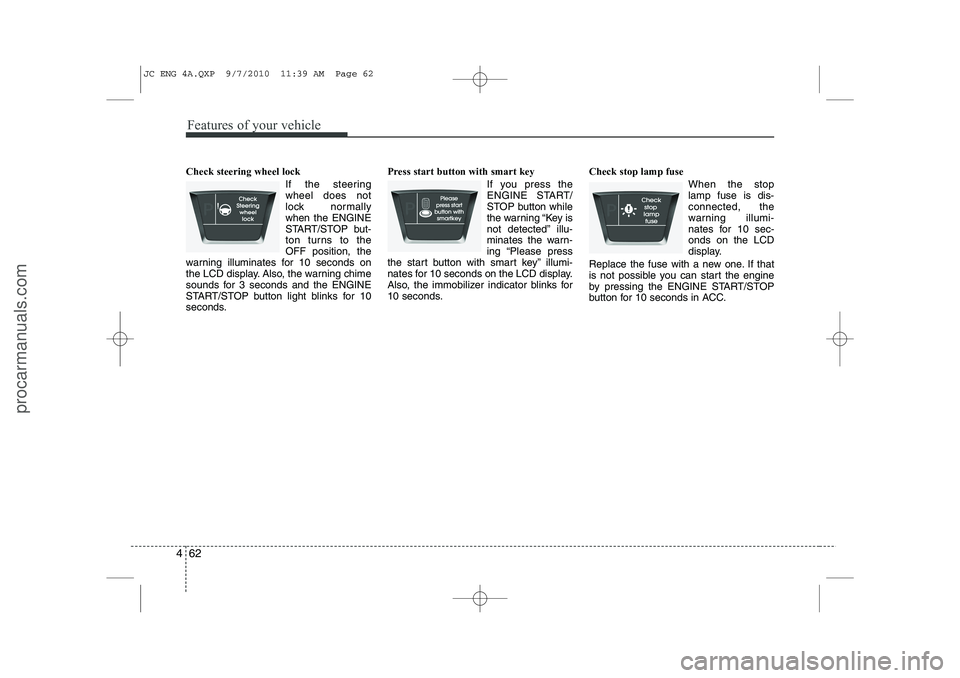
Check steering wheel lock
If the steering wheel does not
lock normallywhen the ENGINE
START/STOP but-
ton turns to theOFF position, the
warning illuminates for 10 seconds on
the LCD display. Also, the warning chime
sounds for 3 seconds and the ENGINE
START/STOP button light blinks for 10
seconds. Press start button with smart key
If you press the
ENGINE START/
STOP button while
the warning “Key is
not detected” illu-
minates the warn-
ing “Please press
the start button with smart key” illumi-
nates for 10 seconds on the LCD display.
Also, the immobilizer indicator blinks for
10 seconds. Check stop lamp fuse
When the stoplamp fuse is dis-connected, the
warning illumi-
nates for 10 sec-onds on the LCD
display.
Replace the fuse with a new one. If that
is not possible you can start the engine
by pressing the ENGINE START/STOP
button for 10 seconds in ACC.
JC ENG 4A.QXP 9/7/2010 11:39 AM Page 62
procarmanuals.com
Page 154 of 420
Features of your vehicle
76
4
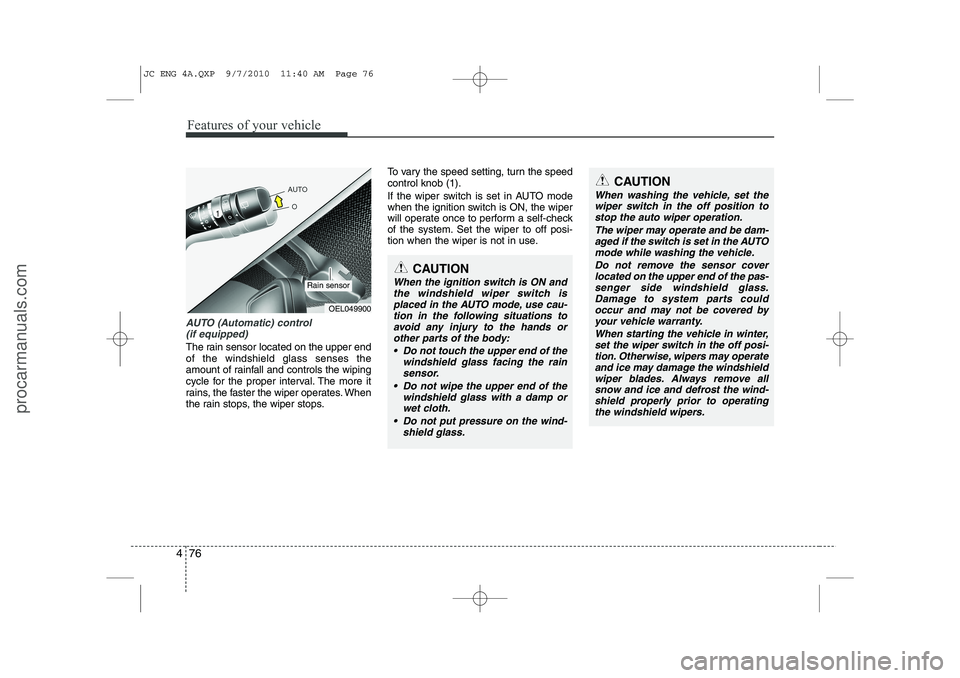
AUTO (Automatic) control
(if equipped)
The rain sensor located on the upper end of the windshield glass senses the
amount of rainfall and controls the wiping
cycle for the proper interval. The more it
rains, the faster the wiper operates. When
the rain stops, the wiper stops. To vary the speed setting, turn the speedcontrol knob (1).
If the wiper switch is set in AUTO mode
when the ignition switch is ON, the wiper
will operate once to perform a self-check
of the system. Set the wiper to off posi-
tion when the wiper is not in use.
CAUTION
When the ignition switch is ON and
the windshield wiper switch isplaced in the AUTO mode, use cau-
tion in the following situations toavoid any injury to the hands or other parts of the body:
Do not touch the upper end of the windshield glass facing the rain
sensor.
Do not wipe the upper end of the windshield glass with a damp orwet cloth.
Do not put pressure on the wind- shield glass.
OEL049900
Rain sensor
CAUTION
When washing the vehicle, set thewiper switch in the off position to
stop the auto wiper operation.
The wiper may operate and be dam-aged if the switch is set in the AUTOmode while washing the vehicle.
Do not remove the sensor coverlocated on the upper end of the pas- senger side windshield glass.Damage to system parts couldoccur and may not be covered by
your vehicle warranty.
When starting the vehicle in winter,set the wiper switch in the off posi-tion. Otherwise, wipers may operate
and ice may damage the windshieldwiper blades. Always remove all snow and ice and defrost the wind-shield properly prior to operating
the windshield wipers.
JC ENG 4A.QXP 9/7/2010 11:40 AM Page 76
procarmanuals.com
Page 221 of 420
5
Before driving / 5-3 Key positions / 5-4Engine start/stop button / 5-8
ISG (Idle stop and go) system / 5-14Manual transaxle / 5-18Automatic transaxle / 5-21Brake system / 5-26
Cruise control system / 5-36
Speed limit control system / 5-41Economical operation / 5-43Special driving conditions / 5-45
Winter driving / 5-50
Trailer towing / 5-54
Vehicle weight / 5-62
Driving your vehicle
JC ENG 5.QXP 9/7/2010 11:49 AM Page 1
procarmanuals.com
Page 223 of 420
53
Driving your vehicle
Before entering vehicle
• Be sure that all windows, outside mir-ror(s), and outside lights are clean.
Check the condition of the tires.
Check under the vehicle for any sign of leaks.
Be sure there are no obstacles behind you if you intend to back up.
Necessary inspections
Fluid levels, such as engine oil, engine
coolant, brake fluid, and washer fluid
should be checked on a regular basis,
with the exact interval depending on the
fluid. Further details are provided in sec-
tion 7, “Maintenance”. Before starting
Close and lock all doors.
Position the seat so that all controls are
easily reached.
Adjust the inside and outside rearview mirrors.
Be sure that all lights work.
Check all gauges.
Check the operation of warning lights when the ignition switch is turned to the ON position.
Release the parking brake and make sure the brake warning light goes out.
For safe operation, be sure you are famil-
iar with your vehicle and its equipment.
BEFORE DRIVING
WARNING
All passengers must be properly
belted whenever the vehicle is mov-
ing. Refer to “Seat belts” in section
3 for more information on their
proper use.
WARNING
Always check the surrounding
areas near your vehicle for people,
especially children, before putting a
car into D (Drive) or R (Reverse).
WARNING - Driving under
the influence of alcohol or drugs
Drinking and driving is dangerous.
Drunk driving is the number one
contributor to the highway death
toll each year. Even a small amount
of alcohol will affect your reflexes,
perceptions and judgment. Drivingwhile under the influence of drugs
is as dangerous or more dangerousthan driving drunk.
You are much more likely to have a
serious accident if you drink or
take drugs and drive.
If you are drinking or taking drugs,
don’t drive. Do not ride with a driv-er who has been drinking or taking
drugs. Choose a designated driveror call a cab.
WARNING
When you intend to park or stop the
vehicle with the engine on, be care-ful not to depress the accelerator
pedal for a long period of time. It
may overheat the engine or exhaust
system and cause fire.
JC ENG 5.QXP 9/7/2010 11:50 AM Page 3
procarmanuals.com
Page 227 of 420
57
Driving your vehicle
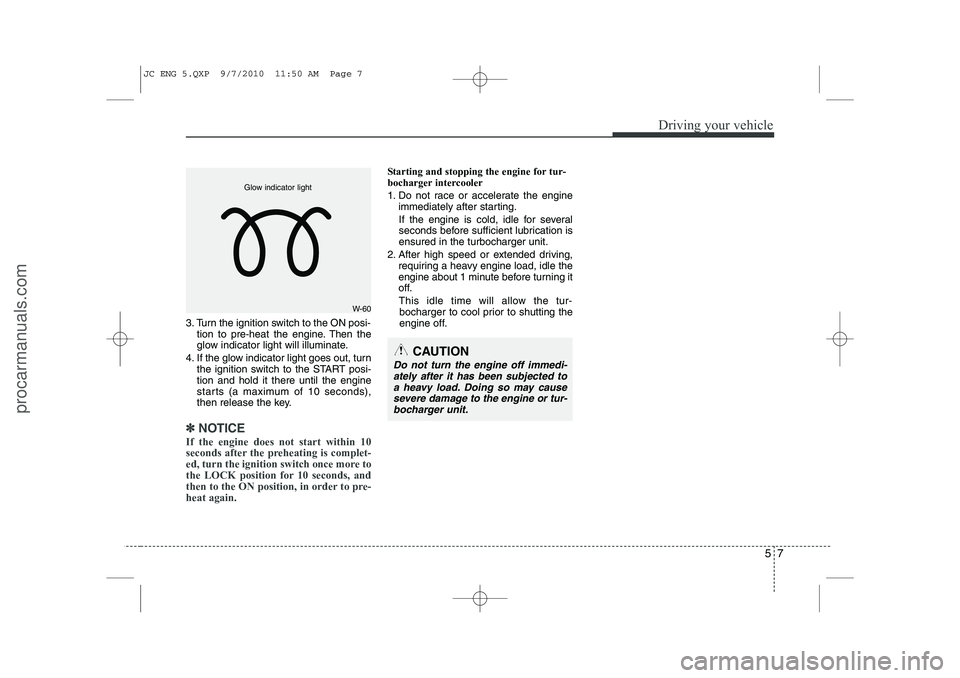
3. Turn the ignition switch to the ON posi-tion to pre-heat the engine. Then the
glow indicator light will illuminate.
4. If the glow indicator light goes out, turn the ignition switch to the START posi-tion and hold it there until the engine
starts (a maximum of 10 seconds),
then release the key.
✽✽
NOTICE
If the engine does not start within 10
seconds after the preheating is complet-
ed, turn the ignition switch once more to
the LOCK position for 10 seconds, and
then to the ON position, in order to pre-heat again.
Starting and stopping the engine for tur-
bocharger intercooler
1. Do not race or accelerate the engine immediately after starting.
If the engine is cold, idle for several
seconds before sufficient lubrication isensured in the turbocharger unit.
2. After high speed or extended driving, requiring a heavy engine load, idle the
engine about 1 minute before turning it
off.
This idle time will allow the tur- bocharger to cool prior to shutting the
engine off.
W-60
Glow indicator light
CAUTION
Do not turn the engine off immedi-
ately after it has been subjected to
a heavy load. Doing so may cause severe damage to the engine or tur-bocharger unit.
JC ENG 5.QXP 9/7/2010 11:50 AM Page 7
procarmanuals.com
Page 228 of 420
Driving your vehicle
8
5
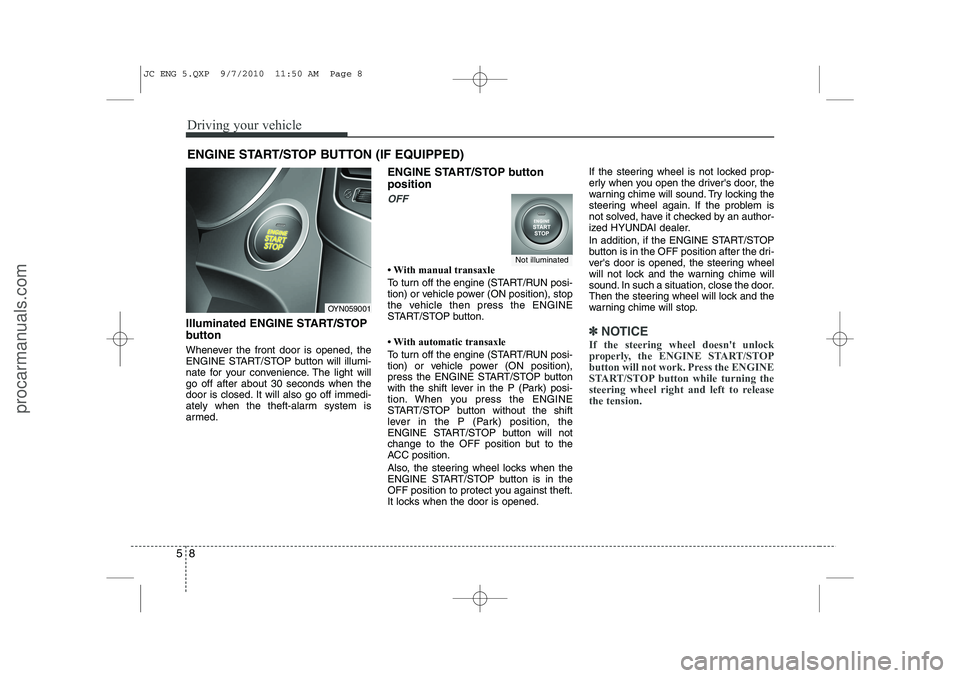
Illuminated ENGINE START/STOP
button
Whenever the front door is opened, the
ENGINE START/STOP button will illumi-
nate for your convenience. The light willgo off after about 30 seconds when the
door is closed. It will also go off immedi-
ately when the theft-alarm system is
armed. ENGINE START/STOP button position
OFF
Page 231 of 420
511
Driving your vehicle
Starting the engine
✽✽
NOTICE - Kick down mecha- nism (if equipped)
If your vehicle is equipped with a kick down mechanism in the accelerator
pedal, it prevents you from driving at
full throttle unintentionally by making
the driver require increased effort to
depress the accelerator pedal. However,
if you depress the pedal more than
approximately 80%, the vehicle can be
at full throttle and the accelerator pedal
will be easier to depress. This is not amalfunction but a normal condition.
Starting the gasoline engine (if equipped)
1. Carry the smart key or leave it inside the vehicle.
2. Make sure the parking brake is firmly applied
3. Manual Transaxle - Depress the
clutch pedal fully and shift the
transaxle into Neutral. Keep the clutch
pedal and brake pedal depressed
while starting the engine.
Automatic Transaxle - Place the
transaxle shift lever in P (Park).
Depress the brake pedal fully.
You can also start the engine when
the shift lever is in the N (Neutral)position.
4. Press the ENGINE START/STOP but- ton.
5. In extremely cold weather (below - 18°C / 0°F) or after the vehicle has not
been operated for several days, let the
engine warm up without depressing
the accelerator.
Whether the engine is cold or warm, it
should be started without depressing the
accelerator.
Starting the diesel engine (if equipped)
To start the diesel engine when the engine is cold, it has to be pre-heated
before starting the engine and then have
to be warmed up before starting to drive.
1. Make sure the parking brake is applied.
2. Manual Transaxle - Depress the
clutch pedal fully and shift the
transaxle into Neutral. Keep the clutch
pedal and brake pedal depressed
while pressing the ENGINE START/
STOP button to the START position.
Automatic Transaxle - Place the
transaxle shift lever in P (Park).
Depress the brake pedal fully.
You can also start the engine when the
shift lever is in the N (Neutral) position.
WARNING
Always wear appropriate shoes
when operating your vehicle.
Unsuitable shoes (high heels, ski
boots,etc.) may interfere with yourability to use the brake and acceler-
ator pedal, and the clutch (ifequipped).
JC ENG 5.QXP 9/7/2010 11:50 AM Page 11
procarmanuals.com